
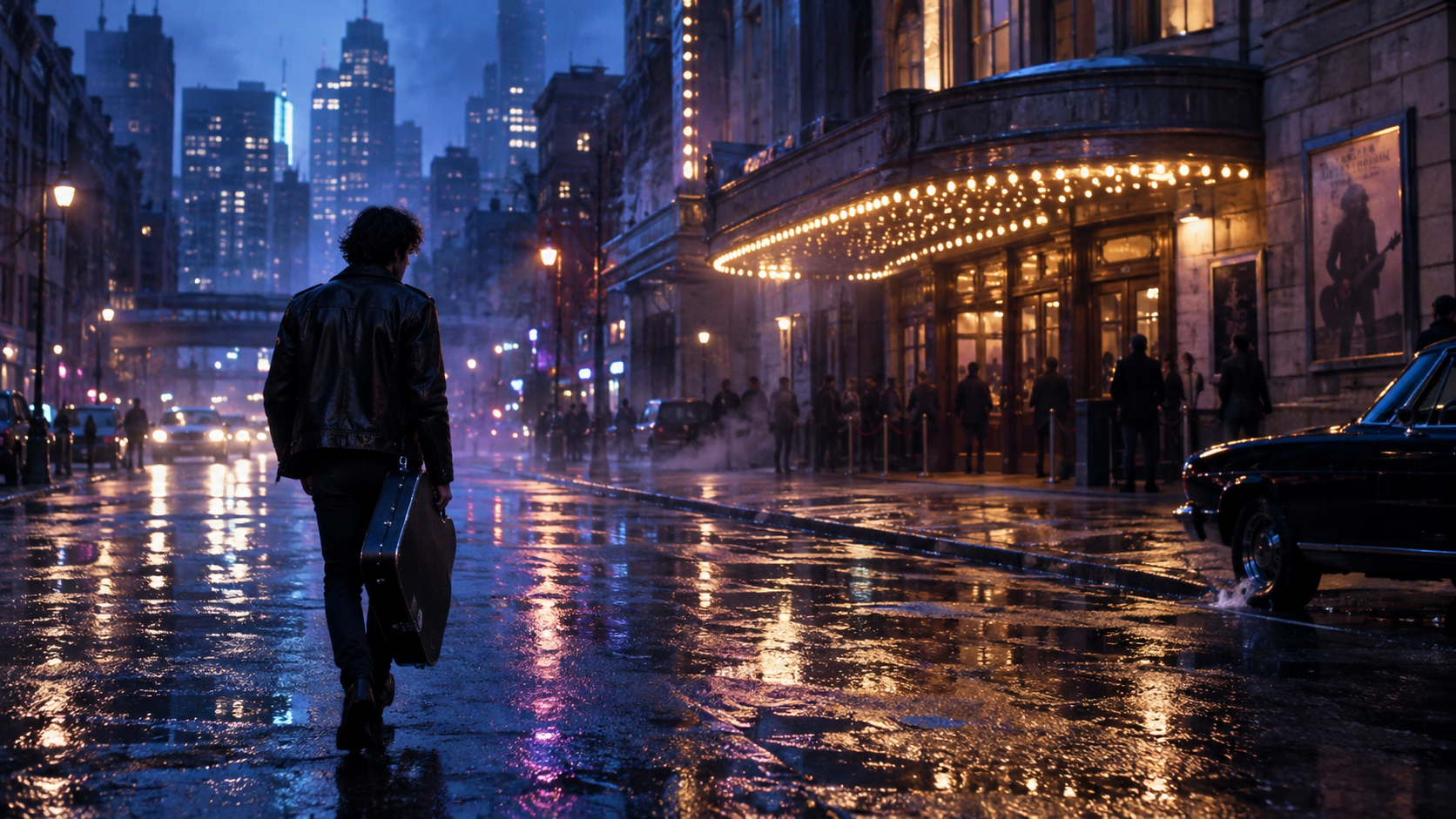
Cinematic Music Video
Build a story-led music video with connected scenes and cinematic visuals.
AI MUSIC VIDEO GENERATOR
Turn your song into a complete music video with connected scenes, visuals that follow the rhythm, and a story built around your track.
Create for FreeCHOOSE YOUR VIDEO STYLE
Choose the format that matches your release—then turn your song, lyrics, and creative references into a video that feels ready to share.
Build a story-led music video with connected scenes and cinematic visuals.
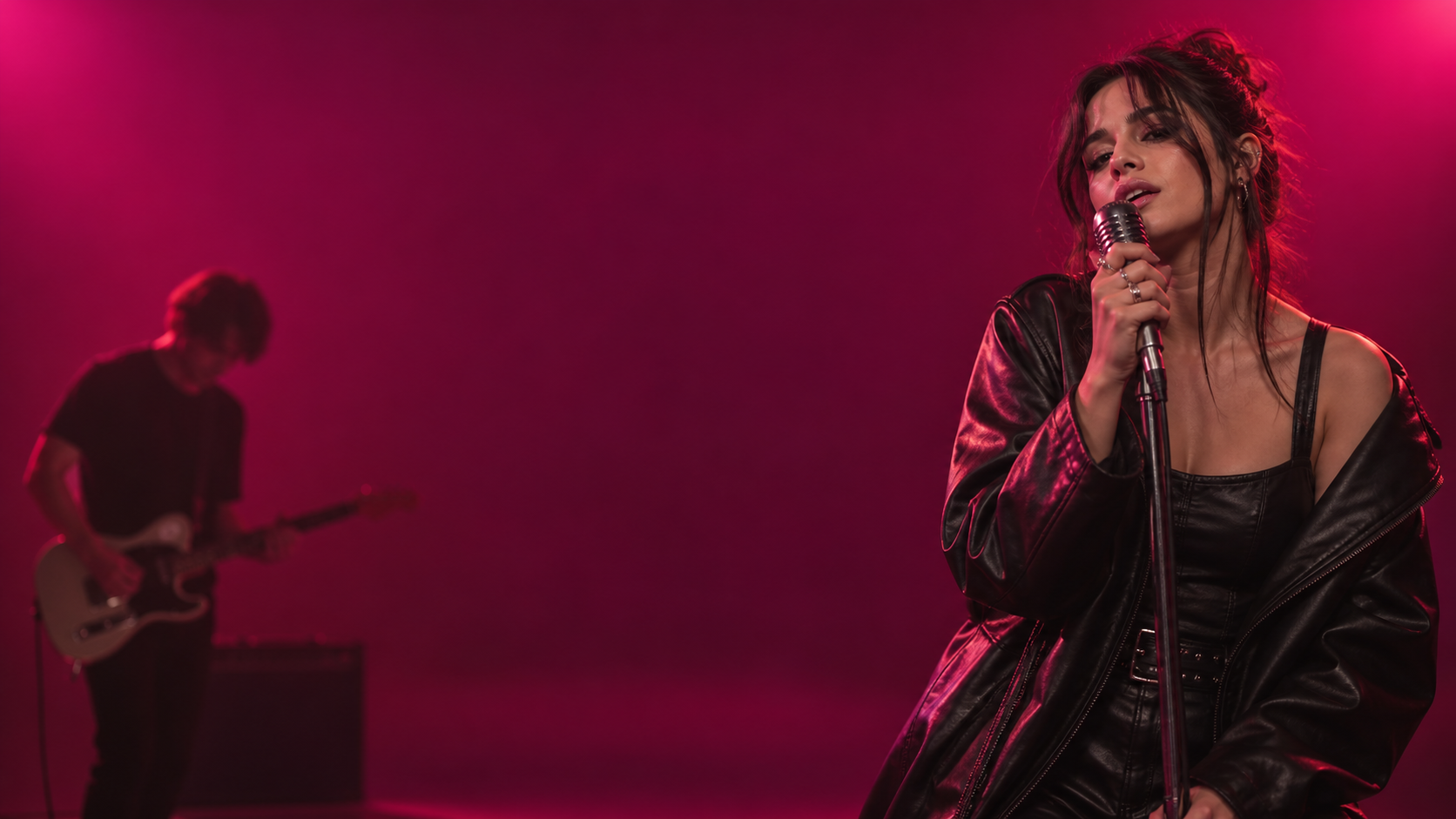 “YOU STAY ON MY MIND”
Bring your lyrics forward with visuals and text designed around the song.

Create rhythm-driven visuals that move with the energy of your track.
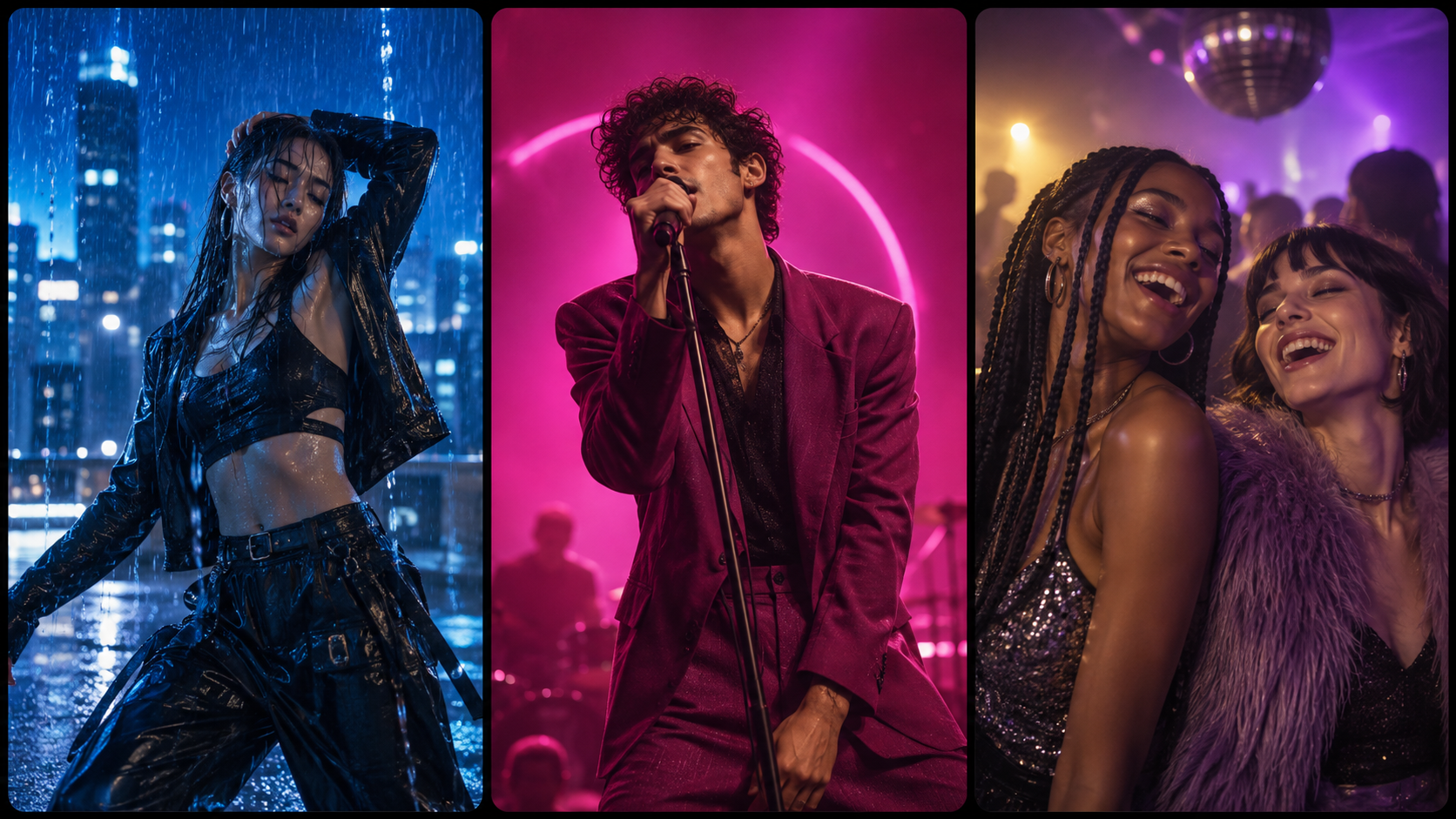
Pull out the strongest moment and rework it for Reels, TikTok and Shorts.
TWO WAYS TO CREATE
Use a ready-made Recipe when you want a proven format, or begin with your own song, lyrics, and creative idea when you want to make something original.
RECIPE WORKFLOW · 3 STEPS
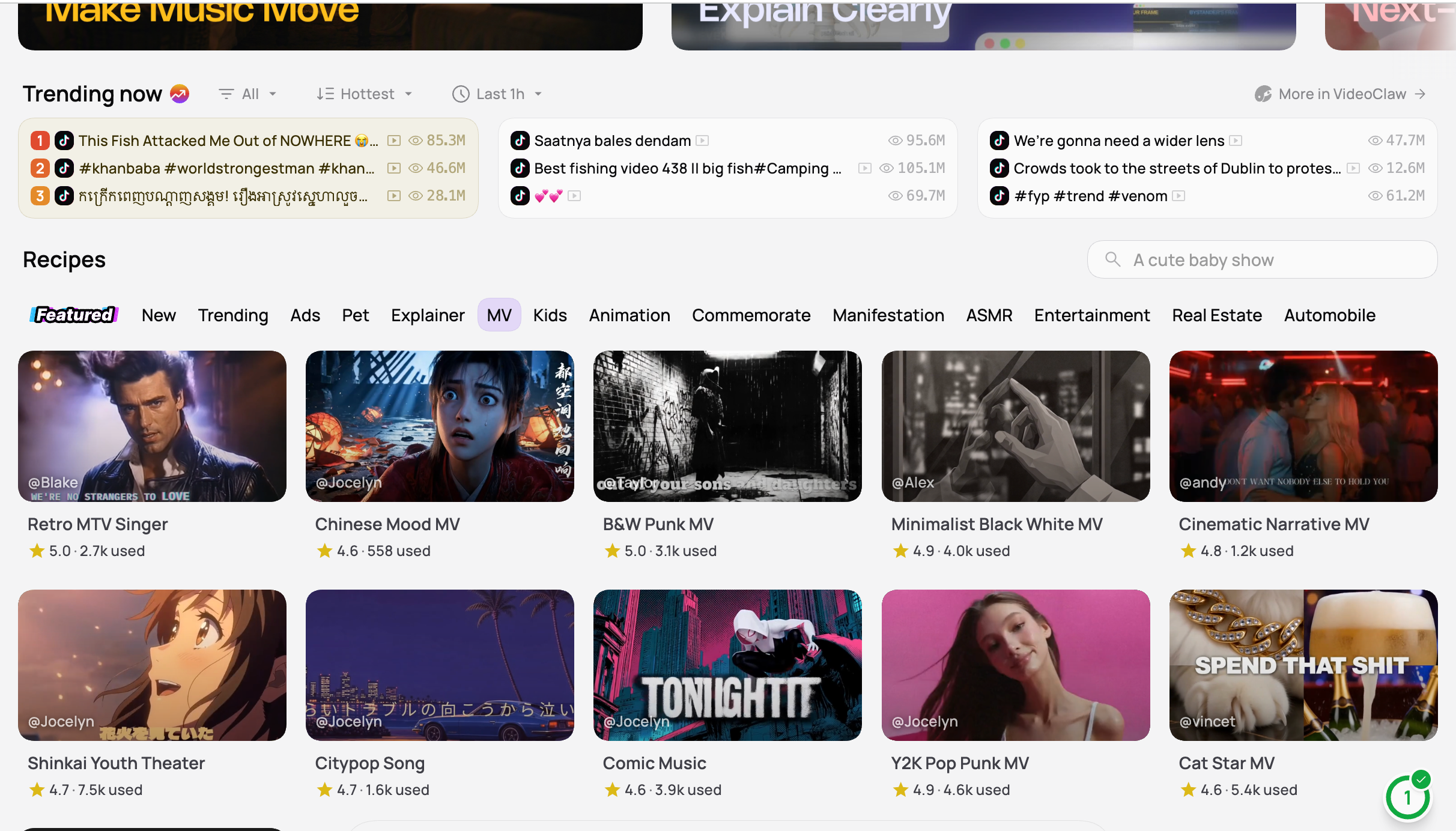
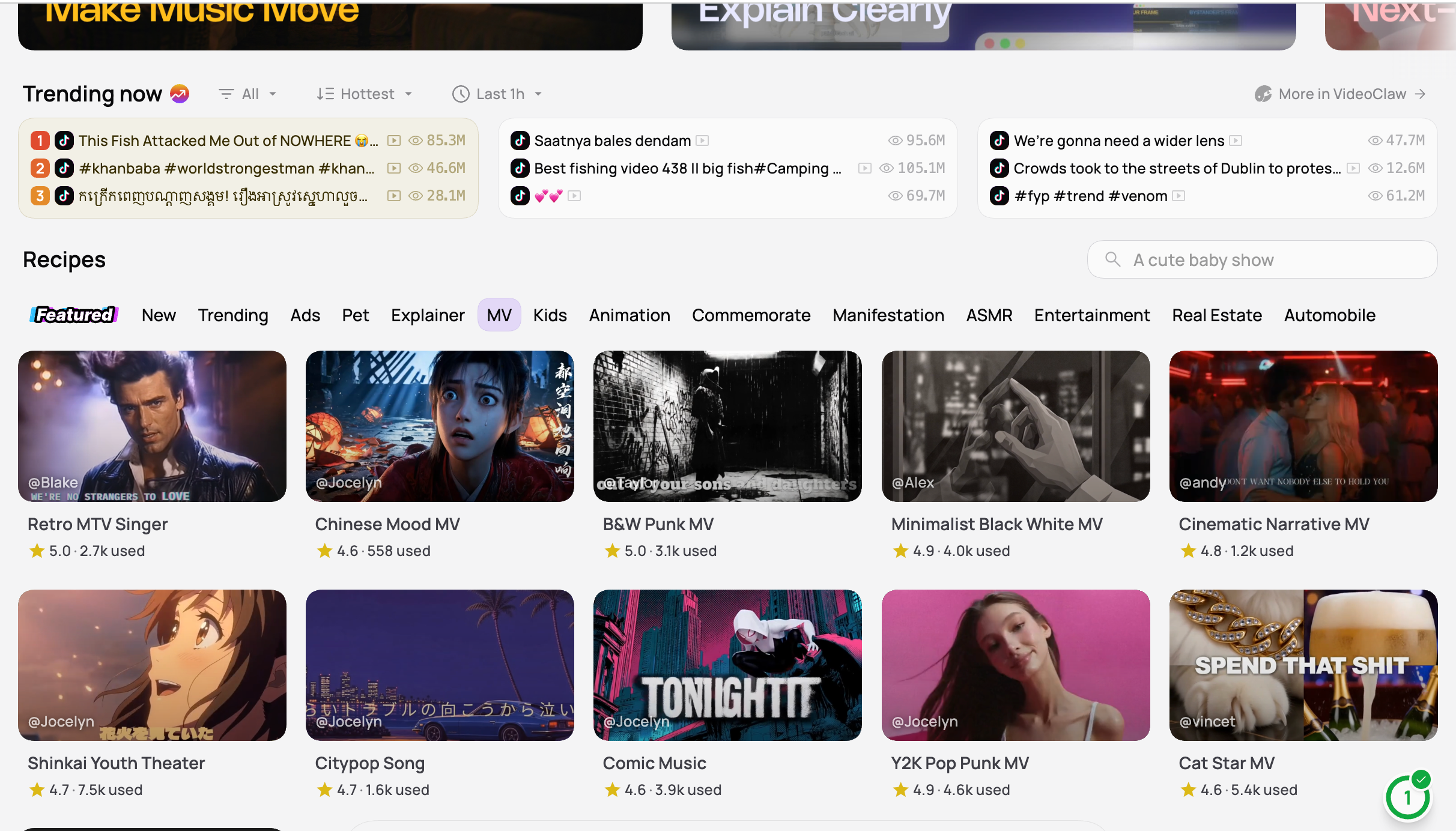
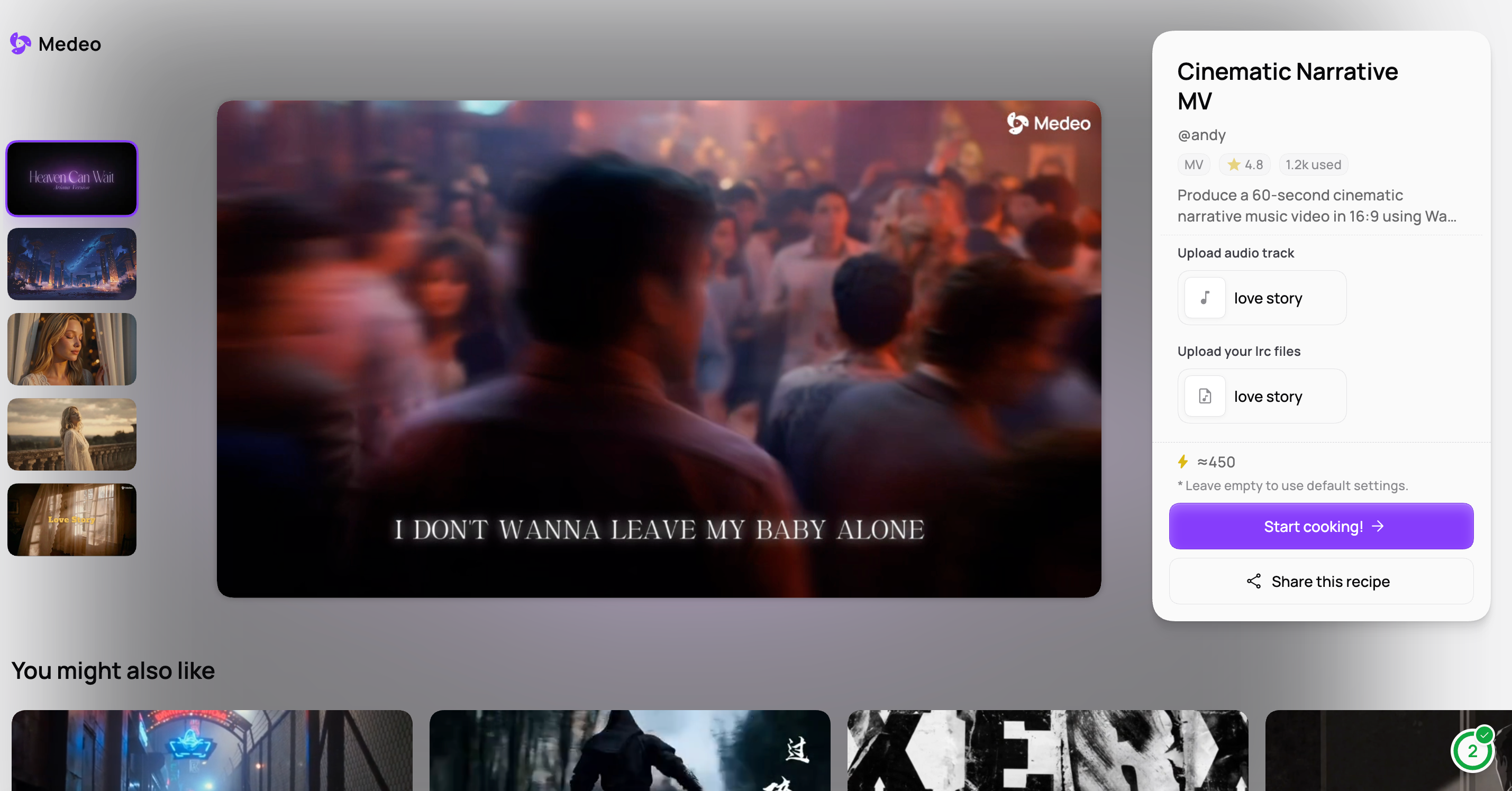
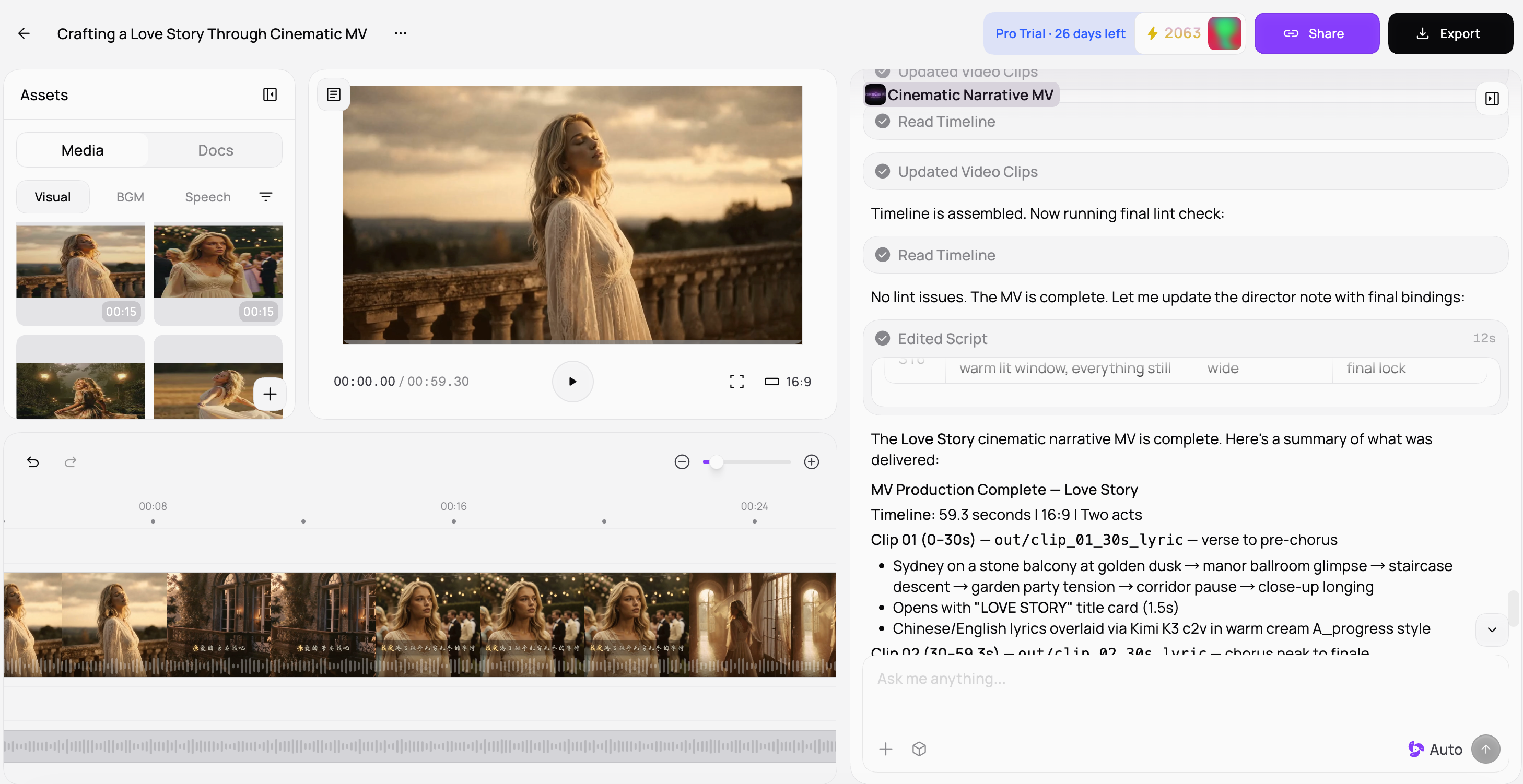
RECIPE WORKFLOW
01Choose a RecipePick a style you want to make—cinematic, lyric, visualizer, or social. 02Add your song and detailsUpload your audio and lyrics, name your song, and choose a digital human. 03Generate, refine, and exportReview the first draft, update a scene or timing, then export your finished music video.START FROM AN IDEA · 3 STEPS
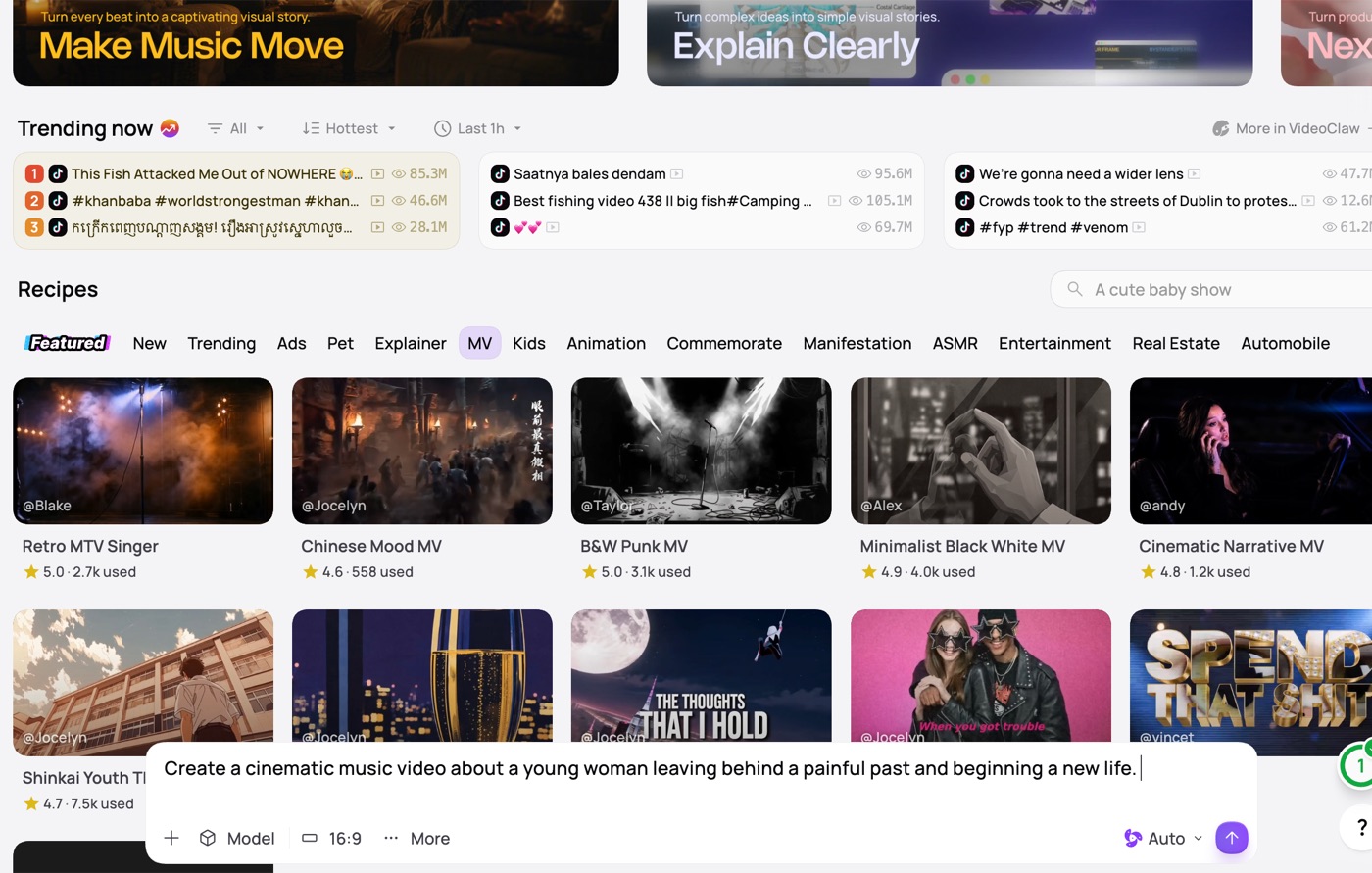
START FROM AN IDEA
01Describe your music videoStart in the creation bar with the kind of video you want to make; attach a song or reference if you have one. 02Add your song and creative inputsUpload audio and lyrics, name the song, then add a performer or visuals that guide the first draft. 03Generate, refine, and exportMedeo creates a draft you can adjust scene by scene before exporting.A STORY THAT FOLLOWS YOUR SONG
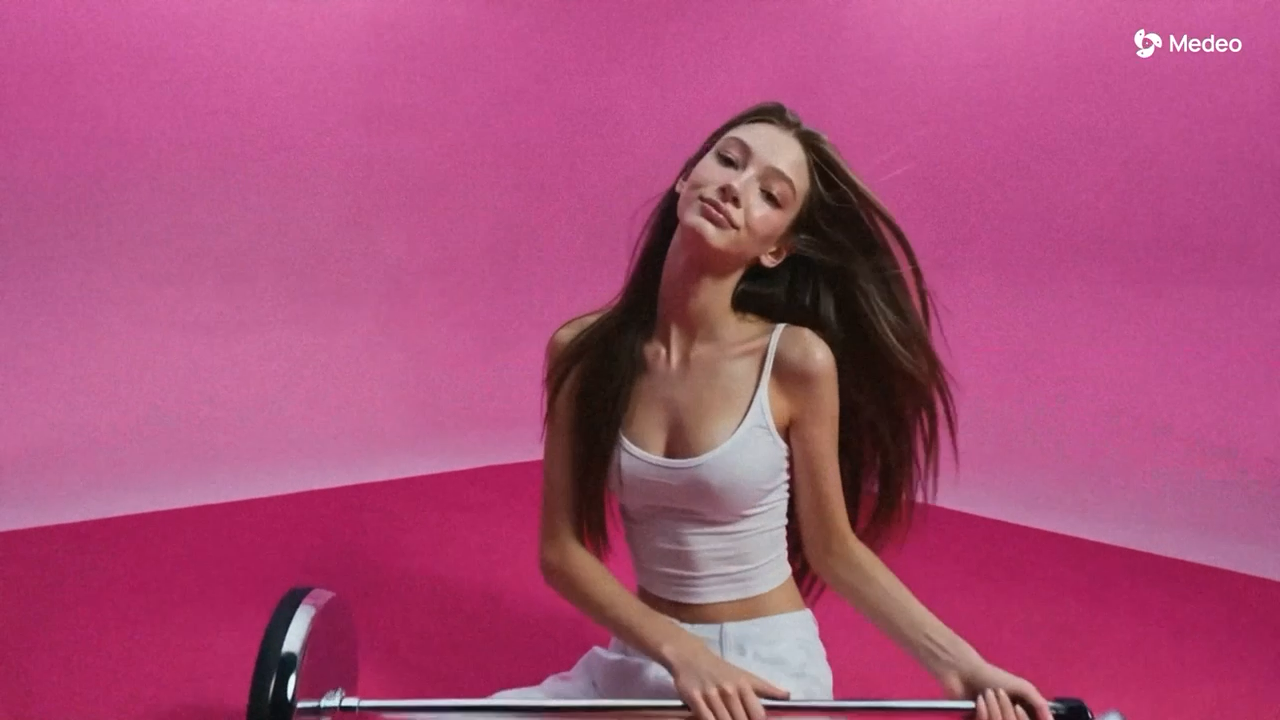
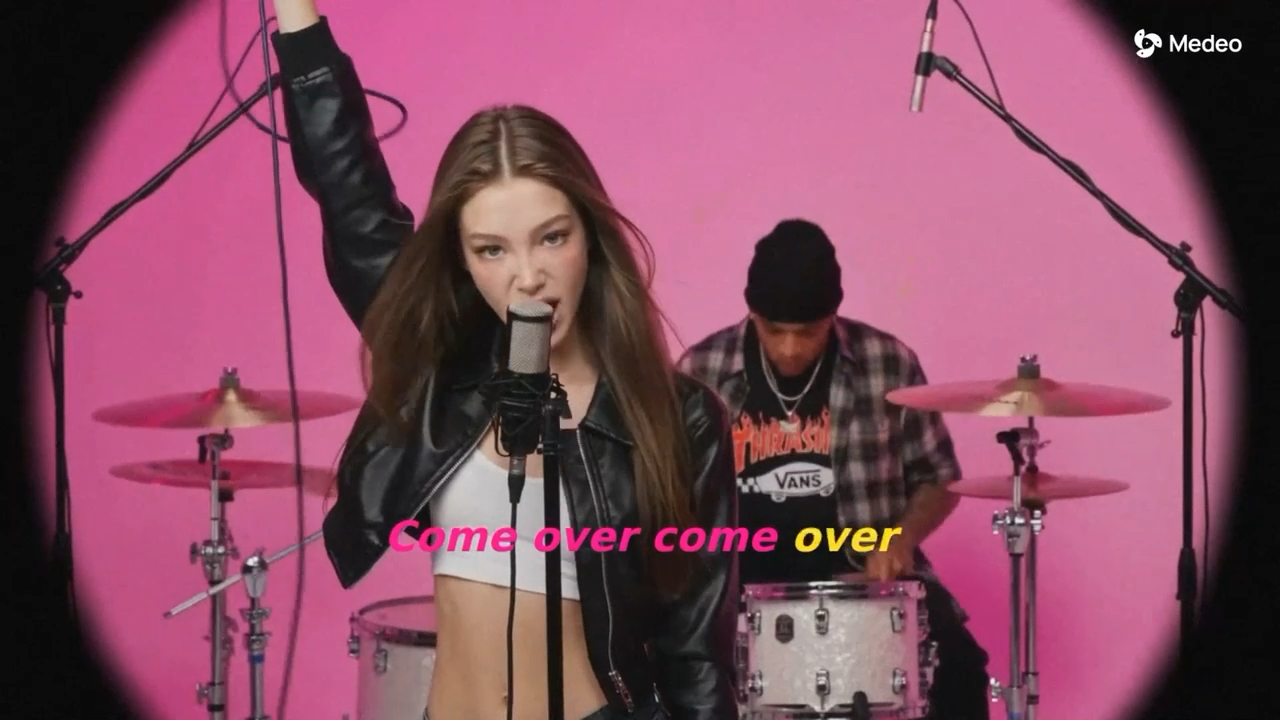
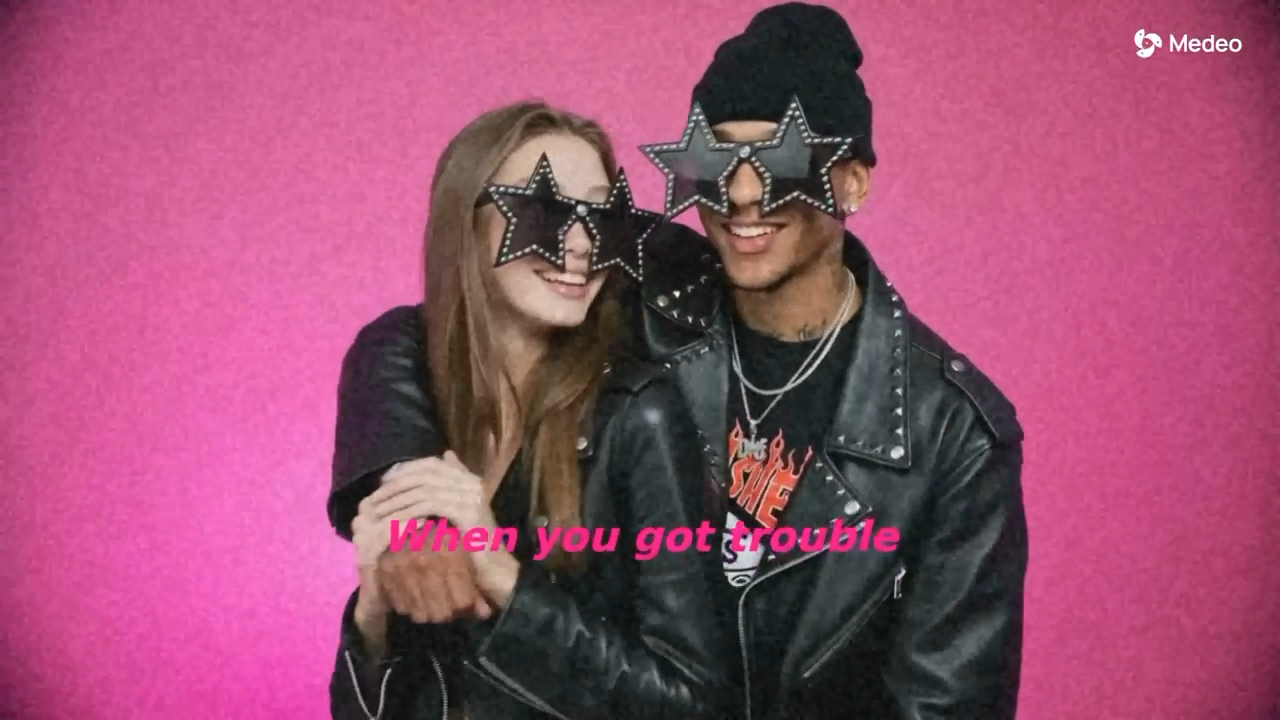
Medeo maps the opening, build-up, chorus, and ending into one connected visual sequence, so every moment earns its place in the song.
SONG-LED STORYBOARD
Each part of the track gets a role—so the video feels like one story, not a stack of unrelated clips.
LYRICS + PACING
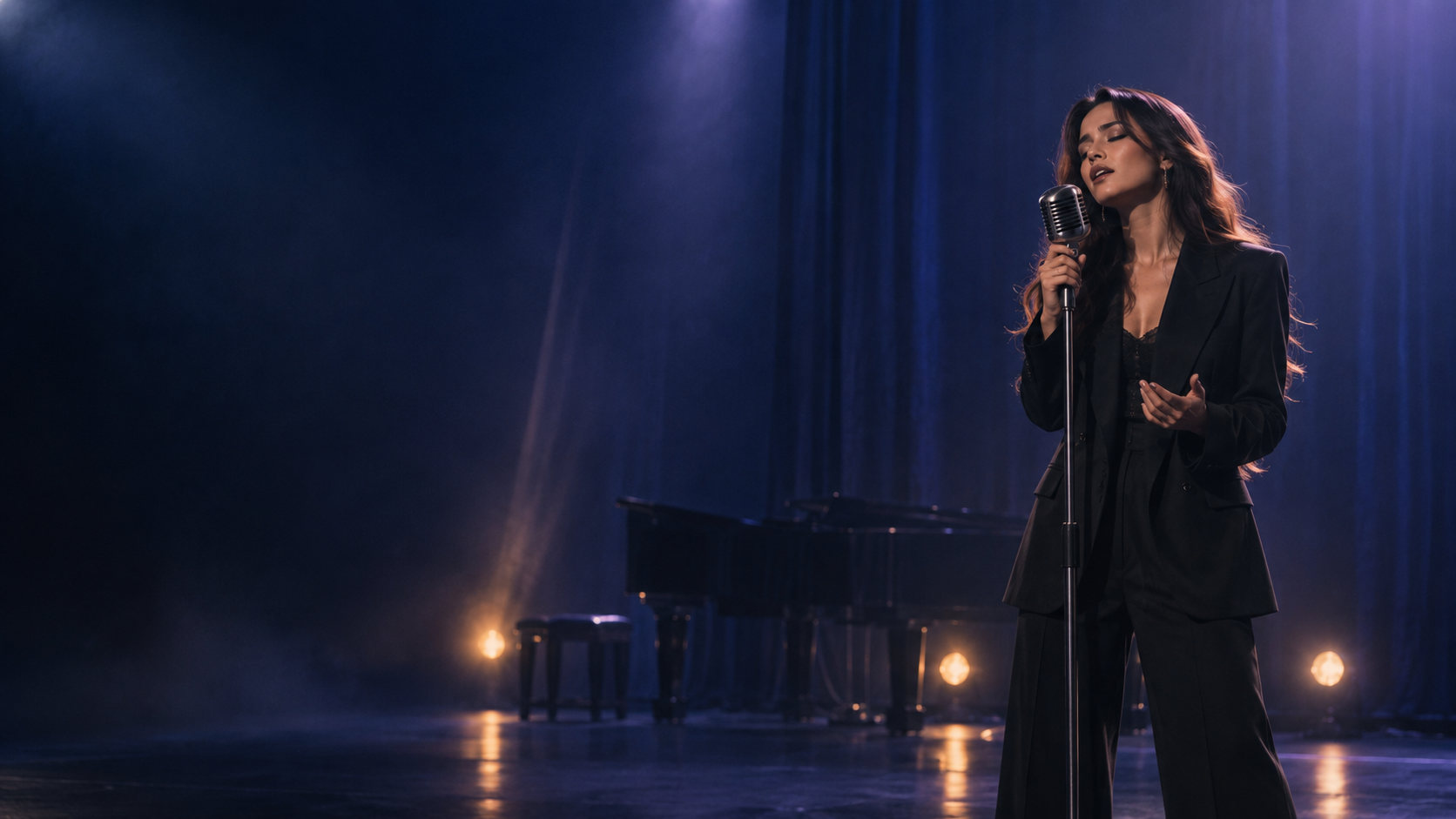
Medeo follows the rhythm and pacing of your track, helping scene changes and visual moments land naturally with the music.
EDIT ONE SCENE AT A TIME
Keep the scenes you like, revise a visual or regenerate one moment, and preserve the rest of your video exactly as it is.
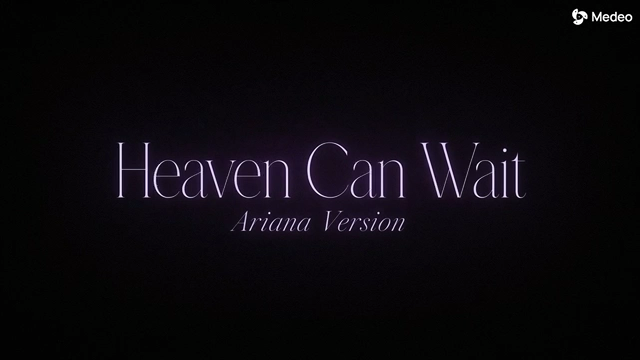
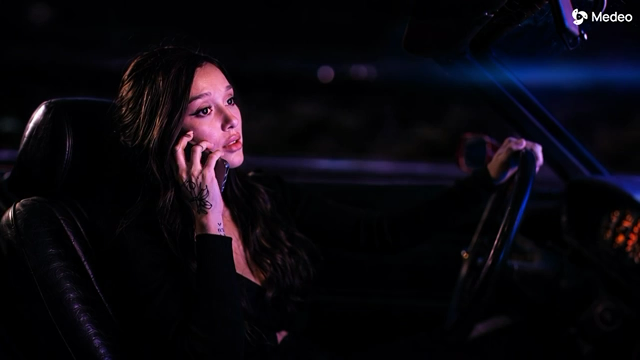

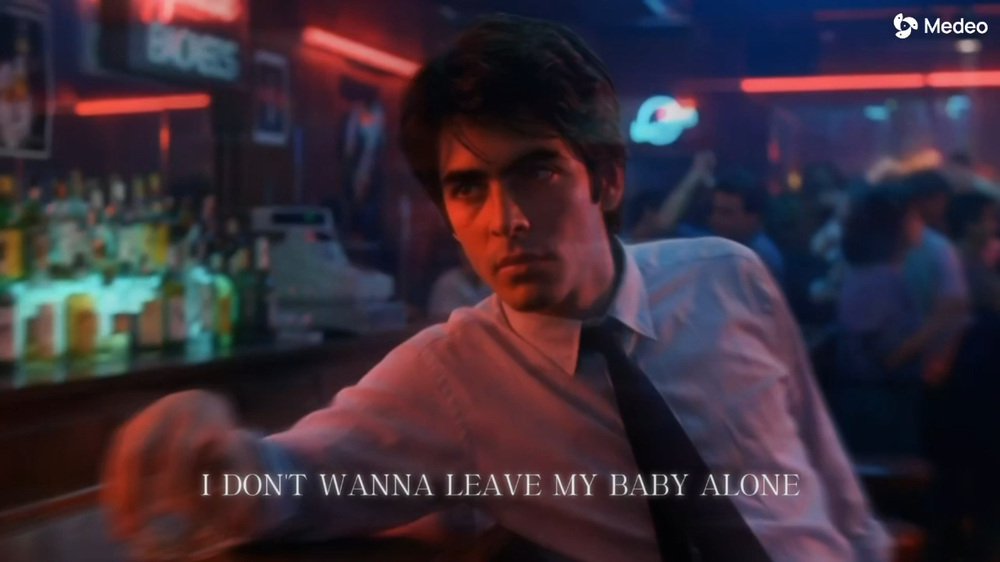
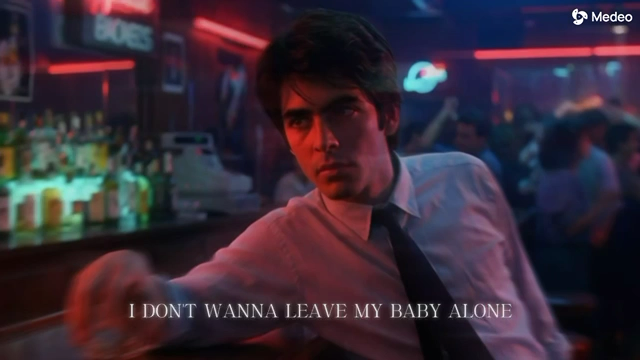 SCENE 04 · FINALE00:36—00:45
Bring the final scene into a neon after-hours bar. Keep the song timing and every other scene unchanged.
Regenerate this scene →MUSIC VIDEO RECIPES
Browse Music Video Recipes for cinematic stories, lyric videos, visualizers, and performance cuts—then personalize the song, lyrics, visuals, and people before you generate.

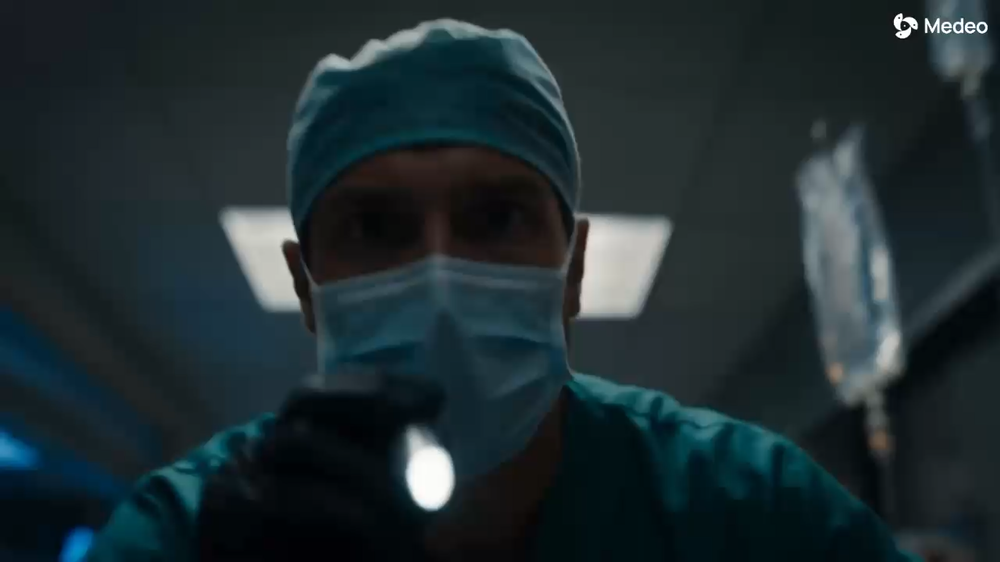
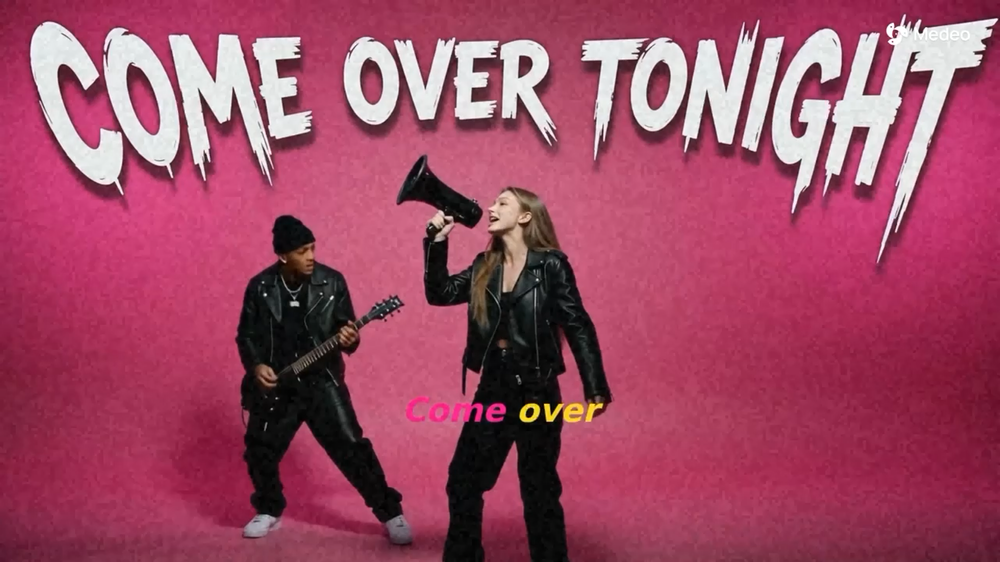
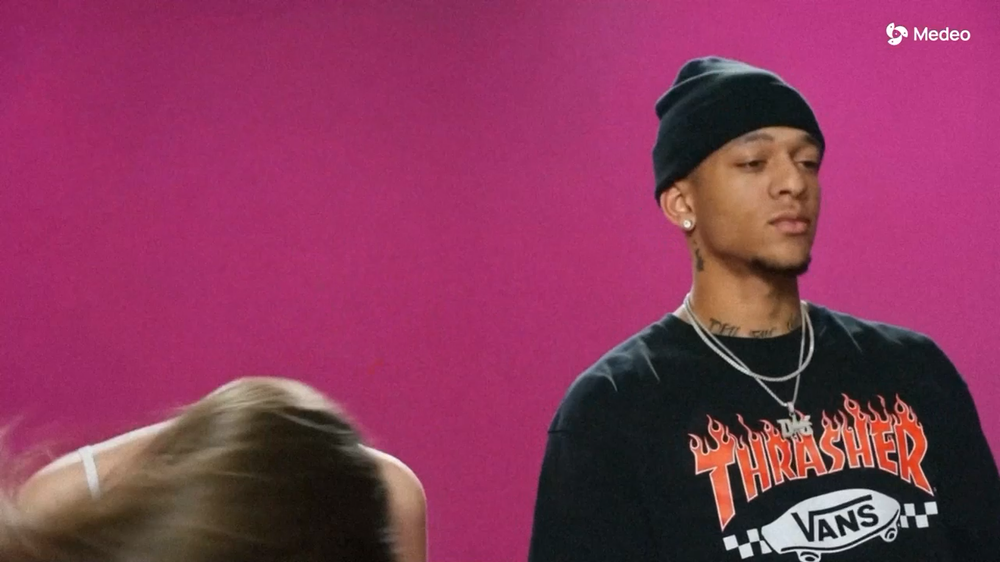
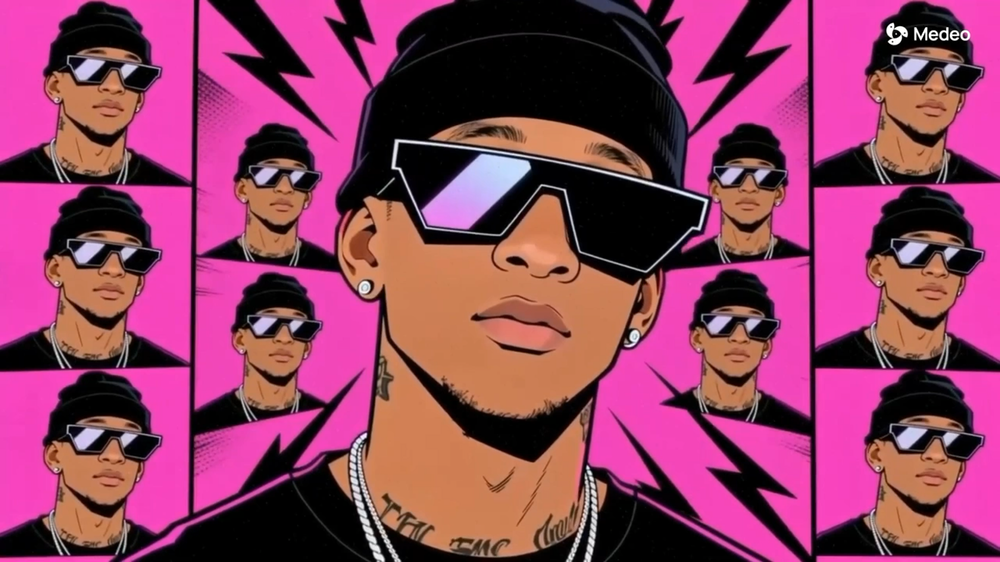
ONE SONG · MORE TO SHARE
Create the hero video first, then turn the same song into lyric videos, visualizers, and social cuts that stay visually consistent through the whole release.
Give people a clear, watchable hero video for release day.
Turn the strongest hook, chorus, or lyric into short clips for promotion.
Make alternate cuts and vertical versions without rebuilding the concept.
One song can become a complete release—without rebuilding the same creative concept every time.
It turns your song, lyrics, visual references, and creative idea into an editable first music-video draft.
Yes. Add your track and supporting creative materials to make the video feel like your release.
Yes. Start from a ready-made format, then personalize the song, lyrics, visuals, and people.
Yes. Medeo helps you create the main video and supporting release formats around the same song.
Yes. Choose the moment to change and regenerate only that scene while keeping the rest of the video.
Export options depend on the formats and choices available in your Medeo workspace.
Credit and watermark options depend on your selected plan and export settings.
AI MUSIC VIDEO GENERATOR
Turn one song into a complete visual release—your way.
Create for Free