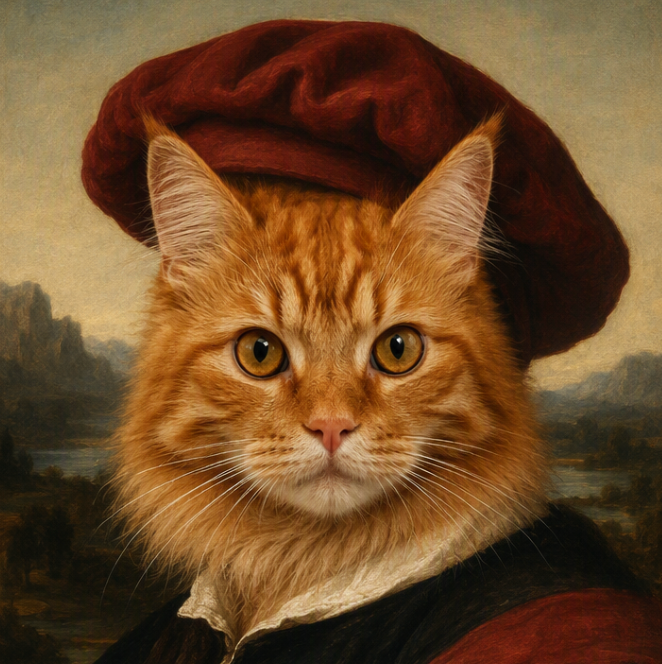
AI Background Remover: Remove Image Backgrounds Online
Turn a busy photo into a clean, reusable cutout. Upload one image or process a batch, let AI remove the backgrounds, and download transparent PNGs in HD for product listings, portraits, social graphics, ads, and video projects.
Upload Your Image Here and Remove the Background

Remove Backgrounds and Create Transparent PNGs
A useful background remover should do more than delete a block of color. It needs to identify the subject, separate it from the surrounding scene, and leave you with an image that is easier to reuse. Medeo's AI background remover handles the initial cutout so you can spend your time deciding what the finished creative should become.

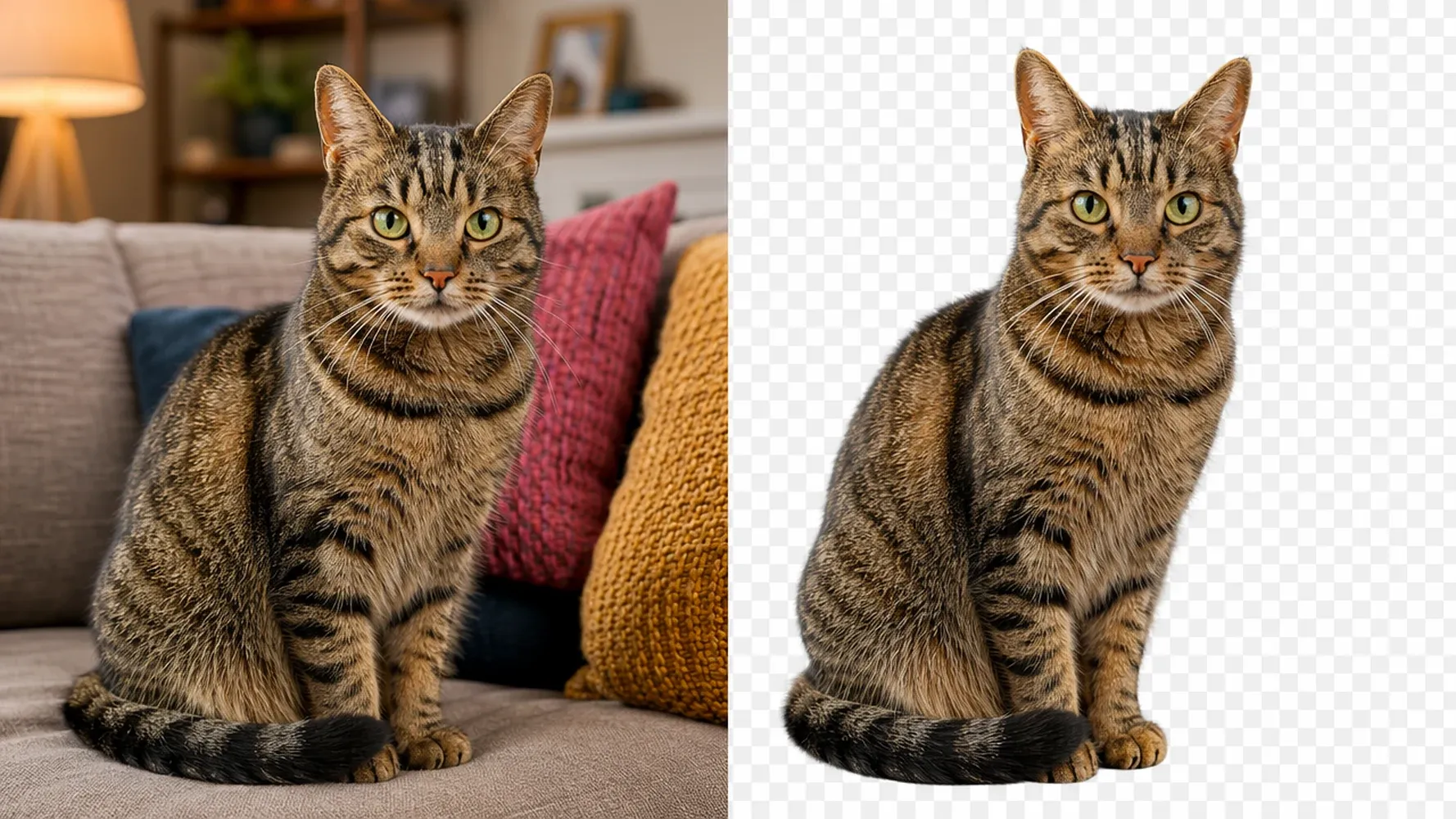
Separate Subjects from Busy Backgrounds
Remove distracting rooms, streets, landscapes, and studio setups from around the main subject. AI analyzes the image to distinguish foreground from background, helping you isolate people, products, objects, and other prominent elements without tracing the entire outline by hand. Complex images can still require a close review. Check fine edges, transparent objects, shadows, and areas where the subject and background use similar colors before publishing the result.
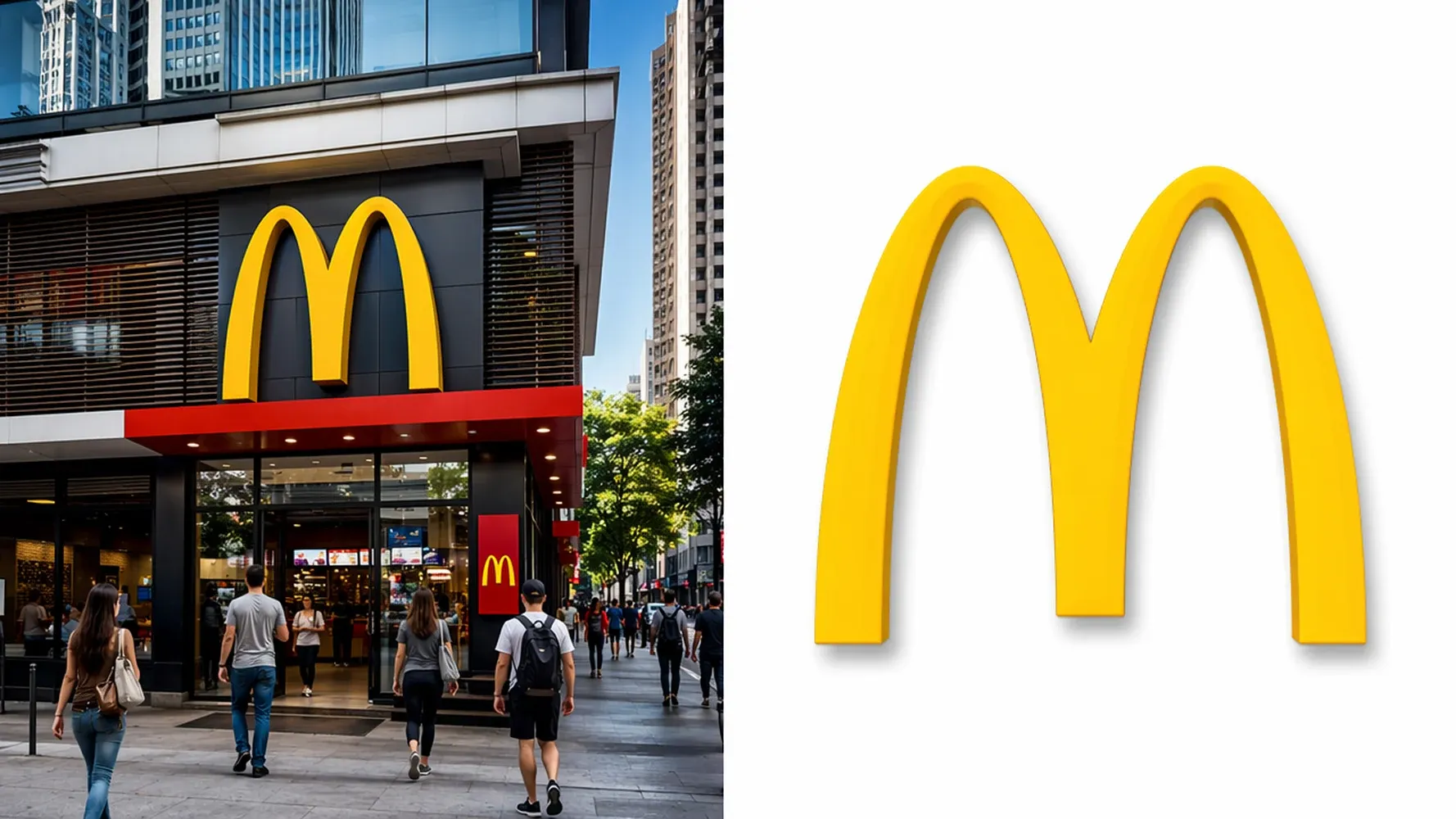
Make Logos and Graphics Transparent
Clear a flat or white background from logos, signatures, icons, and graphic elements so they can sit naturally inside a new layout. A transparent background makes the asset easier to place on slides, thumbnails, social posts, branded graphics, and video frames without carrying an unwanted rectangle around it.
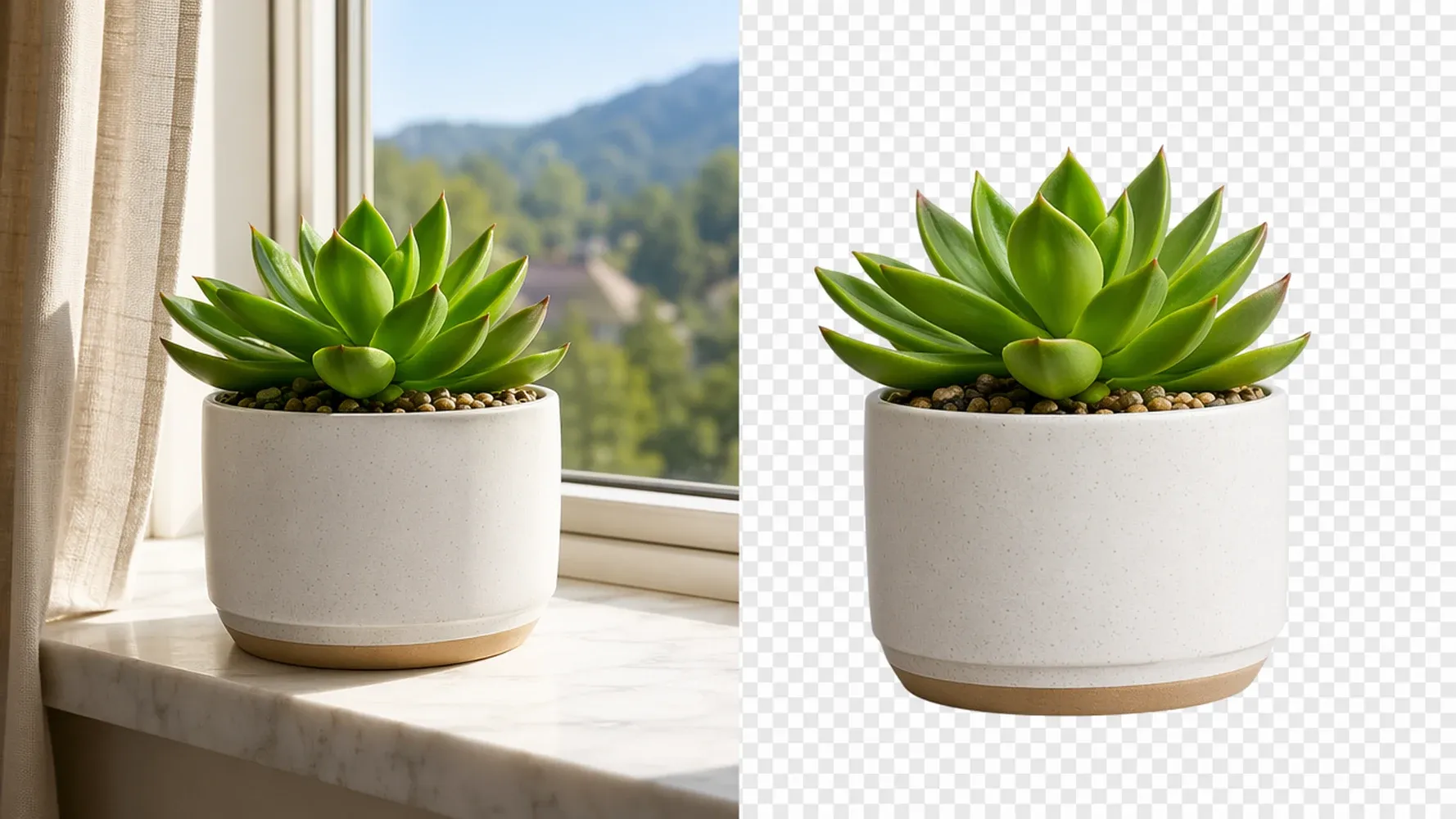
Prepare Clean Cutouts for New Designs
Use the removed-background image as a flexible building block rather than a finished design you cannot change. Place it over a brand color, a product scene, a campaign graphic, or a video background while keeping the subject at the center of the composition.
AI Background Removal for Every Image
Product Photos for Ecommerce and Ads
Remove the original setting from a product photo and prepare the item for storefronts, marketplace listings, promotional banners, and paid ads. A clean cutout makes it easier to create multiple campaign treatments from one source image, whether the final design uses white space, a brand color, or a styled scene.
Portraits, Profile Photos, and Headshots
Clear away a distracting background while keeping attention on the person. Use the resulting portrait for profile images, speaker cards, team pages, thumbnails, presentation slides, and social content. Fine details such as loose hair, glasses, and low-contrast clothing may vary by image, so review the result at full size.
Logos, Signatures, and Graphic Elements
Turn a graphic with a solid background into an asset that works across different layouts. Remove white or colored areas around a logo, signature, badge, illustration, or icon, then place the transparent result wherever the design needs it. For very small or compressed source files, begin with a larger original whenever possible.
Social Posts, Thumbnails, and Video Assets
Cut out a subject for a YouTube thumbnail, launch post, product announcement, campaign visual, or opening video frame. A transparent image gives you room to experiment with scale, placement, copy, and background treatments while keeping the main subject recognizable.

Turn a Transparent Cutout into Your Next Creative
Removing the background is often only the first edit. Once the subject is isolated, you can decide how it should appear in the finished story: clean and minimal, bold and branded, or placed inside an entirely new scene.

Keep the Background Transparent
Download the result as a transparent PNG when you want maximum flexibility. HD output helps preserve useful detail for polished layouts, while the empty background lets designers, marketers, and creators reuse the same subject across different colors, dimensions, and visual styles. Transparency is especially useful for logos, product cutouts, stickers, overlays, lower-thirds, and other assets that need to blend into a larger composition.
Add a White or Solid-Color Background
Place the cutout over white for a clean catalog look, or use a brand color to create a more recognizable campaign asset. Because the subject is already separated, you can test new treatments without repeating the full background-removal process for every version.
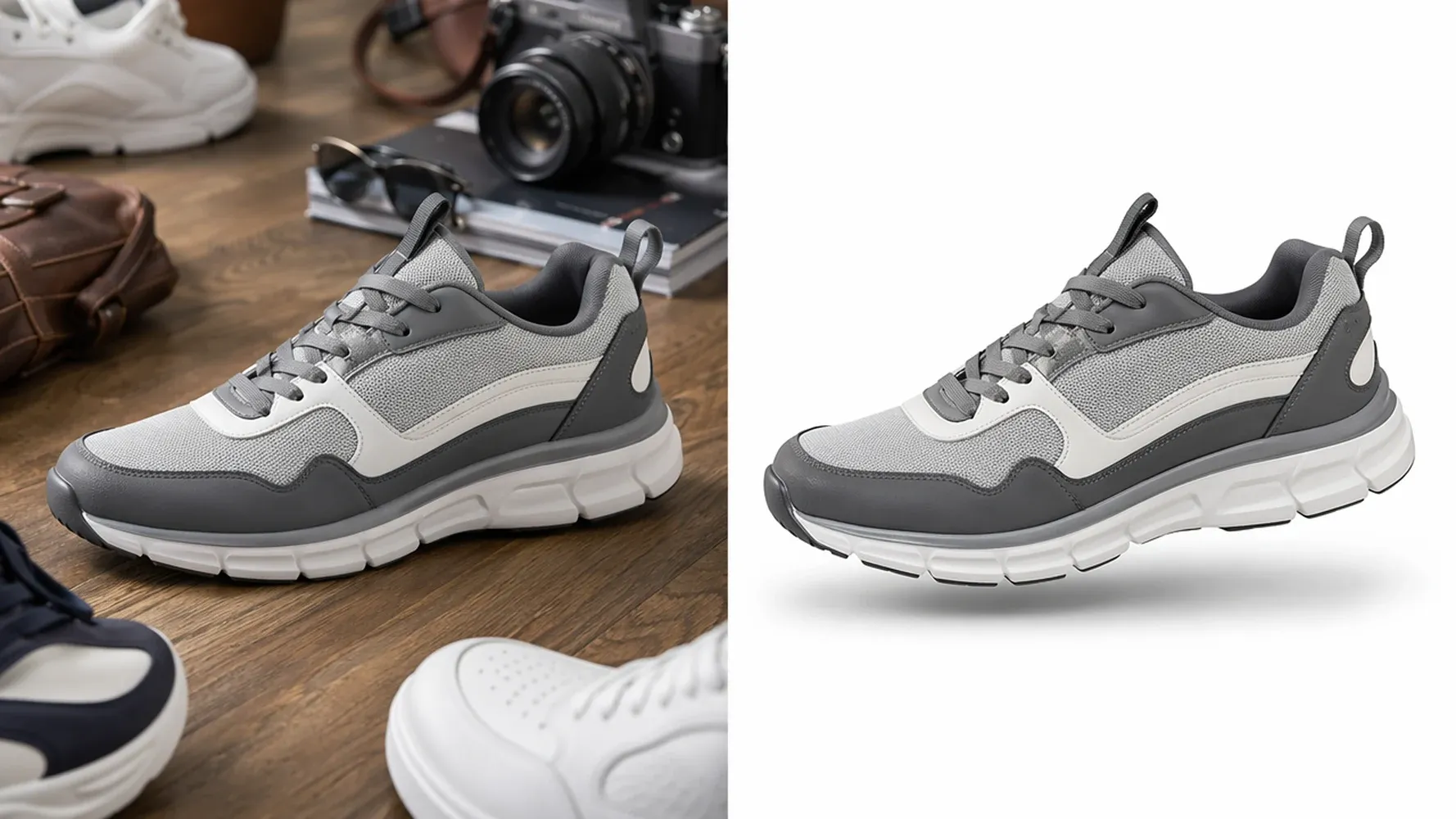
Reuse Your Image in Ads and Video Projects
Bring the finished cutout into a wider creative workflow. Use it in a product ad, animate it inside a social video, turn it into an image-to-video starting frame, or combine it with narration, music, and additional scenes in Medeo. AI handles the production steps while you keep control of the message and visual direction.
How to Remove a Background from an Image with AI
You do not need to trace the subject point by point. Start with a clear source image, let the AI background remover create the initial cutout, and inspect the result before downloading or continuing into a new design.
Step 1
Upload Your Image
Choose the photo, product image, portrait, logo, or graphic you want to edit. For better edge detail, upload the highest-quality original available instead of a small screenshot or a file that has been repeatedly compressed.
Step 2
Let AI Remove the Background
Medeo analyzes the foreground subject and clears the surrounding background automatically. Review the preview carefully, especially around hair, transparent materials, shadows, narrow gaps, and areas with low contrast.
Step 3
Download or Continue Creating
Download the cutout as a transparent PNG when you need a standalone asset, or keep creating in Medeo. Place the image into a new visual, use it as a reference, or carry it into an image-to-video workflow.
Why Use Medeo as Your AI Background Remover
Background removal is more valuable when the result can move directly into the rest of your creative process. Medeo helps you go from an isolated image to a larger piece of content without losing sight of the idea you are trying to communicate.
Automatic Background Removal
Skip the slow first pass of outlining the subject by hand. AI creates the initial separation between foreground and background, giving you a practical starting point for transparent graphics, product compositions, portraits, and campaign assets.
HD Results Ready for Creative Reuse
A transparent cutout is not tied to one layout. Download the result in HD, reposition it, resize it, place it on a new background, or reuse it across several campaign formats. You decide how the subject should appear; the tool handles the repetitive technical step of removing the original background.
Batch Background Removal
Process multiple images in one batch when a catalog, campaign, or content library needs the same clean treatment. Batch background removal reduces repetitive uploads and helps ecommerce teams, marketers, agencies, and freelancers prepare larger sets of transparent assets more efficiently.
A Clear Path from Image to Video
Medeo is built for more than isolated image edits. Bring your prepared asset into an image-to-video workflow and develop motion, narration, music, and supporting scenes around it. This makes background removal part of a connected production process rather than a one-off export.
AI Background Remover FAQs
See Why Creators Choose Medeo
Creators use Medeo to move from a visual idea to a structured piece of content while keeping control of the creative direction.
"Medeo removes image backgrounds with impressive accuracy. Even complex product photos are processed cleanly, saving us hours of manual editing."
Sarah Mitchell
E-commerce Manager
"The edge detection is excellent. Hair, clothing, and small details are preserved remarkably well, making the final images look professional."
Daniel Carter
Graphic Designer
"I use Medeo almost every day for social media assets. The background removal is fast, reliable, and consistently delivers clean results."
Olivia Nguyen
Content Creator
"Medeo removes image backgrounds with impressive accuracy. Even complex product photos are processed cleanly, saving us hours of manual editing."
Sarah Mitchell
E-commerce Manager
"The edge detection is excellent. Hair, clothing, and small details are preserved remarkably well, making the final images look professional."
Daniel Carter
Graphic Designer
"I use Medeo almost every day for social media assets. The background removal is fast, reliable, and consistently delivers clean results."
Olivia Nguyen
Content Creator
"Creating transparent product images used to be a tedious process. Medeo simplifies everything and produces high-quality cutouts in seconds."
Michael Brooks
Online Store Owner
"What I love most is the accuracy. The AI removes backgrounds without affecting the subject, even in photos with challenging lighting conditions."
Emma Roberts
Marketing Specialist
"I've tested several background removal tools, and Medeo stands out for its speed and quality. The results require little to no additional retouching."
Ryan Foster
Photographer
"Creating transparent product images used to be a tedious process. Medeo simplifies everything and produces high-quality cutouts in seconds."
Michael Brooks
Online Store Owner
"What I love most is the accuracy. The AI removes backgrounds without affecting the subject, even in photos with challenging lighting conditions."
Emma Roberts
Marketing Specialist
"I've tested several background removal tools, and Medeo stands out for its speed and quality. The results require little to no additional retouching."
Ryan Foster
Photographer
Explore More AI Tools in Medeo
Keep working with your image after the original background is gone. Explore related tools for generating, editing, and rebuilding the visual around your subject.

Learn More About Image Background Editing
Build a cleaner workflow with practical guides for transparency, white-background removal, and creative reuse.

7 Best Idea to Video AI Tools in 2026 (Tested & Compared)
Compare the 7 best idea to video AI tools in 2026 — tested across output quality, format coverage, and ease of use. Find the right tool for your content workflow.
TIAN YUAN · Apr 29, 2026 · 13 min read

How to Make Emoji Videos with AI: Step-by-Step Guide
Learn how to make emoji videos with AI using scripts, animated emojis, captions, sound effects, and ready-made templates for TikTok, Shorts, Reels, and social media.
TIAN YUAN · Apr 30, 2026 · 22 min read

How to Make Faceless Videos with AI (Step-by-Step Guide for 2026)
Learn how to make faceless videos with Medeo AI in 2026. Covers formats, niches, platforms, and a complete step-by-step production workflow.
TIAN YUAN · Apr 29, 2026 · 16 min read