AI Storyboard Generator: Turn Prompts Into Cinematic Storyboards
Generate a storyboard from a text prompt, script, or reference image—control scenes, camera angles, and consistent characters without needing to draw.
Core Capabilities
Design Cinematic Storyboards With Full Creative Control
From prompt to storyboard AI workflows to AI storyboard generator for video production, Medeo helps you visualize scenes, generate consistent shots, and plan storytelling sequences with precision.
Prompt Input
Prompt To Storyboard
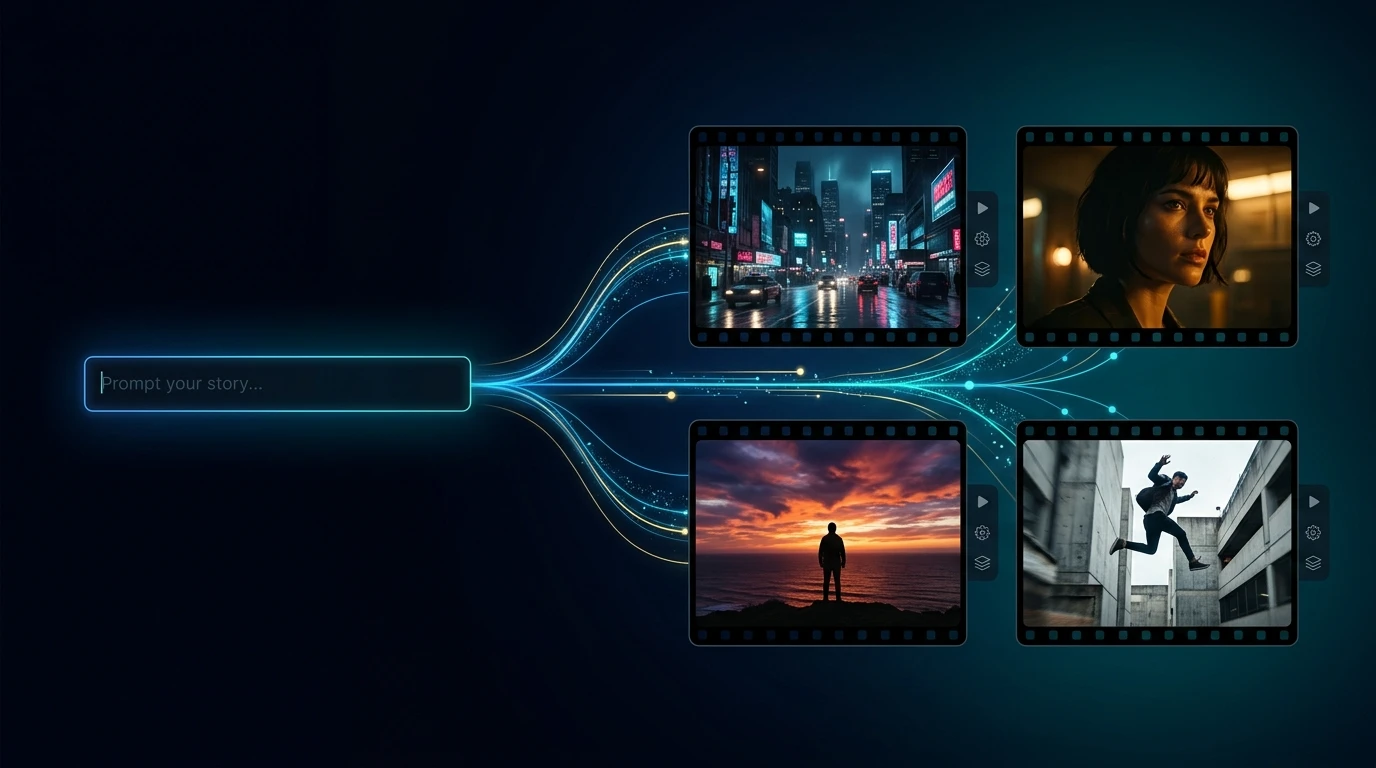
Start with text input and transform a simple scene description into a full cinematic storyboard. You control tone, setting, and shot intent, while Medeo generates structured visual sequences ready for video production.
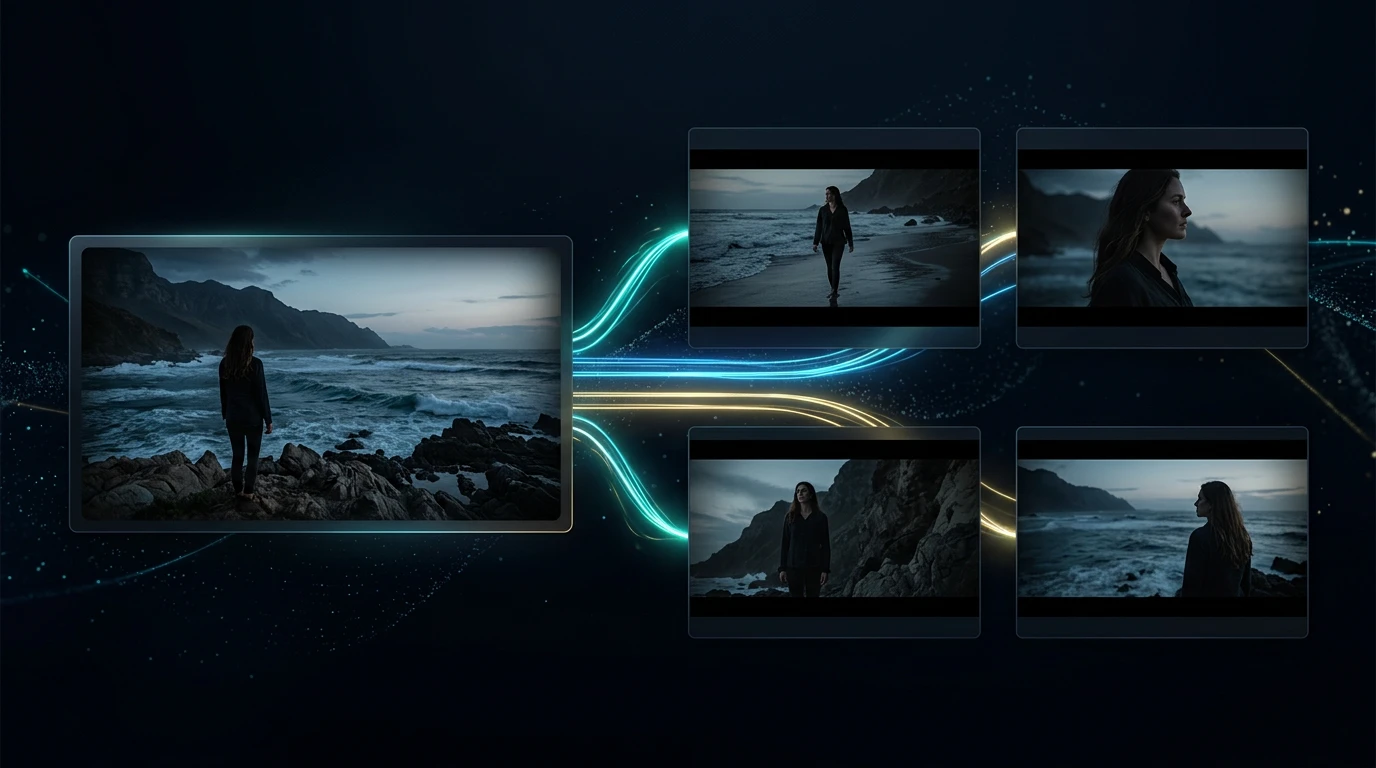
Image Reference
Image To Storyboard Scenes
Upload reference images and turn them into storyboard frames with consistent styling. Maintain visual continuity across scenes while guiding composition and framing.
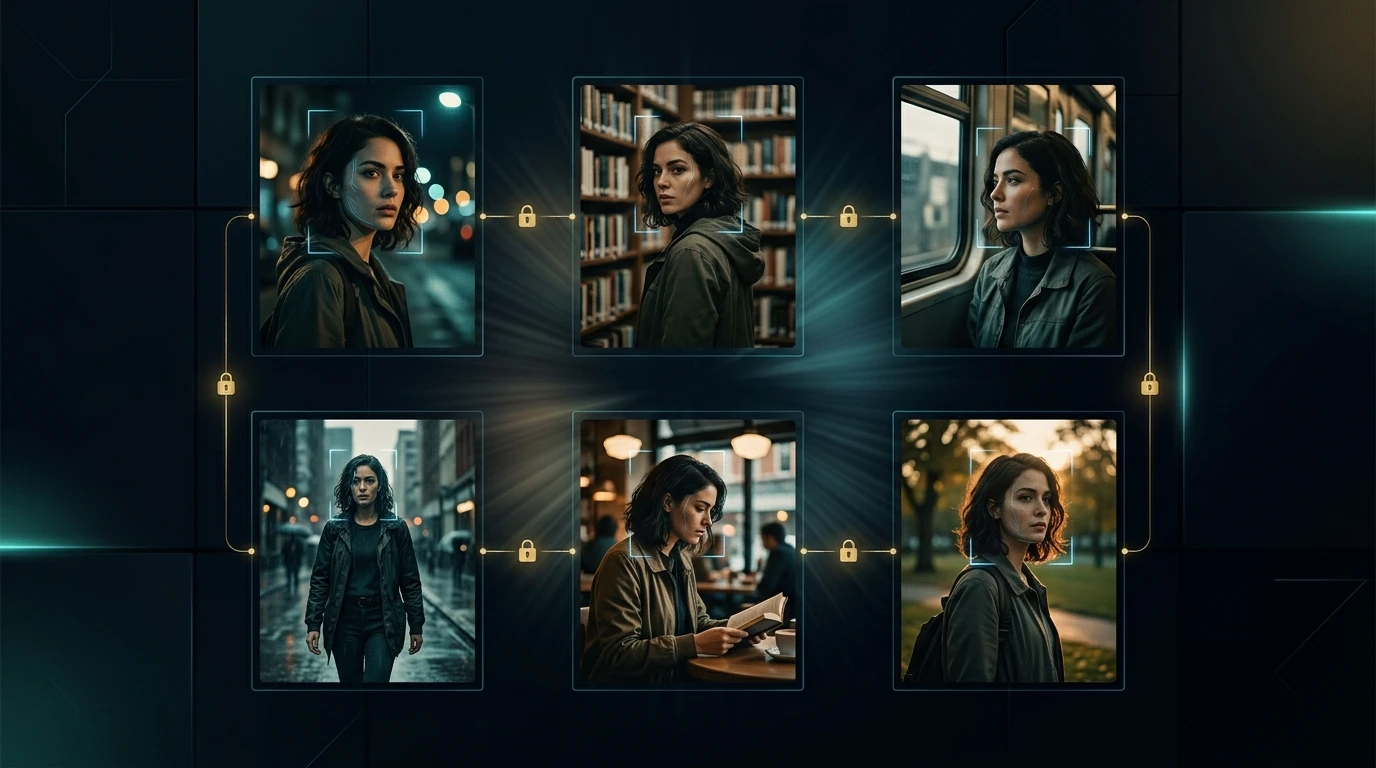
Character Control
Consistent Characters Across Scenes
Ensure character consistency across multiple shots and sequences. Medeo keeps faces, outfits, and visual identity aligned so your storyboard feels like a real film, not disconnected frames.
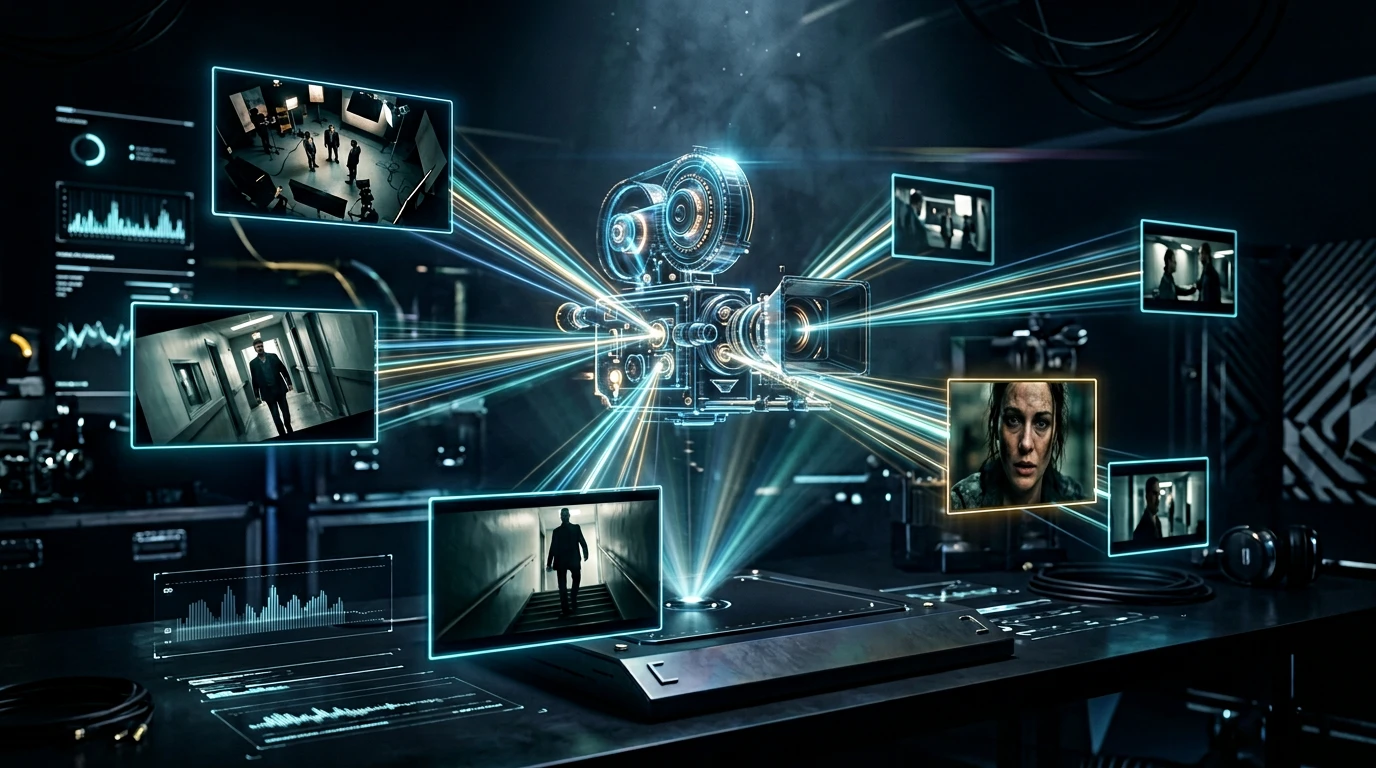
Cinematic Style
Control Camera And Composition
Define camera angles, shot types, and cinematic framing directly in your input. From close-ups to wide shots, you shape how each scene is visualized.
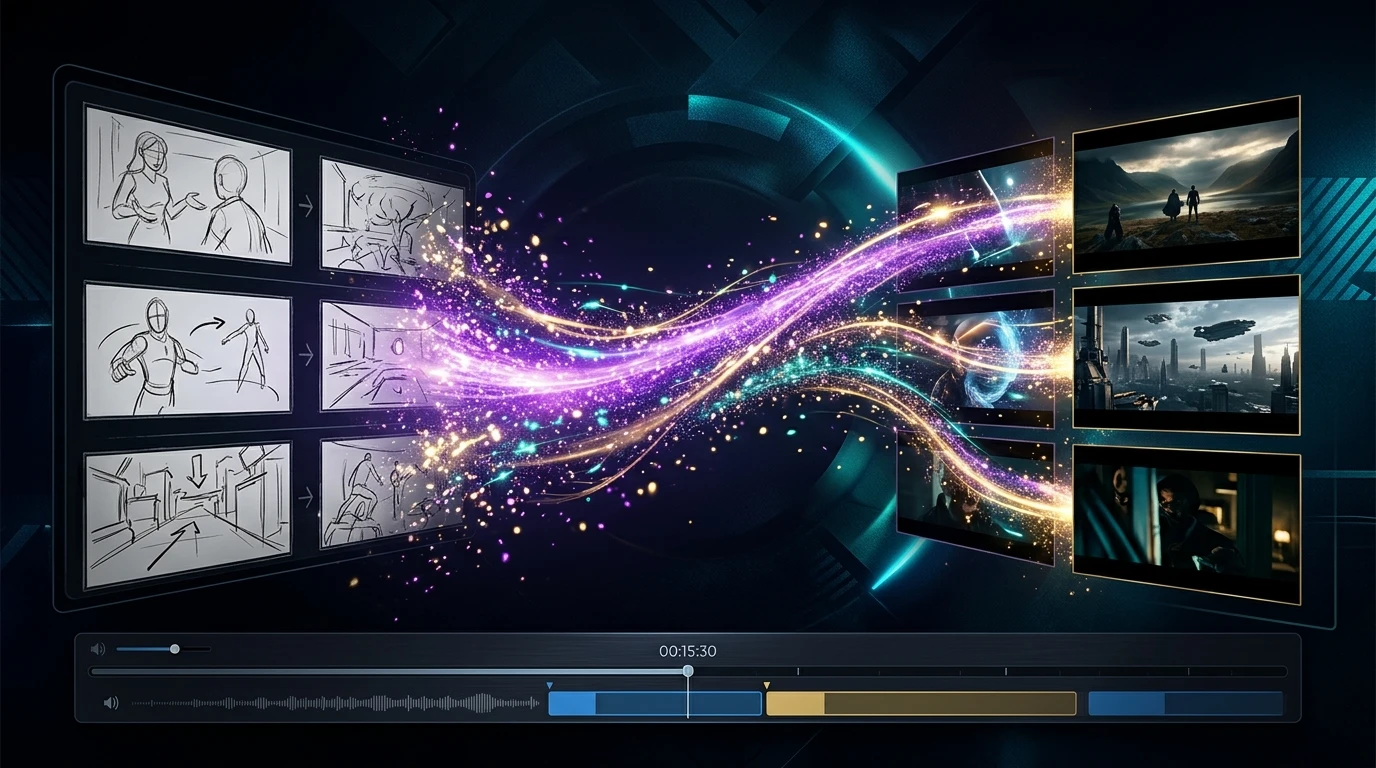
Video Output
Storyboard To Video Pipeline
Turn storyboard frames into video-ready sequences. Medeo connects your storyboard to AI video generation, helping you move from planning to production seamlessly.
How To Create A Storyboard With AI
Learn how to generate storyboard from prompt, script, or image using an AI storyboard generator for filmmakers and video creators.
Step 1
Describe Your Scene
Write a prompt, upload an image, or paste a script. This is how you tell Medeo what you want to visualize.
Step 2
Generate Storyboard Frames
Medeo turns your input into structured storyboard scenes with consistent characters and cinematic composition.
Step 3
Refine Shots And Angles
Adjust camera angles, scene details, and visual style using simple instructions—no complex editing tools needed.
Step 4
Export Or Turn Into Video
Use your storyboard for planning or convert it into AI-generated video sequences for production.
AI Storyboard Generator For Real Creative Workflows
From AI storyboard for ads to AI storyboard for YouTube videos and short films, create visual plans faster with prompt-driven storytelling.
Filmmakers
Plan scenes before shooting using an AI storyboard generator for filmmakers. Visualize shots, camera angles, and sequences without drawing.
Marketing Teams
Create AI storyboard for ads and product campaigns. Quickly test different creative directions and messaging visually.
YouTube Creators
Build AI storyboard for YouTube videos to structure storytelling and pacing. Turn ideas into visual outlines before recording.
Animation Teams
Use AI storyboard for animation to map scenes and transitions. Maintain consistent characters across sequences.
Agencies
Deliver client-ready storyboards faster with cinematic quality. Iterate on concepts without manual illustration.
Content Creators
Experiment with storytelling ideas using prompt to storyboard workflows. Turn rough ideas into visual narratives instantly.
Cinematic Storyboard Examples Generated With AI
Explore how to create storyboard with AI, from prompt-based scenes to AI storyboard generator for video production and marketing use cases.
AI Storyboard Generator Questions Answered
Understand how to create storyboard with AI, generate storyboard from prompt, and choose the best AI storyboard generator for your workflow.