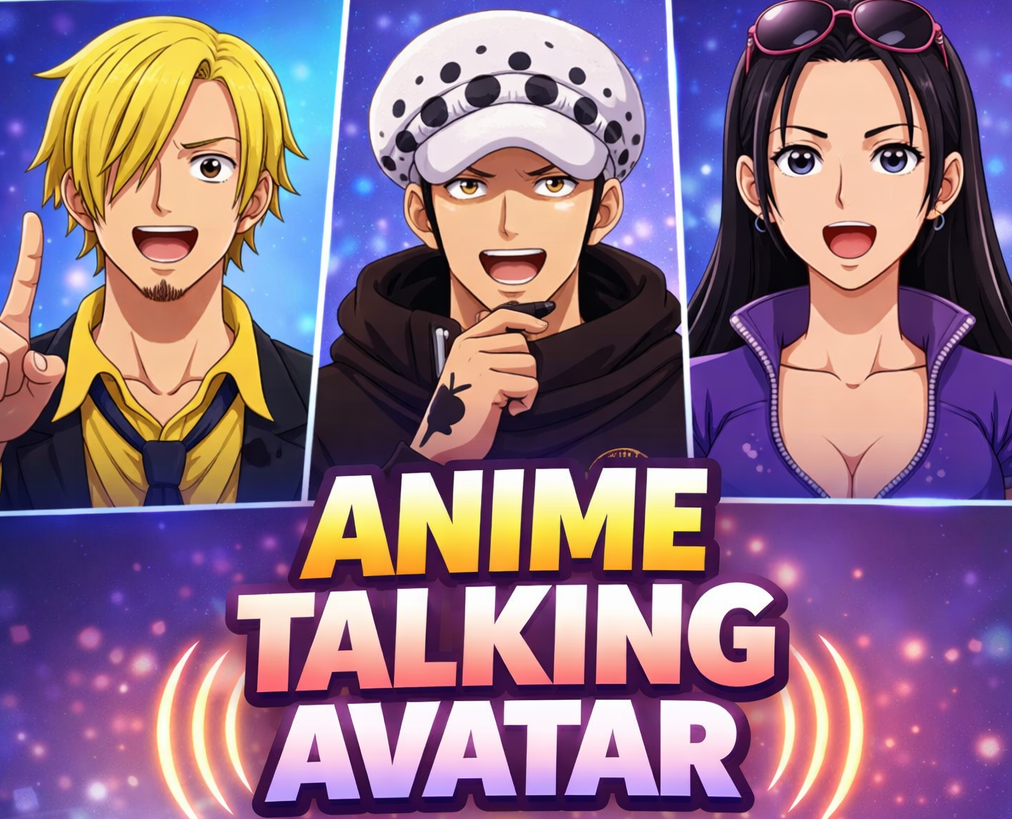
AI Avatar Video Generator
Choose a lifelike Al presenter, add your script or describe whatyou need, and create videos for marketing, training, explainersand social content.
Create Every Talking Avatar Format
Find the Right Presenter for Your Video
Browse Al avatars for business, education, creative content, media, and more. Filter by role.age, gender, region, scene, and style-then pair your presenter with natural Al voices in 50+languages.




How to Create a Talking Avatar Video
Turn a photo, script, or audio file into a talking avatar video in a few simple steps.
Step 1
Choose an Avatar
Pick a presenter that fits your brand, audience, and scenario.
Step 2
Add Your Script of Brief
Paste script or simply describe the video you want.
Step 3
Generate and Refine
Generate the video, then update the script, scenes, visuals, voice, or captions.
Make Avatar Videos for Every Kind of Story
Turn one presenter workflow into product, learning, explainer, and always-on social content.
Create More Videos Without More Filming
More from idea to presenter-led video without adding cameras, reshoots, or production bottlenecks.
Skip the Camera Setup
Create presenter-led content withoutarranging a studio, camera, or on-screen talent.
Find the Right Presenter
Choose an avatar that matches the brand,audience, language, and context.
Update Content Faster
Upload a voiceover, narration, podcast clip, or recorded speech and match the avatar's mouth movement to the audio.
Talking Head Avatar Videos
Revise the script or visuals and regenerate-without recording the whole video again.
Go Beyond a Talking Avatar
Combine your avatar with scenes, visuals, voice, andcaptions to turn a simple script into a complete video. Your avatar presents the story. Medeo helps build thewhole video around it.
Avatar Opening
presenter introduces the product
Product/B-roll
Cut to interface, product, or contextual footage
Avatar Benefit
Presenter returns to explain the key benefit
Visual CTA
Project visual, caption, and clear action

Use a Ready-Made Avatar or Your Saved Avatar
Start instantly with a public avatar, or continue creating with avatars already saved to your Medeo account.
Public Avatar
Browse by category, role, region, and style. Pick a presenter and start immediately.
My Avatar
Continue with avatars already saved in your Medeo workspace for a more consistentbrand presence.
Start With a Ready-Made Video Workfow
Choose what you want to make, add your presenter and content, and let Medeo handle the video structure.
Explore More AI Avatar and Video Tools
Use Medeo to create more avatar videos, lip-sync clips, faceless videos, captions, and social content.

AI Talking Avatar Generator FAQs
Answers about creating talking avatars from photos, text, audio, scripts, and avatar images for social media, education, business, and creator content.