AI Motion Control Video Generator Online
Turn images and videos into dynamic scenes by applying motion from one clip to another. Animate an image using motion, guide movement with prompts, and create smooth, consistent AI videos in minutes.
Core capabilities
Control motion and animation with precision
Medeo makes it easy to generate motion-driven videos from simple inputs. You can transfer movement, guide animation with prompts, and keep characters consistent across scenes—all without complex editing tools.
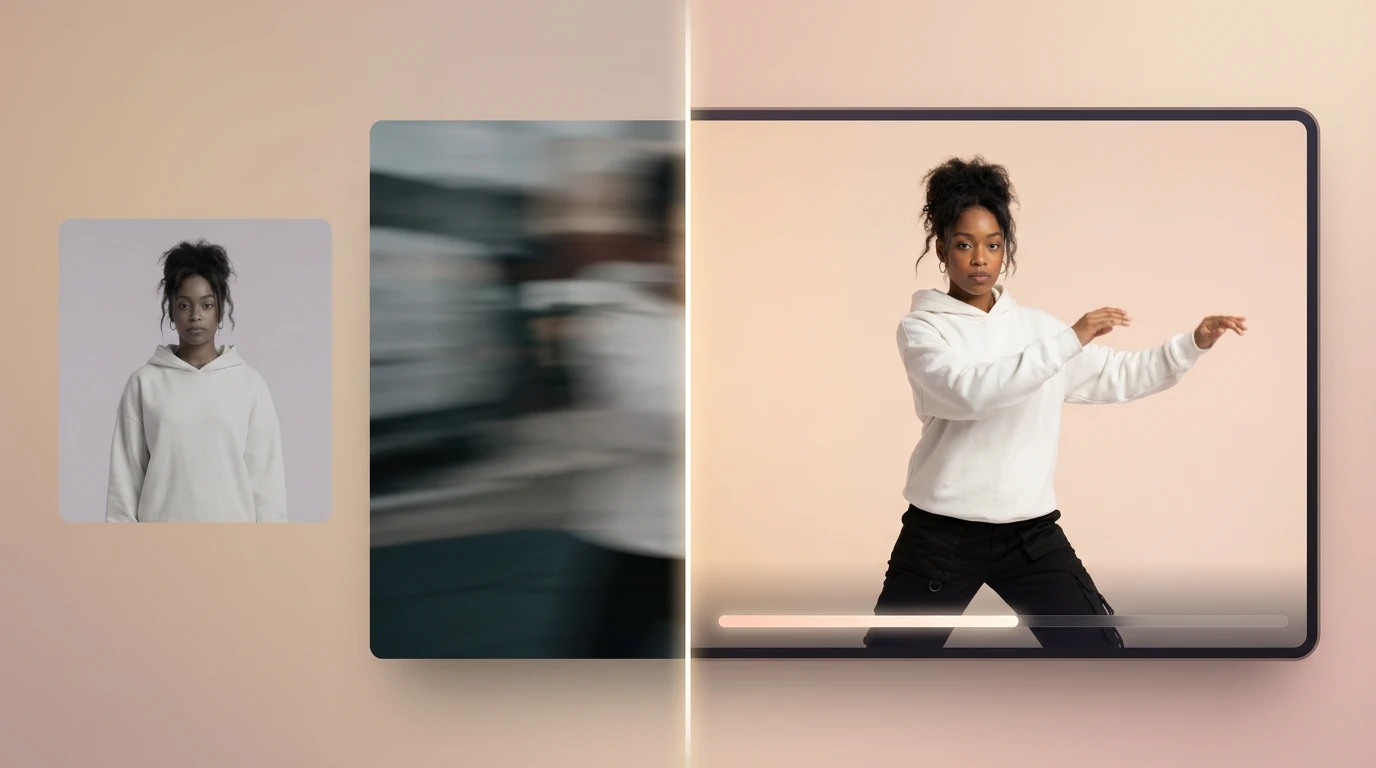
Motion Transfer
Apply motion from video to any image
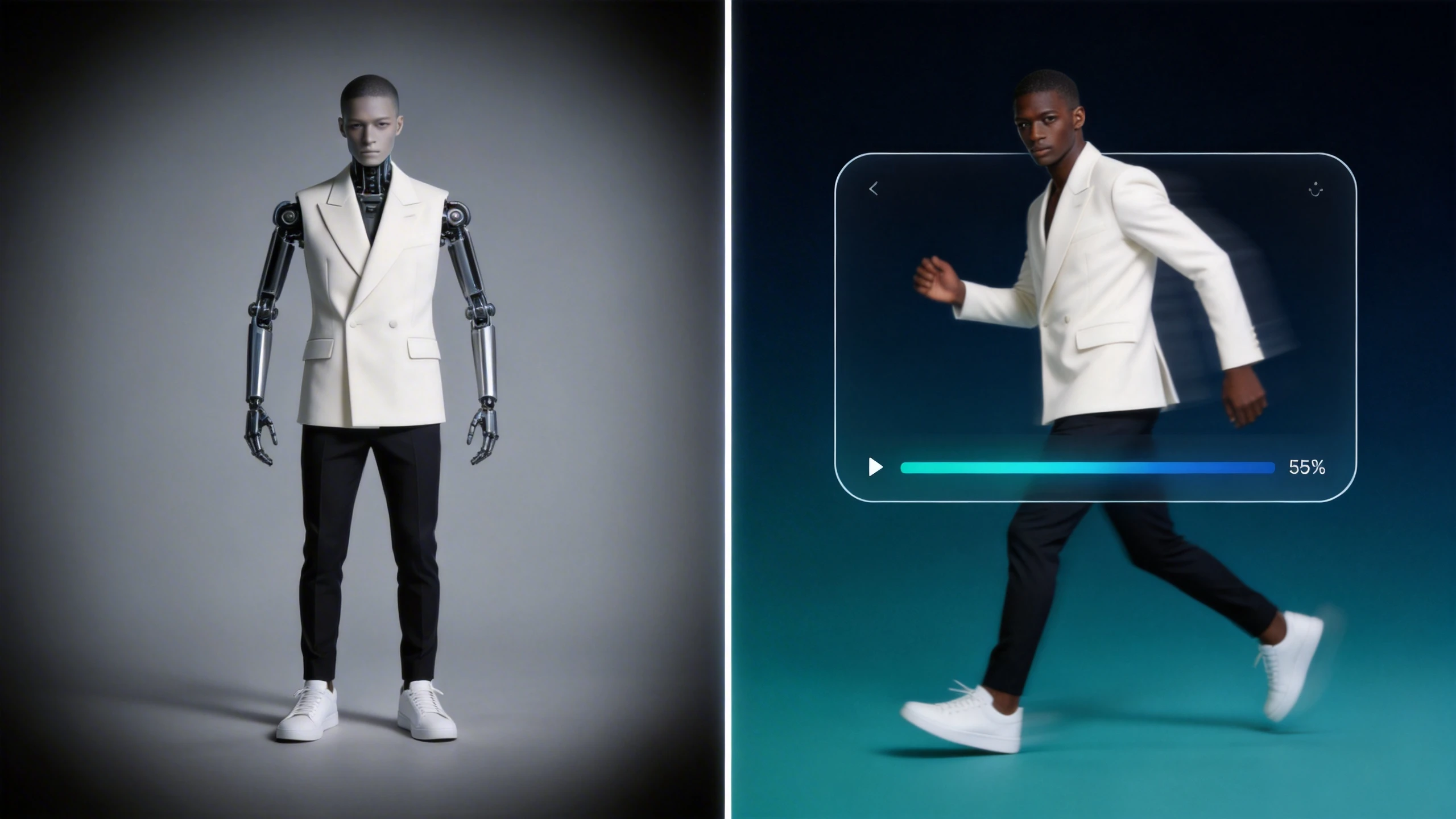
Upload a reference video and an image, and Medeo maps the movement onto your subject. This motion transfer AI lets you make a character move like a video while preserving its original look.
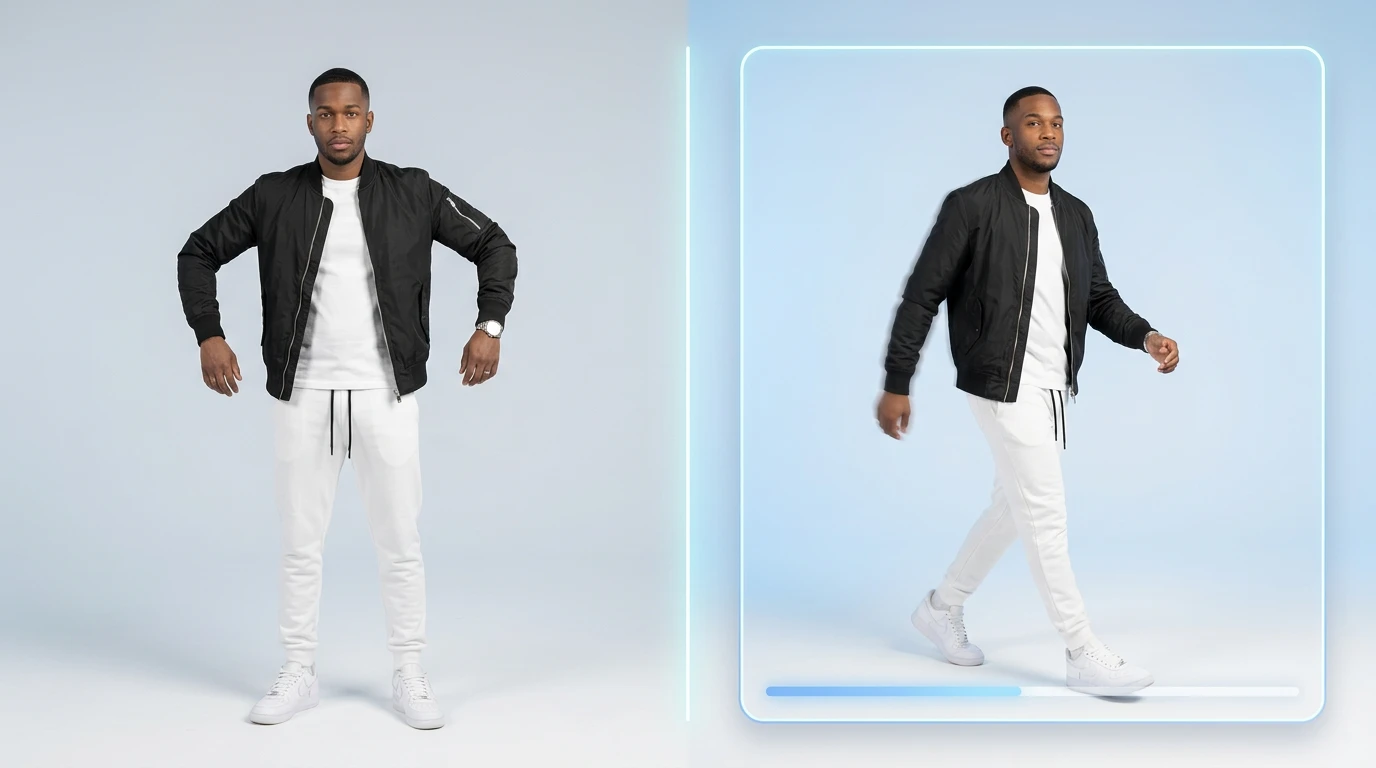
Prompt Control
Guide motion with simple text prompts
Describe how the motion should evolve, and Medeo adjusts pacing, direction, and style. You can control video motion with prompts instead of manually editing frames.
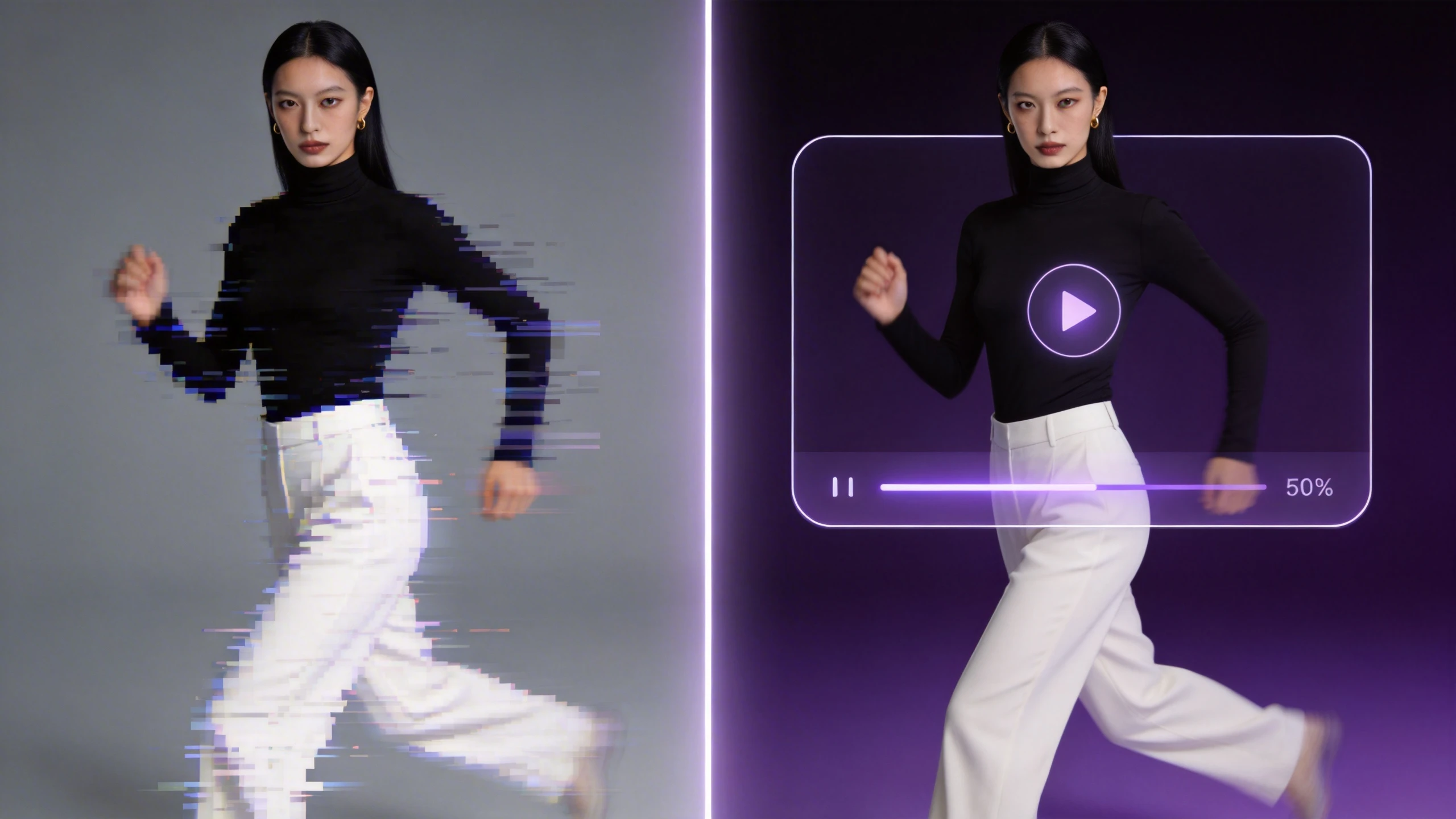
Flexible Inputs
Combine image and video inputs easily
Start with an image, a video, or both. Whether you're creating animation from a still photo or refining existing footage, Medeo supports image to animation AI workflows seamlessly.
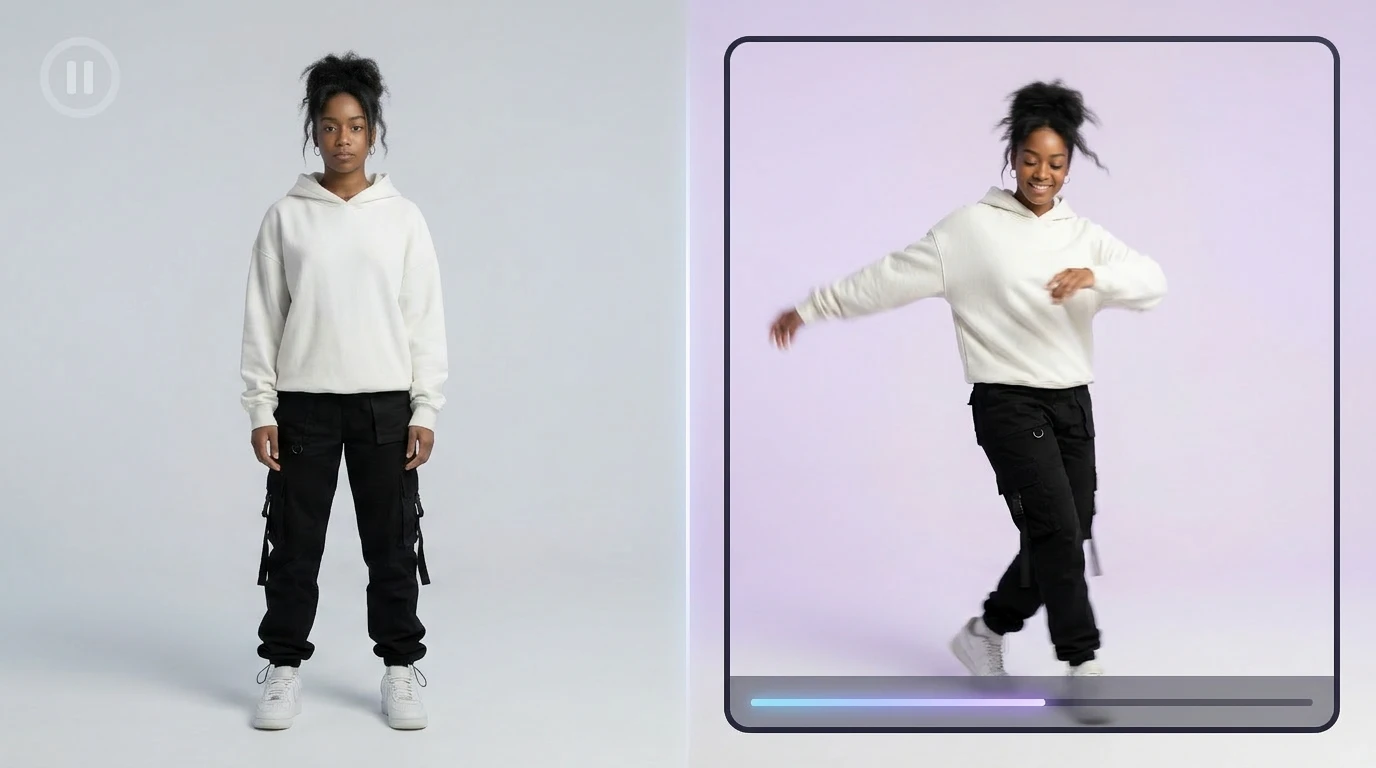
Consistent Characters
Keep identity stable across motion
Even with complex movement, your character stays visually consistent. Medeo ensures stable motion transfer without distortion or identity drift.
High-Quality Output
Generate smooth and realistic motion
From subtle gestures to full body motion, Medeo produces clean, natural animation. The result feels fluid and ready for real-world content use.
How to use AI motion control to animate videos
You can generate motion-driven videos in just a few steps. Medeo handles the technical complexity so you can focus on creative direction.
Step 1
Add your input
Upload an image and a reference video. For example, you can use a dance clip to animate a character, or take a still image and prepare it for motion.
Step 2
Generate your video
Medeo analyzes the reference and applies motion to your subject. This is where you can animate a character using reference video and create animation from reference motion.
Step 3
Refine with chat-based editing
Adjust movement using simple instructions. You can fine-tune how the character moves, change pacing, or guide specific actions without using a timeline.
Step 4
Export your final video
Download a smooth, production-ready result. Your video is ready for sharing, publishing, or further creative use.
Where AI motion control makes a difference
From content creation to digital storytelling, AI motion control opens up new ways to produce engaging videos quickly.
Social media videos
Create eye-catching clips for TikTok or Instagram by applying motion to static images. Turn simple visuals into dynamic content that stands out in feeds.
AI dance videos
Use a dance reference to generate full body motion AI videos. You can make a character move like a video and produce entertaining, shareable content.
Digital characters
Animate avatars or virtual influencers with realistic gestures. This is ideal for building consistent digital human animation across multiple scenes.
Marketing content
Bring product visuals or mascots to life. Apply motion from video to image to create engaging ads without filming new footage.
Storytelling and short videos
Turn scripts or ideas into animated scenes. You can generate video from image and motion to build narratives quickly.
Scalable content creation
Reuse the same motion across different characters. This makes it easy to create multiple variations and scale video production.
See how motion transforms your content
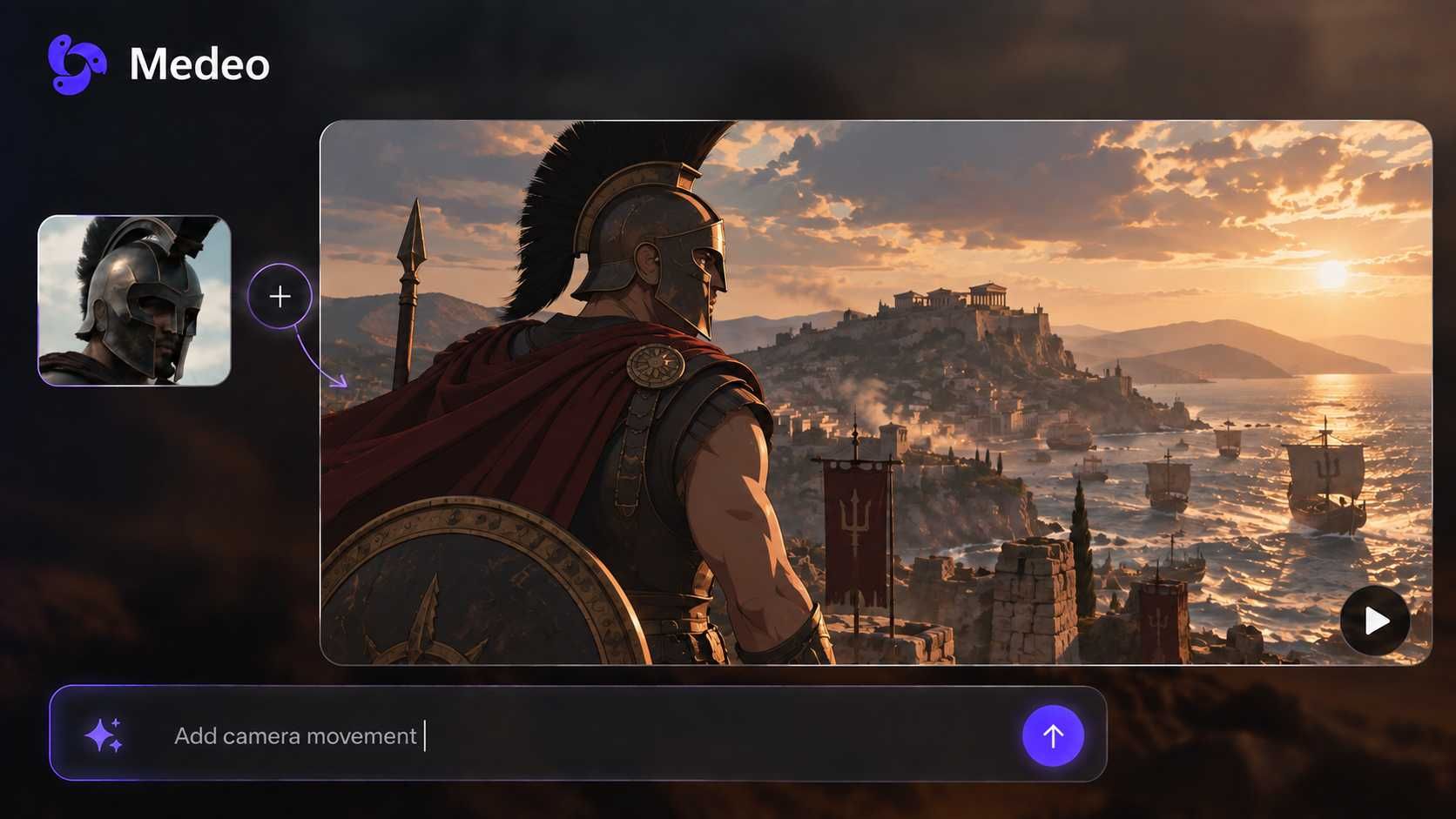
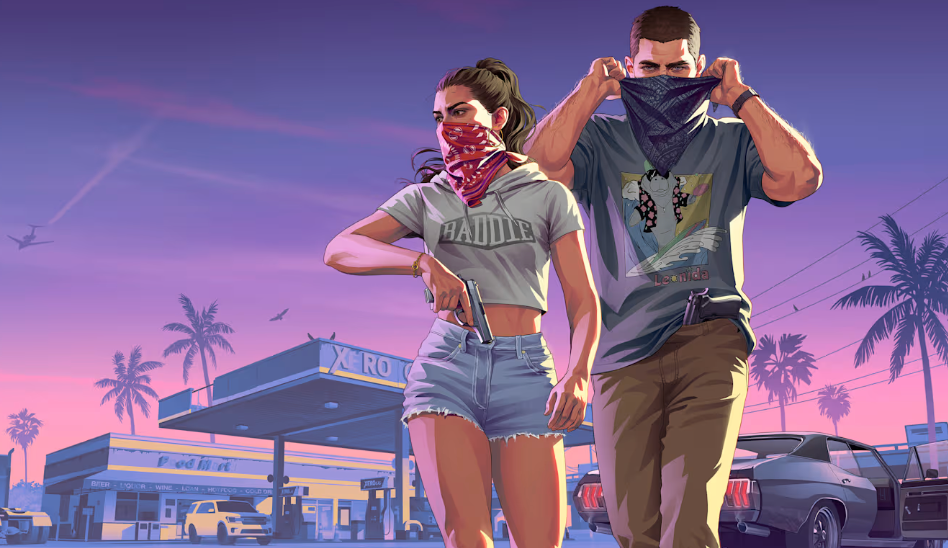
Explore how Medeo turns simple inputs into dynamic animations. From applying motion from video to image to generating full scenes, each example shows how easy it is to create animation from reference motion and produce engaging results.
Frequently asked questions about AI motion control
Here are answers to common questions about how AI motion control works and how to use it effectively.