Ecommerce Video Generator: Turn Product Photos Into Videos
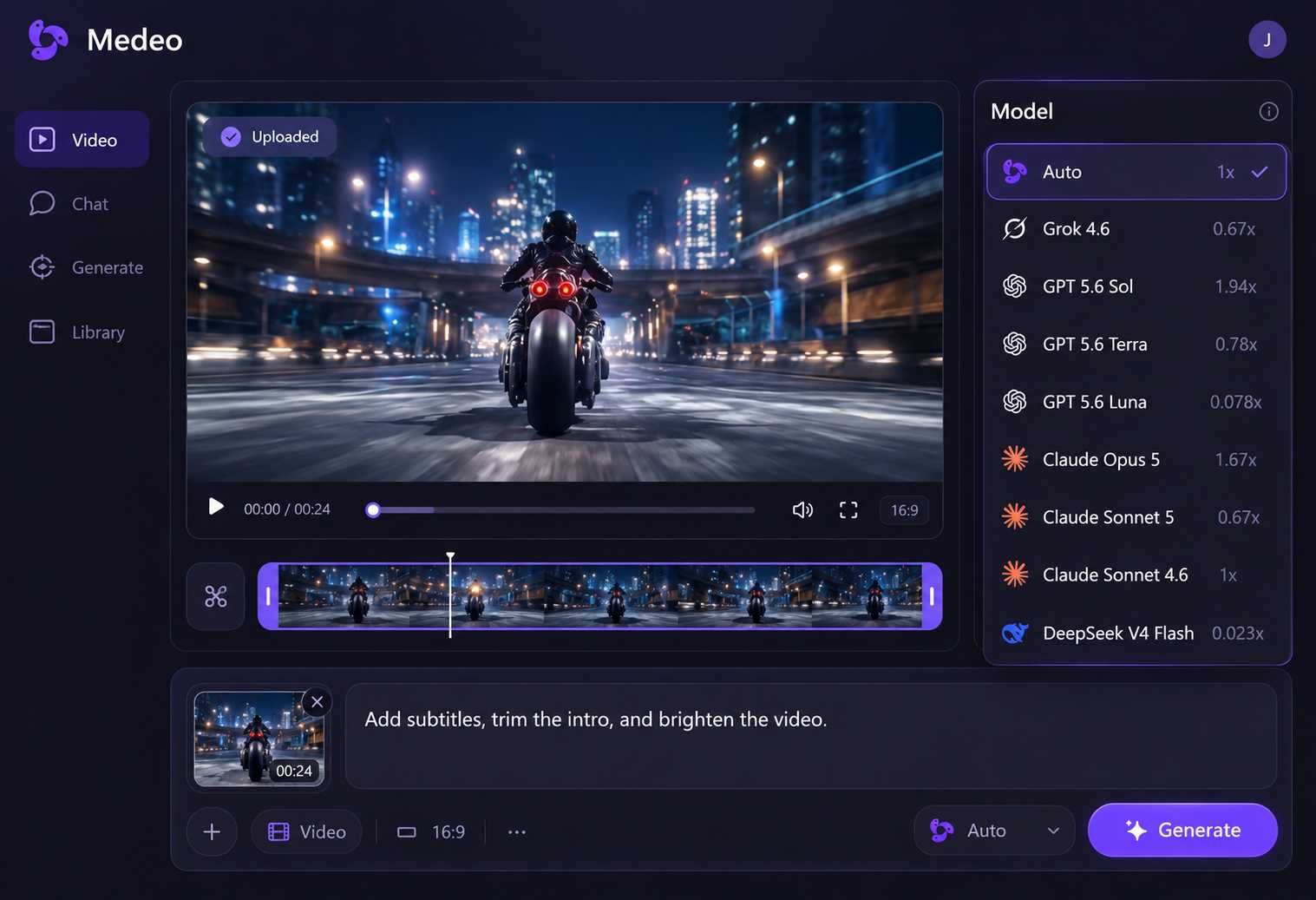
Create videos for your store, social channels, and seasonal campaigns from the product material you already have. Medeo’s AI video agent helps build the script, scenes, voiceover, music, and captions. Refine the result with simple instructions or timeline controls.
Powered by world-class AI models


Create Ecommerce Videos That Help Shoppers Understand Your Products
Show what you sell, explain why it matters, and give shoppers a closer look. Make videos for your online store, product launches, and social channels.
Product Overview Videos
Turn product photos and key details into a short introduction. Medeo helps build the scenes and narration around what the product is, who it is for, and its main features.
Feature and Benefit Videos
Explain a useful feature with close-ups, captions, and voiceover. Bring in real demo footage, then use Medeo to trim pauses and clarify what viewers should notice.
Product Launch Videos
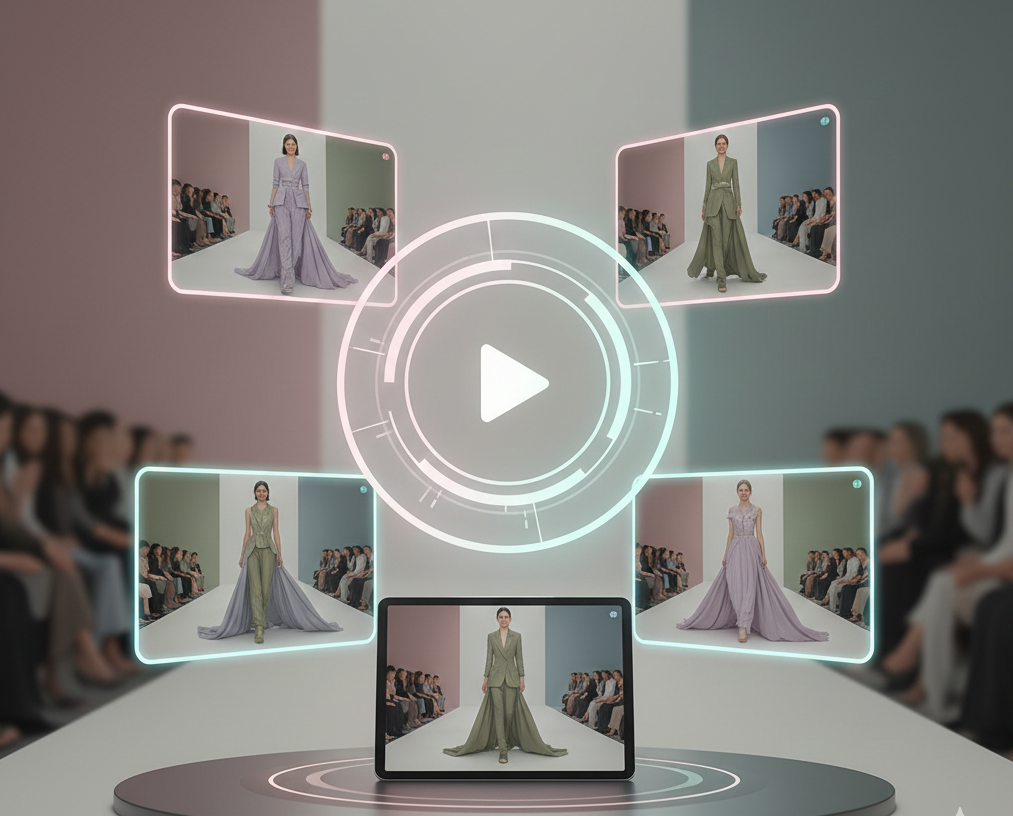
Introduce a new product or collection with a focused reveal. Give Medeo your images, launch details, and preferred style to create scenes, music, and captions around what is new.
Social Product Clips
Create short product clips for Reels, TikTok, or Shorts. Ask Medeo for a direct opening and a focused message, then adjust pacing and captions for mobile viewing.

An AI Ecommerce Video Maker for Your Product Assets
Start with a photo, product page, description, or recorded demo. Medeo brings scripting, scene creation, audio, and editing into one workflow, so you can develop the video without a finished script.
Start With Product Photos
Upload product photos and describe the setting, style, or motion you want. Use them as visual references for product reveals, close-ups, or lifestyle scenes.
Start With a Product Link or Description
Paste a public product URL or provide a description and key selling points. Medeo uses the information to help shape the script and scenes. Add missing details directly in chat.
Start With Your Own Footage
Bring in product demos, unboxing clips, or phone footage. Edit your existing material and add captions, narration, or music to explain the product more clearly.
Refine Your Ecommerce Video Before It Goes Live
Keep control of the finished video. Use simple instructions for revisions and timeline controls for clip timing, subtitle styling, and audio levels.
| What to Improve | How to Refine Your Video |
|---|---|
| Bring the Product Into View Earlier | Shorten a slow introduction or remove an unnecessary opening scene. Try “Start with the product close-up” so viewers can quickly see what the video is about. |
| Give Important Details More Time | Slow down a fast demonstration or give a key detail more screen time. Use your recorded footage to show the full action, then adjust clip speed and duration on the timeline. |
| Make the Main Benefit Clearer | Make the narration more specific: “Explain how the foldable design saves storage space.” Match the explanation to the product visuals and check the facts before publishing. |
| Make Captions Easier to Read | Correct product names and simplify long captions. Adjust subtitle size, color, and outline so the text stays clear against the footage, especially on a small screen. |
| Balance Music and Narration | Lower music that competes with the voiceover, adjust clip volume, or replace the soundtrack. You can also change the AI voice or upload your own recorded narration. |
| Keep the Video Focused | Trim repeated shots and remove scenes that add little information. Preview the full edit to check that each scene helps explain the product and that the ending gives viewers a clear next step. |
Make Ecommerce Videos for Your Store and Social Channels
A product page, social feed, and sale campaign need different messages. Use Medeo to develop versions from the same source material, with framing and pacing suited to each placement.
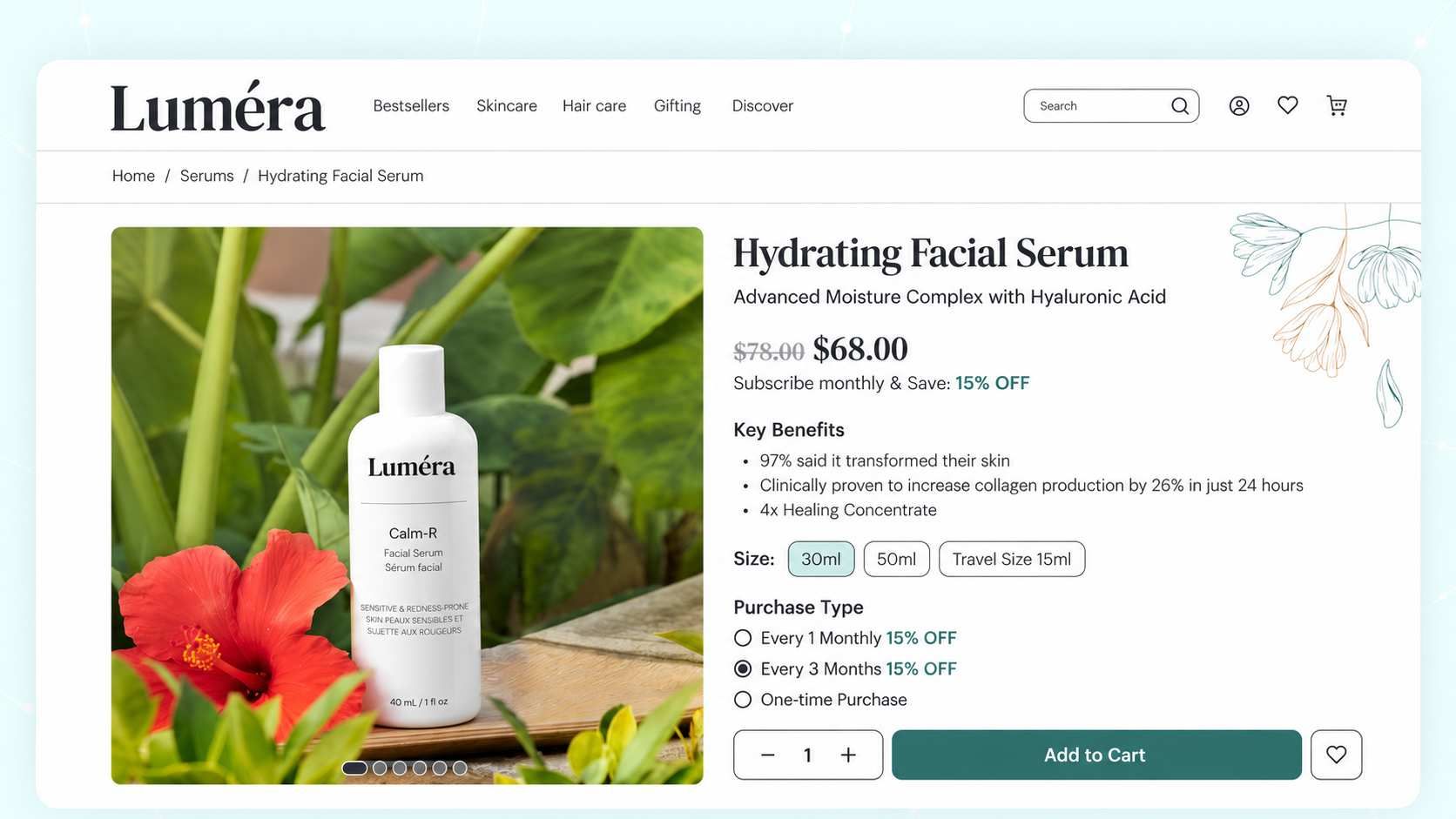
Explain the Product on Your Store Page
Help visitors judge features, size, or use before buying. Give Medeo a common buying question and the footage that answers it, then refine the explanation and captions.

Create Vertical Product Videos for Social
Create a 9:16 product video for Reels, TikTok, or Shorts. Ask Medeo to bring the product into view early, shorten slow sections, and add readable captions. Preview it at phone size before sharing.

Create Seasonal and Black Friday Promo Videos
Turn your product images and offer details into a Black Friday promo video, holiday gift story, or sale announcement. Tell Medeo the featured products, offer, and campaign dates, then refine the scenes and narration. Check every price and date before publishing.
How to Use Medeo’s Ecommerce Video Generator
Step 1
Add Your Product Material
Upload product images or footage, paste a public product link, or add a description. Include key features and the audience you want to reach.
Step 2
Describe the Video You Need
Tell Medeo the main message, audience, and style. Choose 16:9 or 9:16 for your placement. For a sale video, include the offer, featured products, and campaign dates.
Step 3
Generate and Edit Your Video
Medeo helps create the script, visuals, and scenes with voiceover, music, and captions. Preview the video and ask for changes through chat.
Step 4
Review and Download
Check product appearance, facts, captions, and sound. For seasonal promos, confirm prices and dates. Download the video and upload it to your store or chosen channel.