Create Kids Story Videos: Picture Books, Bedtime Tales, and Little Lessons
Parents, teachers, and kids' channels use Medeo to turn a story idea, a good habit, or a classic fairy tale into an animated picture book video with gentle narration and music, ready to watch at bedtime or share with a class.


From a Story Idea to a Picture Book Video
Making an illustrated, narrated story used to mean drawing every page and recording every line. Medeo turns the idea into the finished video.
Before Medeo.app
Illustrating takes days
A single picture book needs a dozen consistent illustrations, which few parents or teachers have time to draw.
Narration means recording takes
Reading a story aloud on camera, retaking every stumble, and syncing it to pictures quickly eats an evening.
Off-the-shelf stories rarely fit
The lesson you want to teach this week, or the fear your child has right now, is rarely the topic of the books on the shelf.
Same few stories on repeat
Kids ask for something new every night, and there are only so many books in the house.
After Medeo.app
Illustrated scenes generated for you
Describe the story and Medeo generates every scene in a consistent picture book style, with the same characters from the first page to the last.
Gentle narration included
Pick a calm storyteller voice and the narration is generated and timed to the pages, with captions for early readers.
A story about exactly this
Brushing teeth, a first day at school, sharing toys, a new sibling: write the situation and get a story built around it.
A new story whenever you need one
Start from a recipe or a fresh idea and have a new picture book video ready before bedtime.
Kids Story Videos for Every Moment
From bedtime to the classroom, the same workflow covers the stories children need most.
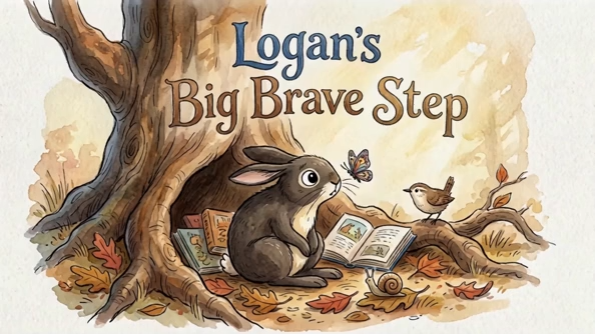
Bedtime Stories
Turn a Theme into a Bedtime Picture Book
Give a theme such as friendship, courage, or a rainy day, and Medeo writes a short story with two recurring characters, illustrates it in a soft watercolor style, and narrates it in a calm voice.
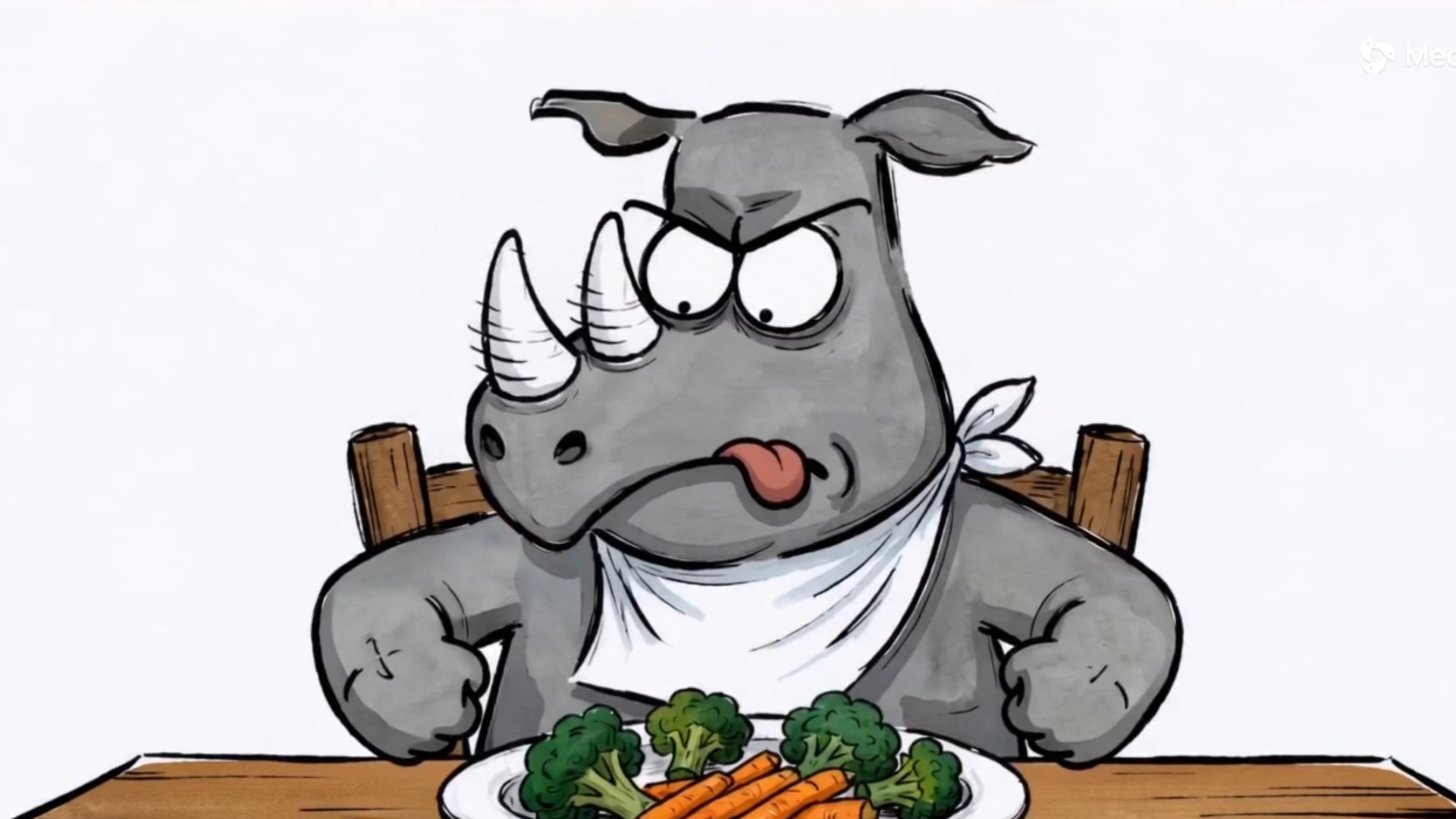
Good Habits
Teach a Habit with a Character Kids Love
Stories with a clear problem and a happy change work better than rules. Pick a habit, and the recipe builds a conflict-to-growth story around a friendly animal character.
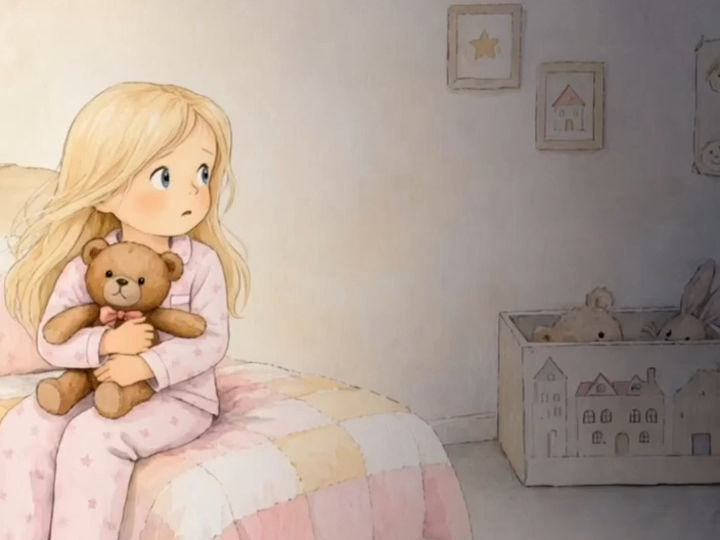
Big Firsts
Celebrate a Child's First Time
A first bike ride, a first night away, a first day at school: turn the moment into a gentle story that helps a child feel brave about it.
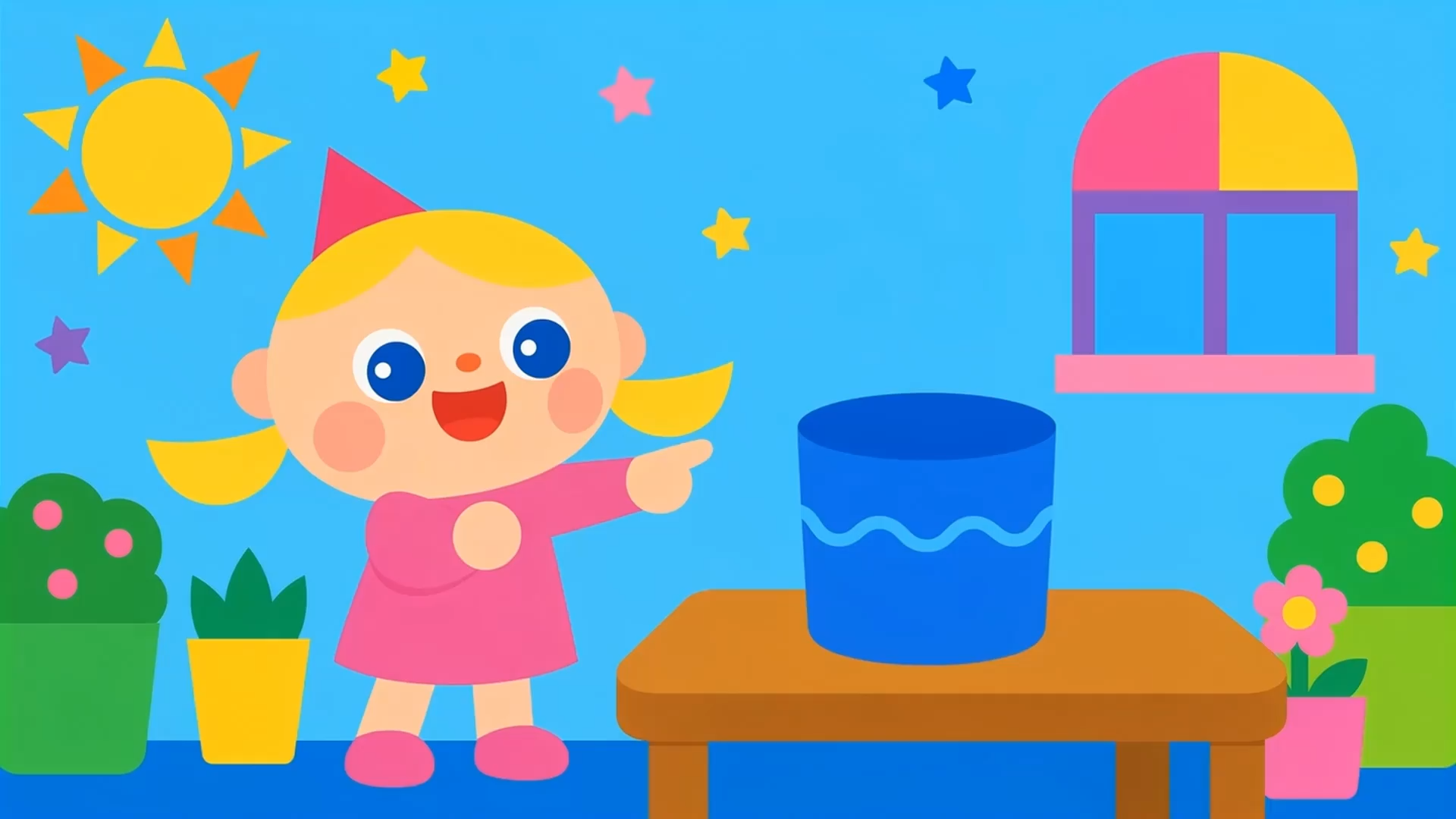
Early Learning
Make Learning Stories for Preschoolers
Shapes, letters, numbers, and everyday objects become short animated stories with a clear structure, built for children who learn best through characters and repetition.
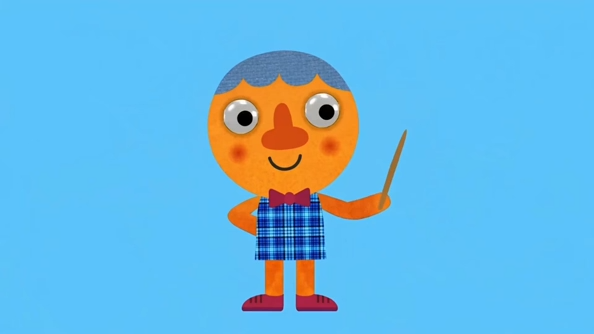
Songs and Riddles
Add Songs, Riddles, and Rhymes
Sing-along rhymes and riddle-and-reveal stories keep young viewers engaged and give teachers an easy way to introduce a new topic.
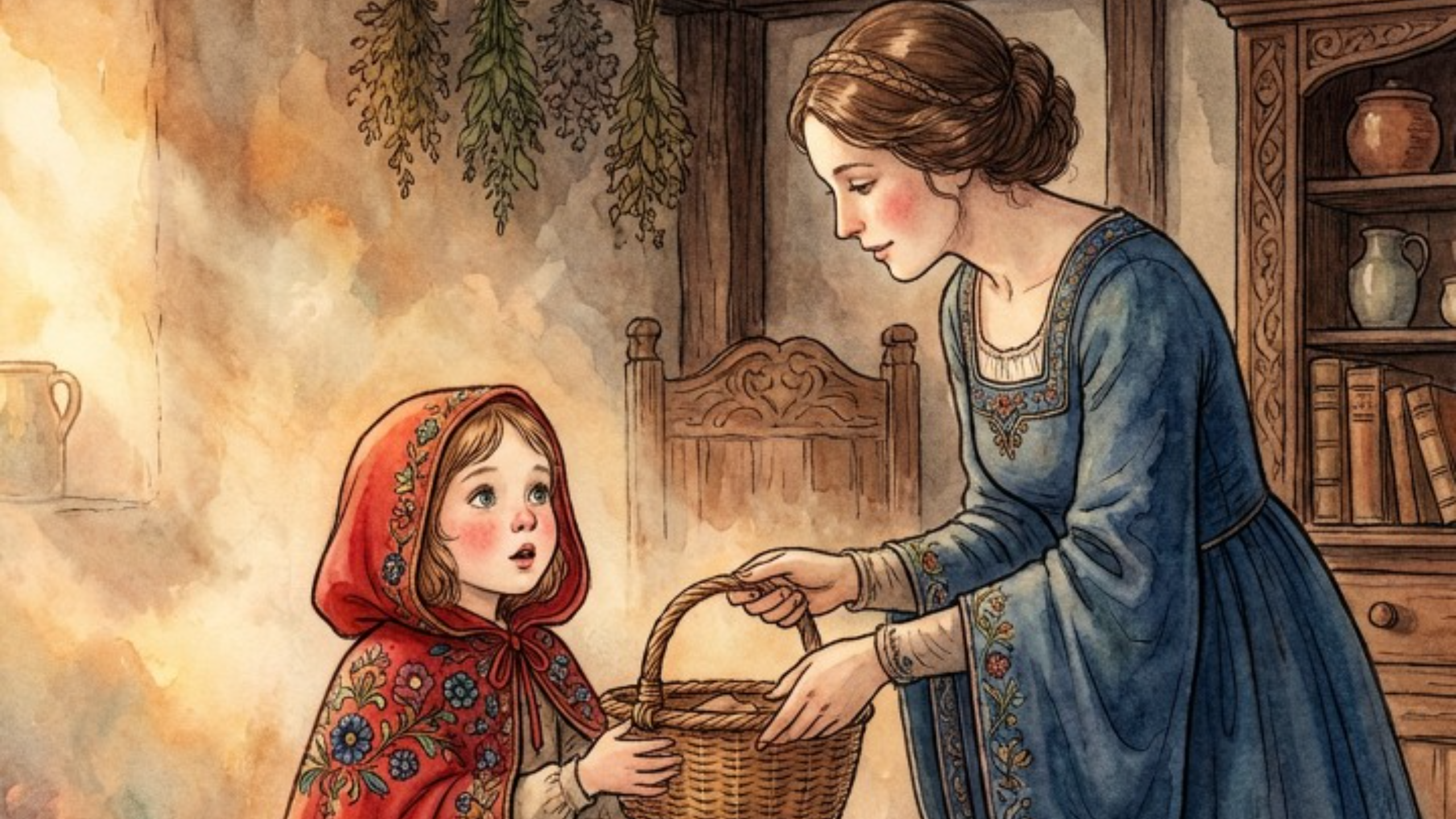
Classic Tales
Retell Classic Fairy Tales
Choose a classic Andersen or Grimm fairy tale and turn it into a watercolor picture book video your children can watch, pause, and retell in their own words.
How to Make a Kids Story Video with Medeo
Start from a recipe or your own idea; the agent handles illustration, narration, and editing.
Step 1
Pick a recipe or describe the story
Choose a picture book recipe, or tell Medeo the theme, the lesson, the age of the child, and the characters you want.
Step 2
Choose the look and the voice
Ask for watercolor, clay, paper craft, or hand-drawn illustration, and describe the storyteller voice, such as a warm, slow narrator for bedtime.
Step 3
Generate the picture book video
Medeo writes the story pages, generates consistent illustrated scenes, adds narration, captions, and gentle music, and assembles the video.
Step 4
Adjust and share
Ask for simpler words, a shorter story, or a different ending, then export it for the family tablet, a classroom screen, or a kids' channel.
Why Parents and Teachers Use Medeo for Kids Stories
Stories made for the child in front of you, without drawing or recording anything yourself.
Ready before bedtime
A new picture book video takes minutes, so a story about today's worry can be ready tonight.
Personal to your child
Build stories around your child's interests, fears, and milestones instead of whatever happens to be on the shelf.
Consistent, gentle illustration
Characters stay recognizable from scene to scene in a calm, child-friendly picture book style.
Narration with captions
Calm AI narration with captions helps early readers follow along word by word.
Ready for the classroom
Teachers can turn a lesson, a value, or a vocabulary set into a short story to open a class.
Stories in more than one language
Generate narration in another language to support bilingual families and language learning.
Kids Story Recipes to Start From
Each recipe is a ready-made picture book format. Pick one, change the theme or the lesson, and make it yours.
Common Questions About Kids Story Videos
Answers for parents, teachers, and creators of children's content.