MiniMax H3 Now on Medeo: Native Multimodal AI Video Generation
Create cinematic AI videos with MiniMax H3, the open multimodal video model from MiniMax. Bring text, images, video, and audio into one creative context, then generate polished videos with native 2K detail, synchronized stereo sound, reference-based control, and stronger editing flexibility inside Medeo.
What Is MiniMax H3?
MiniMax H3, also known as Hailuo H3 or Hailuo 3.0, is MiniMax's general-purpose multimodal AI video model. Instead of treating text-to-video, image-to-video, video editing, audio control, and reference-based creation as separate workflows, MiniMax H3 understands text, images, video, and audio together in one unified creative context. With Medeo, creators can use MiniMax H3 to generate cinematic clips, edit existing videos, guide characters and motion with references, and create audiovisual content for social media, ads, storytelling, and product campaigns.
One Model for Text, Image, Video, and Audio
MiniMax H3 is built around multimodal generation. You can start from a written prompt, upload an image, reference existing video, provide audio direction, or combine multiple inputs to guide the final result. This makes it useful for creators who want more control than a simple text-to-video prompt can provide.
Native 2K Video with Synchronized Sound
MiniMax H3 is designed for high-quality audiovisual output, including native 2K video generation and stereo sound. Instead of creating silent clips that need audio added later, H3 can generate video and sound as part of one creative process, helping creators produce more complete short-form content faster.
Core Capabilities of MiniMax H3 AI Video Model
MiniMax H3 is designed for creators who need flexible AI video generation, precise revision, stronger reference control, and complete audiovisual output. It is especially useful when your project depends on characters, scenes, motion, voice, editing, and atmosphere working together.
Text-to-Video with Rich Scene Understanding
Describe the scene, subject, action, camera movement, lighting, mood, and audio direction. MiniMax H3 can turn written ideas into short videos with stronger scene coherence, helping creators move from a prompt to a more complete audiovisual clip.
Image-to-Video and Reference-Based Creation
Upload images to guide characters, objects, scenes, fashion, products, or visual style. MiniMax H3 can use references to keep important details more stable while adding motion, camera movement, atmosphere, and sound.
Video Editing with Multimodal Instructions
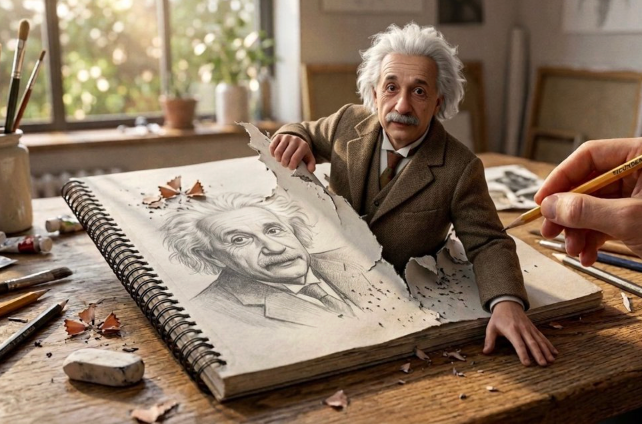
MiniMax H3 supports editing workflows where users can revise people, objects, scenes, motion, dialogue, effects, or visual style. This makes it useful when an existing clip is close to the goal but needs specific changes instead of a complete regeneration.
Character, Motion, and Scene Consistency
MiniMax H3 is useful for projects that require a character, product, or visual style to remain recognizable across a generated clip. Reference inputs help guide identity, motion, wardrobe, expression, object behavior, and scene continuity.
How to Use MiniMax H3 on Medeo
MiniMax H3 works best when you give the model a clear creative context. Start with your goal, add references when needed, describe the motion and audio, then generate and refine the result inside Medeo.
Step 1
Start with Text, Images, Video, or Audio
Enter a prompt, upload reference images, add a video reference, or include audio direction. MiniMax H3 can combine multiple input types to understand your creative intent more completely.
Step 2
Describe the Scene, Motion, and Sound
Add details about the subject, environment, camera movement, action, lighting, mood, voice, music, ambience, or sound effects. Clear instructions help MiniMax H3 generate a more controlled audiovisual result.
Step 3
Generate Your MiniMax H3 Video
Select MiniMax H3 in Medeo and generate your video. Review the motion, character consistency, audio quality, scene details, and overall pacing before deciding whether to keep or refine the output.
Step 4
Refine, Edit, and Continue Creating
Use follow-up instructions to adjust people, objects, scenes, dialogue, camera movement, or effects. Continue refining the video in Medeo or compare MiniMax H3 with other AI video models for the best result.
What You Can Create with MiniMax H3
MiniMax H3 is built for short, high-quality audiovisual content. Use it for cinematic scenes, social media clips, product ads, storytelling, character videos, and creative video edits.
Cinematic Short Films and Story Clips
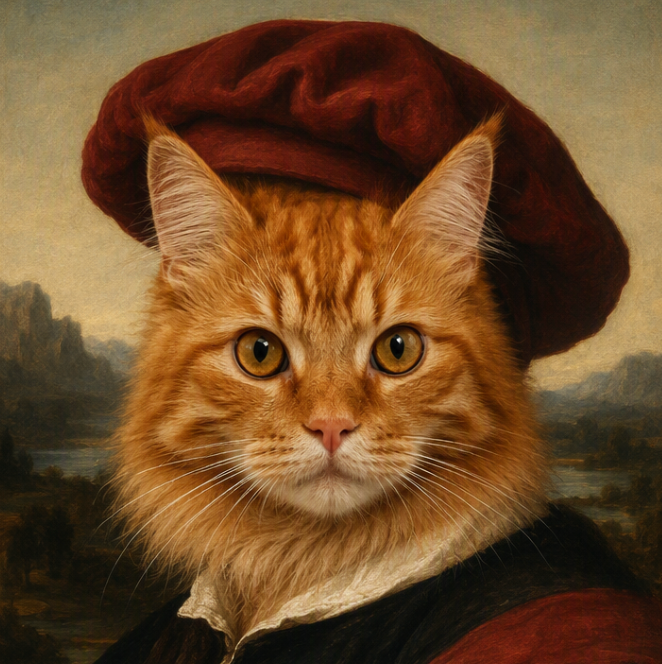
Create short cinematic clips with stronger motion, visual detail, atmosphere, and sound. MiniMax H3 is useful for creators who want to test story scenes, visual hooks, character moments, fantasy worlds, and short film ideas before building a longer production.
Product Ads and Marketing Videos
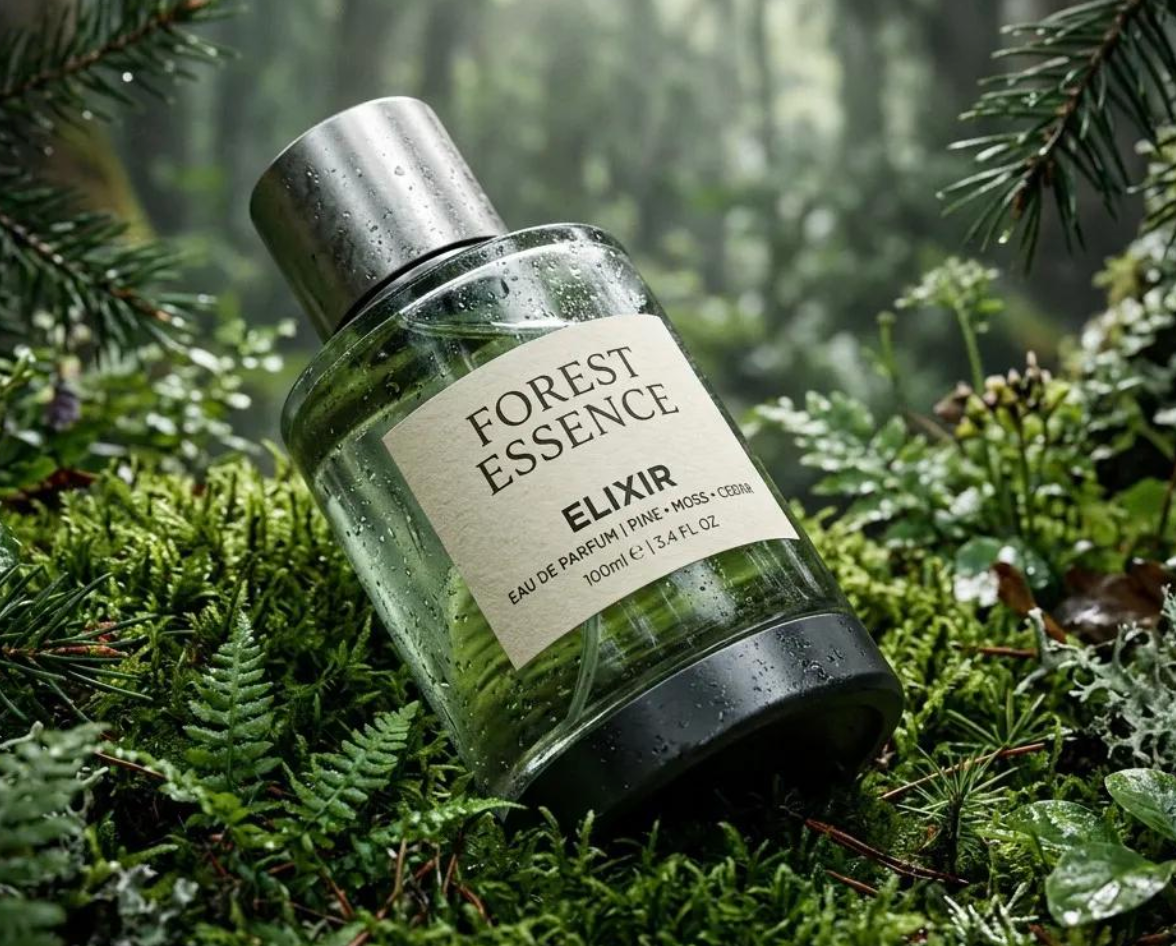
Turn product concepts, reference images, or campaign prompts into short advertising videos. MiniMax H3 can help brands create richer product scenes with camera movement, sound, mood, and visual polish for social ads, ecommerce pages, and campaign testing.
Character Videos and AI Personas
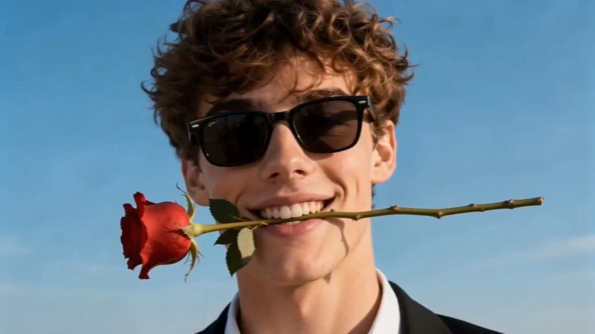
Use references to guide character appearance, clothing, voice, movement, and scene style. MiniMax H3 can support creator-led character clips, AI influencer content, story-driven shorts, and social videos that need a recognizable subject.
Music Visuals and Audio-Driven Scenes
Create videos where sound is part of the creative direction from the beginning. MiniMax H3 can help generate short visual moments with ambience, sound design, voice direction, or music-led atmosphere for social platforms and creative campaigns.
MiniMax H3 vs Seedance 2.5 vs Wan AI vs Veo 3.1 - Which AI Video Model Should You Use?
MiniMax H3 stands out for multimodal video generation, native audio, 2K output, reference-based creation, and video editing. Seedance 2.5 is strong for cinematic storytelling and motion consistency, Wan AI is useful for flexible video workflows, and Veo 3.1 is often chosen for premium cinematic realism. The best model depends on whether your project needs audio, reference control, fast generation, visual realism, or structured storytelling.
| Feature | MiniMax H3 | Seedance 2.5 | Wan AI | Veo 3.1 |
|---|---|---|---|---|
| Primary Strength | Multimodal video generation, native audio, reference control, and editing | Cinematic storytelling, motion realism, and character consistency | Flexible AI video generation for creator and production workflows | Premium cinematic quality and realistic scene generation |
| Supported Inputs | Text, image, video, and audio | Text and image-based creative inputs | Text and image inputs, depending on workflow | Text and image inputs, depending on access route |
| Audio | Native synchronized stereo audio support | Usually requires separate audio workflow | Usually requires separate audio workflow | Audio support depends on version and platform |
| Best For | Audiovisual clips, edits, character videos, ads, and multimodal references | Short films, ads, social videos, and visual storytelling | Creator videos, experimental scenes, and broad video workflows | High-end cinematic scenes and realistic visual production |
| Creative Control | Strong reference, editing, and multimodal control | Strong prompt and motion control | Flexible across different generation styles | Strong cinematic control and realism |
Which Model Should You Choose?
Choose MiniMax H3 for multimodal video generation
Choose MiniMax H3 when your project needs text, images, video, and audio to work together in one creative context. It is especially useful for audiovisual clips, reference-heavy generation, and editing workflows.
Choose MiniMax H3 for native sound
If you want video and audio generated together, MiniMax H3 is a strong option. It can help create clips with synchronized sound, ambience, voice direction, or effects without treating audio as a separate afterthought.
Choose Seedance 2.5 for cinematic storytelling
Seedance 2.5 is a strong choice when your priority is cinematic motion, scene coherence, character consistency, and polished visual storytelling.
Choose Veo 3.1 for premium visual realism
Veo 3.1 is useful when your project needs high-end cinematic realism, professional-looking composition, and visually rich scene generation.
MiniMax H3 Price - How Much Does It Cost?
MiniMax H3 pricing depends on the access provider, generation settings, video duration, resolution, input type, and whether the workflow uses text, images, video, audio, or editing. Because MiniMax H3 supports high-quality multimodal video generation, costs may vary across platforms and plans. On Medeo, users can start with free trial credits and continue through flexible plans based on their creative workflow.
Generate MiniMax H3 Videos on Medeo
Medeo gives creators a simple way to use MiniMax H3 alongside other leading AI video models. Instead of switching between platforms for text-to-video, image-to-video, reference generation, audio-aware creation, and video editing, you can generate, compare, and refine videos in one unified creative workspace.
| Workflow | How MiniMax H3 Helps | Best Use Case |
|---|---|---|
| Text to Video | Turns written prompts into short audiovisual videos with scene, motion, and sound | Creative hooks, ads, short films, social clips |
| Image to Video | Animates reference images while preserving character, product, style, or scene direction | Product videos, character clips, fashion visuals |
| Video Editing | Uses multimodal instructions to revise objects, scenes, motion, dialogue, or effects | Creative edits, campaign revisions, visual experiments |
| Audio-Aware Creation | Generates video with synchronized sound, ambience, voice direction, or effects | Story clips, ads, music-led visuals, social videos |
Why Choose Medeo for MiniMax H3
Access MiniMax H3 Without Complex Setup
MiniMax H3 is a powerful open multimodal video model, but running advanced AI video workflows can be technical. Medeo makes it easier to start creating directly from the browser without managing model deployment or local infrastructure.
Compare Multiple AI Video Models
Medeo lets creators use MiniMax H3 alongside other leading models such as Seedance, Wan AI, Veo, Hailuo, and more. Test different models for the same idea and choose the result that best matches your project.
Move from Prompt to Finished Content
Medeo is built for real creative workflows. Generate videos, refine prompts, compare outputs, improve visuals, and continue building content for ads, social media, product pages, short films, and creative campaigns.
What Creators Say About MiniMax H3 on Medeo
Creators use MiniMax H3 on Medeo when they want stronger multimodal control, audio-aware video generation, and a faster route from idea to usable short-form content.
More complete short-form videos
MiniMax H3 helps us create clips that feel more complete because video and sound can be planned together from the beginning.
Better control with references
Being able to guide the model with images, video, and audio makes it easier to keep a character, product, or mood consistent across the generation.
Useful for ads and creative testing
MiniMax H3 on Medeo is helpful for testing product ad ideas, social video hooks, and cinematic concepts before committing to a full production workflow.
Explore More AI Video Models on Medeo
MiniMax H3 is part of Medeo's broader AI creation workspace. Compare it with other models for cinematic video generation, realistic motion, image creation, and creative production.
Seedance 2.5
Create cinematic AI videos with realistic motion, stronger prompt understanding, and polished scene generation.
Veo 3.1
Generate cinematic AI videos with premium realism, detailed composition, and professional-style visual quality.
Wan AI
Create flexible AI videos for creators, marketers, short-form content, and experimental visual workflows.
Hailuo AI
Generate fast, expressive AI videos for social clips, image animation, character motion, and creative video ideas.
Learn More About AI Video Creation
Explore tutorials, comparisons, and creative workflows that help you get better results from MiniMax H3 and other AI video models.
MiniMax H3 Prompt Guide: How to Write Better Multimodal Video Prompts
Learn how to structure text, image, video, and audio references so MiniMax H3 can generate stronger audiovisual results.
MiniMax H3 vs Seedance 2.5: Which AI Video Model Is Better?
Compare multimodal generation, audio support, motion quality, reference control, and creative workflow fit.
Best AI Video Models for Creators
Compare MiniMax H3, Seedance, Wan AI, Veo, Hailuo, and other leading AI video models for social content, ads, short films, and product videos.