Create Stunning Animal Visuals with AI
Generate cute pets, wild animals, hybrid creatures, or full fantasy beasts in seconds. Choose from multiple art styles, environments, and moods—perfect for creators, storytellers, game designers, and social media content.

Powered by world-class AI models


What is an AI Animal Image Generator?
An AI Animal Image Generator is a powerful tool that turns prompts, sketches, or photos into realistic, cute, stylized, or fantasy animal visuals. Using advanced AI rendering and style modeling, it can create pets, wildlife, hybrid species, or completely imaginary creatures for art, storytelling, games, and social content.
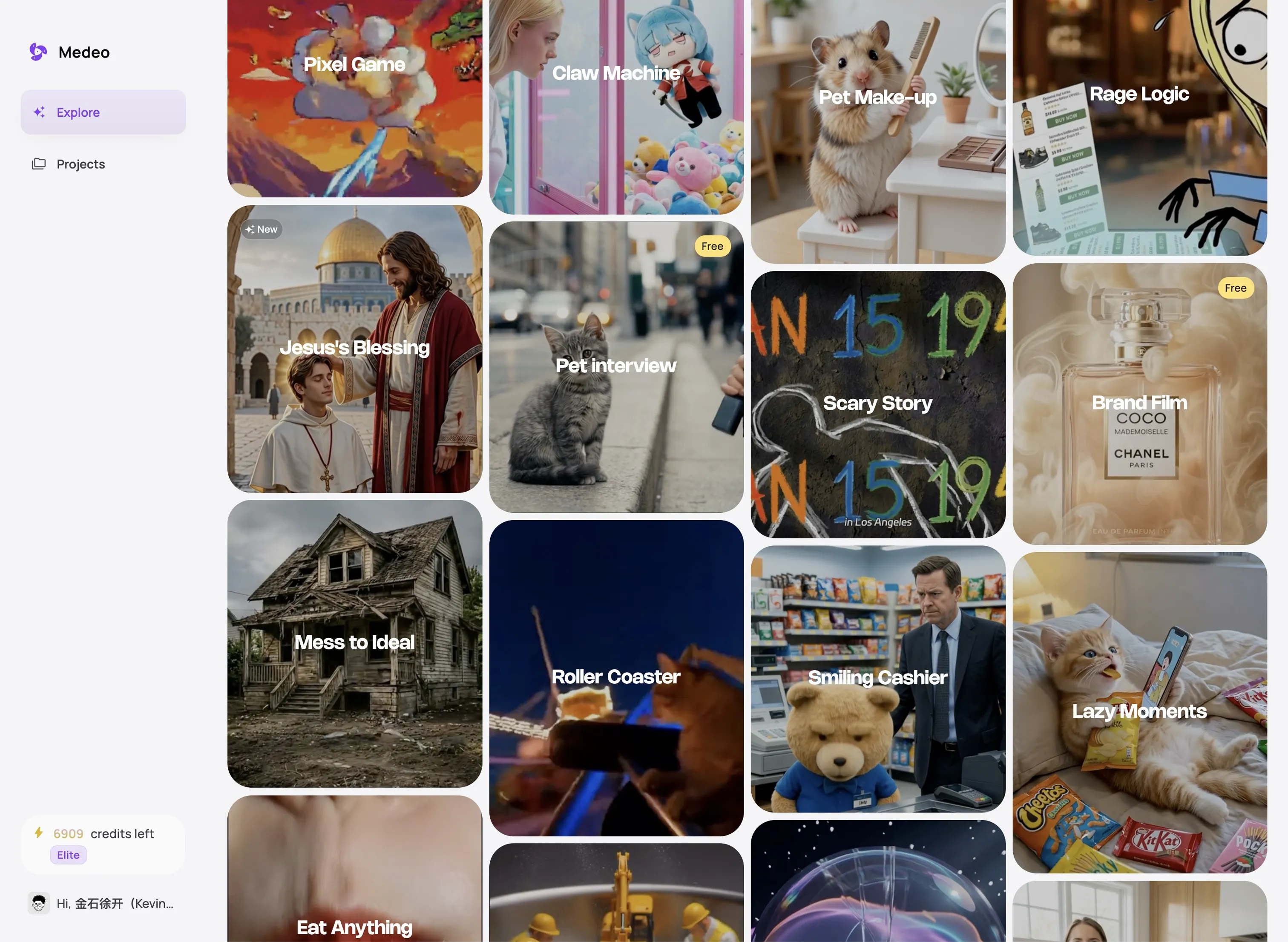
From Simple Idea to Stunning Animal Artwork — Instantly
Watch your concepts transform into adorable, realistic, or mythical animal creations
Before
A simple text prompt

After
High-quality animal or fantasy creature artwork

Why Choose Medeo’s AI Animal Generator?
The easiest and most versatile way to create unique animal visuals
Create Any Animal
Generate realistic wildlife, cartoon pets, chibi animals, or full fantasy beasts with ease.
Fantasy & Hybrid
Create dragons, griffins, magical creatures, or custom hybrid animals in seconds.
Ultra-High-Quality
Produce detailed, polished visuals suitable for prints, games, or marketing campaigns.
Multiple Art Styles
Choose from realism, watercolor, anime, 3D render, pixel art, storybook style, and more.
Perfect for Creators
Ideal for children’s books, game assets, social media posts, pet content, and character design.
Instant Results
Simply enter a prompt—AI handles drawing, styling, lighting, composition, and details.
Perfect for Every Creator
From fantasy worlds to cute pet art—endless possibilities
Cute Pet Illustrations
Generate adorable dogs, cats, rabbits, and small animals in any style.
Wildlife & Nature Art
Create majestic lions, wolves, birds, and other wildlife with stunning realism.
Fantasy & Mythical Creatures
Design dragons, phoenixes, unicorns, and custom magical beasts.
Hybrid Animal Concepts
Combine species—like cat + dragon, wolf + eagle, bunny + deer—for creative experiments.
Children’s Book & Story Art
Generate soft, storybook-style illustrations perfect for kids’ content.
Game & Worldbuilding Assets
Produce concept art for characters, creatures, companions, and NPCs.
How to Create Your Animal Image with Medeo?
Step 1
Generate & Download
Export high-quality images ready for sharing, printing, or game design.
Step 2
Customize Style & Mood
Choose from realism, cartoon, fantasy, 3D, watercolor, or anime.
Step 3
AI Style & Species Analysis
AI analyzes the animal type, physical traits, and creative elements.
Step 4
Enter Your Prompt or Upload a Sketch
Describe an animal, upload a pet photo, or provide a fantasy concept.
Turn an animal concept into a scene with a purpose
An animal video needs more than a species and an art style. Give the creature something to notice, approach, avoid, or investigate so the scene has a clear direction.
A woodland discovery
Describe a fox pausing beside an unfamiliar object on a forest path, then investigating cautiously. The object gives the action a focus, while the surrounding leaves and light establish atmosphere without requiring a complicated chase or several competing subjects.
A storybook encounter
Ask for a small illustrated hedgehog finding a lantern outside a garden gate. Use the lantern as the visual thread between scenes, and describe the curious mood so the sequence reads as an original storybook moment rather than a wildlife observation.
A fantasy creature introduction
Introduce an imagined marsh creature by showing its habitat before revealing its distinctive features. Define how it moves through the reeds and what makes its silhouette recognizable, giving the audience time to understand the design before adding more action.
An educational illustration
For a video explaining an animal’s habitat, provide your researched script and identify which details need illustration. Review the resulting environment and behavior against your source material, and describe generated scenes as illustrations rather than footage of a documented encounter.
Describe anatomy and motion together
A striking still concept can become confusing when it moves. Keep the physical description simple enough that you can judge whether the action fits the creature you intended.
Choose a dominant body plan
For a hybrid design, start with one recognizable body shape and add a small number of distinguishing traits. A deer-like creature with feathered ears gives a clearer movement brief than a list of unrelated limbs, wings, scales, and tails.
Specify one main action
Ask for the animal to walk toward a pool, lift its head, or settle beneath a tree. Stacking running, jumping, turning, and interacting with several objects into one scene makes it harder to evaluate what went wrong if the movement looks inconsistent.
Describe contact with the setting
Mention where paws, claws, or hooves meet the ground and whether the surface is sand, moss, or stone. During review, inspect those contact points and the animal’s scale relative to nearby objects, since both help the scene feel understandable.
Build a sequence around a recognizable creature
Use your reference image or written design as a starting point for scene planning. The aim is a coherent introduction, not a different animal design in every shot.
Step 1
Write a compact creature description
Record the body shape, markings, relative size, and distinguishing feature in a short paragraph. Include a reference image when you have one, and identify which traits are essential so decorative additions do not replace the core design.
Step 2
Plan the reveal in stages
Begin with the setting or a recognizable detail, move to the creature’s main action, and finish on the result of that action. For example, an imagined bird might approach a glowing seed, inspect it, and carry it toward a nest.
Step 3
Review before adding complexity
Check the body proportions, repeated markings, and movement across the draft. Ask for a simpler action or clearer view when necessary before introducing another creature, a dramatic camera move, or a more elaborate environment.
Match the narration to the kind of animal video
A fictional creature introduction and a wildlife explanation ask different things of the viewer. Make that distinction clear in the wording as well as the visual style.
For fictional worlds
Present invented traits as part of the imagined setting: In this story, the creature stores moonlight in its feathers. This gives worldbuilding narration room to be playful while keeping it distinct from a factual claim about a real species.
For nature explanations
Use precise descriptions supported by the script you provide, and avoid assigning motives that the images cannot establish. A scene of an animal approaching water can illustrate movement, but the narration should not invent a documented event or observation.
For vertical creature reveals
In a 9:16 version, choose framing that keeps the identifying features visible throughout the main action. If the creature has a wide wingspan or a long tail essential to the design, consider a 16:9 scene that gives those features room.