AI Animation Generator: Create Animated Videos
Turn a prompt, script, or image into an animated video. Medeo creates the scenes, motion, voiceover, music, and subtitles, then lets you refine the result with simple instructions. No drawing, rigging, or keyframes required.
Powered by world-class AI models


Turn a Simple Idea Into a Complete Animation
Describe your idea, and Medeo creates the scenes, characters, motion, voiceover, and music—all ready for you to review and refine.
Create Animated Videos for Stories, Work, and Social Media
Use animation to explain an idea, tell a story, promote a product, or hold attention online.
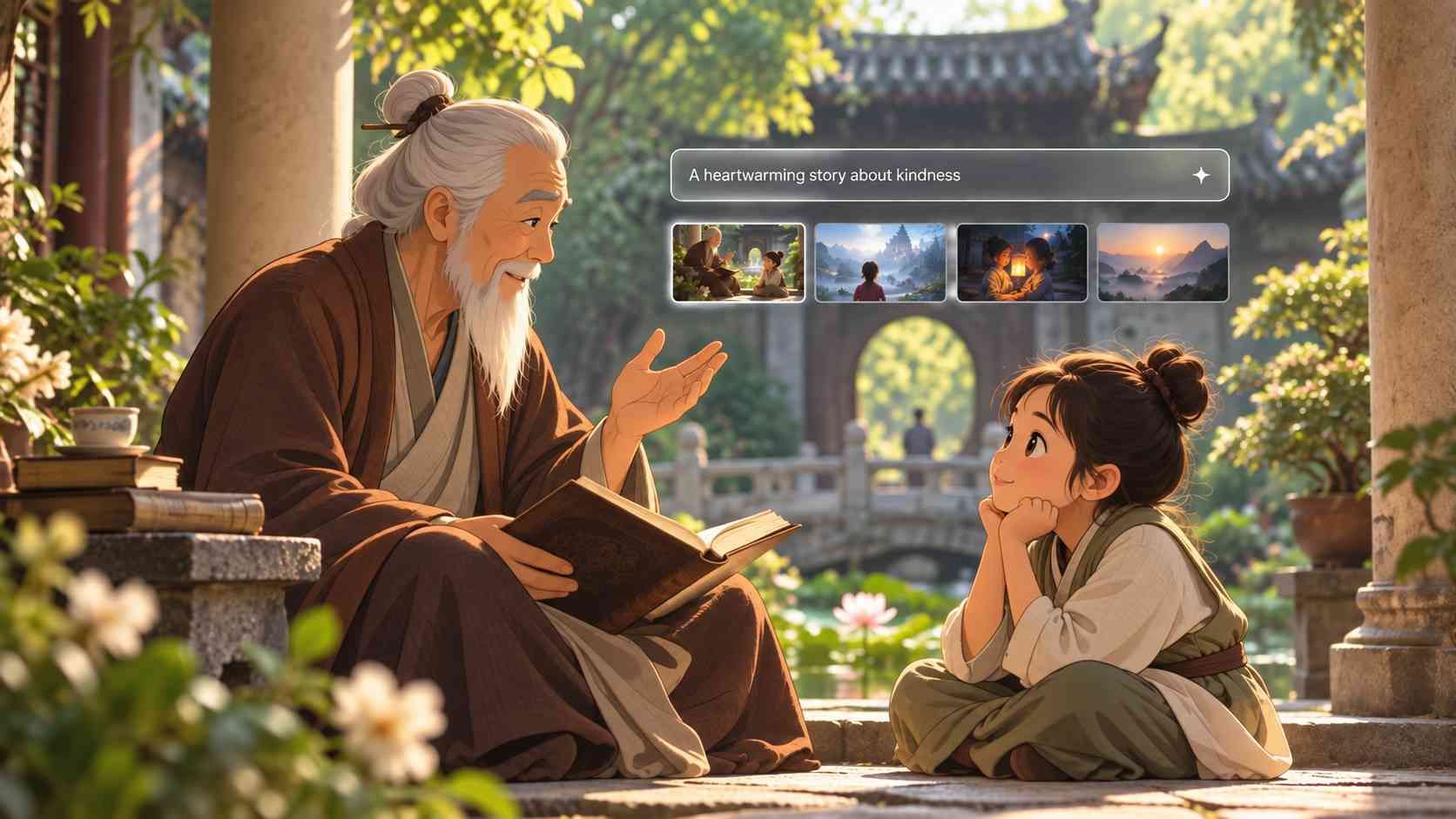
Tell Animated Stories
Turn a short idea or full script into a sequence of connected scenes with characters, narration, and music.
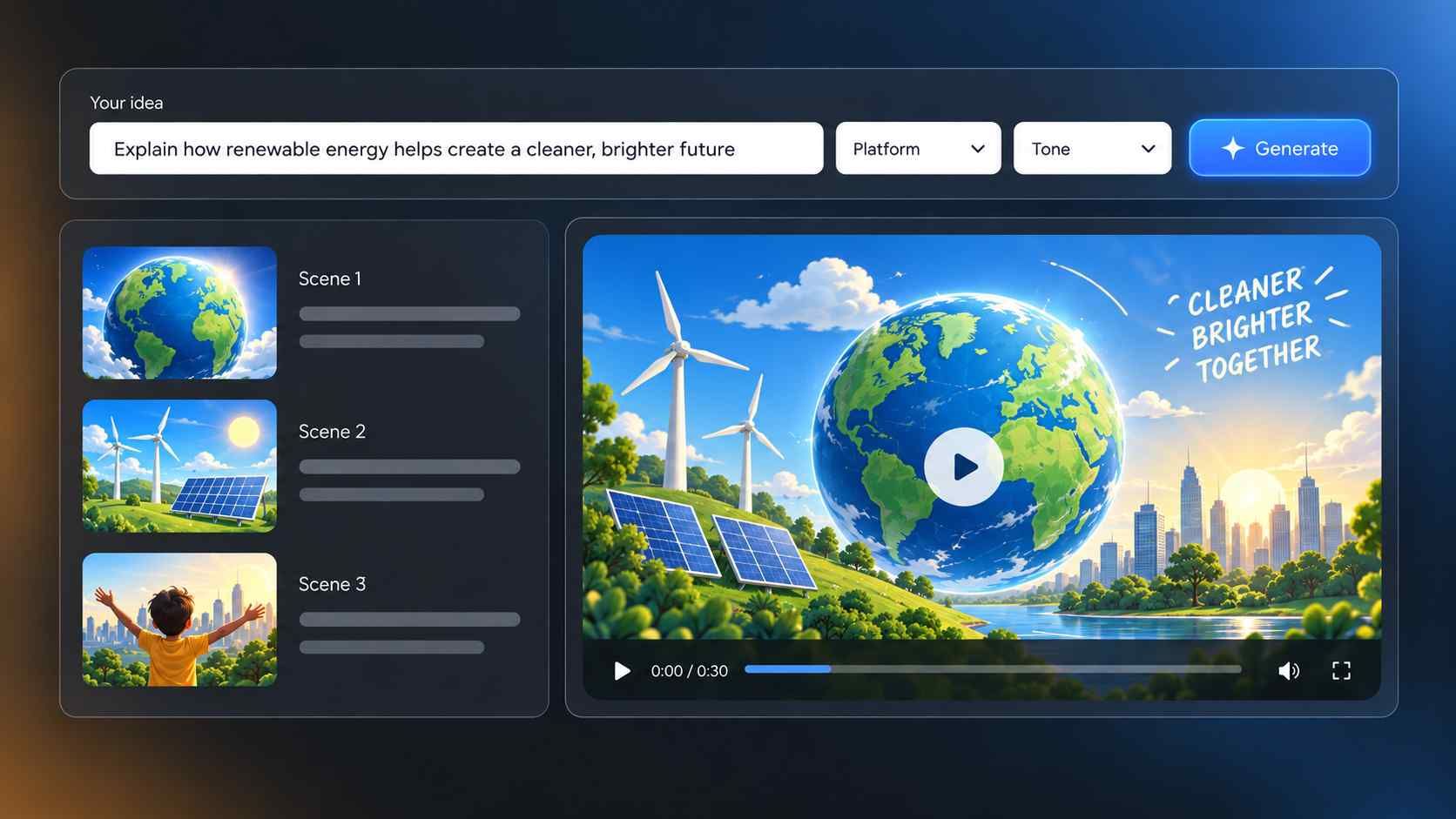
Explain Ideas Clearly
Make lessons, how-to videos, training content, and visual explainers easier to understand.

Promote a Product or Brand
Create animated product videos, campaign concepts, and presentations without hiring an animation team.

Make Social Videos
Create short animated videos with a clear hook, fast pacing, and subtitles for Shorts, Reels, and TikTok.
Turn Text, Scripts, and Images Into AI Animation
Start with whatever you already have. Medeo turns your input into moving scenes and helps build the rest of the video.
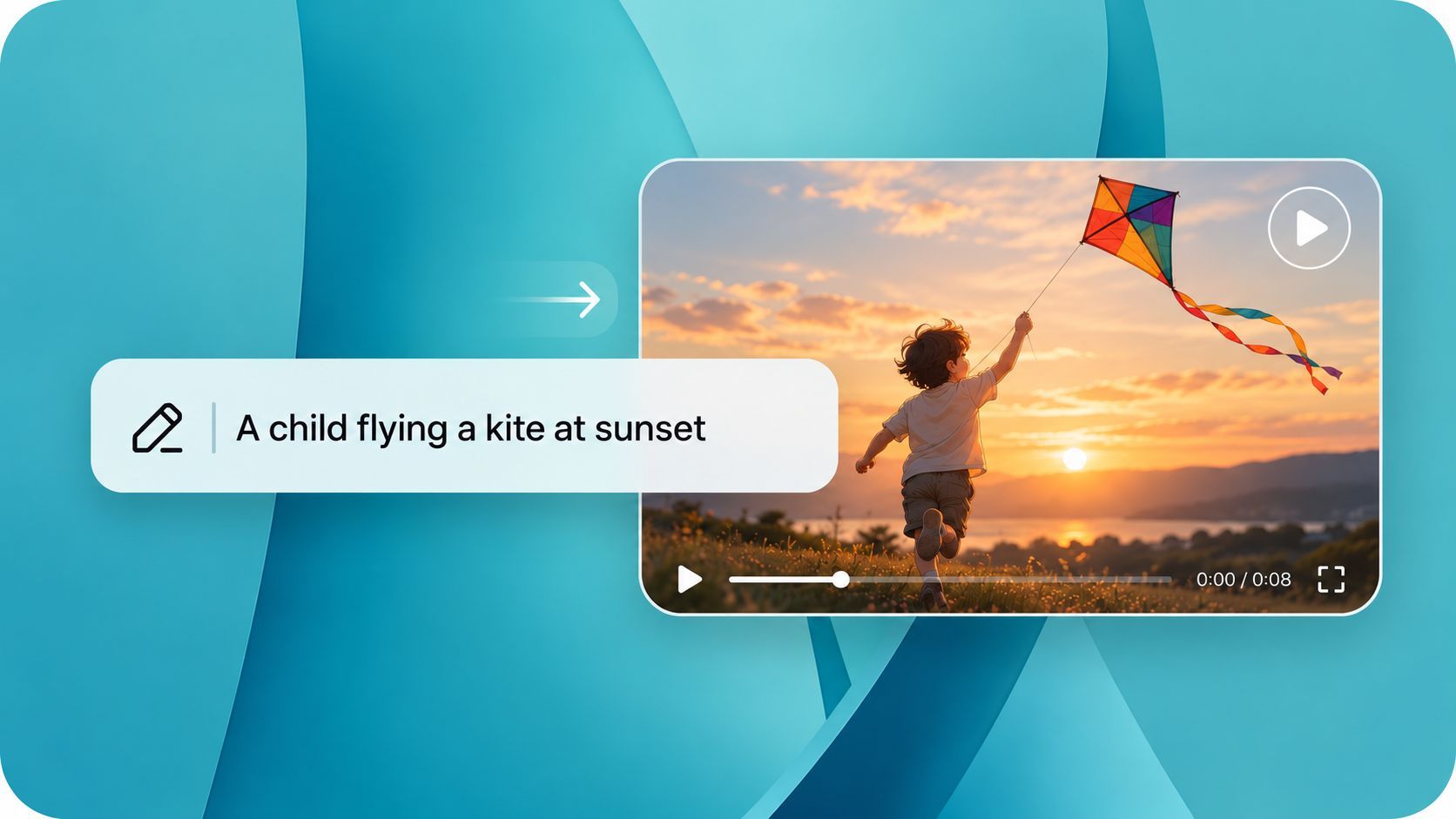
Text to Animation
Describe the subject, action, style, and mood. Medeo develops the idea into animated scenes instead of asking you to plan every frame.
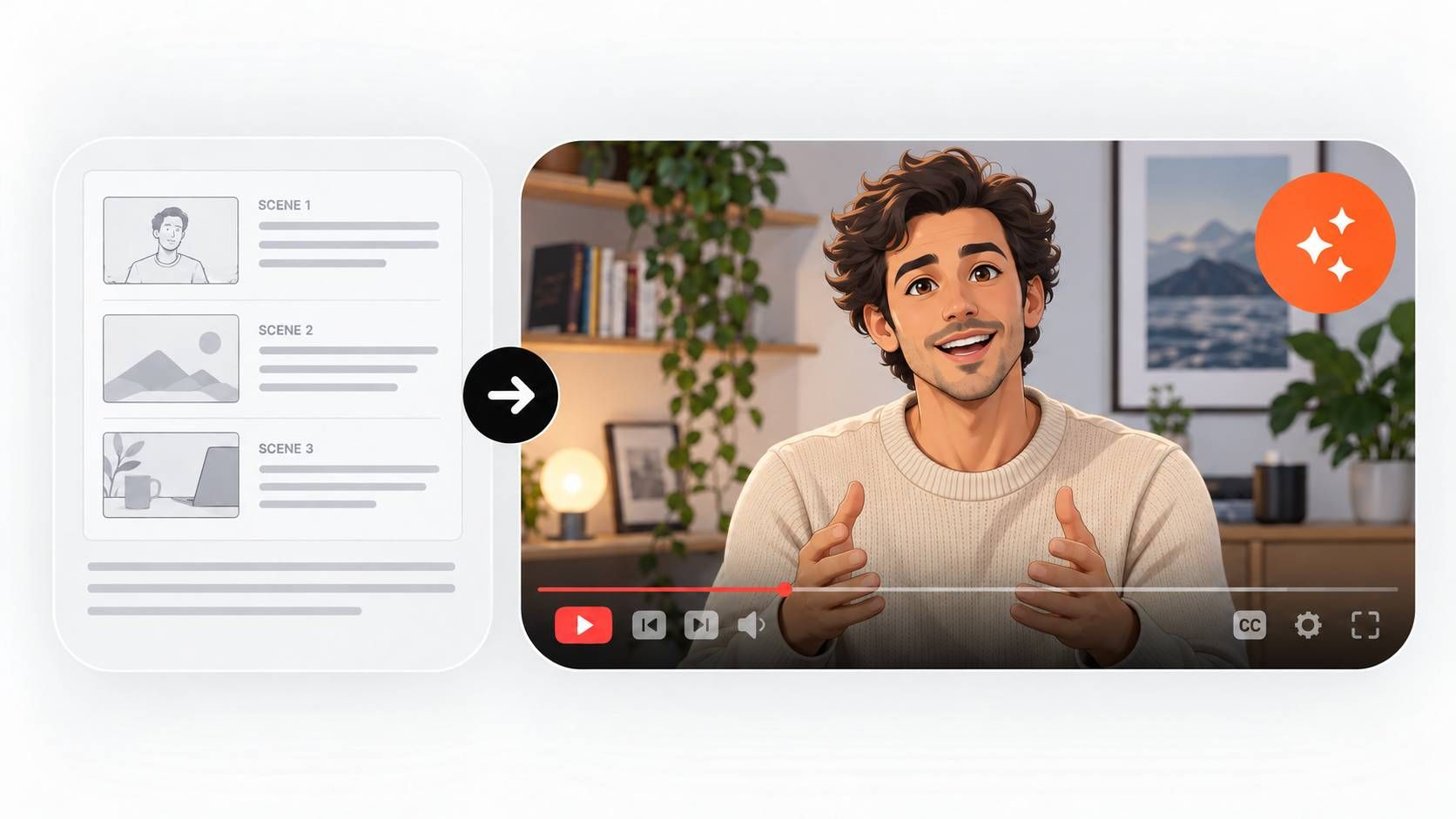
Script to Animated Video
Paste a story, lesson, or marketing script. Medeo breaks it into scenes and adds visuals, motion, voiceover, music, and subtitles.
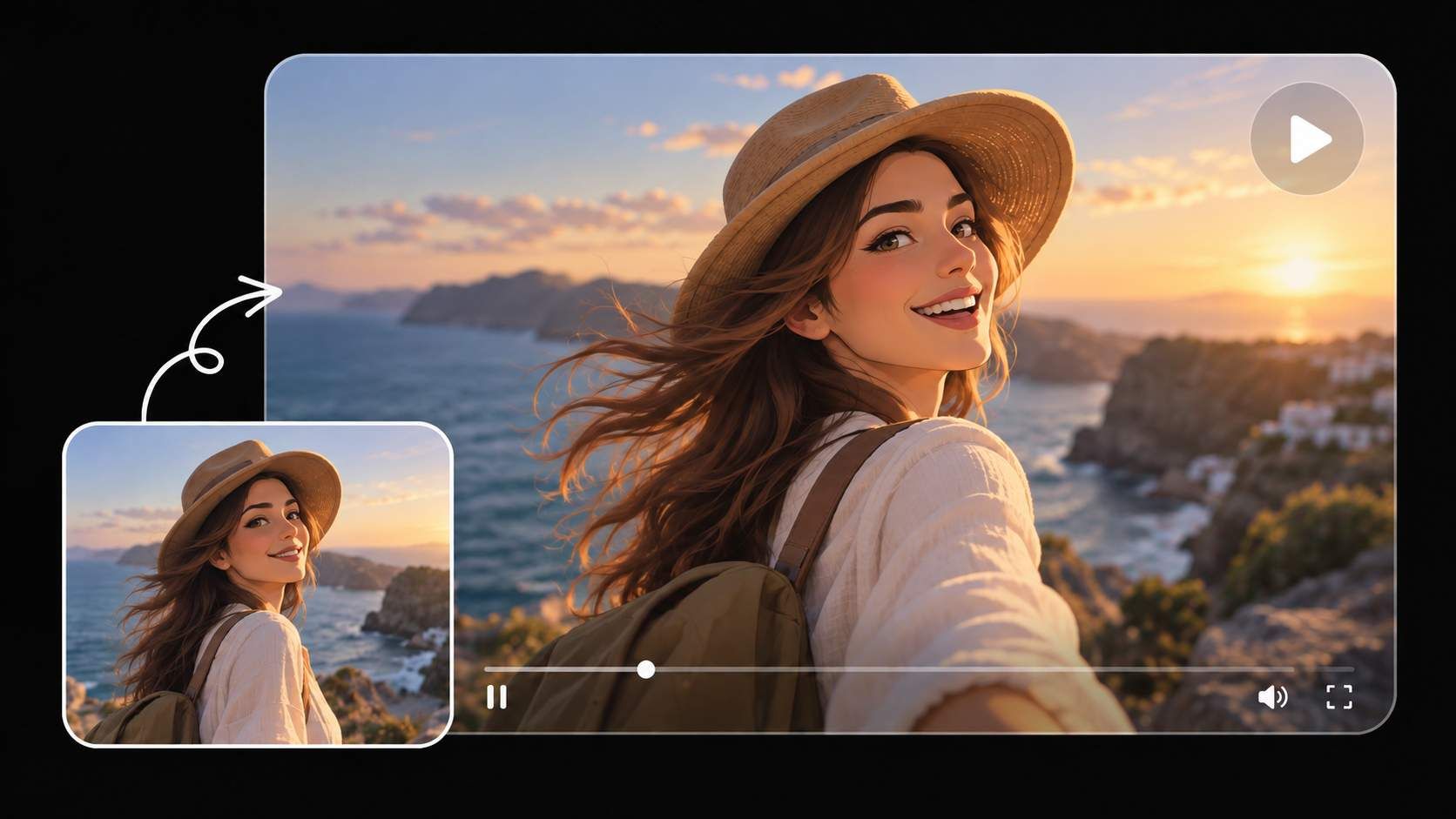
Image to Animation
Upload a character, illustration, or product image. Tell Medeo how the subject and camera should move to bring the image to life.
Build a Complete Animated Video in One Workflow
A polished animation takes more than moving images. Medeo helps you connect scenes, add sound and subtitles, and refine the final video in one place.
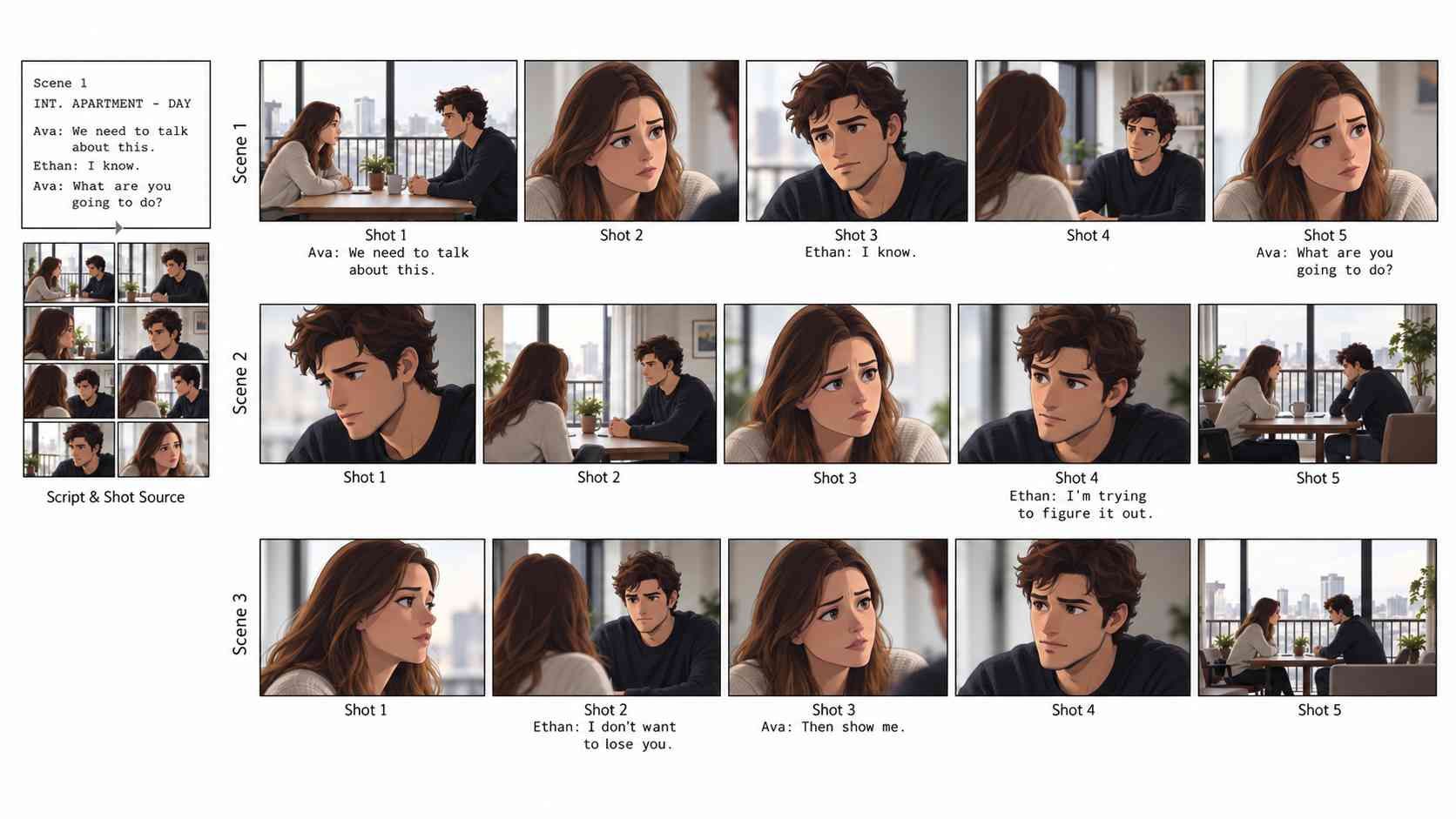
Build Your Animation Scene by Scene
Medeo turns your idea into a connected sequence, so each scene flows naturally into the next.
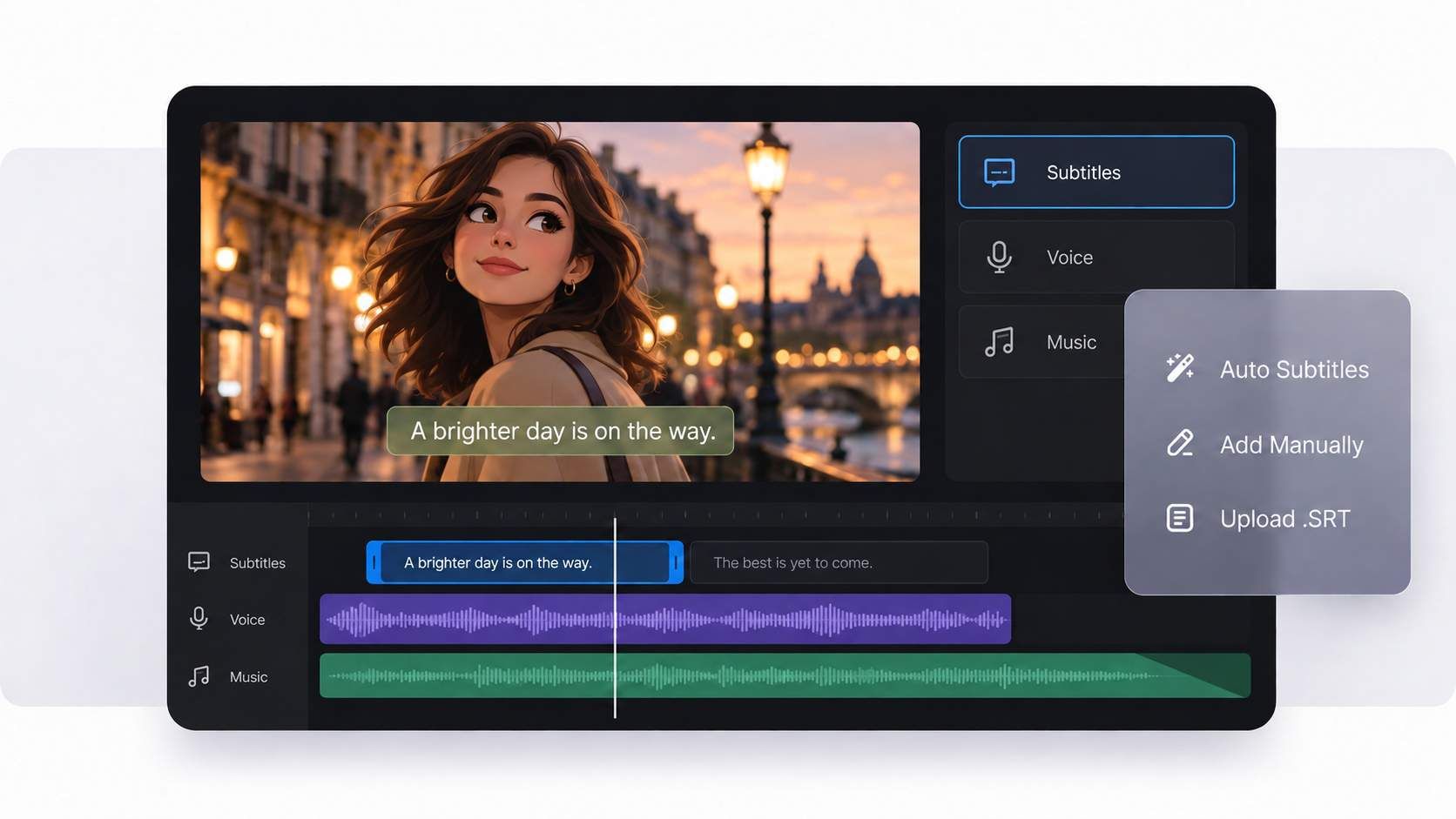
Add Voice, Music, and Subtitles
Give your animation a finished feel with narration, background music, and easy-to-follow subtitles—all in the same workflow.
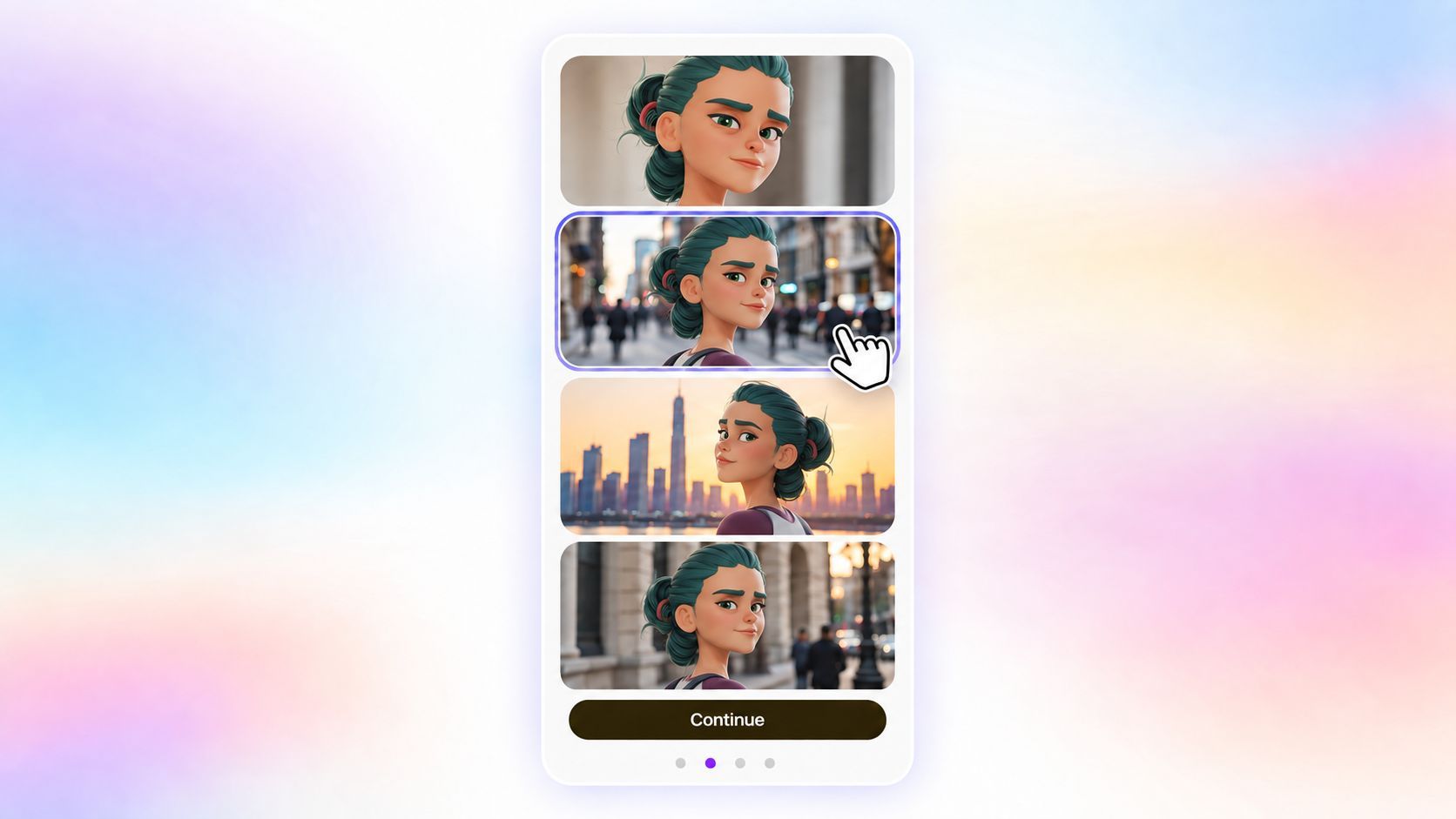
Keep Characters and Styles Consistent
Share a reference image and describe the details that matter—such as the character’s face, clothing, colors, and overall style—so they stay consistent from scene to scene.
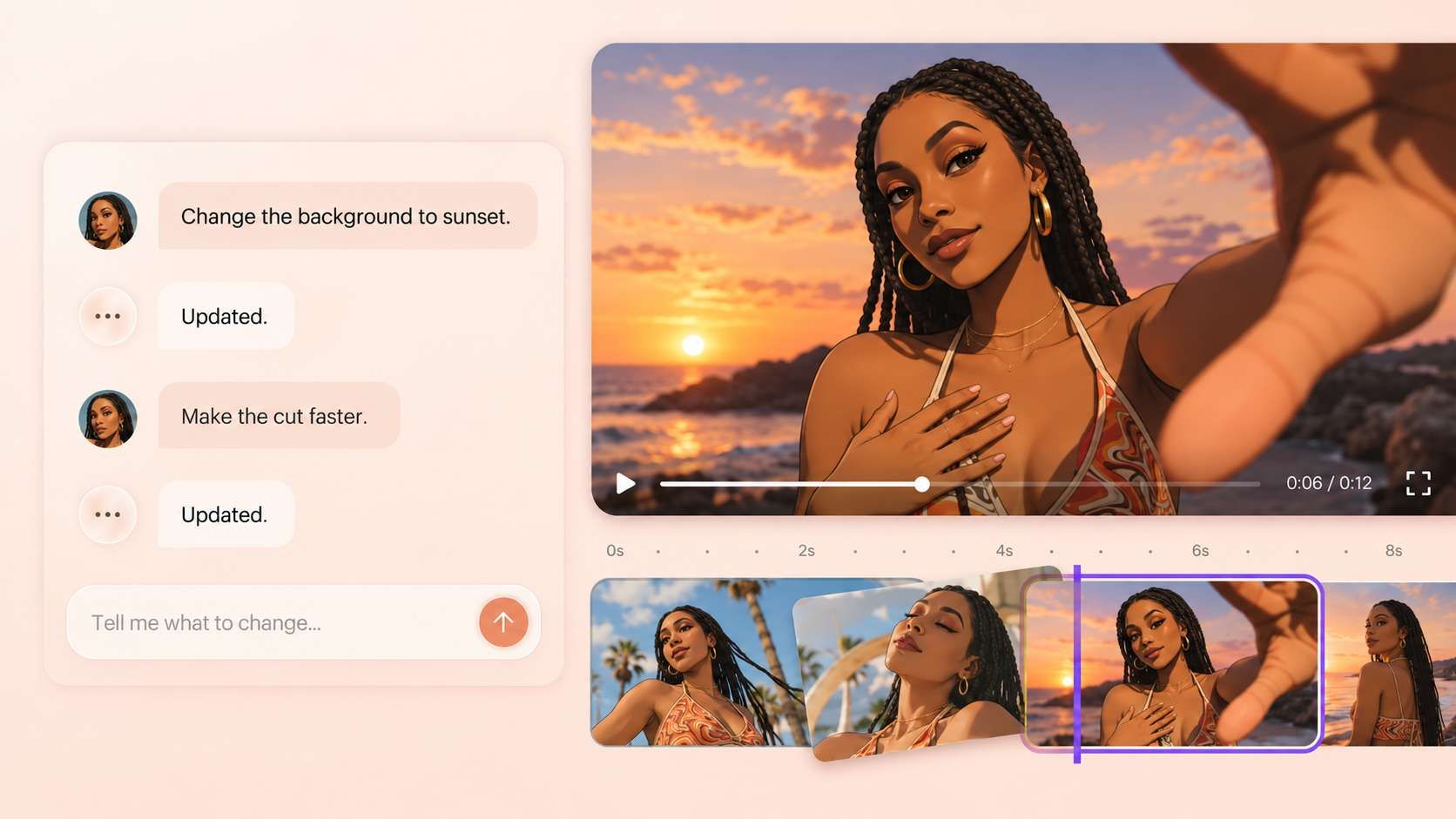
Refine Your Animation in Plain Language
Ask Medeo to replace a scene, change the mood, rewrite the voiceover, adjust the music, or bring the same character into a new setting.
Explore AI Animation Styles for Your Video
Choose a visual direction that fits your story, message, and audience.
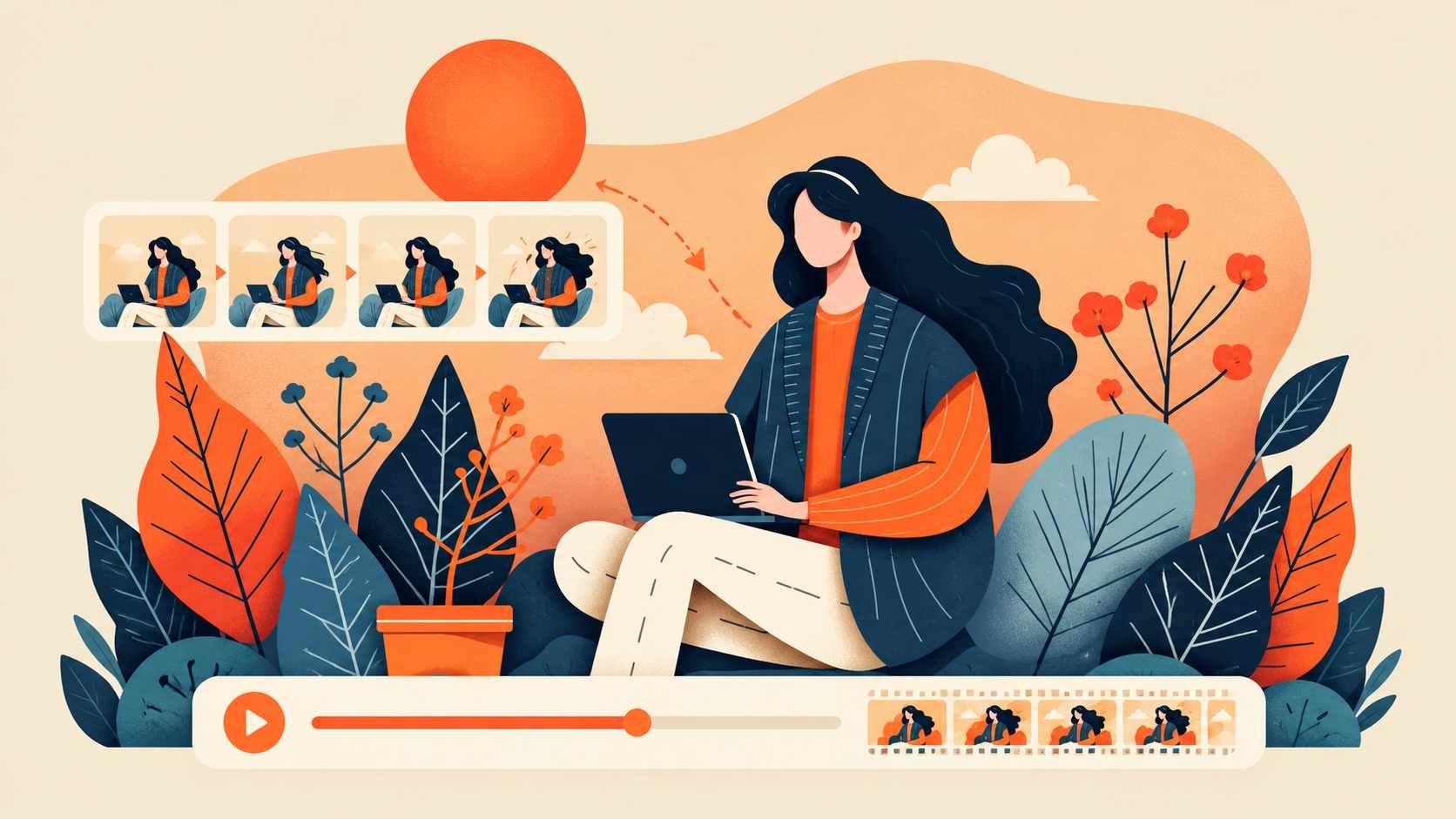
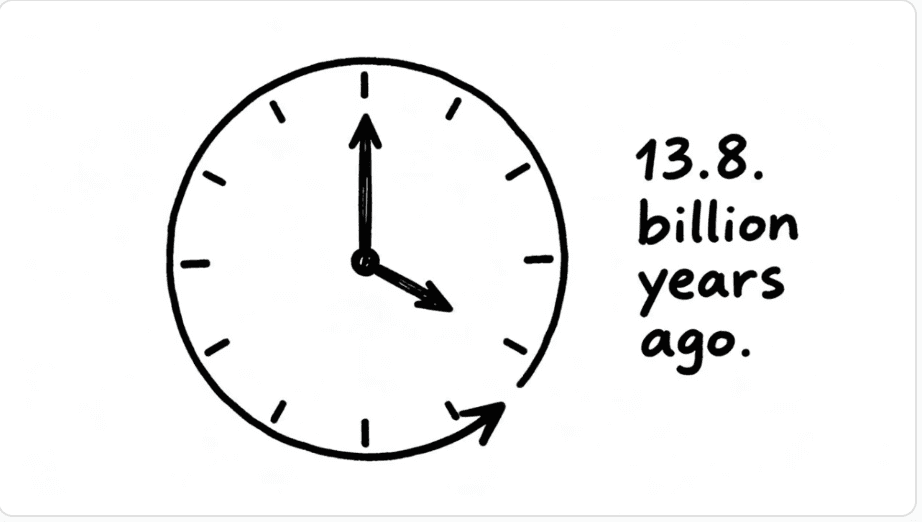
2D Illustration
Use flat, hand-drawn, vector, or storybook visuals for explainers, lessons, and visual stories.
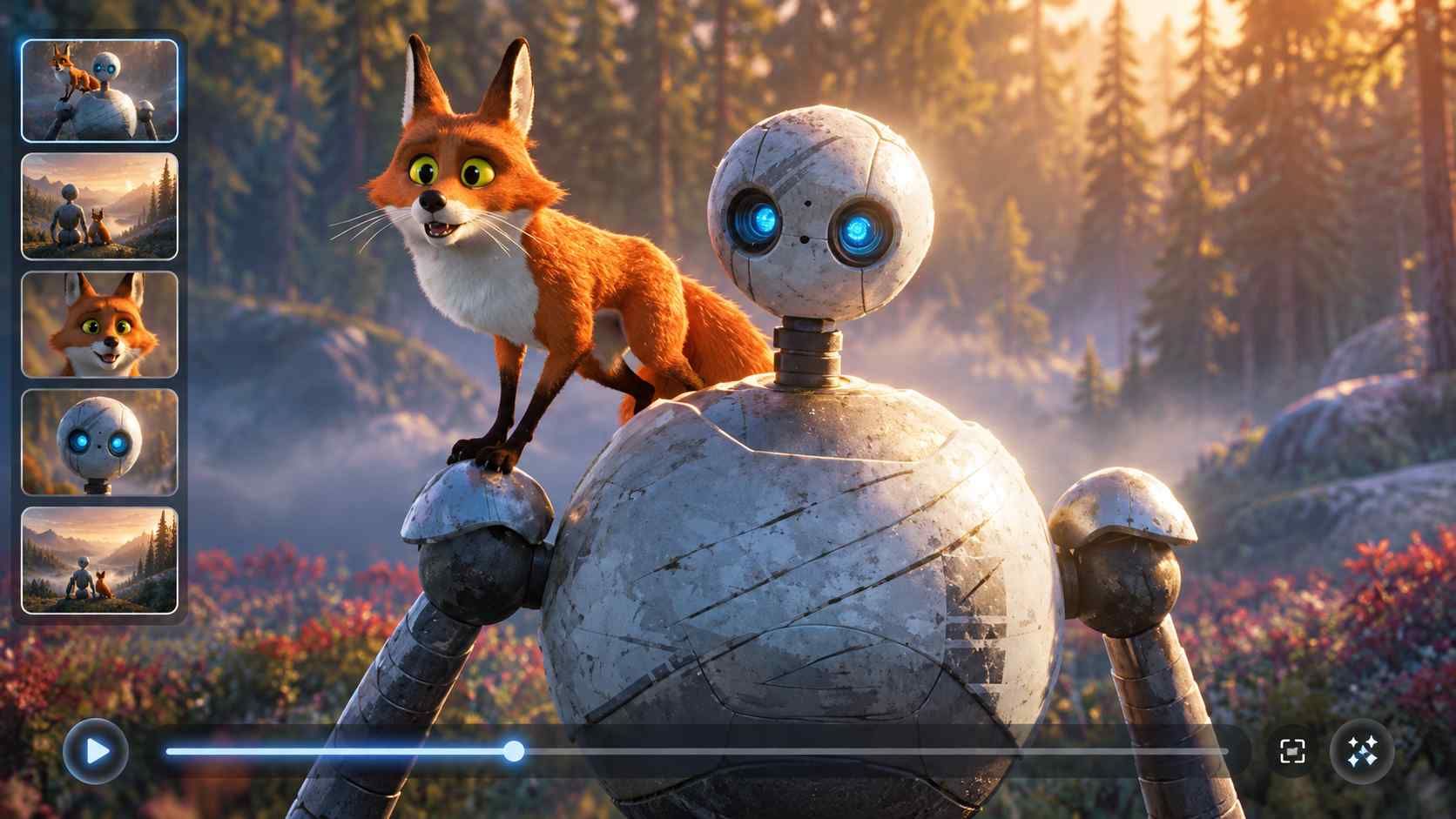
3D-Inspired Animation
Create dimensional characters and cinematic scenes without building models or character rigs.
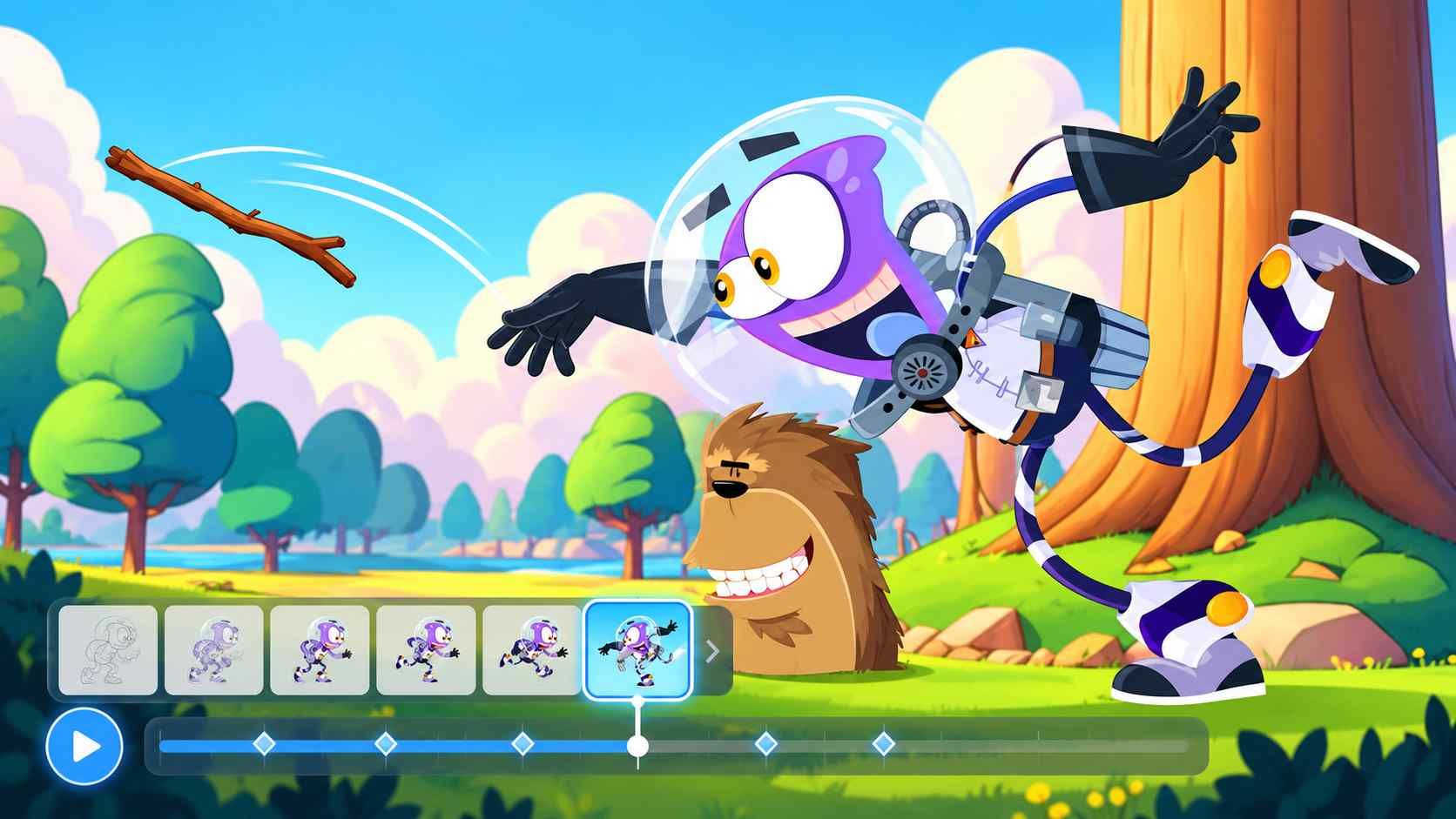
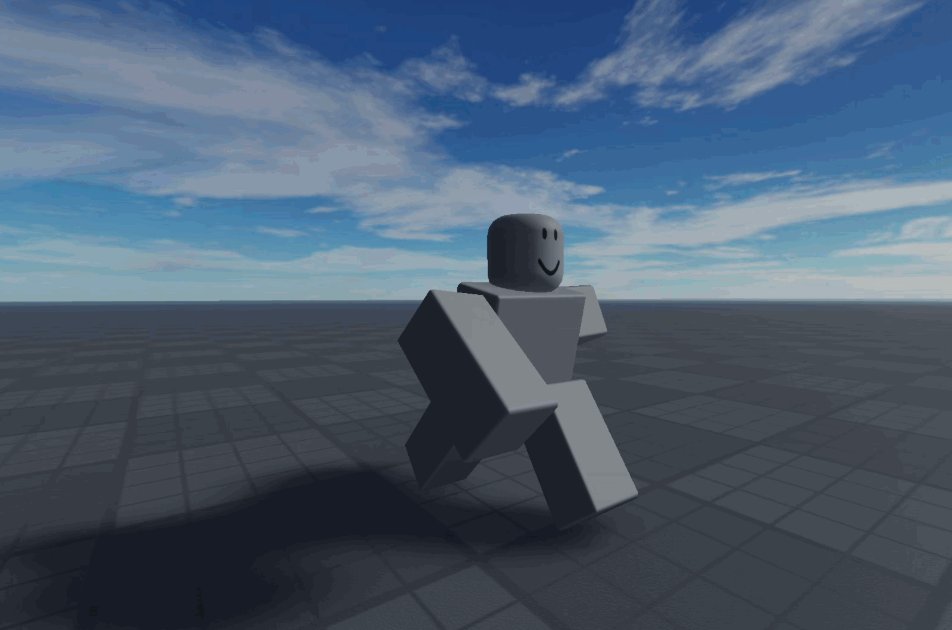
Cartoon Animation
Use colorful characters and playful movement for children's content, social videos, and entertainment.
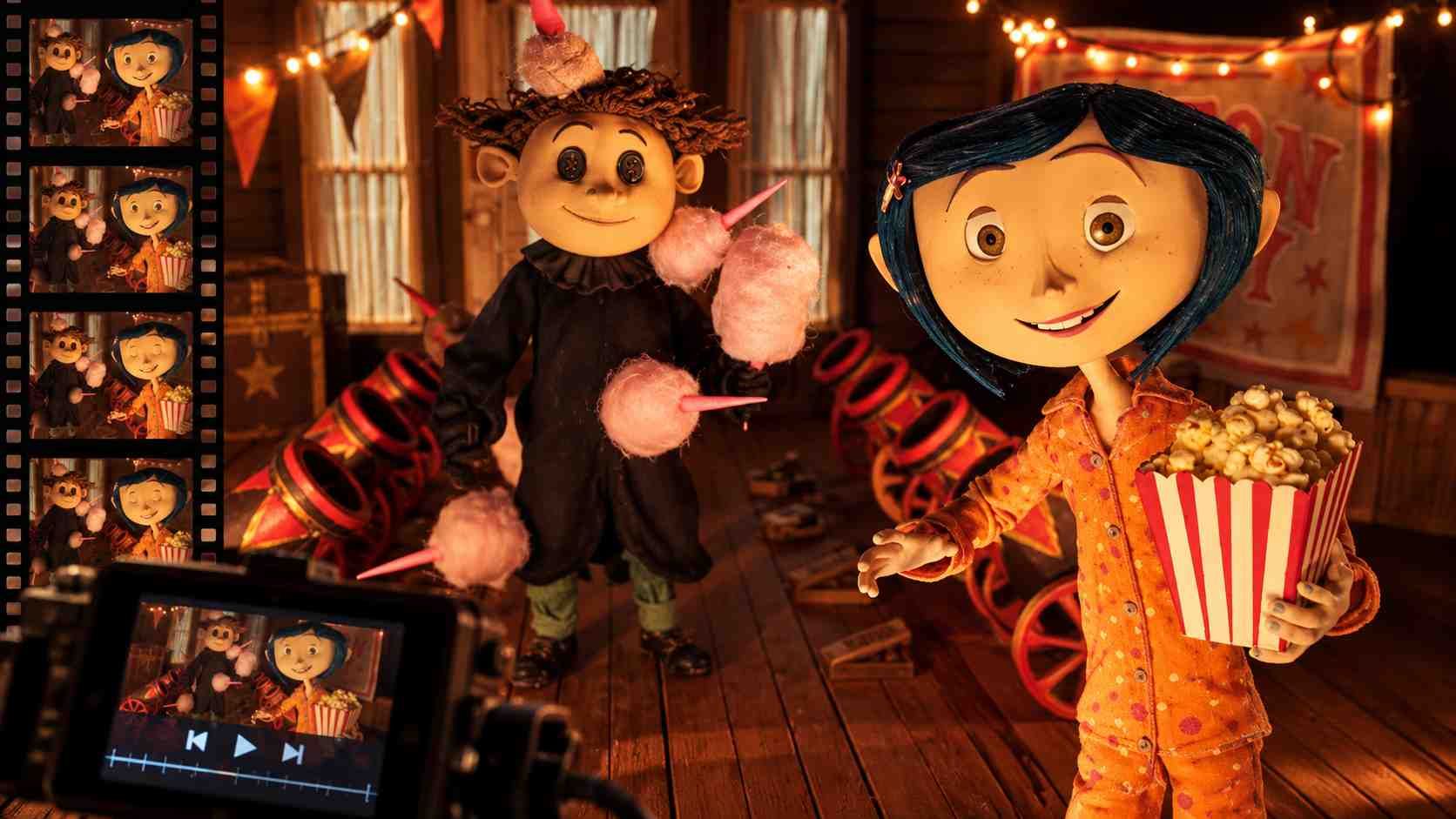
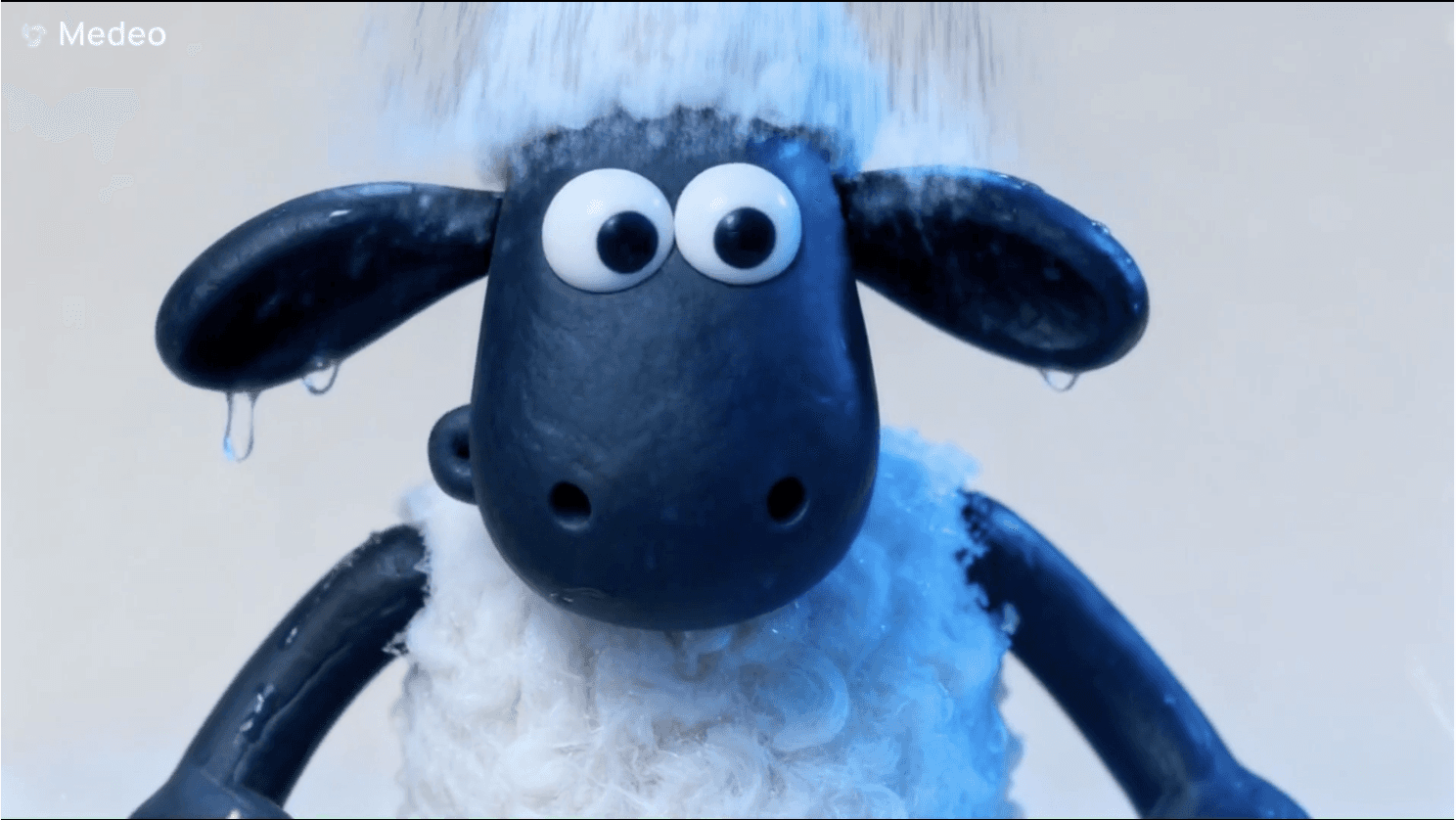
Stop-Motion Style
Give objects and characters a tactile clay, paper-cut, or miniature look with frame-by-frame energy.
How to Create an Animated Video With Medeo AI
Go from an idea to a finished animation in three simple steps.
Step 1
Share Your Idea
Enter a prompt or script, or upload an image. Add the audience, style, length, and platform if they matter.
Step 2
Generate the Animation
Medeo creates the scenes and brings together the motion, voiceover, music, and subtitles for a first version.
Step 3
Refine and Export
Review the video and describe any changes. Update a scene, character, voice, or pace, then export the finished animation.
AI Animation Prompts You Can Try
Describe what happens, how it should look, and who the video is for. You do not need to plan every frame.
| Goal | Prompt example |
|---|---|
| Animated story | Create a 60-second illustrated story about a lighthouse that guides a lost bird home during a storm. |
| Educational animation | Explain photosynthesis with bright 2D visuals and simple language for children aged 8 to 10. |
| Product animation | Create a clean animated product video showing how this planning app helps remote teams organize their week. |
| Character animation | Animate this character walking through a rainy city. Keep the same face, clothes, and color palette in every scene. |
| Social video | Turn this message into a 20-second vertical cartoon video with a strong opening and large subtitles. |