Bring Your Ideas to Life with AI Whiteboard Animations
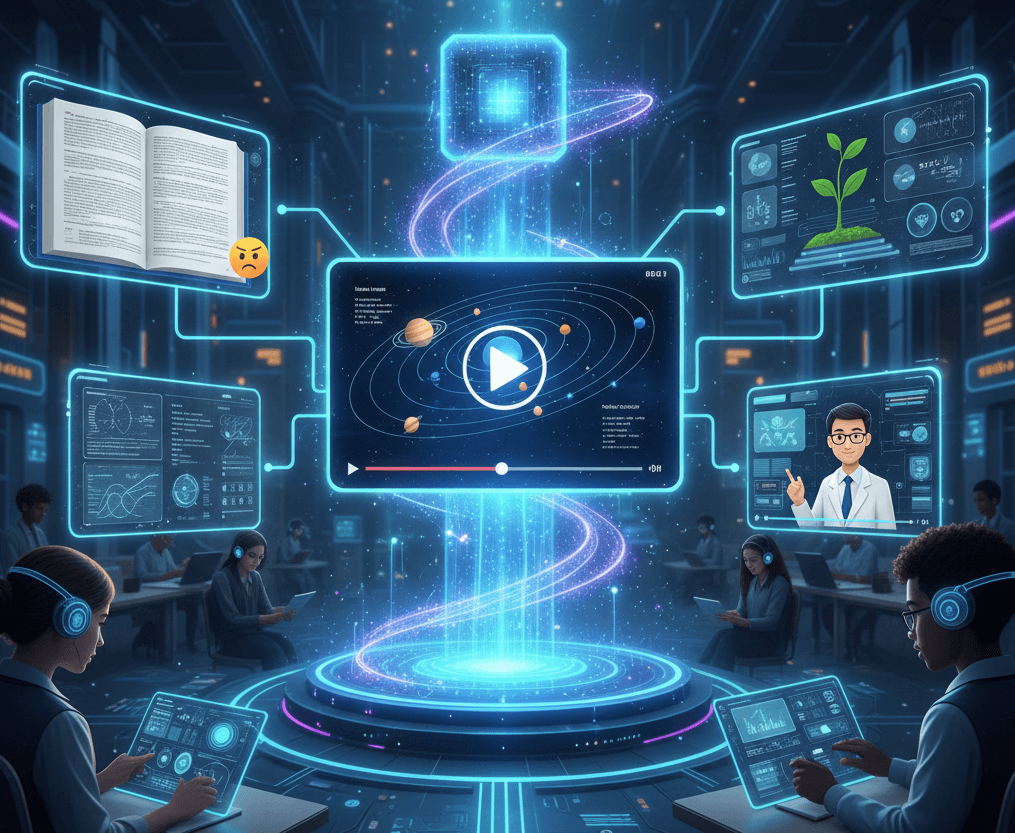
Whiteboard animation videos are a dynamic and engaging way to tell stories, explain complex ideas, and present information. They simulate the process of drawing on a whiteboard, capturing viewer attention with hand-drawn illustrations that appear as the narration unfolds. Our AI Whiteboard Animation Generator takes this concept to the next level, using artificial intelligence to automate the creation process, allowing you to produce high-quality, professional animations without any design or animation experience.

Powered by world-class AI models


What Is an AI Whiteboard Animation Generator?
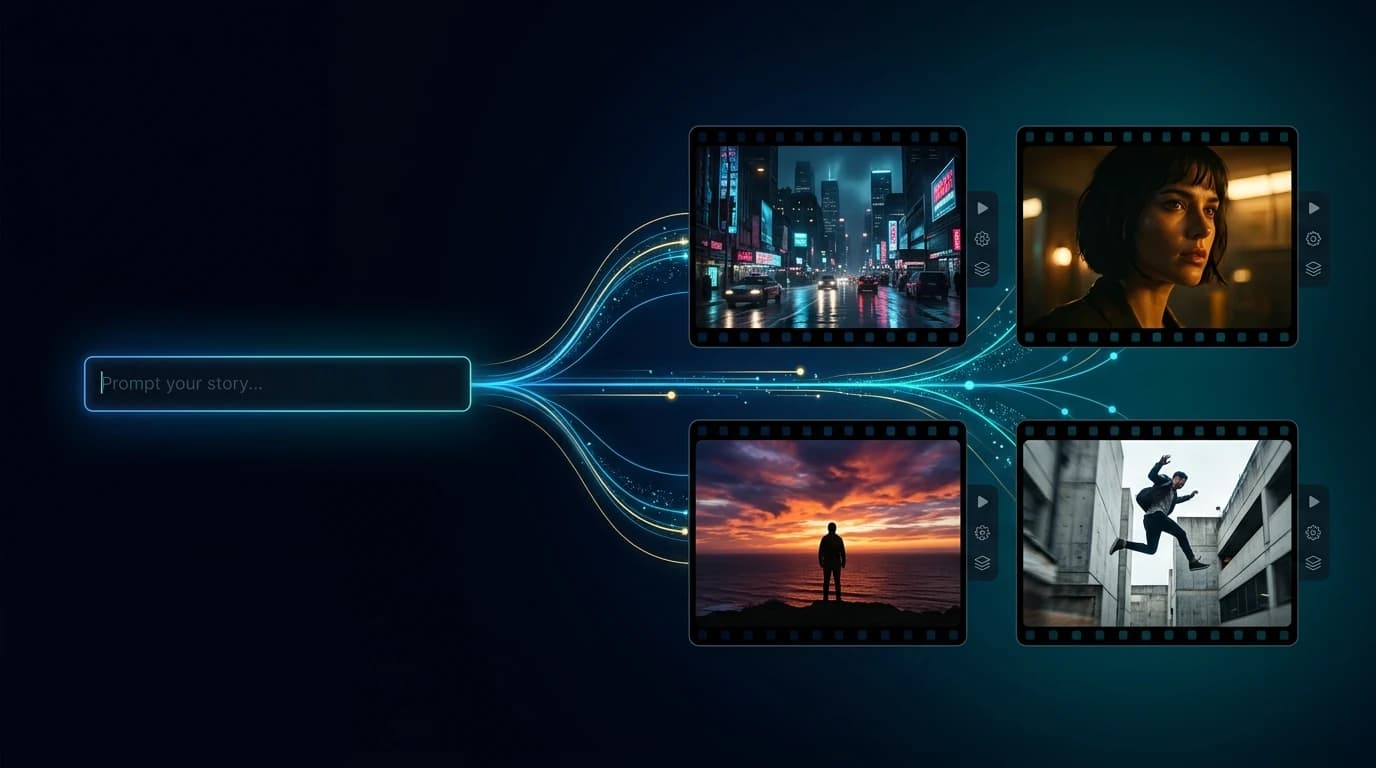
An AI Whiteboard Animation Generator is an innovative tool that converts text, scripts, or concepts into fully animated whiteboard videos. Using advanced AI, it automatically designs hand-drawn style animations, applies motion effects, and synchronizes narration to produce professional explainer videos in minutes.
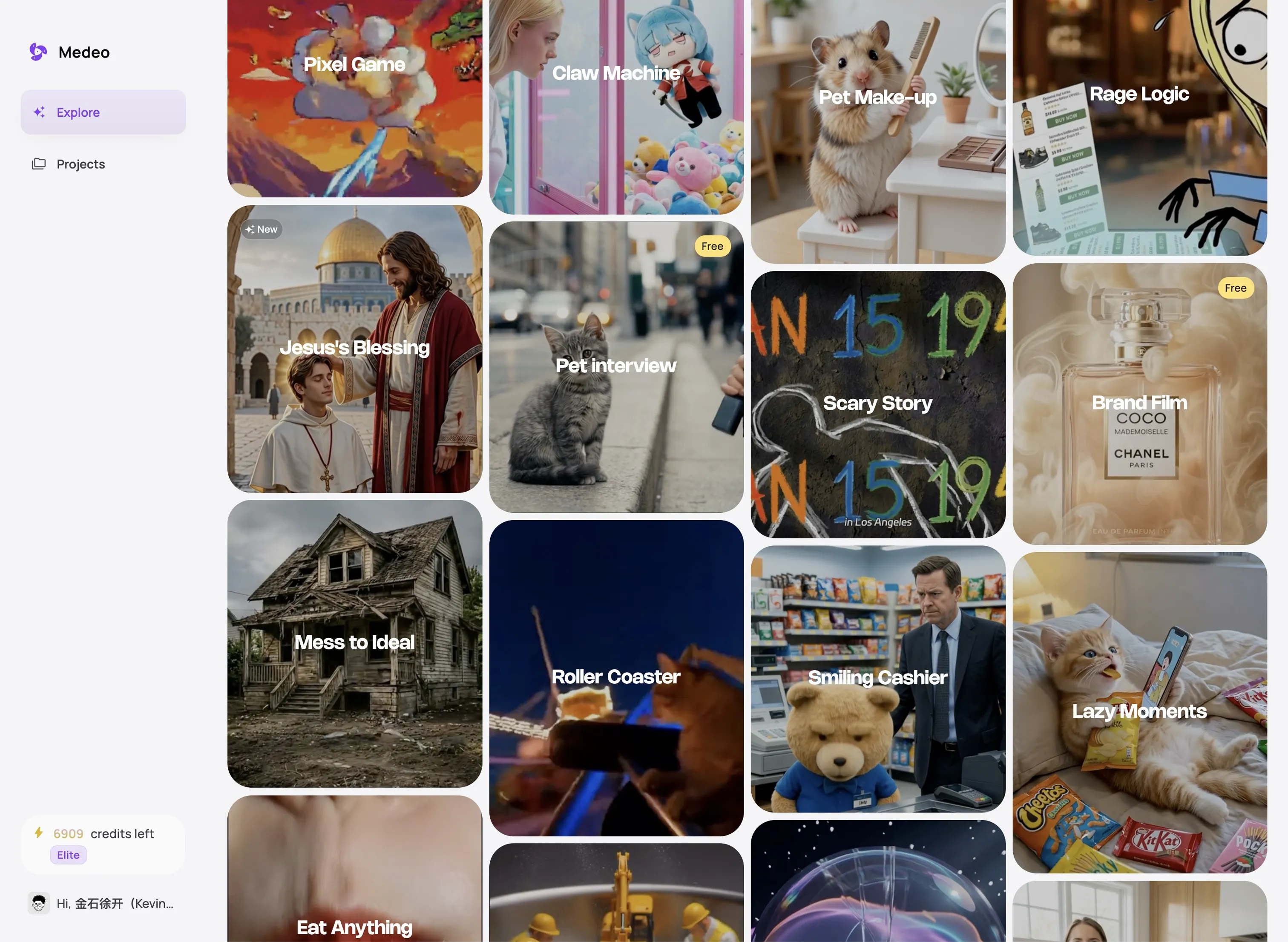
From Static Concept to Animated Explainer — In Minutes
Watch your ideas come alive with AI-powered whiteboard animations
Before
Plain text, scripts, or ideas

After
Fully animated whiteboard explainer videos ready to share

Why Choose Our AI Whiteboard Animation Generator?
The fastest, easiest way to create engaging whiteboard videos
Fast Video Creation
Generate complete whiteboard animation videos in minutes with no design experience needed.
Professional Visuals
AI automatically produces clean, hand-drawn style animations for a professional look.
Voiceover Integration
Easily add AI-generated narration or your own voice to match the animation perfectly.
Customizable Scenes
Adjust drawing styles, text placements, and animation pacing to fit your message.
Educational & Marketing
Perfect for explainer videos, training materials, or promotional content.
Shareable Content
Export videos optimized for social media, presentations, or websites.
Perfect for Every Content Creator
Create whiteboard animation videos from any text, idea, or script
Explainer Videos
Turn complicated ideas into clear, viewer-friendly animations for products, workflows, or tutorials.
Content Marketing
Turn content marketing scripts into engaging videos for YouTube, LinkedIn, and other platforms.
Educational Tutorials
Create step-by-step tutorials, training videos, or classroom content effortlessly.
Social Media Clip
Produce short, shareable videos for TikTok, Instagram, or YouTube.
Pitch & Presentation Videos
Visualize business ideas or product demos in a clear, animated format.
Custom Animations
Modify text, illustrations, and motion styles to align with your brand or message.
How to Create Your Whiteboard Animation Video with AI?
Step 1
Input Your Script
Paste your text, script, or concept into the generator.
Step 2
AI Animation Creation
AI automatically converts your script into animated whiteboard scenes.
Step 3
Customize Your Video
Adjust text positioning, hand-drawn style, pacing, and narration.
Step 4
Generate & Share
Export your finished video ready for presentations, social media, or training.
Whiteboard Videos for Teaching, Selling, and Explaining
The hand-drawn style suits a specific job: making an abstract idea feel simple and sequential.
Product explainer
Walk through the problem, the old way, and the product's role in one line per scene. A whiteboard keeps the focus on the logic rather than on polish.
Employee onboarding
Cover the first week in a clear order: people, tools, expectations, and where to ask for help. New hires can rewatch it at their own pace.
Training module
Break a process into steps with one drawing per step. The pace of the hand drawing gives viewers time to absorb each idea.
Sales pitch
Use a simple visual metaphor to explain what the product replaces. A whiteboard pitch feels like a conversation, which is useful when the buyer is skeptical of slick decks.
Classroom lesson
Introduce a concept, draw the relationship, then check understanding with a question on screen. The format works for both in-person and recorded lessons.
Internal process or policy
Explain a workflow, a compliance step, or a change in tools. Plain drawings reduce the intimidation of a dry topic.
Writing a Script the Artist Can Actually Draw
Whiteboard works best when every sentence has a visible noun behind it.
One idea per scene
If a scene needs two drawings, it is two scenes. Splitting the idea gives the viewer a moment to breathe and keeps the animation legible.
Choose concrete nouns
A key, a bridge, a funnel, a stack of boxes. Drawable objects carry meaning faster than abstract phrases like synergy or optimization.
Keep the narration short
A sentence should fit the time it takes to draw its subject. If the voice is still talking after the drawing is finished, the scene is too long.
Use visual verbs
Words like connect, stack, open, and cross give the animator an action. Leverage and facilitate give it nothing to draw.
Plan the transitions
Decide whether one idea replaces another or builds on it. A line drawn from one object to the next tells the viewer the relationship without a sentence.
Why Some Whiteboard Videos Feel Slow
The style is forgiving, but a few habits make an explainer drag or confuse.
Too much text on screen
A paragraph read aloud while it is being written splits attention. Keep the on-screen words to a label or a short phrase and let the voice carry the detail.
A metaphor that does not fit
A rocket, a maze, and a lightbulb in the same video cancel each other out. Pick one visual world and make every drawing belong to it.
Narration that races the drawing
If the voice moves on before the image is complete, the viewer misses both. Write to the pace of the hand, not the pace of a paragraph.
No reason to keep watching
An explainer still needs a question at the start and an answer at the end. A list of features in drawn form is still a list of features.
Ignoring the brand
A single accent color, a consistent line weight, and a simple end card do more for recognition than a logo in every scene. Decide those three choices before the first scene so the whole video feels like one piece.