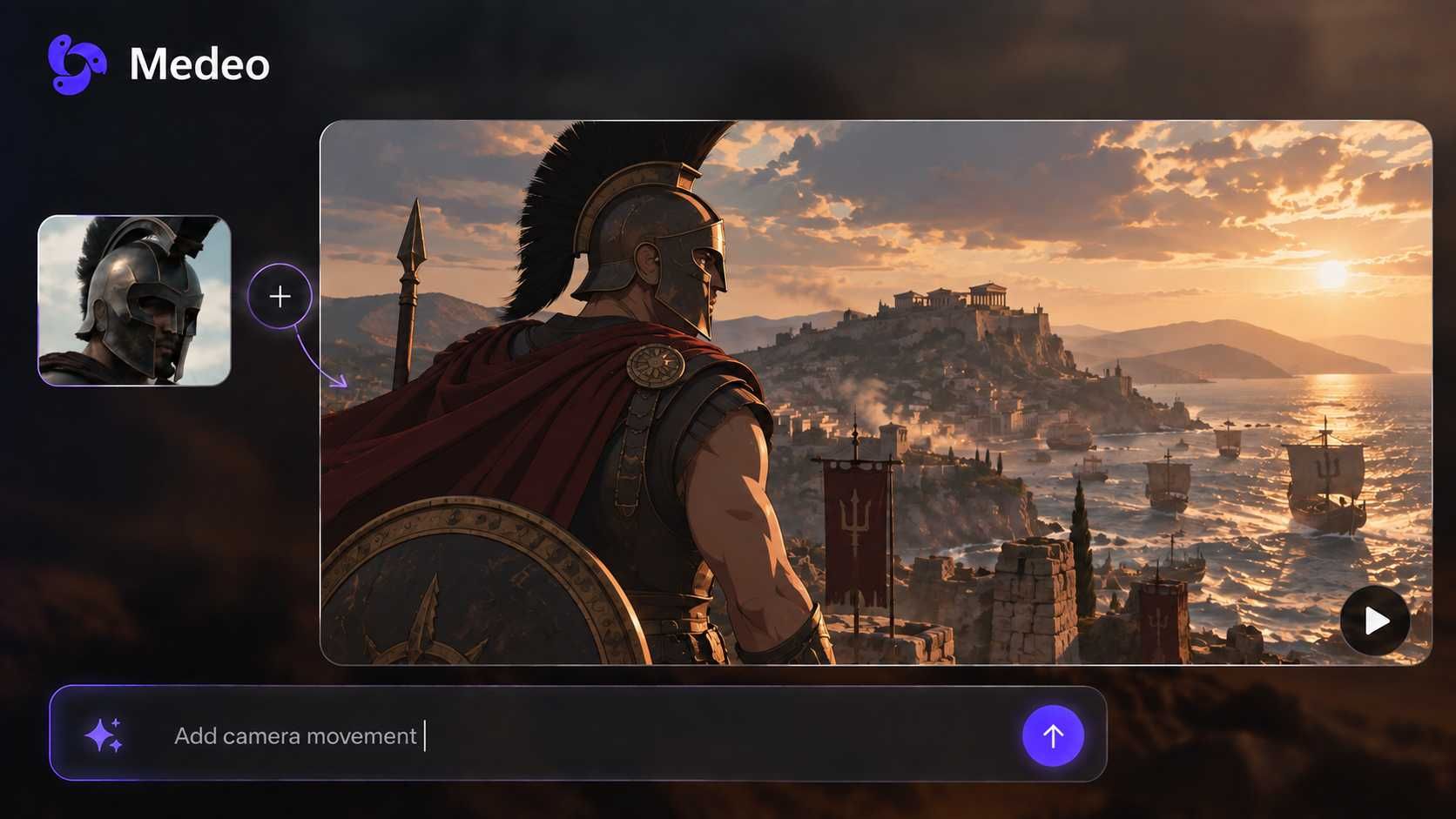
Turn Images into 3D Videos with Image to 3D AI Converter
Transform any photo, sketch, or logo into a 3D-style video using Medeo’s image to 3D AI generator. Convert 2D images into 3D visuals with depth, motion, and cinematic effects—no 3D modeling required.
What Makes Medeo’s AI 3D Style Generator Different
Medeo turns static images into immersive 3D-style videos using advanced image to 3D AI.
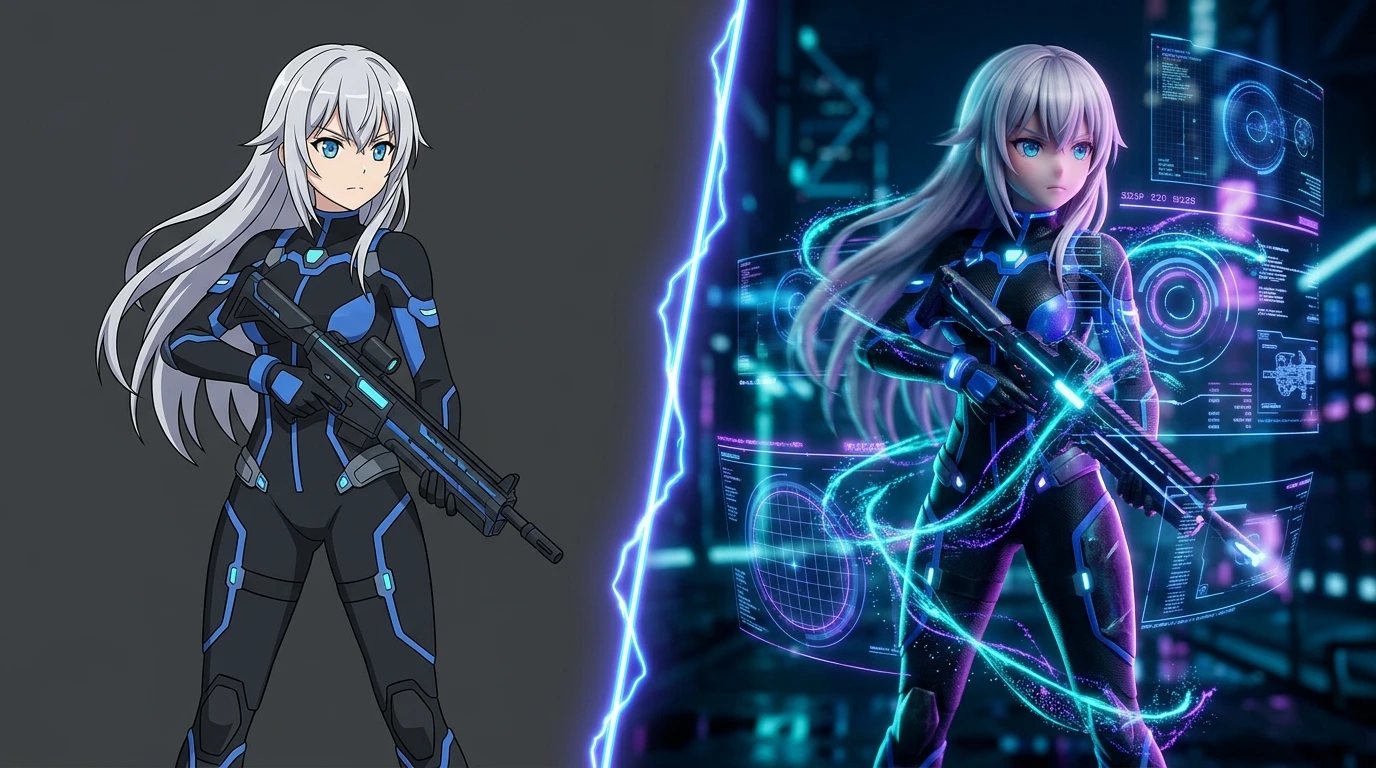
Instant 3D Video Creation
Turn any image into a moving 3D-style video
Medeo’s image to 3D AI video generator converts a single image into a dynamic video with depth and motion. Instead of building a traditional 3D model, Medeo focuses on producing cinematic, ready-to-share visuals in minutes.
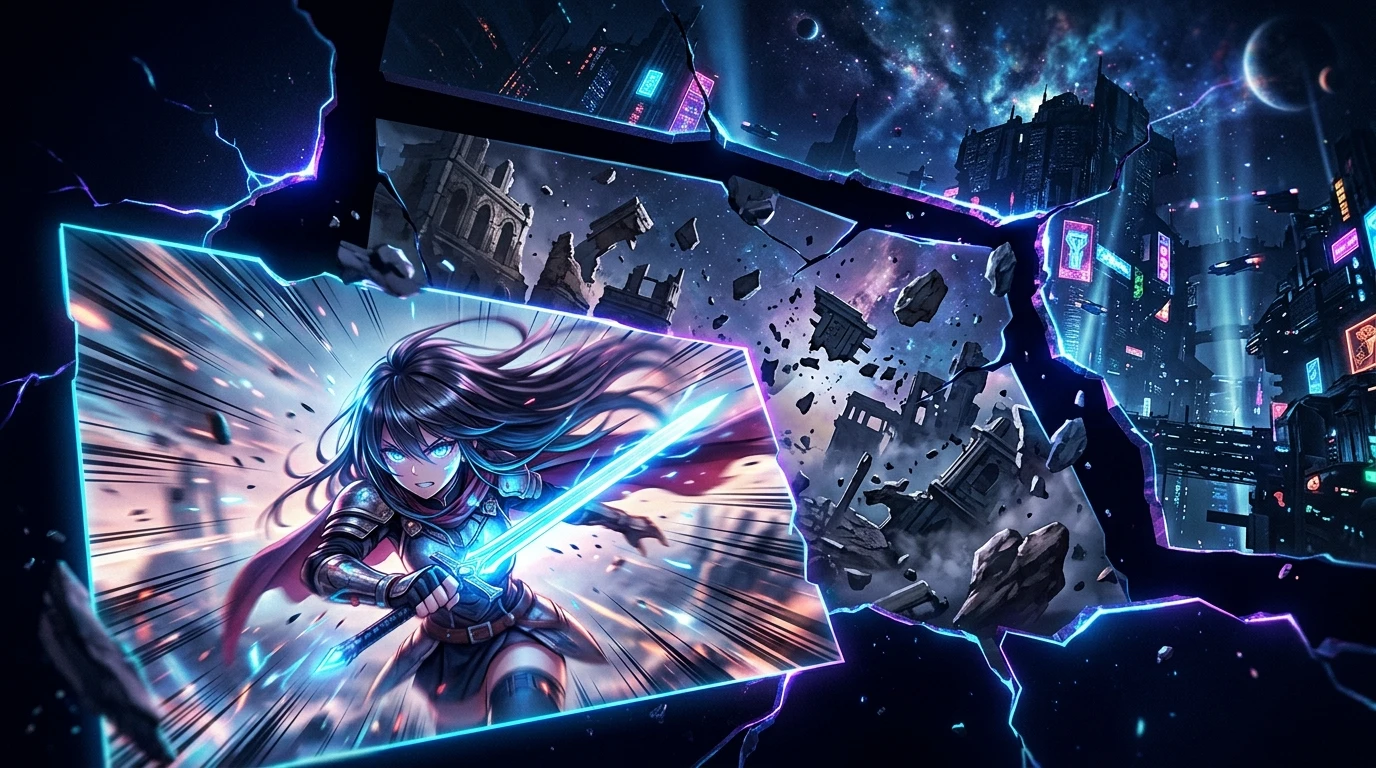
Depth & Motion Generation
Add realistic camera movement and 3D feel
The image to 3D AI video generator in Medeo simulates depth and perspective from flat images. It automatically applies camera movement, zoom, and parallax effects to create a 3D-like viewing experience.
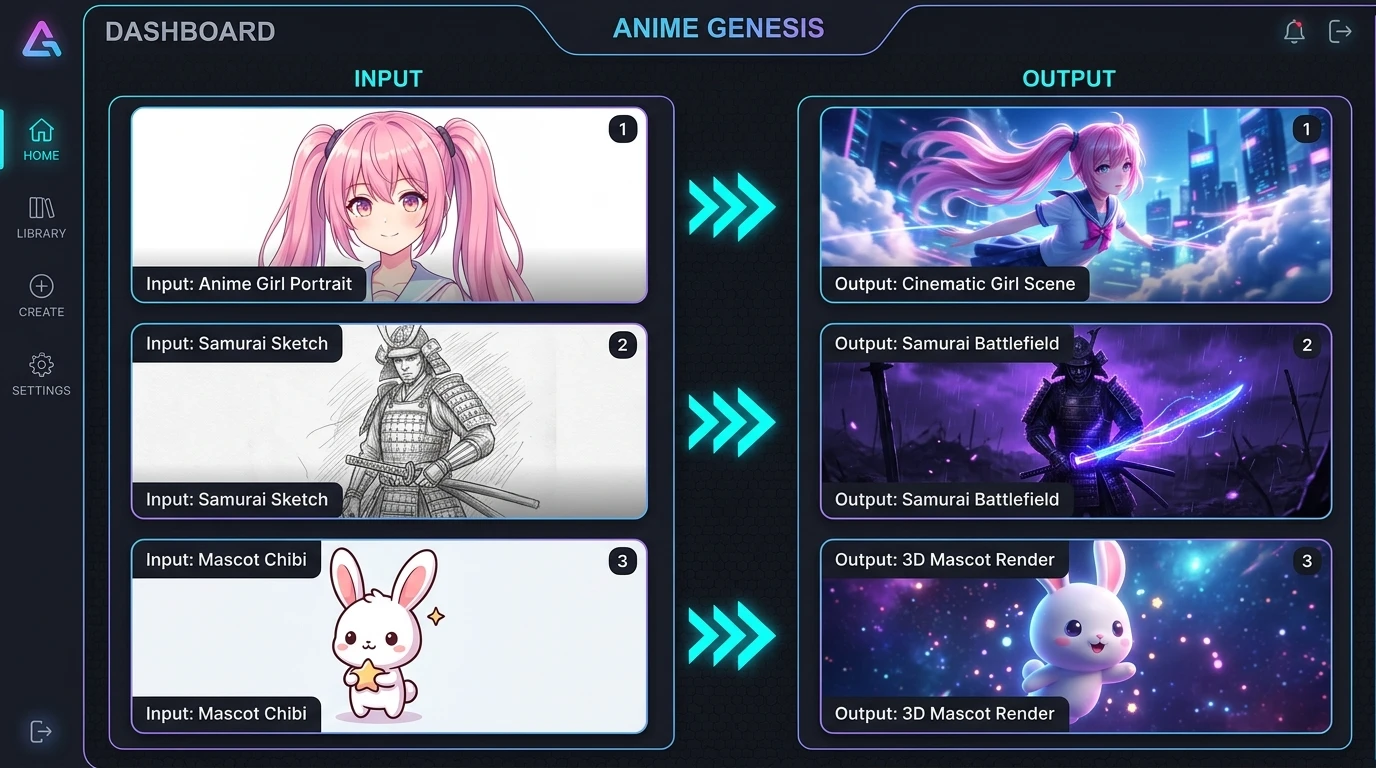
Flexible Image Inputs
Convert photos, drawings, or product images
Medeo supports photo to 3D, drawing to 3D, and even logo to 3D-style video workflows. The image to 3D AI video generator adapts to different visual inputs, making it easy to create content from existing assets.
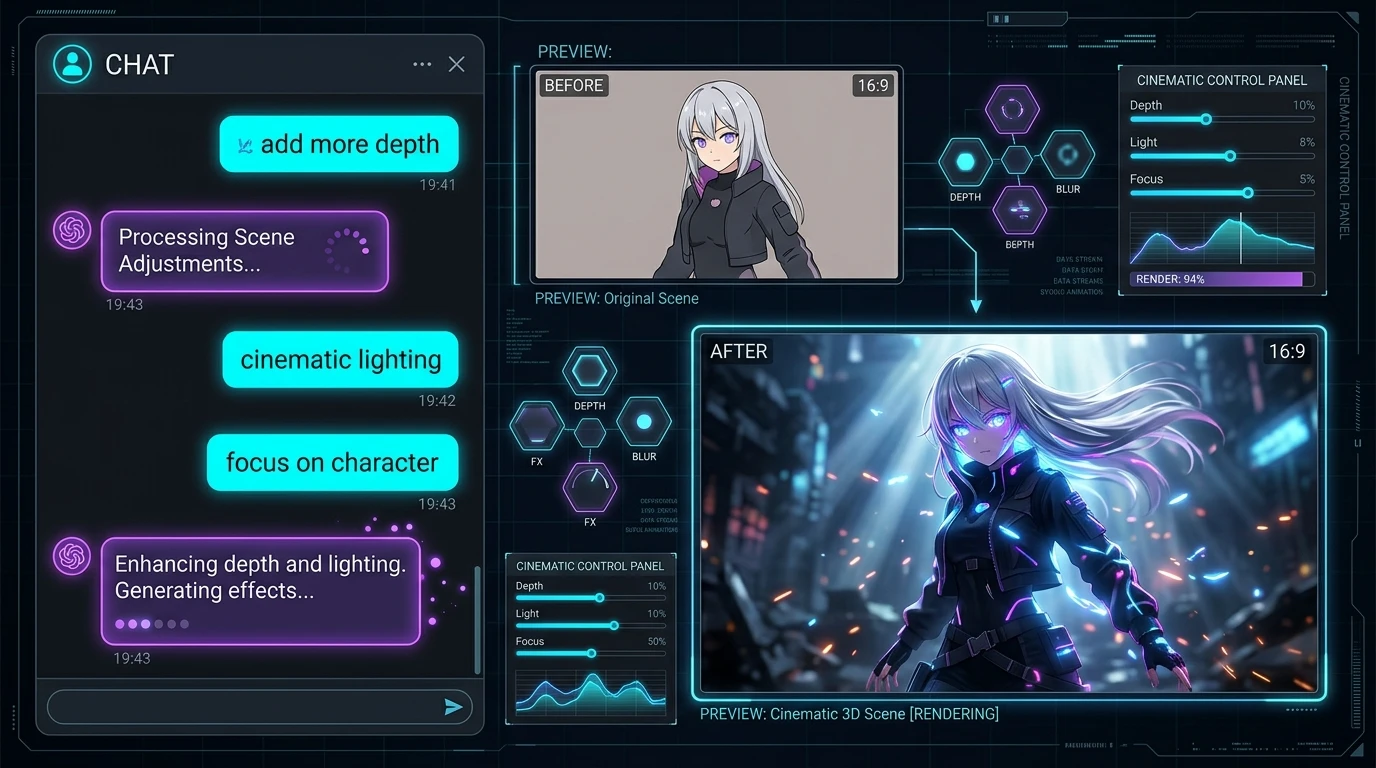
Chat-Based Creative Control
Refine your 3D visuals with simple prompts
With Medeo, you can guide the image to 3D AI video generator using chat. Ask for changes like “add more depth,” “make it cinematic,” or “focus on the subject,” and the system updates your video instantly.
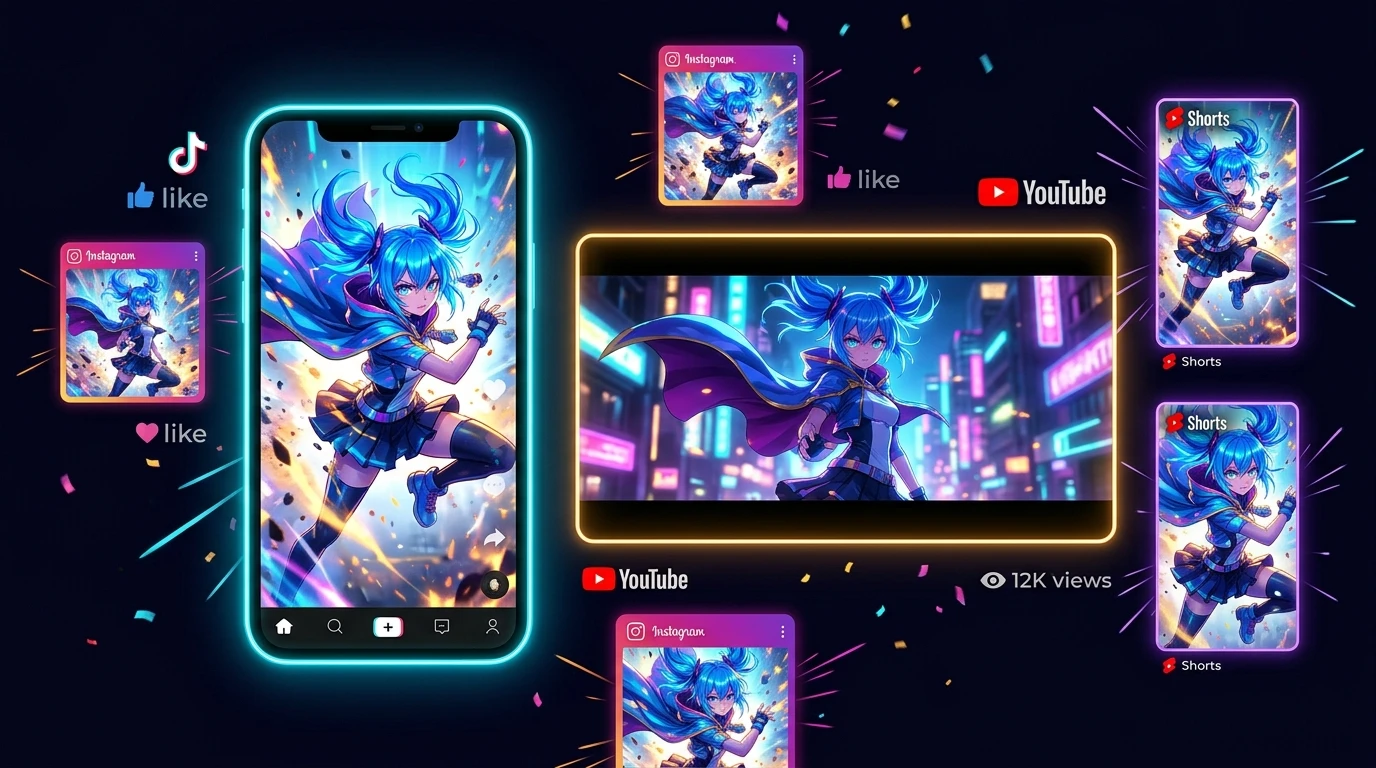
Social-Ready Video Output
Export videos optimized for TikTok, YouTube, and ads
Medeo ensures every image to 3D output is a polished video. The image to 3D AI video generator creates formats ready for social media, marketing campaigns, and content distribution.
How to Convert 2D Images to 3D in Medeo
Create 3D-style videos from images in just a few simple steps.
Step 1
Step 1: Upload Your Image
Upload any image, including photos, sketches, or product visuals.
Step 2
Step 2: Generate a 3D Video
The image to 3D AI analyzes your image and automatically creates depth, motion, and perspective.
Step 3
Step 3: Customize the Result
Use simple prompts to adjust camera movement, depth, and overall visual style.
Step 4
Step 4: Download and Share
Export your final video and use it for social media, ads, or marketing content.
Who Can Benefit from the Image to 3D AI Generator
E-commerce Sellers
Turn product images into engaging 3D-style videos that improve conversion rates.
Content Creators
Create eye-catching videos by turning 2D images into 3D motion content.
Marketing Teams
Produce high-quality ad creatives quickly using image to 3D workflows.
Designers
Present concepts more effectively with depth and motion instead of flat visuals.
Educators
Make explanations clearer by adding motion and depth to static diagrams.
Agencies
Deliver polished visual content to clients without long production timelines.
Bring Your Photos to Life in 3D
See how image to 3D transforms static images into engaging video content.