Skin Color Changer - Fix Skin Tone and Turn It Into Video
Change skin color in a photo, make skin lighter or darker, or fix unnatural tones—then turn your result into video content for social, marketing, or storytelling workflows.
Core Capabilities
Control Skin Tone And Turn It Into Video
Adjust skin tone in photos using natural language, then turn the result into video with consistent lighting, motion, and storytelling output.
Image Input
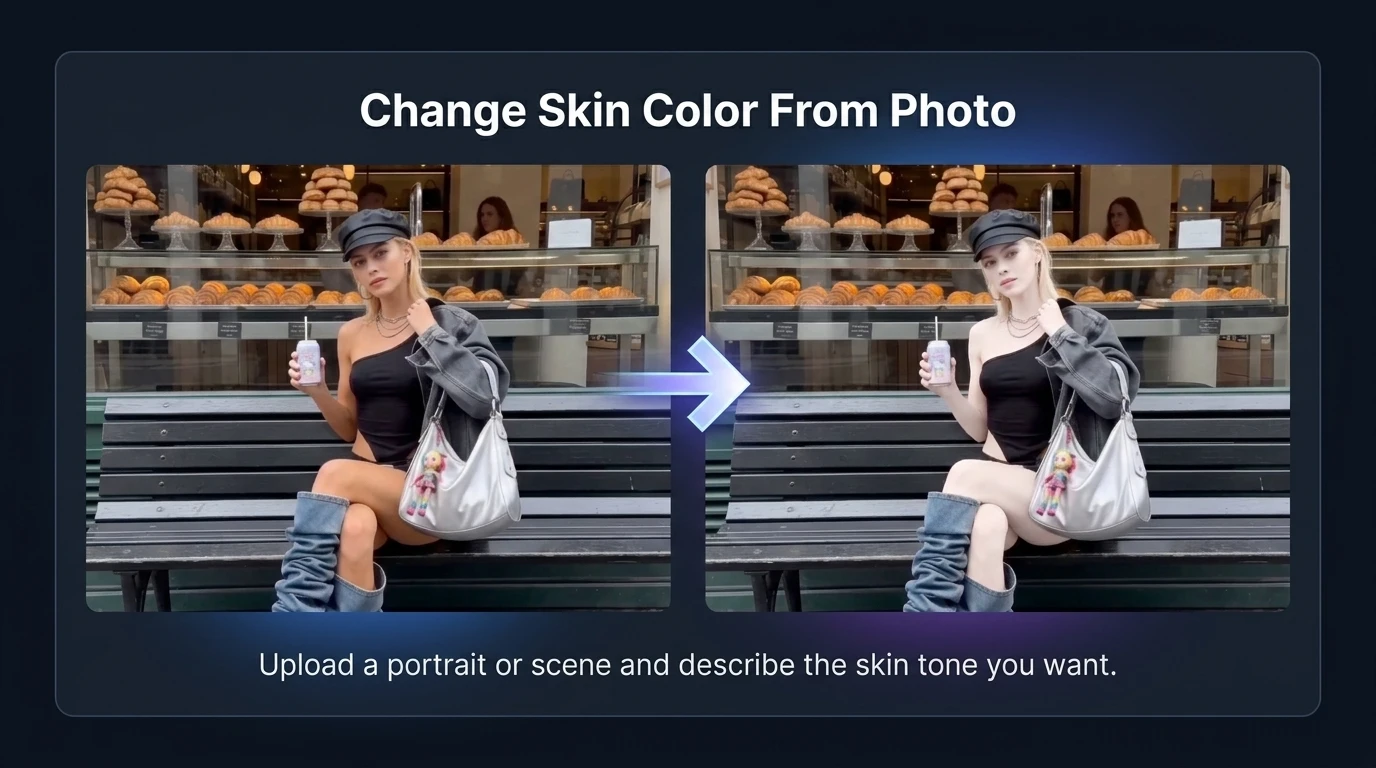
Change Skin Color From Photo
Upload a portrait or scene and describe the skin tone you want. Medeo detects skin areas and applies changes while preserving lighting and texture in the original image.
Prompt Control
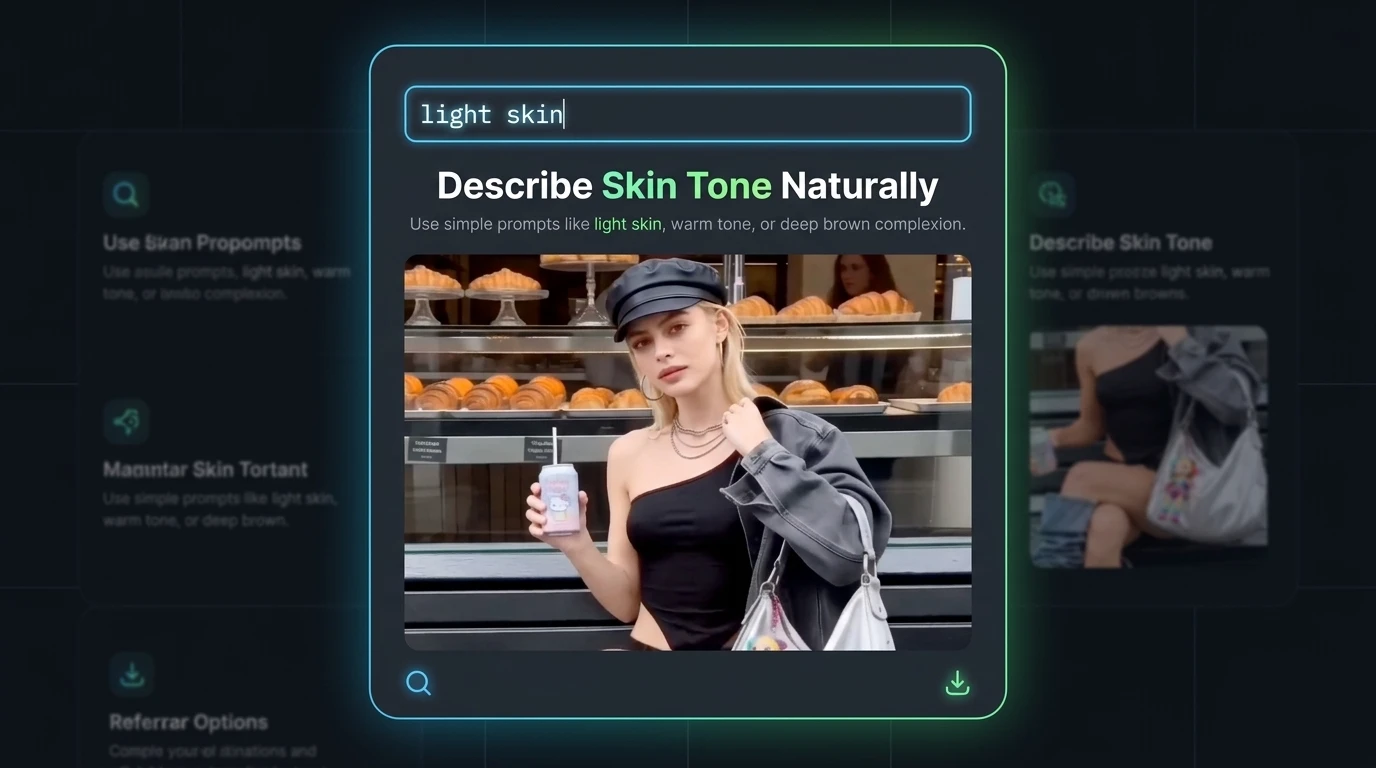
Describe Skin Tone Naturally
Use simple prompts like “light skin,” “warm tone,” or “deep brown complexion.” The system translates natural language into controlled skin tone adjustments.
Consistent Output
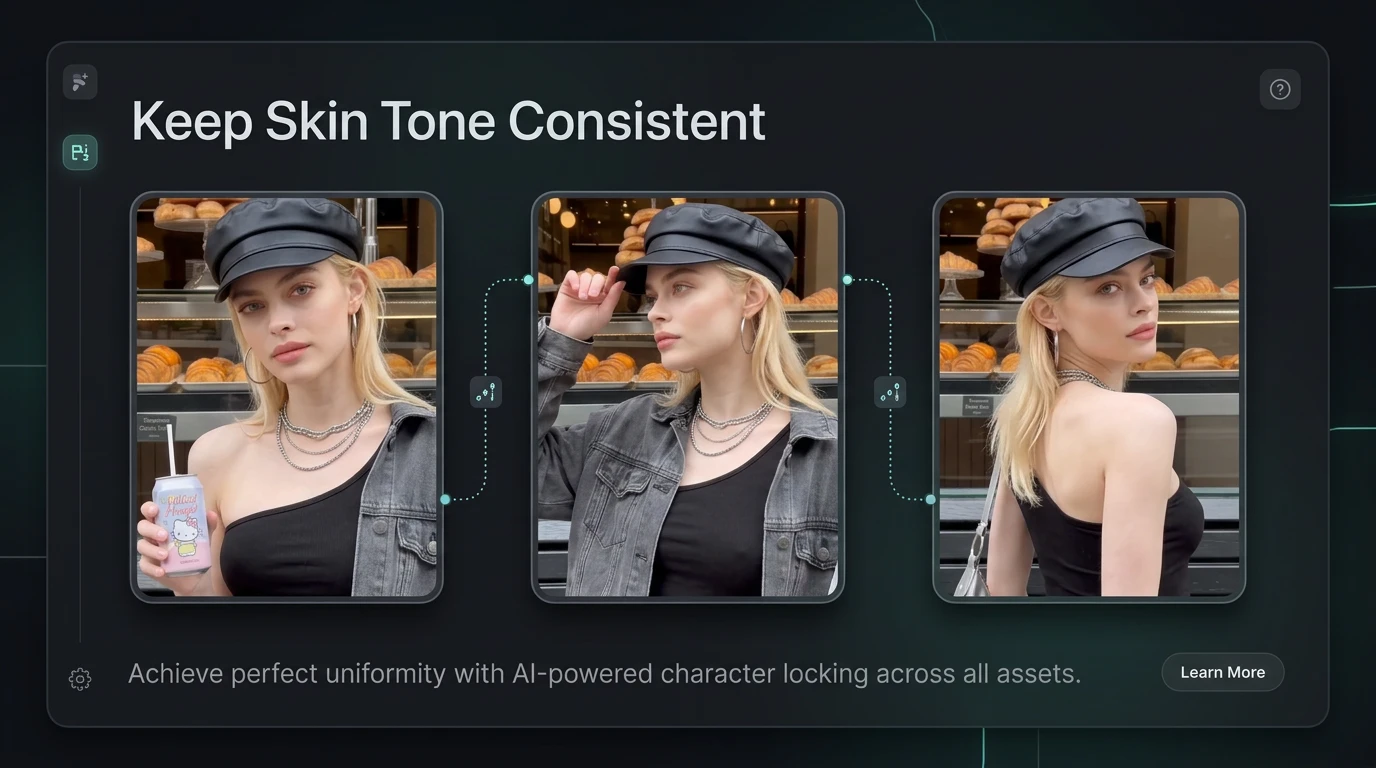
Keep Skin Tone Consistent
Maintain consistent skin tone across frames, subjects, or scenes—especially useful when turning one edited image into a full video sequence.
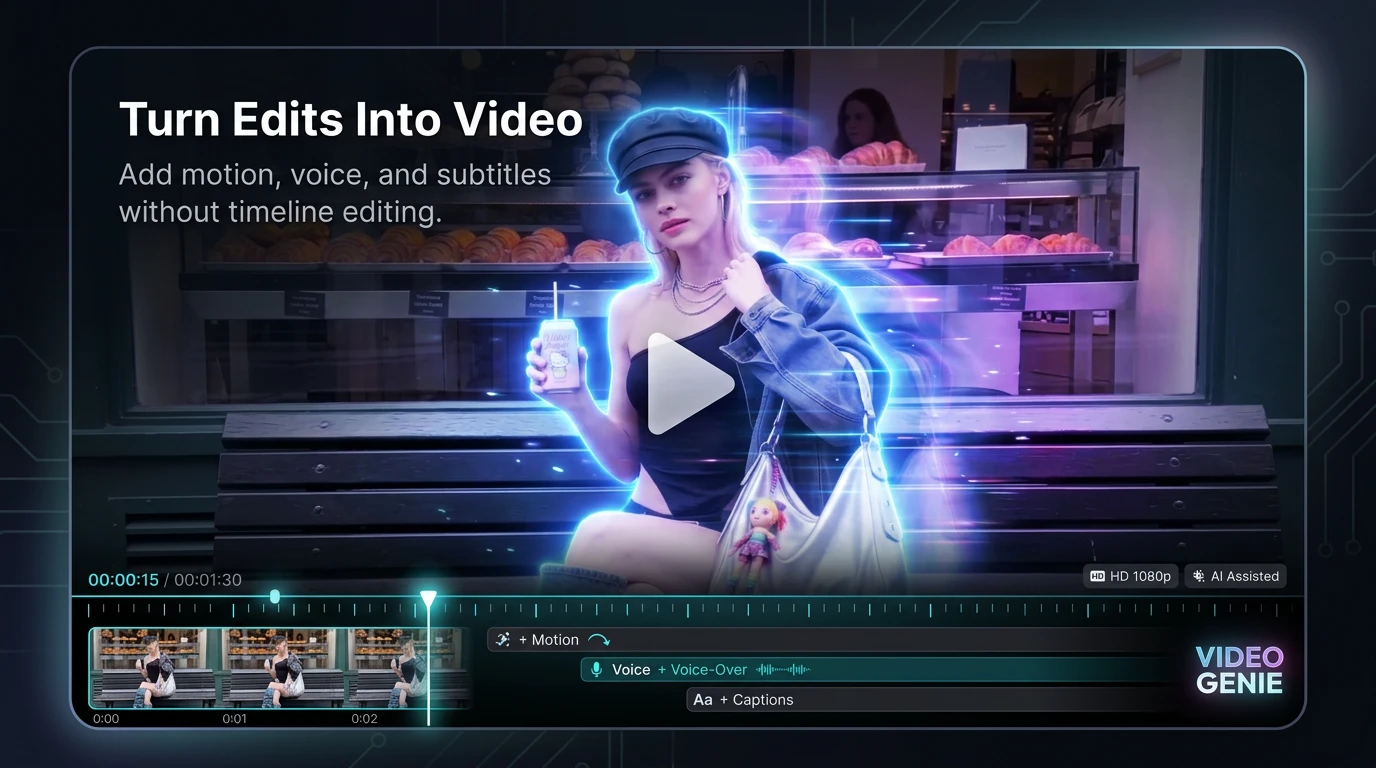
Video Generation
Turn Edits Into Video
After adjusting skin tone, generate a video from the image. Add motion, voice, and subtitles without timeline editing.
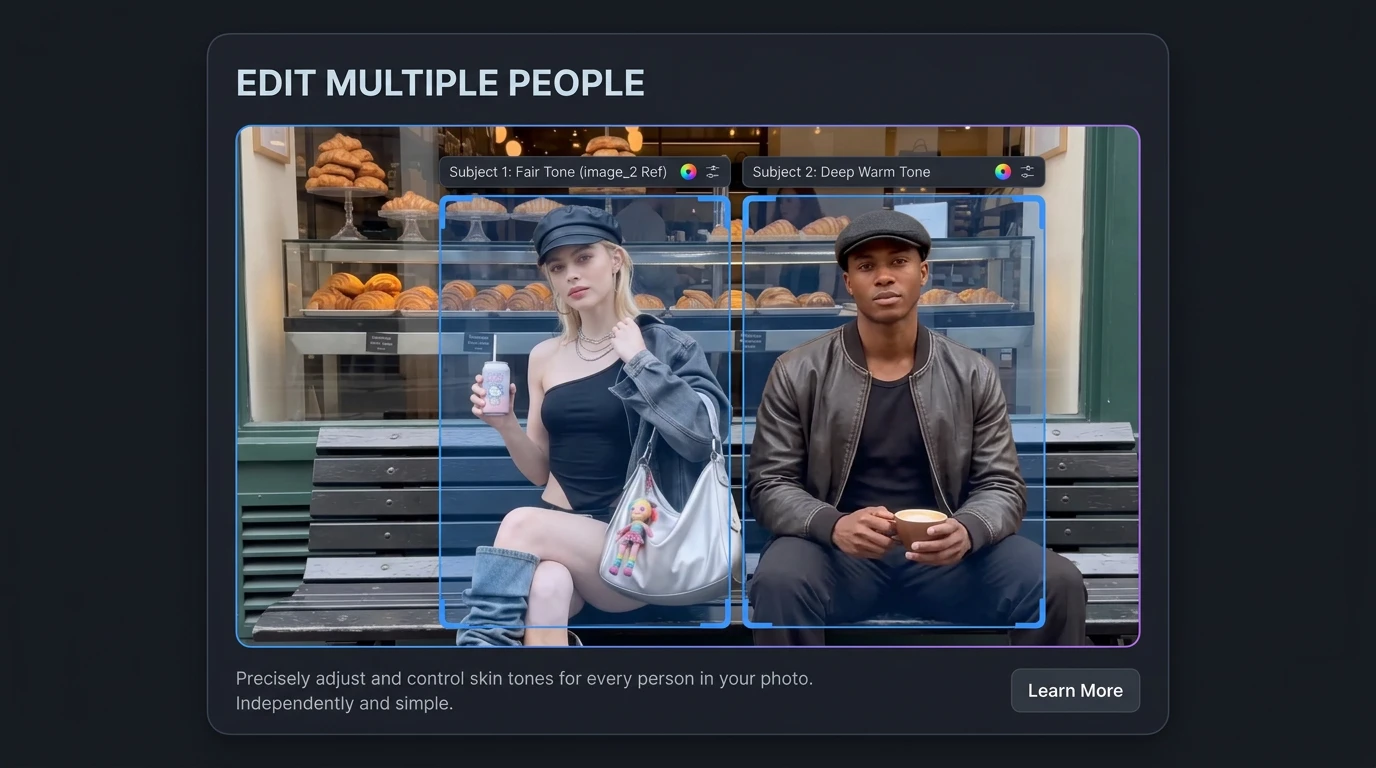
Multi-Subject Control
Edit Multiple People
Control skin tone for multiple people in one image and carry that consistency into generated video scenes.
How To Change Skin Color And Create Video
Follow a simple workflow to change skin tone naturally—whether you want lighter skin, a deeper tone, or fix uneven lighting in photos before turning it into video.
Step 1
Upload Your Image
Start with a portrait, selfie, or product image where the skin tone needs adjustment.
Step 2
Describe The Skin Tone You Want
Type what you want in plain language, like “light skin,” “pale white complexion,” or “dark skin tone.” The AI understands natural descriptions and adjusts the result accordingly.
Step 3
Refine Until It Looks Natural
Adjust the result to match lighting and context, making sure the skin tone blends realistically instead of looking flat or artificial.
Step 4
Turn It Into Video
Once you're satisfied, export the image or turn it into a video using Medeo’s AI video tools with motion, voice, and subtitles.
How People Use Skin Color Changer In Real Workflows
From fixing skin tone in images to generating video content, these are real ways people use Medeo’s skin color changer in different scenarios.
Creators Making Short Videos
Fix skin tone in a photo, then turn it into a talking or animated video for TikTok, Reels, or Shorts.
Photographers Fixing Lighting Issues
Correct uneven or grey skin tones caused by lighting, then convert the image into a polished video presentation.
E-commerce Visual Production
Adjust model skin tone across product images and generate consistent video ads from those visuals.
Marketing Teams Creating Campaigns
Standardize skin tone across assets and turn static visuals into branded video content with voice and subtitles.
Old Photo To Story Video
Restore or adjust skin tone in old photos and turn them into narrative videos with motion and voiceover.
Avatar And Character Design
Test different skin tones on images, then generate character-based videos with consistent visual identity.
From Skin Tone Fixes To Full Transformations
See how to change skin color in images—from fixing grey or uneven tones to making skin lighter or darker while keeping realistic texture and preparing visuals for video output.
Skin Color Changer Questions People Search
Real answers to how to change skin color in photos, fix unnatural tones, and turn results into video content.