Shopify Video Generator for Product Pages and Social
Turn product photos, a public product link, or your own footage into videos that show shoppers what you sell. Medeo’s AI video agent plans scenes and creates the video with voiceover, music, and captions. Edit through chat, then download for your Shopify product page or social campaign.
Powered by world-class AI models


Create Shopify Product Videos That Answer Buying Questions
Show shoppers the details they need before buying. Explain how your product works, highlight a useful feature, or introduce what is new.
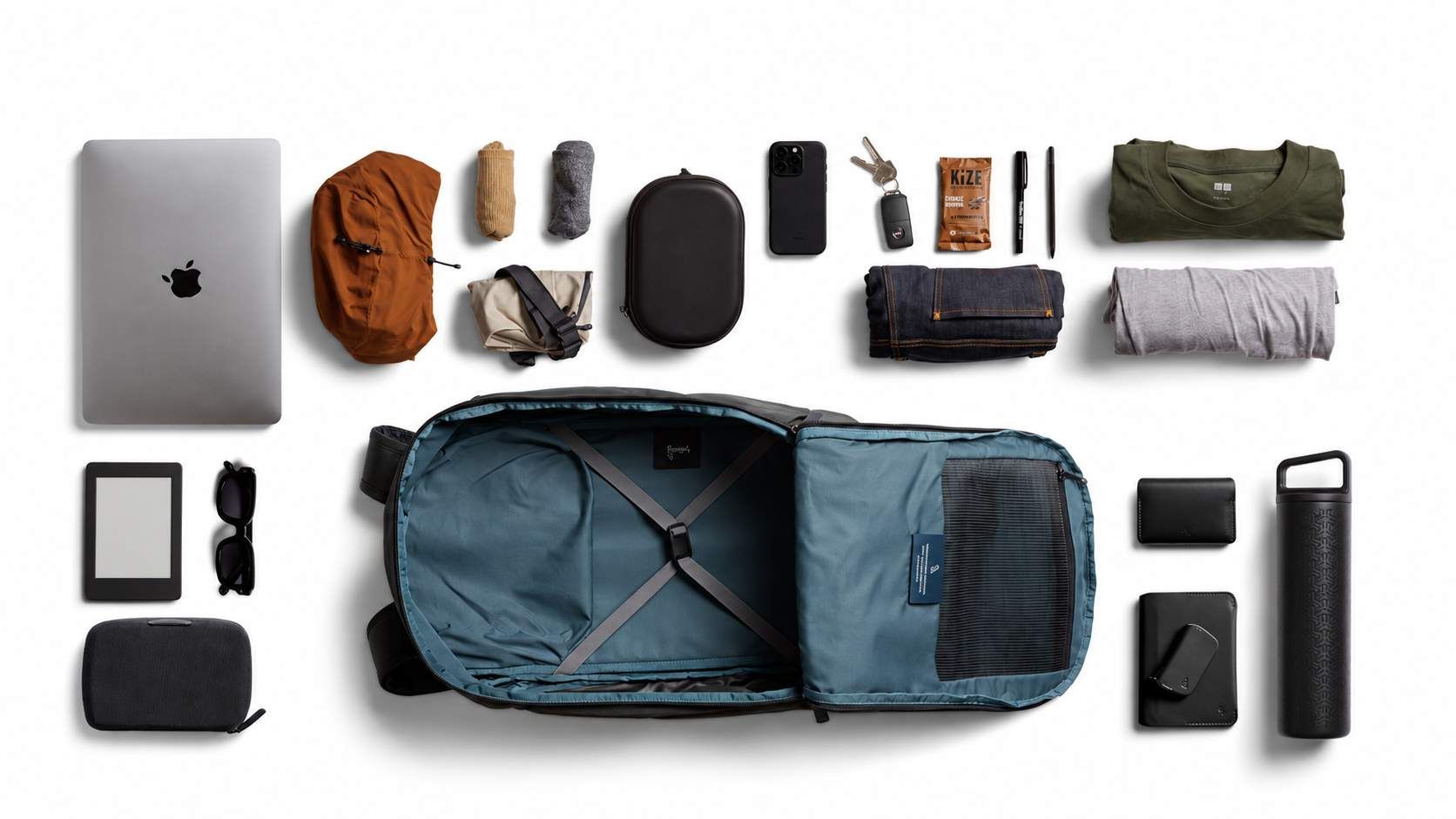
Show What Fits Inside
Help shoppers judge capacity and layout. For a backpack, use photos and packing clips to show the main compartment, pockets, and items it holds. Let Medeo assemble the video and add short captions for the details that matter.

Explain How It Works
Turn your demonstration footage into a clear product-page video. Show a coffee grinder’s controls and steps, then ask Medeo to trim pauses and add voiceover or captions that explain the process.
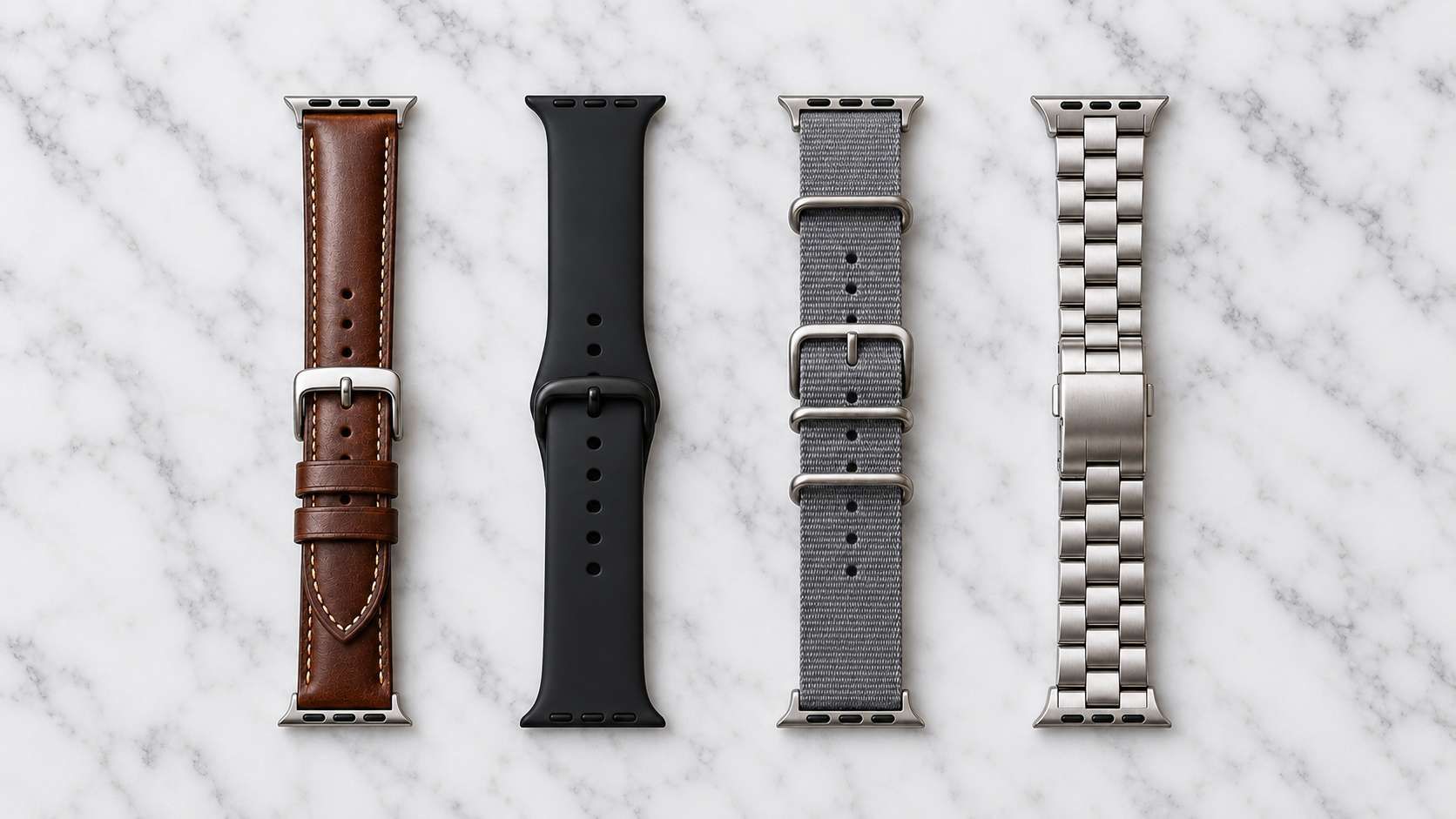
Highlight the Details Shoppers Compare
Give important features time on screen. Use close-ups to explain a strap, clasp, material, or control. Ask Medeo to adjust scene length and captions so shoppers can follow each detail.

Introduce a New Product or Colorway
Create a launch clip from your product images and release details. Medeo builds the scenes, music, and captions around your brief. Show what is new and invite viewers to explore the matching product page.
Shopify Product Videos for Your Store and Social Channels
Your product page helps shoppers understand the item. Your social video gives people a reason to visit your store. Use the same assets to create a version for each purpose.
Explain the Product on Your Store Page
Show key features, explain size or use, and answer common questions. For a backpack, show the compartments and opening clearly. Keep captions easy to read so shoppers can follow without sound.
Promote Your Product on Social
Open with a useful benefit, such as keeping everyday items organized. Ask Medeo for a shorter, vertical edit with a clear opening and an invitation to visit your Shopify store.
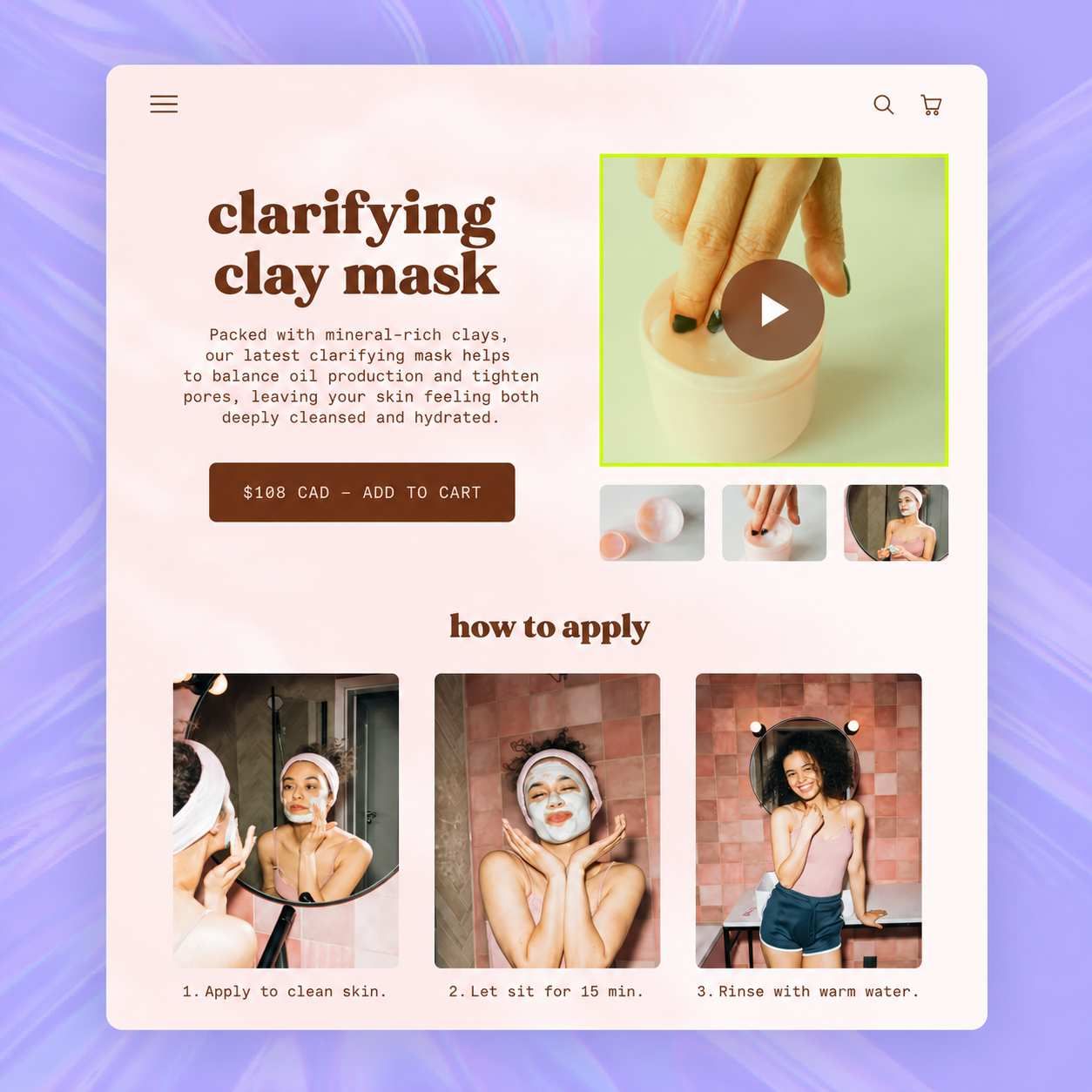
A Shopify Video Maker That Starts With Your Product Assets
You do not need a finished script to begin. Share your assets and explain what shoppers should learn. Medeo’s AI video agent plans the scenes, creates the video, and makes changes through chat.
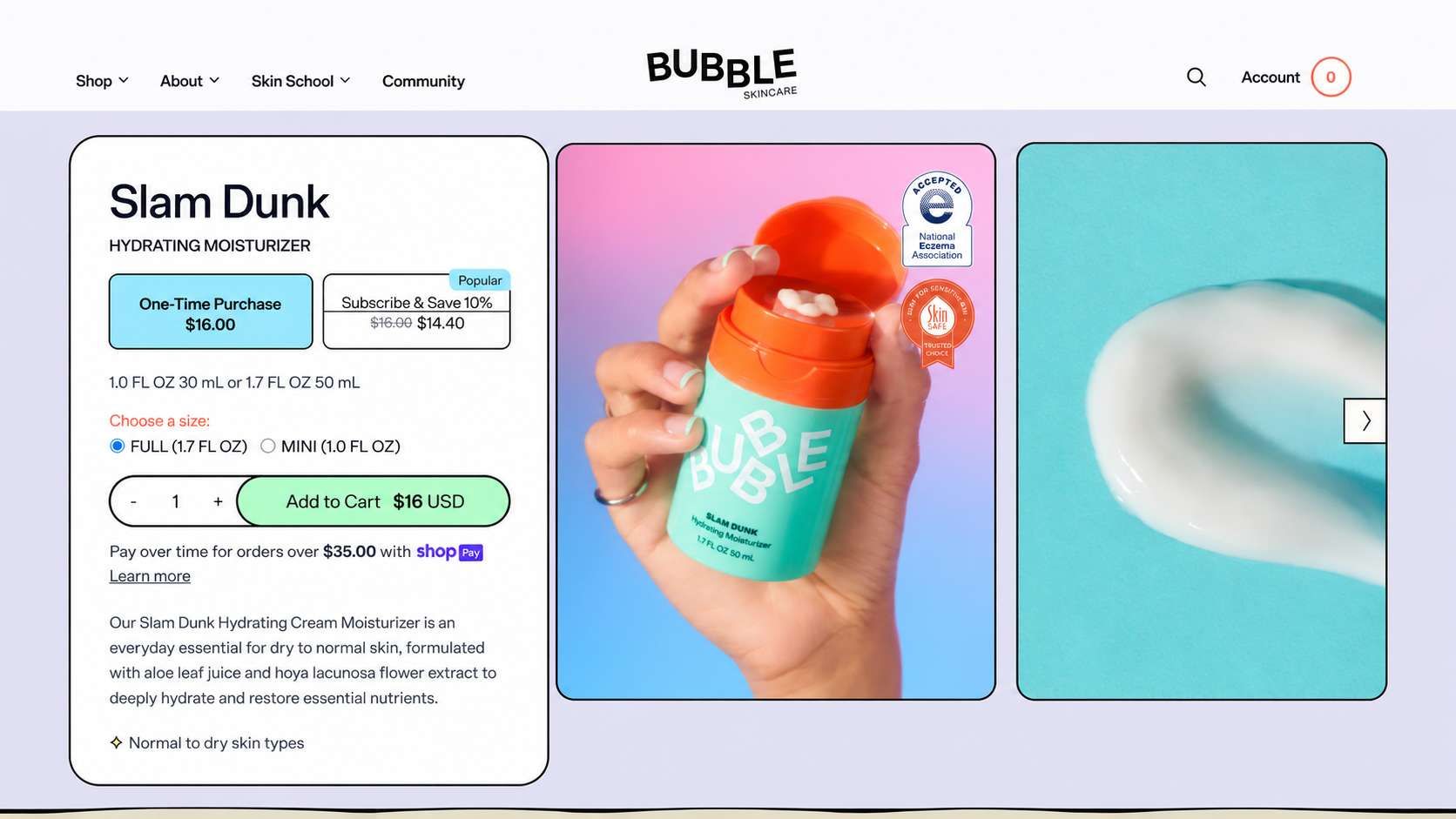
Public Product Link or Description
Paste a public Shopify product URL or your product description. Medeo turns the information and your instructions into a video. Add missing facts and your preferred images to guide the story and product details.

Product Photos
Upload clear product images and describe the video you want, such as a feature overview or a new-color reveal. Medeo creates scenes from your brief and images. Check that the generated details match the item you sell.
Existing Demos or Creator Footage
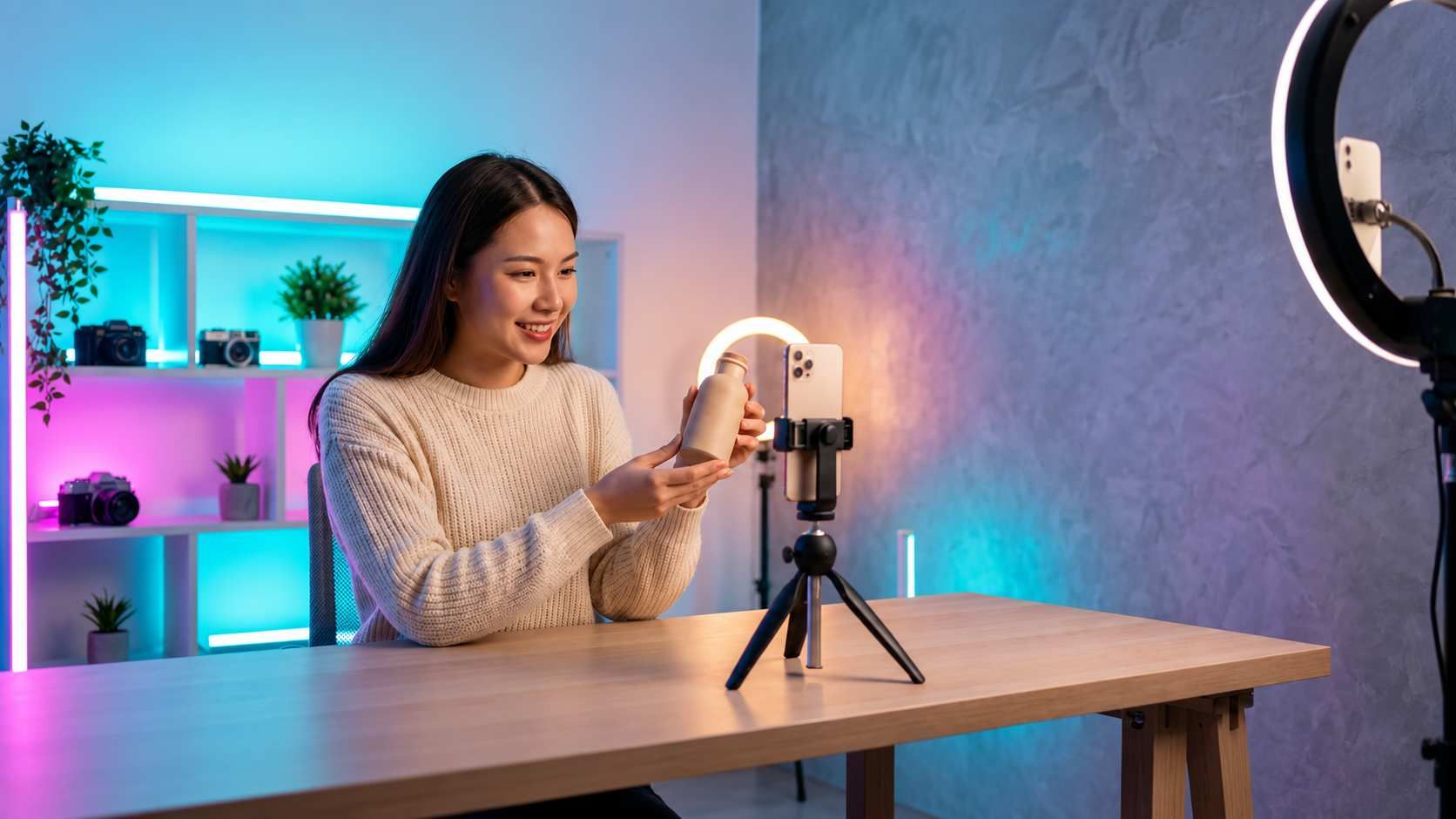
Upload your own demos or creator footage you have permission to use. Ask Medeo to shorten clips, arrange scenes, and add voiceover or captions. Real footage is useful for showing exact fit, size, movement, or operation.
How to Create a Shopify Product Video and Add It to Your Store
Step 1
Add Your Assets and Describe the Video
Share your photos, public product link, description, or footage. Tell Medeo which feature to show, who the video is for, and where you will use it. Specify the product variant, length, and format.
Step 2
Generate the Video and Edit Through Chat
Medeo’s AI video agent plans scenes and creates the video with visuals, voiceover, music, and captions. Review the draft, then ask for changes such as “Show the inside pocket first” or “Shorten the opening.”
Step 3
Download the Finished Video
Check product details and captions, then download the finished video. Keep your product-page version focused on explanation. Ask for a separate social edit when you need a different opening, format, or call to action.
Step 4
Upload It in Shopify and Preview the Page
In Shopify admin, open Products, choose the product, and add the finished file in Media. Preview the product page on desktop and mobile. Check how the video fits beside the photos and how playback works in your theme.