Create Vertical TikTok Videos in Minutes
Medeo’s AI TikTok Video Generator turns scripts or URLs into scroll-stopping vertical videos. Add AI voices, music, captions, and dynamic visuals to create professional short-form content for TikTok, Instagram Reels, and YouTube Shorts—no filming or editing skills required.

Powered by world-class AI models


What is an AI TikTok Video Generator?
A TikTok Video Generator is an innovative AI tool designed to help users create captivating short-form videos specifically optimized for the TikTok platform. It automates the video creation process, from script generation to dynamic editing, incorporating trending elements like popular sounds, effects, and transitions to maximize engagement and virality. This tool is perfect for content creators, marketers, small businesses, and anyone looking to quickly produce high-quality, attention-grabbing TikToks without needing extensive video editing skills. It streamlines content production, enabling users to maintain a consistent posting schedule and stay relevant in the fast-paced world of social media.
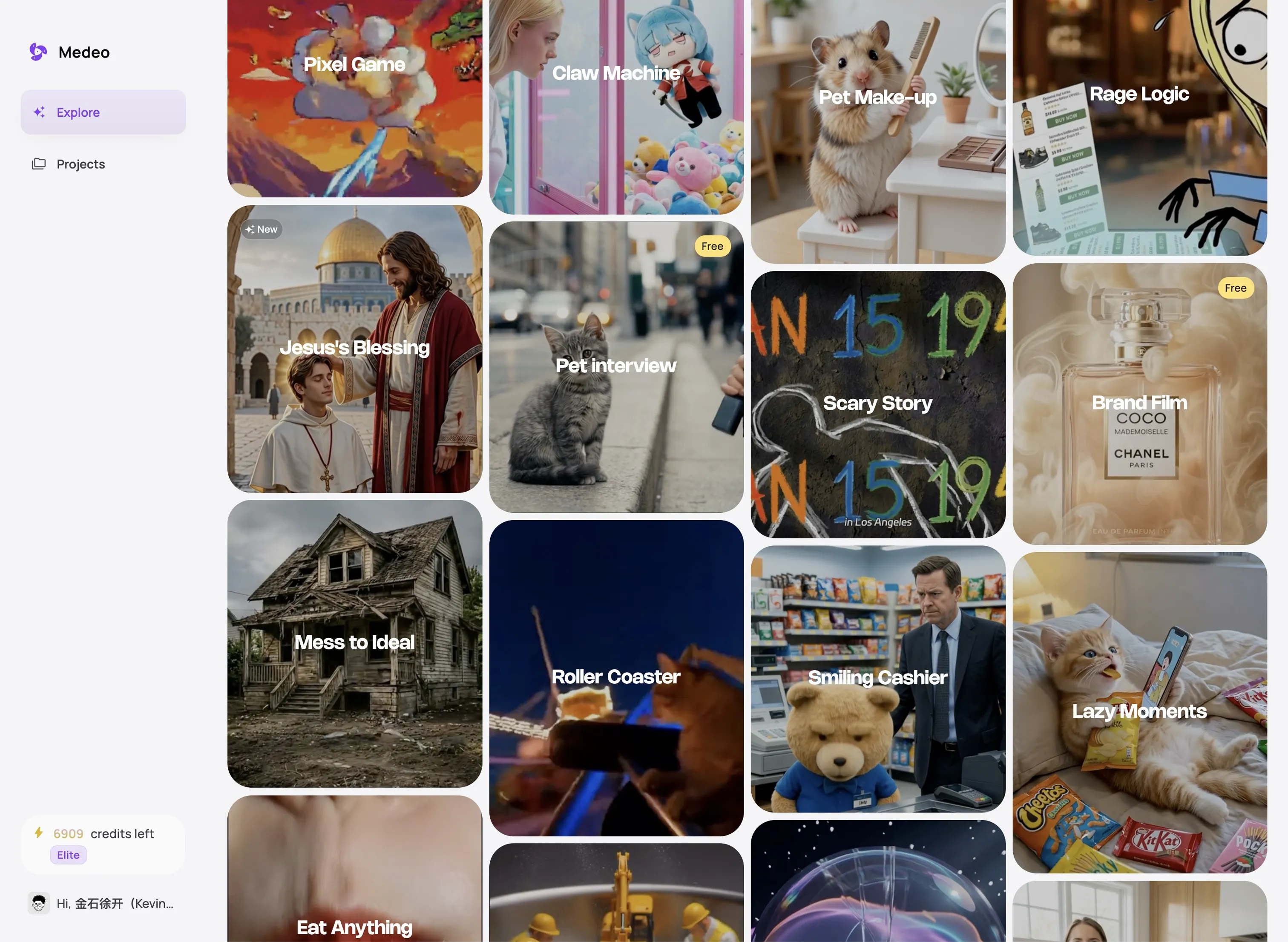
From "Ghost Town" Feeds to Viral Consistency
Professional-grade vertical production that feels native to the TikTok ecosystem
Before
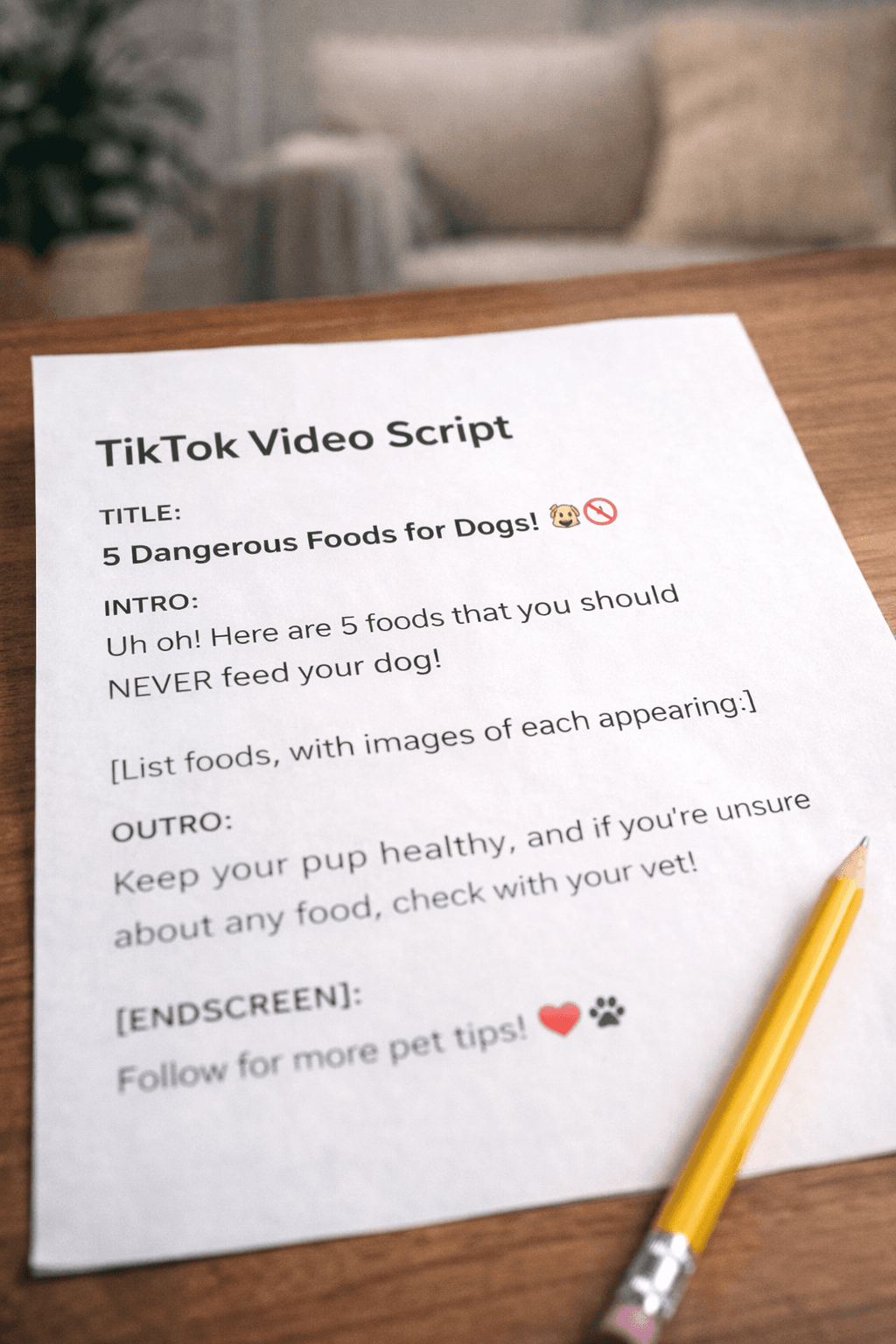
The script
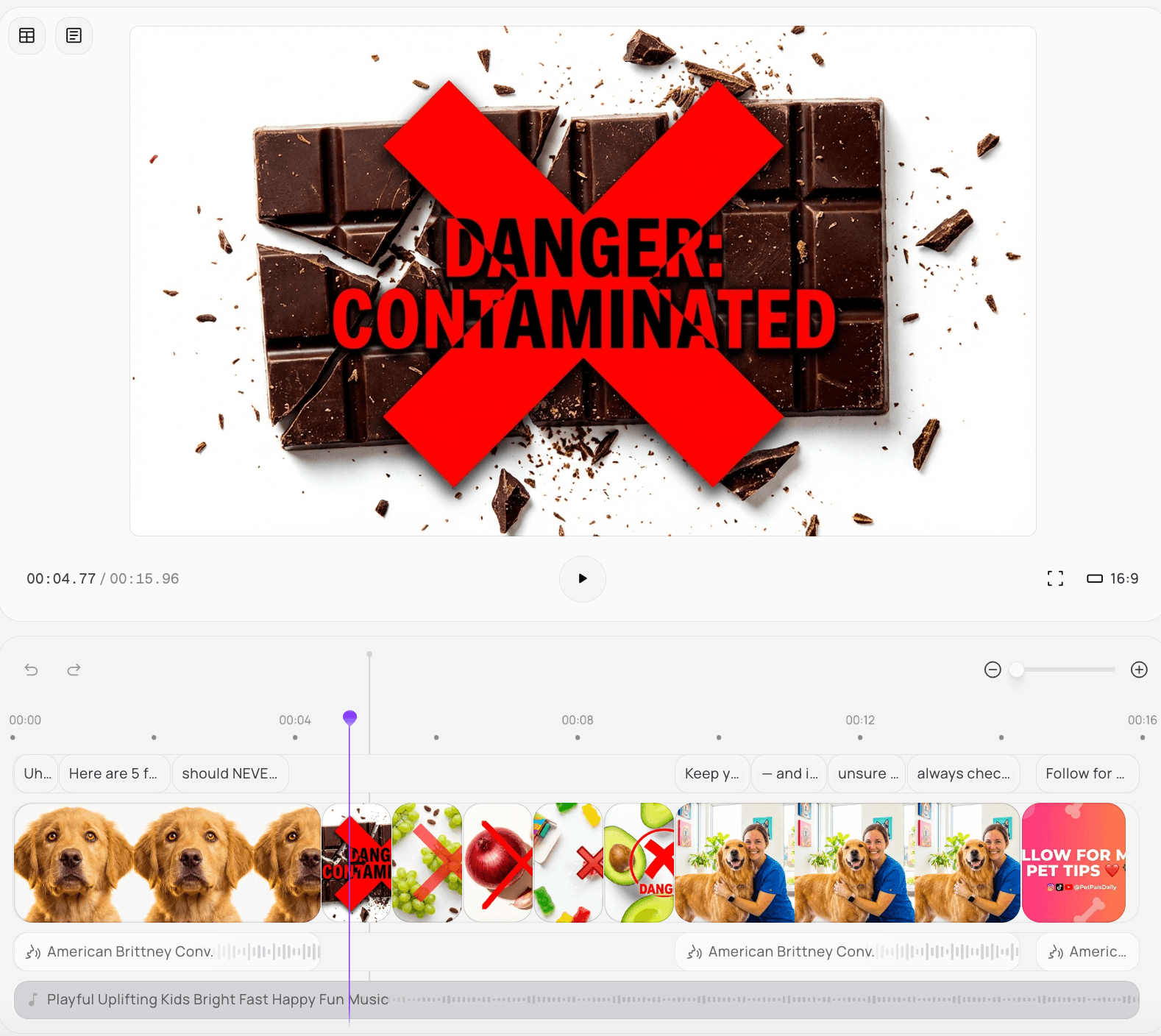
After
4K vertical videos
Why Choose Medeo’s AI TikTok Video Generator?
The ultimate toolkit for scaling your personal brand or e-commerce store on the world's fastest platform
Fast Creation
Turn scripts or links into ready-to-publish TikTok videos in minutes—no filming, editing, or production skills required.
AI-Powered Automation
Automatically generate captions, music, voiceovers, and visual effects tailored to your script, making your content scroll-stopping.
Social Media Ready
Optimized for vertical format and short-form content, perfect for TikTok, Instagram Reels, and YouTube Shorts.
Generate Viral TikTok Videos
Script & Link Input
Upload your script or paste a URL. The AI extracts key points and structures your video for maximum engagement.
Customize Media & Voice
Select images, stock footage, AI visuals, music, and AI voices. The AI automatically synchronizes all media with your script.
Generate & Share Instantly
Click generate, preview your video, and edit timing, captions, or visuals. Then export your video for TikTok, Instagram, or YouTube Shorts.
How to Create TikTok Videos?
Step 1
Step 1 : Input Your Script or Link
Provide your content—typed script, pasted text, or a URL. Medeo’s AI extracts the main points and prepares it for video creation.
Step 2
Step 2 :Choose Media & Style
Pick AI-generated visuals, stock videos, or images. Add music, captions, and voiceovers to match your style.
Step 3
Step 3 :Customize Your Video
Adjust text timing, swap visuals, or change music to fine-tune your TikTok video for maximum engagement.
Step 4
Step 4 :Generate & Share
Click “Generate” and get a vertical, social-media-ready video. Export it for TikTok, Instagram Reels, or YouTube Shorts.
TikTok Formats You Can Make Without Filming
Pick a format with a built-in reason to keep watching, then let the agent build around it.
The listicle
Three to five items, one per beat, with the number on screen. Works for tools, tips, places, and mistakes because the viewer knows how much is left.
The storytime
A first-person story with a clear turn: setup, complication, resolution. Keep the narration conversational and let captions carry the pace.
The explainer
Take one question the audience already asks and answer it in plain language. A single diagram or visual metaphor is enough; more than that becomes a lecture.
The product demo
Show the object in use, then the result. Start with the problem in the first line so the demo has something to solve.
The POV skit
Put the viewer inside a familiar situation: the group chat, the interview, the Monday morning. A recognizable setup does more work than an elaborate punchline.
The recap
Three highlights from an event, a trip, or a week, each with a one-line caption. Good for accounts that post often and need a repeatable shape.
The Opening Frame Decides Whether the Rest Is Seen
Short-form viewers make a decision fast. Give them a reason to stay before the context arrives.
Start inside the action
Open on the result, the reaction, or the middle of the story. A greeting or a logo animation is a polite way to lose the room.
Say the promise out loud
The first spoken line should tell the viewer what they get: a fix, a fact, a laugh, a warning. Keep it short and put the same idea on screen.
Show a face or a hand
Human presence gives the eye somewhere to land. Even in a faceless video, a hand holding the product or pointing at the text adds scale and motion.
Match the caption to the audio
Do not make the viewer read a different sentence than the one they hear. Captions should repeat the narration, slightly condensed, and appear in time with the voice.
Cut the wind-up
Delete the first two seconds of any clip where nothing happens. The edit almost always improves.
Writing a Script That Sounds Native to the Feed
Vertical video is written in beats, not paragraphs. These habits keep the narration moving.
One thought per line
Break the script where a person would breathe. Each line becomes a shot or a caption, which makes the edit faster and the pacing more even.
Write the way you talk
Contractions, short clauses, and the occasional aside sound human. Read the script aloud and replace any phrase you would not say to a friend.
Front-load the useful part
Put the tip, the number, or the reveal before the backstory. Context can come after the viewer has decided to stay.
Plan the loop
End on a line that makes the opening feel like a second thought, so a replay lands differently. Do not rely on a gimmick; a clean callback is enough.
Leave room for captions
Keep sentences short enough to fit on two lines and avoid stacking text over a busy part of the frame. When in doubt, say less and hold the shot a beat longer.