AI Viral Video Generator: Turn Trends Into Your Next Video
Discover trends and audience conversations with VideoClaw, then create and edit your video through chat. Medeo brings research, video creation, social media management, scheduling, and publishing into one workflow.
Powered by world-class AI models


Turn Your Idea Into a Complete AI Viral Video
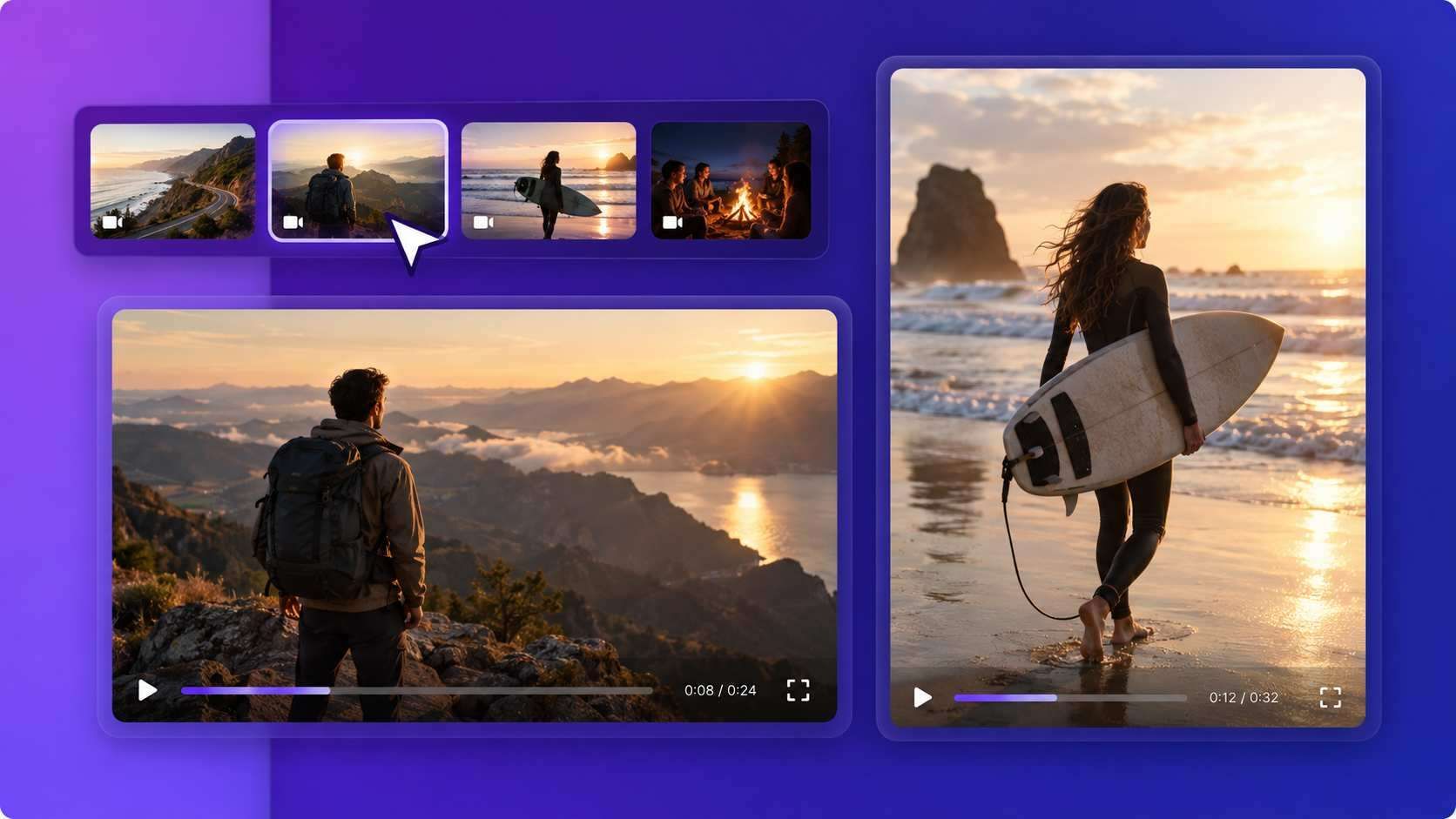
Describe your idea, audience, and style. Medeo builds a video with scenes, voiceover, music, and captions. Review the result and refine it through chat.
Create AI Videos for TikTok, Reels, and Shorts
Choose a vertical format and use chat to adjust the pacing, framing, and captions for your audience. Review each version before sharing.
One Standard Edit
A landscape edit may need different framing, pacing, and caption placement for a vertical feed.
An Edit for Your Chosen Feed
Request a vertical version, faster cuts, or clearer captions. Check the result for the platform you plan to use.
From Trend Discovery to Publishing With VideoClaw
Medeo's AI video agent, VideoClaw, brings trend discovery, social listening, conversational video creation, and social media management together. Find your next idea, make the video, and plan its release.
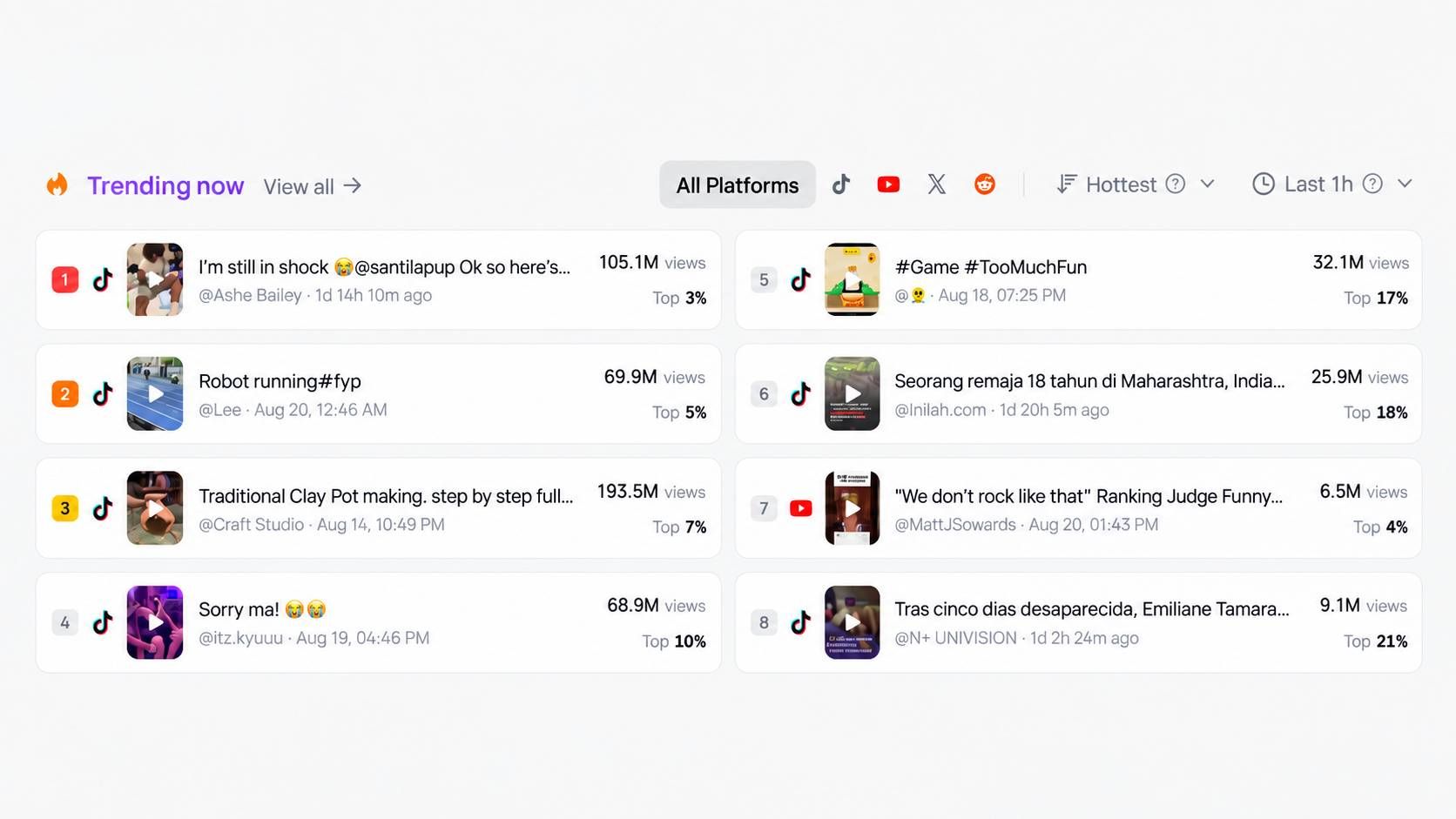
Discover Trends for Your Next Video
Find trending topics and content ideas for your niche with VideoClaw. Start with a question such as “What should I post about this week?”

Turn Social Conversations Into Content Ideas
Use social listening to explore what people are discussing. Ask for video ideas around a topic or audience question.
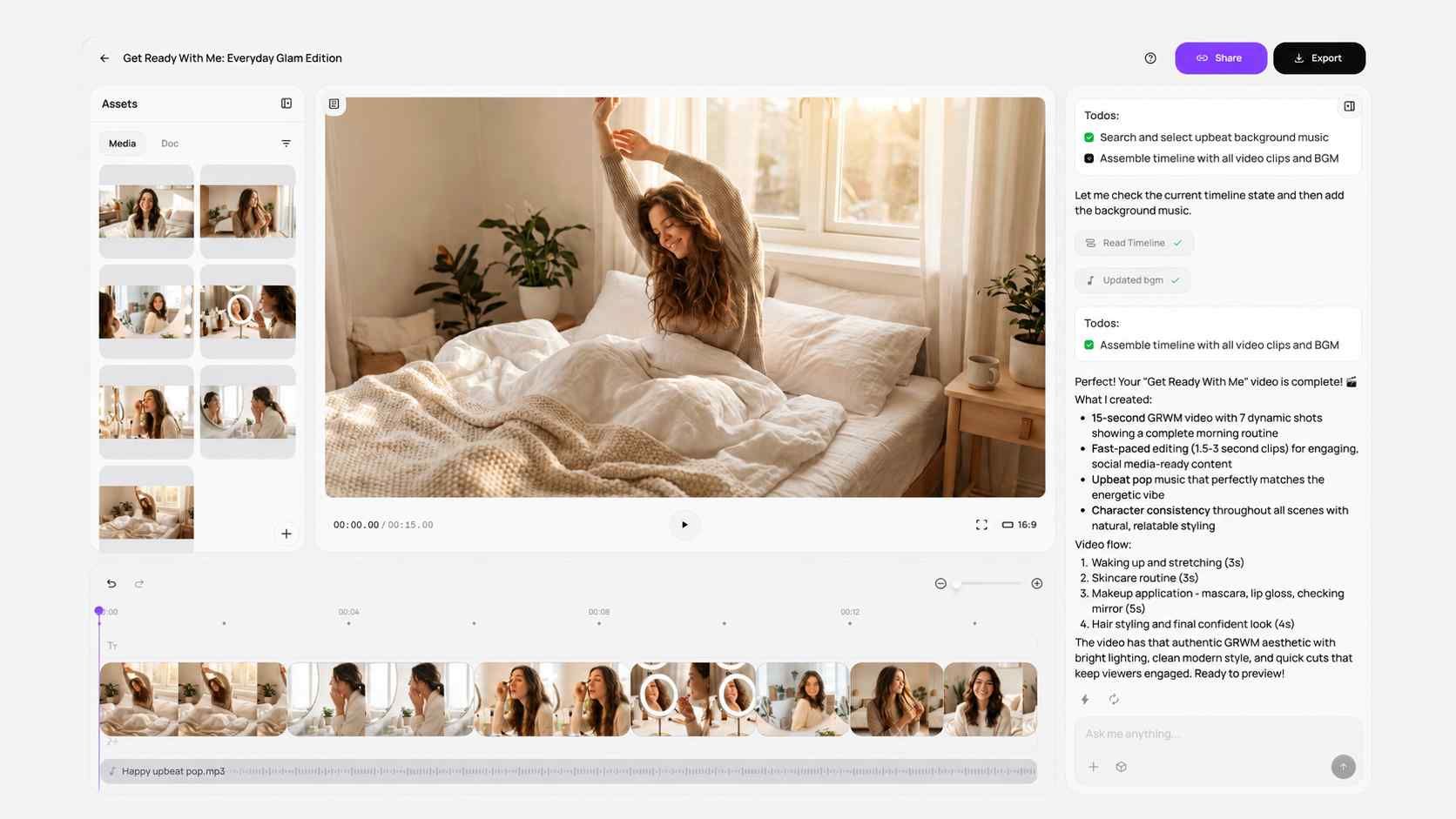
Create a Complete Video Through Chat
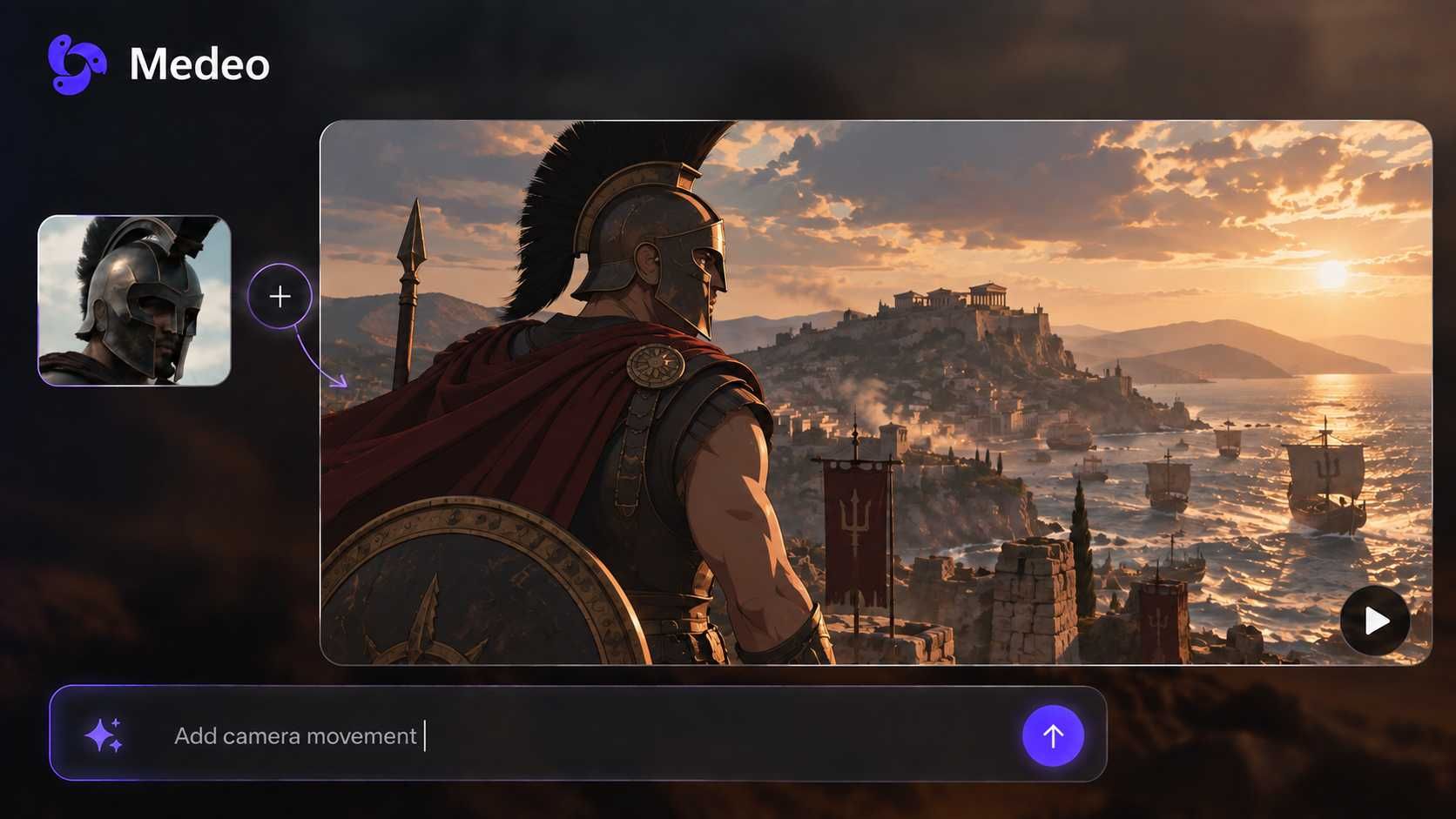
Describe your idea and add your own images or clips. Medeo creates the scenes, voiceover, music, and captions in one project.
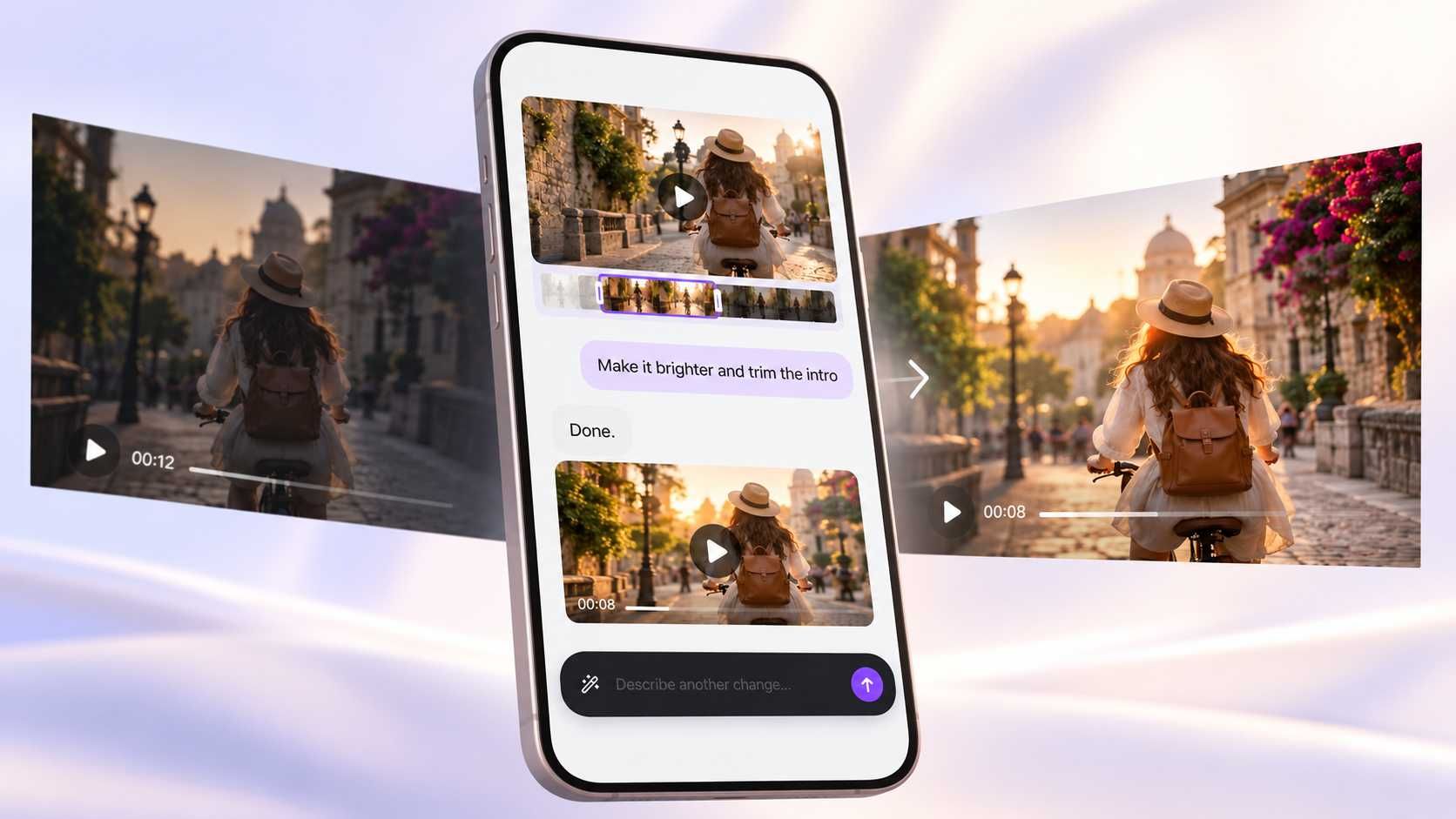
Edit Your AI Video With Simple Instructions
Ask for a shorter opening, a new scene, different music, or clearer captions. Review the changes and keep refining your video.
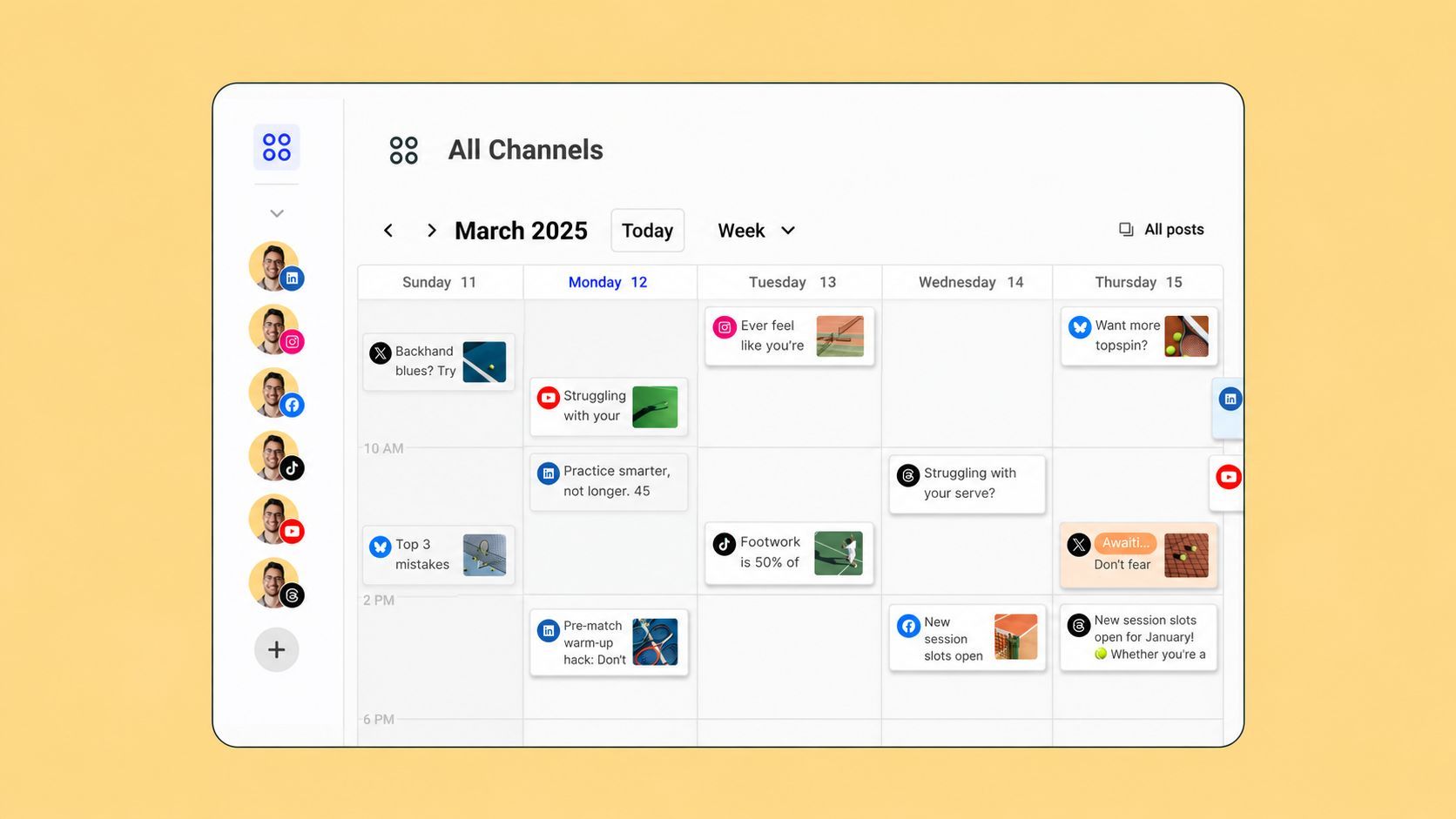
Manage, Schedule, and Publish Your Content
Bring social media management, scheduling, and publishing into your video workflow. Plan when to share your finished content.
Make Viral-Style Videos for Any Topic
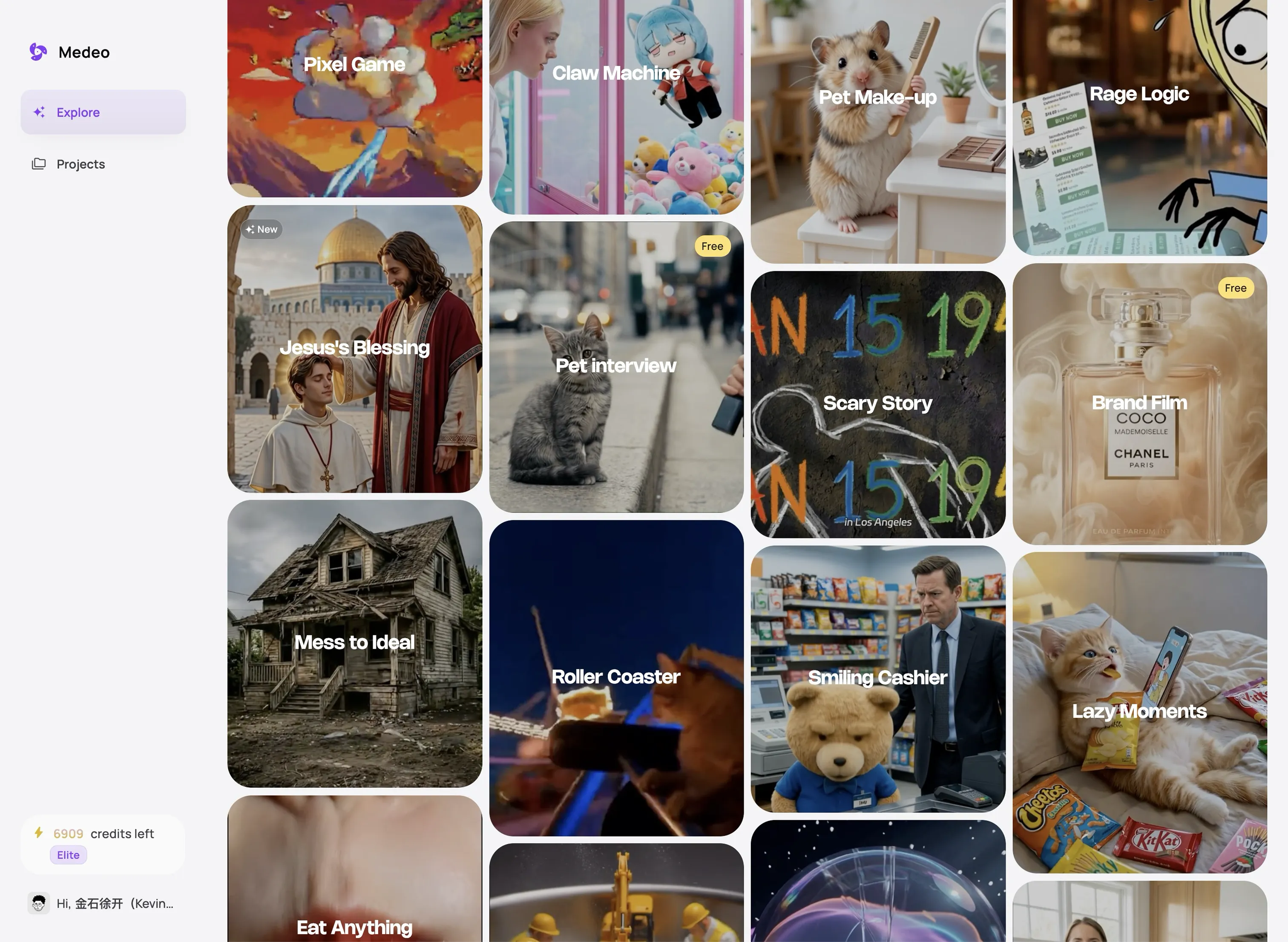
Create entertaining videos, product content, short stories, and useful posts without filming every scene yourself.
Funny AI Pet Videos
Put a pet in an unexpected place or give it a funny role. Create party scenes, dance videos, small adventures, and other playful posts.
Product Videos and Social Ads
Turn product images into a short reveal, demonstration, or ad. Show what the product does and give viewers a clear reason to remember it.
Before-and-After Videos
Show a makeover, renovation, style change, or creative project. Build the video around the difference between the beginning and the final result.
Short Tips and Explainer Videos
Answer one question or share one useful idea. Use simple visuals, clear captions, and a voiceover to make the message easy to follow.
AI Animation and Mini Stories
Create an original character, a simple situation, and a clear ending. Make a complete short story without actors or recorded footage.
Videos Inspired by Current Trends
Explore a current topic with VideoClaw, then develop a video around your own audience, product, or message.
What Creators Say About Medeo’s AI Viral Video Maker
See how creators use Medeo to turn ideas, images, and references into social videos—and improve each version through chat.
"I can start with a rough idea and a few images, then refine the pacing and captions through chat."
Maya Collins
Content Creator
"If the opening feels slow or a scene does not work, I can request changes without rebuilding the whole video."
Daniel Kim
YouTube Creator
"I can start with a rough idea and a few images, then refine the pacing and captions through chat."
Maya Collins
Content Creator
"If the opening feels slow or a scene does not work, I can request changes without rebuilding the whole video."
Daniel Kim
YouTube Creator
"I can turn one idea into several social videos, then adjust the message for each version."
Priya Sharma
Social Media Manager
"Medeo turns my visual references into scenes, narration, music, and captions that I can refine."
Marcus Reed
Independent Filmmaker
"I can turn one idea into several social videos, then adjust the message for each version."
Priya Sharma
Social Media Manager
"Medeo turns my visual references into scenes, narration, music, and captions that I can refine."
Marcus Reed
Independent Filmmaker
How to Create and Share AI Videos With Medeo
Find an idea, create your video, and prepare it for publishing.
Step 1
Find an Idea With VideoClaw
Explore trends and conversations in your niche, or start with a recipe or your own idea.
Step 2
Create and Refine Through Chat
Describe the audience, style, and message. Add your materials, review the first video, and ask Medeo for changes.
Step 3
Export, Schedule, or Publish
Review your final video. Export it for sharing, or use Medeo’s social media tools to schedule and publish content.
FAQs About AI Viral Video Generator
Answers about trends, video formats, creation, editing, and publishing.