AI Movie Maker: Turn Your Script Into a Movie
Start with a story, script, or simple idea. Medeo's AI movie maker helps you build it scene by scene with visuals, dialogue, music, subtitles, and edits in one workflow.
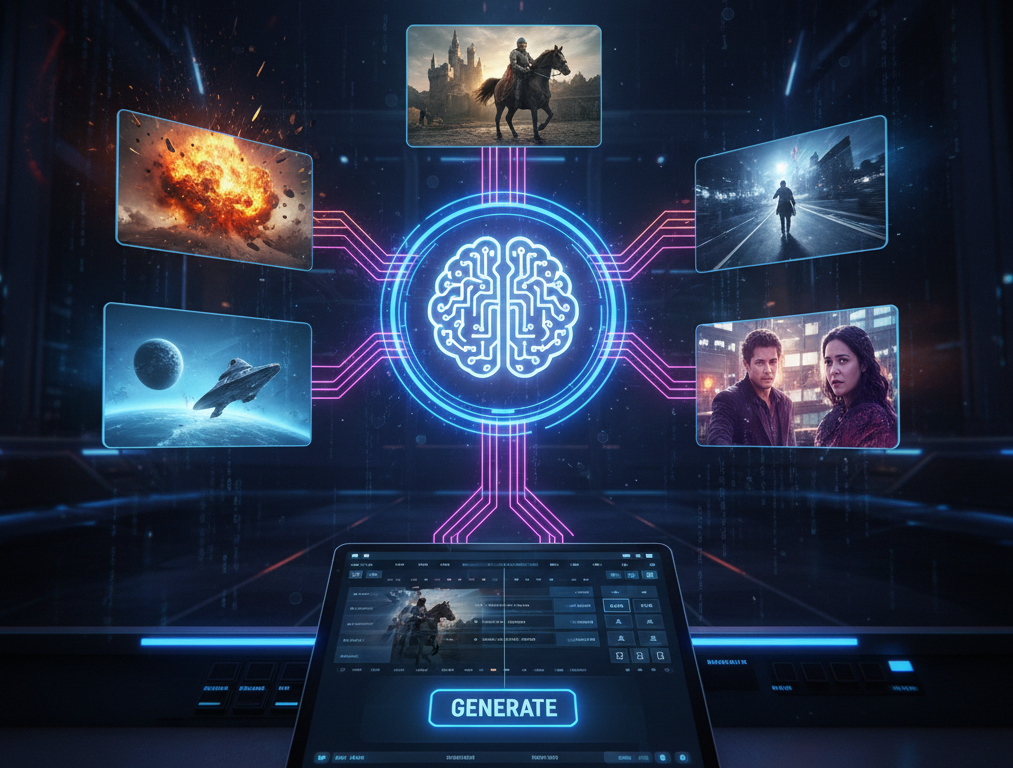
Powered by world-class AI models


Start With a Story You Want to See As a Movie
Describe the plot, characters, setting, mood, and format. A short idea is enough to begin, or you can paste a finished script for more control.
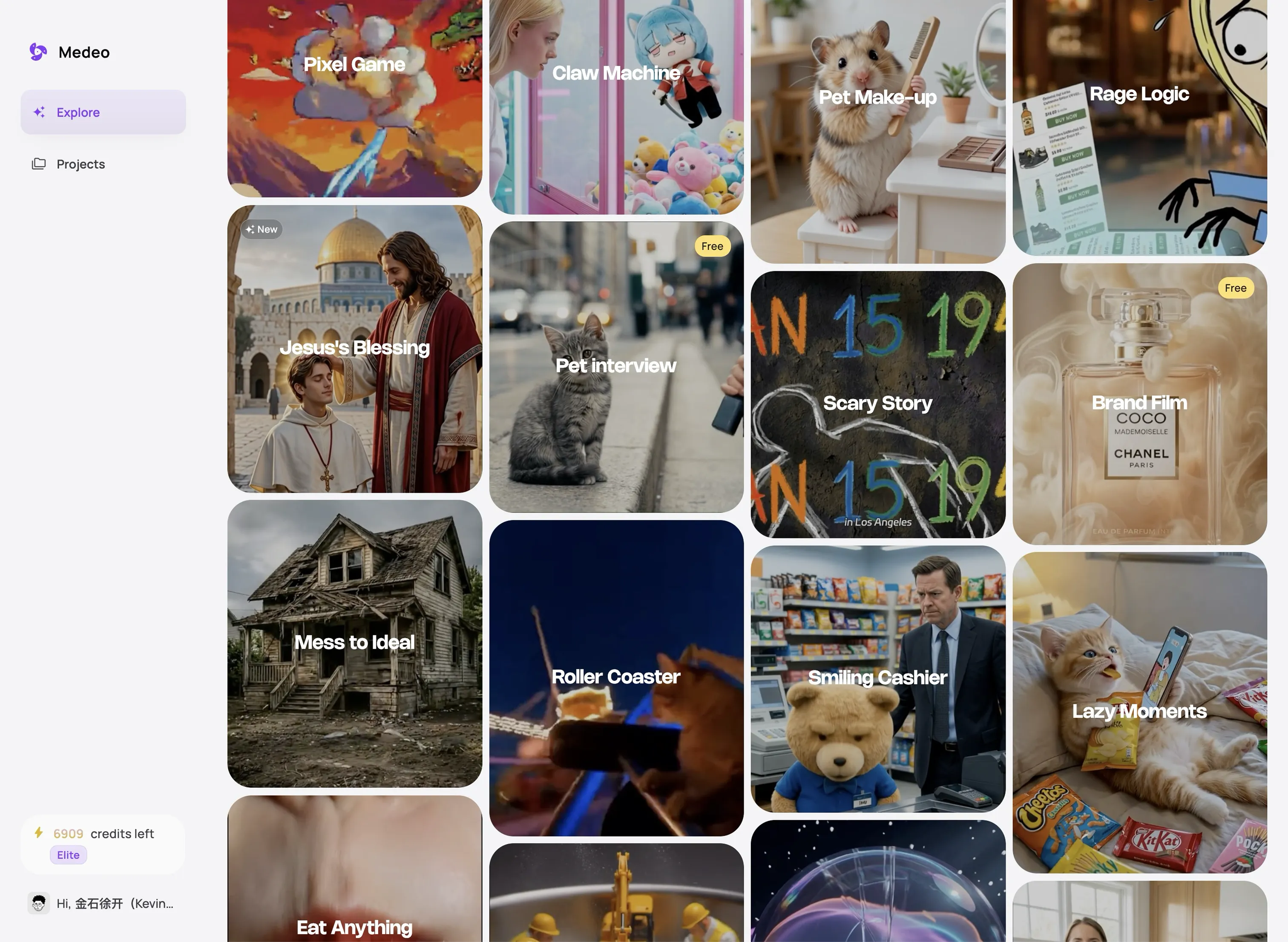
Create Every Part of Your Movie in One Workflow
Develop the story, direct each scene, build the soundtrack, and refine the final sequence without moving between separate AI tools.
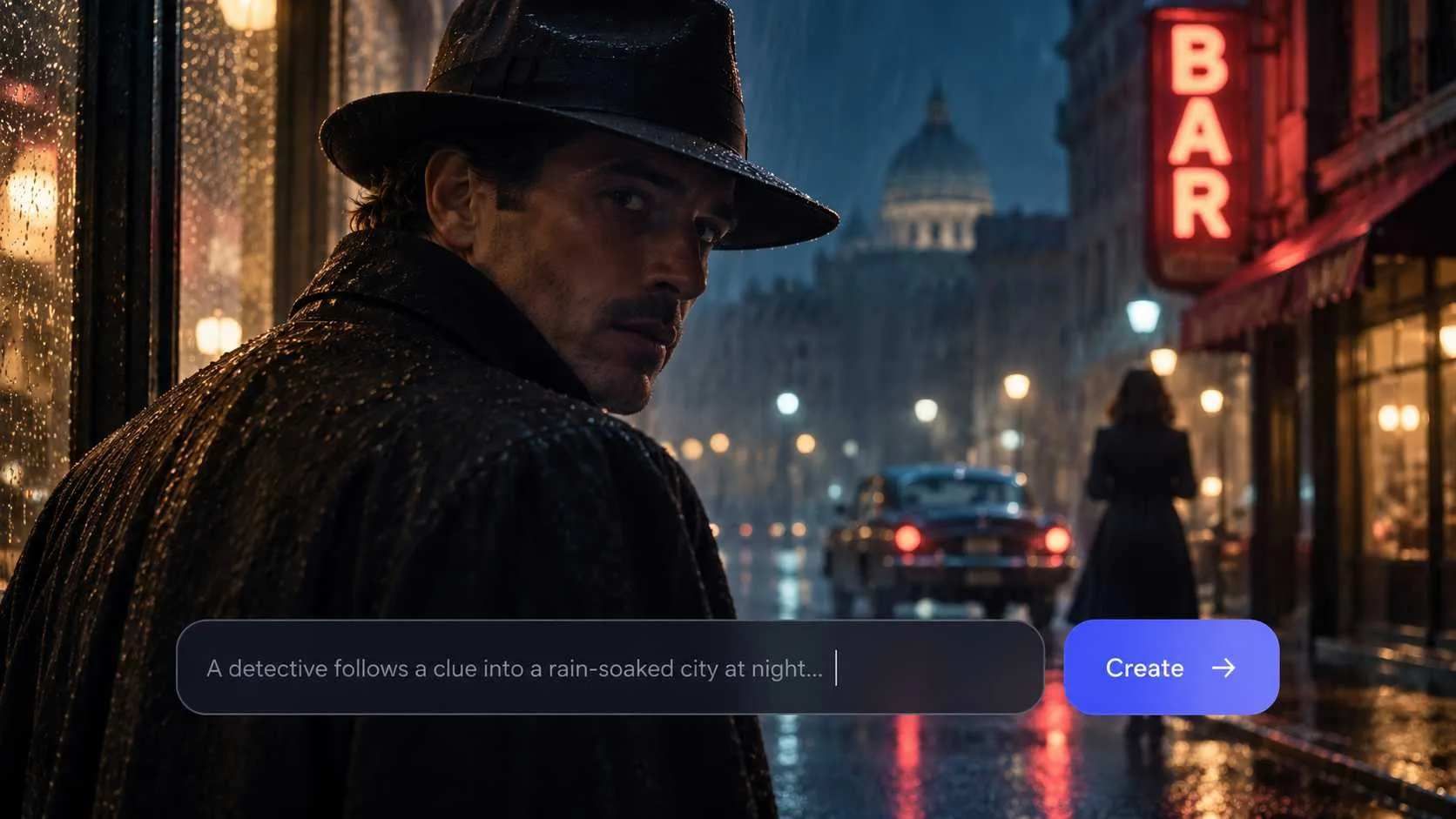
Shape Your Story Before You Generate
Start with a simple premise, an outline, or a complete script. Medeo turns your material into a clear scene-by-scene structure, helping you define the action, dialogue, setting, and purpose of each scene before production moves forward.

Keep the Same Visual World Across Every Scene
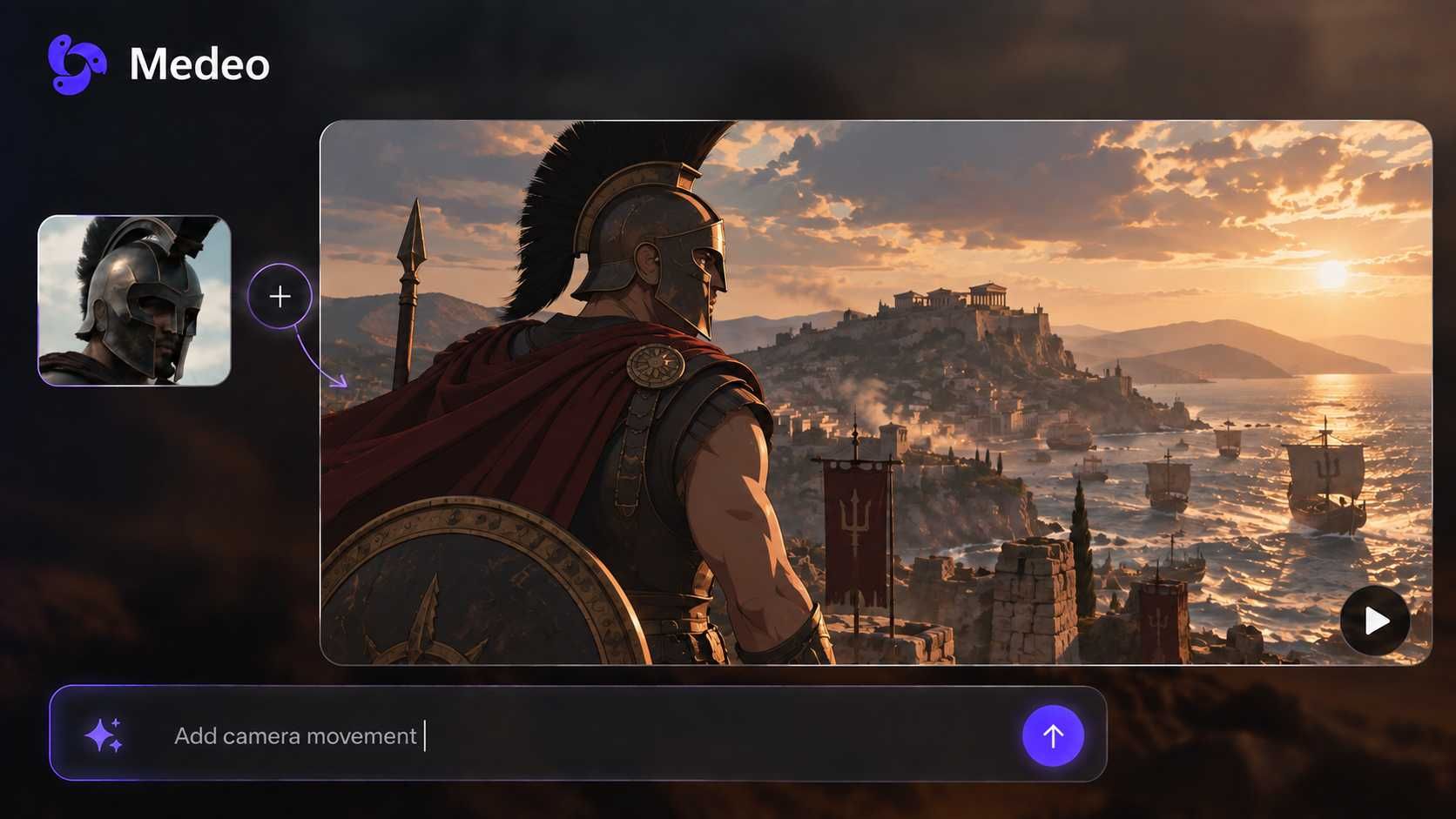
Guide recurring characters, locations, costumes, and visual styles with descriptions and reference images. Instead of generating isolated shots, you can build scenes that feel like they belong to the same story.
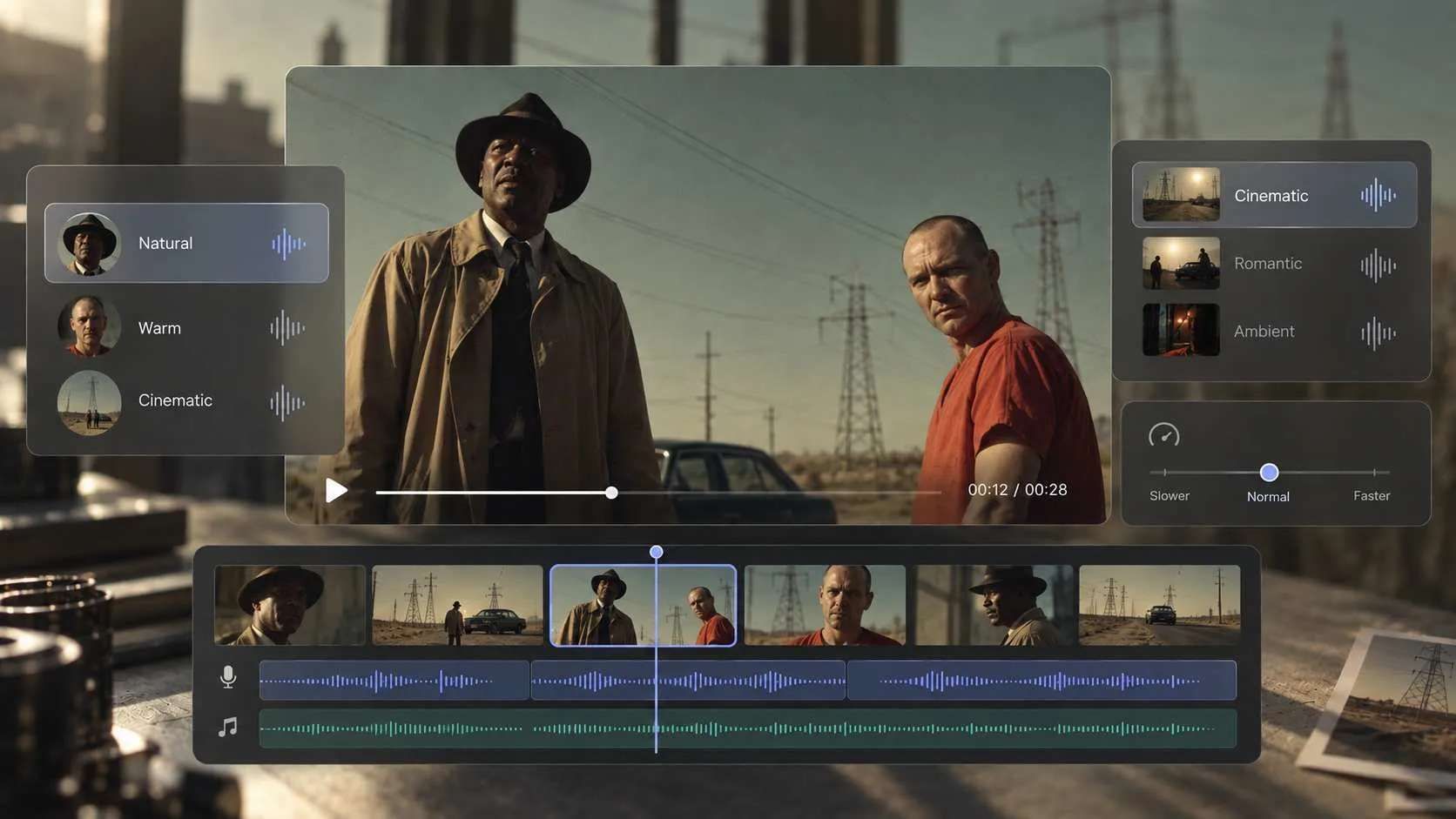
Give Every Scene the Right Voice, Music, and Pace
Add character voices, narration, music, and subtitles within the same project. Adjust their timing around the action so conversations feel natural, important moments have room to land, and the soundtrack supports the mood of the movie.
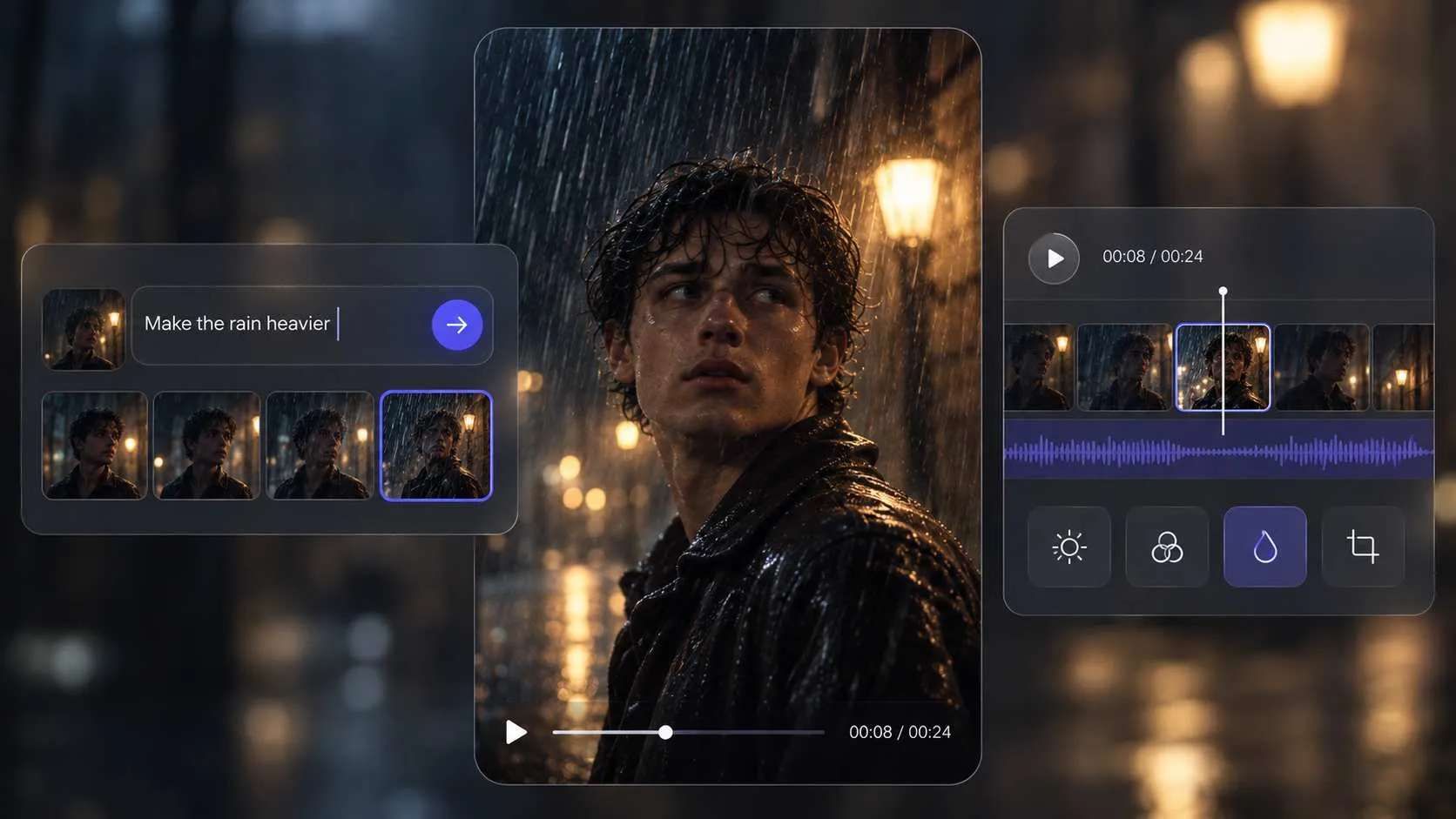
Direct the Details Without Rebuilding Your Movie
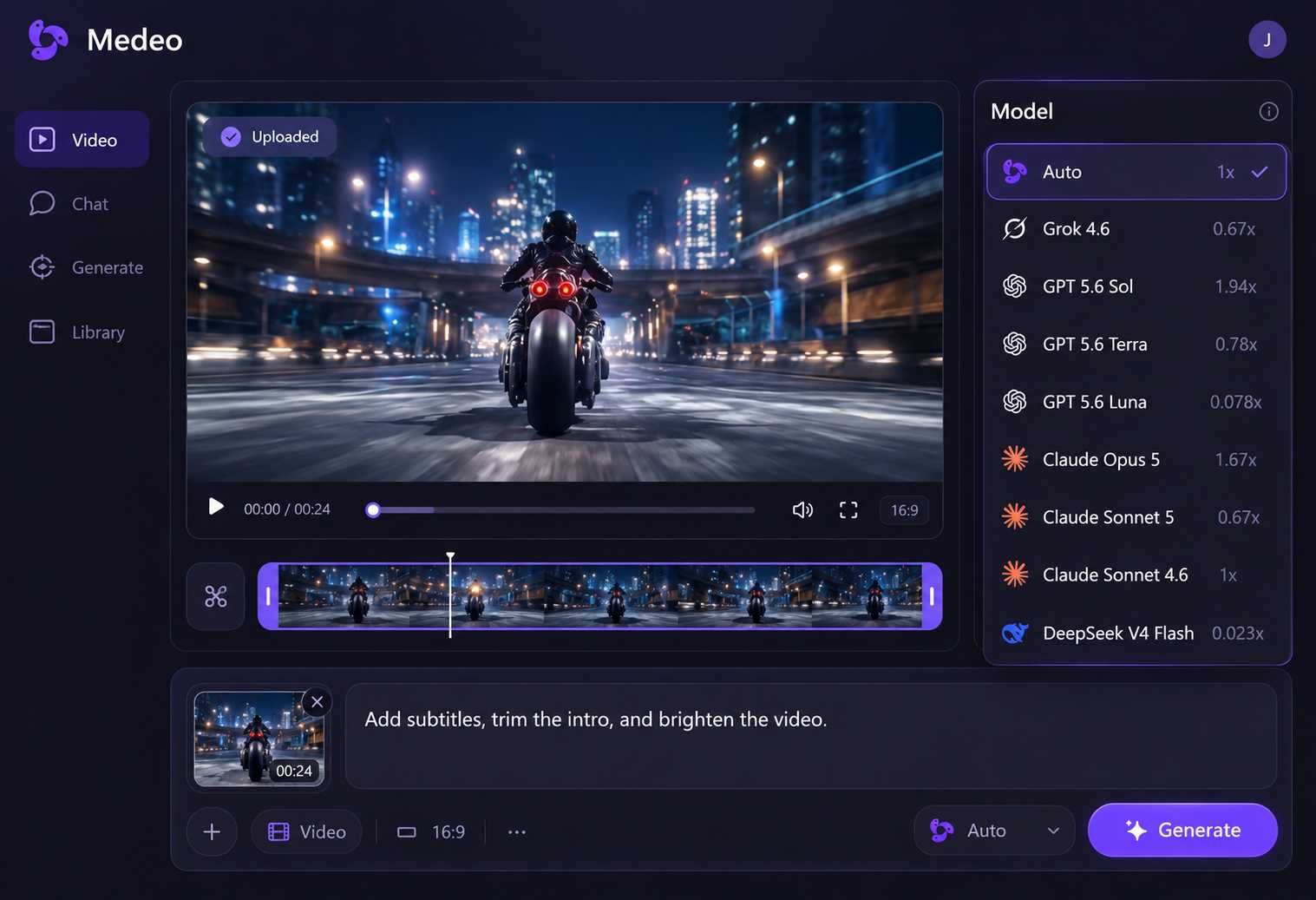
Ask Medeo to change a shot, rewrite a line, shorten a scene, or replace the music in plain language. For more control, use the visual track to adjust clips, audio, subtitles, and timing while keeping the rest of your movie intact.
Turn Separate AI Clips Into One Complete Movie
Creating good-looking clips is only the beginning. Your characters, scenes, voices, and music must also work together from start to finish.
Separate AI Tools
Characters Change Between Scenes
A character’s face, clothing, or surroundings may look different each time you generate a new clip.
Your Project Is Spread Across Multiple Tools
You may need one tool for visuals, another for voices, and another for music, subtitles, and editing.
Small Changes Take More Work
Changing one scene can mean generating it again, importing the new clip, and adjusting the sound and timing.
Medeo AI Movie Maker
Build Scenes Around One Story
Plan each scene as part of the same movie, with clear characters, actions, dialogue, and story progression.
Create and Edit in One Place
Generate visuals, add voices and music, arrange scenes, and review the complete movie without switching tools.
Change Only What You Need
Chat with Medeo to update a scene, or adjust its video, audio, subtitles, and timing on the visual track.
What Can You Create With Medeo AI Movie Maker?
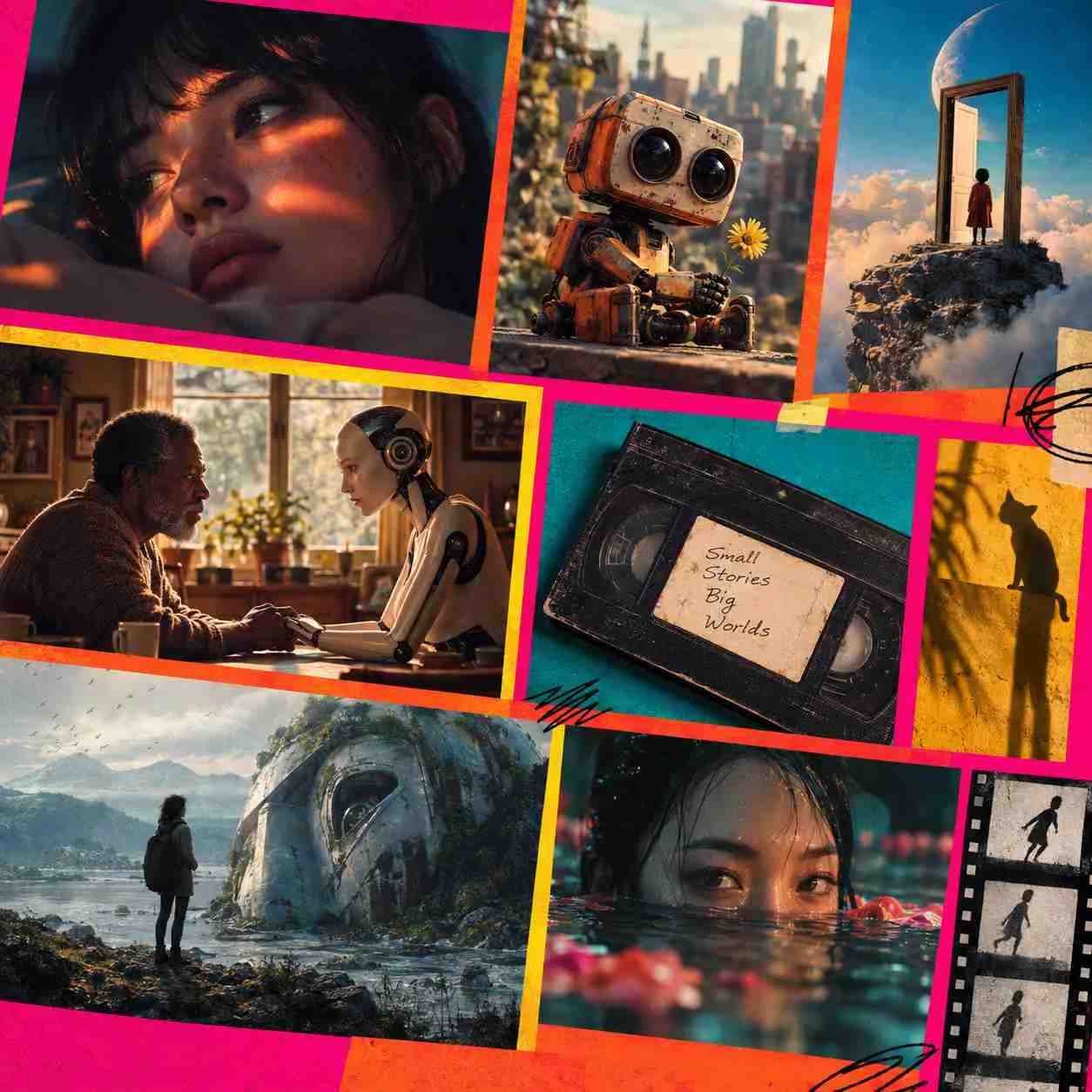
Turn scripts, story ideas, songs, and creative concepts into multi-scene movies for widescreen or vertical viewing.
AI Short Films
Create an original short film with connected scenes, recurring characters, dialogue, music, and a clear beginning, middle, and ending.
Script-to-Movie Adaptations
Bring a screenplay, short story, or written scene to the screen. Use your script to guide the action, dialogue, setting, and visual direction.
Animated Movies
Create 2D, 3D, anime-inspired, or illustrated movie scenes while keeping the characters and visual style connected throughout the story.
Movie Trailers and Concept Teasers
Turn a movie idea or unfinished script into a cinematic trailer that introduces the characters, mood, conflict, and most memorable moments.
Story-Driven Music Videos
Build a visual story around a song with cinematic scenes, lyric overlays, subtitles, and edits timed to the music.
Vertical Story Series
Create 9:16 movie episodes for TikTok, Reels, and Shorts, with recurring characters and a story viewers can follow from one episode to the next.
How to Make a Movie With Medeo AI
Tell Medeo what you want to create. Your video agent plans the scenes, produces the first cut, and helps you refine the movie through conversation.
Step 1
Tell Medeo Your Movie Idea
Share a simple idea, story outline, or complete script. Describe the characters, setting, mood, or visual style—or let Medeo help develop the details.
Step 2
Let Medeo Build the First Cut
Medeo turns your idea into a scene-by-scene movie, creating and arranging the visuals, narration, voices, music, and subtitles for you.
Step 3
Watch and Ask for Changes
Review the result and tell Medeo what to improve. Ask it to rewrite a line, change a scene, adjust the pacing, replace the music, or try a different visual direction.
Step 4
Finalize and Export Your Movie
Make any final changes through chat or the visual track, then export your movie in 16:9 for widescreen platforms or 9:16 for mobile viewing.
Why Make Your AI Movie With Medeo?
Medeo combines a video agent, leading creative models, and an adaptable workflow so you can focus on the movie—not the tools behind it.
One Agent for the Entire Production
Medeo follows your creative goal from the first idea to the final cut. It coordinates the story, visuals, sound, and revisions as one connected project.
Create With Leading AI Models
Explore different image and video models within Medeo to find the right look, motion, and atmosphere for each movie—without rebuilding your workflow elsewhere.
Start With Whatever You Have
Begin with a prompt, script, image, song, video clip, or URL. Medeo works with your existing material and helps develop what is still missing.
Automate the Work, Keep the Creative Say
Let Medeo produce the movie automatically, step in only when a decision matters, or fine-tune the details yourself. You decide how involved you want to be.