GTA 6 AI Video Generator
Create fan-made Grand Theft Auto VI (GTA 6) inspired videos with AI. Turn prompts, images, gaming ideas, trailer concepts, and open-world action scenes into short cinematic clips for TikTok, Reels, Shorts, YouTube, and fan content.
Powered by world-class AI models


What Is a GTA 6 AI Video Generator?
A GTA 6 AI video generator helps creators make fan-made videos inspired by Grand Theft Auto VI, the upcoming open-world action-adventure game from Rockstar Games. Instead of editing every scene manually, you can describe a Vice City inspired setting, car chase, character moment, trailer edit, meme scene, or cinematic fan concept, then use Medeo to generate a short AI video for social media, gaming content, or creative fan projects.

From a Simple Idea to a GTA 6-Inspired Video
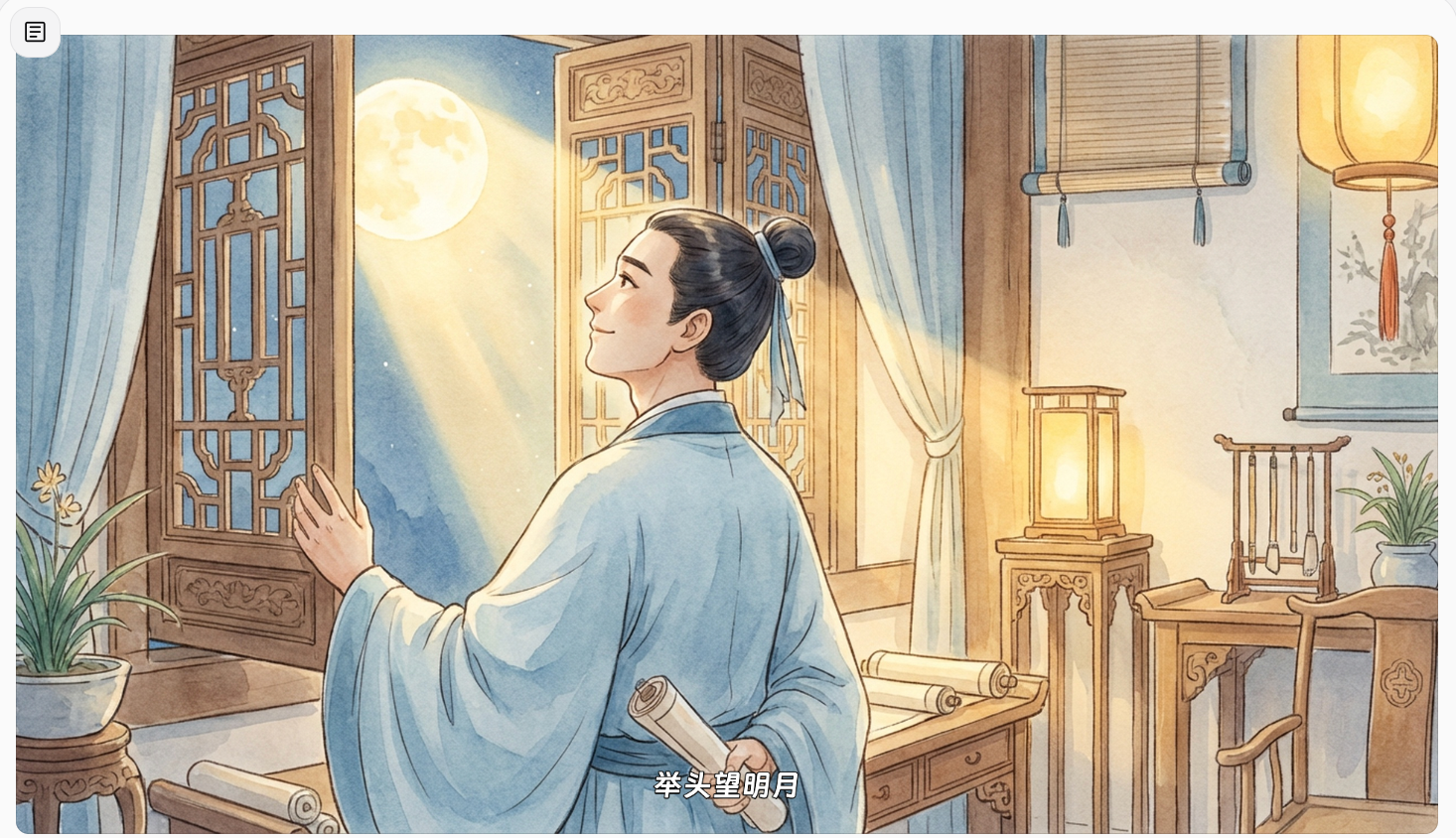
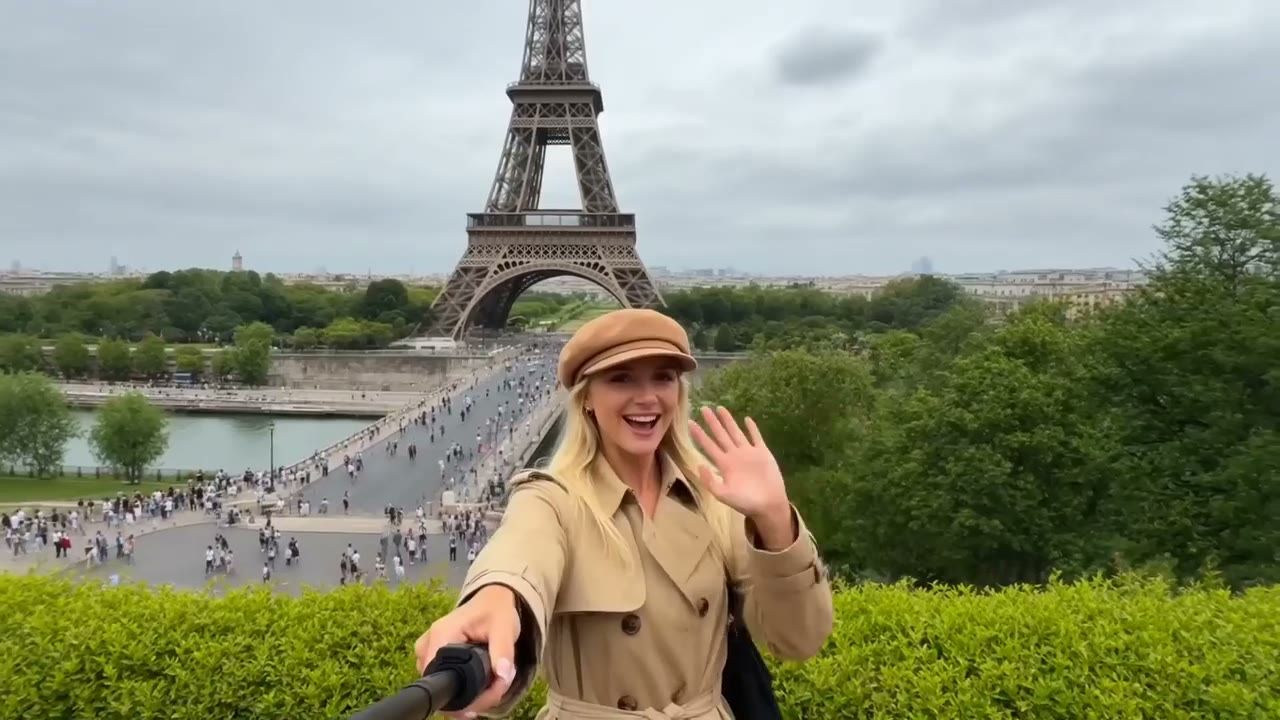
Start with a selfie, prompt, fan trailer idea, gaming script, or character concept. Medeo turns it into a cinematic AI video with motion, captions, atmosphere, and platform-ready pacing.
Before
A selfie, text prompt, script, gaming idea, or GTA-style fan concept
After
A cinematic fan trailer, character clip, open-world story, or social-ready gaming video
Create GTA 6-Inspired Videos for Every Format
Medeo helps gaming creators, fan editors, meme pages, and short-form channels turn GTA 6 hype into cinematic and social-ready video ideas.
GTA 6 Fan Trailer Maker
Create a cinematic fan trailer with neon city streets, fast cuts, dramatic camera movement, character reveals, chase energy, and a final title-card moment.
Put Yourself in a GTA 6 Video
Upload a selfie and generate a game-style character intro where you appear inside a GTA-inspired open-world city scene.
Open-World Chase Clips
Make high-energy videos with sports cars, coastal highways, police lights, city traffic, palm-lined roads, and cinematic getaway scenes.
GTA-Style Story Videos
Turn a crime story, mission idea, rival crew setup, character origin, or dramatic choice into a short AI story video.
TikTok, Reels, and Shorts
Create vertical GTA 6-inspired clips for gaming pages, meme accounts, fan edits, reaction posts, and short-form entertainment.
News, Hype, and Update Videos
Turn GTA 6 release updates, trailer reactions, map theories, character discussions, and fan debates into fast social videos with captions.
GTA 6-Inspired Video
Create GTA 6-Inspired Fan Trailers
Turn your idea into a cinematic fan-made GTA 6 style trailer. Describe the city, characters, vehicles, chase scene, camera movement, and mood, then let Medeo generate a short video that feels bold, fast, and story-driven.
Make Open-World Crime Story Videos
Build original scenes inspired by open-world action games: neon streets, getaway cars, rooftop escapes, beach roads, city nightlife, and dramatic character moments. Use prompts to shape the setting, pacing, and visual style without editing from scratch.
Generate Social Clips for TikTok, Reels, and Shorts
Create short vertical videos around GTA-style trends, memes, countdowns, reaction edits, fan theories, and trailer concepts. Medeo helps turn gaming ideas into shareable clips designed for fast-moving social feeds.
Turn Images into Action Game Videos
Upload a character image, concept art, car shot, or city scene, then animate it into a dynamic video with motion, camera movement, lighting, and atmosphere. It is useful for fan edits, story previews, thumbnails, and gaming content concepts.
Explore Popular GTA 6 AI Video Styles
Cover the searches people are already using: GTA 6 AI trailer, GTA 6 selfie video, GTA-style story video, AI game trailer, and open-world fan edit.
GTA 6 Character Intro
Create a cinematic character reveal with confident walking shots, city lights, dramatic close-ups, and a game-trailer mood.
Vice City-Style Night Scene
Generate neon streets, palm trees, wet roads, beachside lights, luxury cars, and Miami-inspired city atmosphere for fan-made videos.
Police Chase Video
Create fast-paced chase scenes with flashing lights, highway turns, dramatic camera angles, and social-ready action pacing.
Heist Story Clip
Build a short heist-style video with a setup, crew moment, getaway, twist, and cinematic ending.
GTA 6 Poster to Video
Turn a poster, selfie, or character image into a moving fan edit with camera push-in, title text, and trailer-style motion.
AI Game Trailer Generator
Use GTA-style energy to create fan trailers for fictional games, open-world concepts, roleplay servers, and gaming story channels.
Everything You Need for a GTA 6-Inspired Fan Video
Build the full creative direction: characters, city atmosphere, action, captions, camera movement, music mood, and social format.
Selfie-to-Video Character Creation
Upload a clear selfie or portrait and guide Medeo to create a GTA-inspired character clip. You can describe outfit, attitude, lighting, city setting, camera angle, and action while keeping the result fan-made and original.
Trailer Structure and Cinematic Pacing
A strong GTA-style trailer needs more than random action. Medeo helps plan a short arc: cold open, character reveal, city montage, conflict, chase, punchline, and final title-card beat.
Captions, Hooks, and Social Text
Create clips for TikTok, Reels, Shorts, and YouTube with readable captions, bold hooks, fan-theory text, release-date commentary, and gaming-page titles.
Fan-Made and Parody-Friendly Direction
Create videos inspired by open-world crime-game aesthetics without claiming official affiliation. Avoid official logos, copyrighted footage, or misleading claims that your video is an official Rockstar trailer.
How to Create a GTA 6 AI Video with Medeo
Start with the video idea first, then guide the scene, character, camera, and social format.
Step 1
Upload a Selfie or Enter a Prompt
Start with a portrait, poster, game-style idea, fan trailer concept, news topic, or short script for the GTA 6-inspired video you want to create.
Step 2
Choose the Scene and Story Style
Describe the setting, such as neon city streets, coastal roads, palm-lined boulevards, police chase, heist planning, character intro, or cinematic trailer montage.
Step 3
Add Camera, Motion, Captions, and Mood
Guide the video with camera movement, action timing, music direction, social captions, lighting, color mood, and platform format.
Step 4
Generate, Review, and Share
Create the video, refine the prompt or pacing, then export a fan-made GTA 6-inspired clip for TikTok, Instagram Reels, YouTube Shorts, or gaming channels.
GTA 6 AI Video Prompt Ideas
Use these prompt patterns to create fan trailers, selfie videos, heist stories, open-world scenes, and gaming shorts.
GTA 6 Fan Trailer Prompt
Create a fan-made GTA 6-inspired trailer with neon coastal city streets, two main characters, fast car shots, police lights, dramatic close-ups, and a final title-card reveal. Original parody style, no official logos.
Put Yourself in GTA 6 Prompt
Turn this selfie into a cinematic open-world game character intro. The person walks out of a car under neon city lights, confident expression, palm trees, wet street reflections, slow push-in camera, trailer-style mood.
Police Chase Prompt
Create a vertical gaming short with a sports car speeding through a neon coastal city at night, police lights behind it, cinematic camera shake, fast turns, dramatic music mood, and bold captions.
Open-World City Prompt
Generate an open-world city exploration video with beach roads, downtown lights, palm trees, luxury cars, crowds, sunset sky, game-trailer camera movement, and cinematic color grading.
Create GTA-Inspired Videos Without Misleading Viewers
GTA 6 is a Rockstar Games title, and fan-made AI content should be clear, original, and respectful of intellectual property. Medeo is for creating original parody, commentary, fan edits, and inspired concepts, not official trailers or copyrighted game footage.
Use Original Prompts and Assets
Create your own character, story, city scene, and trailer concept instead of copying official footage, logos, posters, or exact branded materials.
Label Fan Videos Clearly
If you publish a GTA 6-inspired AI video, describe it as fan-made, parody, concept, or inspired content so viewers do not mistake it for official material.
Avoid Fake Official Claims
Do not present AI-generated clips as leaked gameplay, an official Rockstar trailer, or real unreleased footage. Use AI for creative fan concepts, not misinformation.
GTA 6 AI Video Generator FAQ
Creator Reviews for the GTA 6 AI Video Generator
Gaming creators use Medeo to turn fan ideas, trend topics, and character concepts into short videos faster.
"Medeo helped me turn a simple GTA-style idea into a vertical trailer clip with a strong hook and cinematic pacing."
Ryan Cooper
Gaming Creator
"I used it to make fan-made gaming shorts from prompts instead of editing every scene manually. It is much faster for trend content."
Mia Bennett
Short-Form Editor
"Medeo helped me turn a simple GTA-style idea into a vertical trailer clip with a strong hook and cinematic pacing."
Ryan Cooper
Gaming Creator
"I used it to make fan-made gaming shorts from prompts instead of editing every scene manually. It is much faster for trend content."
Mia Bennett
Short-Form Editor
"The prompt workflow is useful for building character intros, chase concepts, and quick gaming news videos for social media."
Daniel Price
YouTube Shorts Creator
"The prompt workflow is useful for building character intros, chase concepts, and quick gaming news videos for social media."
Daniel Price
YouTube Shorts Creator
More AI Video Tools for Gaming Creators
Explore related Medeo tools for gaming videos, fan trailers, short-form clips, captions, stories, and AI-generated visuals.