Generate Blockbuster Movie Trailers with AI
Unleash cinematic potential with our AI Movie Trailer Generator. Craft captivating trailers effortlessly using advanced AI features, saving time and resources while achieving Hollywood-level results.
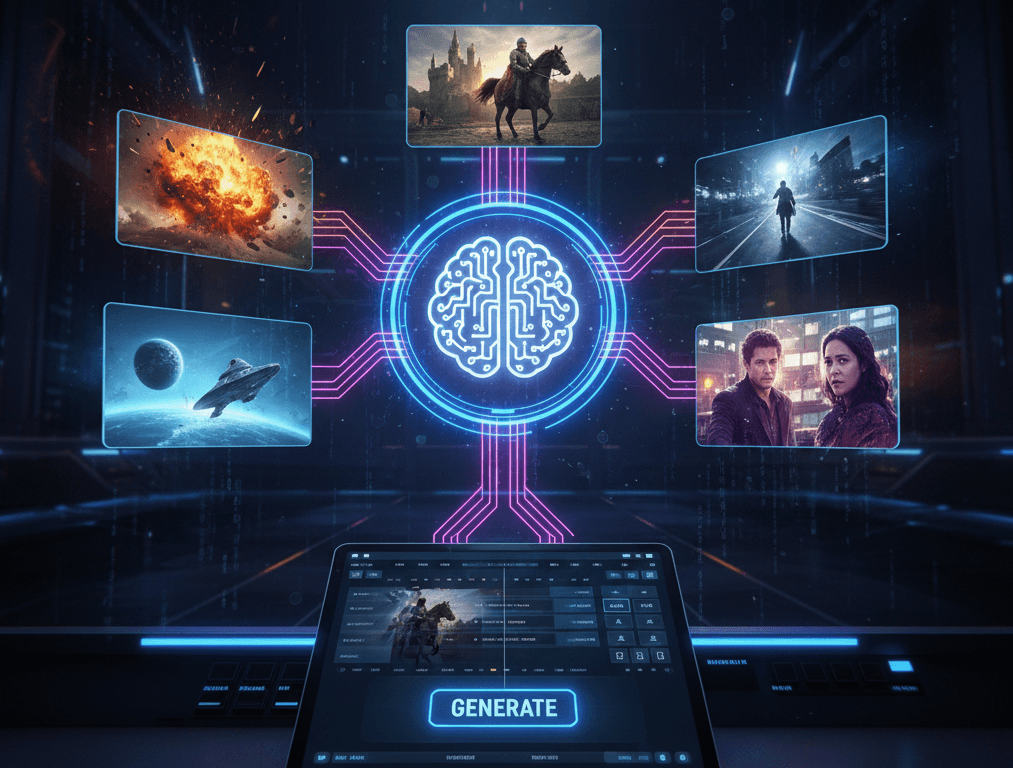
Powered by world-class AI models


What is an AI Movie Trailer Generator?
An AI Movie Trailer Generator is a revolutionary tool that leverages artificial intelligence to automatically create compelling promotional videos for films. It works from your script, treatment, or a described story to plan key moments, generate dramatic scenes, add music, and integrate effects, producing a professional-grade trailer. This technology is perfect for independent filmmakers, production studios, marketing teams, and content creators looking to efficiently produce high-quality trailers that capture audience attention and build anticipation for their cinematic projects.
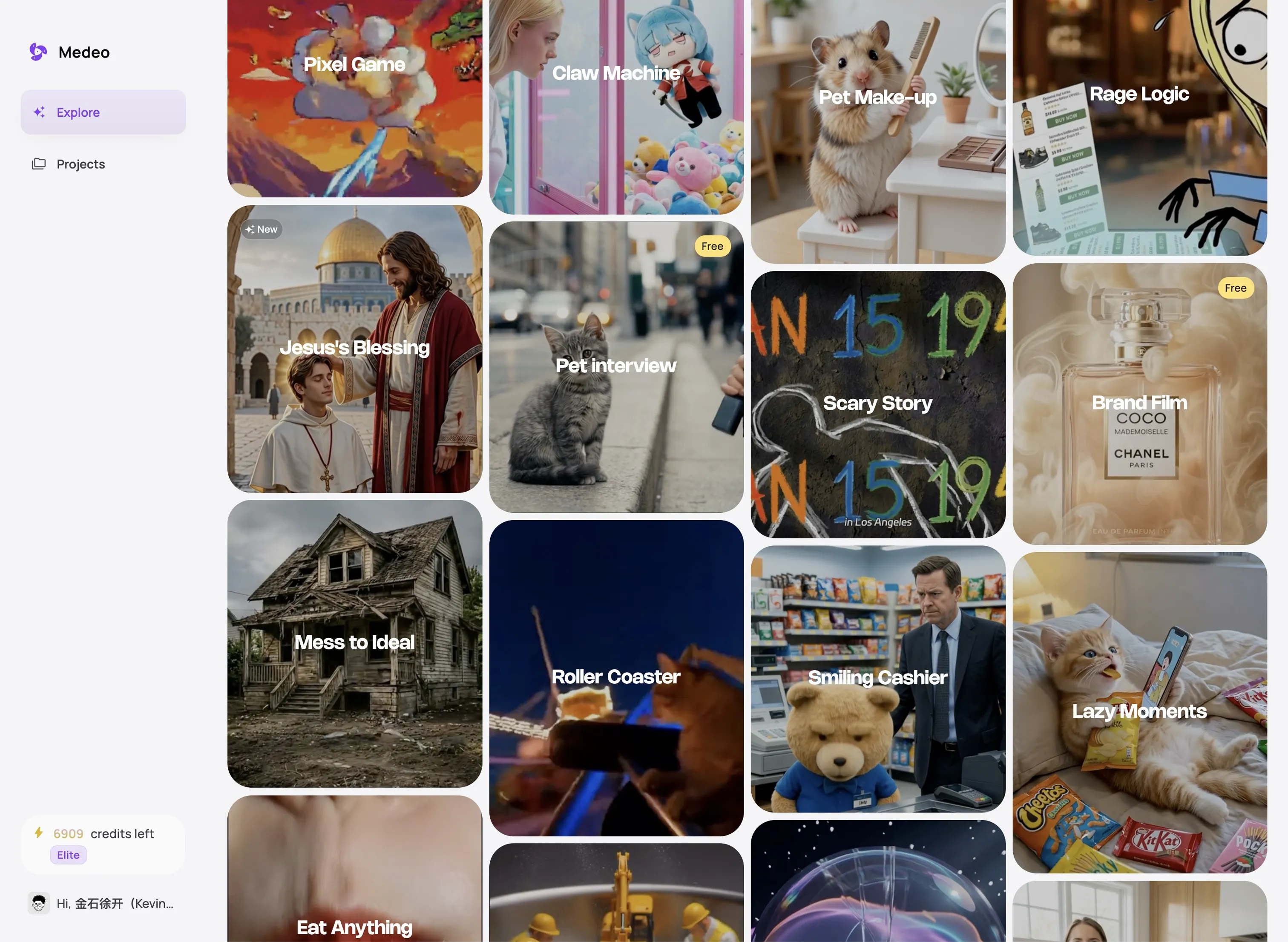
From Fragmented Scenes to a Viral Masterpiece
The bridge between a great idea and a sold-out premiere.
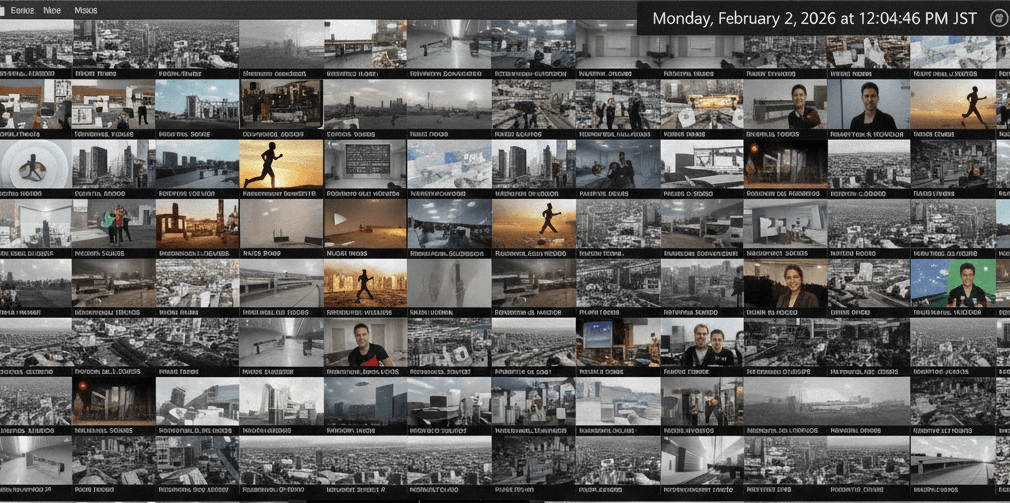
Before
Generic stock-style edits
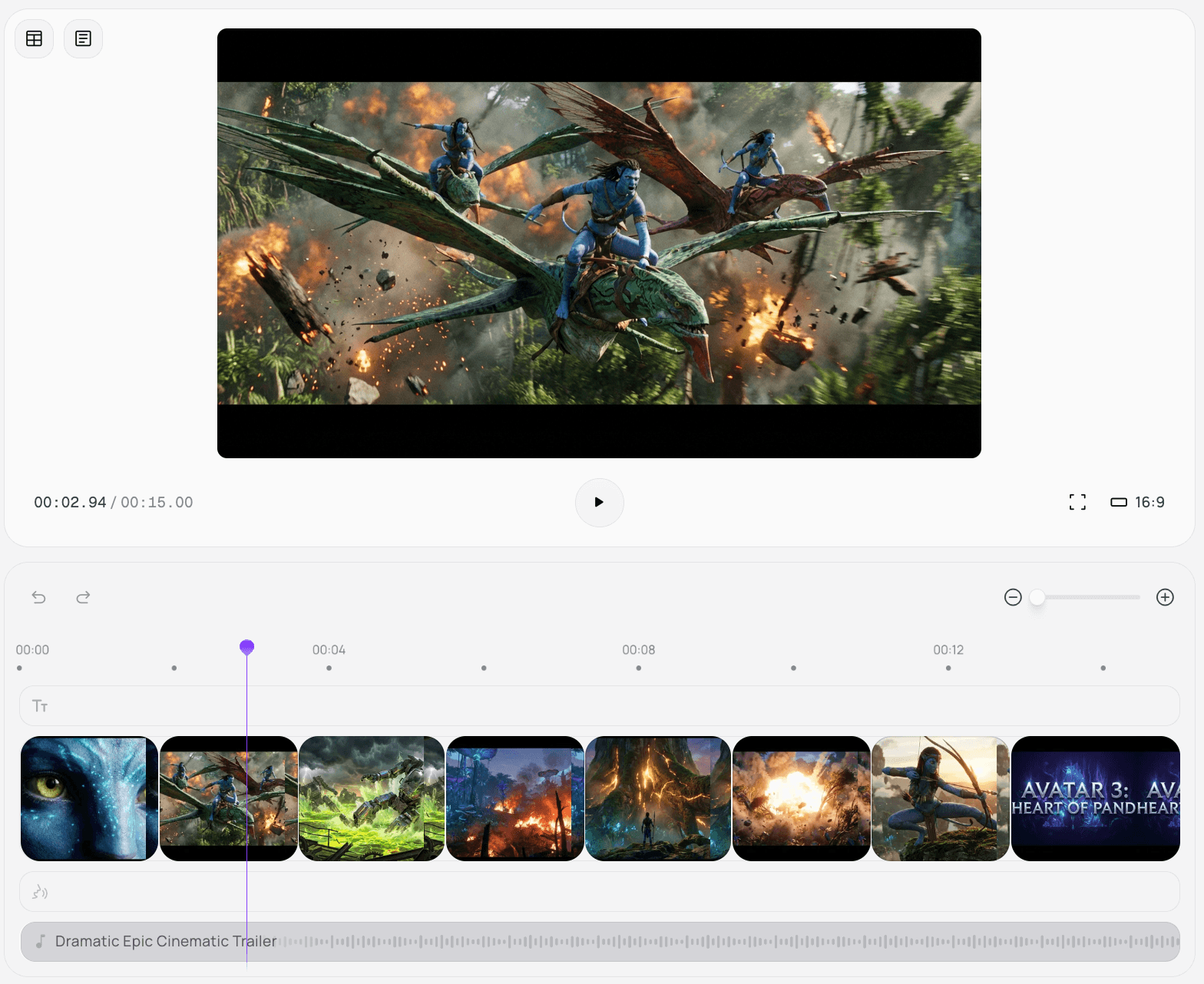
After
A perfectly paced AI-generated trailer
Why Build Your Hype with Medeo’s Trailer AI?
Professional-grade narrative synthesis for the next generation of cinema.
Instant Storytelling
Our AI analyzes your movie content to identify key narrative beats and automatically stitches them into a cohesive and engaging trailer.
Dynamic Editing
Experience professional-grade cuts, transitions, and pacing applied dynamically by AI to maximize impact and suspense in your trailers.
Custom Soundtracks
AI intelligently selects or composes royalty-free music and sound effects that perfectly match the mood and tempo of your trailer.
Visual Enhancements
Automatically apply cinematic filters, color grading, and special effects to give your trailer a polished, big-screen aesthetic.
Multi-Format Output
Generate trailers optimized for various platforms, including YouTube, Instagram, and cinema advertising, with just a few clicks.
Time & Cost Saving
Significantly reduce production time and budget by automating the complex process of trailer creation, freeing up resources.
Tailored Aesthetics for Every Cinematic Genre
From psychological horror to epic sci-fi, our AI speaks the language of every genre.
Marketing & Advertising Agencies
Develop compelling cinematic ads for clients in the entertainment industry, delivering impactful visual stories efficiently.
Content Creators
Produce captivating teasers and promotional content for your series, short films, or webisodes to boost engagement and viewership across platforms.
Film Production Studios
Rapidly generate multiple trailer versions for A/B testing and marketing campaigns, streamlining your promotional efforts for new releases.
Independent Filmmakers
Create stunning, high-quality trailers for your indie films without needing extensive editing skills or a large budget, attracting more viewers.
How to Author Your Movie Trailer with Medeo?
Step 1
Customize & Direct AI
Optionally, provide AI with stylistic preferences, mood, or specific scenes to highlight. Our intelligent algorithms will begin crafting your trailer.
Step 2
Customize & Direct AI
Optionally, provide AI with stylistic preferences, mood, or specific scenes to highlight. Our intelligent algorithms will begin crafting your trailer.
Step 3
Generate & Refine
Receive a professionally edited trailer in minutes. Preview, make minor adjustments, and ensure it perfectly captures your film's essence.
Step 4
Export Your Masterpiece
Download your high-resolution movie trailer, ready for distribution across all your desired platforms and audience engagement.
Trailer Cuts You Can Build from One Story
Different placements need different cuts. Start with the format that matches where the trailer will run.
Full theatrical trailer
The classic long-form shape: a cold open, the world, the escalation, a montage, and a title card. Best for a finished feature, a festival submission, or a crowdfunding page where you need to sell the whole story.
Teaser
One image, one line, one date. A teaser sells a mood or a single reveal instead of the plot, which makes it a good fit for an announcement before the film is locked.
Character intro
Give each lead a short solo spot built around one defining action or line. Useful for ensemble casts and for social posts that introduce the cast one at a time.
Festival or pitch cut
A tighter version for programmers, investors, and press who need to read genre, tone, and audience quickly. Lean on the logline and keep the plot clean.
Vertical cutdown
Reframe the same trailer for 9:16 with faces and titles kept inside the safe area. Works for TikTok, Reels, and Shorts before or after a release.
The Beat Sheet Behind a Trailer That Holds
Trailers are built, not summarized. These are the beats the agent works with when you describe the cut you want.
Open on a question, not a logo
The first shot should create a small mystery: an empty room, a hand closing a door, a voice with no face. A title card at the top spends attention before you have earned it.
Let the middle escalate
Each block should raise the stakes or change the rhythm. Alternate wide establishing shots with close, intimate ones so the montage feels like a story rather than a stock-footage reel.
Hold one shot longer than feels comfortable
A single quiet, unbroken moment gives the audience permission to feel something. Constant cutting reads as noise, and noise is easy to scroll past.
Save the title for the last beat
Put the film's name where the audience has already decided they want it. Pair it with the release line and one sound cue, then stop.
Cut a version with no dialogue
A dialogue-free cut travels across languages and platforms, and it forces the images to carry the story on their own. It also gives you a clean master for muted autoplay, where the image has to do the work anyway.
From Logline to Locked Trailer
A short working order that keeps the agent focused on the film you actually made.
Step 1
Write the logline first
One sentence with a character, a want, and an obstacle. Paste it into the chat before any footage or script so every scene decision is measured against it.
Step 2
Feed the agent the story, not just clips
Upload the script, a treatment, or a PDF of the shot list. If you have footage, add the scenes you consider essential and say which reveal must not be spoiled.
Step 3
Describe three reference feelings
Name the tone through mood rather than another film: cold and patient like a warning, or warm and hand-held like a memory. The agent turns those notes into pacing and color choices.
Step 4
Refine in passes
Ask for one change at a time in chat: shorten the montage, move the title earlier, swap the music. Small passes keep the rest of the cut intact.
Step 5
Check the silent cut and the vertical cut
Watch once with the sound off to test whether the images read, then export a 9:16 version and check that faces and titles survive the crop. If a shot only works with the music, replace it or move it earlier.