Onboarding Video Maker for a Better First Week
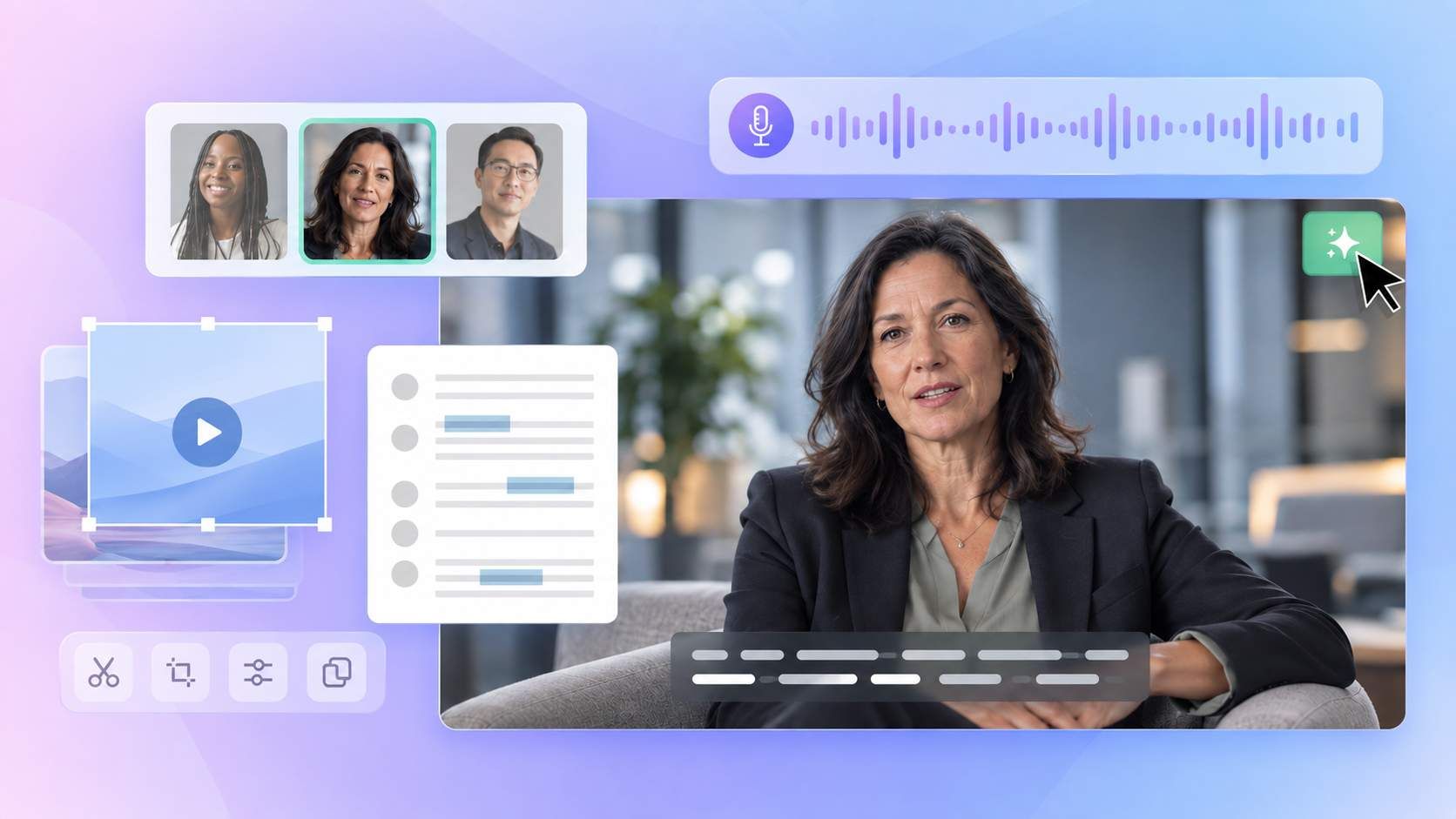
Turn your welcome message, team introductions, onboarding plan, and company materials into clear videos for new employees. Medeo helps plan the scenes, add visuals, narration, music, and captions, and revise the video through chat.
Powered by world-class AI models


Give New Employees the Right Information at the Right Time
A new hire does not need every policy and process in one long presentation. Use Medeo’s onboarding video maker to build a short series for each stage of the experience. Send a welcome before the start date, introduce the team on day one, and explain the first-week plan when the employee is ready for it.
Turn Scattered Onboarding Materials Into One Clear Story
Build the Video Through Conversation
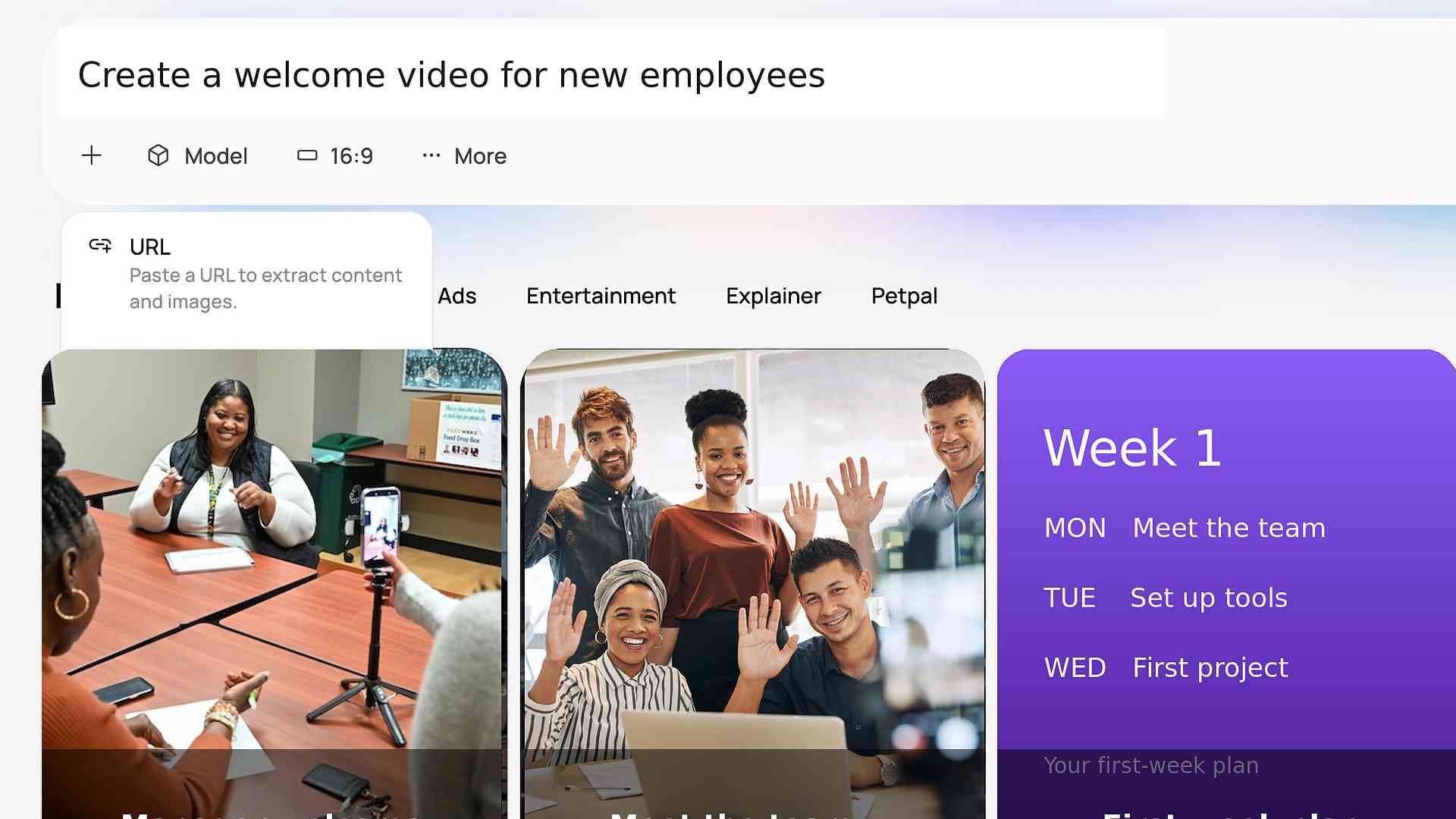
Tell Medeo what new hires should understand, then add your text, files, links, images, or clips. The AI video agent organizes them into scenes with visuals, narration, music, and captions.

Keep Onboarding Personal
Add a manager’s message, team photos, employee clips, and familiar workplace scenes. Medeo brings them together in a consistent video while keeping real people at the center of the welcome.
Make Important Information Easy to Revisit
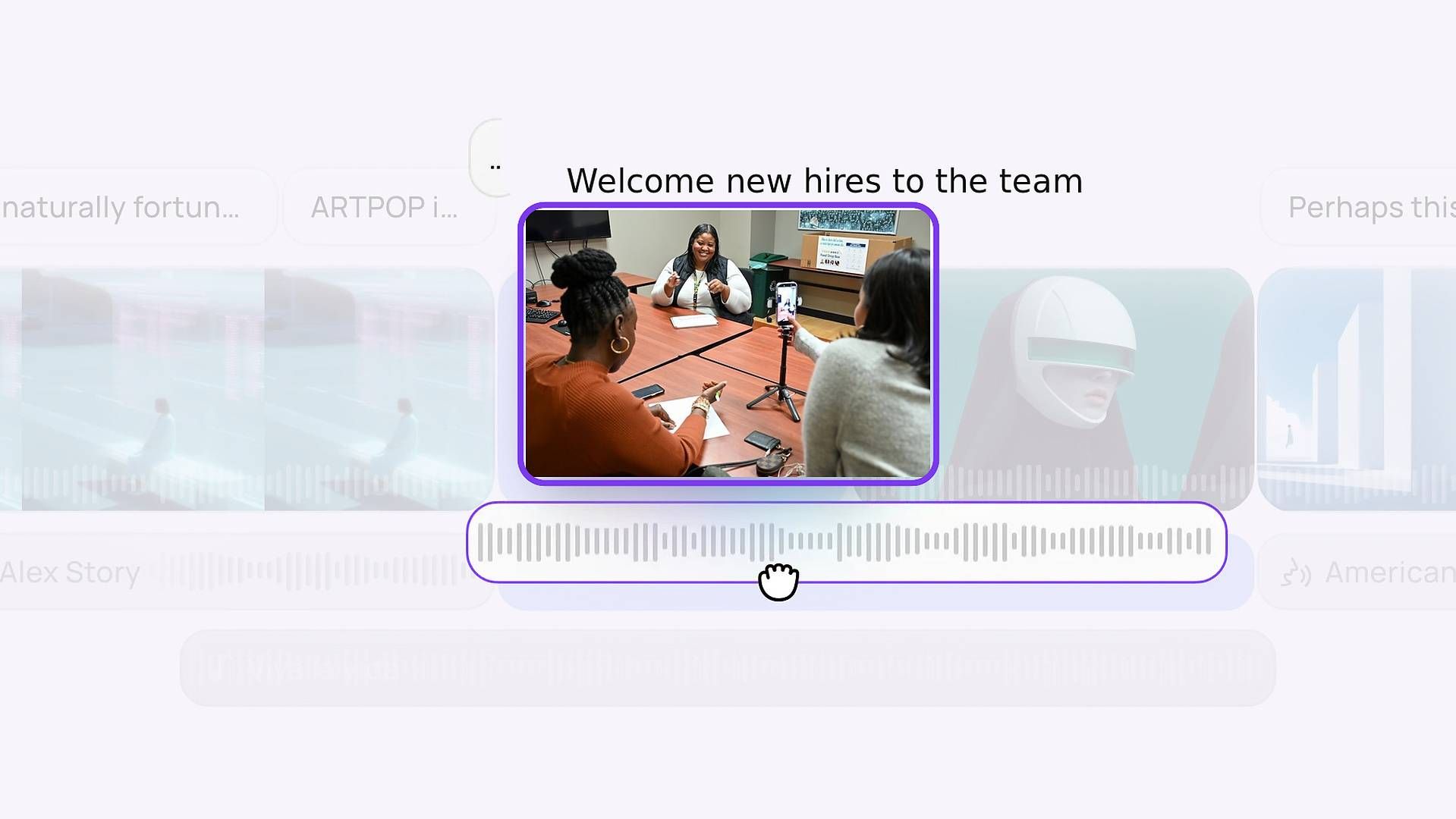
Use short scenes, clear narration, and captions to separate key information. New hires can return to a contact name, policy reminder, or tool instruction whenever they need it.
Create Onboarding Videos for Each Part of the New Hire Journey
Welcome New Hires Before Their First Day
Turn a message from a founder, HR lead, or manager into a friendly welcome video. Include the start time, location, what to prepare, and real photos or clips from your company.
Introduce the Team and Key Contacts
Introduce the new hire’s manager, teammates, onboarding buddy, HR contact, and IT support. Show each person’s role, contact details, and the questions they can help answer.
Explain What Happens on Day One
Create a clear guide to the employee’s first day. Show where to arrive or how to join remotely, who they will meet, which accounts they will set up, and what they should do next.
Show the First-Week Roadmap
Turn the first-week schedule into a simple visual plan. Organize meetings, reading, tool setup, shadowing, and early assignments by day so new hires know what to focus on.
Make Important Policies Easier to Follow
Summarize essential policies such as working hours, leave, expenses, security, and communication. Explain the action employees need to take and direct them to the complete policy for full details.
Guide New Hires Through Everyday Tools
Create short videos that explain what each workplace tool is for, how to access it, and where to get help. Keep each video focused on one task, while leaving detailed software instruction to your broader training program.

Start With the Onboarding Materials You Already Have
You do not need a finished script. Give Medeo the information new hires need and explain what the video should help them understand.
A Brief or Rough Script
Describe the audience, timing, tone, and goal. For example: “Create a friendly two-minute welcome video for remote marketing hires. Introduce the team, explain day one, and remind them to check their calendar.”
Company Documents and Links
Add the relevant handbook section, onboarding checklist, schedule, internal guide, or company page. Include only the information needed for this video and verify all policies, dates, links, and contacts.
Photos, Clips, and Screenshots
Upload team photos, office footage, event clips, product images, or tool screenshots. Medeo can combine your materials with suitable generated or stock visuals when more scenes are needed.
Onboarding Video Ideas You Can Create With Medeo
| Ideas | How to Make |
|---|---|
| Friendly Welcome for a Remote Employee | “Create a 90-second onboarding welcome video for a new remote designer. Use a warm and professional tone. Introduce the design lead and onboarding buddy, explain the Monday schedule, and remind the employee to check email for account access.” |
| First-Day Guide for an Office Employee | “Create an onboarding video for new employees joining our Singapore office. Explain where to arrive, what time orientation begins, who will meet them, and what they should bring. Use our office photos and end with the HR contact.” |
| First-Week Plan for a Sales Hire | “Create an employee onboarding video that explains a sales hire’s first week. Organize the scenes by day. Cover team introductions, product learning, CRM access, call shadowing, and the first manager check-in.” |
| Essential Policy Overview | “Turn these approved policy notes into a concise onboarding video. Cover working hours, leave requests, expenses, and information security. Tell employees where to find the complete handbook. Do not add rules that are not in the source material.” |
| Company Tools Introduction | “Create a short onboarding video for new hires that introduces our communication, document, and project tools. Explain what each tool is used for and where to request access. Keep detailed software training out of this video.” |
How to Create Onboarding Videos With AI
Step 1
Choose the Purpose
Decide whether the video is for preboarding, day one, or the first week. Focus on one goal, such as welcoming new hires, introducing the team, or explaining the schedule.
Step 2
Add Your Onboarding Materials
Provide a clear brief with the relevant documents, links, images, clips, names, dates, and contact details. Use approved information and include only what employees need at this stage.
Step 3
Generate and Refine the Video
Medeo turns your materials into scenes with visuals, narration, music, and captions. Chat to change the wording, order, visuals, pacing, or audio until the video is clear.