AI Corporate Video Maker for Professional Company Videos
Give customers, candidates, and employees a clear picture of your business. Medeo helps you turn company stories, project highlights, and announcements into videos with AI visuals, narration, music, and captions.
Powered by world-class AI models


Your Company Materials, Shaped Into a Professional Corporate Video
Give Medeo the footage, images, and key points that tell your story. Turn them into a corporate video that shows your business in action.

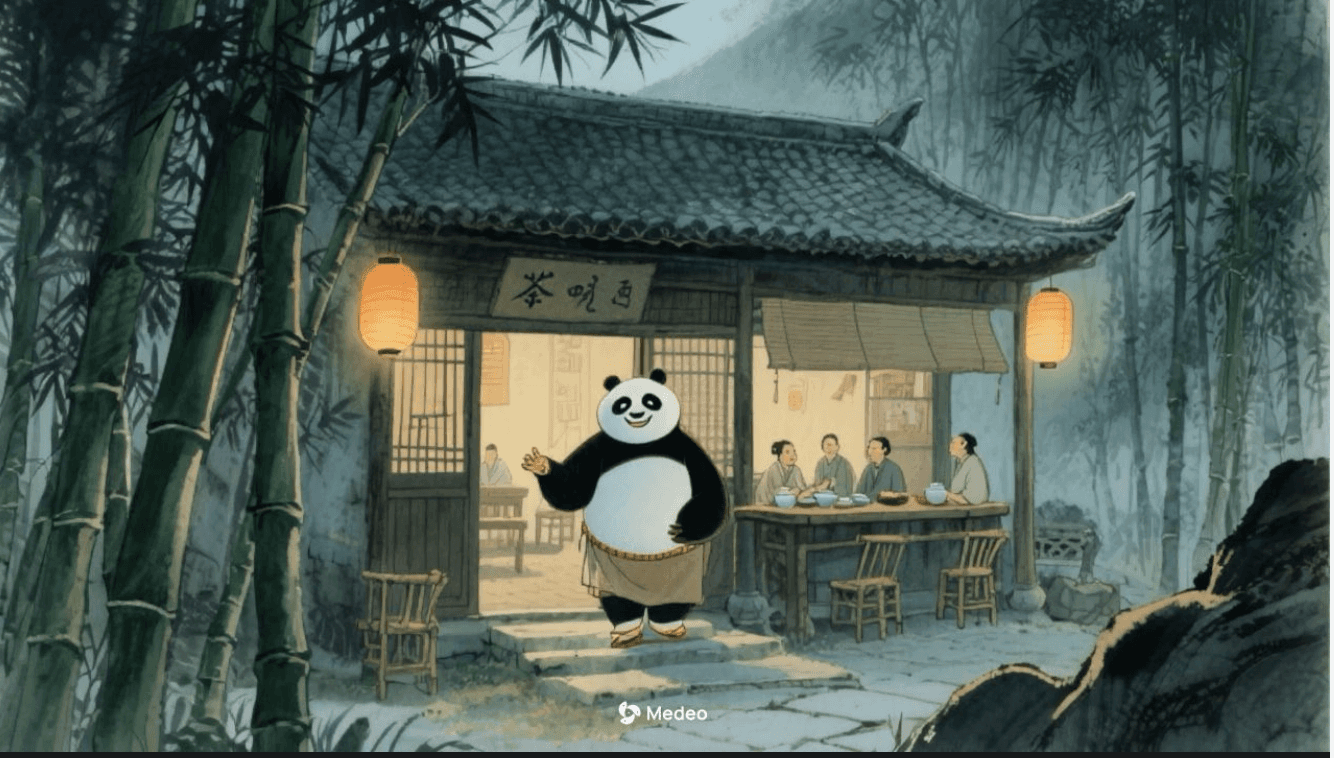
Show How the Work Gets Done
Use footage of your team, equipment, products, or completed projects to bring your services to life. Show how an order is prepared, how a service is delivered, or how your team solves a customer’s problem.
Turn Key Points Into a Script
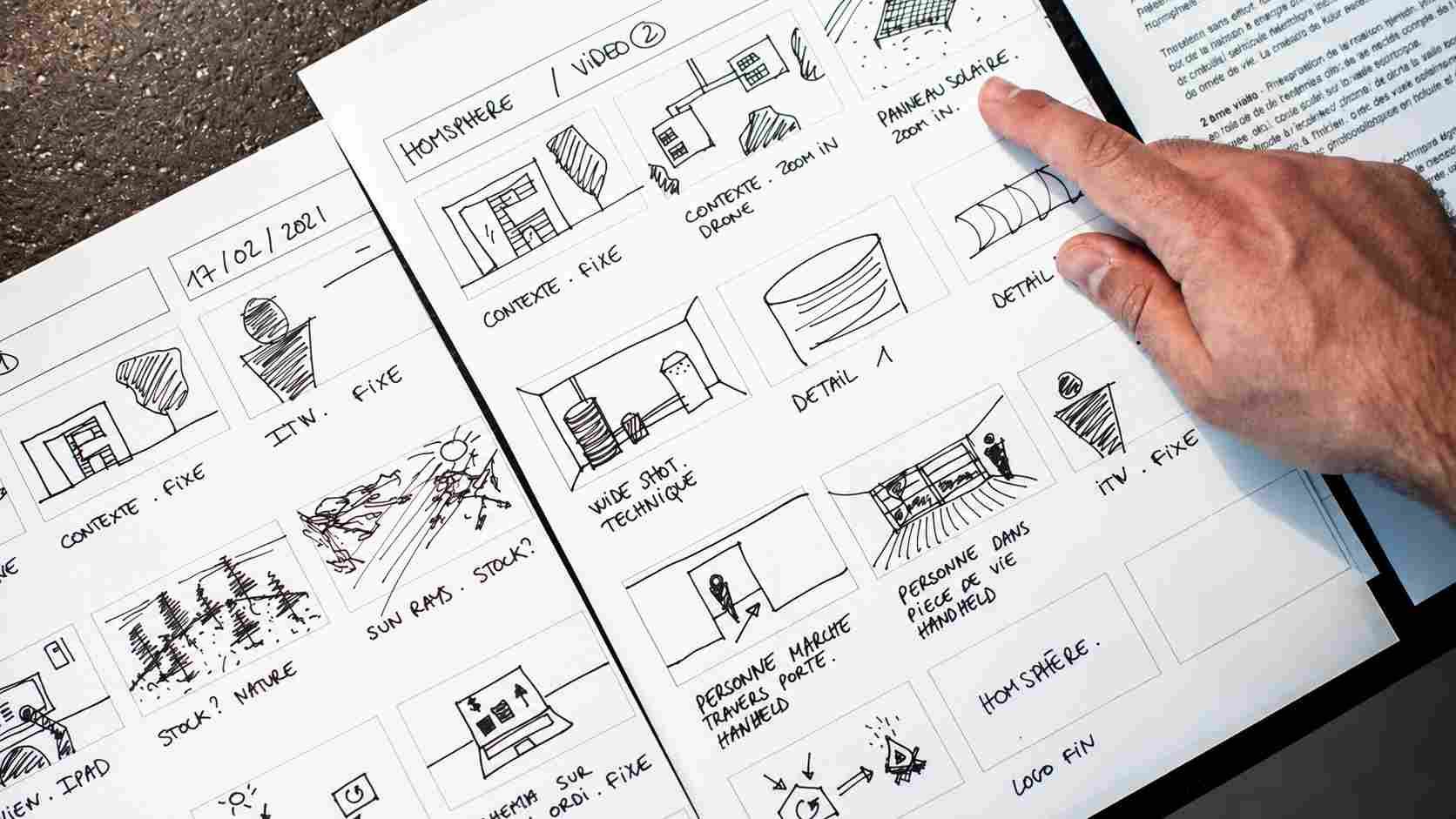
Provide the key points and ask Medeo to develop them into a script and scene sequence. For a company introduction, move from the customer’s need to your approach, then show the people and work behind it.
Explain Complex Ideas With Animation
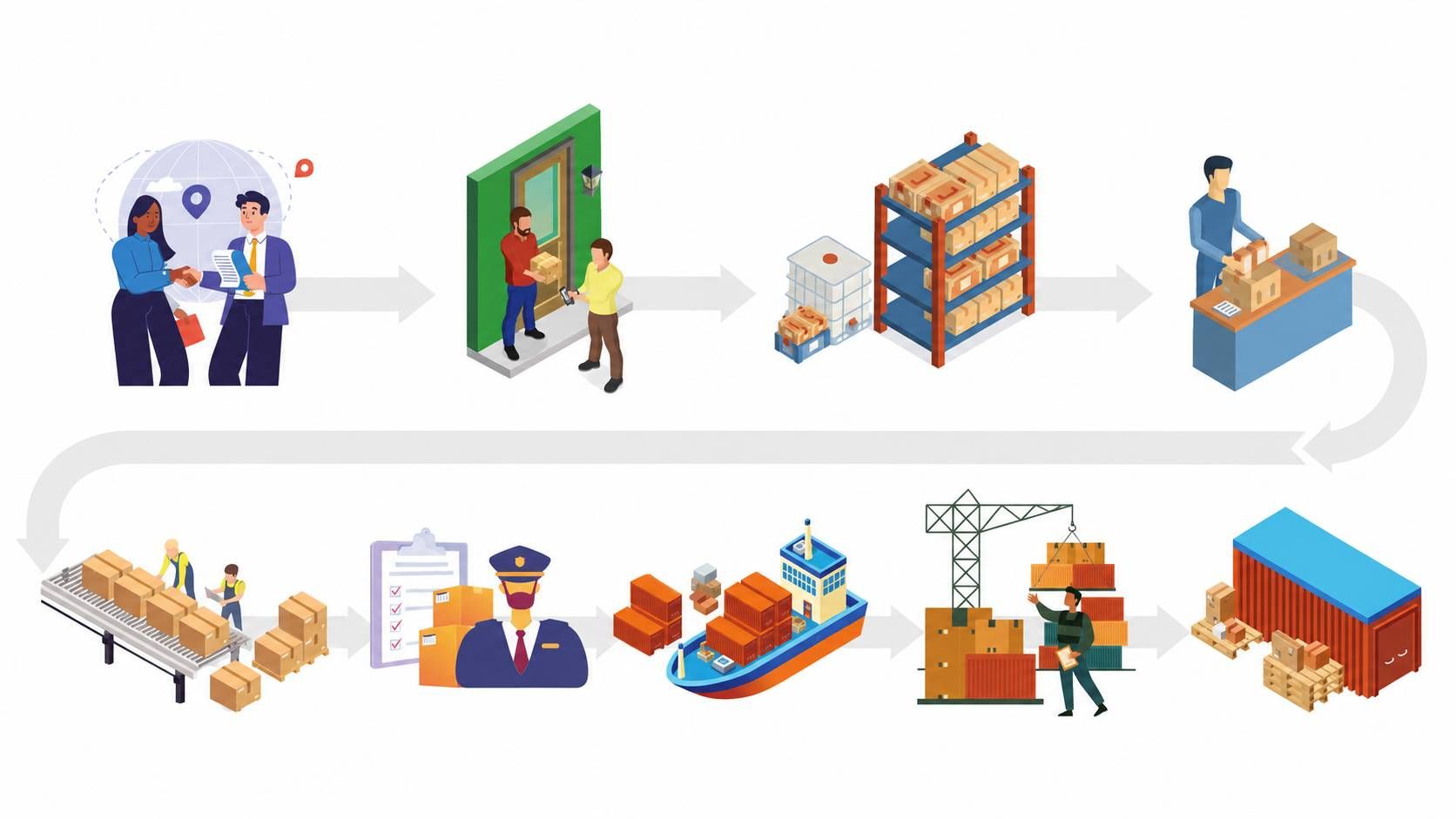
Use an animated corporate video to explain a service or process that is difficult to film. Describe the idea you want to illustrate, then combine generated scenes with real company footage where it helps viewers understand.
Corporate Videos for Customers, Candidates, and Employees
Introduce your business, share your progress, or explain a change. Build each video around what your audience needs to know.
Company Introductions
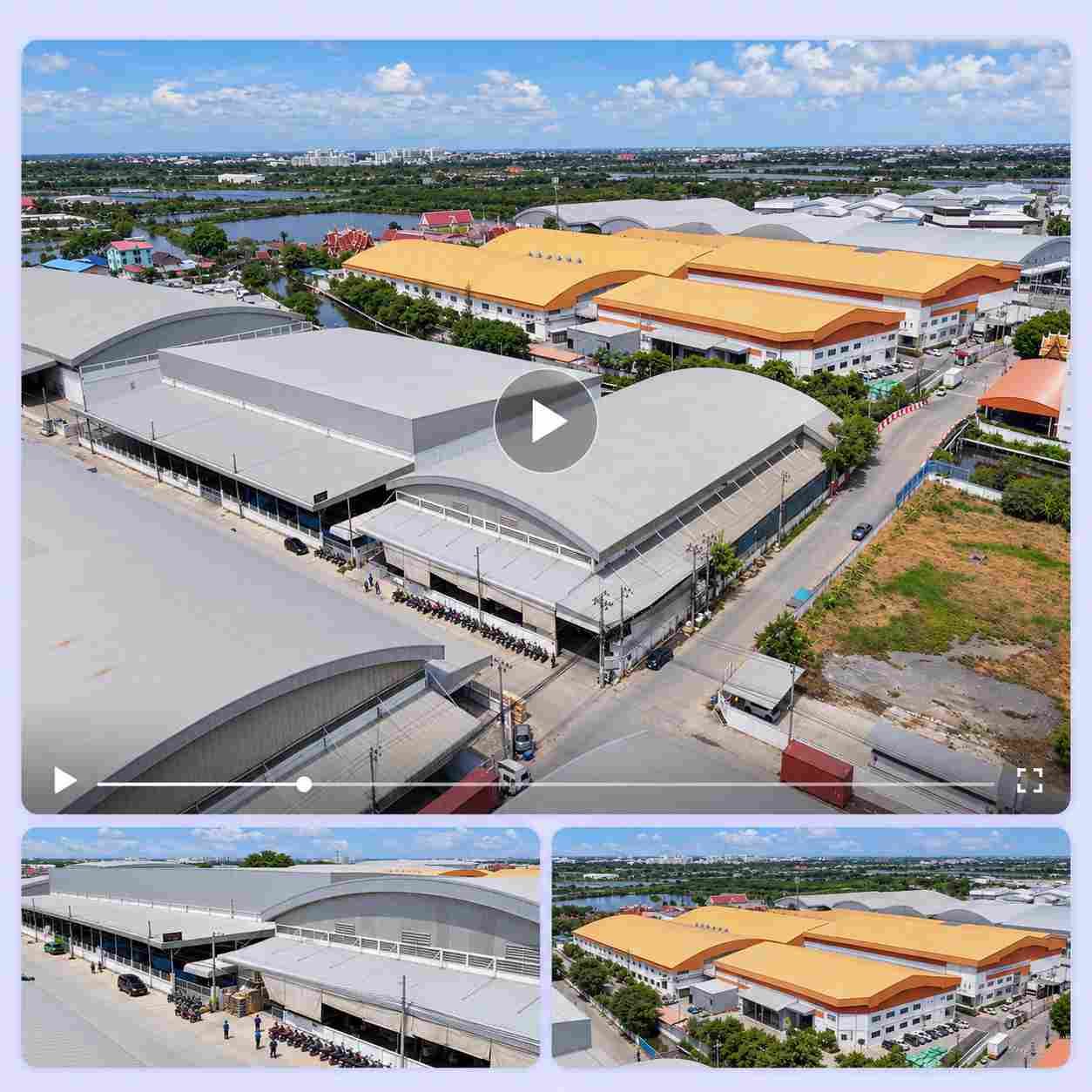
Show customers and partners what you do, who you serve, and how you work. Bring your products, services, and facilities into view so they can understand your business before the first conversation.
Recruitment and Team Stories
Give candidates a closer look at your people and workplace. Combine employee footage, team photos, and everyday moments to show what working at your company is like.
Company Announcements
Explain a new direction, office opening, or business change with clear narration and supporting visuals. Help employees understand what is changing, how it affects them, and where to find more information.
Project Highlights and Milestones
Share the story behind a completed project or company milestone. Use your photos, footage, and results to show the challenge, the work involved, and what you achieved.
Give Your Company Video a Professional Finish
The details affect how your business comes across. Shape the tone, pacing, and presentation to suit your company and the people you want to reach.
Choose a Voice That Fits the Message
Use a calm voice for a business overview or a warmer delivery for a team introduction. Add recorded narration when a founder’s or employee’s own voice is central to the story.
Make Important Details Easy to Read
Use captions to support the narration and keep company names, services, dates, and next steps clear. Adjust subtitle size, color, and timing so viewers can follow the video comfortably.
Let Each Shot Serve the Story
Hold on a product detail long enough to understand it. Shorten a scene that adds little. Use Medeo’s AI video editor to refine the sequence and balance the music with the spoken message.
Adapt Your Business Videos for Websites, Presentations, and Social Media
Use your corporate video wherever people need an introduction to your business. Adapt the message to the setting so each version gives viewers the information they need.
For Your Website
Focus on the questions a first-time visitor brings: what your company does, who it helps, and why your approach matters. Give them a clear next step, such as exploring your services or contacting your team.
For Presentations and Events
Create an opening video that introduces the business before a speaker takes over. Feature the projects, expertise, or milestones most relevant to that meeting.
For LinkedIn and Social Updates
Make a shorter version around one project, team story, or company milestone. Ask Medeo to tighten the narration and selected scenes, then choose a horizontal or vertical export for the placement.
How to Make a Corporate Video with Medeo
Step 1
Choose the Audience and Story
Decide who the video is for and what they should understand about your company. Share a brief or script with your key facts, preferred tone, and intended use.
Step 2
Add the Materials That Support It
Upload relevant company images, footage, and recorded audio. For a project recap, include the starting point, work in progress, and completed result.
Step 3
Create and Shape the Video
Let Medeo generate the scenes, narration, music, and captions. Review the story and request specific changes, such as opening with the finished project or spending more time on your service.
Step 4
Check the Details and Publish
Confirm names, claims, dates, and visuals before exporting. Add the finished video to your website, presentation, social channel, or internal communication platform.