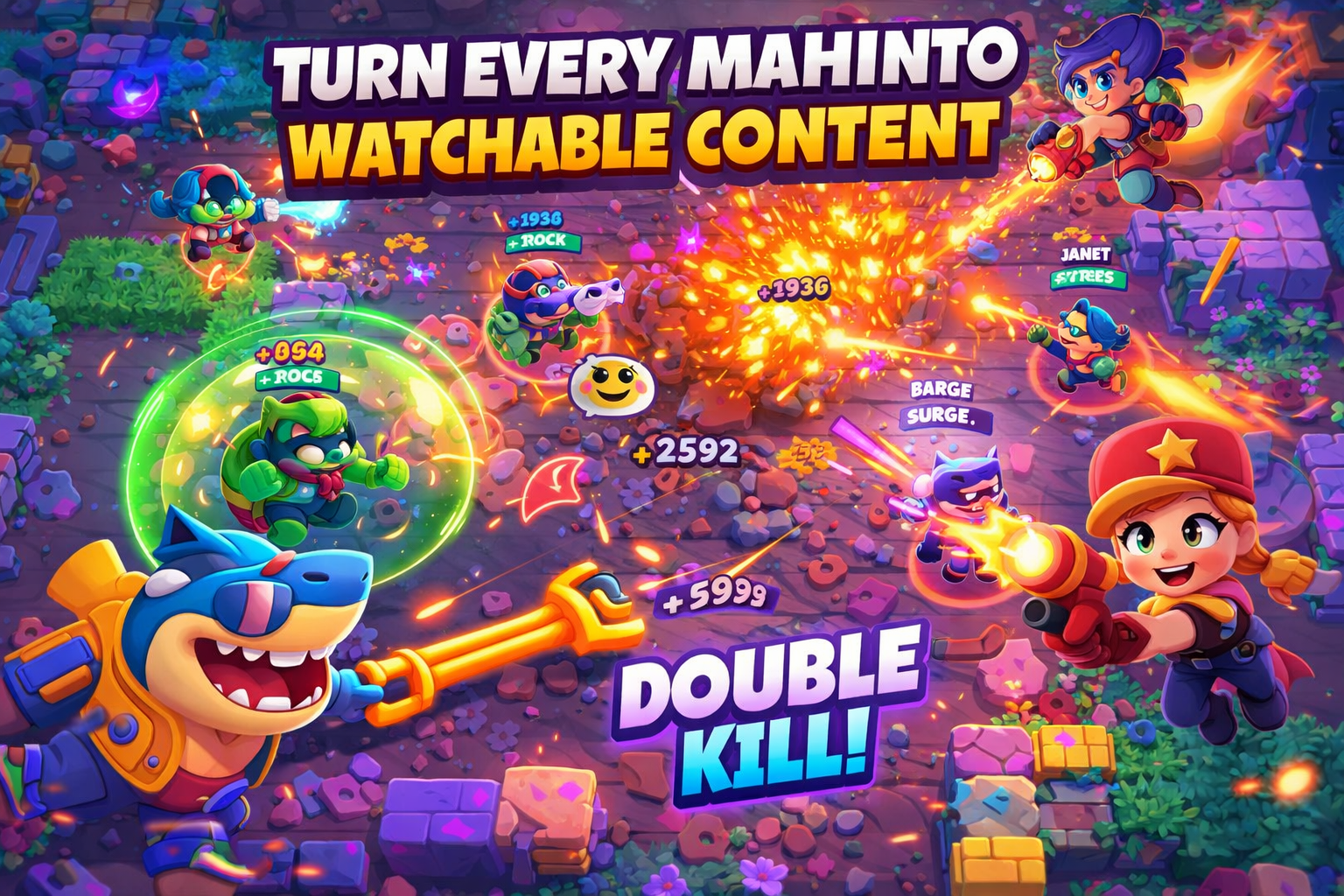
Create Engaging Pokémon Videos with AI
Medeo’s AI Pokémon Video Generator helps players, streamers, and content creators transform gameplay into engaging, story-driven videos. Whether you're showcasing battles, shiny hunts, evolutions, gym challenges, or funny moments, the AI automatically detects key highlights and structures them into dynamic video edits.
Powered by world-class AI models


What Is an AI Pokémon Video Generator?
An AI Pokémon Video Generator is a tool that converts gameplay footage into structured and engaging video content. Using artificial intelligence, it detects key moments such as battles, evolutions, captures, and rare events like shiny encounters, then edits them into a cohesive video with captions, music, and effects. These videos are designed to be entertaining, fast-paced, and optimized for social media engagement.

From Raw Pokémon Gameplay to Engaging Video Content
See how AI transforms gameplay clips into structured, shareable videos
Before
Unedited gameplay footage with no highlights, pacing, or storytelling.
After
A polished video featuring battles, captions, effects, and engaging pacing.
Why Use an AI Pokémon Video Generator?
Create engaging Pokémon videos that highlight key moments and attract viewers.
Automatic Highlight Detection
AI identifies key moments such as battles, captures, evolutions, and rare encounters automatically.
Perfect for Pokémon Content Creators
Create videos for YouTube, TikTok, and Shorts to grow your audience and engagement.
Showcase Rare & Exciting Moments
Highlight shiny Pokémon, legendary encounters, and dramatic battles effectively.
Save Time on Editing
Turn long gameplay sessions into engaging videos in minutes using AI automation.
Boost Viewer Engagement
Create fast-paced, visually appealing content that keeps viewers watching.
No Editing Skills Required
AI handles cutting, captions, effects, and audio synchronization automatically.
Powerful Pokémon Video Features
Everything you need to create engaging Pokémon gameplay and montage videos.
Advanced Highlight Detection
Automatically detect battles, captures, evolutions, shiny encounters, and key gameplay events, ensuring only the most exciting moments are included in your video.
Captions & Reaction Overlays
Add context-aware captions and reactions to emphasize excitement, humor, or surprise during key moments like rare Pokémon encounters.
Music & Atmosphere Sync
Enhance videos with music that matches battle intensity or exploration mood, improving emotional impact and pacing.
Dynamic Transitions & Effects
Apply smooth cuts, zoom effects, and transitions that keep videos energetic and visually engaging for viewers.
Multi-Clip Compilation Builder
Combine clips from multiple sessions into one cohesive video, perfect for highlight reels, shiny hunts, or challenge runs.
Multi-Platform Export Options
Export videos in formats optimized for TikTok, YouTube Shorts, Instagram Reels, or full-length YouTube content.
How to Create a Pokémon Video with AI?
Step 1
Upload Your Gameplay Footage
Upload your Pokémon gameplay clips, including battles, shiny hunts, or exploration sessions. You can upload multiple clips to create a compilation or focus on a single highlight.
Step 2
Choose Video Style and Focus
Select a content style such as battle highlights, shiny hunt reactions, evolution showcases, or funny moments. This helps the AI tailor pacing, captions, and effects to match your goals.
Step 3
AI Analyzes and Edits the Video
The AI detects key moments, removes unnecessary footage, adds captions, synchronizes music, and applies transitions to create a cohesive and engaging video.
Step 4
Export and Share Your Video
Preview your video, make optional adjustments, and export it in your preferred format. Share it directly on YouTube, TikTok, or other platforms to reach your audience.