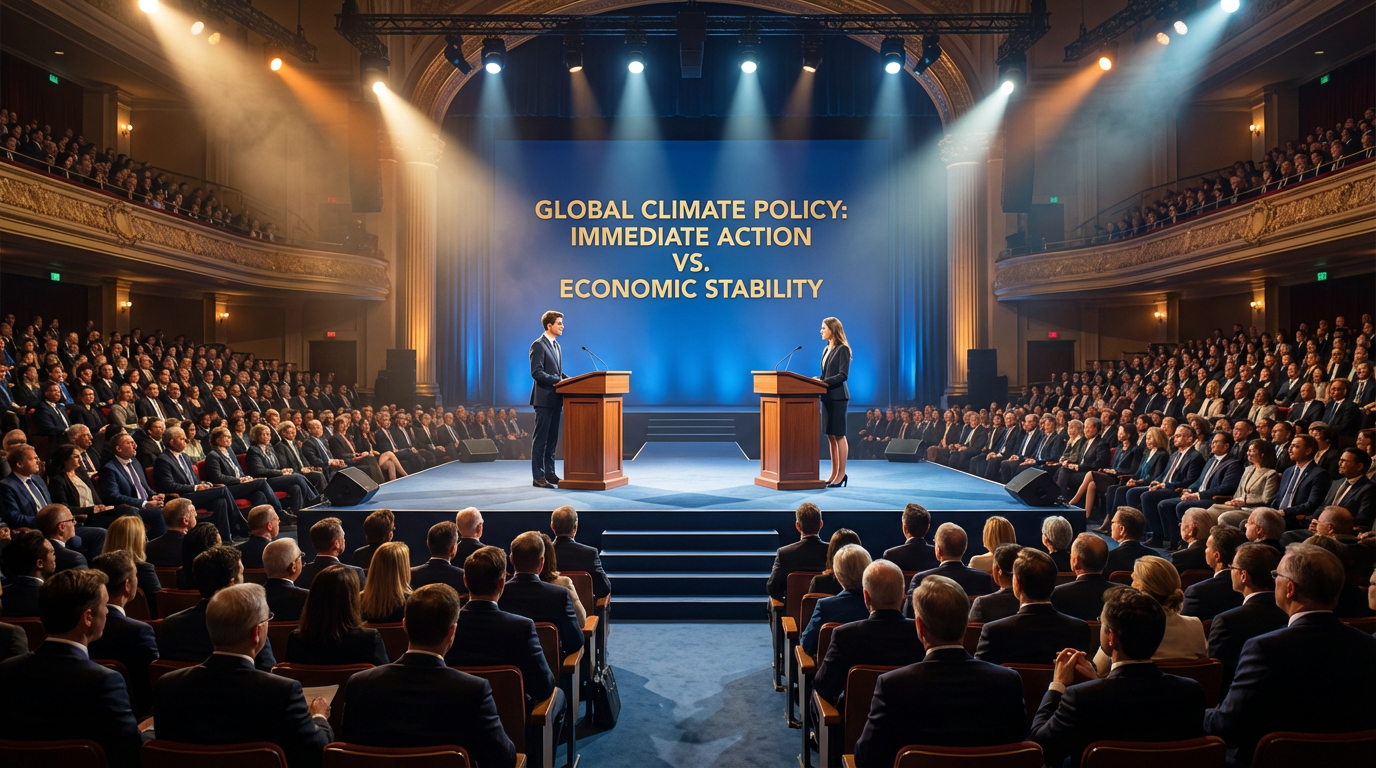
Turn Ideas into Inspiring Talk Videos
Medeo's TED-style Talk Video Generator helps creators, educators, and professionals turn ideas into engaging presentation videos using AI. Instead of setting up cameras, stages, and lighting, you can simply provide a topic or script and Medeo generates a talk-style video that presents the idea clearly and confidently.
Powered by world-class AI models


Create Inspiring Talk Videos with AI
Medeo helps speakers, educators, and creators turn ideas into engaging talk videos that are easy to watch and understand. Instead of preparing a stage presentation or recording multiple takes, you can simply describe your topic or paste your script and Medeo generates a talk-style video that presents the message clearly. This makes it easier to share insights, teach complex ideas, or create thought-leadership content for online audiences.

From Idea to TED-style Talk Video
See how Medeo turns a simple topic into a compelling talk video.
Before
A written idea, speech outline, or presentation script that exists only as text.
After
A structured talk video where the idea is presented clearly with visuals and storytelling.
Why Use Medeo's TED-style Talk Video Generator
Medeo makes it simple to turn ideas into professional talk-style presentation videos.
Instant Talk Video Creation
Turn a topic or script into a structured talk video instantly using AI.
Clear Storytelling Structure
Present ideas with a clear beginning, explanation, and conclusion.
Great for Thought Leadership
Perfect for experts sharing insights, ideas, or educational content.
Chat-Based Editing
Refine the script, pacing, or explanation through simple text instructions.
Professional Presentation Style
Generate polished speaking videos that look like professional talks.
Ready for Any Platform
Export talk videos for YouTube, social media, or presentations.
AI-Powered Talk Video Creation
Medeo helps turn speeches and ideas into engaging presentation videos using AI-driven visuals and narration.
AI Speech Generation
Generate talk-style presentation videos directly from ideas or scripts.
Structured Presentation Flow
Automatically organize ideas into clear sections and explanations.
Editable Script
Modify the talk content and message using simple chat instructions.
Professional Video Output
Export polished talk videos suitable for presentations or online content.
Visual Storytelling
Enhance talks with visuals that support the speaker's message.
Global Content Sharing
Publish talk videos easily across platforms and audiences.
Create a TED-style talk video in a few simple steps using Medeo.
Step 1
Enter Your Topic
Describe the idea, concept, or insight you want to present.
Step 2
Generate the Talk Video
Medeo's AI creates a structured talk video that explains the idea clearly.
Step 3
Refine the Message
Adjust the script, pacing, or explanation using chat-based editing.
Step 4
Export the Video
Download and share your talk video on learning platforms or social media.