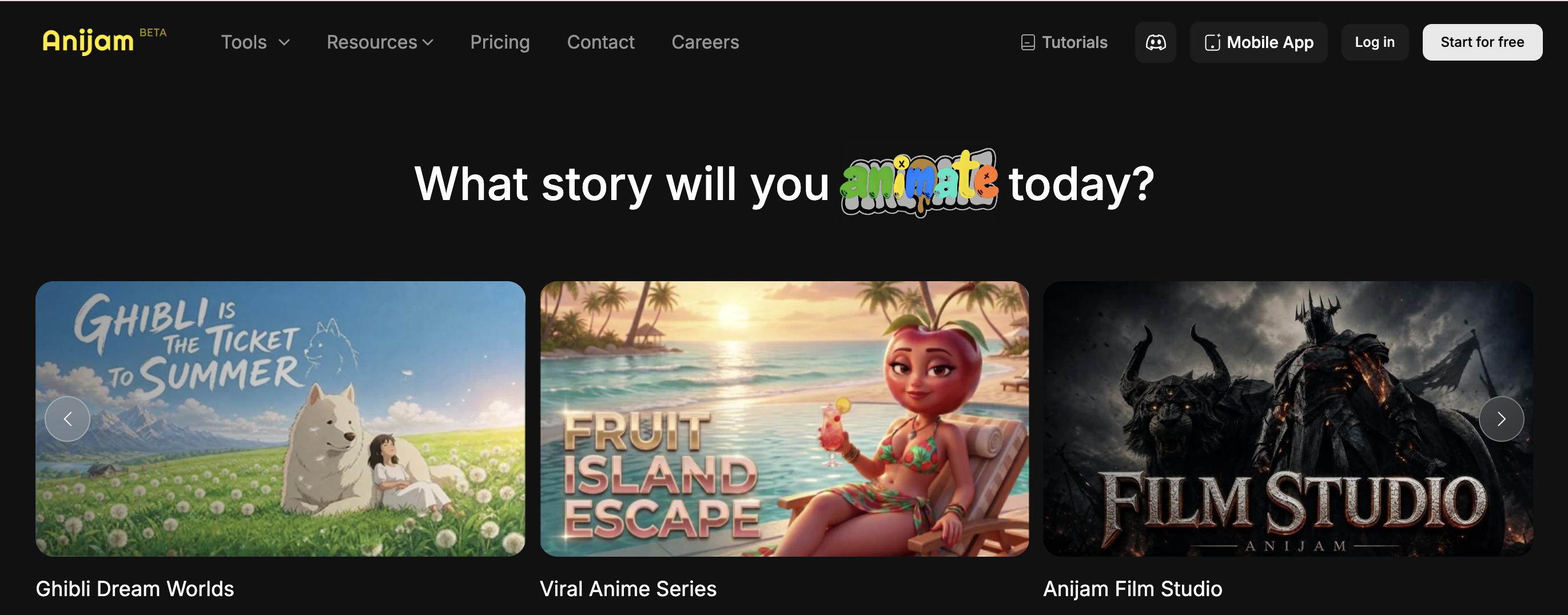
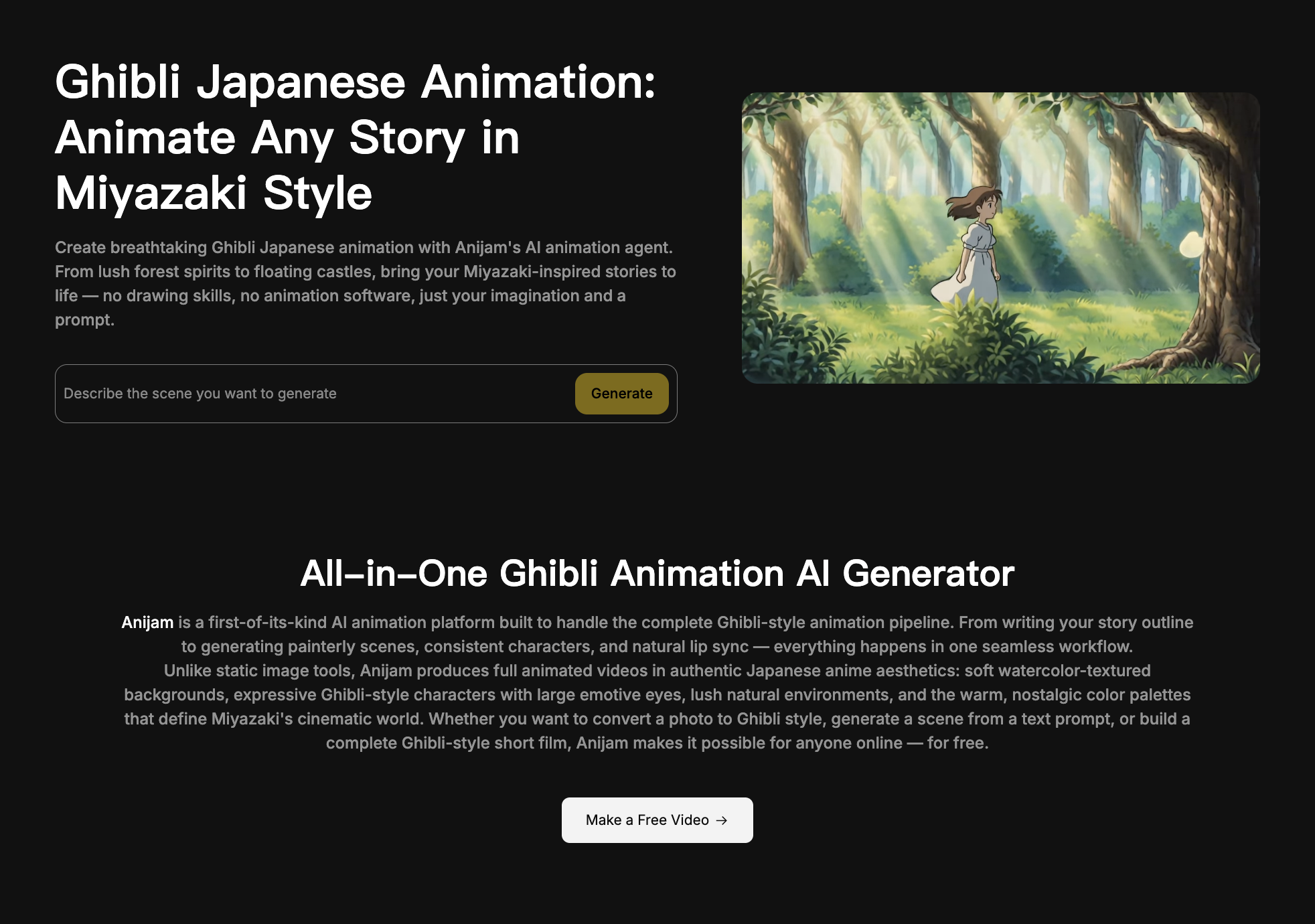
Anijam AI is not trying to be another generic AI video generator. Its strongest angle is animation. More specifically, it is built for creators who want characters, scenes, voices, and storylines to work together inside one browser-based workflow.
That makes Anijam interesting. Many AI video tools are good at creating one impressive cinematic shot, but they often struggle when a creator needs the same character to appear across multiple scenes. Anijam’s pitch is different: start with an idea, character, image, script, or audio, then use an AI animation agent to build a more complete animated video.
Competitor blogs usually write about Anijam from three angles: character consistency, all-in-one canvas workflow, and pricing. ToolCenter frames it as a character-animation agent rather than a general video model. Dzine’s review focuses on the canvas, chat-based creation, lip sync, motion control, and timeline editing. TapVid compares Anijam against more source-grounded explainer workflows and points out that Anijam is better for stylized character stories than strict product UI videos.
That is the right way to understand Anijam. It is not for every video job. It is strongest when the character is the content.
What Is Anijam AI?
Anijam AI is an AI animation platform for creating anime-style videos, cartoon videos, animated stories, character clips, and lip-synced scenes. Its official site describes it as an AI animation agent and all-in-one AI video creator.
The platform supports different starting points, including text, images, scripts, and character-based workflows. Its animation generator page says users can start from text, image, or script, while its cartoon video generator page highlights text prompts, photos, and illustrations as possible inputs.
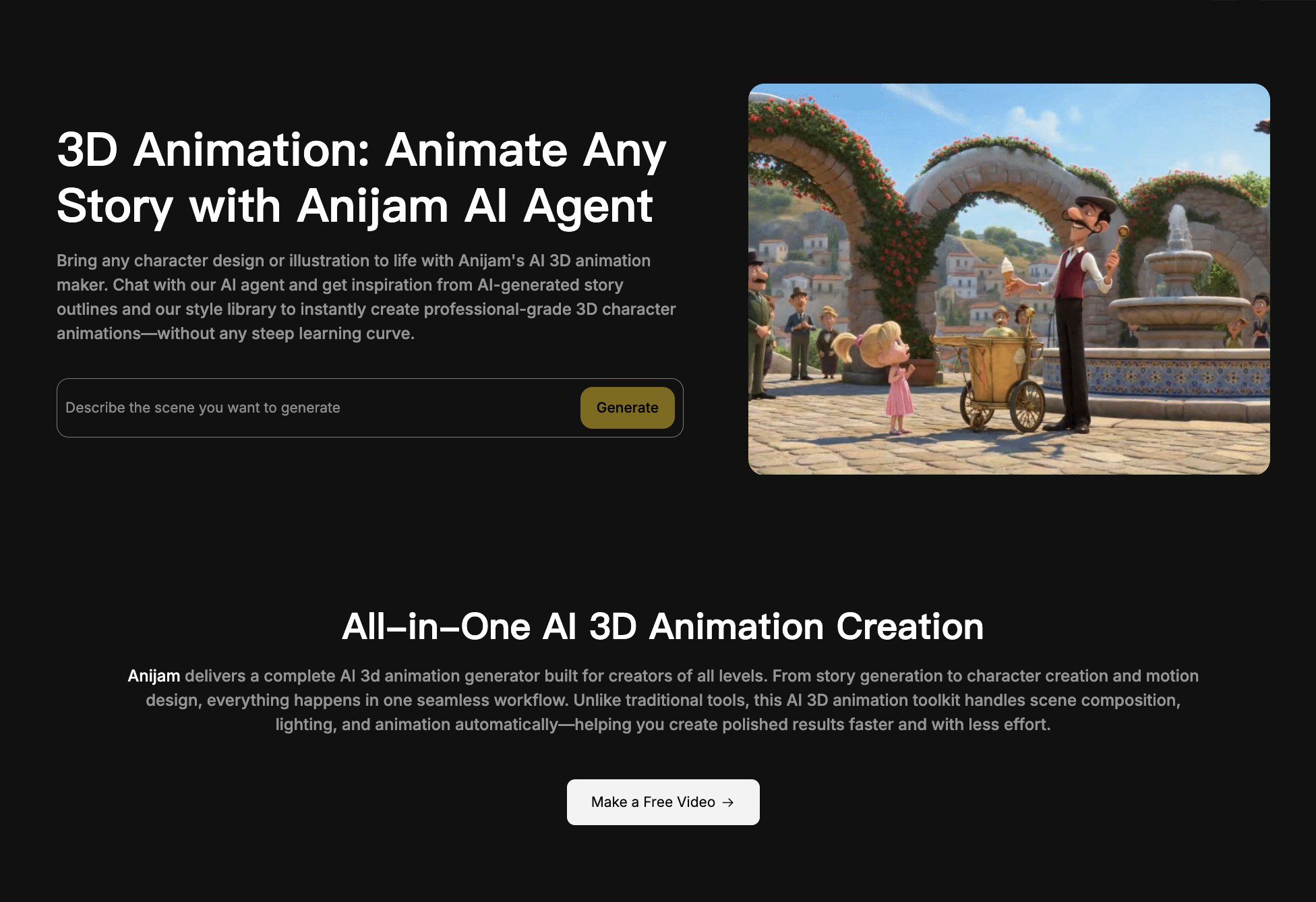
In practice, Anijam is useful for people who want to create animated content without traditional animation software. You do not need to draw every frame, build a timeline manually, hire voice actors, animate mouth movement, or manage a full production pipeline from scratch.
Anijam tries to put those steps into one guided AI workflow.
The Core Question: Do You Need a Character System?
Before choosing Anijam, ask one question:
Does this video depend on a recurring character?
If the answer is yes, Anijam becomes much more interesting.
A creator building an anime short series, children’s story channel, educational cartoon, brand mascot, animated skit, or character-led TikTok account needs consistency. The character cannot look different every scene. The voice cannot feel disconnected. The animation style should not change randomly.
This is where Anijam has a clear use case.
If the answer is no, and you only need one cinematic clip, product shot, AI ad, or quick visual experiment, a broader AI video model may be more suitable.
What Anijam Does Well
Anijam’s biggest strength is that it thinks in animation workflow, not just generation.
Instead of only asking for one prompt, it supports story building, scene creation, characters, lip sync, voice, and editing. That matters because animation is usually not one single image moving. It is a sequence of choices: who appears, what they say, how they move, how the style stays consistent, and how scenes connect.
Character consistency is one of the most important strengths. Competitor reviews repeatedly mention that Anijam is built for recurring characters. This is valuable for serialized content, especially when the creator wants the same hero, mascot, child character, anime persona, or cartoon cast to appear again and again.
Lip sync is another practical feature. Animated characters become much more usable when their mouth movement matches dialogue. For short-form content, education, storytelling, and social clips, that can save creators from using separate voice and lip-sync tools.
The platform also supports multiple animation styles. Its own pages mention anime, cartoon, and other stylized outputs. This makes it useful for creators who do not need photorealism and instead want a more expressive visual identity.
Where Anijam Can Feel Limited
Anijam is not the best fit for every kind of AI video.
If you want photorealistic product videos, precise UI explainers, corporate SaaS demos, exact logo placement, realistic talking-head spokesperson clips, or highly cinematic live-action scenes, Anijam may require more effort than expected.
This is not necessarily a weakness. It is a specialization issue. Anijam’s visual center of gravity is animation and stylized storytelling. That can be perfect for a cartoon series, but less ideal for a product demo where every interface detail must remain accurate.
Credit planning is another concern. As of August 18, 2026, Anijam’s pricing page shows annual-billing plans such as Beginner at $16 per month with 3,000 credits, Creator at $26 per month with 6,000 credits, Master at $58 per month with 16,000 credits, and Master Pro at $166 per month with 50,000 credits. The Creator plan also lists features such as Seedance 2.0 access, Oscar Mode, Motion Control, AI image and video, image and video editing, 10 concurrent tasks, and 1080p export.
Pricing can change, so users should confirm the current plan page before buying. The more important point is that animation usually takes iteration. One approved scene may require several generations, revisions, or lip-sync checks.
Anijam Pricing: What to Watch
Anijam’s pricing is credit-based, so creators should not only ask “How much is the plan?” They should ask “How many finished scenes can I actually make?”
A recurring animation project may require:
Character design tests
Scene generation
Dialogue and lip sync
Motion control
Style refinement
Regeneration when character details drift
Export quality checks
If a plan includes 3,000 credits, that does not automatically mean 3,000 usable creative decisions. Credits may be consumed differently depending on models, length, quality, and workflow.
Before paying for a larger plan, test one complete representative scene. Use the character style, dialogue length, export format, and quality level you actually need. That gives a more realistic view of cost.
When Anijam Is a Good Choice
Anijam is a good choice for creators building animated stories.
It fits anime shorts, cartoon stories, children’s educational videos, recurring character skits, mascot-led content, narrative social clips, and creative animation experiments.
It is also useful for creators who want a guided animation workflow instead of combining separate tools for image generation, voice generation, lip sync, editing, and video output.
If you are making character-led videos for TikTok, YouTube Shorts, Instagram Reels, or a children’s storytelling channel, Anijam is worth testing.
When Medeo May Be the Better Fit
Medeo is a better fit when the goal is broader AI video creation, not only character animation.
Anijam is good when the animation character is the center of the project. Medeo is useful when the creator wants to move across more video formats: animated experiments, model-based video generation, music visuals, game-style clips, product videos, scripts, and AI video refinement.
For example, if you want to create animated game-style content, Medeo’s Roblox Animation page is a more focused internal link; If you are building a cute or surreal story format, Medeo’s AI Fruit Story page can connect naturally; If your main need is lip-syncing a generated character or video asset, Medeo’s Lip Sync page is a stronger match; And if you want to create cinematic AI video clips with a major video model rather than an animation-agent workflow, Medeo’s Seedance 2.0 page is useful.
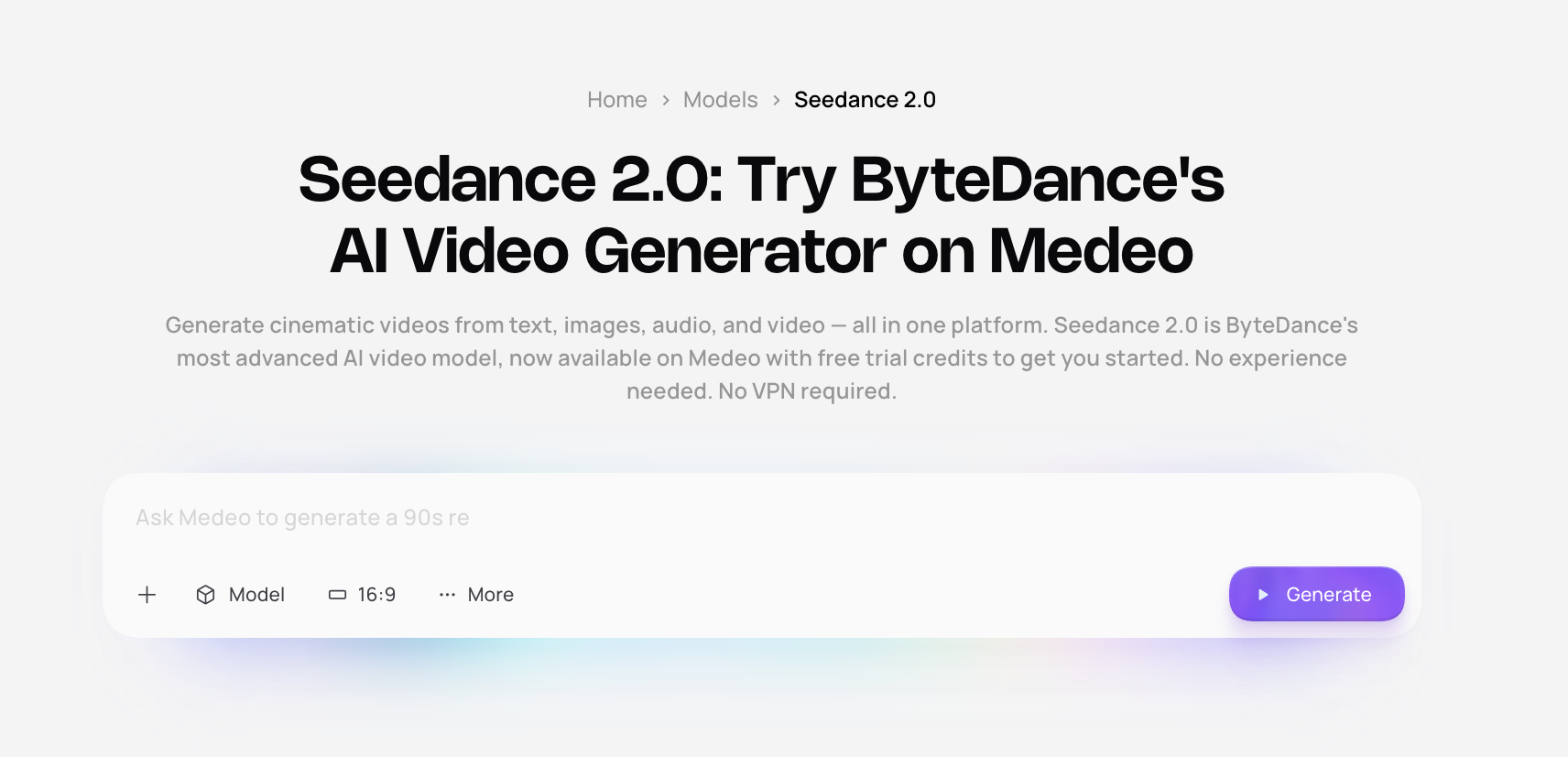
This is the clean positioning: Anijam is strong for animated character stories. Medeo is stronger when creators want multiple AI video directions inside one broader creative workflow.
Anijam vs Medeo
Anijam starts from animation production. Medeo starts from video creation more broadly. That difference matters.
Use Anijam when your project needs recurring animated characters, cartoon scenes, anime-style storytelling, and lip-synced dialogue.
Use Medeo when your project may move between AI video models, image-to-video, lip sync, short drama, music video, product video, stylized generators, and broader content workflows.
If you are making a serialized cartoon, Anijam deserves a test. If you are building a wider AI video content system, Medeo is more flexible. For creators using Medeo alongside Anijam, a practical workflow could be:
Use Anijam to build recurring animated characters.
Use Medeo to generate supporting scenes, music visuals, short drama clips, lip-sync variants, or model-based cutaways.
Pros of Anijam AI
Anijam has a clear niche in character-led animation.
It supports multiple input formats, including text, images, and scripts.
It can help with character consistency across animated scenes.
It includes lip sync, voice, scene editing, and animation workflow features.
It is easier than traditional animation software for non-animators.
It works well for anime, cartoon, story, educational, and social content.
Cons of Anijam AI
It may not be ideal for photorealistic video generation.
It can be less suitable for strict product demos or UI-heavy explainers.
Credit costs can add up when scenes require multiple revisions.
Some advanced features are tied to higher paid plans.
The free or entry-level experience may not represent the full production workflow.
Who Should Use Anijam?
Anijam is best for creators who want to produce animated stories with recurring characters.
It is suitable for anime creators, cartoon creators, educators, children’s story channels, social media creators, independent storytellers, and brands using mascots or character-led campaigns.
It is less suitable for creators who mainly need realistic product videos, business explainers, corporate avatars, exact screen recordings, or cinematic one-shot realism.
FAQ
What is Anijam AI?
Anijam AI is an AI animation platform that helps users create anime videos, cartoon videos, animated stories, character clips, and lip-synced scenes from text, images, scripts, and other creative inputs.
Is Anijam AI free?
Anijam advertises a free entry path for trying AI animation features, but plan details, watermark rules, export quality, and commercial usage may vary. Check the official pricing page before using outputs commercially.
What is Anijam best for?
Anijam is best for character-led animation, anime shorts, cartoon stories, educational videos, social media skits, and recurring animated characters.
Can Anijam keep characters consistent?
Character consistency is one of Anijam’s main selling points. Paid plans provide stronger support for reusable characters, but users should test their own character across angles, expressions, outfits, and scenes before building a full series.
Does Anijam support lip sync?
Yes. Anijam includes lip-sync features for animated characters, which makes it useful for dialogue scenes, story videos, educational content, and short social clips.
Is Anijam good for product videos?
Anijam can work for stylized product storytelling, mascot ads, or animated brand scenes. It is less ideal when exact product details, UI screens, pricing, logos, or technical information must remain perfectly accurate.
What is the best Anijam alternative?
Medeo is a good alternative if you want broader AI video workflows, including lip sync, short drama, model-based video generation, music videos, game-style animation, and stylized story formats.
Should I use Anijam or Medeo?
Use Anijam if your project is mainly an animated character story. Use Medeo if you need a wider AI video creation workspace with multiple models, formats, and creative workflows.