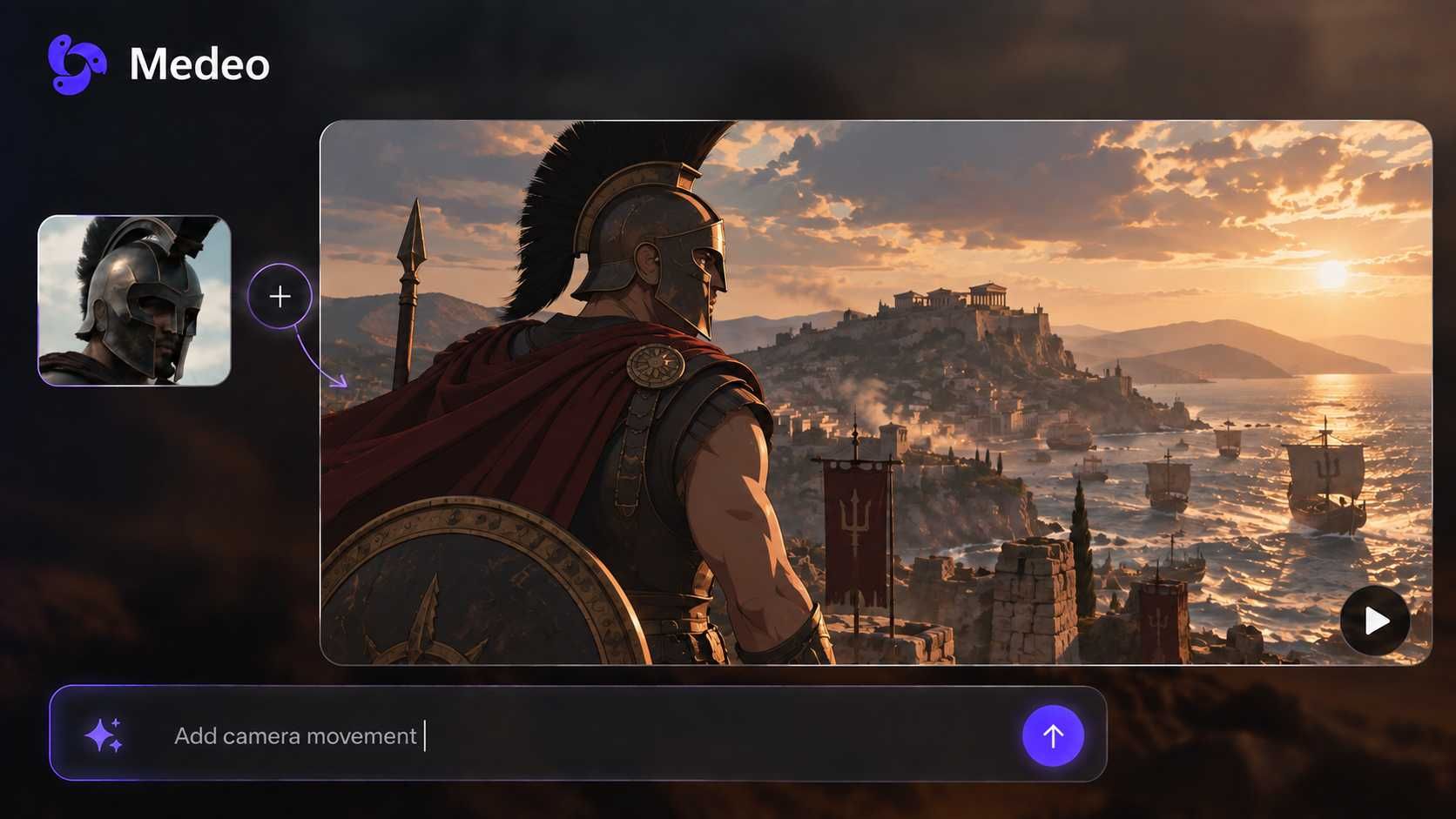
Audio to Video Converter Online
Upload an MP3, podcast, or voice recording and watch it become a video—with visuals, captions, and pacing that match what you’re saying.
Core Capabilities
From Audio File to Fully Visual Video
Convert MP3 to video with images, subtitles, and AI-generated scenes. Medeo turns audio into video content that feels structured, visual, and ready to publish.
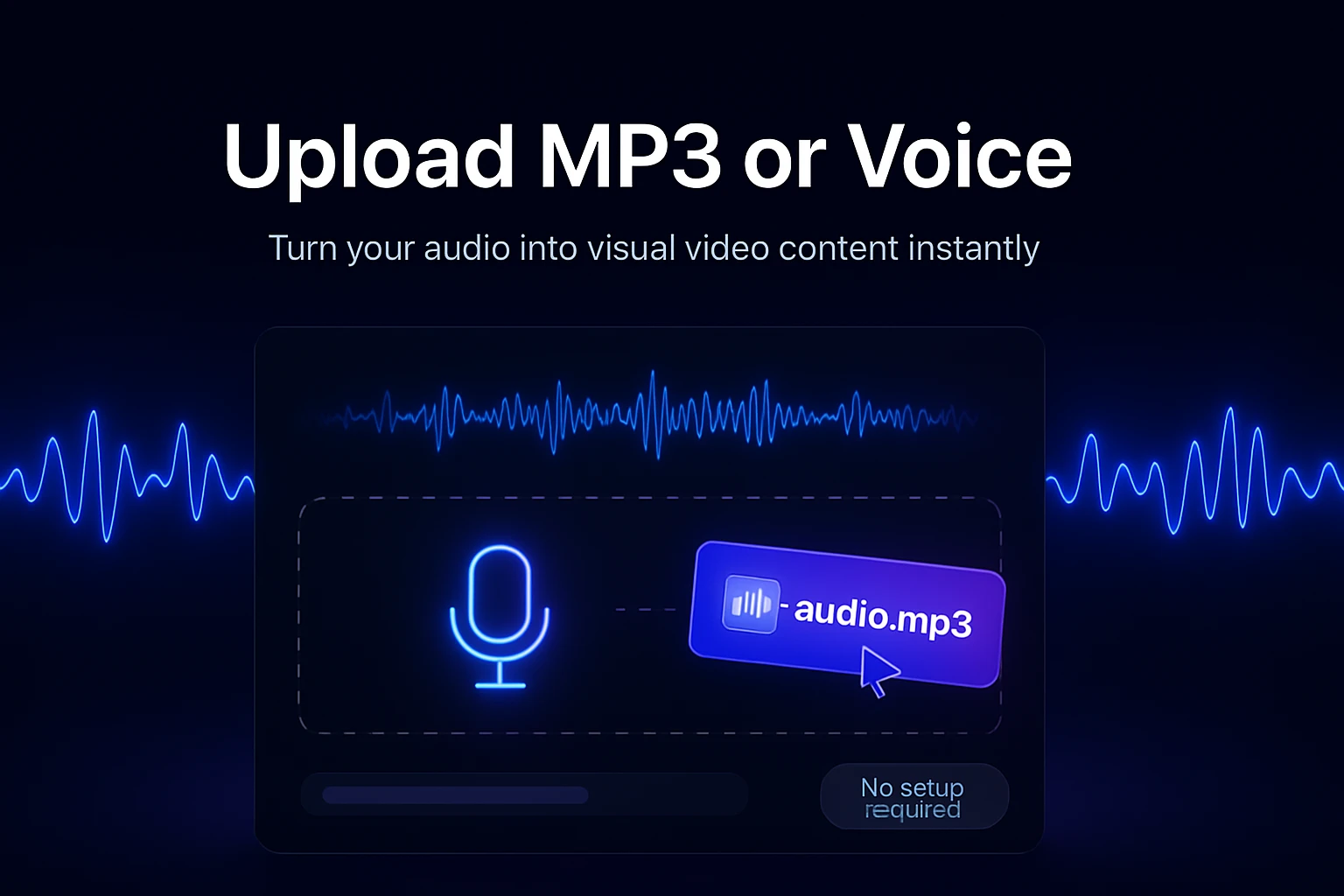
Input
Upload MP3 or Voice
Import MP3, WAV, or voice recordings and instantly start turning audio into structured, visual video content—no setup or editing required.
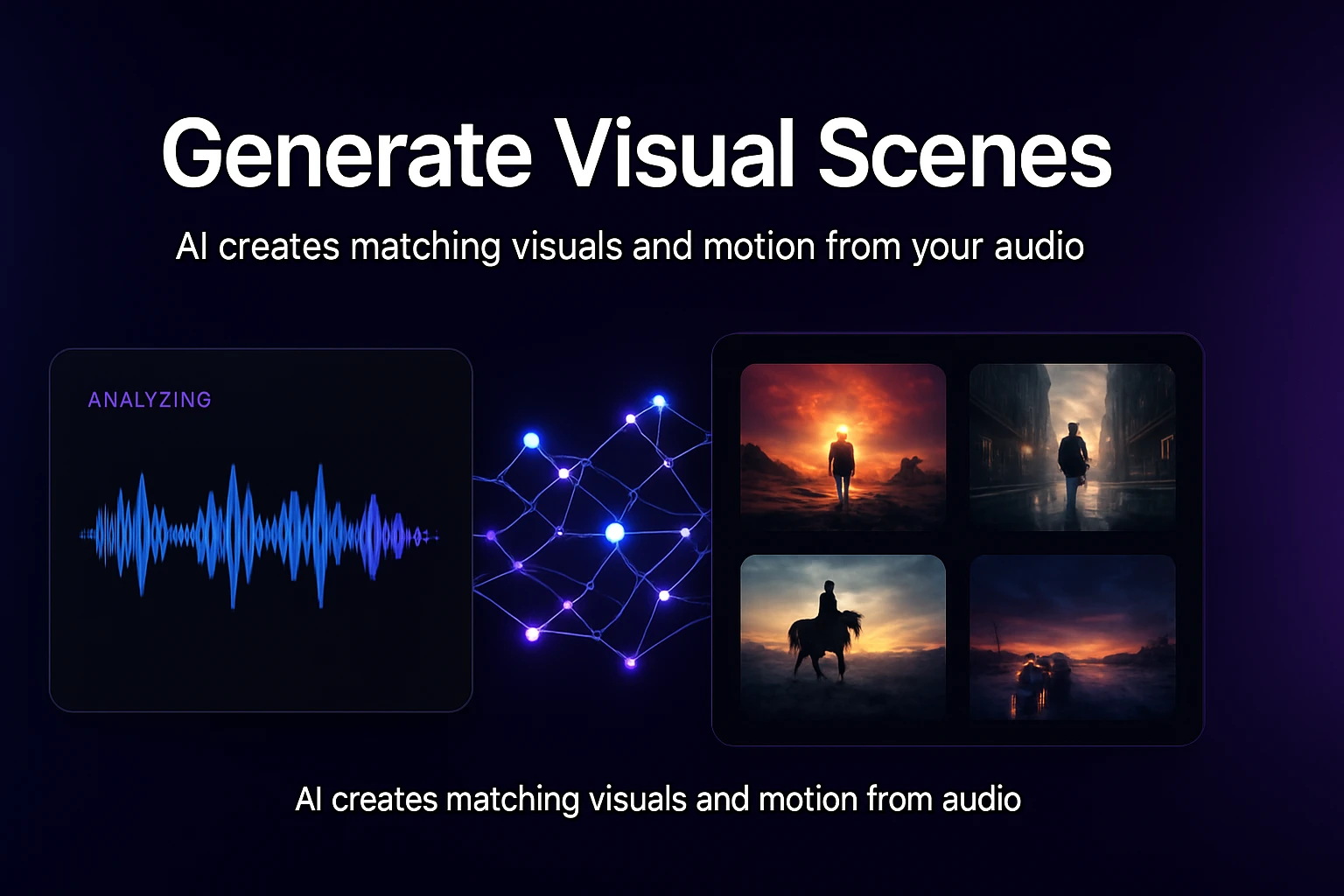
Transformation
Generate Visual Scenes
AI analyzes your audio and generates matching visuals, scenes, and motion—so your video feels intentional, not just audio with a background.
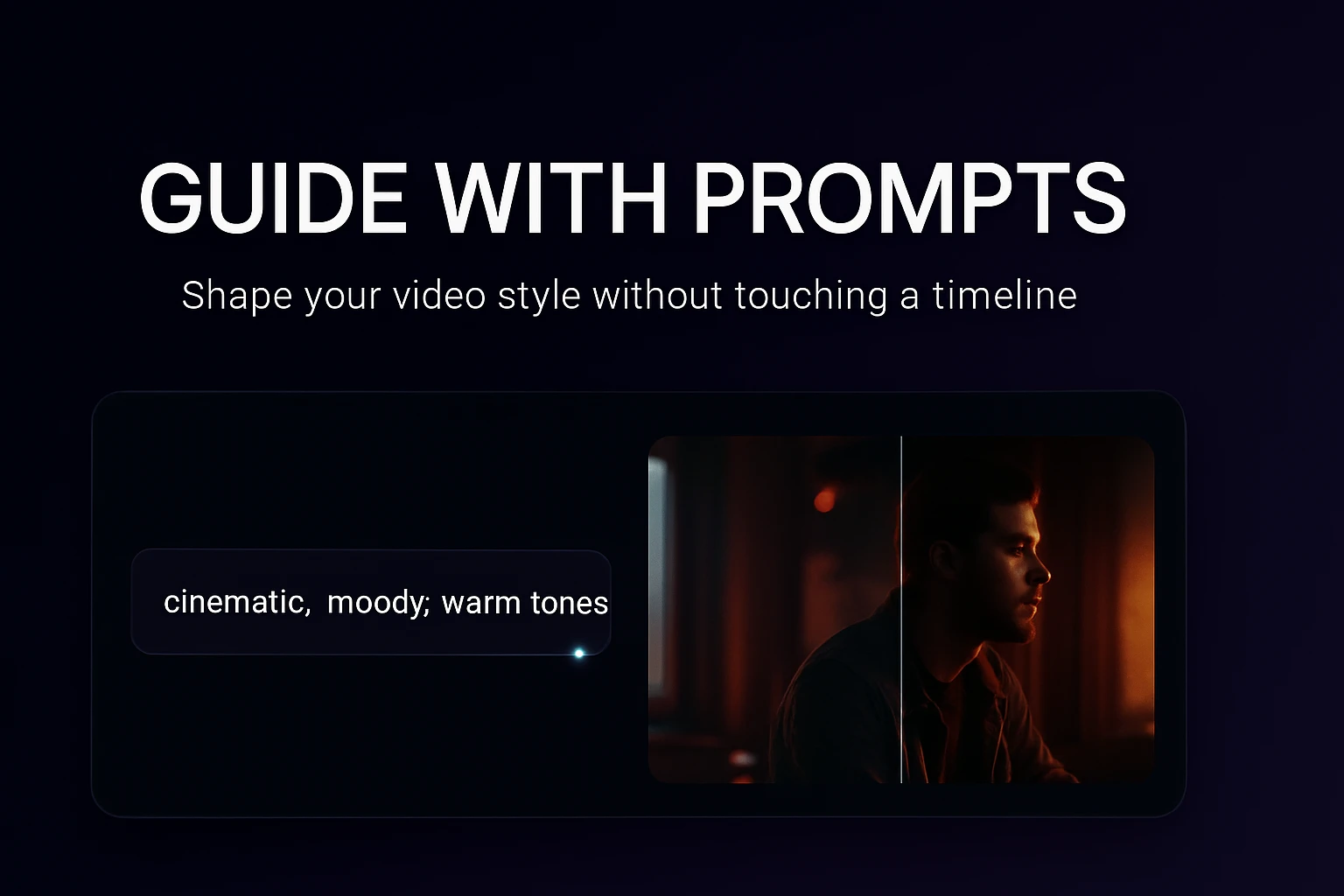
Control
Guide with Prompts
Describe the style, mood, or visual direction you want, and shape how your video looks without touching a timeline.
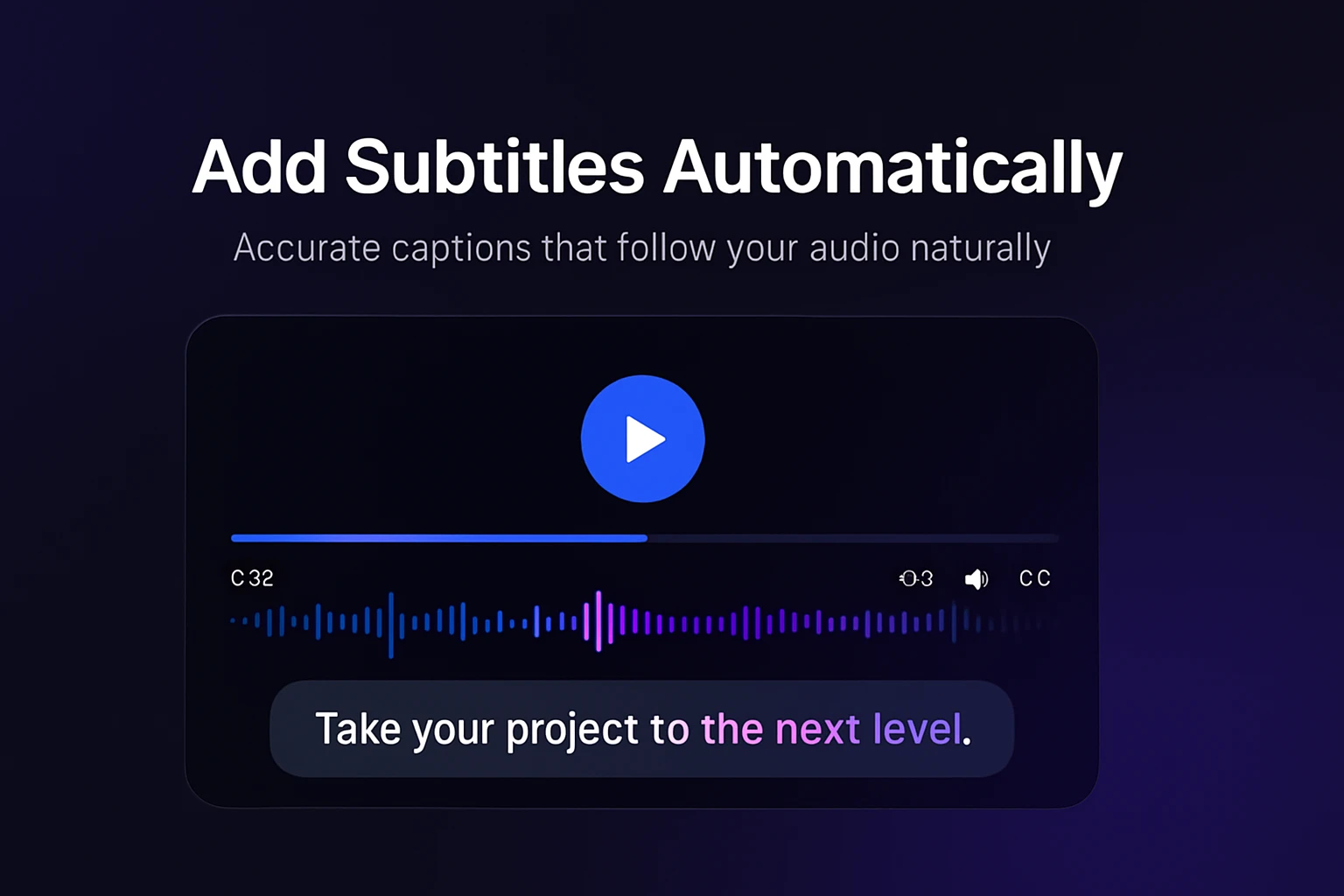
Enhancement
Add Subtitles Automatically
Generate accurate, time-synced captions that follow your audio naturally—making your content easier to watch, understand, and share.
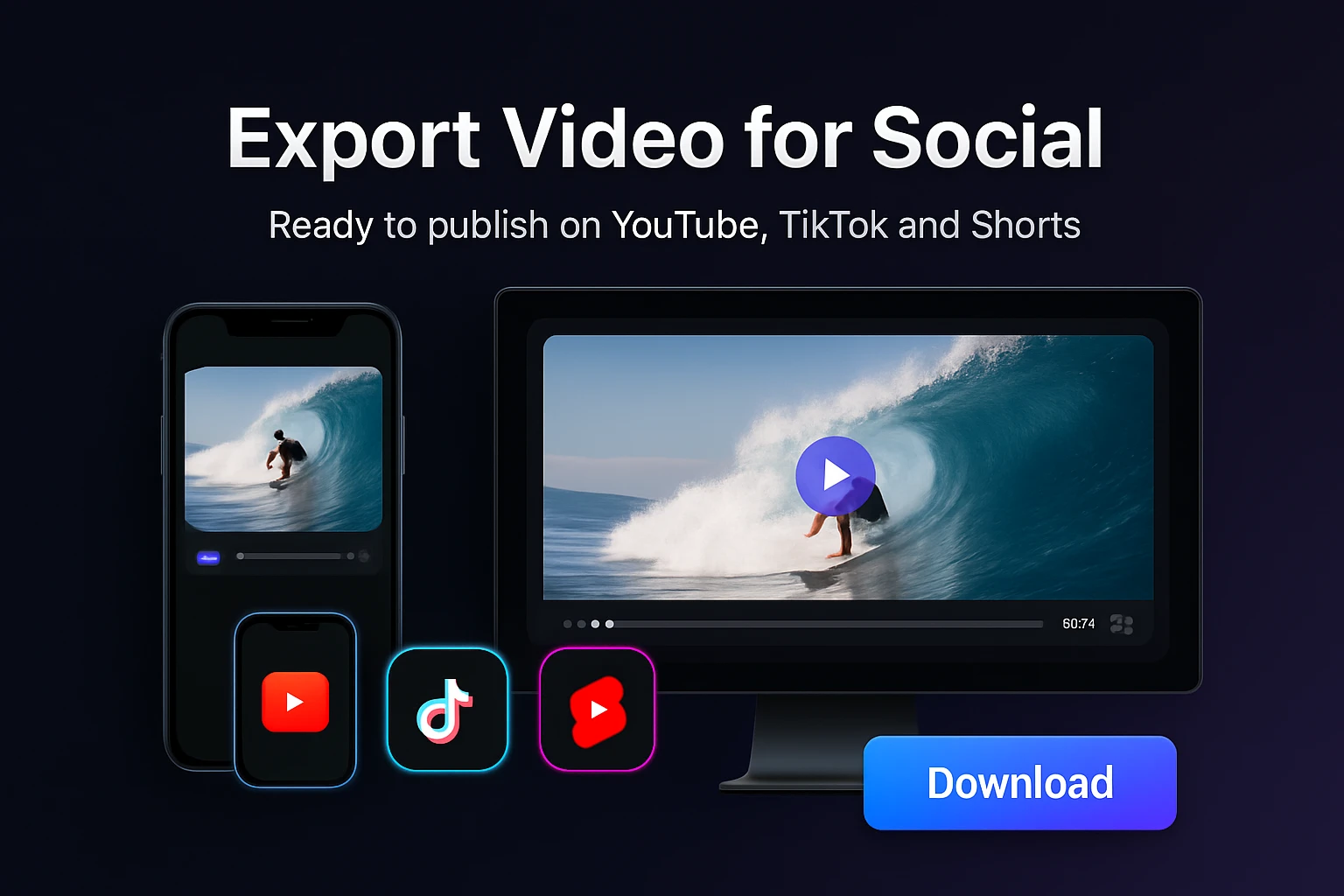
Output
Export Video for Social
Download or publish videos formatted for YouTube, TikTok, and Shorts—ready to post without additional edits.
How to Convert Audio to Video Step by Step
Learn how to convert MP3 to video with images, subtitles, and AI-generated visuals—without editing timelines or complex tools.
Step 1
Upload Your Audio
Start with an MP3, podcast episode, or voice recording you want to turn into video.
Step 2
Describe What You Want With Prompts
Tell the AI how you want to transform your audio using natural language—describe the visuals, style, mood, or format, and Medeo will generate the video accordingly.
Step 3
Refine Through Chat
Edit your video by chatting with the AI—adjust visuals, pacing, subtitles, or storytelling direction without using complex tools or timelines.
Step 4
Export and Share
Download your video or publish it directly to your preferred platform.
Create Videos From Audio for Any Scenario
Convert audio into video for podcasts, music, or voice content—complete with visuals, captions, and structure that fits modern platforms.
Podcast to Video
Turn podcast audio into video with subtitles and visuals that keep viewers watching on YouTube.
Music to Video
Create music videos from audio using waveform effects or AI-generated scenes.
Voice Recording to Content
Turn voice recordings into structured videos that feel like designed content, not raw audio.
Audiobook to Visual Story
Transform audiobook clips into video with scenes, captions, and pacing that match the narration.
Social Media Clips
Convert audio into short-form videos ready for TikTok, Reels, or Shorts.
Educational Content
Turn lectures or spoken explanations into clear, visual learning videos.
See Audio Transformed Into Video
From MP3 to video with visuals, captions, and motion—see how audio becomes content people actually watch and share.
Audio to Video Converter Questions
Understand how to turn audio into video, create videos from MP3 files, and use AI to generate visuals that match your content.