AI Video Colorizer: Colorize Black and White Videos Online
Upload old footage, family films, archival clips, or grayscale videos and turn them into natural-looking color with AI. Medeo helps you colorize, refine the palette, add captions or music, and export the restored video for social media, documentaries, presentations, or personal archives.
AI Video Colorizer
What Is an AI Video Colorizer?
An AI video colorizer adds realistic color to black and white or grayscale footage by analyzing scenes, people, objects, lighting, and frame-to-frame motion. Instead of manually coloring every frame, you can upload a video and let AI create a plausible color version that you can refine inside Medeo.

Turn Black and White Footage into Natural Color
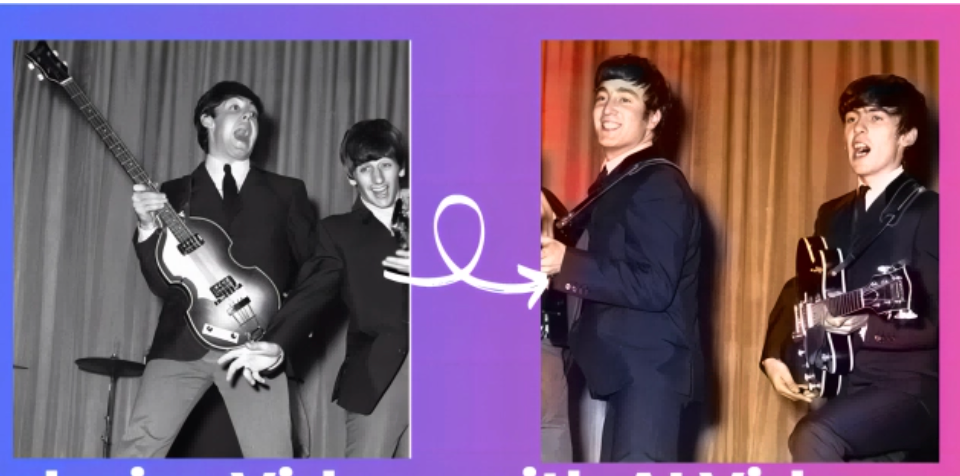
Show visitors the transformation immediately with a before-and-after video or image comparison.
Before
Old, grayscale, sepia, or black and white footage

After
A natural-looking colorized video with refined tones and platform-ready export

Colorize and Restore Videos Without Complex Editing
Medeo combines AI colorization with a broader video workflow, so you can colorize old footage, refine the result, add context, and export without switching between multiple tools.
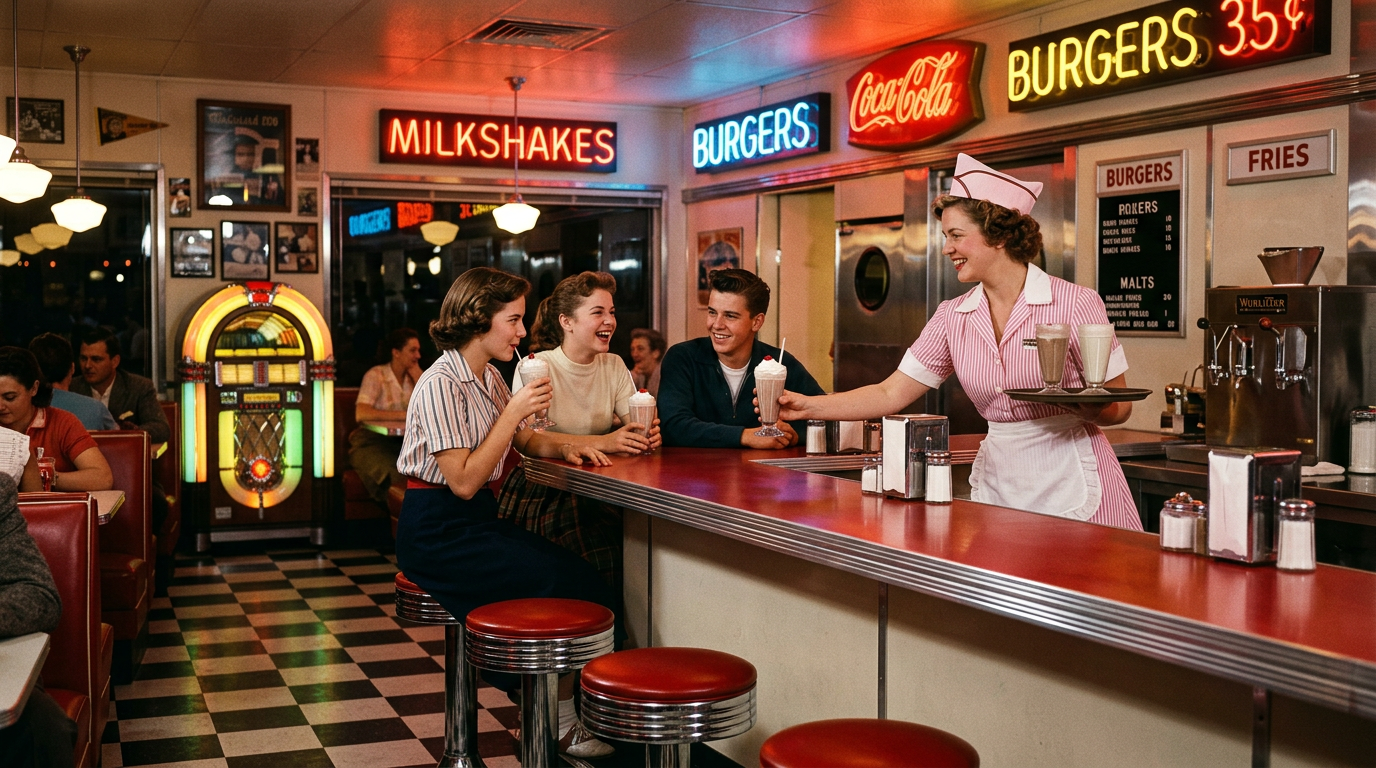
Instant Colorization
Colorize Old Videos in Minutes
Upload black and white footage, home movies, archival clips, or grayscale video and let Medeo generate a colorized version. The AI analyzes visual context frame by frame, adding plausible colors to people, clothing, skies, buildings, landscapes, and indoor scenes.
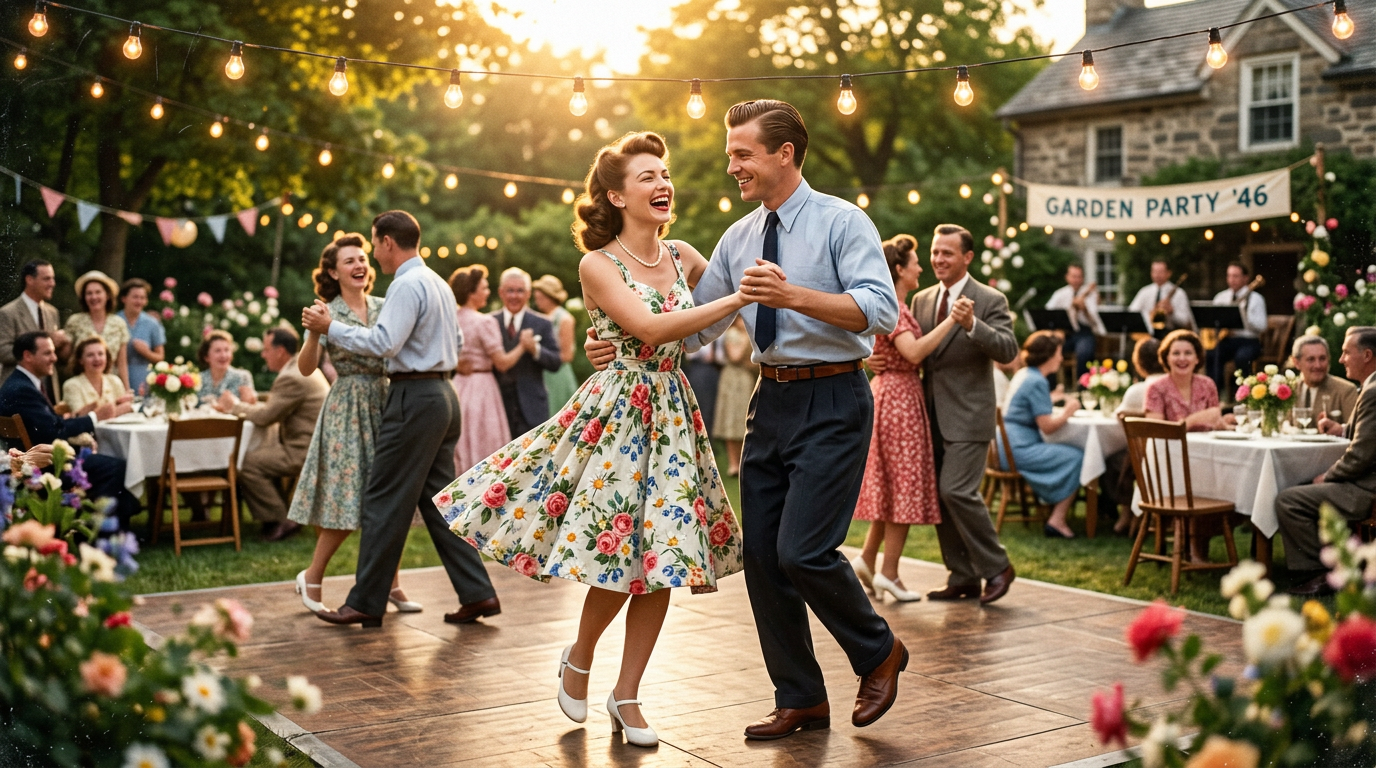
Natural Color
Create Realistic, Context-Aware Color
Medeo is designed for more than a flat color filter. It helps create believable skin tones, outdoor lighting, fabric colors, and environmental palettes based on scene context. For known historical details, you can guide the palette with a short note or reference.

Chat Refinement
Fine-Tune the Palette with Simple Instructions
After colorization, ask Medeo for warmer skin tones, cooler shadows, less saturation, a vintage film look, richer greens, or a cleaner documentary style. You can refine the result in plain language instead of using professional color grading controls.

Temporal Consistency
Keep Colors Stable Across Frames
Video colorization is harder than photo colorization because colors must stay stable while people and objects move. Medeo helps reduce patchy results by keeping recurring subjects, clothing, and environments visually consistent across a clip.
Creative Workflow
Add Captions, Voiceover, Music, and Export
Once your footage is colorized, continue editing in Medeo. Add subtitles, voiceover, background music, titles, or scene extensions, then export in formats for TikTok, Reels, YouTube, documentaries, presentations, or family archives.
Colorize Videos for Memories, History, and Creative Projects
AI video colorization is useful whenever black and white footage needs to feel more immediate, emotional, or shareable.
Old Family Videos
Bring weddings, birthdays, travel clips, childhood tapes, and home movies closer to the present with natural-looking color.
Historical and Archival Footage
Colorize historical clips, documentary footage, city streets, public events, and archive material for educational or storytelling projects.
Documentaries and Short Films
Use colorized footage in documentary intros, history explainers, film projects, and social edits that need a stronger emotional connection.
Vintage Music and Performance Clips
Refresh old performance videos, dance footage, rehearsal clips, and fan archives with color, captions, and music-ready export.
Social Media Restorations
Turn black and white footage into short before-and-after videos for TikTok, Reels, Shorts, Instagram, and nostalgia accounts.
Education and Presentations
Make historic moments, museum footage, classroom clips, and presentation videos easier to understand and more visually engaging.
How to Colorize a Black and White Video Online
Upload your footage, generate a colorized version, refine the palette, and export the finished video from one browser-based workflow.
Step 1
Upload Your Black and White Video
Start with old footage, grayscale video, archival clips, home movies, or scanned film. For best results, use the cleanest version you have with good contrast.
Step 2
Add Color Guidance if Needed
Tell Medeo the era, mood, location, or color style you want. Add notes such as 1960s street scene, warm family film, muted documentary palette, or natural daylight tones.
Step 3
Generate and Review the Colorized Video
Medeo applies color across the clip. Review skin tones, skies, clothing, background objects, flicker, saturation, and whether the colors stay stable across motion.
Step 4
Refine, Enhance, and Export
Ask for palette changes, add captions or music, upscale or resize if needed, then export the finished colorized video for archives, social platforms, presentations, or creative projects.
Tips for Better AI Video Colorization
Colorization quality depends heavily on the source footage. A few small choices can make the final result look more natural and consistent.
Start with Clean, High-Contrast Footage
AI colorizers work better when faces, clothing, buildings, sky, and objects are visible. Heavy blur, compression, scratches, and low contrast can make color prediction less reliable.
Colorize Shorter Clips First
For precious footage, test a short section before processing the full video. This lets you check skin tones, saturation, and style before spending time on a longer render.
Use Historical Clues When You Know Them
AI predicts plausible colors, not guaranteed historical truth. If you know a uniform, car, flag, building, or outfit color, include that detail in your instruction.
Restore or Upscale Around Colorization
If the footage is damaged, denoising, deblurring, stabilization, or upscaling can help. Depending on the clip, you may restore before colorizing or colorize first and sharpen afterward.
Keep a Natural Palette
Over-saturated color can make old footage look artificial. Ask for natural skin tones, muted vintage color, documentary realism, or balanced saturation when authenticity matters.
AI Video Colorizer Examples
Use this section to show real before-and-after colorization samples from family footage, archival clips, documentaries, and social restorations.
Why Use Medeo Instead of a Basic Video Colorizer?
Many tools stop after upload and download. Medeo helps you keep working after colorization, so the restored video can become a finished piece of content.
Colorize and Keep Editing
After colorization, continue with captions, voiceover, background music, titles, resizing, and other creative edits in the same workflow.
Refine the Look with Chat
Instead of adjusting sliders blindly, describe the look you want. Ask for warmer tones, less saturation, richer skies, more realistic skin, or a vintage documentary style.
Create for Archives and Social
Export a restored archive version, then create a short vertical before-and-after version for TikTok, Reels, Shorts, or Instagram.
Pair Colorization with AI Video Tools
Use Medeo's broader AI video workflow to upscale, extend, animate, add subtitles, or repurpose restored footage into a new video project.
AI Video Colorizer FAQs
Answers about colorizing black and white videos, old footage restoration, natural colors, formats, privacy, accuracy, and export.
More AI Video Restoration and Editing Tools
After colorizing a video, keep improving it with related Medeo tools for enhancement, captions, animation, and video creation.