Create AI hug videos from two photos
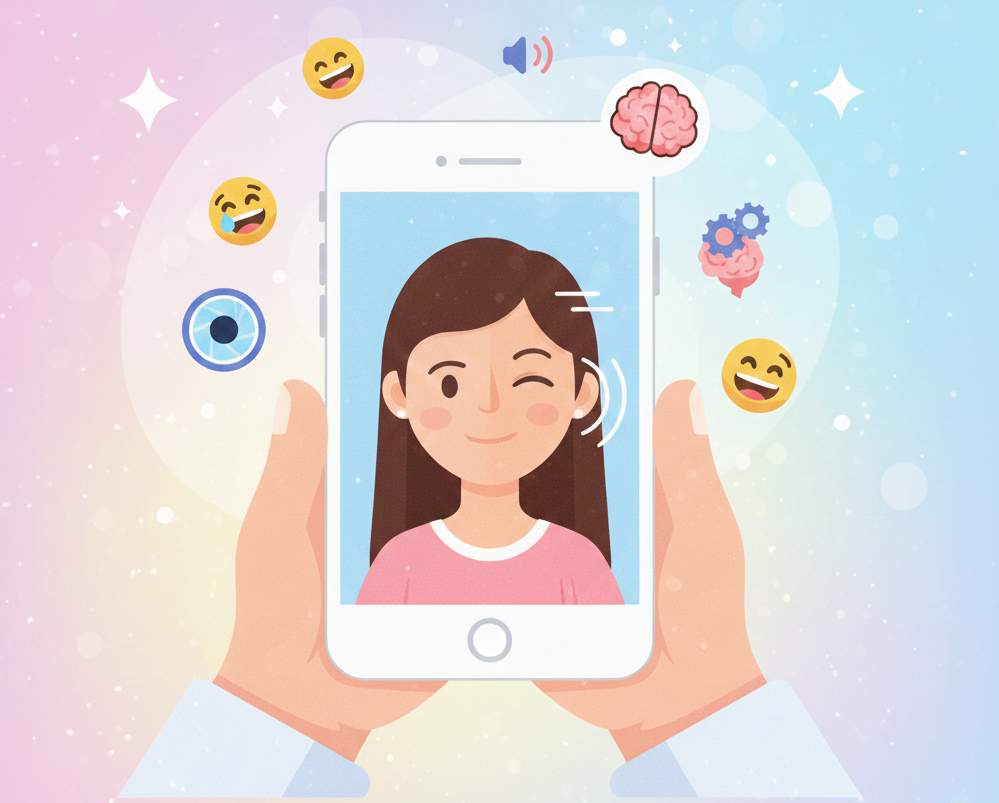
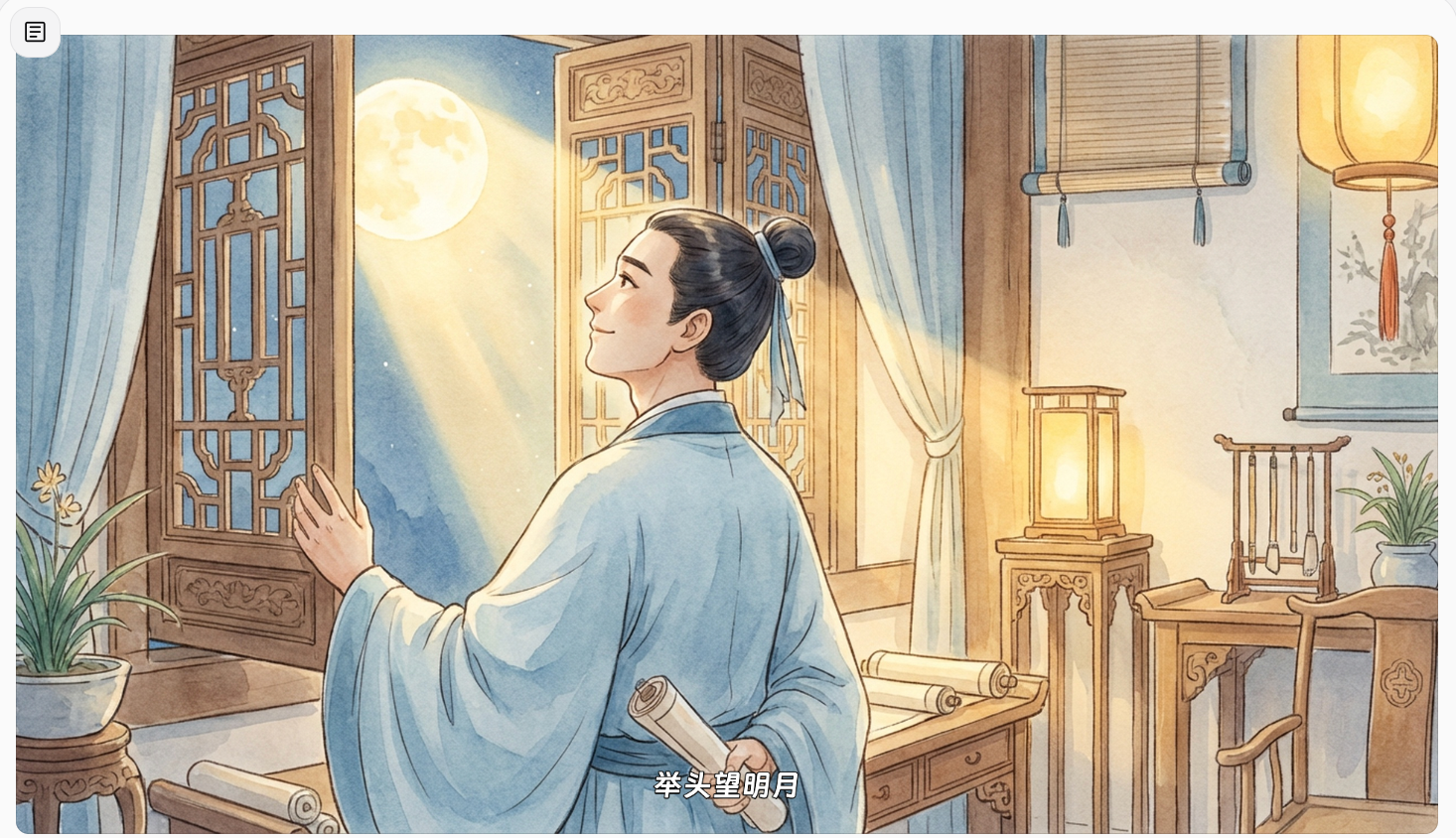
Bring two separate photos together in an AI hug video that feels personal, emotional, and easy to share. Medeo helps turn still portraits into short hug videos for couples, family members, memorials, reunions, and heartfelt greetings.
Powered by world-class AI models


What Is an AI Hug Video Generator?
An AI hug video generator turns photos into short videos where people appear to move closer and share a hug. Instead of filming a new clip, you can upload one photo or two separate portraits, describe the moment, and let AI create a warm hugging video from still images. Medeo is designed for emotional photo-to-video moments: long-distance relationships, family memories, comforting messages, social media posts, and tribute videos created with care.

Give Separate Photos a Shared Moment
Why Choose Medeo's AI Hug Video Generator?
Create emotional AI hug videos from photos without complicated editing tools.

Photo to Video Made Simple
Turn still portraits into short AI hug videos without filming, editing, or animation skills. Upload your photos, describe the moment, and let Medeo create a warm hug video in minutes.

Natural Hug Motion
Medeo helps create gentle movement, soft expressions, and believable timing. The result feels like a real emotional moment, not just a static photo effect.

Keep Faces and Details Consistent
Use clear photos to preserve facial features, hairstyles, clothing, and important personal details. Medeo keeps the people recognizable while adding natural motion.

Create for Every Meaningful Moment
Make romantic hugs, family memories, younger-self hugs, friendship clips, tribute videos, or social posts. Choose the mood that fits your story.

Ready to Share Anywhere
Generate vertical or landscape AI hug videos for TikTok, Reels, Shorts, messages, memorial edits, greetings, and personal keepsakes.
AI Hug Video Ideas for Meaningful Moments
Create videos for personal messages, social posts, family keepsakes, and emotional storytelling.
Couples and Long-Distance Relationships
Create a virtual hug video for someone you miss. Turn two portraits into a warm couple hug, anniversary greeting, romantic message, or long-distance surprise.
Family Memories
Make parent-child hugs, sibling hugs, grandparent memories, holiday greetings, birthday videos, and family reunion clips from your favorite photos.
Memorial and Tribute Videos
Use old photos carefully to create a comforting tribute or remembrance video. Keep the tone gentle, respectful, and private.
Hug Your Younger Self
Create a symbolic video where your present self hugs your younger self for reflective edits, healing messages, and personal growth stories.
Friendship and Celebration Clips
Turn friend photos into joyful hug videos for birthdays, graduations, thank-you messages, farewells, and milestone celebrations.
Anime and Character Hug Videos
Use illustrated portraits, anime-style images, or character art to create stylized hug videos with cinematic, 3D, pastel, or vintage looks.
Customize Your AI Hug Video
Control the feeling of your video with simple prompt details.
Choose the Hug Style and Mood
Create a gentle family hug, romantic embrace, joyful reunion, comforting hug, playful friendship moment, or cinematic story scene.
Guide the Motion with a Prompt
Describe how the hug should happen: they smile softly, step closer, hold a gentle embrace, or the camera slowly moves in.
Use One Photo or Two Portraits
Start with one photo that already includes both people, or upload two separate portraits to create a shared AI hug moment.
Keep Faces and Details Consistent
Use clear photos to help preserve faces, hairstyles, clothing, and personal details while adding natural movement.
Create Videos for Any Platform
Choose vertical video for TikTok, Reels, and Shorts, or landscape format for websites, YouTube, and personal video projects.
Add Music, Captions, or Edits
After generating your AI hug video, add music, captions, transitions, or text overlays to make it ready for sharing.
See Realistic AI Hug Moments in Motion
Watch how still photos become warm, natural hug videos with gentle movement, soft expressions, and emotional timing. Medeo turns simple portraits into shareable moments that feel personal and alive.
How to Create an AI Hug Video in Medeo
Start with your photos, describe the hug, and generate the final clip.
Step 1
Upload One or Two Photos
Upload one photo with two people or two separate portraits. For best results, choose clear images with visible faces and similar framing.
Step 2
Describe the Hug
Write a prompt that includes the emotion, action, and style, such as: create a warm realistic hug video where the two people smile gently, step closer, and share a soft embrace.
Step 3
Generate Your AI Hug Video
Choose your format and generate the video. Review the result, then refine the prompt if you want a different mood, camera angle, or movement.
Step 4
Download and Share
Download your AI hug video and share it with family, friends, followers, or someone who needs a heartfelt message.
See Why Creators Choose Medeo AI Video Generator
"Medeo makes it incredibly easy to turn ideas into videos. I simply describe a scene, and within minutes I have a polished video that looks ready to publish."
James Walker
Video Content Creator
"Creating engaging video content used to be our biggest bottleneck. Medeo helps us generate scroll-stopping videos from simple prompts, saving both time and budget."
Sophia Martinez
Social Media Manager
"The visual quality and motion consistency are impressive. Medeo allows our team to test multiple campaign concepts without investing in expensive production."
Ethan Collins
Marketing Director
"Medeo makes it incredibly easy to turn ideas into videos. I simply describe a scene, and within minutes I have a polished video that looks ready to publish."
James Walker
Video Content Creator
"Creating engaging video content used to be our biggest bottleneck. Medeo helps us generate scroll-stopping videos from simple prompts, saving both time and budget."
Sophia Martinez
Social Media Manager
"The visual quality and motion consistency are impressive. Medeo allows our team to test multiple campaign concepts without investing in expensive production."
Ethan Collins
Marketing Director
"As a non-designer, I've always struggled with video creation. Medeo removes that barrier completely and helps me produce professional promotional videos on demand."
Olivia Parker
Startup Founder
"I've tried several AI video generators, but Medeo does the best job of understanding creative intent. The generated scenes feel cinematic rather than random."
Ryan Mitchell
YouTube Creator
"As a non-designer, I've always struggled with video creation. Medeo removes that barrier completely and helps me produce professional promotional videos on demand."
Olivia Parker
Startup Founder
"I've tried several AI video generators, but Medeo does the best job of understanding creative intent. The generated scenes feel cinematic rather than random."
Ryan Mitchell
YouTube Creator
See more related blogs
7 Best AI Love Story Video Generators in 2026 (Tested & Compared)
Discover the 7 best AI love story video generators in 2026 — tested and compared. From cinematic narratives to anniversary films, find the right tool for every romantic occasion.
TIAN YUAN · Apr 29, 2026 · 13 min read
7 Best Idea to Video AI Tools in 2026 (Tested & Compared)
Compare the 7 best idea to video AI tools in 2026 — tested across output quality, format coverage, and ease of use. Find the right tool for your content workflow.
TIAN YUAN · Apr 29, 2026 · 13 min read
How to Make AI Cat Videos: Step-by-Step Guide
Learn how to make AI cat videos from text prompts or cat photos. This step-by-step guide covers cat video ideas, prompts, styles, editing tips, and social posting workflows with Medeo.
TIAN YUAN · May 6, 2026 · 20 min read