Enhance Video Quality Instantly with AI Video Enhancer
Medeo’s AI Video Enhancer helps creators, marketers, and businesses improve video quality instantly using advanced AI technology. Whether you're working with low-resolution clips, blurry footage, old recordings, or compressed social media videos, the AI automatically enhances clarity, sharpness, lighting, and resolution. From upscaling videos to HD or 4K to reducing noise and restoring details, Medeo transforms poor-quality videos into professional-looking content.
Powered by world-class AI models


What Is an AI Video Enhancer?
An AI Video Enhancer is a tool that uses artificial intelligence to improve the visual quality of videos. It can upscale resolution, sharpen details, reduce noise, correct colors, and restore damaged or low-quality footage. By analyzing each frame, AI enhances textures, edges, and lighting to produce clearer, more professional-looking videos suitable for modern platforms like YouTube, TikTok, and Instagram.

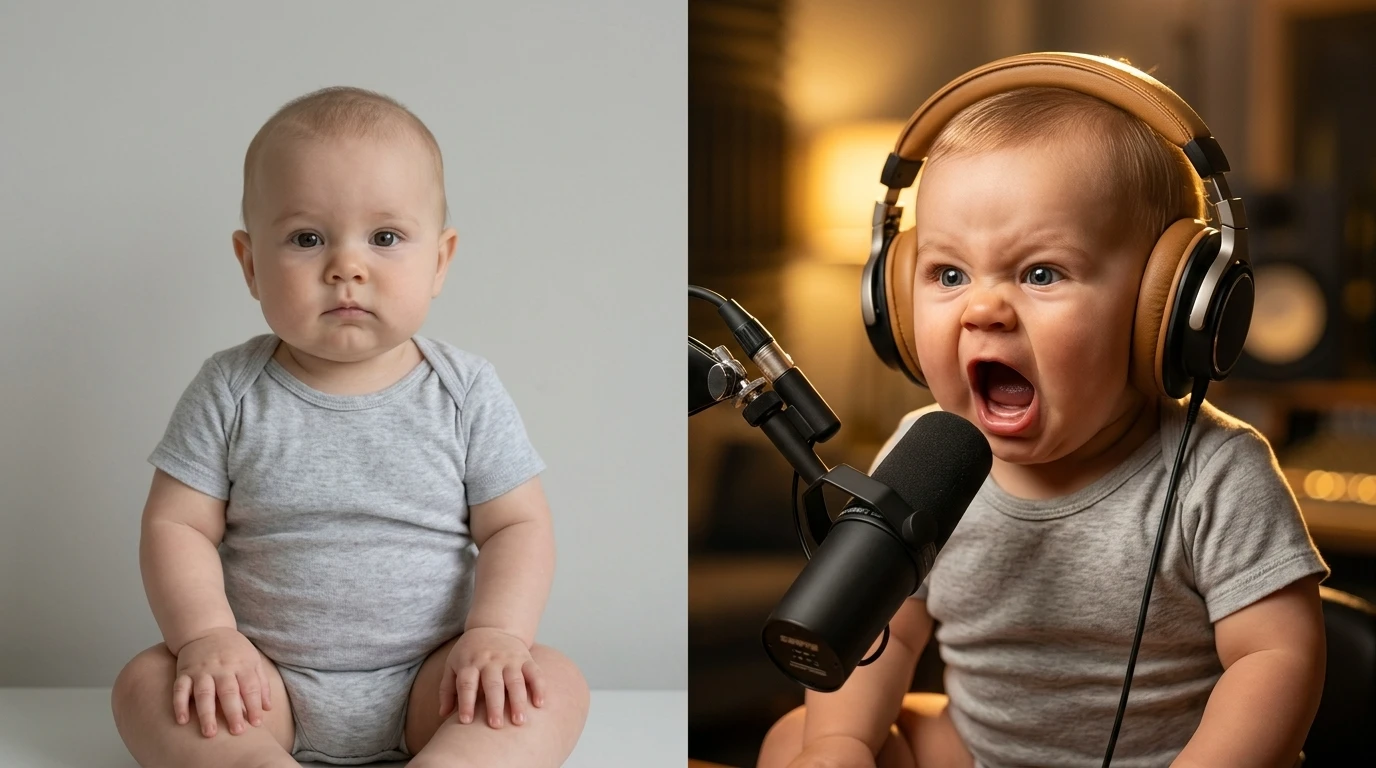
From Blurry Footage to Crystal-Clear Video
See how AI enhances resolution, sharpness, and overall video quality
Before
Low-resolution, blurry, or noisy video with poor lighting and detail.
After
High-quality, sharp, and enhanced video with improved clarity and resolution.
Why Use an AI Video Enhancer?
Transform low-quality footage into professional-grade videos effortlessly.
Upscale to HD and 4K
Convert low-resolution videos into high-definition or 4K quality for better viewing experience.
Sharpen Details and Clarity
Enhance edges, textures, and fine details to make videos look crisp and clear.
Reduce Noise and Grain
Remove visual noise, grain, and compression artifacts from old or low-quality footage.
Restore Old Videos
Bring old or damaged videos back to life with AI restoration and enhancement.
Improve Lighting and Colors
Automatically adjust brightness, contrast, and color balance for better visuals.
No Editing Skills Required
Enhance videos instantly without complex editing software or technical knowledge.
Powerful AI Video Enhancement Features
Everything you need to improve and restore video quality with AI.
AI Upscaling
Upscale videos from SD to HD or 4K resolution with enhanced detail.
Detail Enhancement
Sharpen edges and textures to improve visual clarity.
Noise Reduction
Remove grain, blur, and compression artifacts automatically.
Color & Lighting Correction
Enhance brightness, contrast, and color tones for better visuals.
Video Restoration
Restore old, damaged, or low-quality footage with AI.
Multi-Platform Optimization
Export enhanced videos optimized for YouTube, TikTok, and social media.
How to Enhance Videos with AI?
Step 1
Upload Your Video
Upload your low-quality, blurry, or old video that needs enhancement.
Step 2
Select Enhancement Options
Choose options such as upscaling, noise reduction, sharpening, or color correction.
Step 3
AI Enhances the Video
The AI processes each frame to improve resolution, clarity, and visual quality.
Step 4
Download Enhanced Video
Export your improved video in high quality for sharing or publishing.