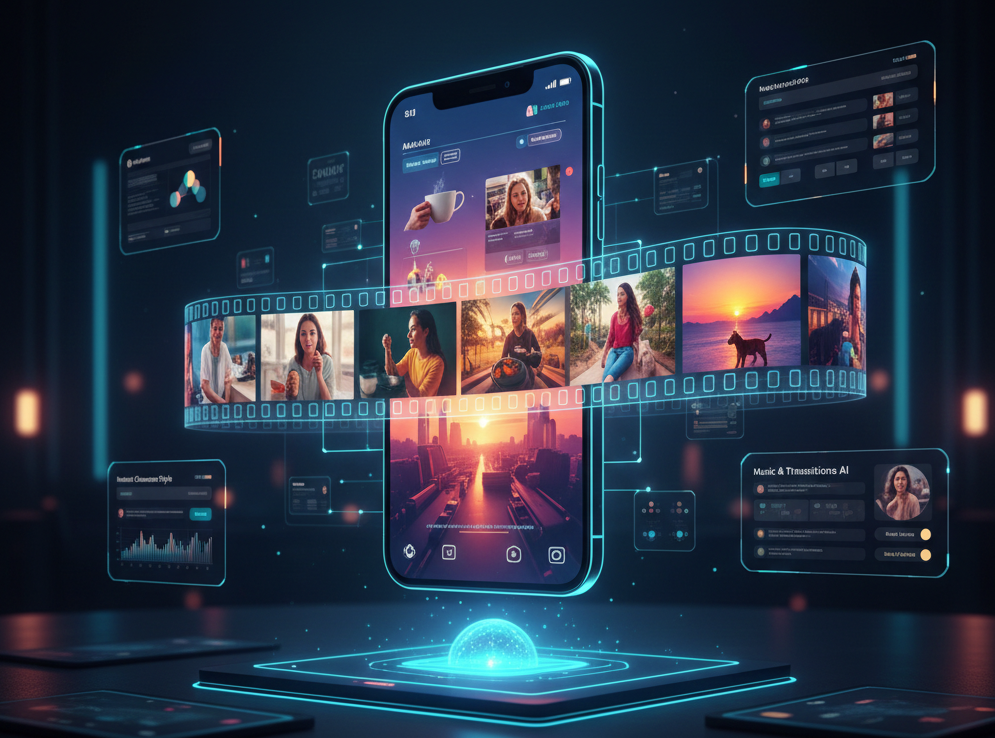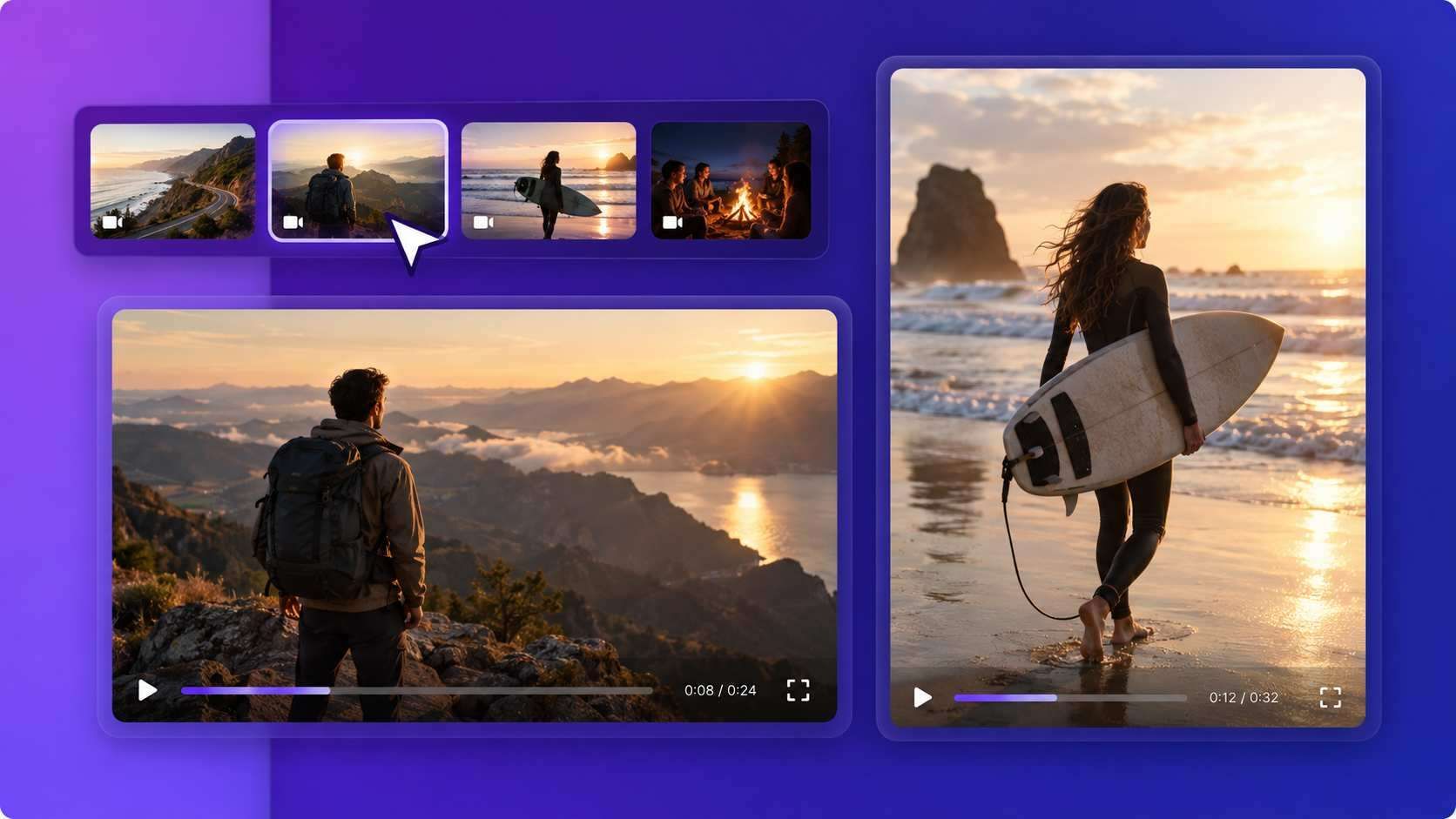
AI Video Montage Maker for Clips, Photos, and Music
Upload your media or start with an idea. Medeo's AI Agent builds the first cut and handles your changes through chat.
Powered by world-class AI models


Create a Video Montage From an Idea or Your Own Media
Tell Medeo what you want to make. You can also add clips, photos, music, and references for the AI Agent to use.
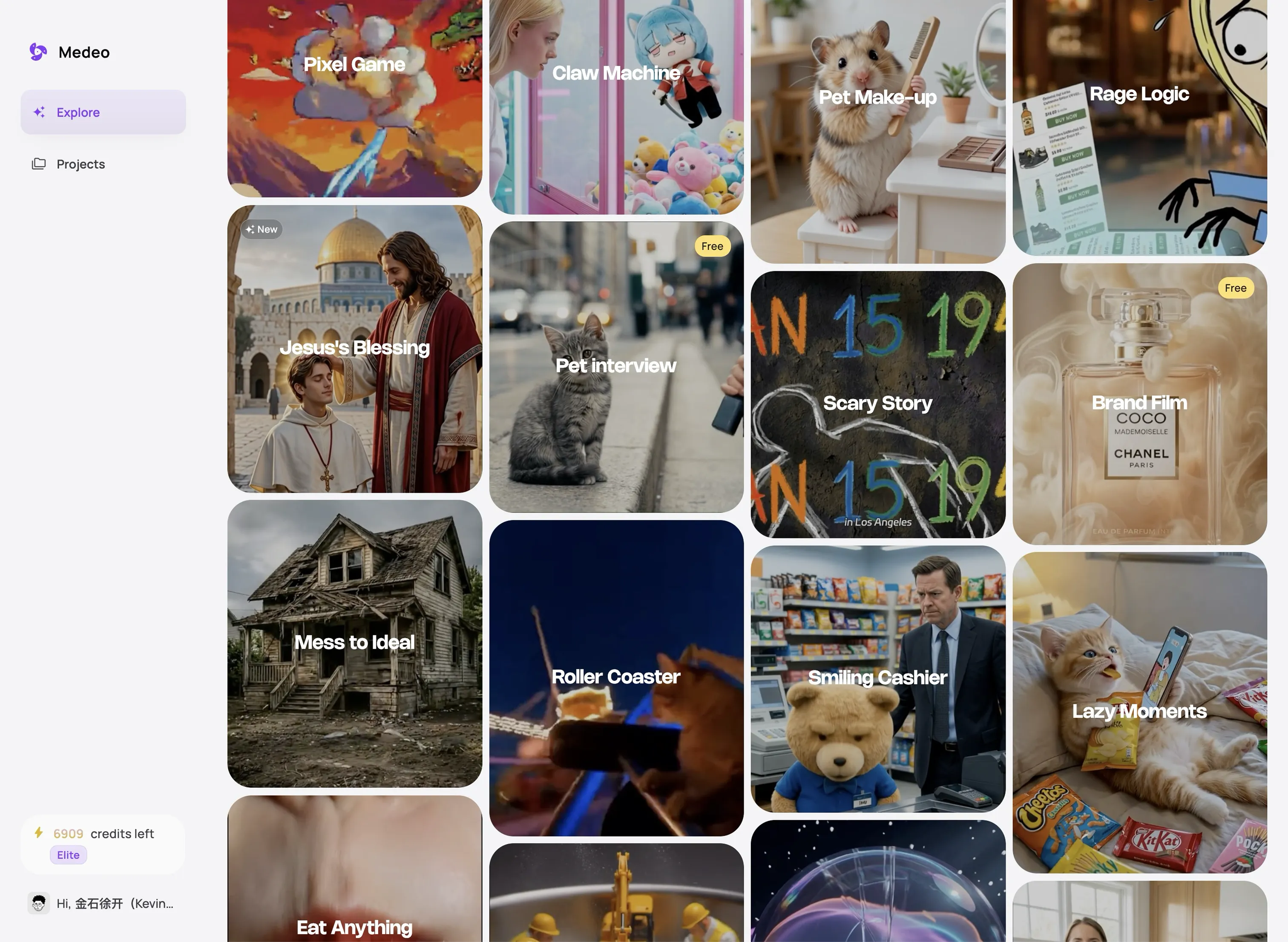
Create a Video Montage People Want to Watch
Medeo helps you turn separate moments into one clear, well-paced video.
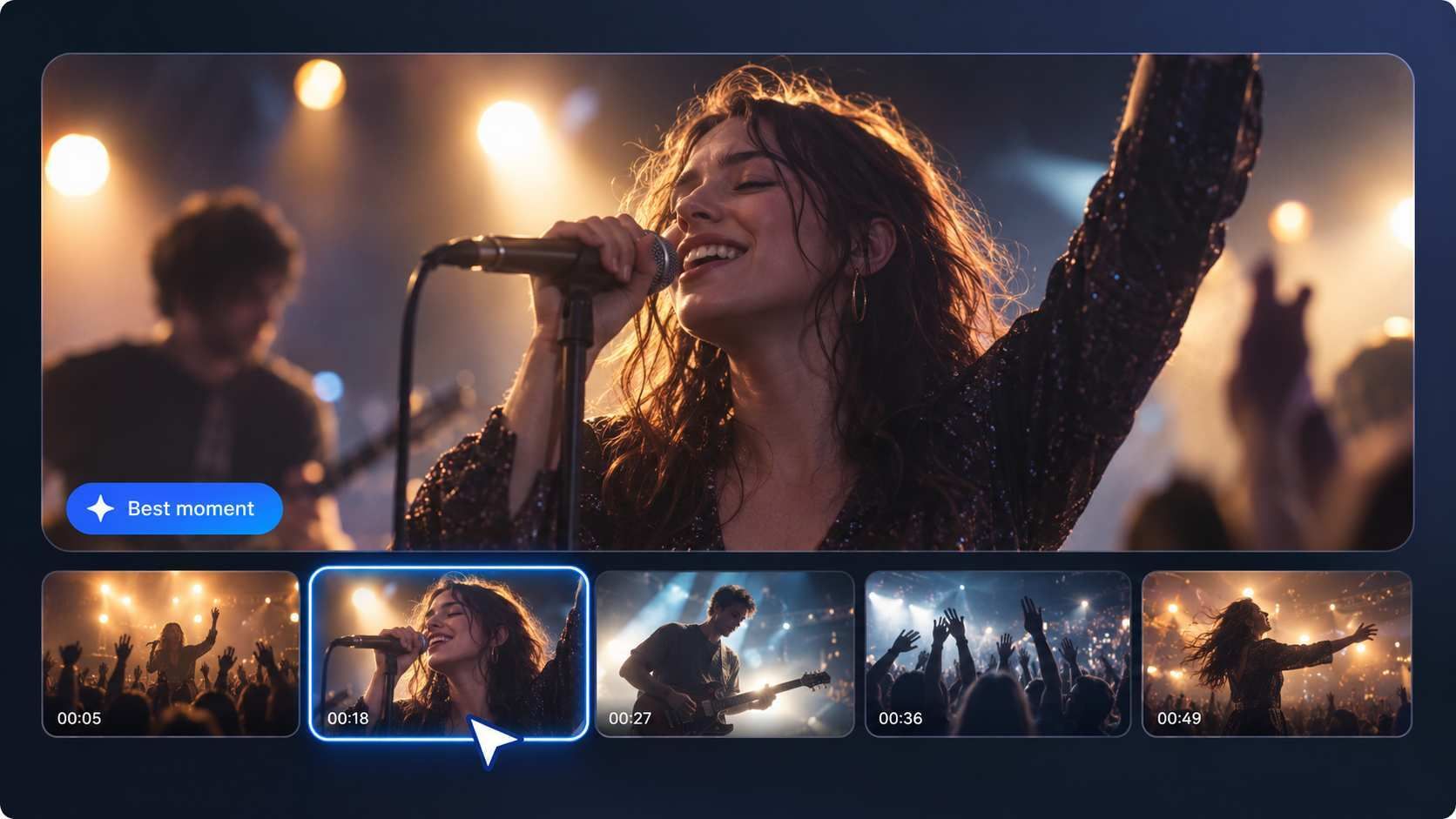
Clear Story
Keep the Best Moments in Focus
Show Medeo what matters most. The AI Agent can build the video around your main event, best play, biggest change, or favorite memory instead of treating every file the same.
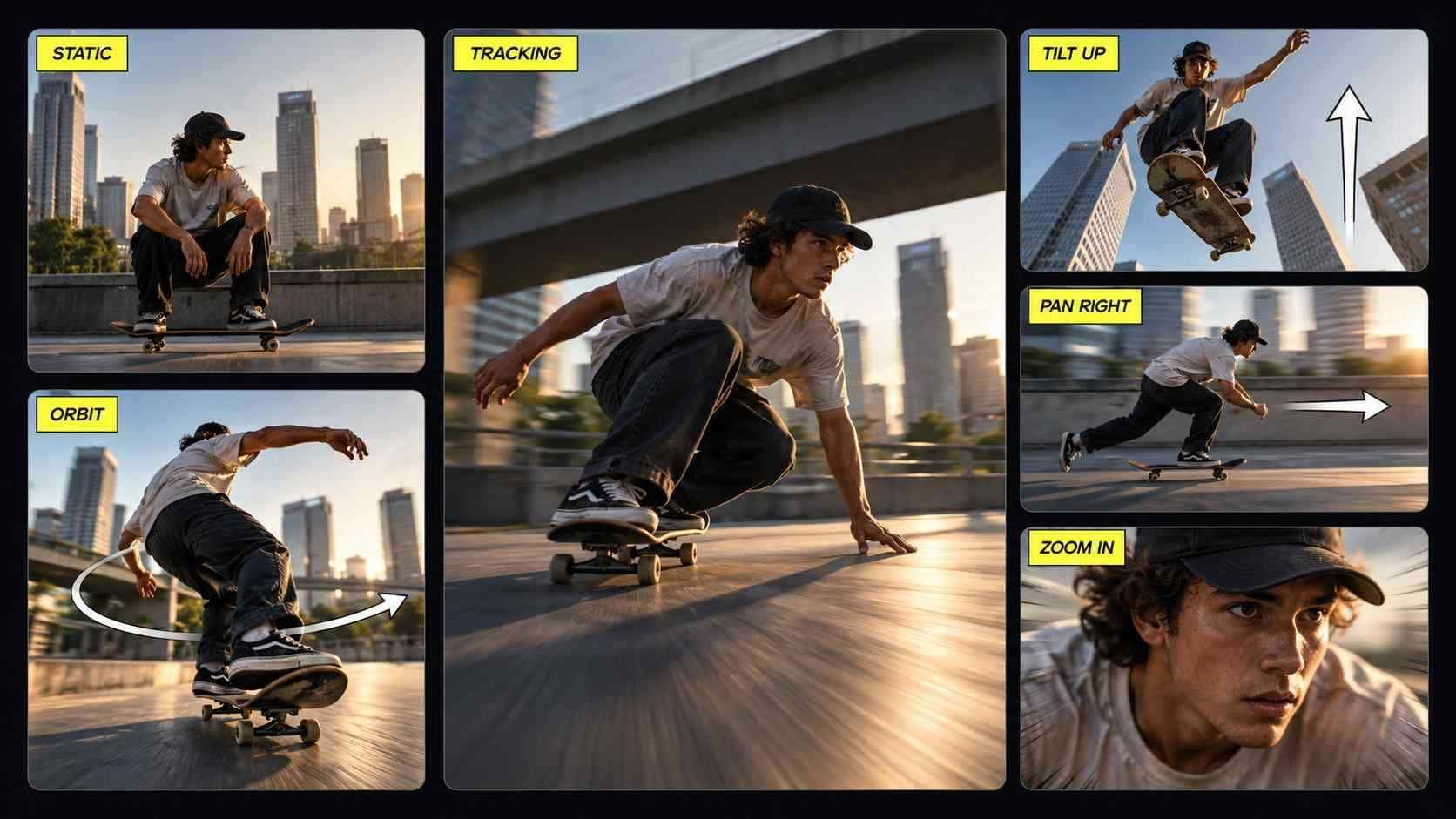
Better Pacing
Match the Pace to the Moment
Keep action moving and give important moments more time. Use music, speech, and original sound to make the montage feel lively, warm, exciting, or calm.

Complete the Video
Create the Shots You Are Missing
Do not let one missing shot break the montage. Ask Medeo to create a new visual or add stock media that fits the rest of your video.
Make a Video Montage by Chatting With Medeo
Tell the AI Agent what you want. Medeo creates the video and makes your changes for you.
Without Medeo
Plan Every Detail
Decide where every clip, photo, caption, and sound should go.
Edit Every Clip
Trim, move, and resize each part on the timeline yourself.
Fix Problems One by One
Search through menus whenever you want to change the video.
With Medeo
Describe Your Montage
Tell Medeo the topic, style, length, and result you want.
Let the AI Agent Do the Work
Medeo creates a complete first version for you to watch.
Ask for Any Change
Say what you want to remove, replace, shorten, move, or restyle. Medeo updates the video for you.
All the Video Montage Tools You Need
Control the visuals, sound, text, and final format without leaving Medeo.
Clips and Photos Together
Mix video and photos in the same montage and place them in the order you want.
Easy Timeline Control
Move assets and adjust their timing on a clear visual track.
Music, Voice, and Original Sound
Add music or voice and keep useful sound from your original clips.
Captions and Short Labels
Add subtitles, names, dates, or places without covering the main action.
Transitions and Visual Effects
Add smooth transitions and simple effects to connect each moment without distracting from the story.
16:9 and 9:16 Export
Create a landscape video or a vertical montage for Shorts, Reels, and TikTok.
How to Make a Video Montage With Medeo
Create and edit your montage in three simple steps.
Step 1
Share Your Idea and Files
Describe the montage and add any clips, photos, music, or references you want to use.
Step 2
Let Medeo Create the Video
The AI Agent turns your request and media into a complete montage you can watch.
Step 3
Chat, Edit, and Export
Ask for changes until the video feels right, then export it in landscape or vertical format.
Make a Video Montage for Any Kind of Highlight
Use the same flexible workflow for personal memories, creator content, and business stories.
Travel Recaps
Turn destination clips, photos, and small moments into a short journey with a clear beginning and ending.
Weddings and Celebrations
Bring together important moments, messages, and music for birthdays, anniversaries, graduations, and weddings.
Gaming Montages
Build around your best wins, funniest failures, rank progress, or the story of one match.
Photo Montage Videos
Give still images varied timing, movement, captions, and music so the result feels more considered than an automatic slideshow.
Progress and Transformations
Show the starting point, key stages, and final result for fitness, art, renovation, or creative projects.
Product and Campaign Highlights
Combine product details, use cases, customer moments, and a clear next step in one concise edit.

FAQs About Video Montage Maker
Practical answers about montage creation, photos, music, gaming clips, mobile editing, and AI.