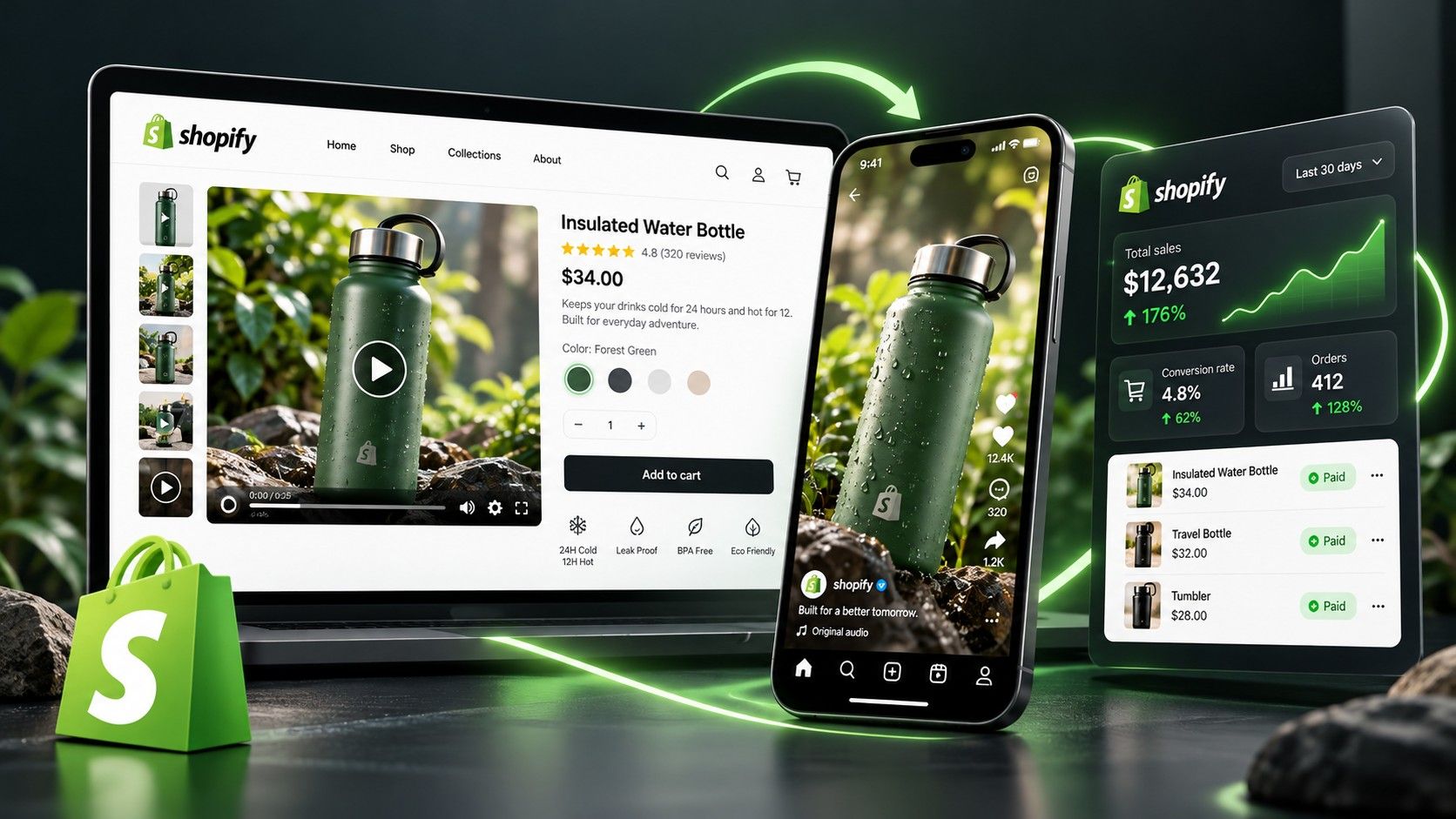
Amazon Product Video Maker: Create Listing Videos
Create Amazon listing videos from the product materials you already have. Medeo turns your photos, descriptions, and footage into videos with scenes, voiceover, music, and captions. Make changes through chat, then download the finished video for upload.
Powered by world-class AI models


Create the Amazon Product Video Your Listing Needs
Introduce a new product, explain how it works, or give shoppers a closer look. Medeo helps you turn your available materials into a video built around that purpose.
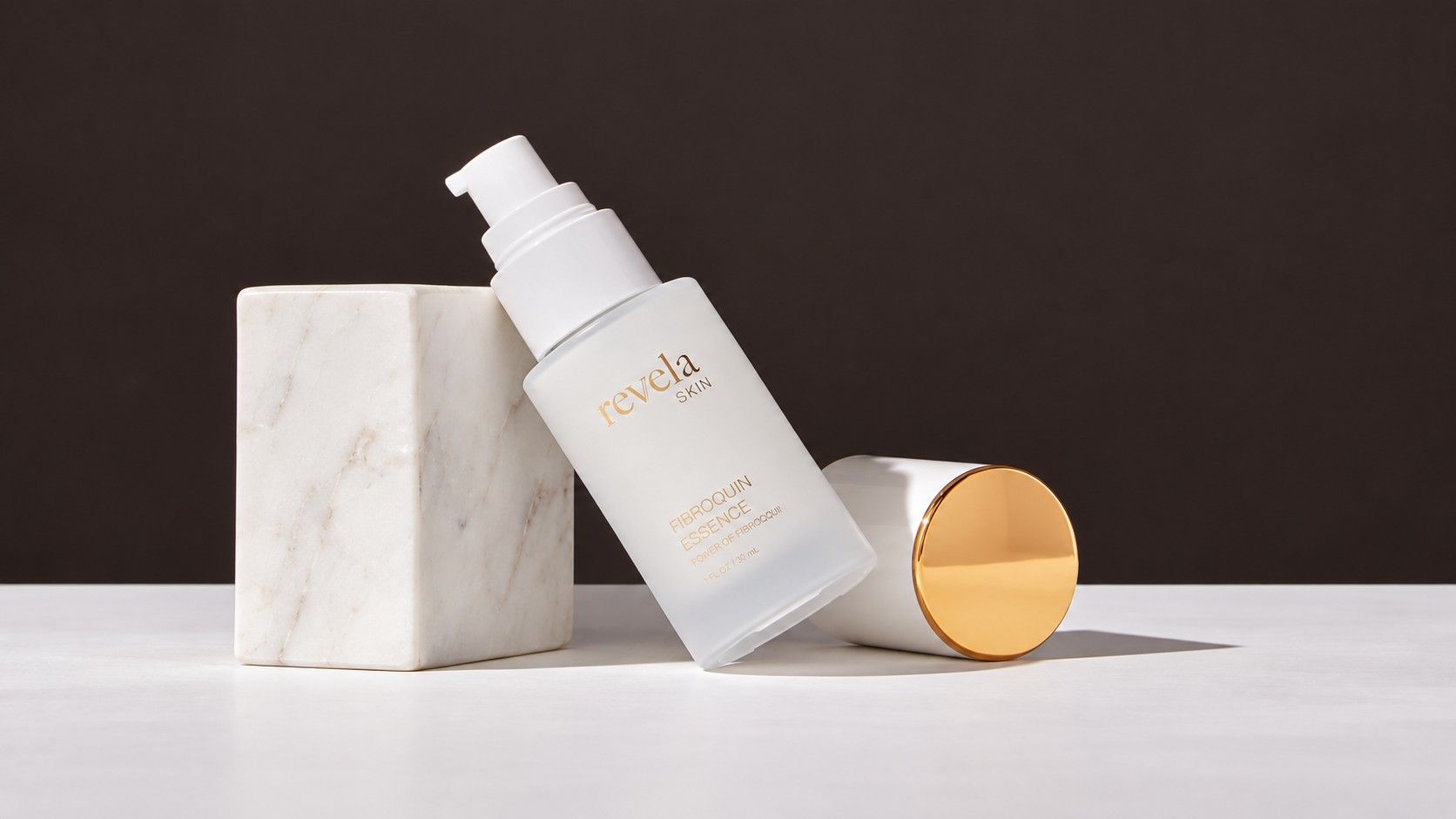
Product Overview Videos
Give shoppers a clear introduction without making them piece together the information from separate images.

Product Demonstration Videos
Turn footage of your actual product into a focused demonstration. Medeo helps remove pauses, adjust timing, and add explanations to the useful actions.
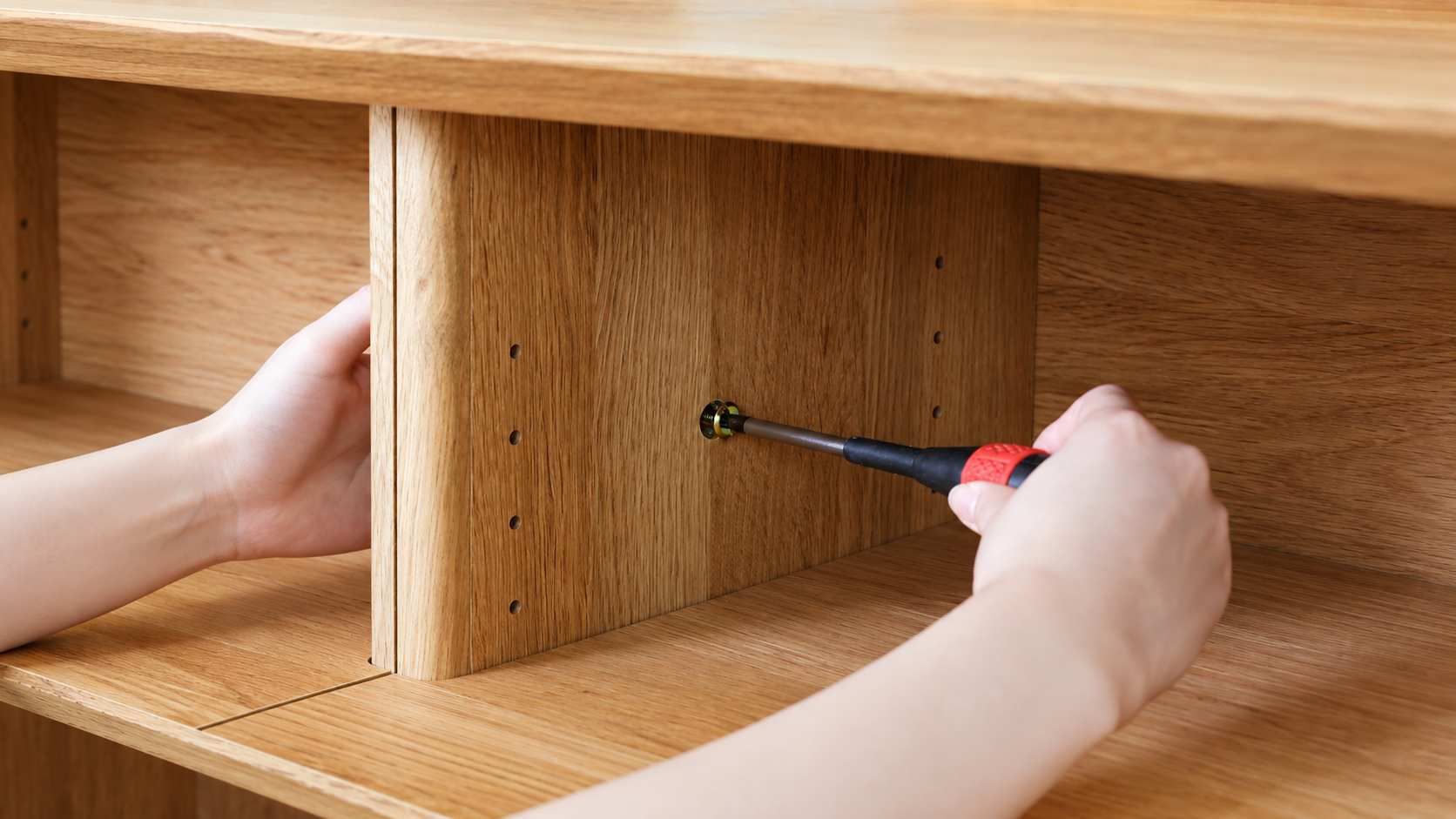
Setup and Care Videos
Create a separate video for a task that needs more detail. Use your assembly or care footage, then add instructions that follow the action.
Help Amazon Shoppers Understand Your Product Before They Buy
A listing photo shows what an item looks like. Video gives you room to connect its details, demonstrate an action, and explain how it fits into everyday use.
Make Important Details Easier to Understand
Use a video to bring related information into one sequence. Medeo helps turn that material into a connected presentation, so the explanation is easier to follow than a collection of separate assets.
Answer Questions That Still Photos Leave Open
Use your real footage and confirmed product information to address those questions. Medeo helps pair the relevant visuals with narration or captions, giving shoppers a clearer basis for evaluating the item.
Support New Products and Listing Updates
Add a video presentation when you launch a product, or refresh one when packaging and included parts change. Medeo gives you a way to create and revise these assets as your offer develops, rather than leaving an older video in place because updating it feels like another production project.
Make Amazon Listing Videos With Less Production Work
Creating a product video can mean writing a script, planning shots, recording narration, and assembling the edit. Medeo brings these tasks into one workflow, helping you move from product materials to a complete draft.
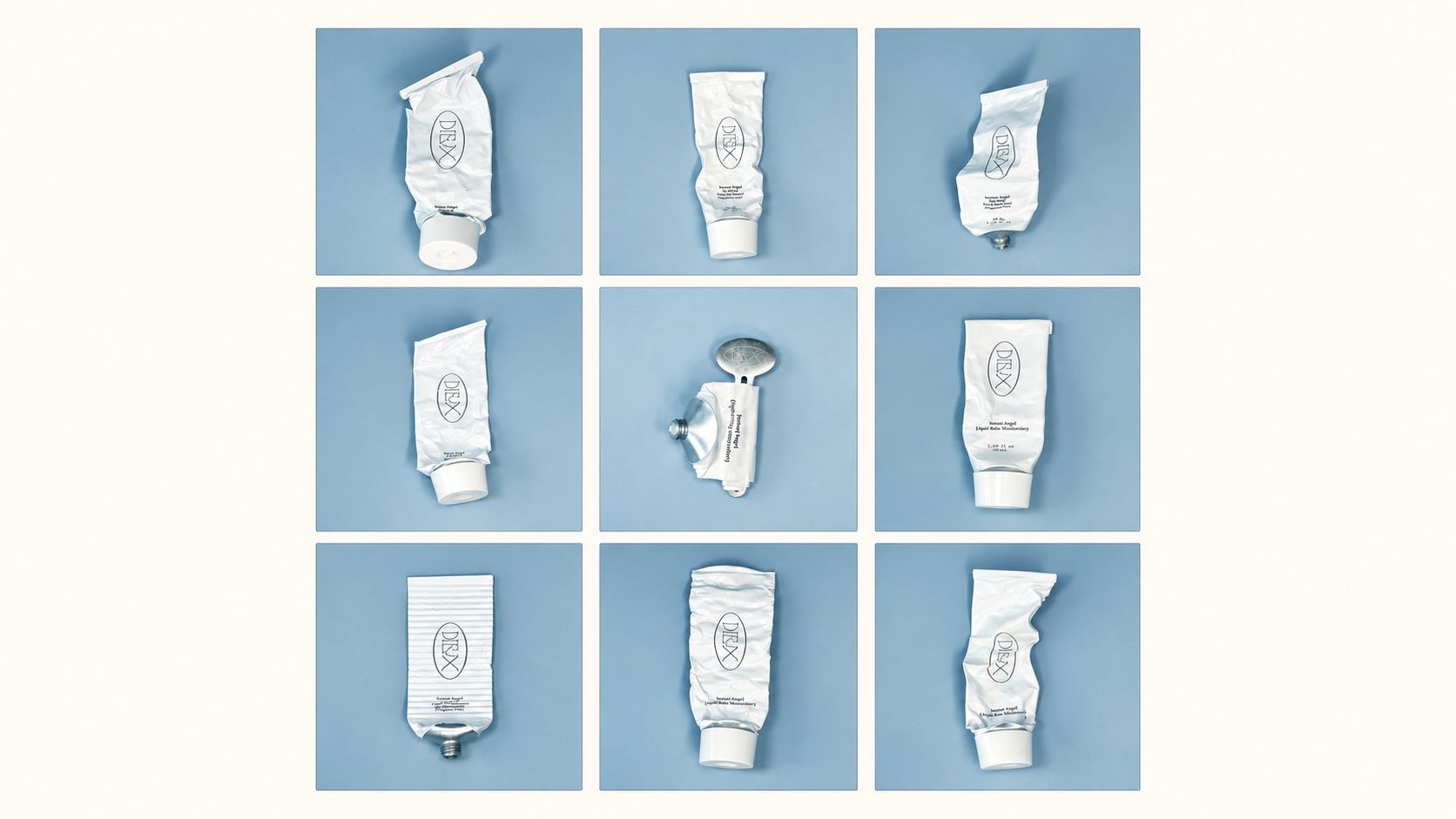
Start With the Materials You Already Have
Upload product photos or footage and add your description, feature list, or approved script. You do not need to prepare a complete production plan before starting. Medeo helps turn those inputs into a video direction you can review and develop.
Let Medeo Plan the Scenes
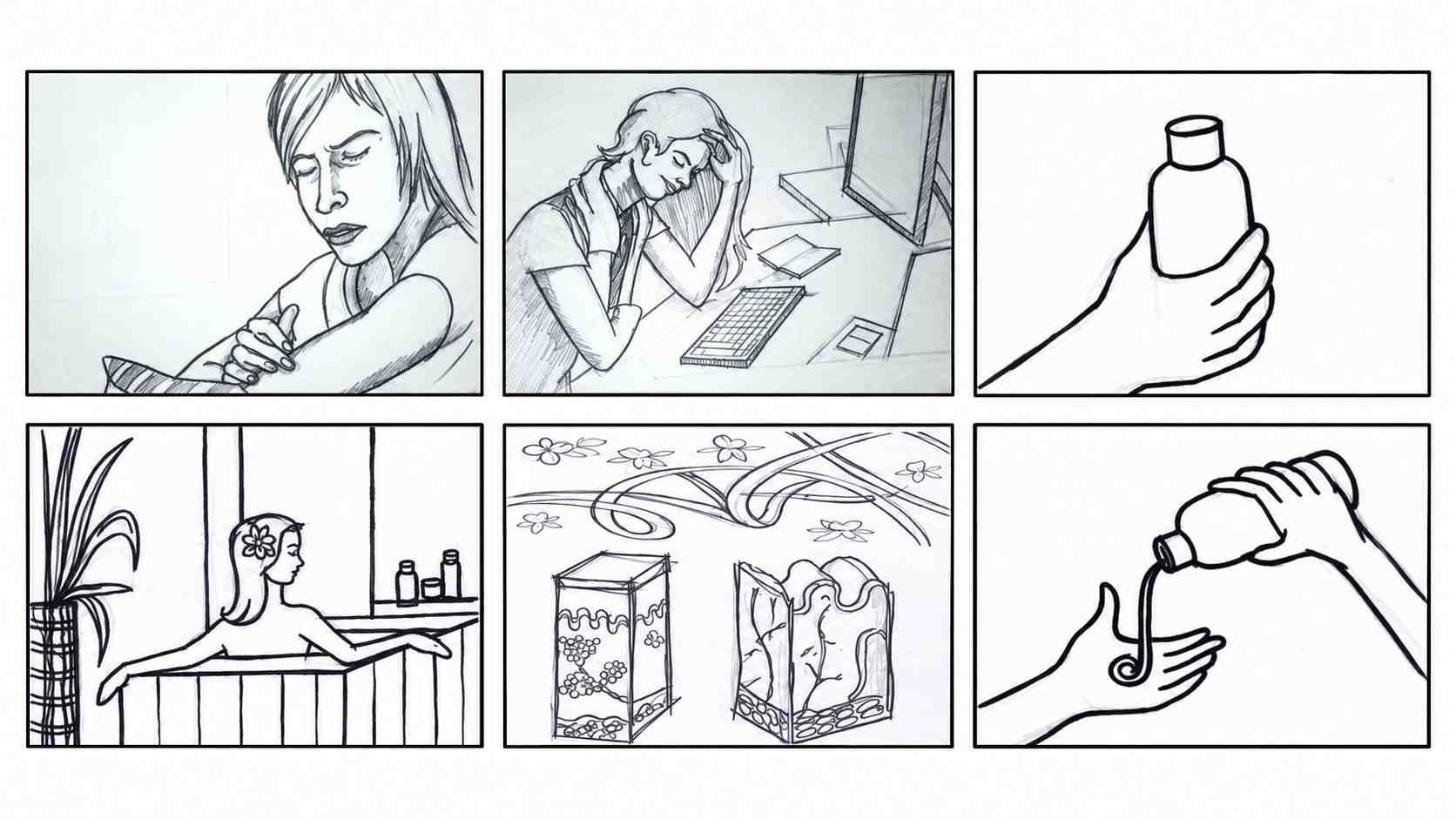
Describe the video you need, and Medeo helps organize the scene sequence, camera direction, and pacing. For a kitchen tool, your brief could become a product introduction followed by detail shots and an explanation of its use. You guide the message while Medeo handles the first scene plan.
Bring Visuals and Audio Together
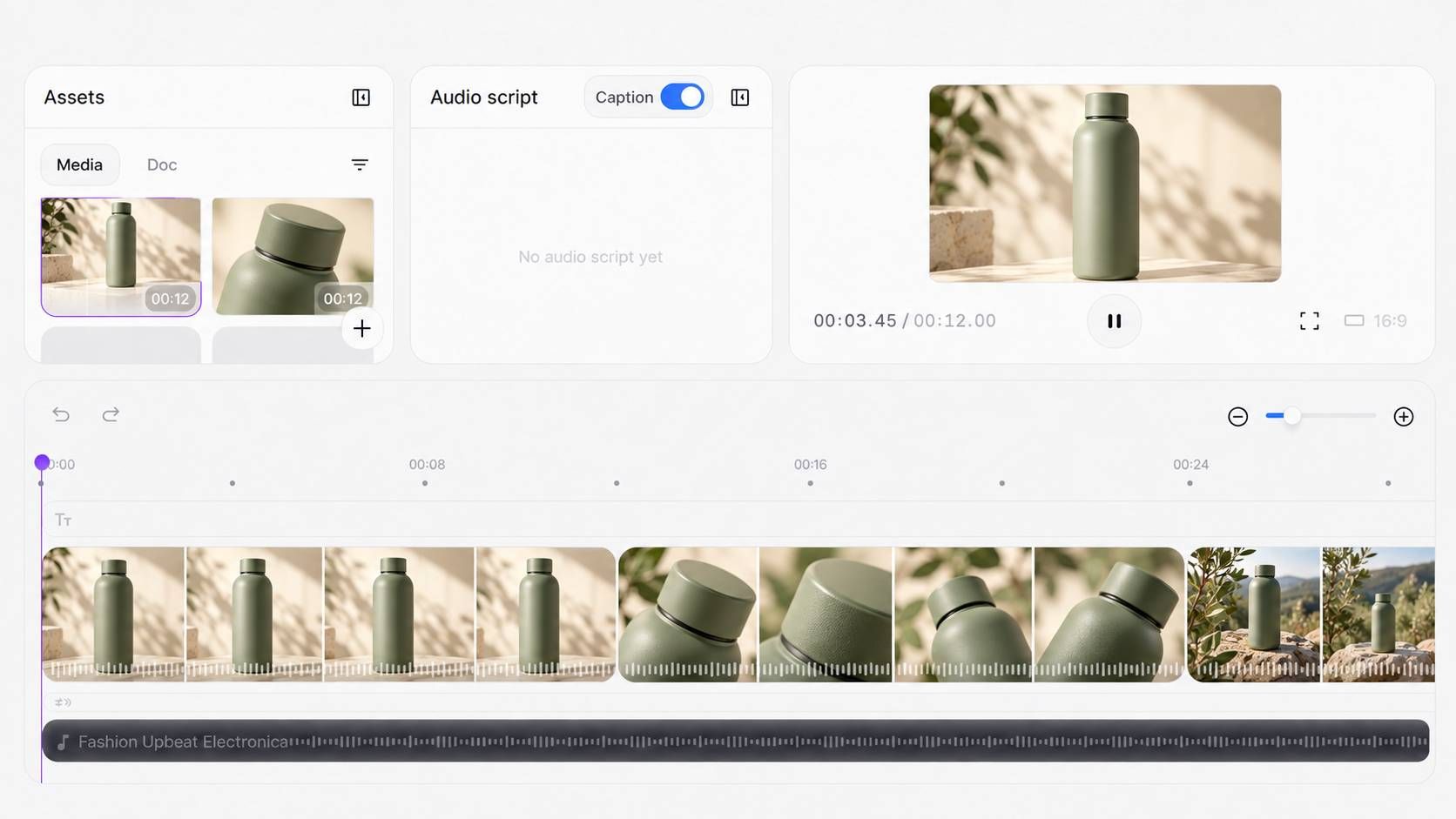
Create the scenes, narration, music, and captions as parts of the same video. You can review how the complete presentation works, rather than moving between separate tools to assemble the first draft.
Keep Control of Your Amazon Product Video
The first draft is a starting point. Tell Medeo what needs to change, preview the result, and keep refining the presentation.
| What You Need | How Medeo Helps |
|---|---|
| A faster product introduction | Remove the opening scene and start with the product close-up. |
| A clearer demonstration | Adjust clip timing so an important action stays visible longer. |
| A different visual setting | Change the background or direction of a selected generated scene. |
| More accurate wording | Revise the script and correct product names or captions. |
| A voice that fits your brand | Replace the AI voice or upload your own recording. |
| Clearer narration | Lower or replace music that competes with the voiceover. |
How to Make an Amazon Product Video With Medeo
Step 1
Add Your Product Materials
Upload photos or footage and share your product details or script. Tell Medeo whether you need an overview, showcase, demonstration, or setup guide.
Step 2
Create and Review the Draft
Medeo plans the scenes and brings the video together. Check the product presentation, narration, and captions, then request changes through chat or adjust timing on the timeline.
Step 3
Download for Your Amazon Listing
Download the reviewed asset and check it against your marketplace’s current requirements. Upload it through the tools available in your Seller Central account and follow Amazon’s review process.