Black Friday Video Maker for Your BFCM Campaign
Turn your Black Friday and Cyber Monday offers into videos with Medeo AI. Describe the deal and add product photos or clips. Medeo creates the script, scenes, voiceover, music, and captions, so you can start with an offer instead of a finished video.
Powered by world-class AI models


Give Your Black Friday Deals a Video
Show shoppers what is on sale, what they get, and how to claim the offer. Create a storewide announcement, a product deal, or a bundle reveal for your BFCM campaign.
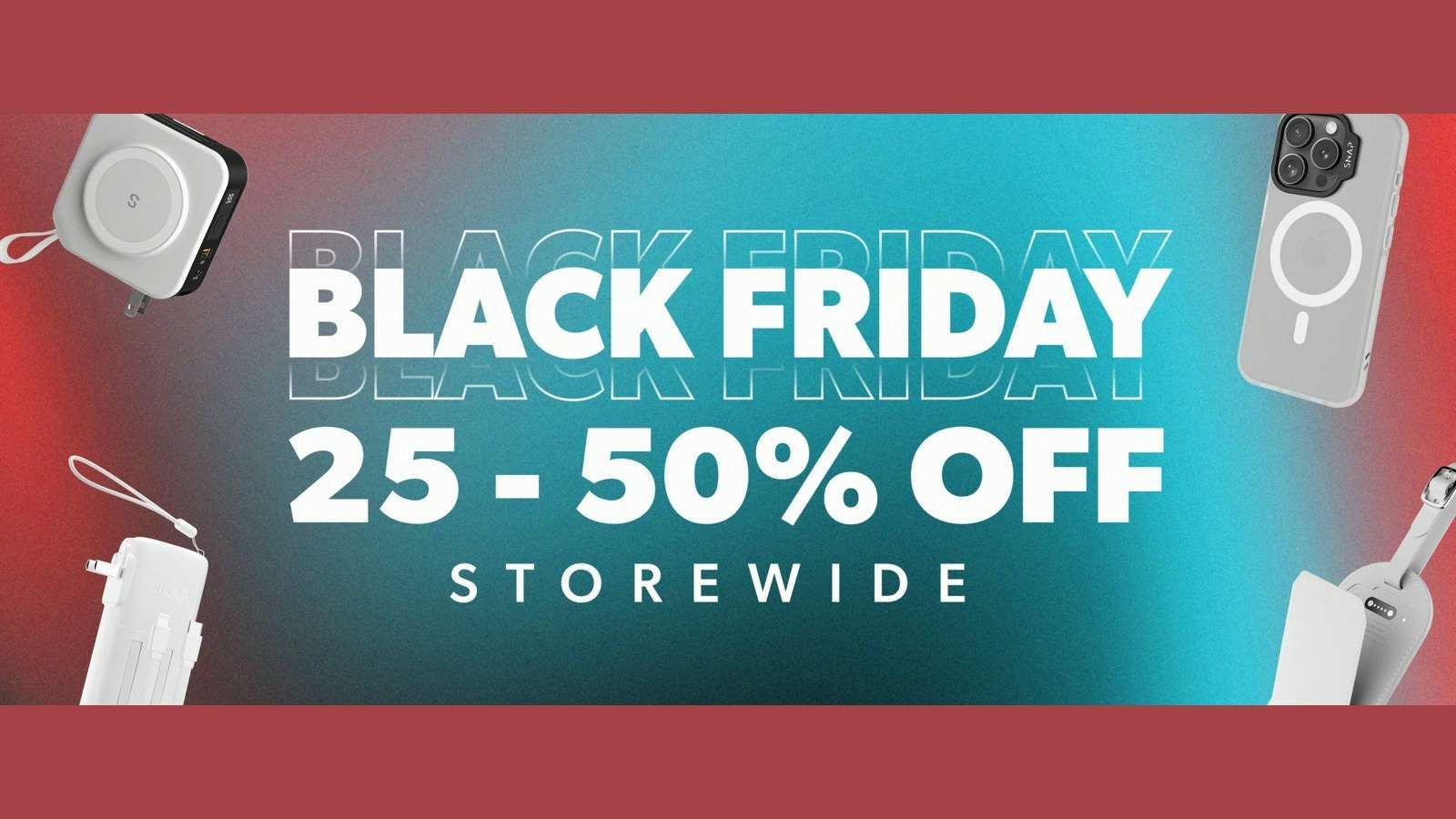
Announce Your Storewide Sale
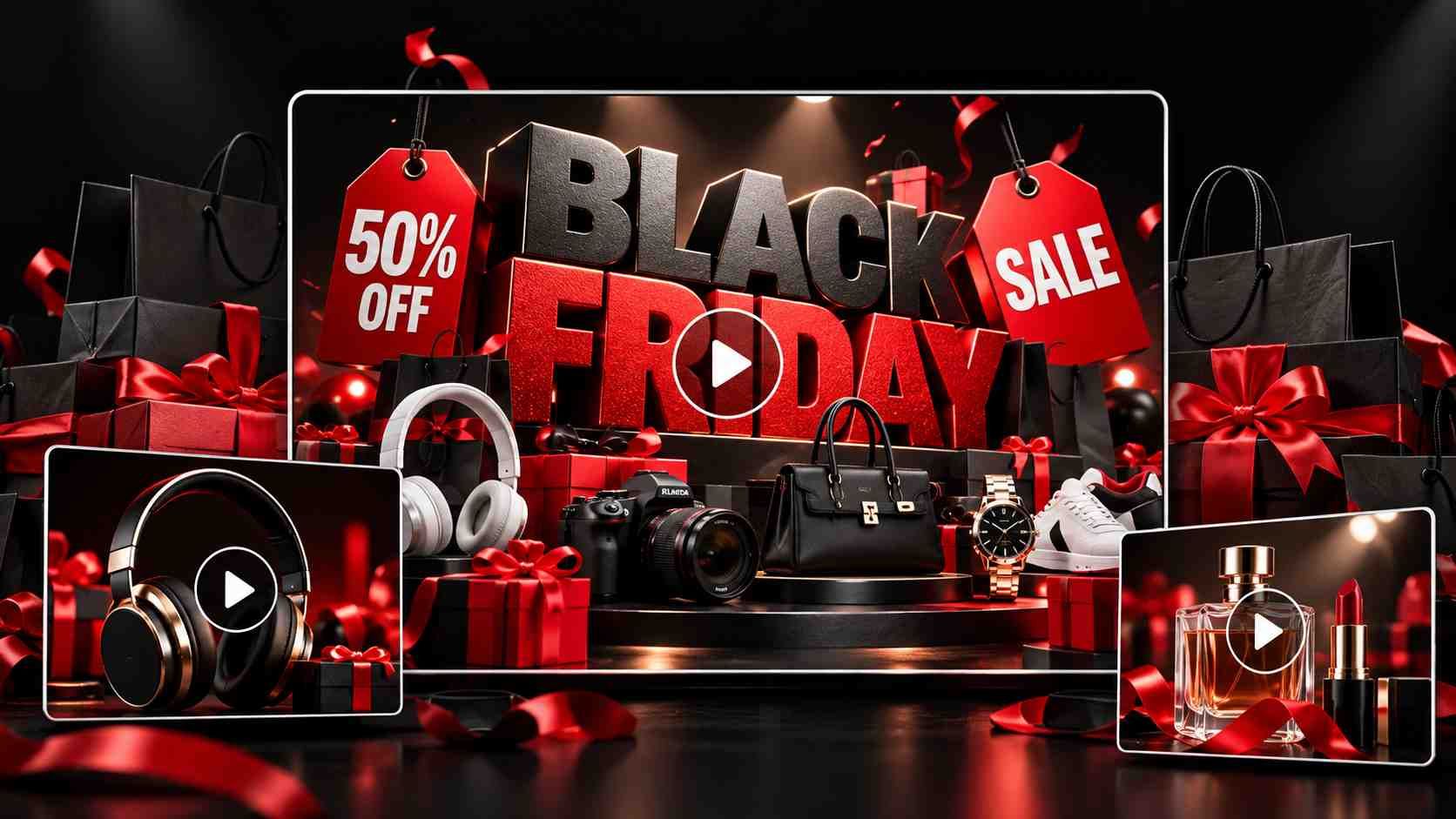
Announce your Black Friday or Cyber Monday sale with selected products from your collection. Share the discount, eligible items, and sale dates. Medeo builds a promo with product scenes, narration, and captions that explain the offer.
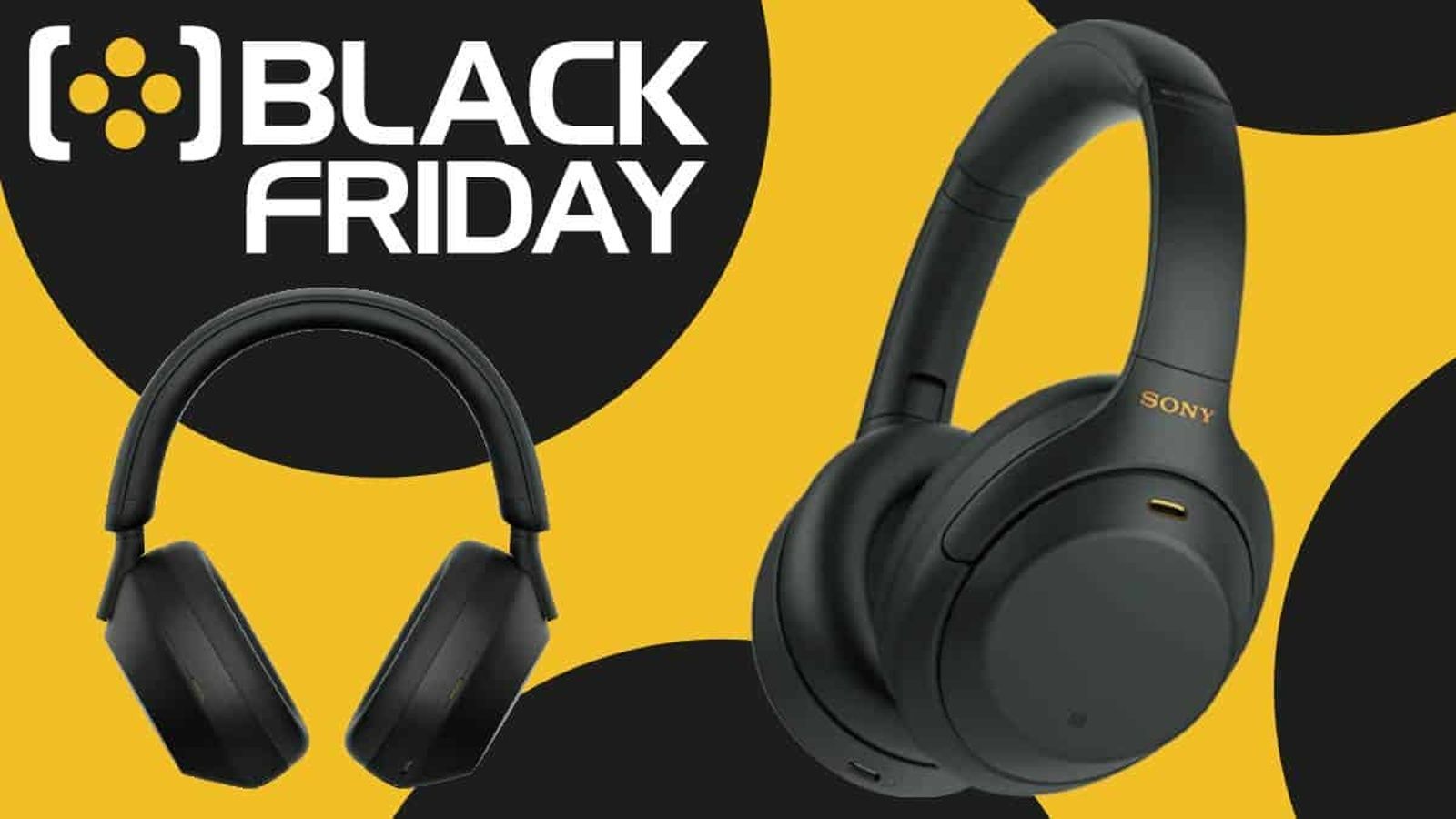
Reveal a Featured Deal
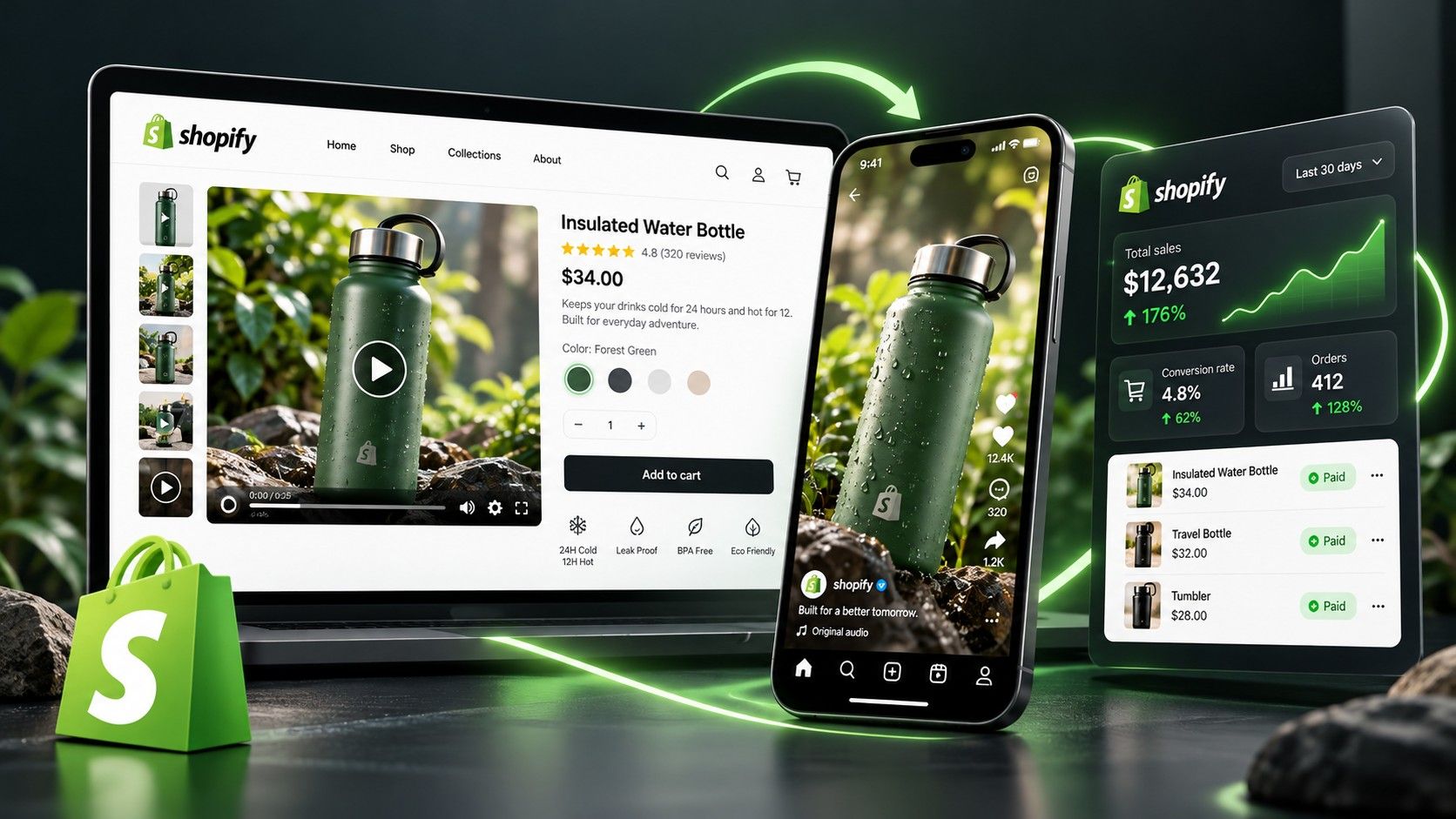
Give a bestseller or seasonal favorite its own Black Friday video ad. Ask Medeo to introduce the product, show a useful feature, and reveal the sale price. Use your own demonstration clips to show how the item works.
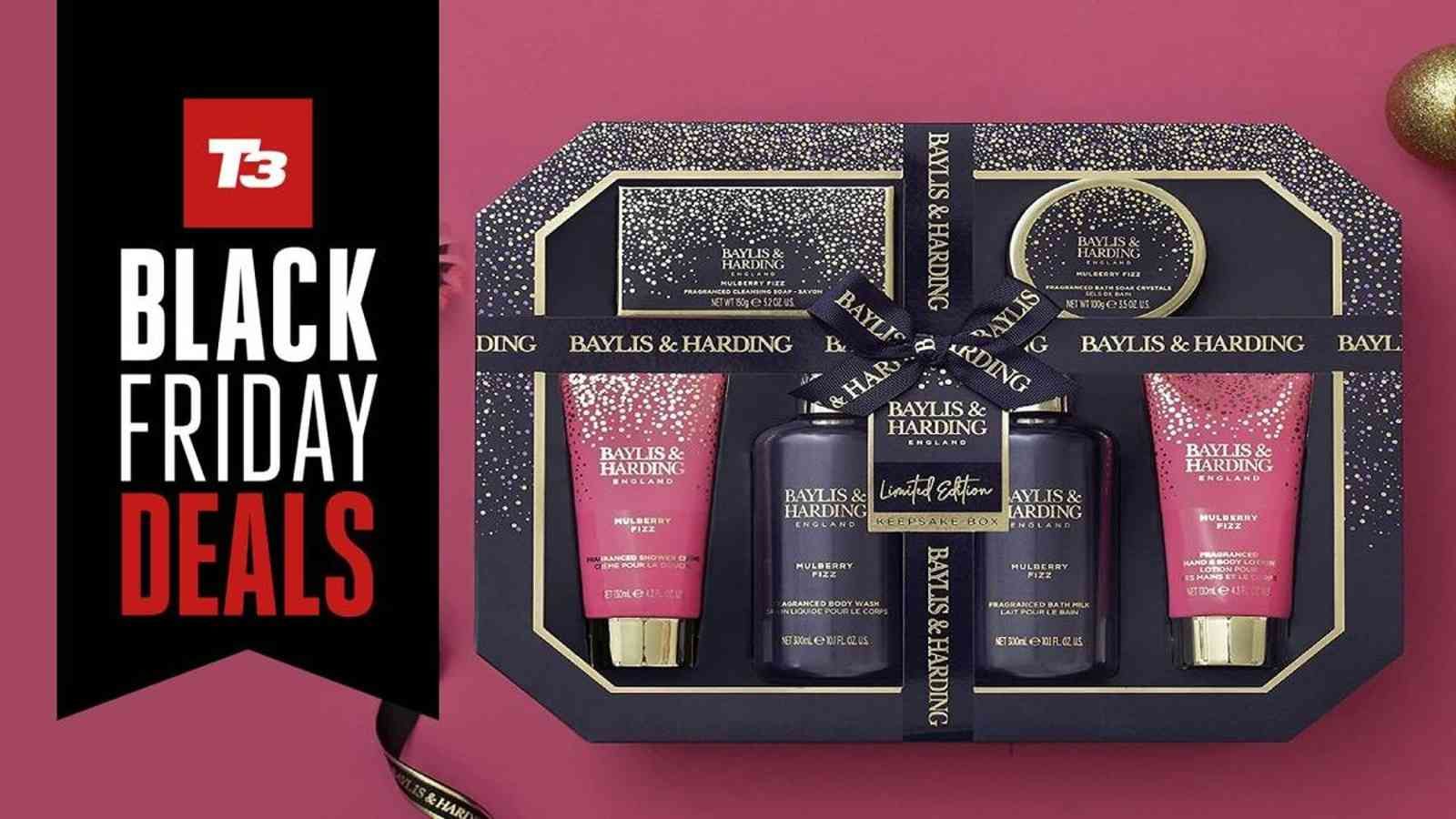
Show What Comes in the Bundle
Help shoppers see exactly what is included. Upload photos of each item and ask Medeo to show the full set, then the individual products. Add your confirmed bundle price or savings to the narration and captions.

Promote a Gift With Purchase
Show the main product and the gift shoppers receive with it. Include the minimum spend or eligible items in your brief. Medeo turns those details into a promo that explains how to qualify.
Showcase Your Products in Black Friday Videos
A discount gives shoppers a reason to look. Show them why the product is worth choosing with gift ideas, everyday demonstrations, and first looks for Black Friday and Cyber Monday.
Gift-Ready Product Reveals
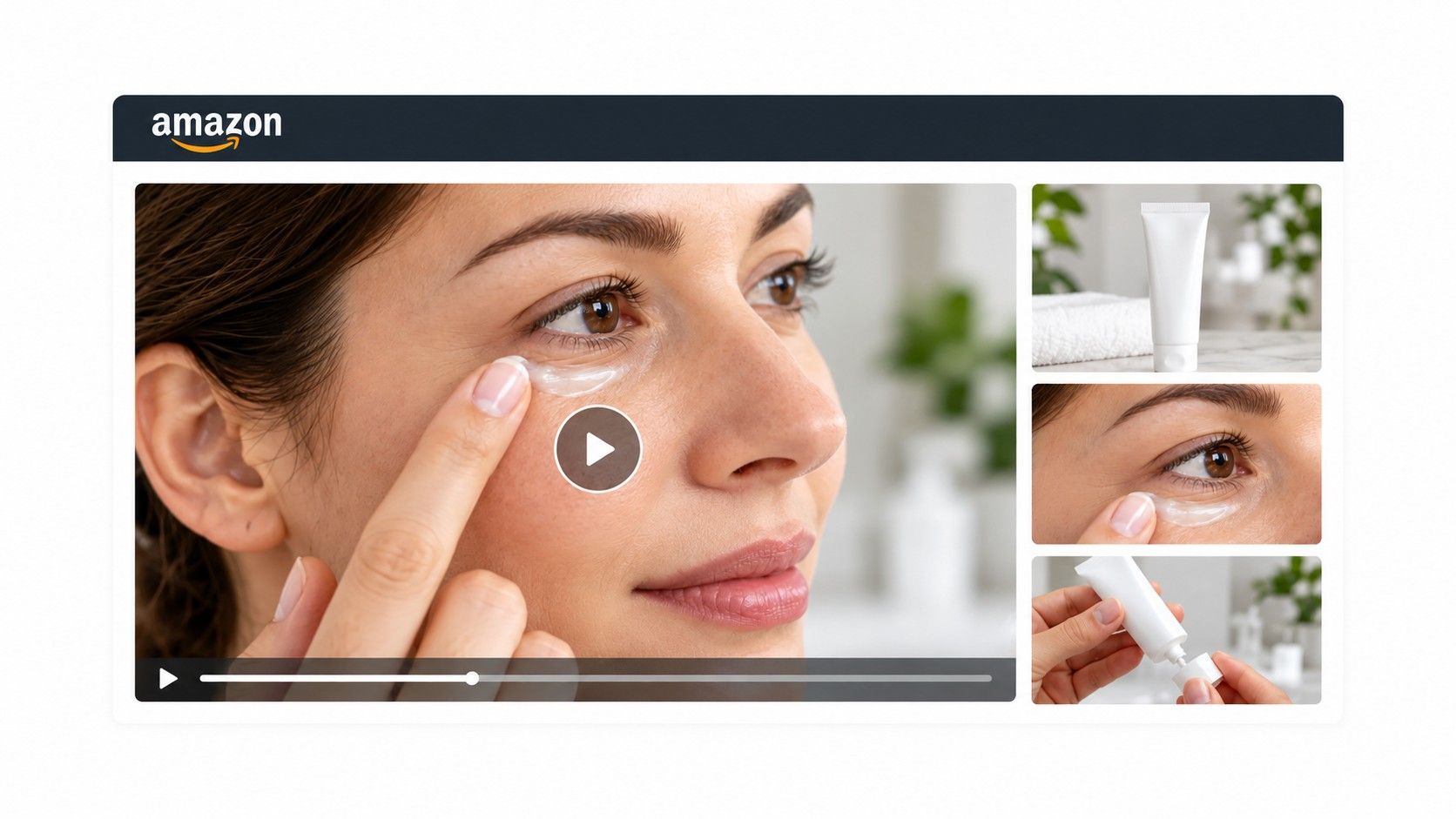
Make a gift set feel ready to give. Use photos of jewelry, candles, or skincare and ask Medeo for close-ups, a holiday setting, and a full-set reveal. Finish with your Black Friday or Cyber Monday offer.
Fashion and Collection Promos
Show the pieces shoppers can buy in your sale. Add product photos or your own model footage, then ask Medeo for a collection promo. Choose a quick launch video or give each item more time on screen.
Products in Everyday Use
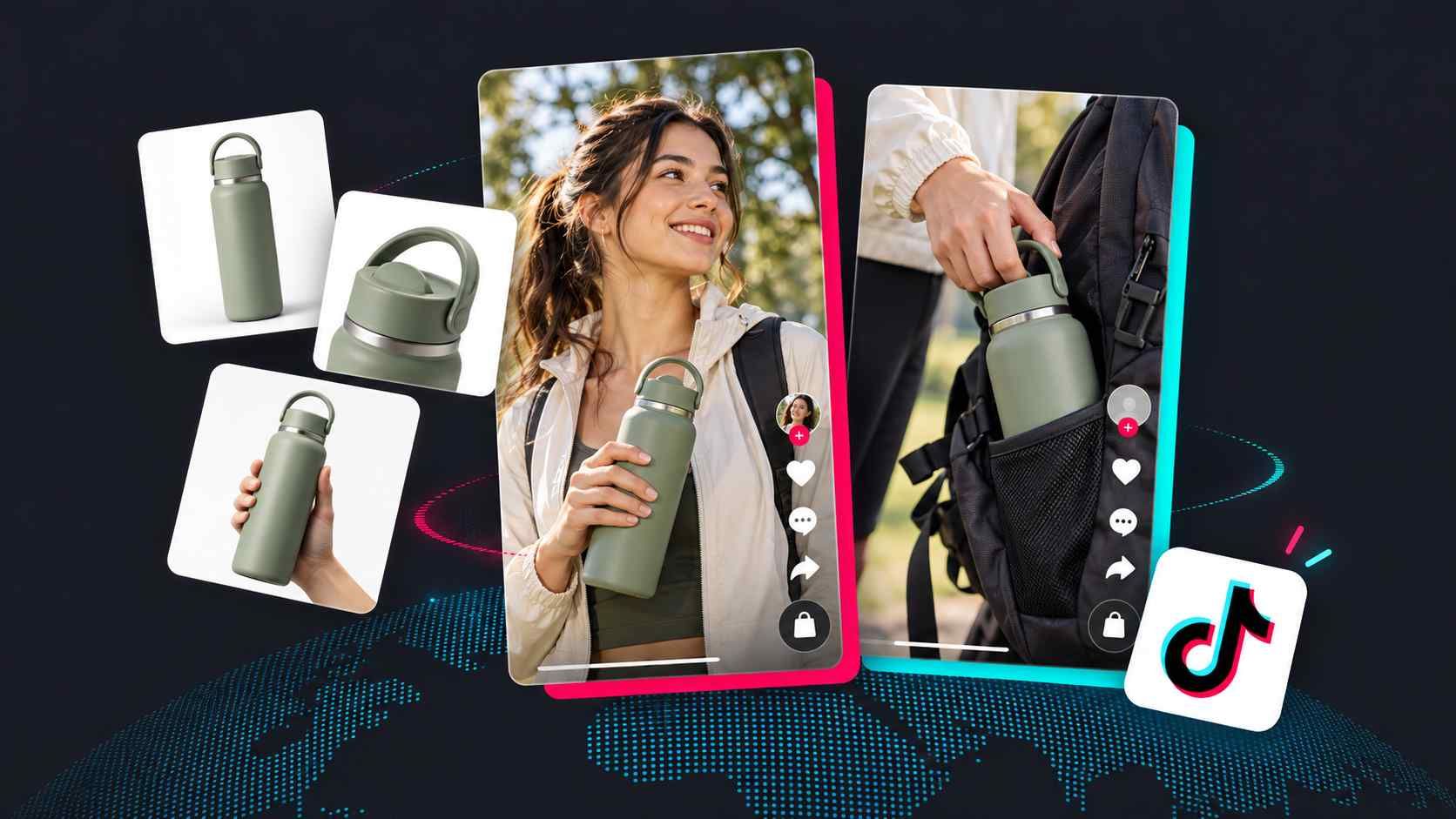
Give the offer a practical reason to buy. Show your coffee maker in a morning routine or a backpack being packed for a trip. Medeo builds a promo around your footage, the product benefit, and the deal.
Unboxing and First Looks
Show the packaging, reveal the item, and highlight a detail shoppers may want to see. Add your unboxing footage and ask Medeo to create a short BFCM promo with narration, captions, and your sale message.

Plan Beyond Black Friday to Cyber Monday
BFCM means Black Friday and Cyber Monday. Prepare a different video for each campaign moment: a preview, a live offer, a Cyber Monday promotion, and a final reminder. Give Medeo the message for each version.
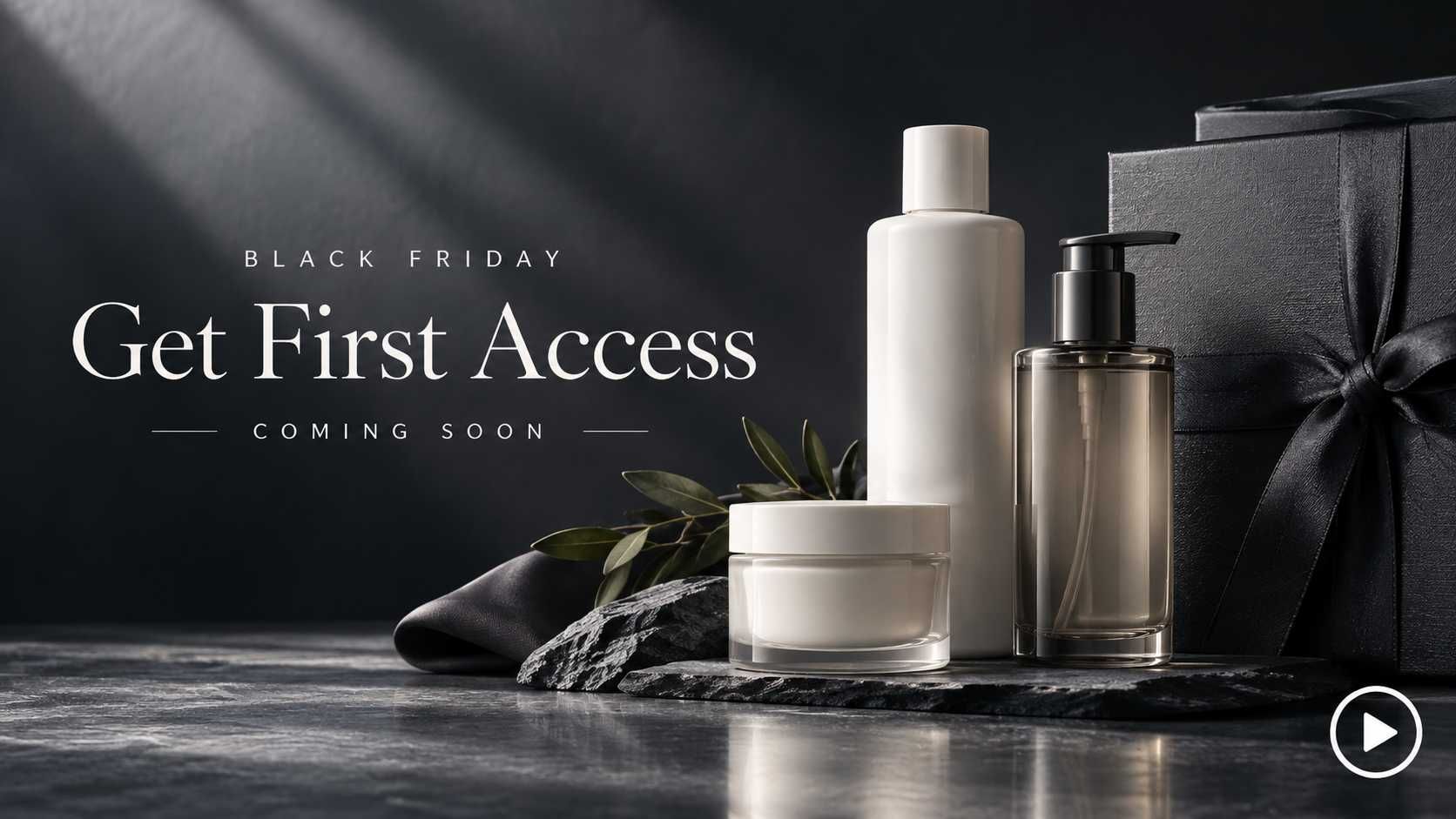
Preview the Sale
Show a few products before your BFCM sale opens. Tell Medeo the launch date and any confirmed early-access details. Create a teaser that tells shoppers when to return for the full offer.
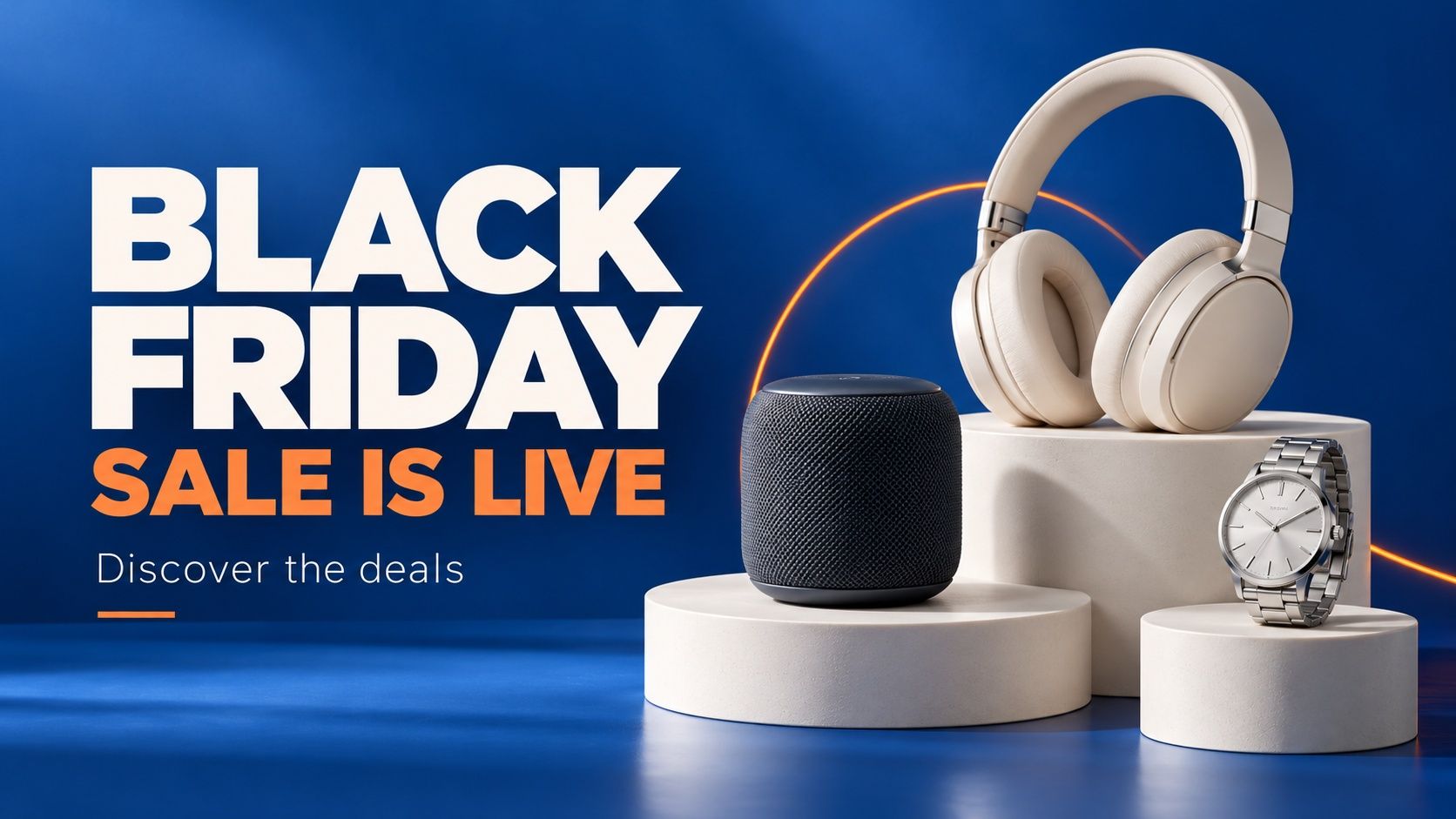
Launch the Black Friday Deals
Make the live offer clear. Ask Medeo for a video featuring your selected product, discount, and sale dates. Create another promo for a different bundle or benefit while keeping your campaign style.
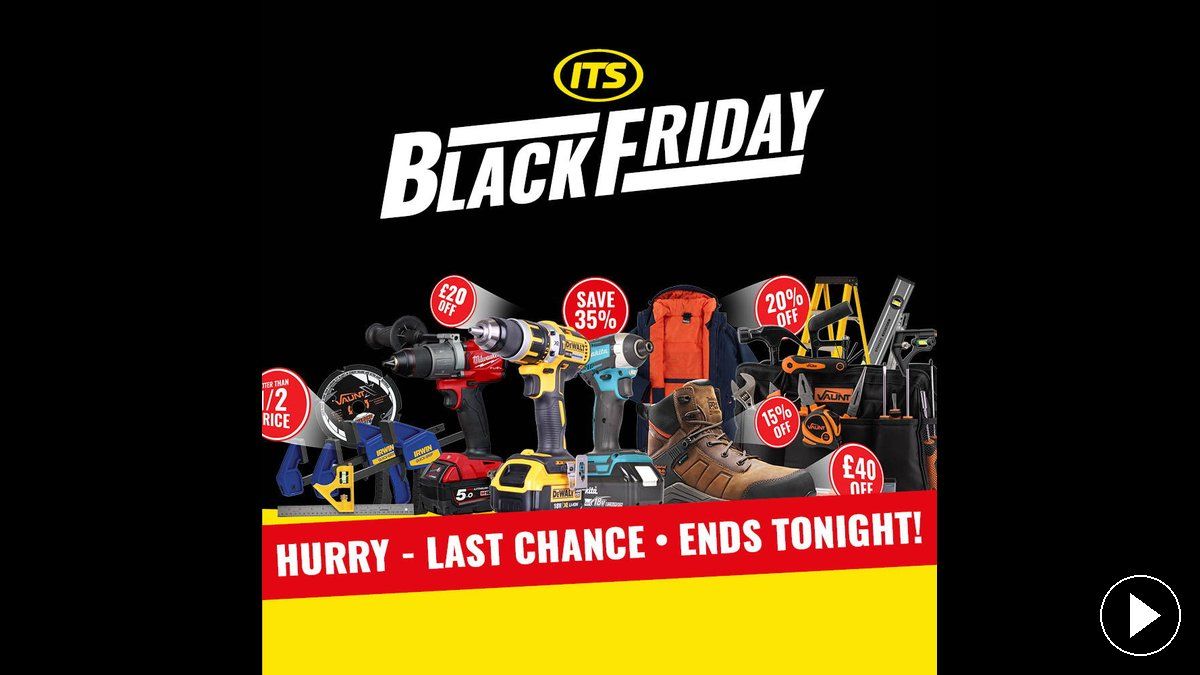
Make the Final Reminder
Create a short closing video with the product, current offer, and confirmed deadline. For a Cyber Monday sale, state when it ends and how shoppers can claim the deal. Keep any purchase conditions easy to read.
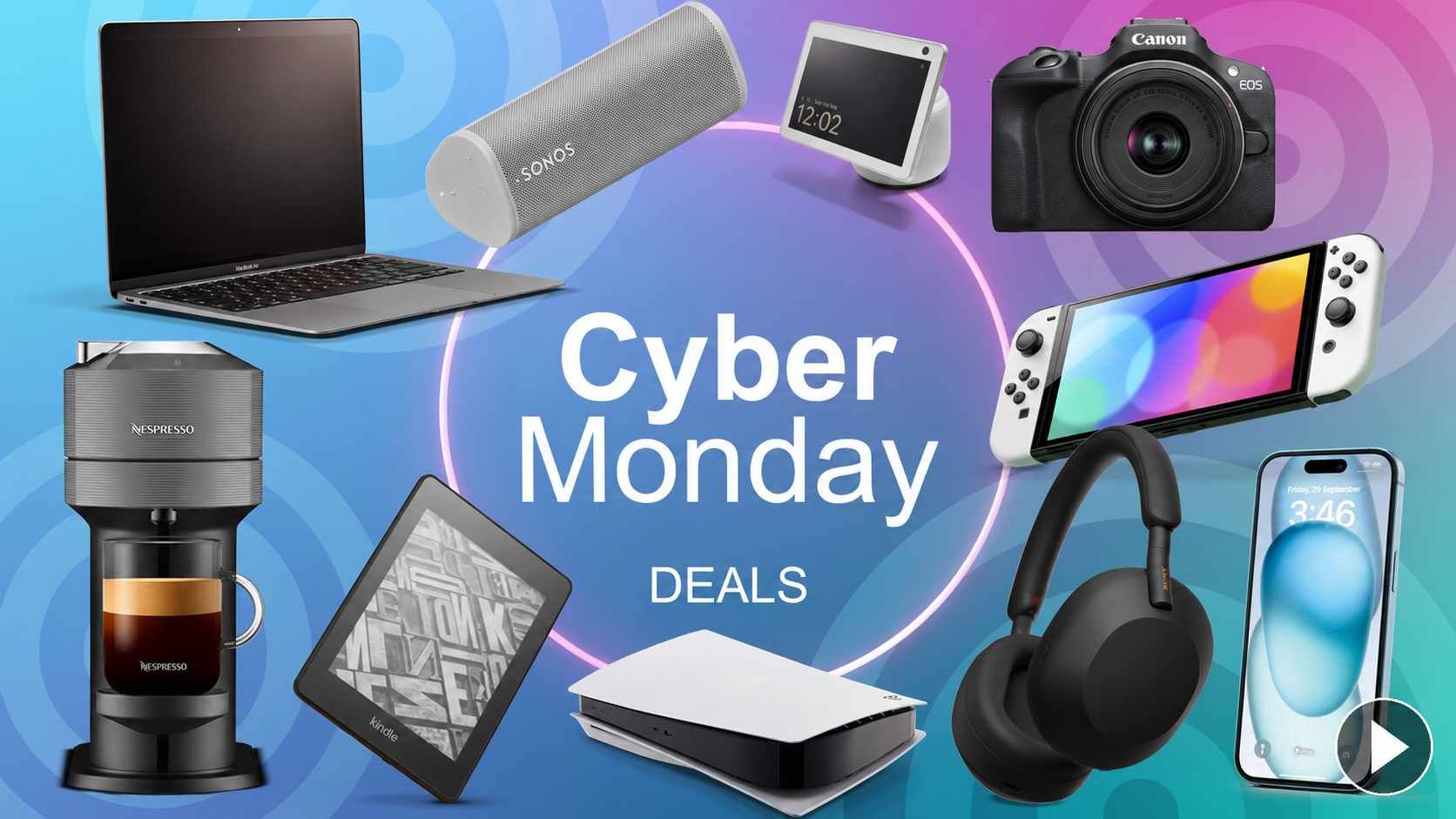
Introduce the Cyber Monday Offer
Give Cyber Monday its own video. Share the current discount, featured products, and closing time. Ask Medeo for a new promo or adapt your Black Friday project through chat. Review prices, dates, and captions before downloading.
Create Your BFCM Video With Medeo
Step 1
Describe Your Offer
Tell Medeo what you sell and what the Black Friday or Cyber Monday deal includes. Add the sale dates, purchase conditions, and the next step you want shoppers to take.
Step 2
Add Photos or Clips
Upload images of the featured products, bundle, or gift. Add your own demonstration or unboxing footage when shoppers need to see the product in use.
Step 3
Generate Your Sale Video
Medeo creates the script and brings the scenes, voiceover, music, and captions together. Preview the video and request changes through chat. Check the offer details, then download it for your campaign.