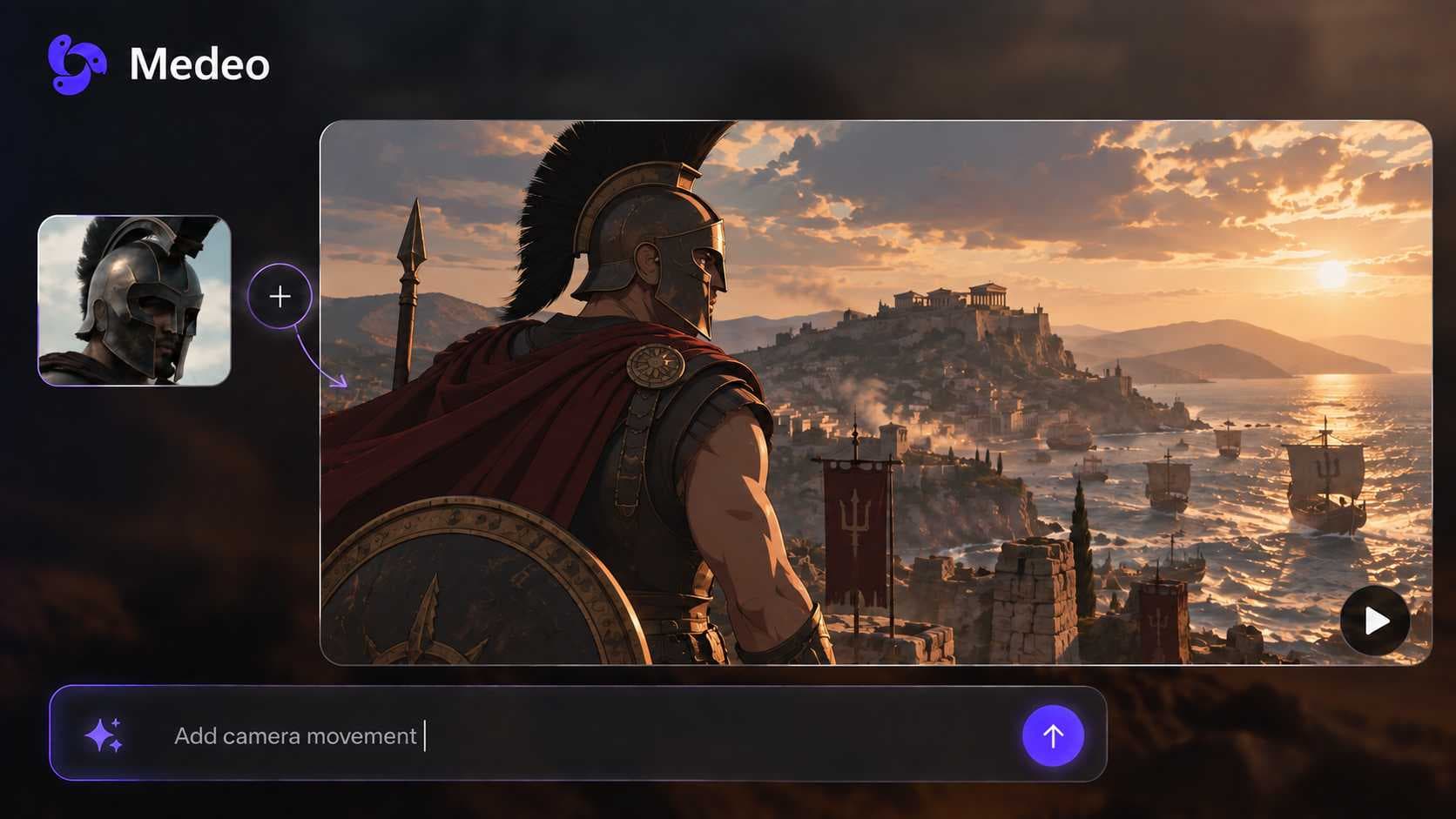
AI Voiceover Generator for Videos
Give any video a natural-sounding narrator. Describe the voice you want, and Medeo writes the script, picks a matching voice from its library, and places the narration on your timeline in sync with scenes and captions.


Narration That Fits the Video, Not Just the Words
Medeo treats voiceover as part of the edit. The script, the voice, the timing, and the captions are produced together, so the narration matches what is on screen.
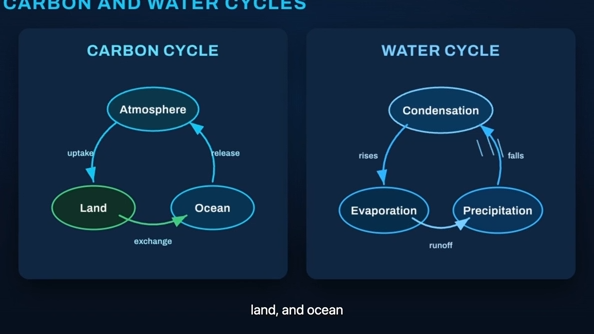
Script to Voice
Turn a Script or Document into Narration
Paste a script, upload a document, or just describe the topic. The agent writes the narration line by line against the scenes it plans, then generates the voiceover with text to speech.
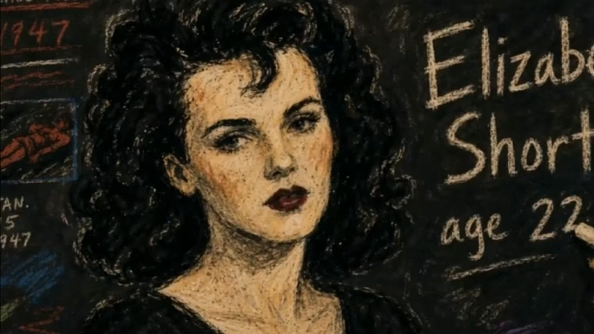
Voice Library
Find a Voice by Describing It
Ask for a calm male narrator, an upbeat young host, or a warm storyteller. Medeo searches its voice library by description and suggests voices that match the tone of your video.

Timeline Sync
Narration Placed Scene by Scene
Each voiceover line is placed on the speech track at the right moment, timed to its real length so lines never overlap, and the visuals are planned to cover every sentence.
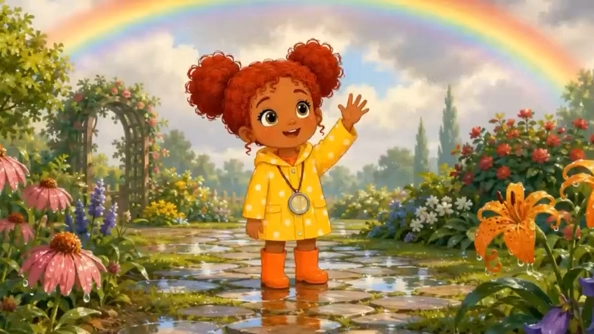
Captions
Captions That Follow the Voice
Captions are generated from the same narration, so on-screen text stays in sync with what viewers hear. Useful for social feeds where most people watch with sound off.

Change the Voice
Swap the Voice Without Rebuilding
Not happy with the narrator? Ask for a different voice and Medeo regenerates the speech and replaces it on the timeline in one step, keeping your scenes and timing.

Languages
Narrate in More Than One Language
Generate voiceover in English and other major languages, so the same video can reach audiences in different markets without hiring voice actors for each one.
How to Add an AI Voiceover to a Video
No recording booth and no audio editing. Tell the agent what the video should say and how it should sound.
Step 1
Start from an idea, a script, or a video
Describe the video you want, paste your script, upload a document, or open an existing project that needs narration.
Step 2
Describe the voice
Tell Medeo the tone, gender, age, and language you want, for example a calm documentary narrator in English. It suggests matching voices from the library.
Step 3
Generate and sync
Medeo generates the narration, places each line on the timeline against its scene, and adds captions and background music if you want them.
Step 4
Adjust and export
Ask for a different voice, a faster read, or a rewritten line in the chat, then export the finished video.
Why Creators and Teams Use Medeo for Voiceover
Voiceover usually means booking talent, recording takes, and lining up audio by hand. Medeo removes those steps.
Narration in minutes
Go from script to a narrated video without recording sessions or audio editing software.
Voices matched to the content
Pick voices by describing them, so a children's science video, a true-crime story, and a product ad each get a voice that fits.
Voice and captions stay in sync
Captions come from the narration itself, so timing never drifts when you change a line or a voice.
Multilingual narration
Produce voiceover in several languages from the same project instead of recording each market separately.
Change the voice any time
Regenerate the narration with a new voice in one step. Scenes, timing, and captions are kept.
Use your own recording too
Prefer your real voice? Upload your own narration audio and Medeo builds the visuals around it.
Videos Narrated with Medeo AI Voiceover
Each recipe below includes AI narration. Start from one and replace the topic, script, or voice with your own.