Turn ChatGPT Text into Engaging Videos with AI
Medeo’s ChatGPT to Video Generator helps creators, marketers, educators, and teams instantly transform ChatGPT-generated content into high-quality videos. Whether you have AI-written scripts, blog posts, educational explanations, or social media ideas, Medeo converts them into visually engaging videos with structured scenes, captions, voiceovers, and animations.
Powered by world-class AI models


What Is a ChatGPT to Video Generator?
A ChatGPT to Video Generator is an AI-powered tool that converts text generated by ChatGPT or other AI writing tools into fully structured videos. It analyzes the content, breaks it into scenes, adds visuals, captions, and narration, and produces a complete video automatically. This allows users to quickly turn written content into engaging multimedia formats, making it ideal for content creation, education, marketing, and social media growth.

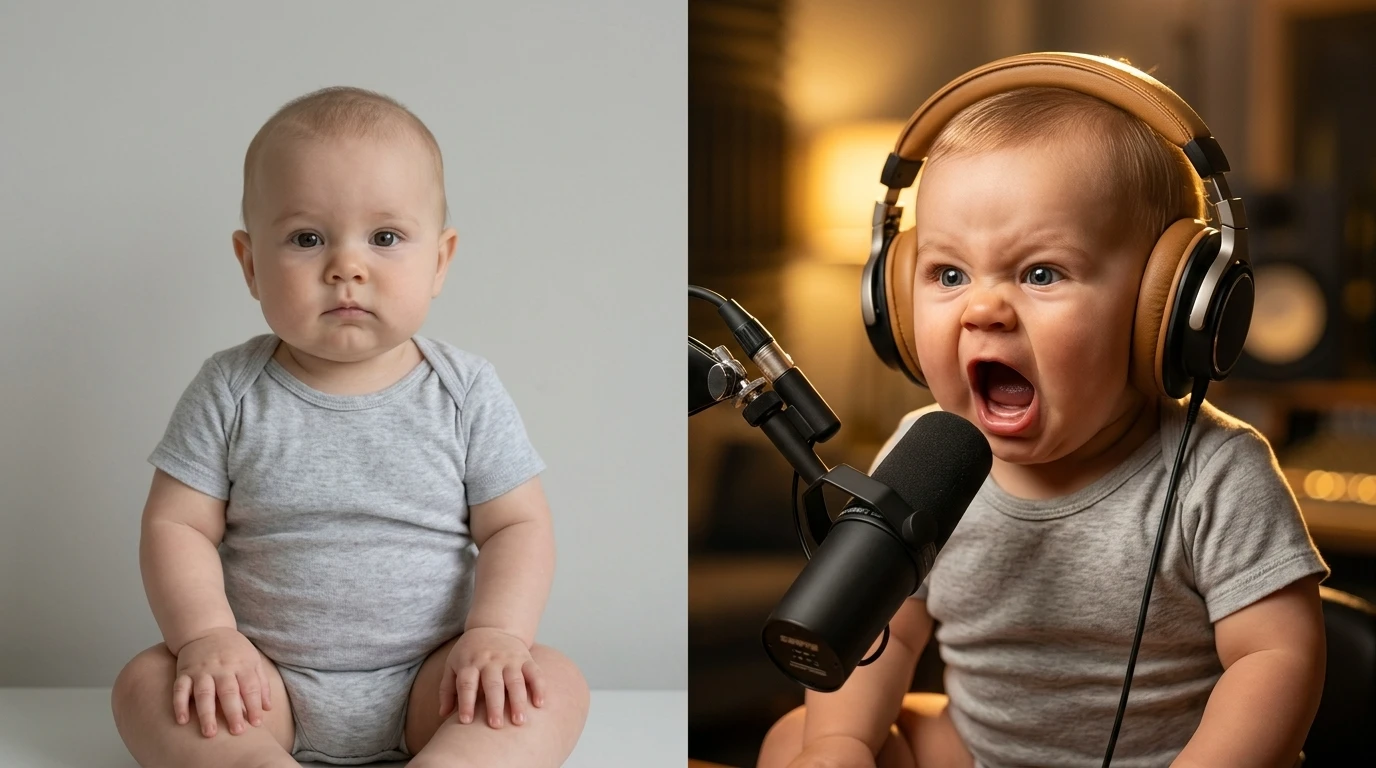
From ChatGPT Text to Fully-Produced Video
See how AI transforms text-based ideas into engaging video content
Before
Raw ChatGPT output, scripts, or text that lacks visual impact and engagement.
After
A polished video with visuals, captions, and voiceover ready for publishing.
Why Use a ChatGPT to Video Generator?
Transform AI-generated text into high-performing videos effortlessly.
Instant Text-to-Video Conversion
Turn ChatGPT outputs into structured videos within minutes without manual editing.
Perfect for Content Repurposing
Reuse blog posts, scripts, or AI-generated content as engaging videos across platforms.
Boost Engagement and Reach
Video content performs better than text, increasing visibility and audience interaction.
Automatic Captions & Voiceovers
Generate subtitles and natural-sounding narration to improve accessibility and retention.
Multi-Platform Optimization
Create videos tailored for TikTok, YouTube Shorts, Instagram Reels, and presentations.
No Editing Skills Required
AI handles scene creation, visuals, pacing, and effects automatically.
Powerful ChatGPT to Video Features
Everything you need to turn text into engaging videos.
Text-to-Scene Conversion
Automatically break ChatGPT text into structured video scenes.
AI Visual Generation
Generate visuals, backgrounds, and animations based on your content.
Voiceover Narration
Convert text into natural-sounding audio narration.
Captions & Subtitles
Add subtitles to improve engagement and accessibility.
Scene Templates
Use pre-built layouts for educational, marketing, or storytelling videos.
Flexible Export Formats
Export videos optimized for social media or presentations.
How to Turn ChatGPT Text into Video?
Step 1
Paste Your ChatGPT Content
Start by copying your ChatGPT output, whether it’s a script, explanation, blog content, or social media idea. You can input short or long-form text depending on your use case.
Step 2
Choose a Video Style
Select a format such as educational video, storytelling, marketing content, or short-form social video. You can also define tone, pacing, and visual style.
Step 3
AI Generates the Video
The AI analyzes your text, creates scenes, adds visuals, captions, and voiceovers, and structures the video for clarity and engagement.
Step 4
Customize and Export
Edit visuals, captions, or branding if needed, then export your video ready for publishing across platforms.