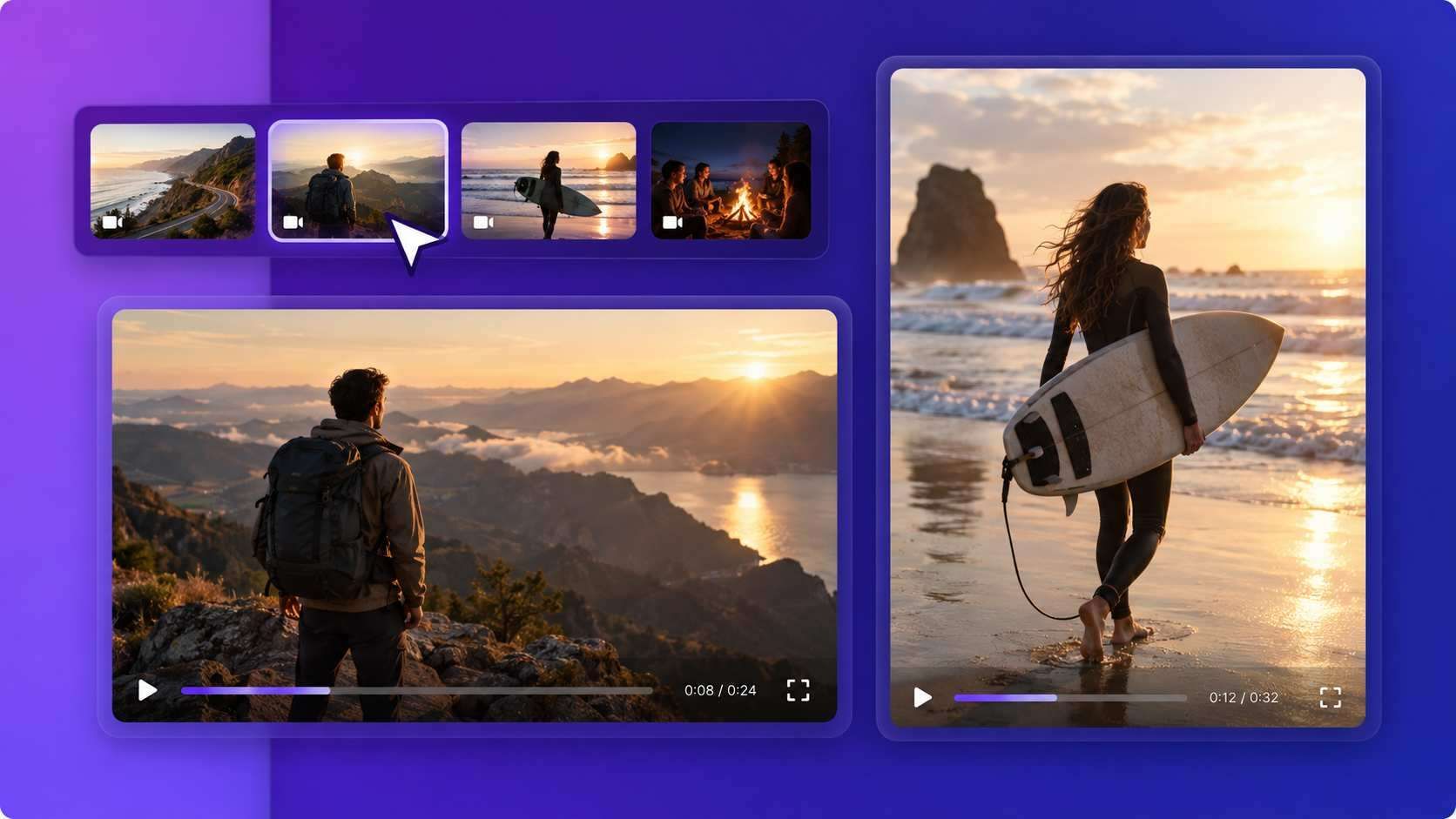
Remix Any Content into Viral Videos
Medeo’s AI Remix Video Generator helps creators instantly transform raw clips, images, and audio into dynamic remix videos. Instead of manually editing footage, the AI automatically detects highlights, aligns cuts with music beats, and applies trending transitions and visual effects. Whether you’re remixing memes, music clips, gaming footage, or social media content, Medeo makes it easy to create viral-ready remix videos for TikTok, Instagram Reels, and YouTube Shorts.
Powered by world-class AI models


What Is an AI Remix Video Generator?
An AI Remix Video Generator is a tool that automatically edits and combines multiple media elements into a single remix-style video. Instead of spending hours cutting footage and syncing it with music, AI analyzes your clips, detects beats, and applies transitions and effects automatically. This technology allows creators to quickly repurpose existing content into fresh, engaging videos. Remix videos are especially popular on short-form platforms like TikTok, Instagram Reels, and YouTube Shorts, where fast-paced edits, music synchronization, and creative visual effects help content stand out and capture attention.

From Random Clips to Viral Remix Videos
See how AI transforms raw content into a dynamic remix video
Before
Unedited clips, images, and audio files without timing, transitions, or structure.
After
A fast-paced remix video with synced music, effects, and transitions ready for social media.
Why Use an AI Remix Video Generator?
Powerful AI tools designed to help creators remix content faster and produce engaging social media videos.
Instant Remix Video Creation
Generate fully edited remix videos in seconds by combining clips, images, and audio automatically.
Optimized for Viral Content
Create remix edits designed specifically for TikTok, Instagram Reels, and YouTube Shorts.
AI Beat Detection
Automatically synchronize cuts, transitions, and effects with the rhythm of the music.
Dynamic Editing Effects
Apply fast cuts, glitch transitions, zoom effects, overlays, and motion edits instantly.
Remix Any Type of Content
Use gameplay clips, memes, social videos, photos, or music to create unique remix videos.
No Editing Skills Required
The AI automatically handles timing, transitions, and editing so anyone can create professional remix videos.
Powerful Remix Video Features
Everything you need to create engaging remix videos quickly with AI.
Multi-Clip Remix Editing
Combine multiple videos and images into one seamless remix with automatic scene detection and cutting.
Beat-Synced Editing
AI detects beats and synchronizes transitions, cuts, and motion effects with music automatically.
Trending Remix Effects
Add viral visual effects such as glitch transitions, speed ramps, zoom cuts, and animated overlays.
Mixed Media Remix
Combine video clips, images, GIFs, memes, and sound effects into one dynamic remix video.
Short-Form Video Optimization
Automatically format videos for TikTok, Instagram Reels, and YouTube Shorts.
Fast AI Rendering
Generate high-quality remix videos in seconds without complex editing software.
Create a remix video in just a few simple steps.
Step 1
Upload Your Media
Upload video clips, images, or audio files you want to remix into a new video.
Step 2
Choose a Remix Style
Select editing styles, effects, transitions, and music synchronization preferences.
Step 3
AI Generates the Remix
The AI automatically edits, cuts, and synchronizes your media into a dynamic remix video.
Step 4
Export and Share
Download the remix video or share it directly to TikTok, Instagram, or YouTube.