Veo 3.1 AI Video Generator: Create Cinematic Videos Online
Use Veo 3.1 in Medeo to turn prompts, images, and reference assets into cinematic AI videos. Generate realistic motion, native audio, controlled camera movement, product scenes, social clips, and story-driven video concepts in one creative workspace.


What Is Veo 3.1?
Veo 3.1 is Google DeepMind's AI video generation model for creating high-quality videos from text prompts, images, references, and audio-aware scene descriptions. It is built for cinematic motion, stronger prompt alignment, realistic physics, and richer audiovisual output.
What the Veo 3.1 Model Can Create
Use Veo 3.1 for cinematic clips, image-to-video animation, product ads, social videos, story scenes, concept art motion, branded content, and prompt-to-video experiments. In Medeo, you can start with a text prompt, upload an image, add references, and refine the result into a usable video asset.
Create Videos with Veo 3.1 in Medeo
Most people searching for Veo 3.1 want to generate videos directly. Medeo gives you a prompt-first workspace for text-to-video, image-to-video, reference-guided video, review, and export.
Generate Videos from Text Prompts
Describe the scene, subject, action, camera movement, lighting, style, and sound you want. Veo 3.1 can turn detailed prompts into cinematic clips, making it useful for creators, marketers, filmmakers, educators, and teams testing video ideas quickly.
Turn Images into Videos
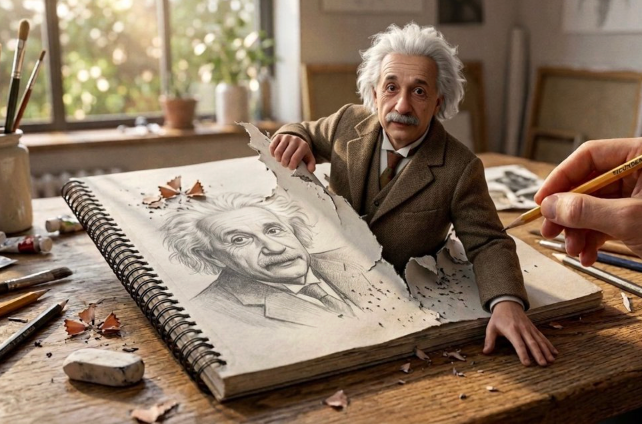
Upload a product shot, portrait, AI image, illustration, landscape, or brand visual and describe how it should move. Veo 3.1 image-to-video helps bring still assets to life with motion, camera direction, atmosphere, and sound.
Guide Videos with Reference Images
Use reference images to guide a person, character, product, object, or style direction. Veo 3.1 supports reference-based direction, helping preserve the subject's appearance while generating a new video scene.
Create with Native Audio
Veo 3.1 can generate video with audio, so prompts can include ambience, sound effects, environmental details, or dialogue direction. This makes the result feel closer to a finished clip instead of a silent visual draft.
Bring More Control to AI Video Creation
Veo 3.1 is strongest when your prompt acts like a directing brief. Give it the scene goal, camera language, motion, audio, and visual continuity details that make the clip useful.
Generate Realistic Motion and Physics
Describe weight, speed, direction, materials, and environment. Veo 3.1 is designed for realistic physics, so details like water movement, fabric motion, object weight, lighting changes, and camera perspective can make the output feel more grounded.
Control First and Last Frames
Use first and last frame direction when you need a shot to begin and end in specific compositions. This is useful for product transitions, story beats, camera reveals, before-and-after scenes, and visual continuity across a sequence.
Extend Scenes into Longer Ideas
When a generated clip works, continue the action instead of starting again. Scene extension helps turn a short video into a longer establishing shot, product moment, narrative sequence, or social cut with smoother continuity.

Direct Camera, Lighting, and Sound
Prompt for slow dolly shots, handheld movement, wide establishing shots, close-up product reveals, golden-hour light, studio reflections, city ambience, ocean sound, footsteps, or mechanical hum. These details make Veo 3.1 outputs feel more intentional.
Use Veo 3.1 Across Creative Workflows
Veo 3.1 fits video-first workflows where teams need realistic motion, native audio, cinematic camera control, and fast visual testing before full production.
Social Videos for TikTok, Reels, and Shorts
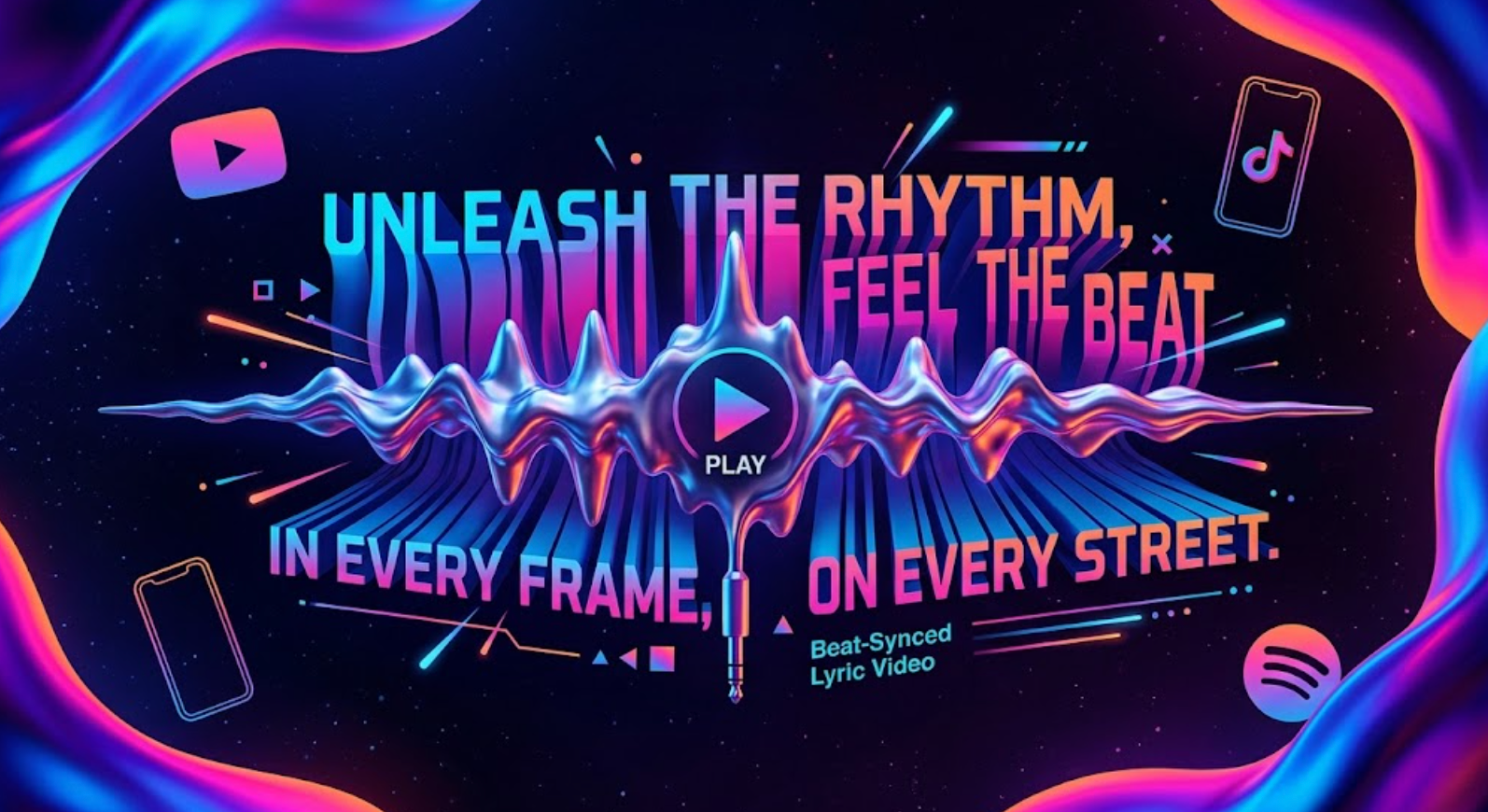
Create vertical clips with strong motion, clear subject focus, and an immediate visual payoff. Use Veo 3.1 for creator hooks, product teasers, lifestyle shots, travel clips, and short-form story moments.
Product Ads and Brand Campaigns
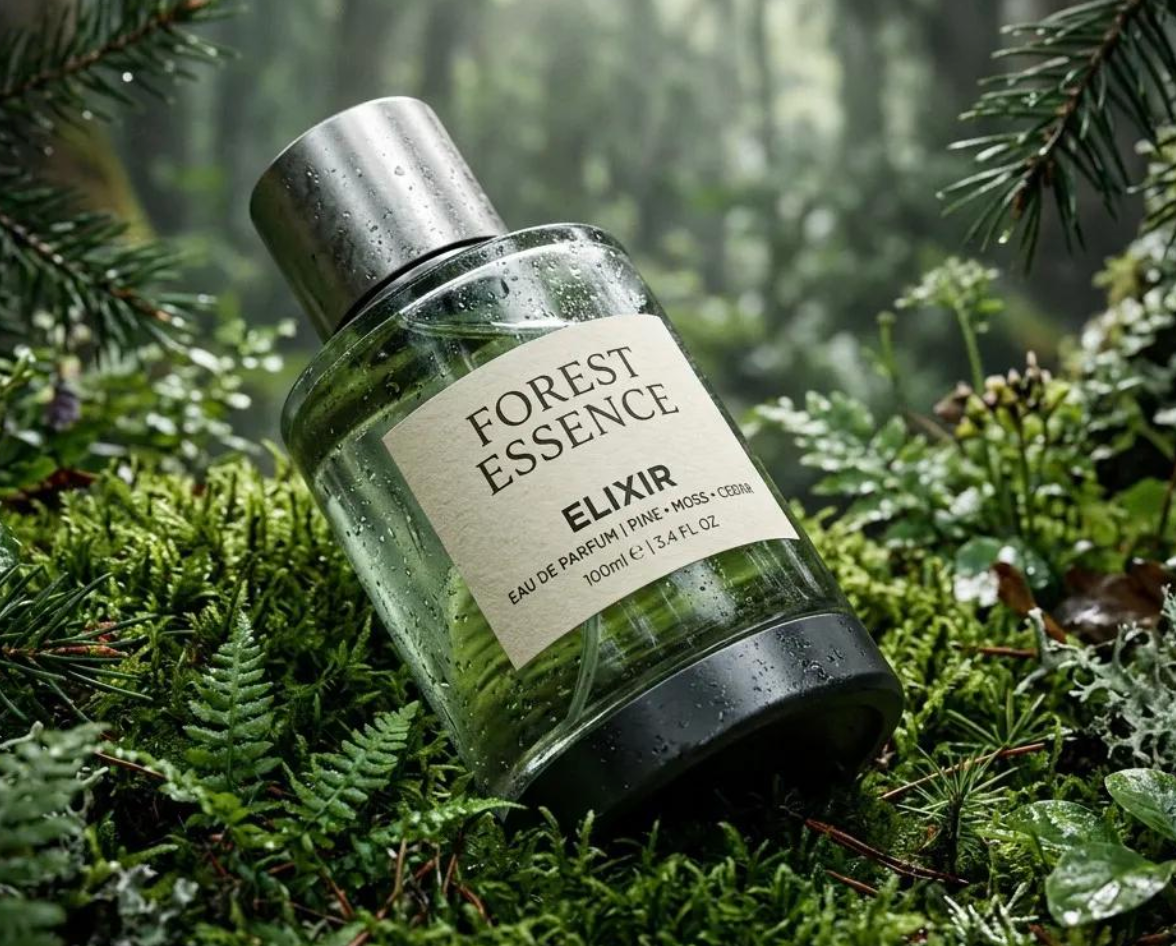
Turn product photos, campaign boards, and brand ideas into polished video concepts. Generate orbit shots, cinematic reveals, lifestyle scenes, and native-audio ad variations before arranging production.
Storyboards and Cinematic Scenes
Translate written scenes into moving shots with camera direction, lighting, sound, and visual continuity. Directors, agencies, educators, and creators can use Veo 3.1 to make ideas easier to review.
Image Animation and Visual Experiments
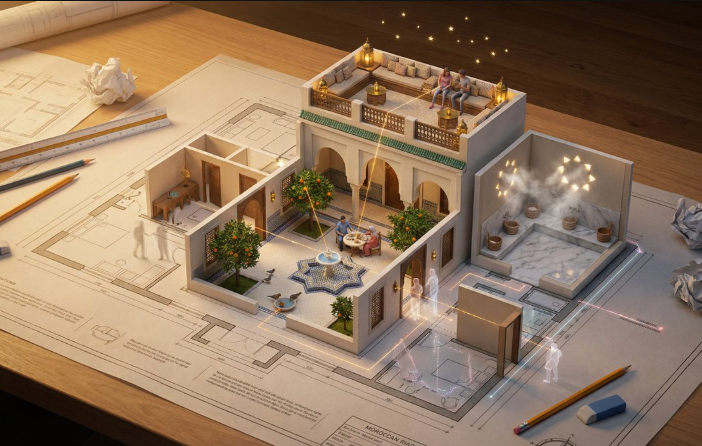
Bring AI art, illustrations, portraits, landscapes, architecture, and design frames to life. Use image-to-video prompts to add movement, ambience, and cinematic pacing while keeping the original visual direction recognizable.
How to Use Veo 3.1 on Medeo
Start with a prompt, image, or reference set, generate a first clip, then refine the camera, motion, sound, and continuity until the video fits your project.
Step 1
Enter a Prompt or Upload an Image
Describe a video from scratch or upload a starting image such as a product shot, portrait, AI artwork, storyboard frame, or brand visual.
Step 2
Add Motion, Camera, and Audio Direction
Write the action, camera movement, lighting, atmosphere, sound, and details that should remain consistent. Add references when you need to preserve a person, character, product, or style.
Step 3
Generate and Review the Clip
Create your Veo 3.1 video and evaluate motion quality, prompt alignment, visual realism, audio sync, subject consistency, framing, and social-ready pacing.
Step 4
Refine, Extend, or Export
Use follow-up instructions to improve the shot, extend a useful scene, create another variation, or download the final video for ads, social posts, presentations, and creative review.
How to Write Better Veo 3.1 Prompts
A strong Veo 3.1 prompt works like a video brief. Describe the subject, action, camera, lighting, sound, timing, and what should remain consistent.
Use a Director-Style Prompt Formula
Try this structure: subject plus action plus setting plus camera movement plus lighting plus audio plus consistency. For example: A premium perfume bottle on wet black stone, slow orbiting camera, soft studio reflections, water droplets sliding down the glass, low ambient room tone, preserve label clarity.
Describe Motion and Physics Clearly
Vague prompts lead to vague movement. Say whether the camera pushes in, tracks sideways, or holds still. Describe how fabric, water, smoke, dust, hair, reflections, shadows, or objects should move in the scene.
Add Audio Cues When Sound Matters
Veo 3.1 can generate audio with video, so include sound direction when it improves the scene: city ambience, ocean waves, footsteps, crowd noise, mechanical hum, soft product sounds, or short dialogue.
Use References for Identity and Style
When a person, character, product, or style must remain recognizable, provide reference images and explain what to preserve. This is especially useful for product videos, brand assets, character scenes, and campaign variations.
Veo 3.1 Compared with Other AI Video Models
The right model depends on your brief. Compare Veo 3.1 with the same prompt, reference image, aspect ratio, audio needs, and intended channel before choosing.
Veo 3.1 vs Sora 2
Use Veo 3.1 when your project needs strong image-to-video output, native audio, reference-guided control, and polished visual realism. Compare Sora 2 for cinematic scene behavior and audio-aware storytelling. The better result depends on the prompt and source assets.
Veo 3.1 vs Seedance 2.0
Seedance 2.0 can be useful for fast video iteration and broad social content workflows. Veo 3.1 is a strong choice when visual realism, audio, image-to-video quality, and reference control are central to the brief.
Veo 3.1 vs Kling
Compare Kling when your main goal is character motion, controlled animation, or dynamic image-to-video movement. Test Veo 3.1 when you need realistic physics, cinematic polish, native audio, and reference-based scene direction.
Veo 3.1 vs Hailuo AI
Hailuo AI can be useful for expressive motion and fast creative exploration. Veo 3.1 is better positioned for higher-realism clips, product scenes, controlled camera movement, and audio-supported video generation.
Detailed Comparison Chart
Compare Veo 3.1 with other AI video models using the same prompt, image input, references, aspect ratio, and sound requirements. Specifications may vary by product surface and model availability.
| Model | Developer | Supported Inputs | Output | Best For | Primary Access |
|---|---|---|---|---|---|
| Veo 3.1 | Google DeepMind | Text, image, video extension, first and last frames, and reference images | Video with native audio, depending on product surface | Cinematic clips, image to video, product ads, realistic physics, reference-guided scenes | Gemini API, Vertex AI, Flow, Gemini app, and supported platforms such as Medeo |
| Sora 2 | OpenAI | Text and image | Video and audio | Cinematic generation, image-to-video, synced audio, realistic scene behavior | OpenAI-supported surfaces and supported platforms such as Medeo |
| Seedance 2.0 | ByteDance | Text and image | Video | Fast creative iteration, social content, broad prompt-to-video workflows | ByteDance ecosystem and supported platforms such as Medeo |
| Kling | Kuaishou | Text and image | Video | Character motion, image animation, dynamic visual movement, social clips | Kling products and supported platforms such as Medeo |
Frequently Asked Questions About Veo 3.1
These answers cover common questions about Veo 3.1 video generation, image-to-video, references, audio, prompts, output formats, and use inside Medeo.
See Why Creators Choose Medeo
Creators use Medeo to compare video models, refine prompts, and connect image, video, audio, captions, and export workflows in one place.
"Veo 3.1 on Medeo is useful when I need a cinematic clip from a still image. I can guide camera motion, sound, and product details without opening a full editing timeline."
Emily Parker
Video Content Creator
"For campaign planning, we use Medeo to turn static product visuals into moving ad concepts. Veo 3.1 helps us evaluate motion and audio ideas before production."
Daniel Foster
Creative Director
"The reference image workflow makes product videos easier to brief. We can preserve the subject, test different scenes, and create variations quickly."
Sophia Kim
Ecommerce Manager
"Veo 3.1 on Medeo is useful when I need a cinematic clip from a still image. I can guide camera motion, sound, and product details without opening a full editing timeline."
Emily Parker
Video Content Creator
"For campaign planning, we use Medeo to turn static product visuals into moving ad concepts. Veo 3.1 helps us evaluate motion and audio ideas before production."
Daniel Foster
Creative Director
"The reference image workflow makes product videos easier to brief. We can preserve the subject, test different scenes, and create variations quickly."
Sophia Kim
Ecommerce Manager
"Medeo makes model comparison practical. I can test Veo 3.1 against other video models and choose the result that fits the scene instead of guessing upfront."
Ryan Mitchell
AI Filmmaker
"The ability to move from prompt to video, then continue refining, saves a lot of early concept time for our team."
Olivia Bennett
Brand Strategist
"Veo 3.1 is strong for realistic motion and polished image-to-video outputs. Medeo keeps the workflow accessible even when the prompt needs detailed direction."
Michael Chen
Product Designer
"Medeo makes model comparison practical. I can test Veo 3.1 against other video models and choose the result that fits the scene instead of guessing upfront."
Ryan Mitchell
AI Filmmaker
"The ability to move from prompt to video, then continue refining, saves a lot of early concept time for our team."
Olivia Bennett
Brand Strategist
"Veo 3.1 is strong for realistic motion and polished image-to-video outputs. Medeo keeps the workflow accessible even when the prompt needs detailed direction."
Michael Chen
Product Designer
Learn More About AI Video Creation
Build a stronger video workflow with guides for prompting, image-to-video generation, model comparison, social clips, and cinematic AI video production.