YouTube Shorts Maker: Create New Videos or Clip Your Best Moments
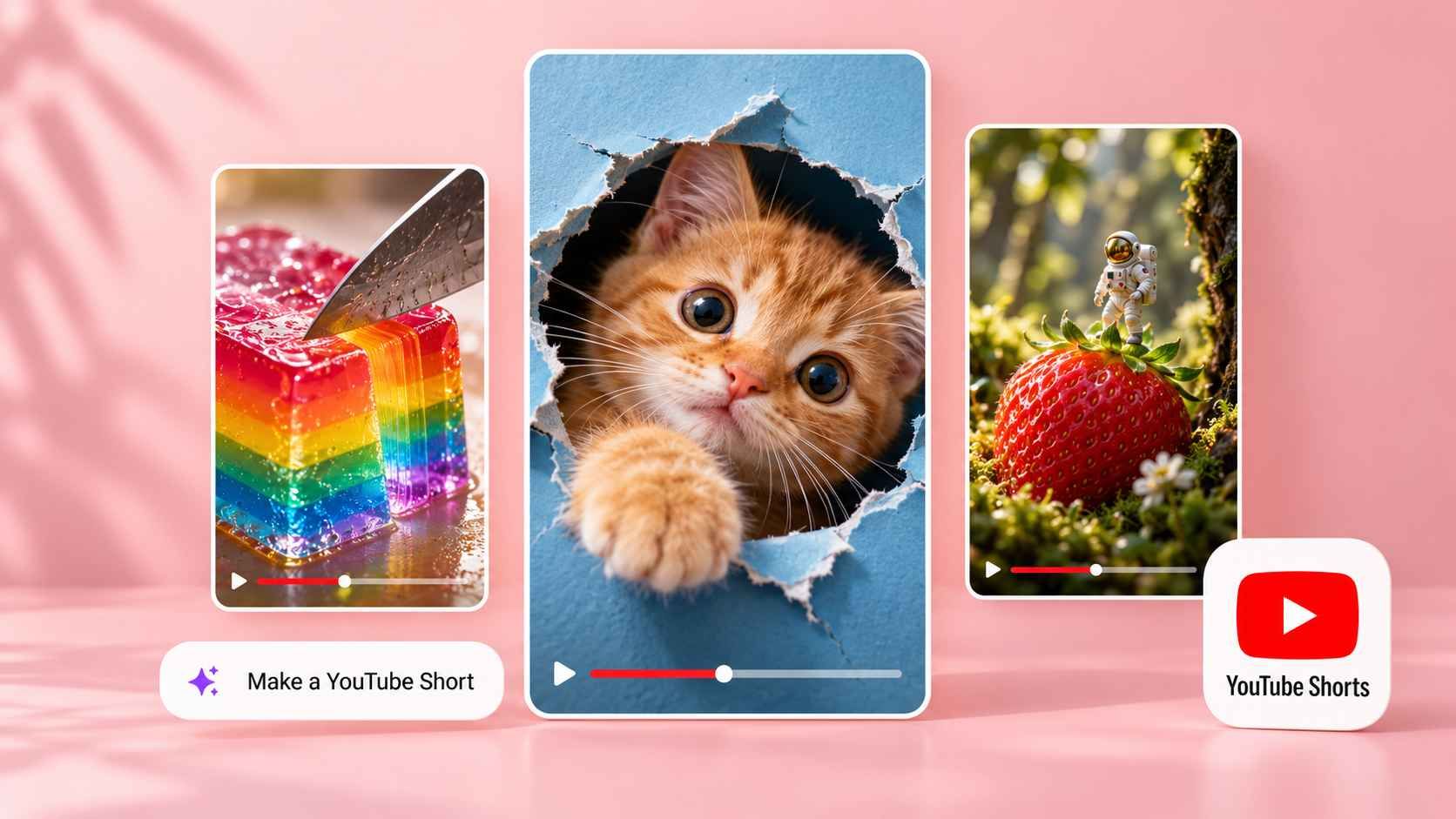
Turn a topic into a new Short, or give a longer video a second life. Medeo helps you create YouTube Shorts with visuals, voiceover, music, and captions—or extract highlights from footage you already have. Refine the result through chat and export in 9:16.
Powered by world-class AI models


Three Ways to Make YouTube Shorts with Medeo
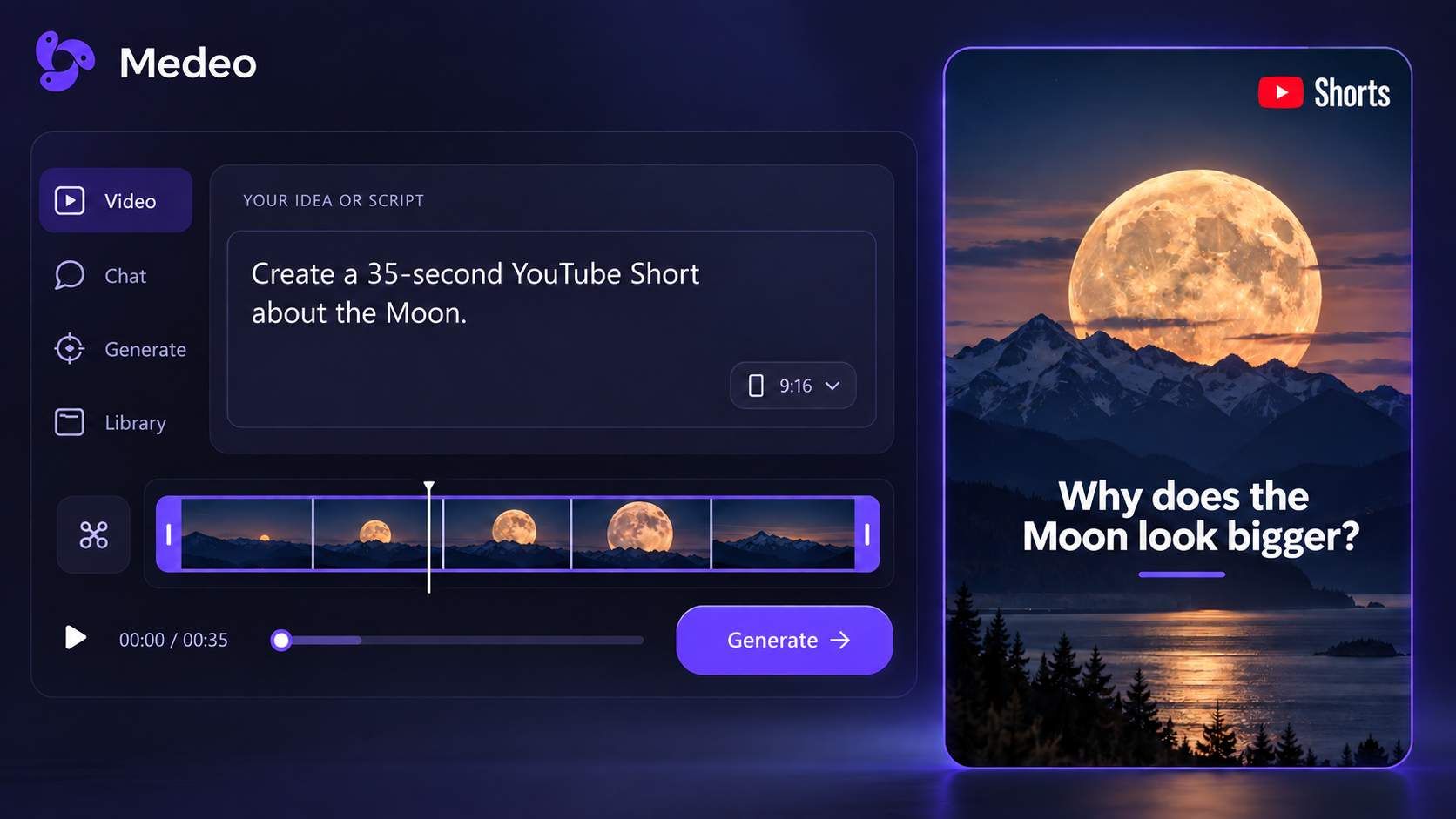
Create a Short from an Idea or Script
Describe your topic or paste a script. Medeo builds the scenes, narration, music, and captions around your brief. Make a quick explainer, a short story, or a list of useful tips without recording yourself.
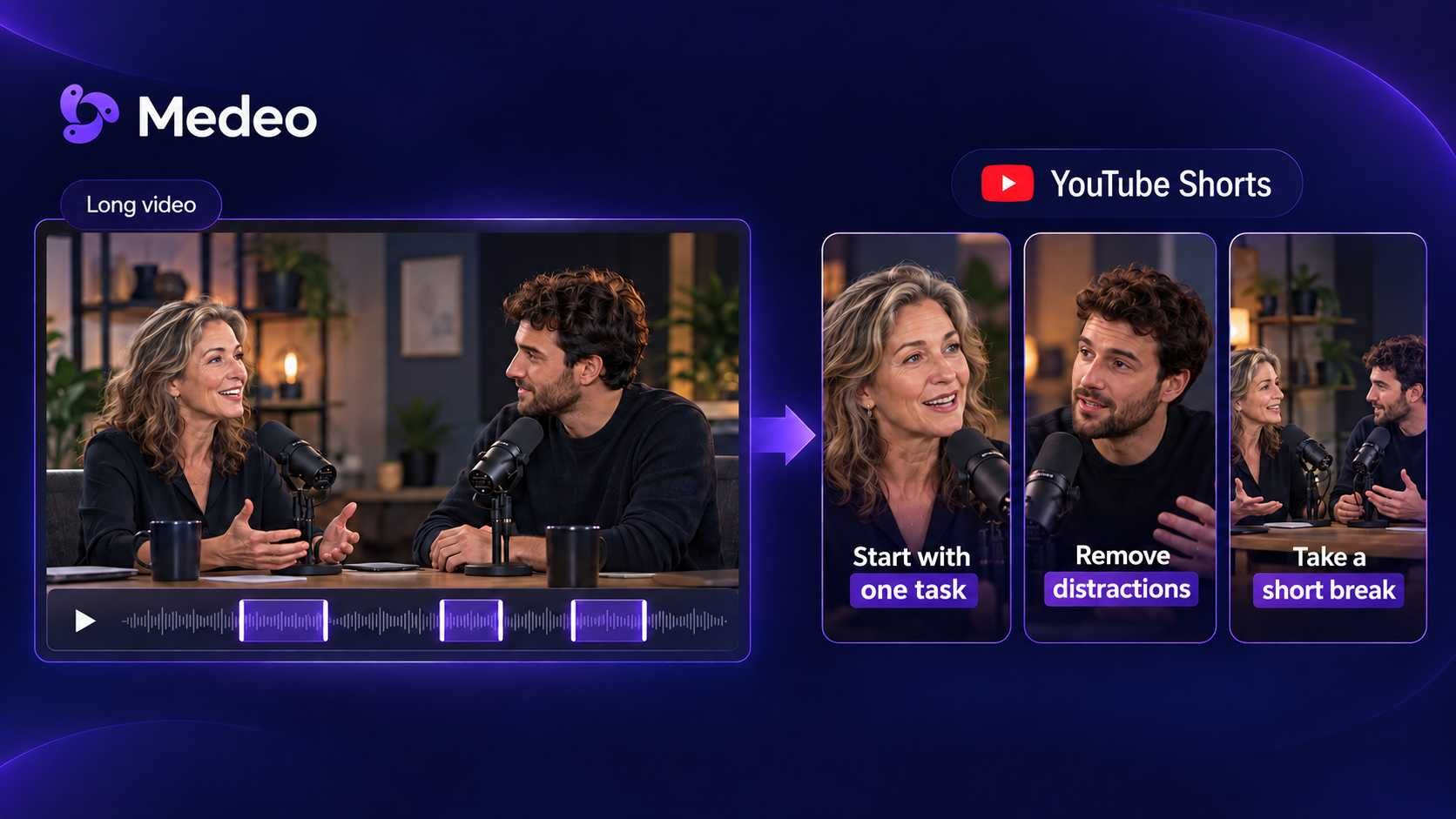
Turn a Long Video into YouTube Shorts
Use a podcast, interview, tutorial, or other longer recording. Medeo’s Auto Clip workflow identifies highlights and turns them into multiple short clips with captions and vertical framing. Review the suggested moments and refine the clips you want to share.
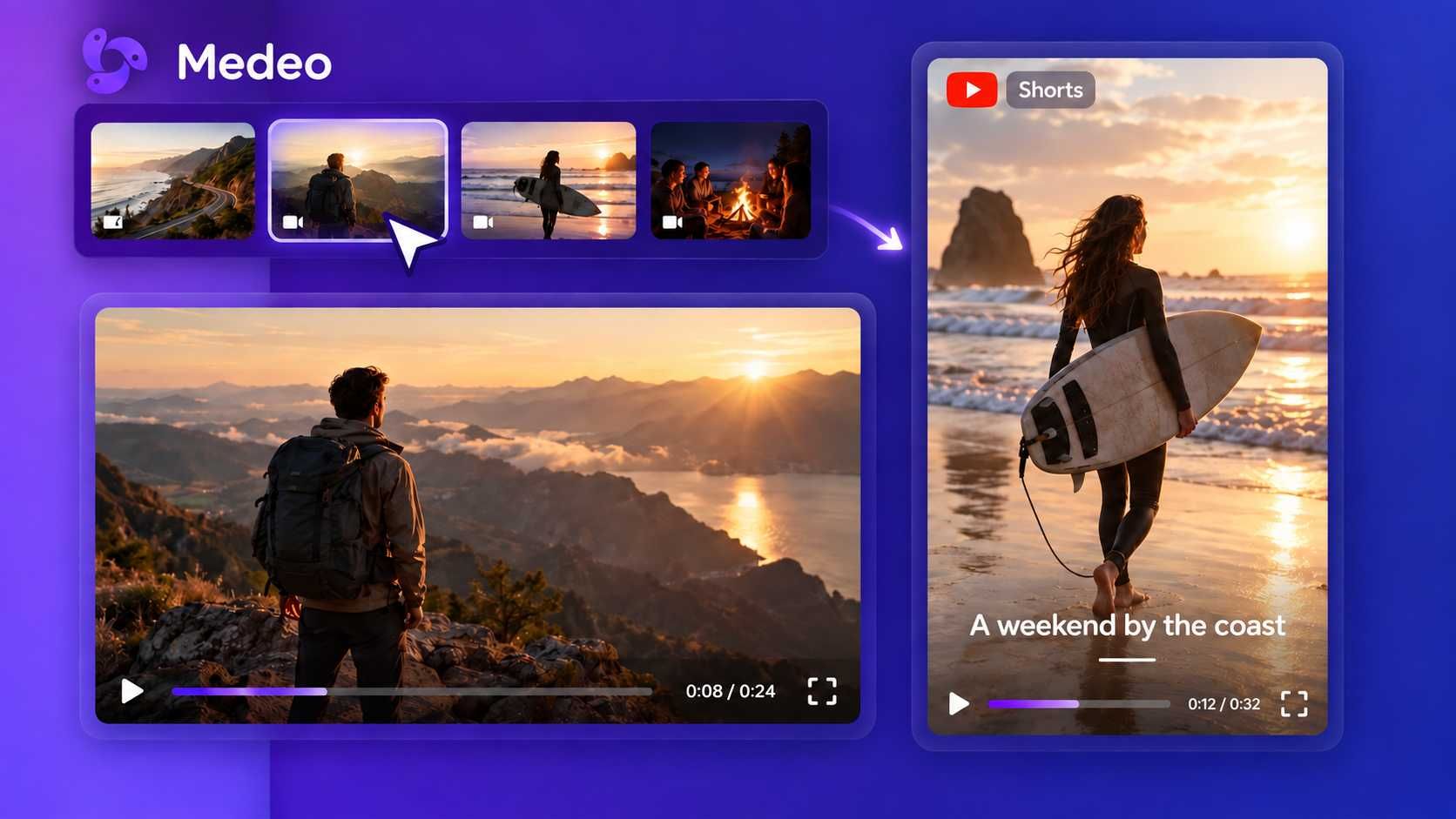
Build a Short from Your Photos and Clips
Upload your own visuals and explain the sequence you want. Bring a product detail, a recipe step, or a few travel moments into one Short. Add narration and captions, then trim the footage to keep the story moving.
YouTube Shorts Ideas You Can Start With
Give Medeo a specific subject, a target length, and a clear takeaway. Try one of these briefs with your own topic or materials.
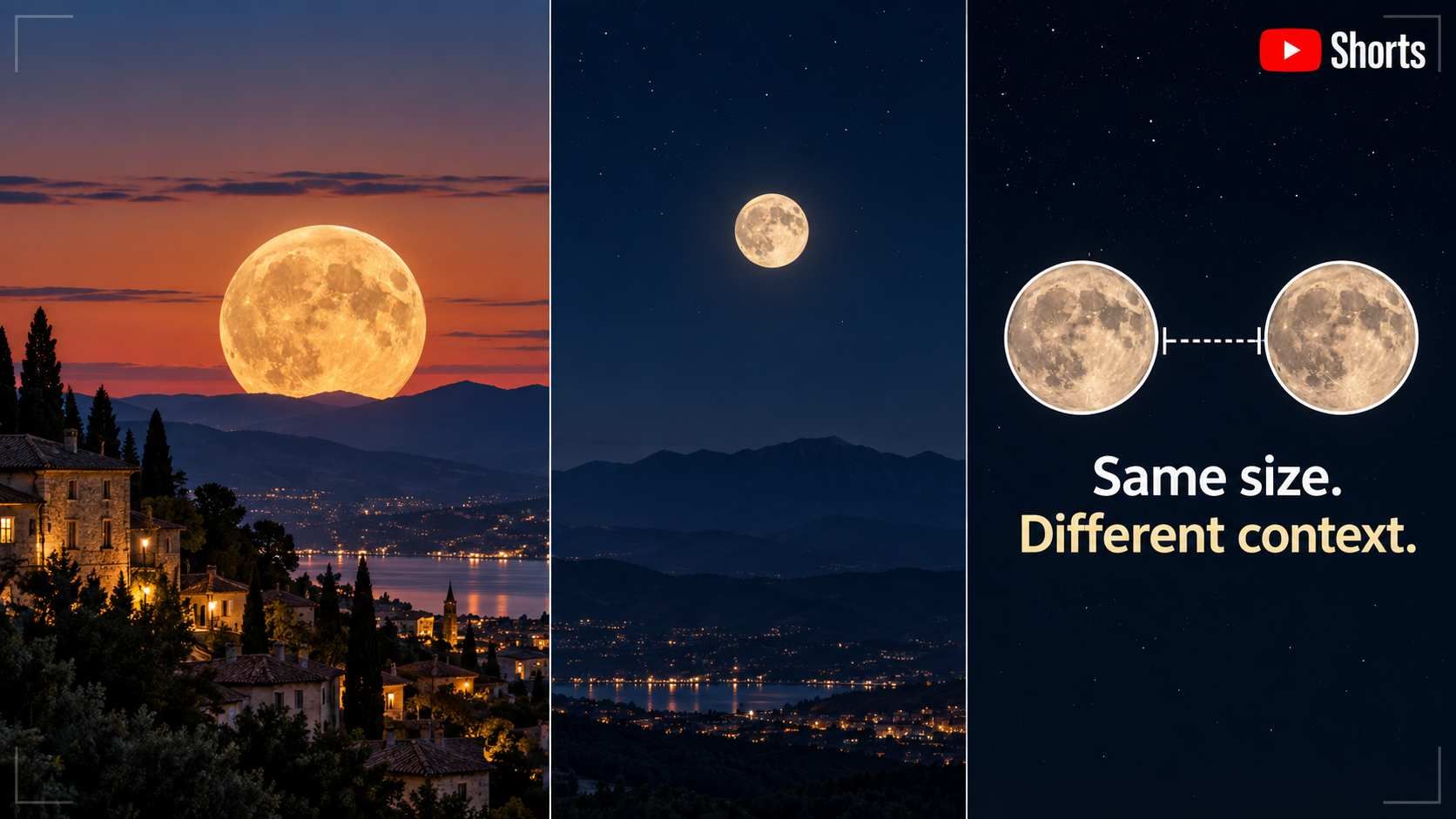
Answer One Question
“Create a 35-second YouTube Short explaining why the Moon appears larger near the horizon. Use simple illustrations, friendly narration, and clear captions. Open with the question and finish with a short explanation.”
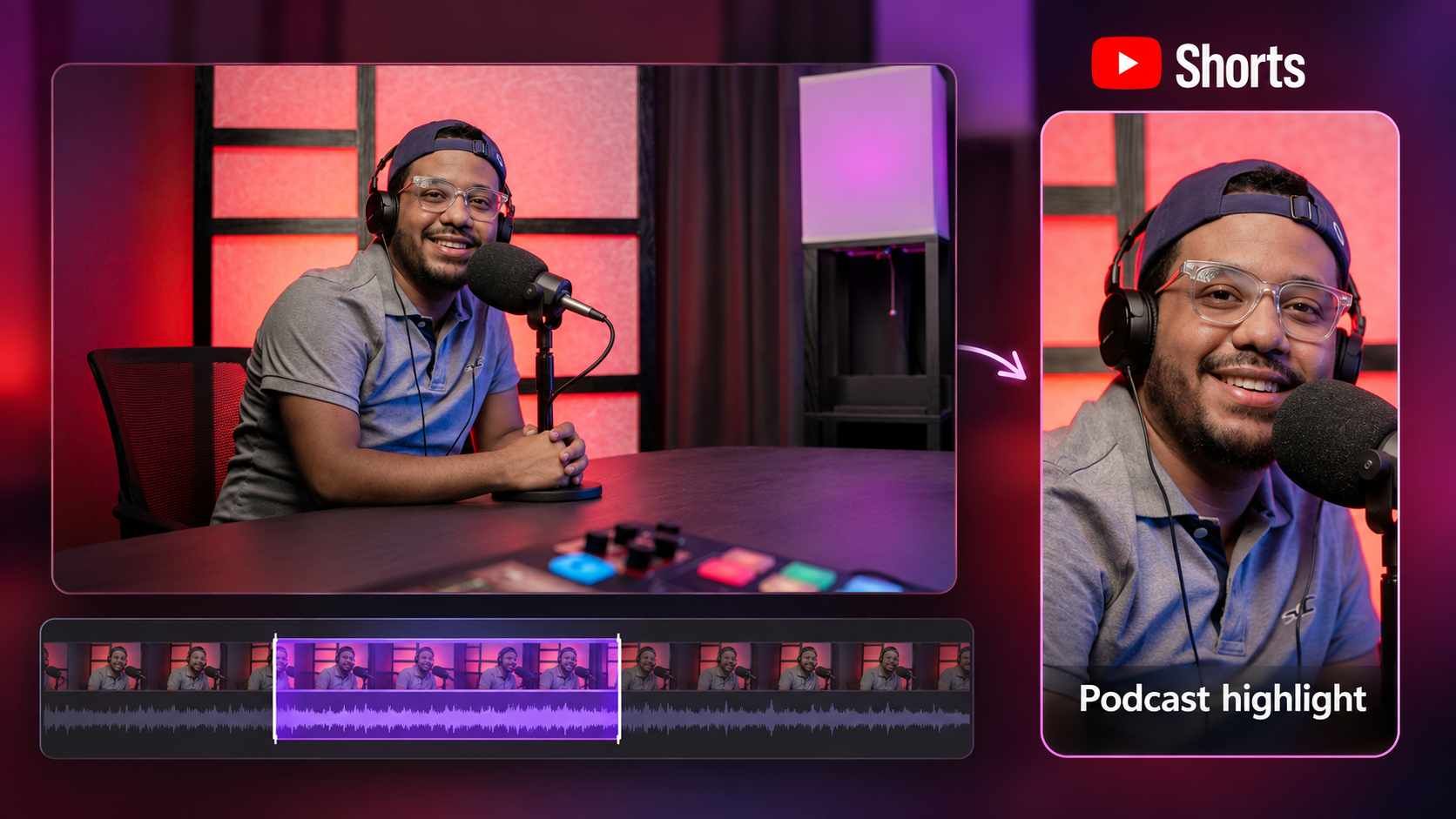
Share a Podcast Highlight
“Find a self-contained answer about staying focused in this podcast recording. Make a vertical Short around 45 seconds long. Keep enough of the question for the answer to make sense, and add readable captions.”
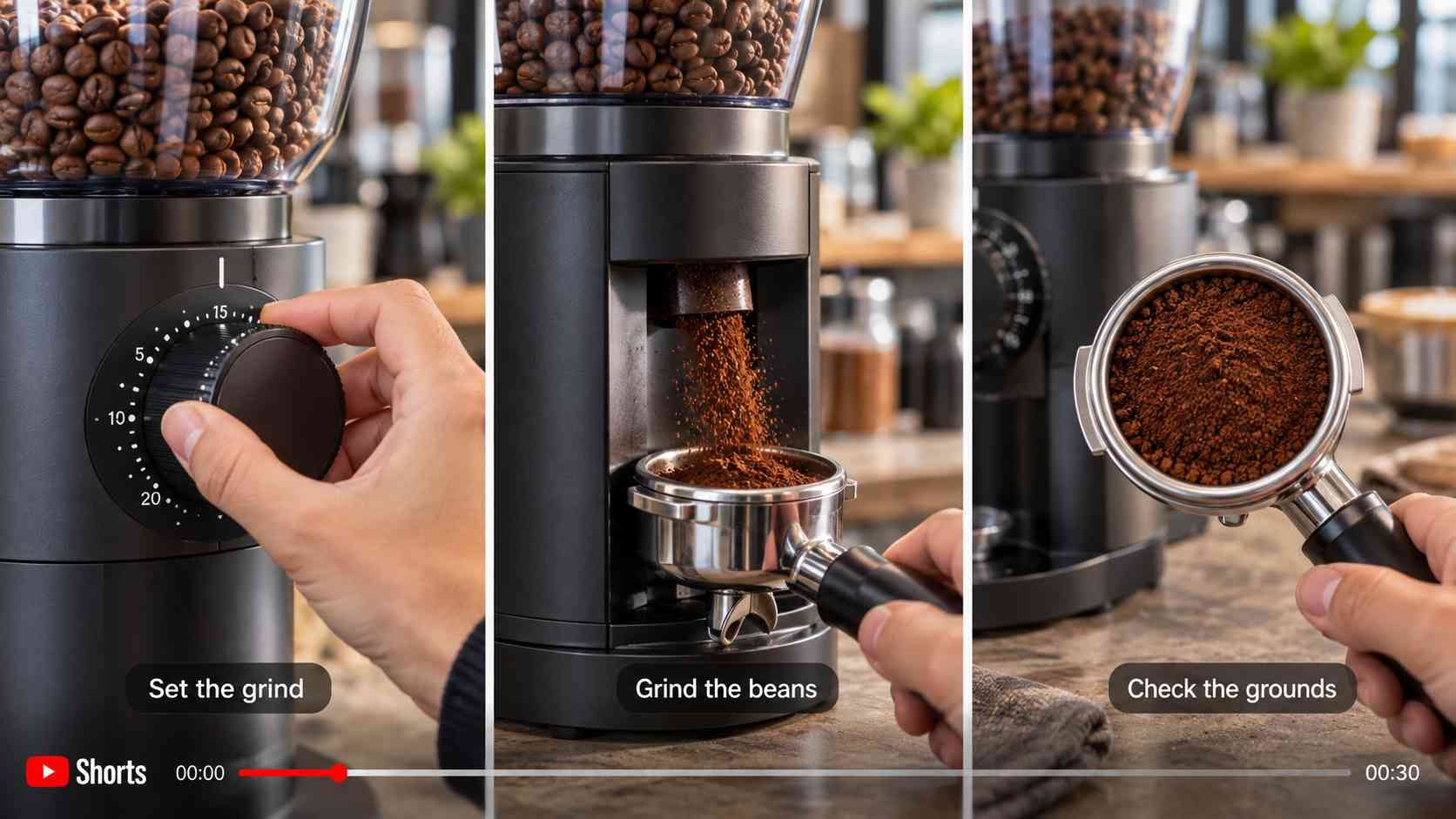
Show One Product in Action
“Use my coffee-grinder clips to make a 30-second YouTube Short. Show the controls, grinding, and finished grounds. Trim the pauses, add short step captions, and keep the original demonstration visible.”
Find Your Next YouTube Shorts Idea with VideoClaw
Not sure what to make next? Use VideoClaw to research your niche, explore audience questions, and prepare a brief for your next Short.
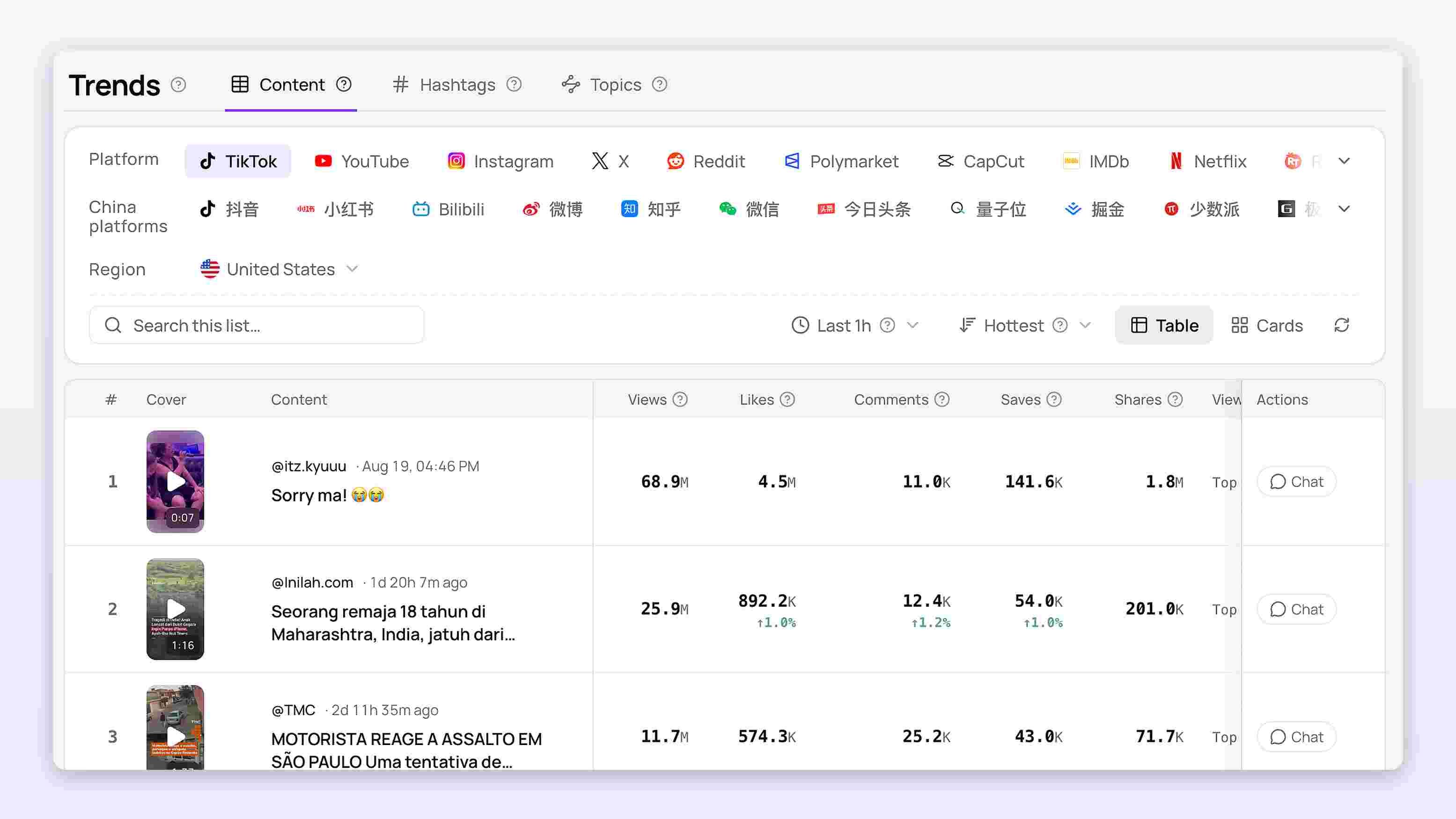
Find Questions Worth Answering
Explore conversations and repeated questions across YouTube and creator communities. Choose one that fits your channel and turn it into a focused Short.
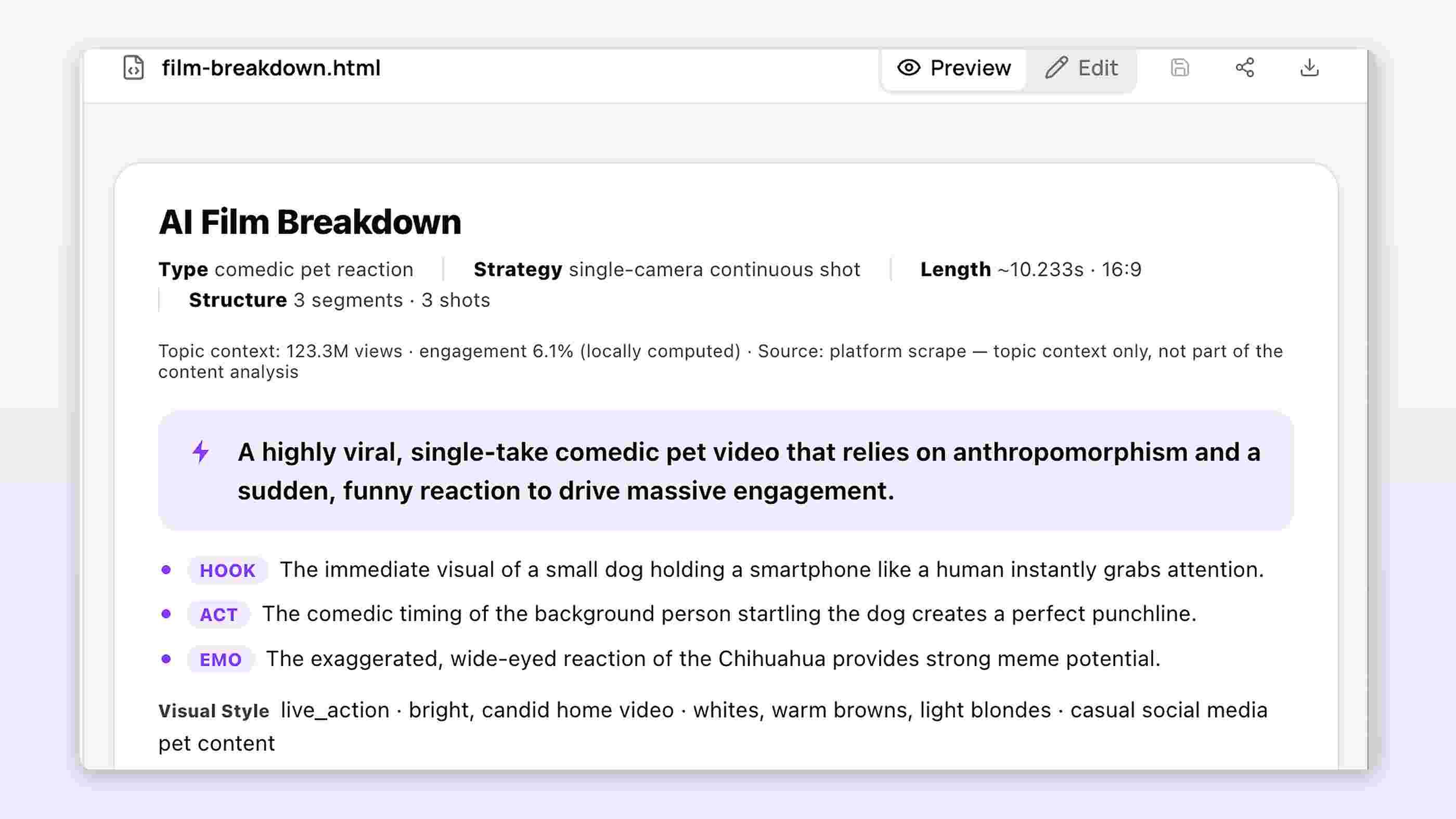
Study How Other Shorts Open
Analyze the hooks, pacing, and structure of relevant videos. Use the findings to develop a new angle in your own voice.
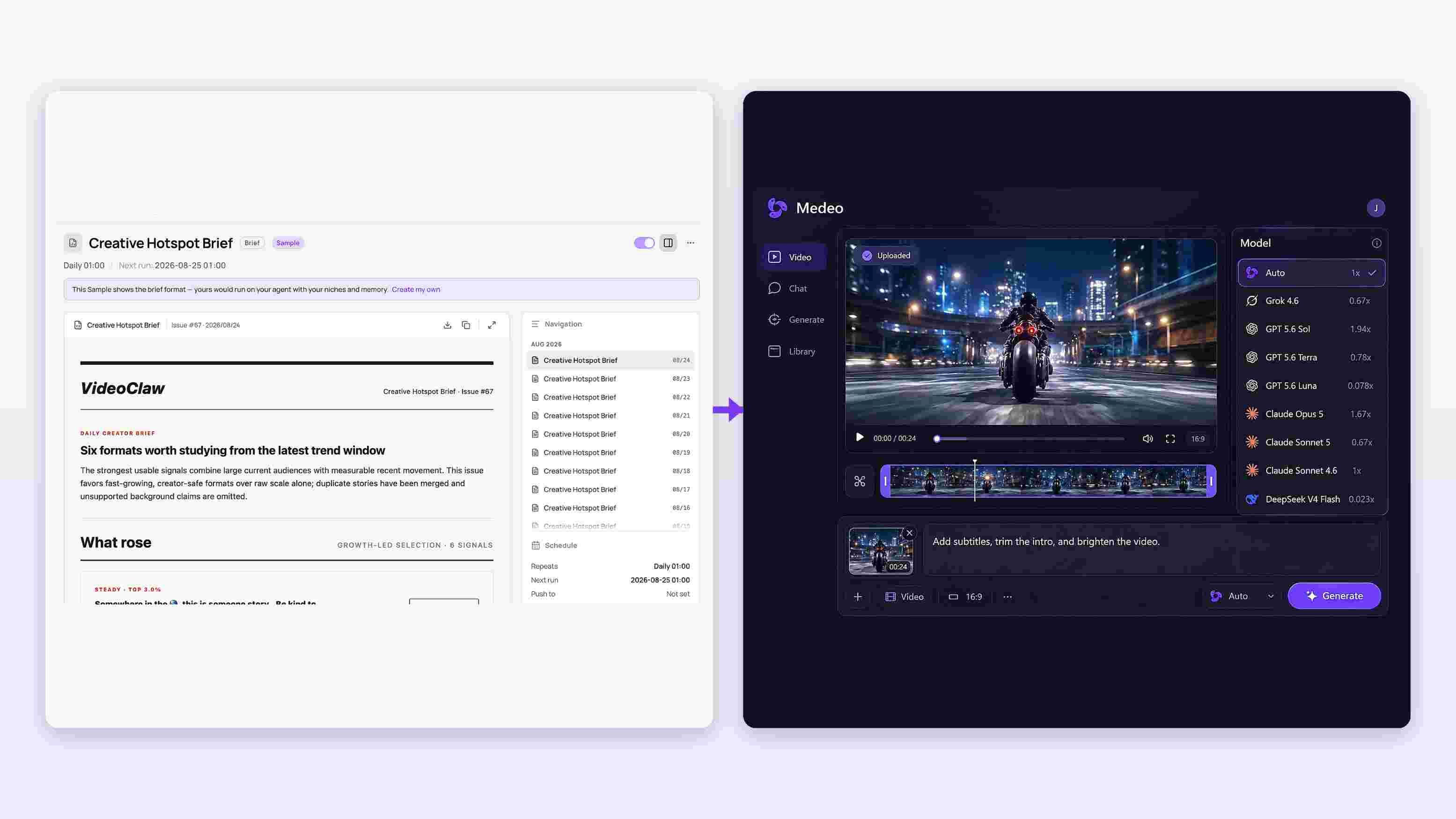
Bring the Brief into Medeo
Prepare hook options, a script outline, and a storyboard with VideoClaw. Send the selected brief and references into Medeo to begin production.
Edit Your YouTube Shorts Before You Publish
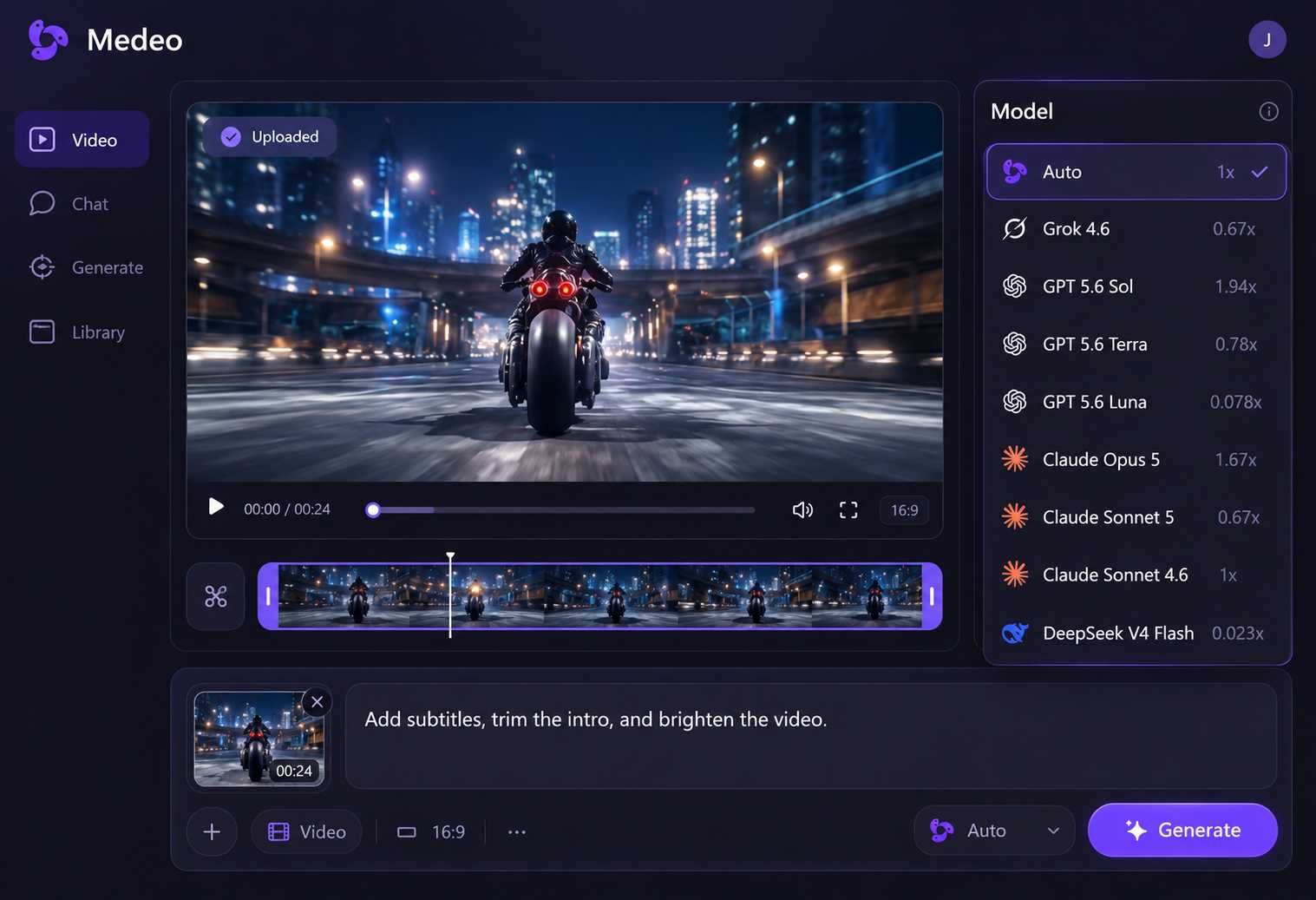
A promising draft may need a faster opening, a corrected caption, or a different soundtrack. Ask Medeo for a change, then use the timeline to fine-tune the details.
Get to the Main Point Sooner
Shorten an introduction, remove a scene, or adjust clip speed. Try: “Trim the opening so the demonstration starts sooner.”
Make Captions Easy to Follow
Correct the wording and adjust the size, color, font, or position. Choose a style that keeps the words readable without covering the subject.
Balance Voiceover and Music
Change the AI voice, upload your own recording, or lower the background music. Keep the narration clear throughout the Short.
How to Make YouTube Shorts with Medeo
Step 1
Add Your Idea or Video
Enter a topic or script, upload your photos and clips, or add a longer video for clipping. Tell Medeo what the Short should show or explain.
Step 2
Set the Length and Vertical Format
Choose 9:16 and your target duration. For a new video, describe the visual style and voice you want. For clips, set your preferred length and caption style.
Step 3
Generate and Refine Your Short
Generate a new video or let Auto Clip suggest highlights. Preview the result, check the captions, and adjust the opening, scenes, or sound.
Step 4
Export and Upload to YouTube
Export the finished vertical video in up to 1080p. Upload it through YouTube Studio or the YouTube app, add your title and video details, and publish when it is ready.