CapCut became popular because it solved a very specific problem: short-form editing needed to be fast.
Creators did not want to open a heavy desktop editor every time they needed a TikTok, Reel, or Short. Marketers did not want to spend hours adding captions, trimming clips, syncing music, resizing formats, or testing small edits. CapCut made that whole process feel lighter. It brought templates, captions, effects, mobile-first editing, and social platform awareness into one tool.
That is why CapCut still matters. It is not just a video editor. For many creators, it became the default place where raw clips turn into social-ready videos.
But AI video creation has changed the starting point.
Creators are no longer always beginning with raw footage. Sometimes they begin with a product photo, a written script, a landing page, a prompt, a campaign idea, or a visual concept. In that situation, CapCut can still help with editing, but it may not be the fastest way to create the video itself.
That is where Medeo becomes a useful CapCut AI video alternative.

Why CapCut Became the Default Short-Form Editor
CapCut’s biggest advantage is convenience. It is connected to the rhythm of short-form content: fast edits, captions, templates, music, effects, transitions, and platform-ready exports.
For creators who already have footage, CapCut is hard to ignore. You can trim clips, add auto captions, clean up the video, use templates, create vertical edits, and prepare content for TikTok, Instagram Reels, or YouTube Shorts.
This is why many CapCut alternative articles still treat it as the tool to beat. Competitor posts often compare alternatives based on whether they can match CapCut’s speed, subtitle workflow, mobile editing, social templates, and low learning curve.
That framing is fair. CapCut is strong because it is practical. It does not ask every user to become a professional editor.
What CapCut AI Does Well
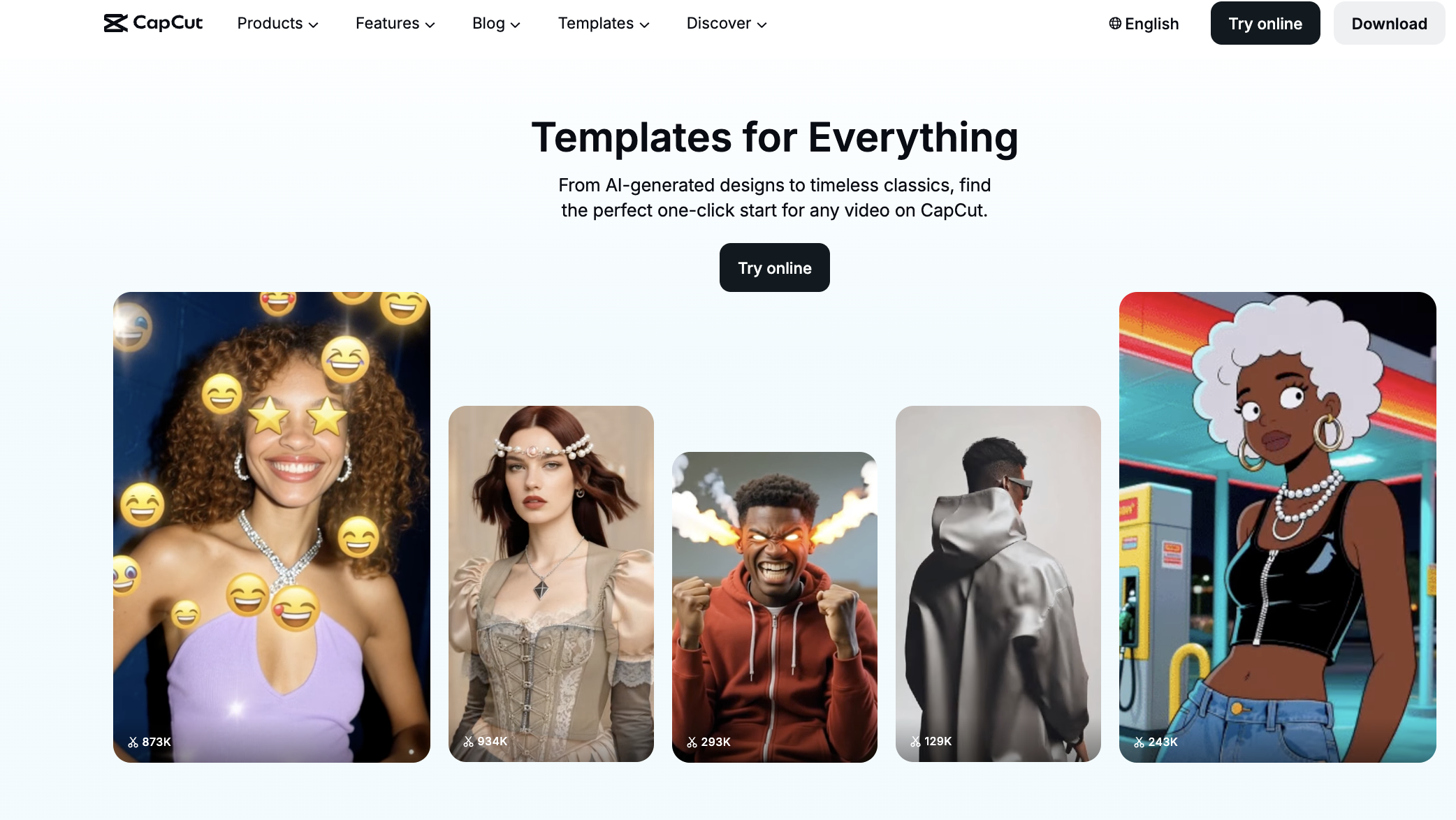
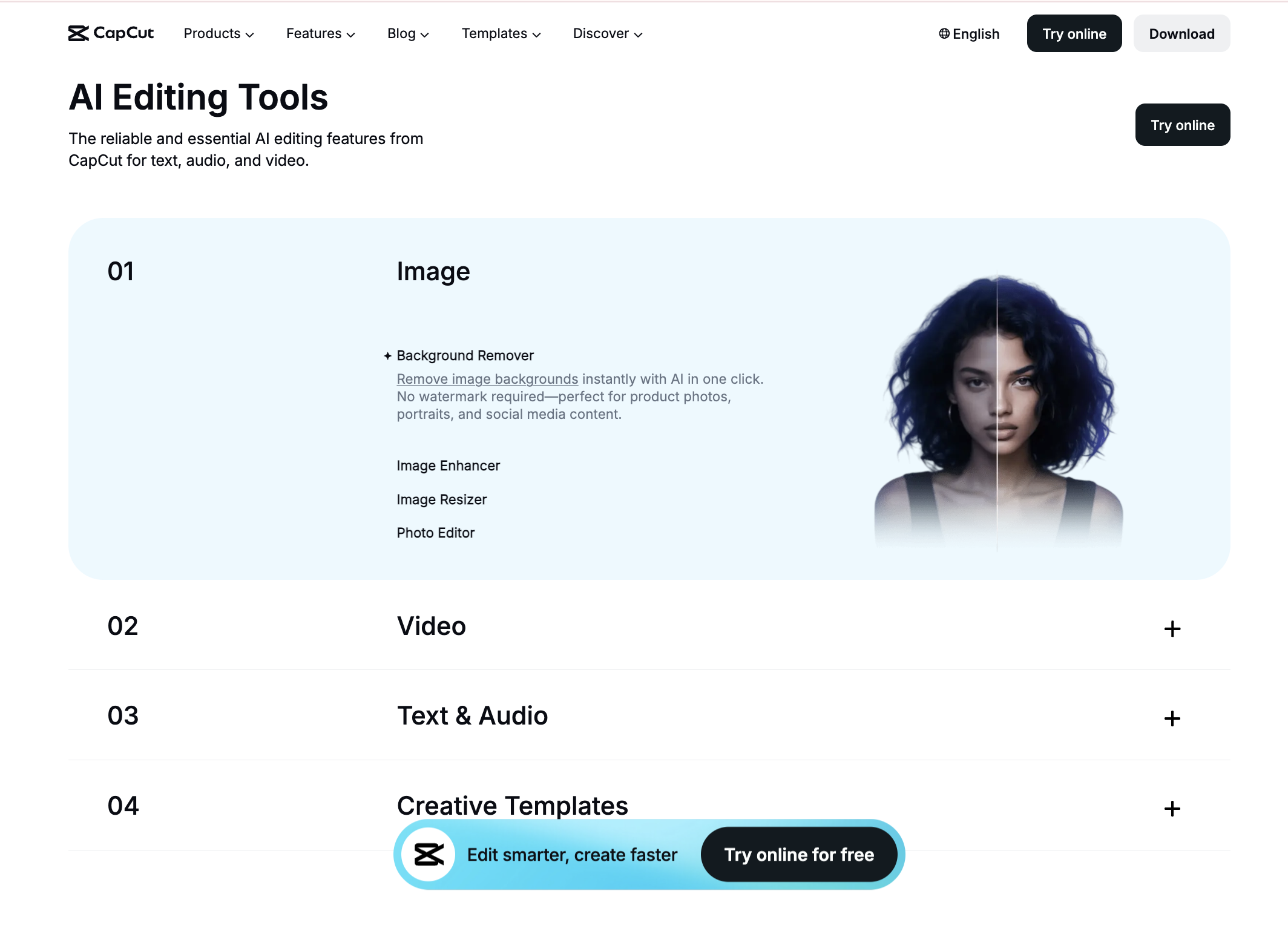
CapCut has added many AI features around the editing process. Its own AI pages highlight script-to-video, text-to-video, AI video generation, auto captions, text-to-speech, background removal, and AI-powered editing tools.
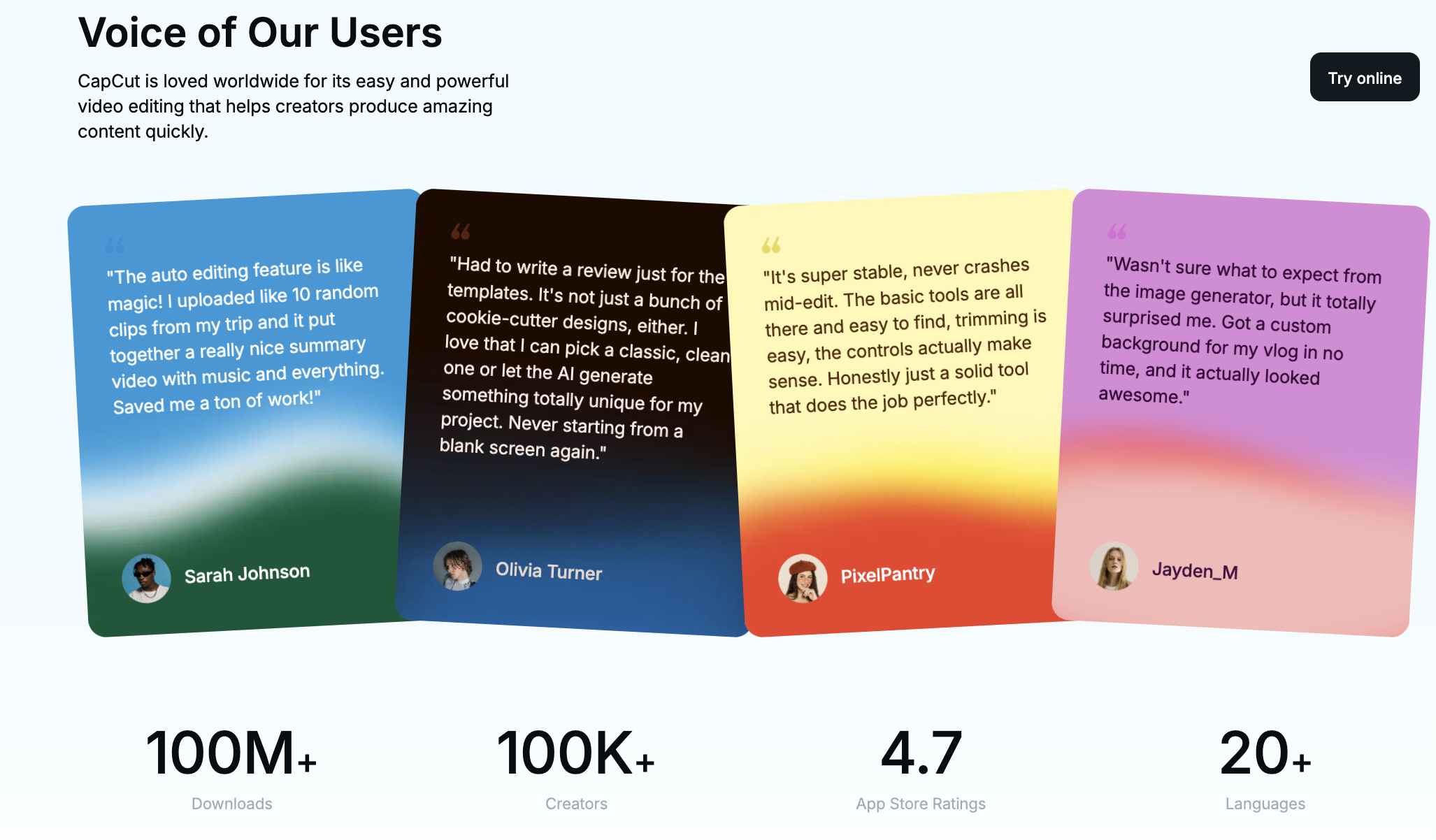
For everyday creators, auto captions may still be one of the most important features. Captions make short-form videos easier to watch without sound, easier to follow, and more ready for social platforms.
CapCut’s templates are another major advantage. A template reduces creative friction. Instead of building every edit from scratch, creators can start from a format that already works visually.
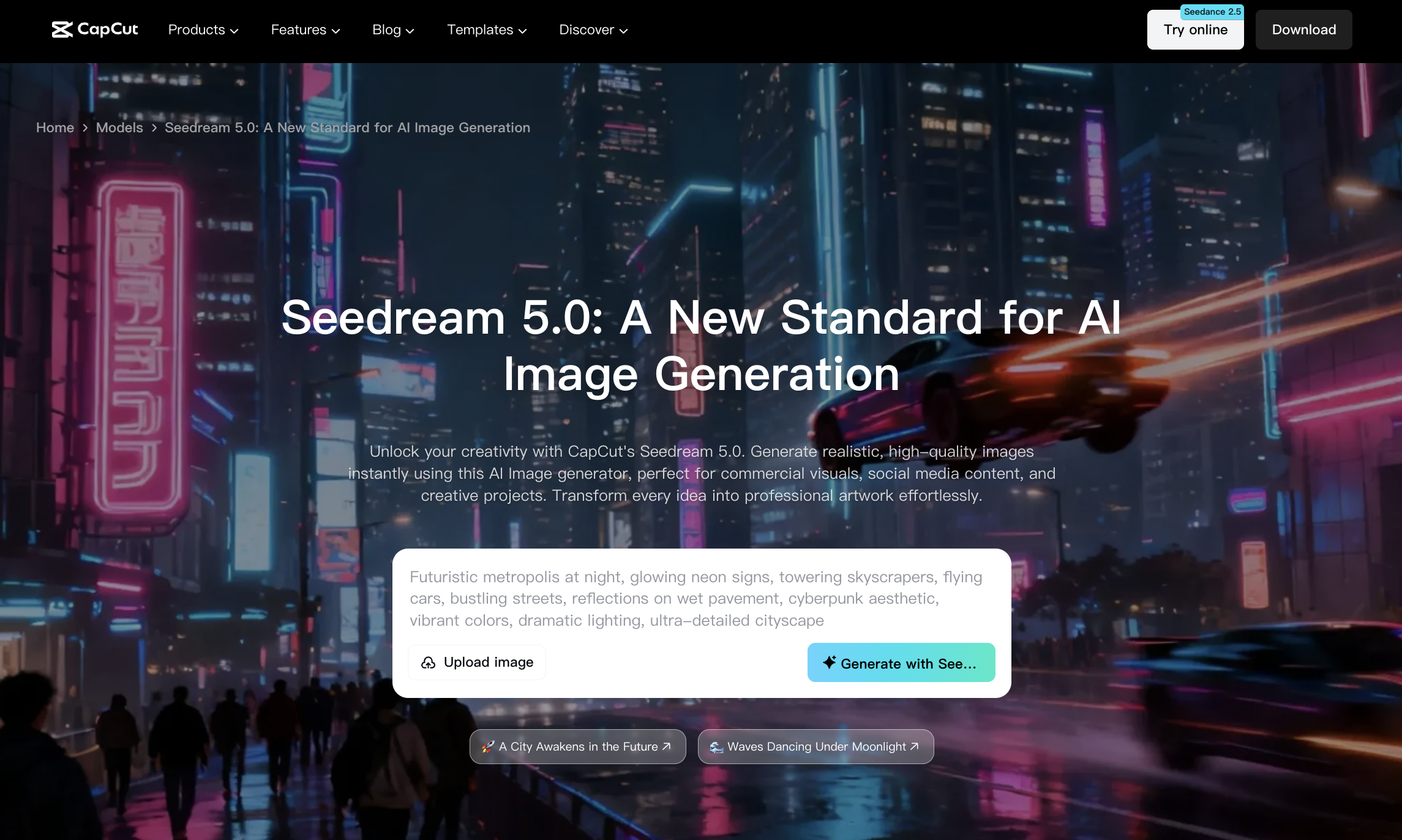
CapCut’s AI video generator and script-to-video tools also show where the platform is going. It is no longer only a timeline editor. It is trying to help users create more of the video automatically.
Still, CapCut’s center of gravity remains editing. That matters.
When CapCut Feels Too Manual for Marketers
CapCut is fast, but marketing video production can still become repetitive.
A marketer may need five product ad variations, three hooks, a vertical version, a square version, captions, different call-to-action lines, and visuals for multiple audience segments. Even with templates, this can become a lot of manual work.
CapCut can help assemble and polish videos, but marketers often need a more generation-focused workflow. They need to turn product assets into scenes, scripts into drafts, images into motion, and ideas into testable videos.
This is especially true for ecommerce teams and small brands. They may not have a video team. They may only have product photos, benefit copy, a landing page, and a rough campaign idea.
That is not really an editing problem. It is a creation problem.
A Better Workflow Starts Before the Timeline
A modern AI video workflow should not always begin with a blank timeline. It should begin with whatever source material the creator already has.
For a marketer, that might be a product page.
For a creator, it might be a prompt.
For a founder, it might be a feature description.
For an ecommerce team, it might be a product photo.
For an educator, it might be a script.
Medeo is useful because it treats those materials as starting points for video creation. Instead of forcing creators to gather footage first, it helps turn the source material into video content.
That makes Medeo different from a CapCut-style editor. It is less about trimming existing clips and more about helping creators produce the clips they need.
How Medeo Fits into a CapCut-Like Workflow
Medeo can sit before the editing stage.
For product-led content, Medeo’s product video generator helps turn product ideas and assets into marketing videos for ecommerce, ads, landing pages, and social campaigns; For creators who already have a strong image, Medeo’s image-to-video workflow can animate product photos, portraits, AI images, and campaign visuals into short clips; For written content, Medeo’s script-to-video workflow is useful when a video starts from a hook, explainer, tutorial, product pitch, or educational script; For social-first content, Medeo’s UGC ads page is a better match when the goal is not just to edit a clip, but to create ad-style content that feels native to short-form platforms; And for creators making faceless content, Medeo’s faceless video workflow supports a format that many CapCut users already care about: scalable social or YouTube content without filming yourself. This is a different role from CapCut. Medeo helps make the raw video assets. CapCut can still be useful later if you want to add final manual edits.
CapCut for Editing, Medeo for Creation
The fairest comparison is not “CapCut or Medeo.” Many creators may use both.
CapCut is good when the creative material already exists and you need to edit it quickly.
Medeo is good when the creative material does not exist yet and you need AI to help generate it.
That distinction matters because creators often confuse editing speed with production speed. CapCut can make editing faster, but it does not always solve the problem of having nothing good to edit.
If your biggest bottleneck is subtitles, trims, transitions, and social formatting, CapCut may be enough.
If your biggest bottleneck is creating product videos, ad concepts, image-to-video clips, script-based drafts, or faceless content, Medeo may save more time.
Who Should Still Use CapCut?
CapCut is still a strong choice for creators who record their own footage and need to edit quickly.
It is especially useful for TikTok creators, Reels creators, vloggers, educators, small businesses, and social media managers who already have clips and need captions, templates, music, cuts, and effects.
It is also a good choice for mobile-first editing. If you want to create directly from your phone, CapCut remains one of the most convenient options.
In short, CapCut is still excellent for finishing short-form content.
Who Should Consider Medeo Instead?
Medeo is a better fit when the video needs to be generated before it can be edited.
This includes ecommerce teams that need product videos from photos, marketers testing ad concepts, creators making faceless videos, brands building UGC-style campaigns, and teams turning scripts into visual content. Medeo is also useful when creators want more AI generation options rather than only editing tools. If the project begins with an image, prompt, product, script, or campaign idea, Medeo gives you a more direct starting point.
Final Take
CapCut is popular for good reason. It is fast, accessible, and built for the way short-form creators edit. Its captions, templates, effects, and mobile workflow make it one of the most convenient video editors for social content.
But AI video creation is moving earlier in the process. Creators and marketers increasingly need tools that help them generate content before the editing stage.
That is where Medeo is a strong CapCut AI video alternative. It does not try to replace every timeline feature. It helps solve the earlier problem: turning products, images, scripts, ideas, and campaign concepts into videos.
CapCut helps polish the video. Medeo helps create it.

FAQ
What is CapCut?
CapCut is a popular video editing app and online editor from ByteDance. It is widely used for TikTok, Instagram Reels, YouTube Shorts, captions, templates, effects, and short-form social editing.
Is CapCut good for AI video creation?
CapCut has AI video tools such as script-to-video, text-to-video, auto captions, background removal, and AI effects. It is useful for editing and enhancing short-form videos, but it may not be the best fit when you need a full AI generation workflow from products, images, scripts, or campaign ideas.
What is the best CapCut AI video alternative?
Medeo is a strong CapCut AI video alternative for creators and marketers who need AI video generation before editing. It supports product videos, image-to-video, script-to-video, UGC-style ads, and faceless video workflows.
Can Medeo replace CapCut?
Medeo can replace CapCut for AI video creation workflows, especially when you need to generate videos from source material. CapCut may still be useful for manual editing, templates, captions, and final social formatting.
Is CapCut better than Medeo?
CapCut is better for quick editing of existing footage. Medeo is better for creating new AI video assets from images, scripts, products, prompts, and marketing ideas.
Can Medeo create product videos?
Yes. Medeo has a product video generator for ecommerce, ads, landing pages, social posts, and product storytelling.
Can Medeo create videos from images?
Yes. Medeo can turn product photos, AI images, portraits, campaign visuals, and other still images into short moving videos.
Can Medeo help with UGC-style ads?
Yes. Medeo has workflows for UGC-style ads and product-led social content, which can help marketers create ad concepts without filming every variation manually.
Is CapCut free?
CapCut has offered free editing tools, but many features may depend on plan, region, device, or Pro access. Check CapCut’s official pricing and feature pages for current details.
Should I use CapCut or Medeo?
Use CapCut if you already have footage and need to edit it quickly. Use Medeo if you need to create video assets from images, scripts, products, prompts, or campaign ideas before editing.