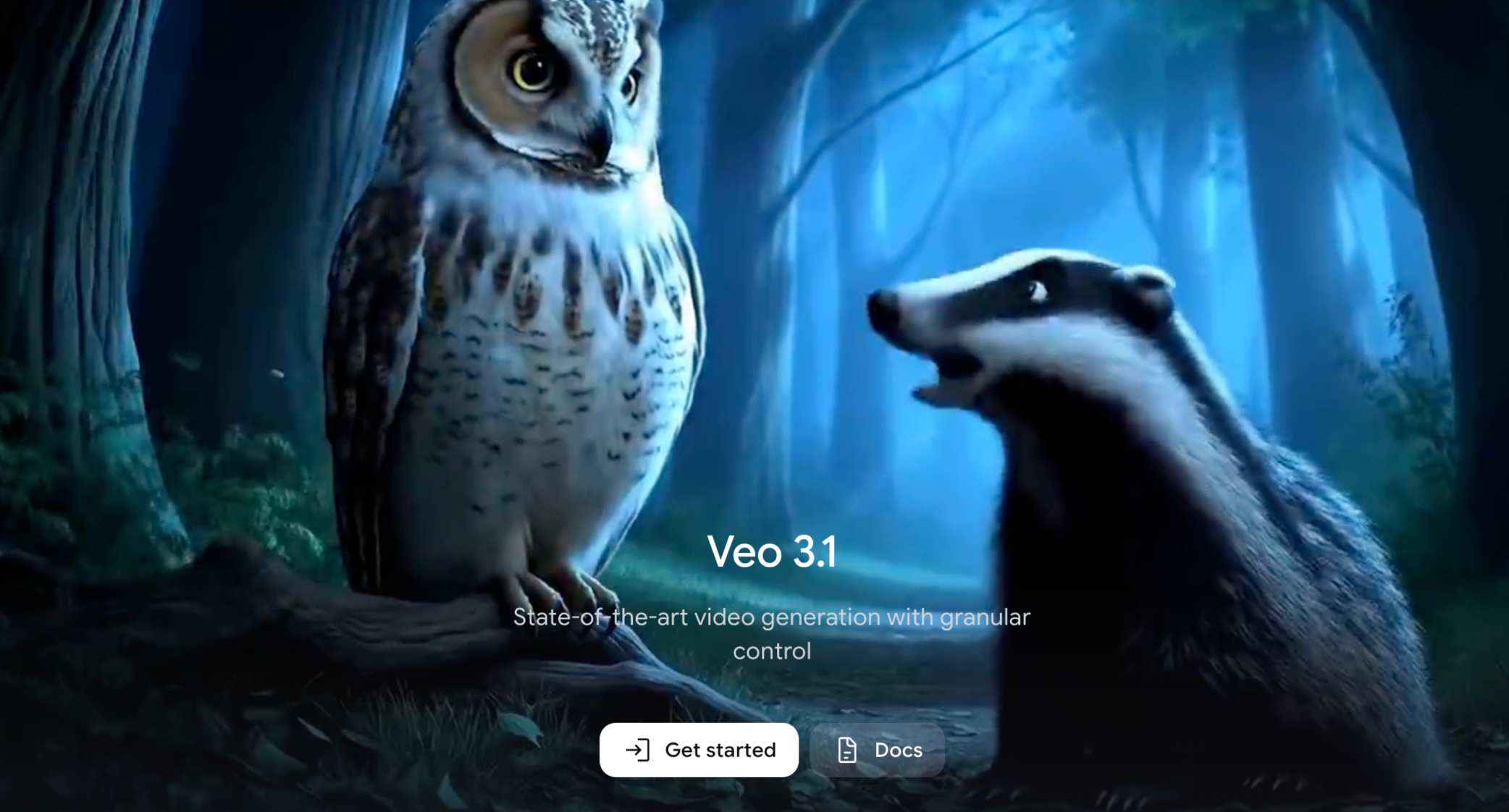
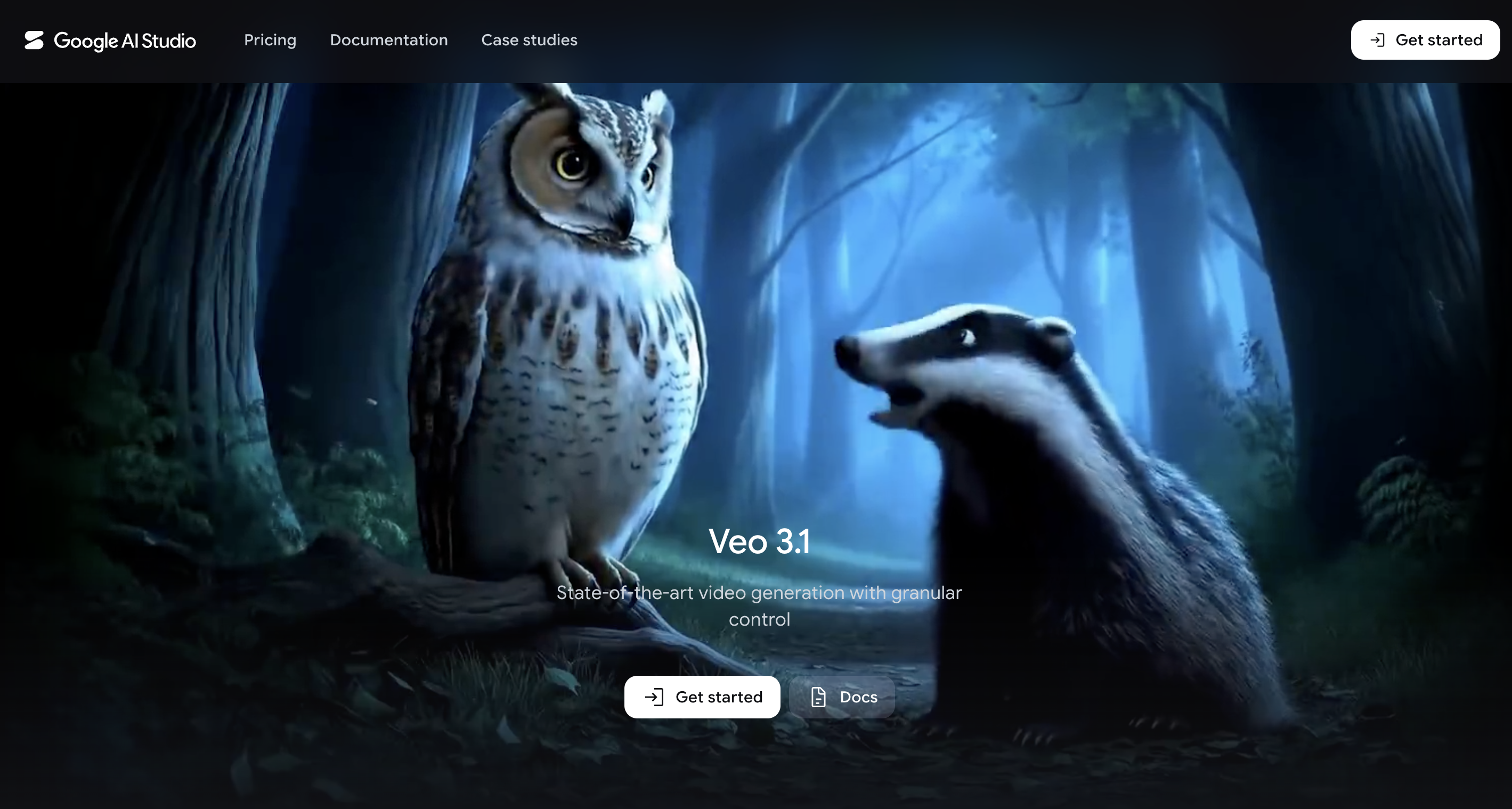
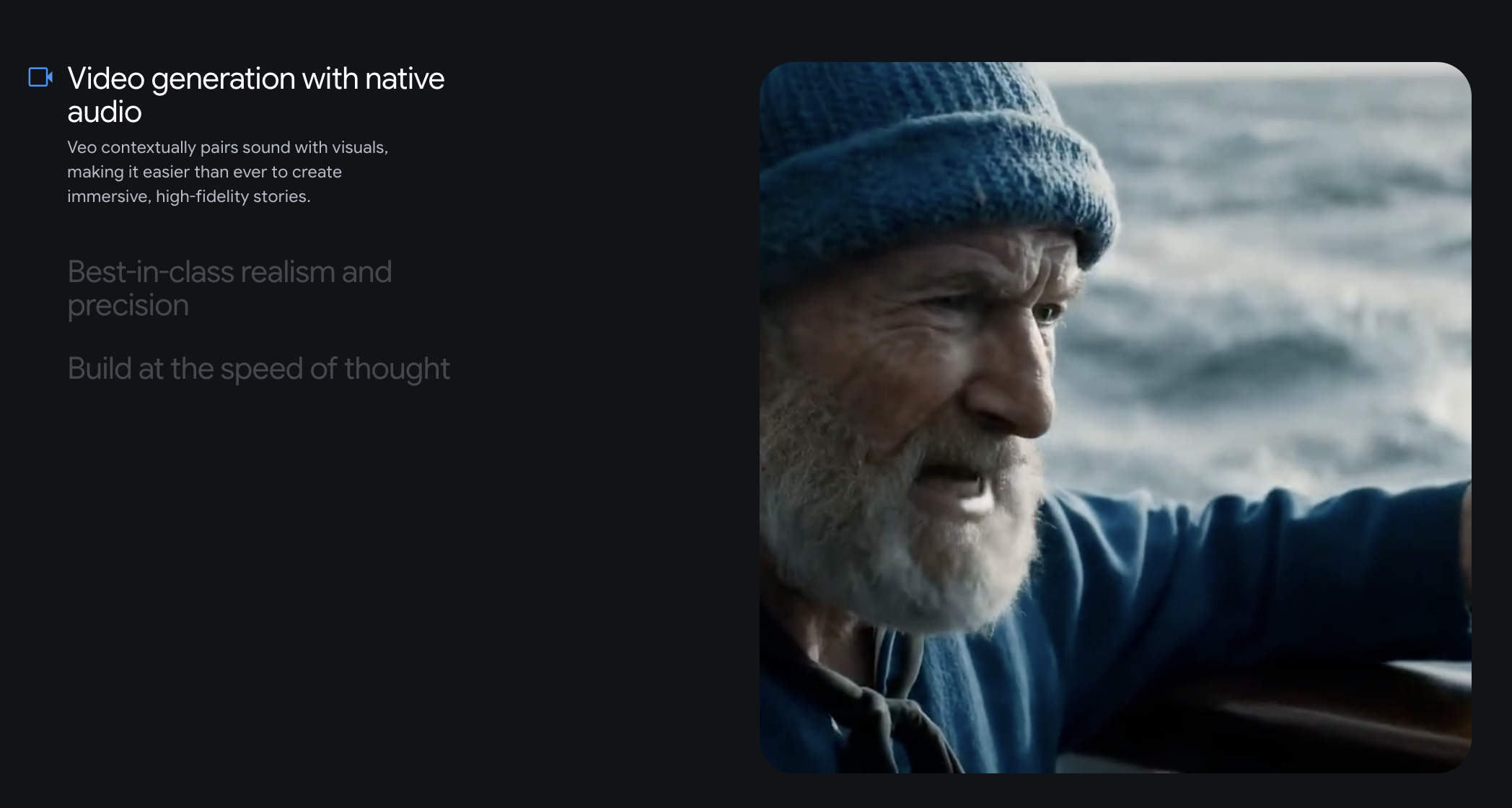
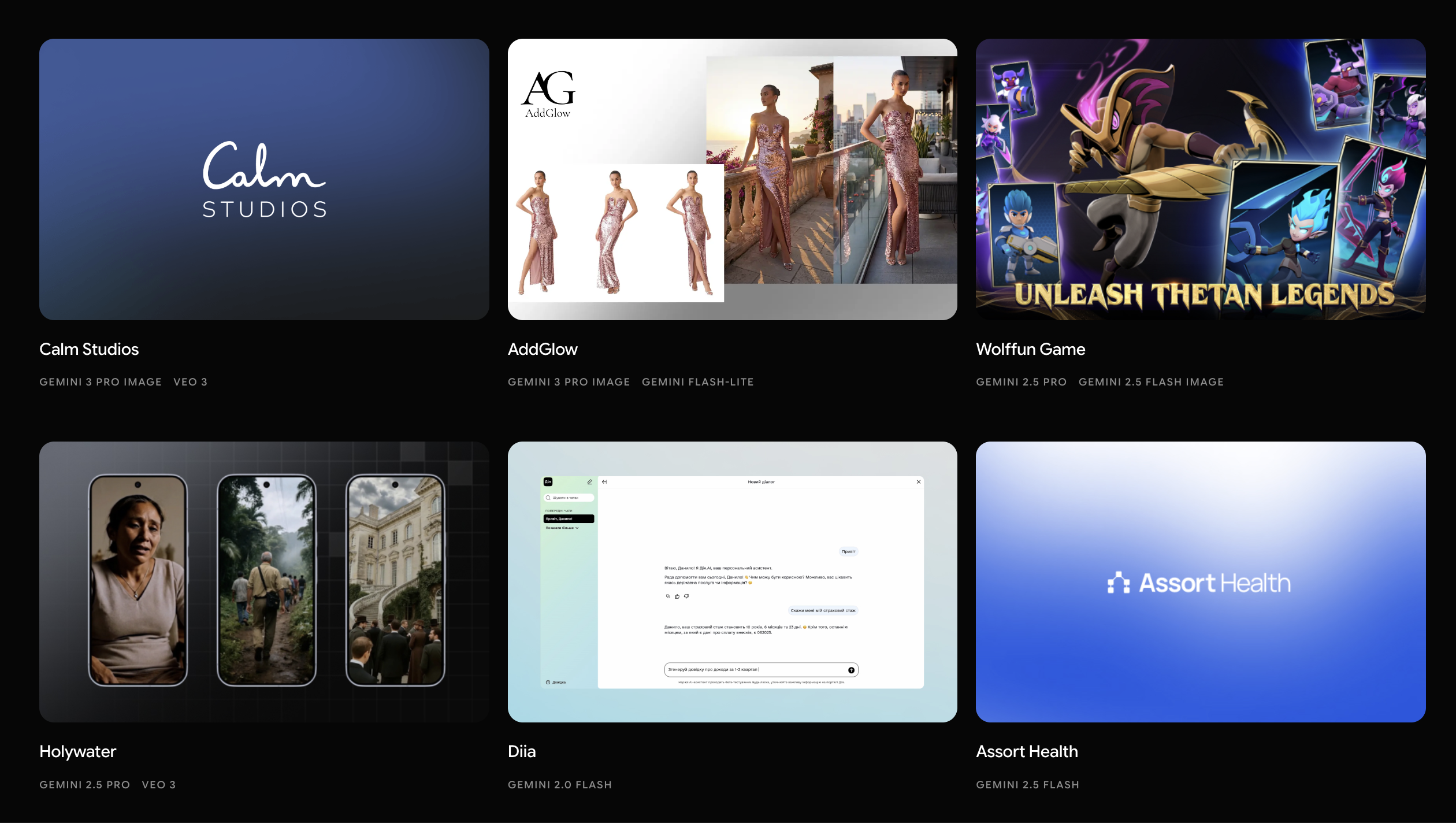
Google Veo is one of the most impressive AI video models available right now. It is designed for cinematic video generation, realistic motion, text-to-video, image-to-video, and video outputs with synchronized audio. Google DeepMind describes Veo 3.1 as a major step for text-to-video, image-to-video, audio-video generation, and realistic physics.
That makes Veo exciting for filmmakers, AI artists, creators, marketers, and anyone experimenting with high-end generative video. If your goal is to create a beautiful cinematic shot, Veo deserves attention.
But a powerful model is not the same thing as the best everyday workflow.
Many creators do not only need one cinematic clip. They need product videos, social ads, image-to-video clips, short-form vertical content, script-based videos, product page videos, model comparisons, and fast iteration. That is why people search for a Google Veo alternative. They are not necessarily saying Veo is bad. They are often asking for something easier to use across different video tasks.
That is where Medeo becomes useful.
What Is Google Veo?
Google Veo is Google DeepMind’s AI video generation model. It can generate videos from text prompts and image inputs, and newer Veo versions support more advanced creative control, audio-video generation, and realistic motion.
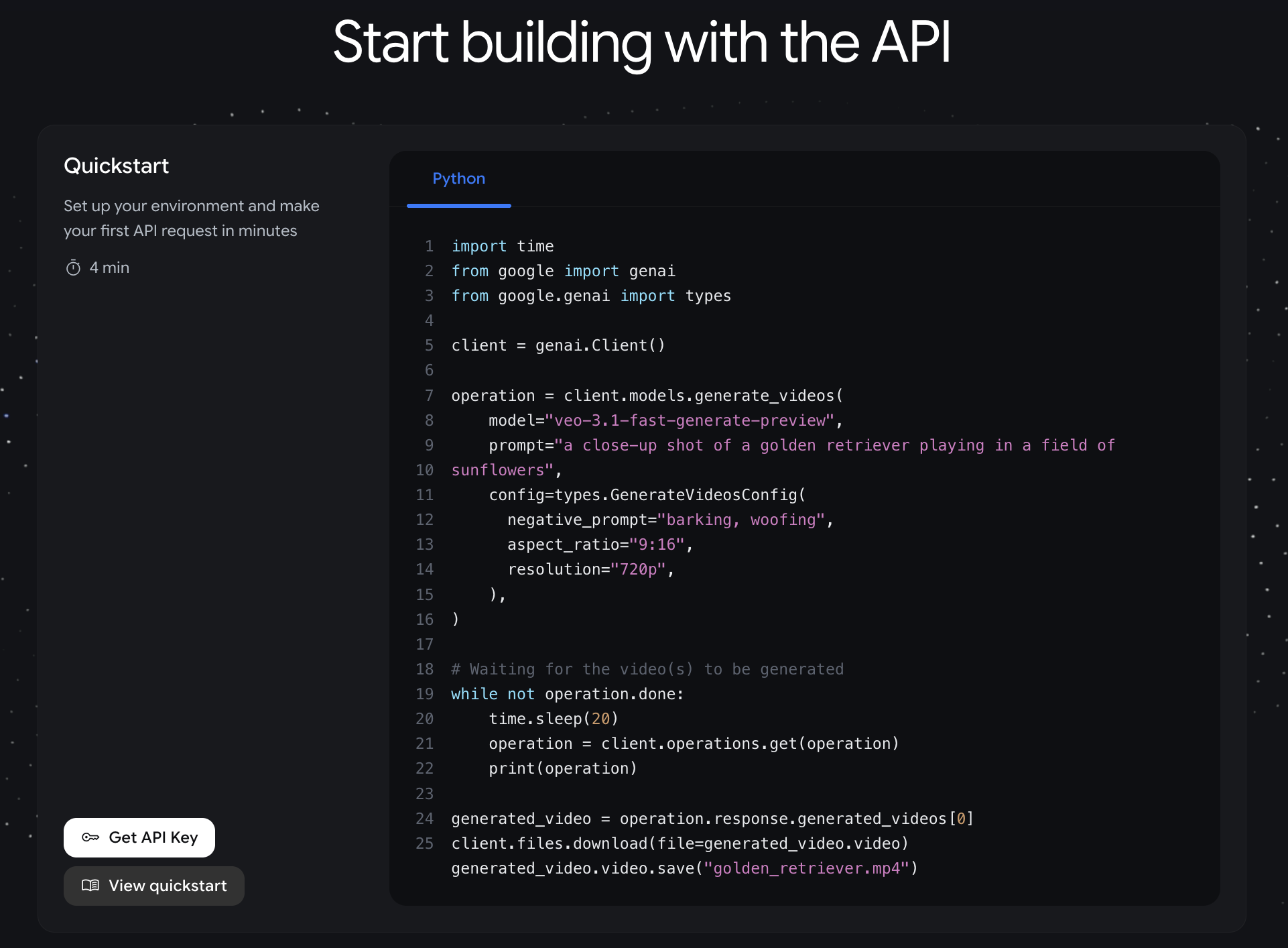
Veo is closely connected to Google’s broader creative ecosystem, including Gemini, Flow, Vertex AI, Gemini API, Google Vids, and YouTube Shorts. Google has also introduced Veo 3.1 updates such as Ingredients to Video, native vertical video output, improved character and object consistency, and upscaling options for 1080p and 4K in certain products and workflows.
In simple terms, Veo is built for high-quality AI video generation. It is especially strong when the goal is realism, cinematic camera movement, visual quality, and audio that fits the scene.
Where Google Veo Works Well
Veo works best when visual quality matters more than speed or workflow simplicity.
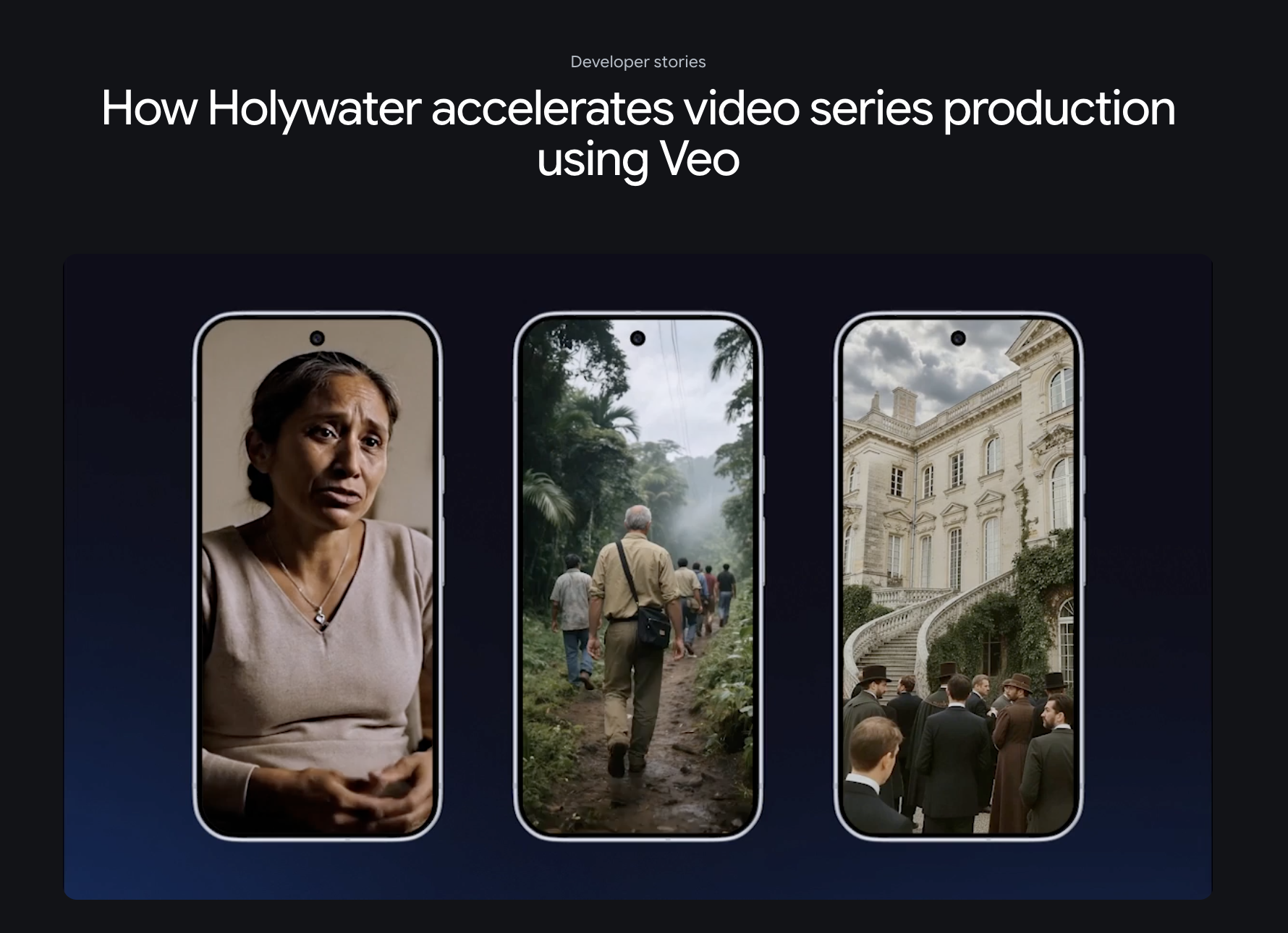
If you are creating cinematic scenes, visual concepts, high-end B-roll, film-style experiments, or realistic prompt-based videos, Veo is one of the strongest options. It can produce polished clips with good motion, strong lighting, and a more professional feel than many casual AI video tools.
It is also useful for creators who already work inside Google’s AI ecosystem. If you use Gemini, Flow, Vertex AI, or Google’s creative tools, Veo can fit naturally into that environment.
For high-end AI video experiments, Veo is not just another generator. It is one of the benchmark models people compare other tools against.
Why Creators Look for a Google Veo Alternative
The main reason is not quality. The main reason is workflow.
Competitor articles ranking Veo alternatives usually repeat the same themes: Veo looks strong, but creators may want alternatives because of access, credits, pricing structure, short clip length, production volume, or the need for tools around the model.
That matches how real creators work. A creator may need ten fast social clips, not one perfect cinematic shot. A marketer may need product videos from images and URLs. An ecommerce team may need repeatable ad formats. A YouTube creator may need longer sequences. A designer may want to compare multiple AI models without being locked into one ecosystem.
Veo can be powerful, but some users need a workflow that is more flexible, practical, and content-driven.
That is where Medeo can be a better fit.
Where Medeo Fits In
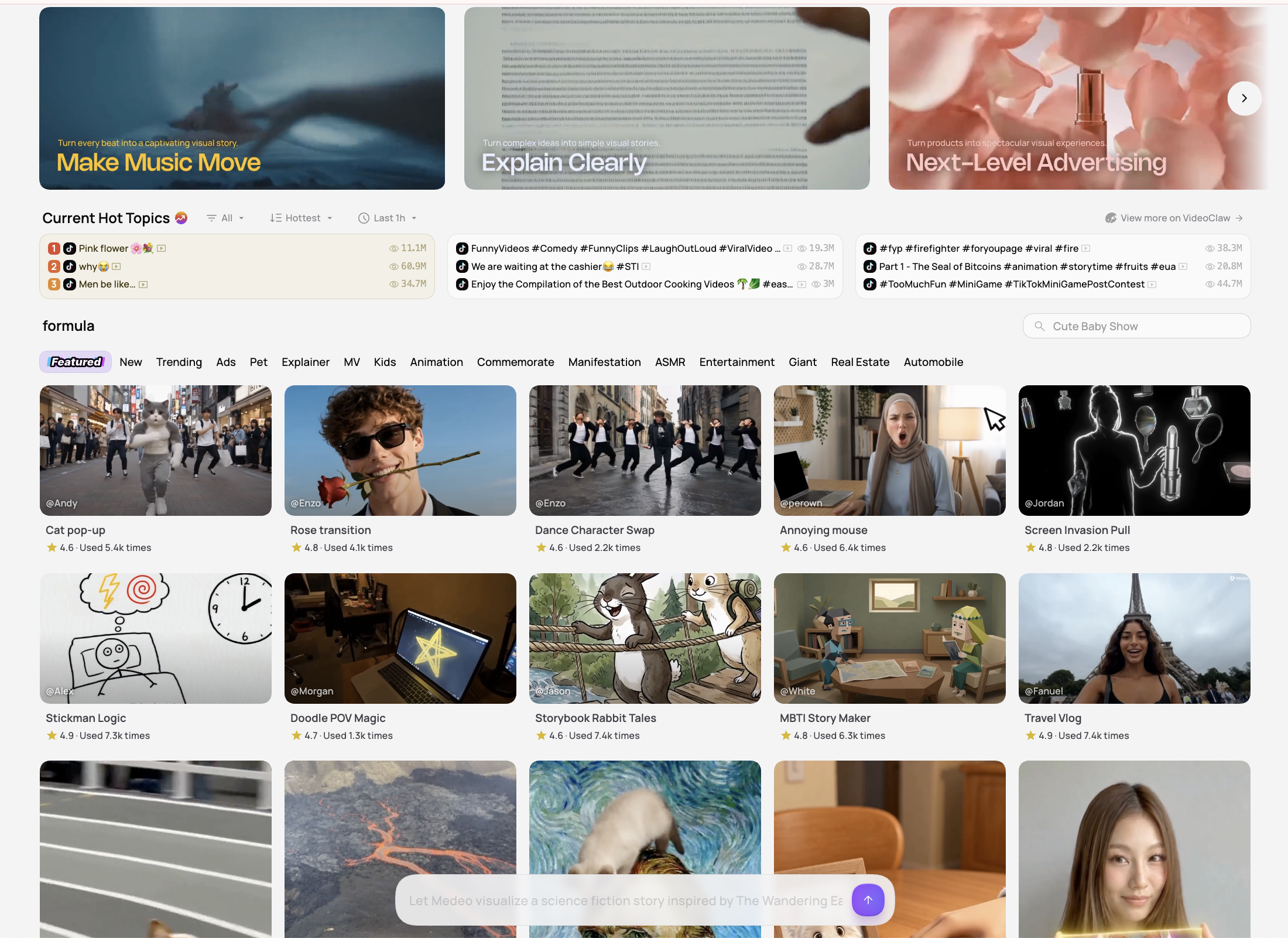
Medeo is useful when the goal is not just to test one model, but to create videos from different kinds of inputs.
A project might start with a product image, a prompt, a landing page, a script, a reference visual, or a rough campaign idea. Medeo gives creators more ways to turn those starting points into video.
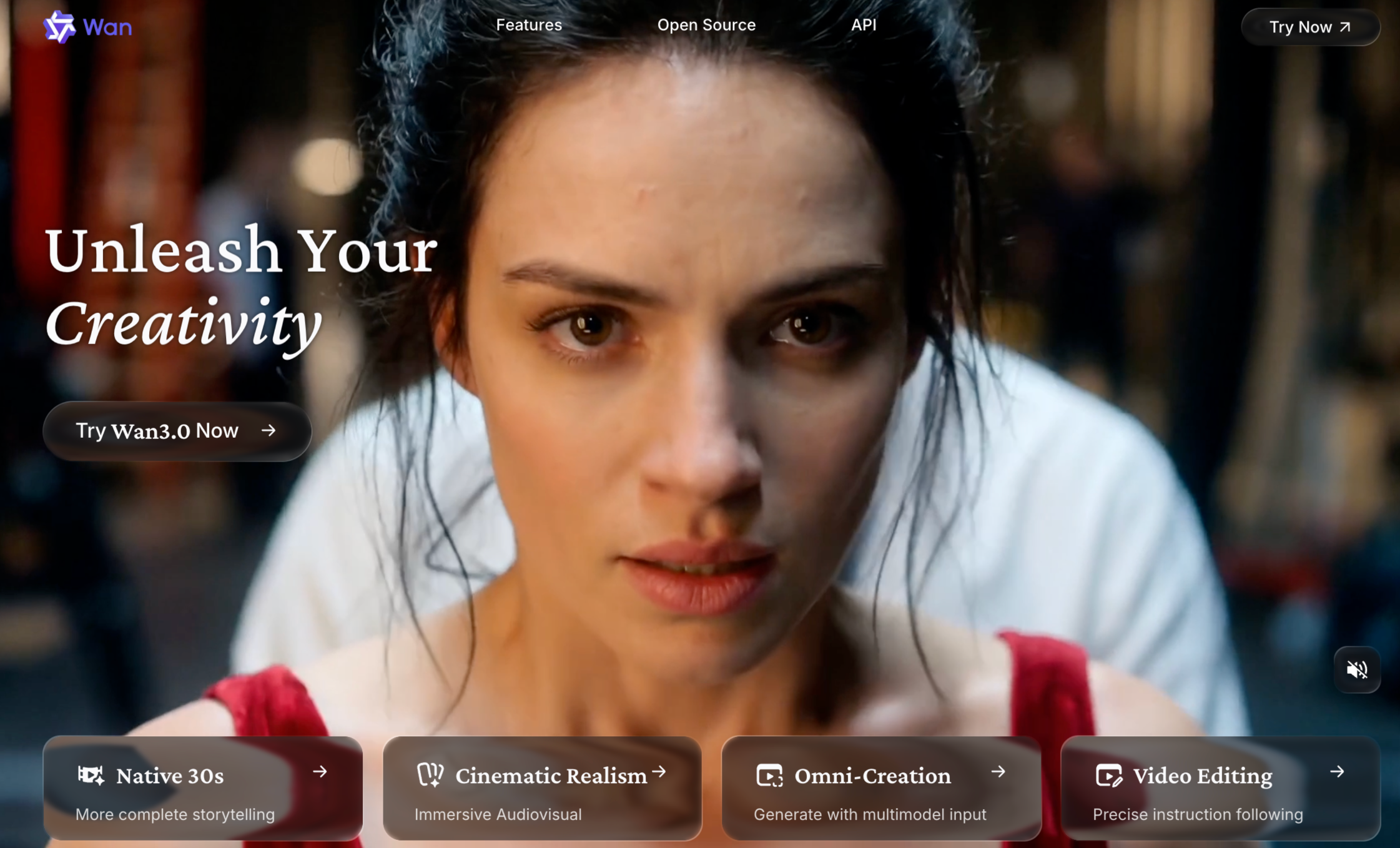
If you specifically want to explore Google’s video model inside a broader creator workflow, Medeo’s Veo 3.1 page is a useful starting point; If you want to compare model-driven AI video generation beyond Veo, Medeo also has model pages such as Seedance 2.0 and Wan AI; For creators who care about final visual polish, Medeo’s AI video upscaler can help improve generated clips before they are used in campaigns or social posts; For marketing teams, Medeo’s product video generator is more practical when the goal is not just cinematic generation, but product storytelling for ads, ecommerce, and social platforms. The difference is that Veo is a powerful model. Medeo is a flexible video creation workspace.
Google Veo for Cinematic AI Video
Veo is strongest when the creative goal is cinematic output. If you are testing a dramatic camera move, a film-style scene, a realistic environment, or a visually rich concept, Veo is likely worth trying.
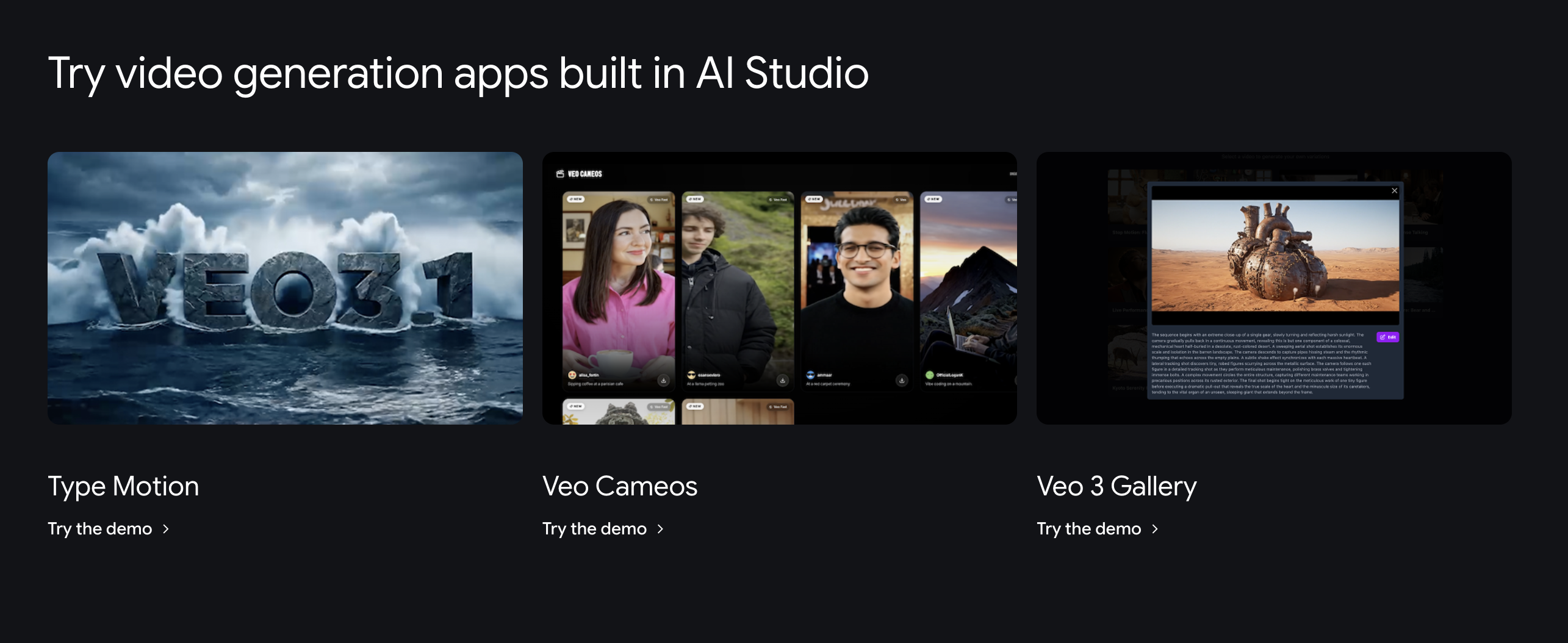
This makes it useful for filmmakers, agencies, concept artists, AI video creators, and production teams that care about shot quality. Google has also highlighted Veo’s ability to support creative workflows in Flow, where creators can build cinematic clips, scenes, and stories.
For this audience, the model quality matters. Even if the workflow takes more setup, the output may justify the effort.
Medeo for Everyday Video Creation
Medeo is stronger when the work is more varied.
A creator may need a product clip today, a social ad tomorrow, an image-to-video experiment after that, and a model-based cinematic scene later in the week. These projects do not all need the same tool or the same generation path.
Medeo is built around that reality. It lets creators move between different types of AI video work without treating every project like a high-end cinematic generation.
That matters for teams that publish often. The best video tool is not always the most powerful model. Sometimes it is the workflow that helps you create, test, refine, and publish faster.

Veo Alternative for Product Videos
Veo can generate beautiful video, but product videos have a different job. A product video needs to show what the product is, why it matters, how it looks, and why someone should care.
That is where Medeo’s product workflow becomes more useful. Instead of focusing only on cinematic output, Medeo helps shape product-led content for ecommerce, ads, landing pages, and social posts.
For example, a product marketer may start with a photo, benefit list, or product page. The goal is not simply to create a beautiful AI scene. The goal is to create a video that supports a campaign.
For that kind of work, Medeo can be more direct than a model-first workflow.
Veo Alternative for Social Videos
Google has improved Veo for vertical content, including native 9:16 outputs for certain workflows. That is important because many creators now publish primarily on TikTok, YouTube Shorts, and Instagram Reels.
Still, social video creation is about more than aspect ratio. A good social clip needs a strong first frame, fast pacing, captions, a clear hook, and a format that fits the platform.
Medeo is useful here because it can support different social video formats instead of focusing only on cinematic generation. A short product reveal, AI avatar clip, meme-style video, image animation, or quick campaign visual may not need a heavyweight model workflow every time.
For social content, speed and iteration often matter as much as raw visual quality.
Veo Alternative for Multi-Model Workflows
One reason creators look for Veo alternatives is that no single AI video model is best for every prompt.
Veo may be excellent for realism and cinematic quality. Another model may be better for speed, cost, specific motion, character consistency, stylized output, longer clips, or social-ready generation.
Medeo becomes useful because it does not force creators to think in terms of only one model. You can explore different model pages, compare outputs, and choose the workflow that fits the project.
This is especially useful for creators who treat AI video as a production process rather than a one-time experiment.
Is Google Veo Worth It?
Google Veo is worth trying if your priority is high-quality AI video generation. It is one of the most important models in the AI video space, and its newer capabilities around image references, vertical output, character consistency, and higher-resolution workflows make it even more relevant. But Veo may not be the best everyday tool for every creator.
If your workflow is mainly cinematic testing, Veo makes sense. If your workflow includes product videos, social clips, model comparison, image-to-video, upscaling, and marketing content, Medeo may be a more practical choice. The honest answer is simple: Veo is impressive as a model. Medeo is stronger as a flexible creation workflow.
Who Should Use Google Veo?
Google Veo is a strong choice for creators who want cinematic AI video quality and are comfortable working inside Google’s AI ecosystem. It is a good fit for filmmakers, concept artists, creative agencies, AI video experimenters, and teams that need high-quality scene generation.
It also makes sense if you are already using Flow, Gemini, Vertex AI, or Google’s broader AI tools.
Who Should Use Medeo Instead?
Medeo is a better fit if you want a practical AI video workspace for many types of content.
Use Medeo if you need to create product videos, social videos, image-to-video clips, model-based outputs, AI-enhanced visuals, or marketing videos from different kinds of source material.
It is especially useful for creators and teams that need flexibility more than one specific model.
Final Take
Google Veo is one of the strongest AI video models available. It is polished, cinematic, and capable of impressive video generation.
But not every creator needs to build their workflow around one model. Many creators need a faster and more flexible way to turn ideas, images, products, and scripts into usable videos.
That is where Medeo works well. It gives creators access to model-driven video creation while also supporting practical workflows for product videos, social content, upscaling, and multi-format production.
Use Google Veo when the model output is the main goal.
Use Medeo when the full video workflow matters.
FAQ
What is Google Veo?
Google Veo is Google DeepMind’s AI video generation model. It can generate videos from text prompts and image inputs, and newer versions support stronger realism, motion, audio-video generation, and creative control.
What is the best Google Veo alternative?
Medeo is a strong Google Veo alternative if you want a broader AI video workflow. It supports model-based video generation, product videos, image-to-video, upscaling, social clips, and practical content workflows beyond one model.
Is Medeo better than Google Veo?
Medeo is better if you need a flexible AI video creation workspace. Google Veo may be better if your main goal is using Google’s specific video model for cinematic generation.
Can Medeo use Veo-style video workflows?
Yes. Medeo has a Veo 3.1 model page and supports model-driven video workflows for creators who want cinematic prompt or image-based generation.
Why do creators look for Veo alternatives?
Creators often look for Veo alternatives because they want easier access, different pricing, more flexible workflows, longer clips, product video tools, social video formats, or the ability to compare different AI video models.
Is Google Veo good for social videos?
Yes, Veo can be useful for social videos, especially with newer vertical video support in certain workflows. However, social video creation also depends on hooks, captions, pacing, and format, where broader creator workflows may help.
Can I use Medeo for product videos?
Yes. Medeo’s product video generator is built for ecommerce, ads, landing pages, social posts, and product storytelling.
Can Medeo improve AI-generated video quality?
Medeo’s AI video upscaler can help improve generated clips before they are used in campaigns, social content, or client-facing projects.
Should I use Google Veo or Medeo?
Use Google Veo if your main goal is cinematic AI generation from Google’s model. Use Medeo if you need a flexible workflow that supports models, product videos, social clips, image-to-video, upscaling, and different creative inputs.