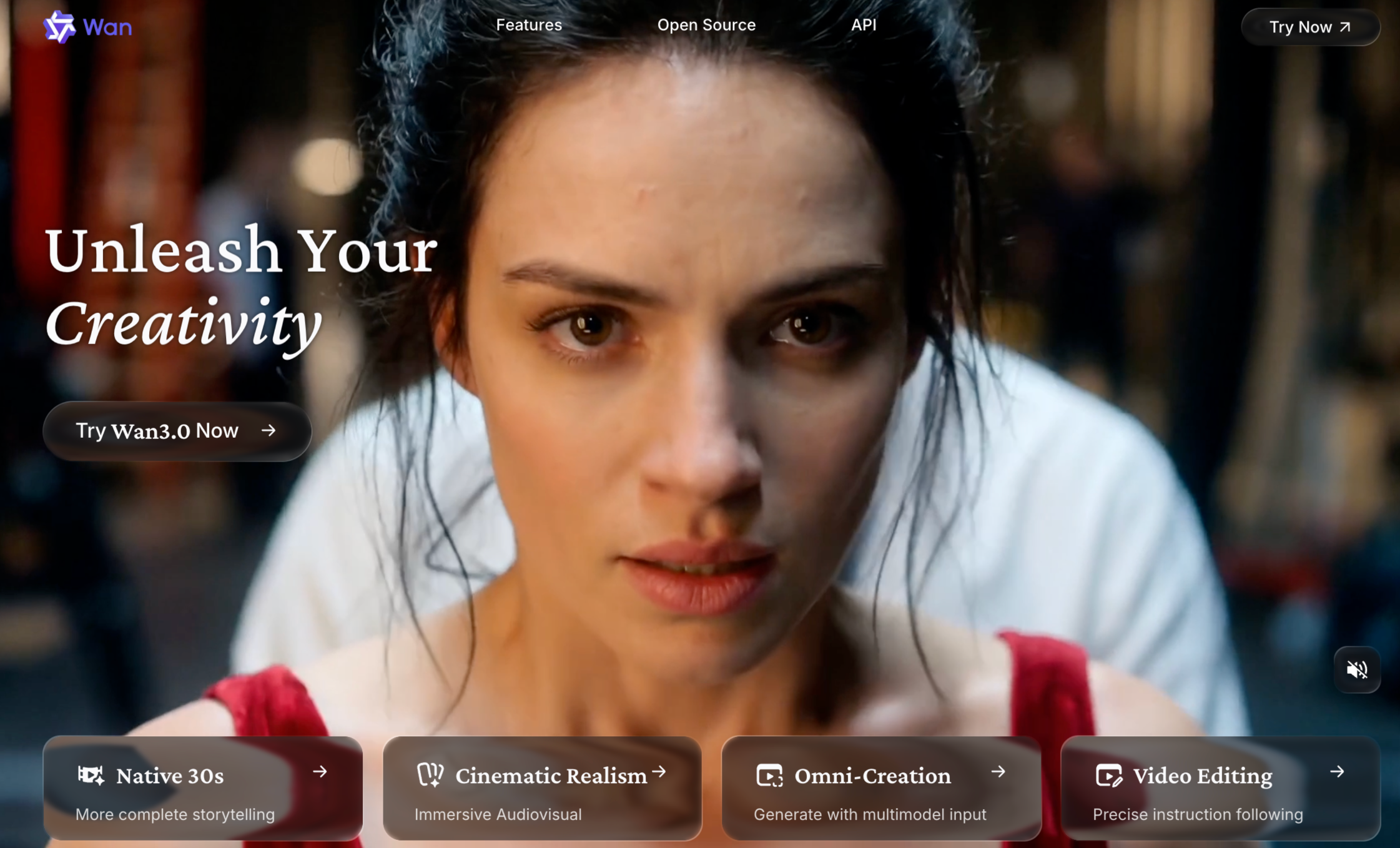
Wan AI is different from many AI video tools people search for. Some video generators are products first. You sign up, type a prompt, spend credits, and download a clip. Wan is more model-centered. It is known for open video generation models, text-to-video, image-to-video, video editing, text-to-image, and video-to-audio capabilities. For creators who care about model access, local workflows, ComfyUI, and open-weight experimentation, Wan is one of the names that keeps coming up.
That makes Wan exciting. It also makes it less straightforward. If you are comfortable with model versions, GPUs, workflows, parameters, local generation, and community guides, Wan can be powerful. If you simply want to turn an idea, image, product, or script into a publishable video, Wan may feel more technical than you expected. That is why a Wan AI review needs to separate two things: Wan as a video model, and Wan as a practical creator workflow.
What Is Wan AI?
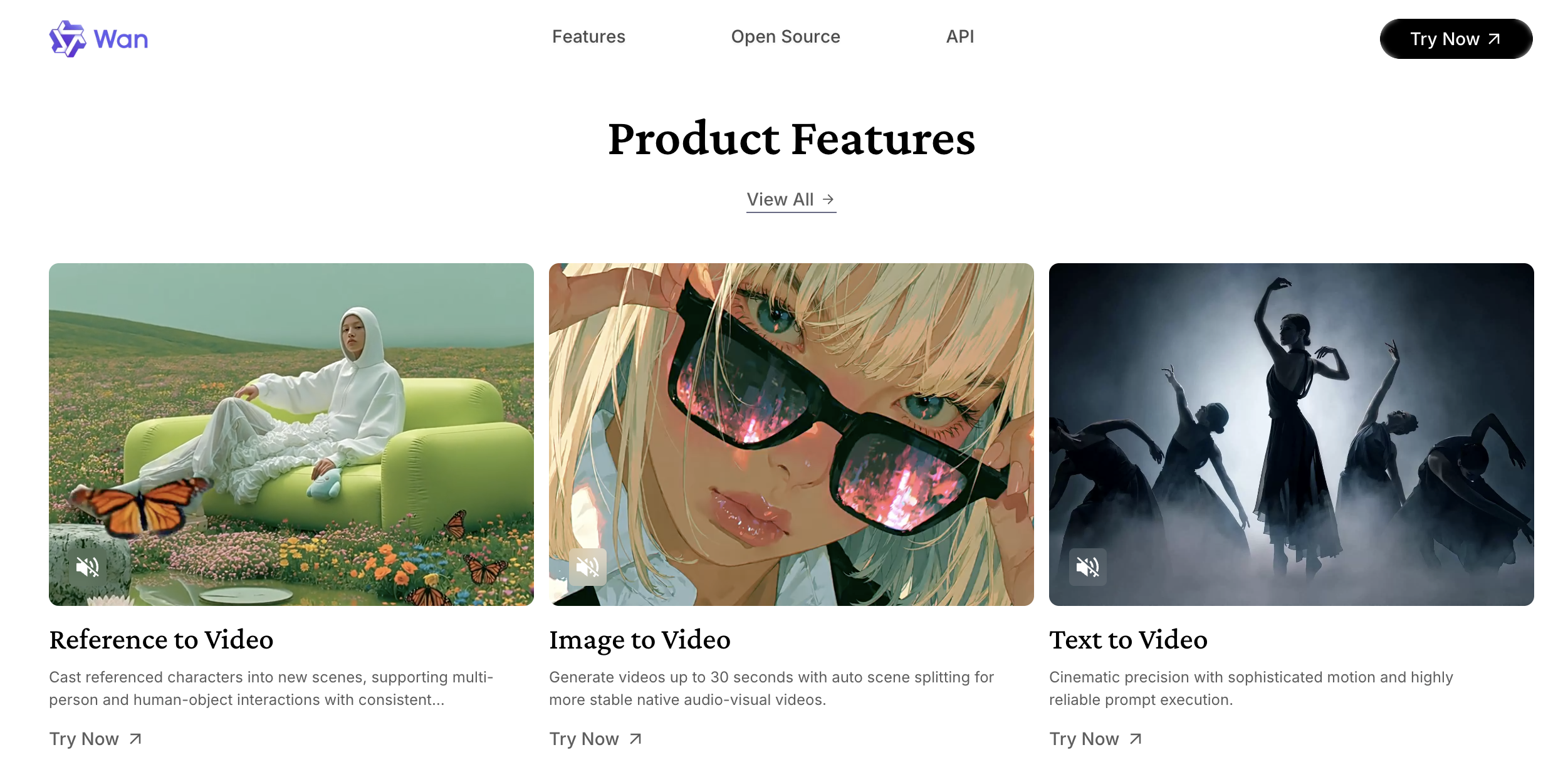
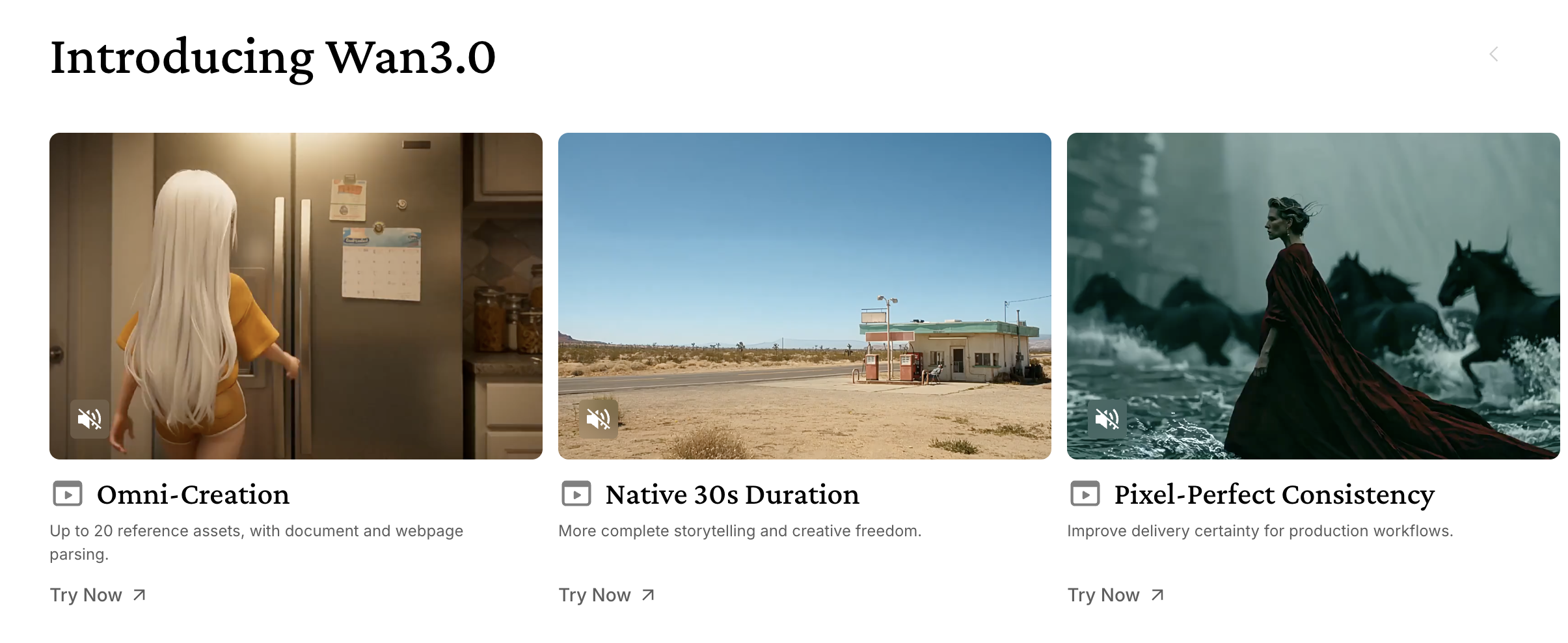
Wan AI refers to a family of AI video generation models from Alibaba’s Wan team. Wan 2.1 became widely discussed because it supports multiple tasks, including text-to-video, image-to-video, video editing, text-to-image, and video-to-audio. Its official GitHub page presents Wan 2.1 as an open and advanced large-scale video generative model.
For everyday users, the most important part is this: Wan can generate videos from prompts and images, and some versions can be run through local or hosted workflows. That gives it a different identity from closed platforms such as Runway, Veo, or Pika.
Wan is popular among creators who want more control, more technical access, or a way to experiment beyond a single commercial interface.
Why Creators Care About Wan AI
Wan matters because it gives creators a more open way to work with AI video.
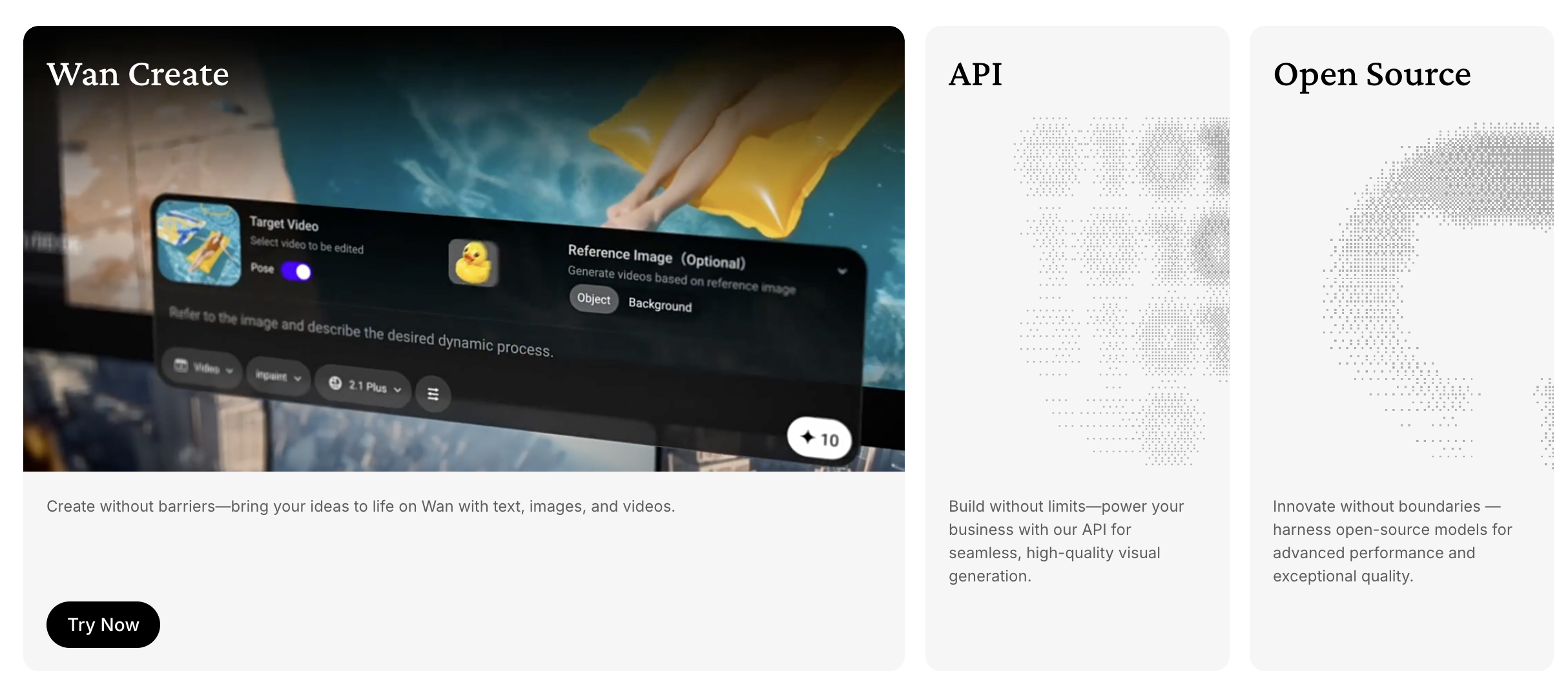
Many AI video tools hide the model behind a product interface. That is easier for beginners, but it can feel limiting for advanced users. Wan appeals to people who want to understand the model, test workflows, run local generations, compare settings, or build custom pipelines.
This is why many review pages and community discussions focus on Wan 2.1 image-to-video, text-to-video, ComfyUI workflows, GPU requirements, model sizes, prompt settings, and hosted alternatives.
For creators who enjoy building their own workflows, this is a real advantage. Wan is not just a button. It is a model family that can be used in different environments.
Where Wan AI Works Well
Wan is strongest when the creator wants model-level experimentation.
Text-to-video is one obvious use case. You can describe a scene, character, setting, camera movement, or action, then generate video from that prompt. This is useful for cinematic ideas, concept clips, social experiments, and early visual testing.
Image-to-video is another major use case. Many creators prefer starting from a still image because it gives the model a clearer visual anchor. A portrait, character design, product render, AI image, or moodboard frame can become the starting point for motion.
Wan is also interesting for local and open workflows. If you have the technical setup, local generation can reduce dependency on a single platform. For developers, AI artists, and ComfyUI users, that flexibility matters.
This is the kind of audience that may find Wan more exciting than a polished but closed video app.
Where Wan AI Can Feel Difficult
Wan’s strengths come with friction.
The first challenge is setup. If you want to run Wan locally, you need compatible hardware, enough VRAM, the right model files, a working environment, and some patience. This is not the same as opening a browser and generating a clip in two minutes.
The second challenge is workflow complexity. Even if Wan produces a good clip, that clip is usually not the whole video. You may still need upscaling, editing, sound, captions, sequencing, aspect ratio formatting, and final export.
The third challenge is consistency. Like other AI video models, Wan can still struggle with exact motion, face stability, object permanence, hands, text, and detailed continuity. Results can be impressive, but they still need review.
This is why Wan is powerful for technical users but may feel heavy for creators who just want finished content.
Wan AI Pricing and Access
Wan’s pricing depends heavily on how you access it.
If you run an open model locally, the model may be free to use, but the real cost is your hardware, setup time, electricity, and technical maintenance. If you use a hosted Wan video generator, pricing usually depends on credits, video duration, resolution, model version, and queue speed.
This is where third-party review pages can become confusing. Some describe Wan as free or open. Others talk about hosted tools with paid credits. Both can be true depending on the access path.
The practical question is not simply “Is Wan free?” A better question is: how much effort and cost does it take to reach a usable video?
For some users, local generation is worth it. For others, a hosted workflow or broader video creation platform will be much easier.
Who Should Use Wan AI?
Wan is a good fit for AI video experimenters, technical creators, developers, ComfyUI users, and artists who want more control over the generation process.
It also makes sense for creators who are comparing models and want to understand how Wan behaves against tools like Kling, Hailuo, Seedance, Veo, Runway, or Pika.
Wan is less ideal for users who want a guided, end-to-end workflow. If you need product videos, social clips, scripts turned into videos, edited outputs, upscaled clips, or fast publishing workflows, Wan alone may not be enough.
Where Medeo Fits Better
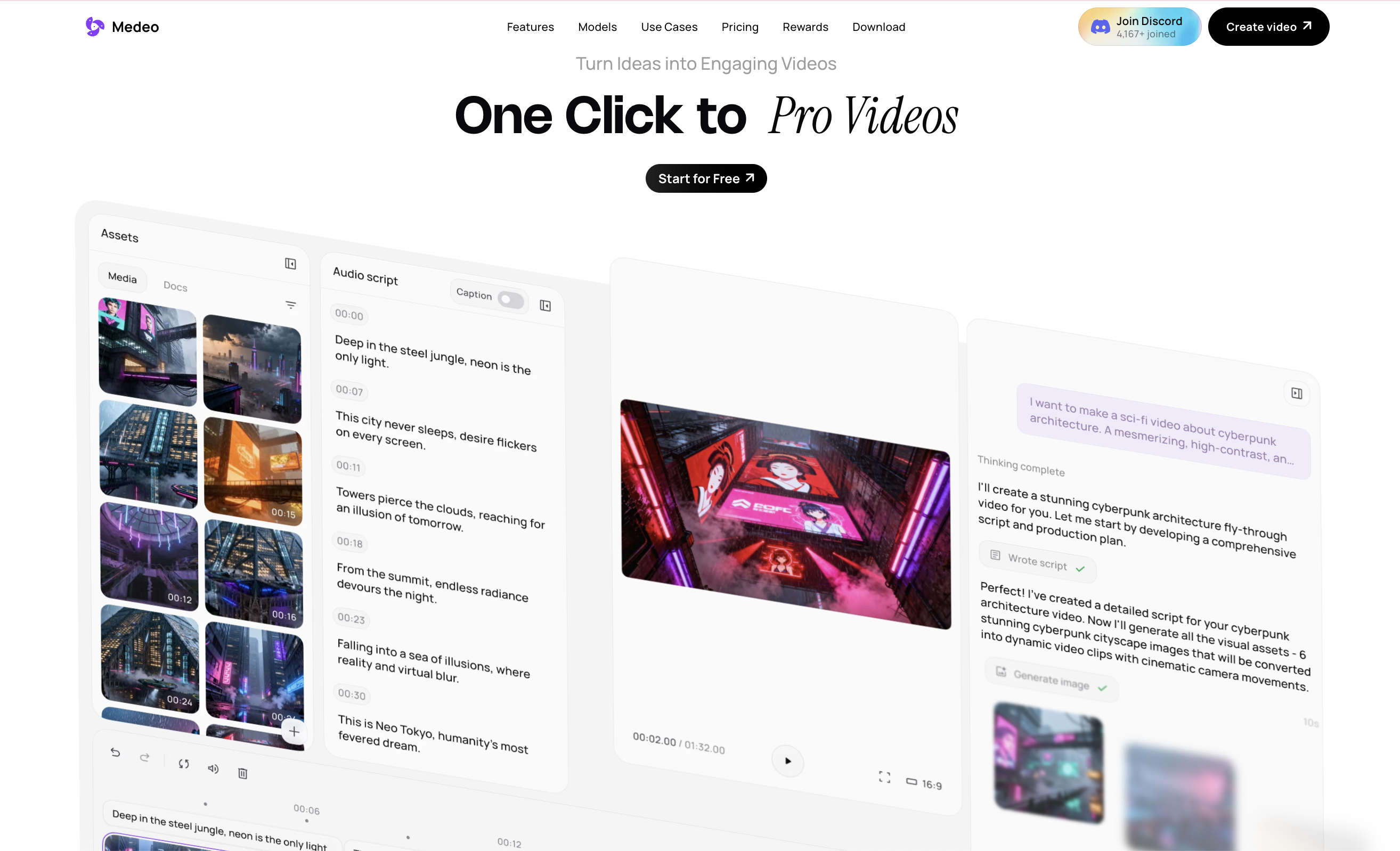
Medeo is useful when you like what Wan represents, but you do not want the entire workflow to be technical.
For users who specifically want to explore Wan in a simpler product context, Medeo’s Wan AI model page is the most direct internal link; For creators comparing Wan with other video models, Medeo’s Seedance 2.0 page is useful because Seedance is often discussed in the same model-comparison space; If the goal is to create a polished fan edit, trailer-style sequence, or stylized social clip from generated assets, Medeo’s fan edit generator gives the output more creative direction; For character-led scenes, original characters, or image-based video concepts, Medeo’s character video page is more practical than starting from a raw model prompt every time; And when a Wan-style output looks promising but needs more polish, Medeo’s AI video upscaler can help improve final video quality before publishing.
The difference is simple. Wan is valuable as a model. Medeo is valuable when the model output needs to become an actual video project.
Wan AI for Model Experimenters
Wan is best when the user wants to test the model itself.
A technical creator may care about model size, prompt behavior, sampling settings, VRAM usage, output resolution, motion quality, and how the model performs inside a larger local pipeline. For that user, Wan is exciting because it opens the door to experimentation.
That kind of experimentation can lead to strong results, but it requires time. The user has to be willing to troubleshoot, compare outputs, and build a process around the model.
If you enjoy that process, Wan is worth testing.
Medeo for Finished Video Workflows
Medeo is stronger when the goal is finished content.
A marketer does not usually want to manage model files. A social creator may not want to tune local settings. A small team may not want to combine five tools before they can publish a video.
They need a workflow that helps move from idea to usable output. That might include choosing a model, generating a clip, improving quality, shaping it into a fan edit, creating a character scene, or turning a visual concept into something ready for social platforms.
In that situation, Medeo is not trying to replace Wan as a technical model. It is giving creators a more practical way to use model-based video creation without getting stuck at the model layer.
Final Take
Wan AI is one of the most important open video model families for creators who care about text-to-video, image-to-video, and technical control. It is especially interesting for users who want to run models locally, explore ComfyUI workflows, or compare model behavior.
But Wan is not always the easiest path to finished video content. The more technical the workflow becomes, the more creators need tools for editing, upscaling, formatting, sequencing, and publishing.
That is where Medeo can be a better fit. It gives creators access to model-driven video creation while making the workflow more practical for fan edits, character videos, polished outputs, and social-ready content.
Use Wan AI when you want to explore the model.
Use Medeo when you want to turn model outputs into finished videos.
FAQ
What is Wan AI?
Wan AI is a family of AI video generation models associated with Alibaba’s Wan team. It supports tasks such as text-to-video, image-to-video, video editing, text-to-image, and video-to-audio depending on the model and workflow.
Is Wan AI good for image-to-video?
Yes. Wan is widely discussed for image-to-video workflows. Starting from an image can help guide the model’s composition, subject, and visual style more clearly than text alone.
Can Wan AI run locally?
Some Wan models can be used in local workflows, especially through technical setups such as GitHub, Hugging Face, ModelScope, or ComfyUI-style pipelines. Local use depends on hardware, VRAM, model size, and setup knowledge.
Is Wan AI free?
Wan can be free in the sense that open model weights may be available, but local use still requires hardware and setup time. Hosted Wan video tools may charge credits or subscription fees. The cost depends on how you access the model.
What is Wan 2.1?
Wan 2.1 is a widely discussed Wan video model release that supports multiple AI generation tasks, including text-to-video and image-to-video. It became popular partly because of its open model access and community workflows.
What is the best Wan AI alternative?
Medeo is a strong Wan AI alternative if you want a more practical AI video workflow. It offers a Wan AI model page, model comparisons, fan edit workflows, character video creation, and AI video upscaling.
Is Medeo better than Wan AI?
Medeo is better if you want to create finished videos without managing technical model workflows. Wan may be better if you are a technical user who wants direct model experimentation.
Can I use Wan AI for social videos?
Yes. Wan can generate clips that may work for social content, but you may still need editing, upscaling, captions, aspect ratio formatting, and sequencing before publishing.
Can Medeo help improve Wan-style outputs?
Yes. Medeo’s AI video upscaler can help improve video quality, and its fan edit or character video workflows can help shape generated clips into more complete creative outputs.
Should I use Wan AI or Medeo?
Use Wan AI if you want model-level access and technical experimentation. Use Medeo if you want a smoother workflow for creating, improving, and publishing AI videos.
配图: