Glif AI Turns Prompts Into Little Creative Machines. But Is That What Every Creator Needs?
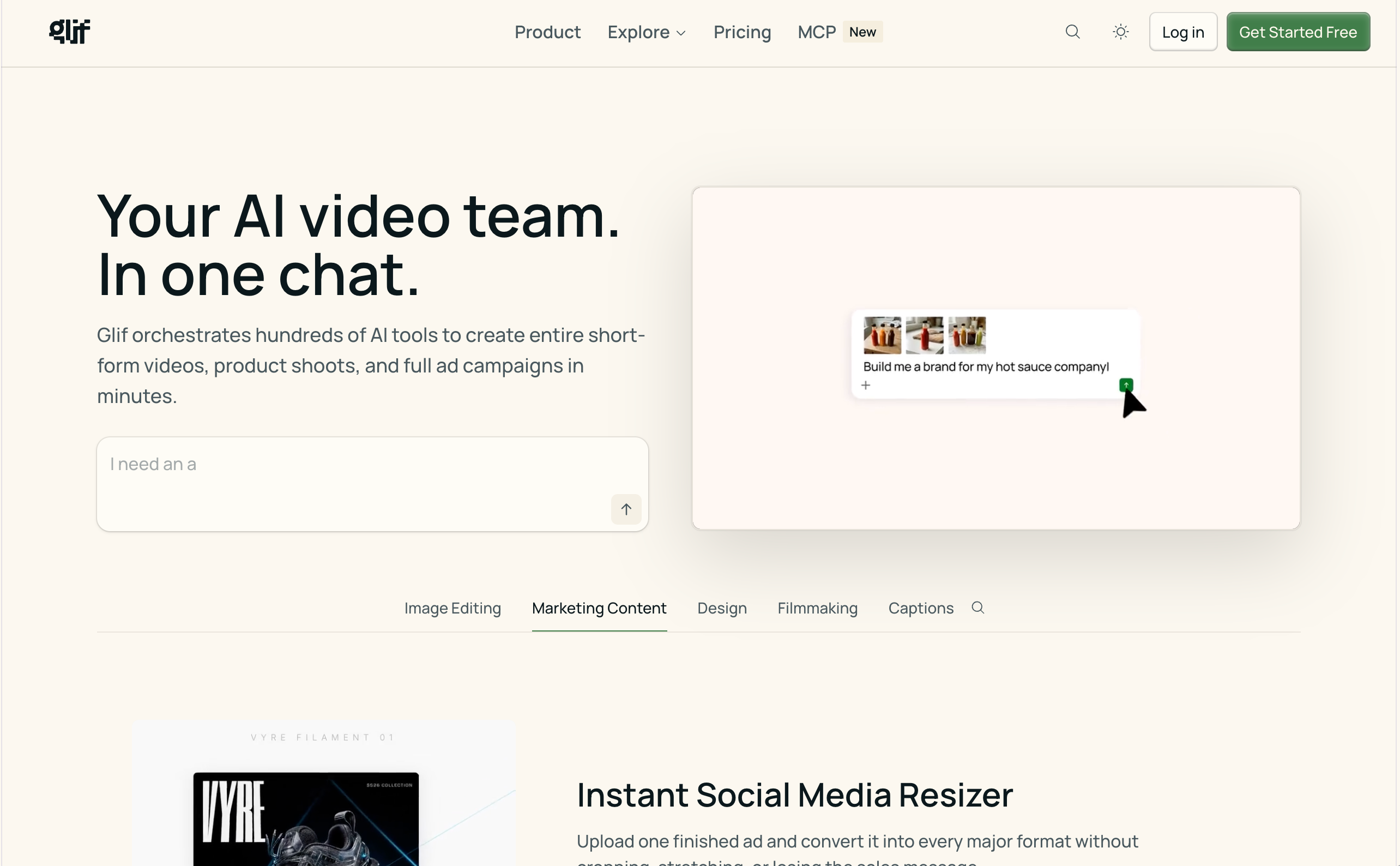
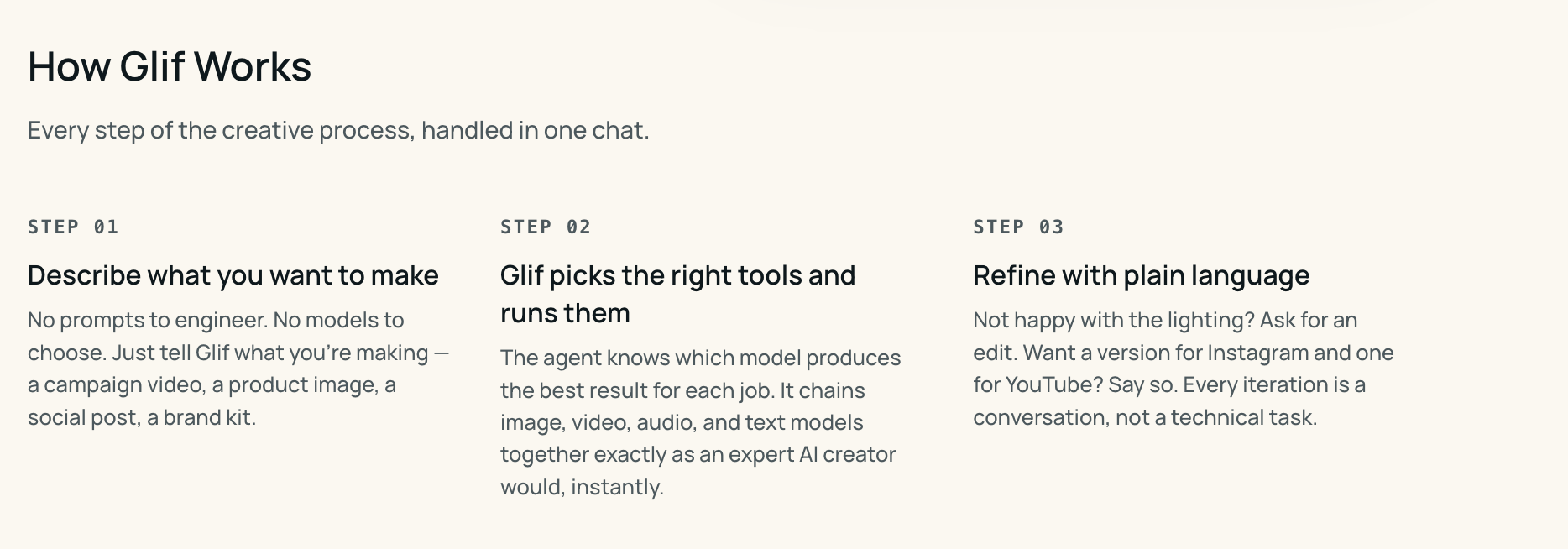
Glif AI is not just another place to type a prompt and wait for an output. It feels more like a workshop where prompts become small machines. One glif might generate a product photo. Another might create a meme. Another might turn a rough campaign idea into visual directions. Another might help produce a short AI video, a song idea, an ad concept, or a reusable creative workflow.
That is what makes Glif AI interesting. It does not treat AI creation as a single blank box. It treats it as a collection of remixable tools. For creators who enjoy experimenting, this is exciting. Glif gives you a place to build, test, share, and reuse creative AI workflows. It feels closer to a prompt playground, mini app builder, and AI creative agent platform than a traditional image or video generator.
But that also creates a real question: if Glif AI is great for building creative machines, what should you use when you simply want to make a finished video?
That is where Medeo becomes a useful comparison. Glif is strong when you want to invent or remix a workflow. Medeo is stronger when you want to turn an idea, image, script, video, audio, or link into actual AI video content.
What Is Glif AI?
Glif AI is a creative AI platform where users can create and run small AI-powered apps called glifs. These glifs can generate images, videos, music, ads, product visuals, memes, and other creative outputs.
The official Glif site describes it as a platform for AI images, video, agents, and creative workflows. Its product pages also position Glif as a way to build AI agents for creative production, including videos, ads, product shoots, short-form content, and more.
This makes Glif different from a standard AI generator. A normal generator gives you one main workflow. Glif gives users many reusable workflows and lets them build new ones.
That is the key idea: Glif is not only about outputs. It is about the tools that create the outputs.
Why Glif AI Feels Different From Most AI Tools
Most AI tools hide complexity. They give users one text box, one generate button, and a few settings. Glif exposes more of the creative system.
A glif can be built around an input, a prompt, a model, an instruction, a media step, or a chain of actions. That makes the experience feel more modular. Instead of thinking only about “what prompt should I write?”, users can think about “what kind of generator should exist?” That is powerful because AI creativity is becoming more reusable.
A creator may not want to write the same product prompt every time. A marketer may want a repeatable ad concept generator. A meme creator may want a format that can be reused with different subjects. An agency may want a small internal AI tool for campaign mockups. Glif is good at this kind of creative reuse. It turns prompts into tools.
Glif AI Is Best for People Who Like Building the Tool
Some creators will understand Glif AI instantly. They are the people who do not only want an image. They want to understand the prompt that produced it. They do not only want a video. They want to know which model, input, and workflow created it. They enjoy remixing systems, testing models, and building strange little AI machines that other people can also use.
For them, Glif AI is genuinely fun.
It is useful for AI artists, prompt engineers, creative technologists, indie makers, agencies, meme creators, product marketers, and people who enjoy building repeatable creative workflows.
But not every creator thinks that way. Some people do not want to build the machine. They want the video. That difference matters.
The Hidden Cost of Creative Freedom
Glif AI gives users a lot of freedom, but freedom can become work. When a platform lets users build and remix workflows, users may need to make more decisions. Which glif should I use? Which model is behind it? How does the workflow work? How many credits will it cost? Is this the best workflow for a product video, a meme, an ad, or a cinematic clip?
For advanced creators, those questions are part of the fun.
For marketers, founders, educators, and social media teams, those questions can become friction.
This is why a more focused tool can sometimes be better. If your goal is to create video content, you may not want to browse or build workflows first. You may want to start with the material you already have and move toward a video.
Medeo is useful in that situation because it is built as an AI video creation workspace. Instead of asking users to assemble a small AI app, Medeo gives them video-first paths from ideas, images, links, and other materials. Glif AI Is a Workshop. Medeo Is a Production Desk.
A workshop is where you experiment. You test shapes. You build tools. You try odd combinations. You remix someone else’s idea. You make something unexpected and decide later whether it is useful. That is Glif AI.
A production desk is where you take a chosen idea and make it ready for an audience. You decide the message, the format, the motion, the pacing, and the output.
That is closer to Medeo. This is not a “which is better?” question. It is a “what stage are you in?” question.
If you are still exploring the machinery of an idea, Glif makes sense.
If you are trying to make a finished AI video, Medeo makes more sense.
Where Glif AI Shines
Glif AI shines when the creator wants a reusable creative process.
For example, a product marketer might build a glif that turns product notes into ad concepts. A meme creator might build a glif that takes any topic and turns it into a meme image. A designer might build a glif that creates style variations from a brand direction. A social creator might use a video-related glif to test short-form concepts. The platform is also strong because it is community-oriented. Users can explore what other people have made, learn from workflows, remix ideas, and turn AI creation into something more social.
That makes Glif feel less like a single tool and more like a library of creative behaviors.
This is especially useful for people who like experimentation, because the best idea may not come from a perfect prompt. It may come from trying a strange workflow and seeing what happens.
Where Glif AI Starts to Feel Less Direct
Glif AI starts to feel less direct when the goal is not experimentation but delivery.
A business user may not want to create a workflow. They may need a product video by Friday. A social media manager may not want to test multiple glifs. They may need three short clips for a campaign. An educator may not want to build a prompt system. They may need a lesson video from a written outline.
In these cases, too much flexibility can slow the user down.
This is where Medeo has a different advantage. Medeo’s value is not that users can build mini AI apps. Its value is that users can move from source material to video.
A product page can become a video. A script can become a clip. An image can become a moving scene. A link can become a summary video. A rough idea can become a structured video direction.
That is a more direct workflow for people who need output, not infrastructure.
What About Glif AI Video?
Glif AI has expanded into video and promotes use cases such as AI video generation, short-form videos, product ads, music videos, and creative video workflows. That makes it more than an image or prompt tool.
Still, Glif’s video experience sits inside its broader identity as a creative agent and workflow platform. That is important. Video is one of many possible outputs in Glif.
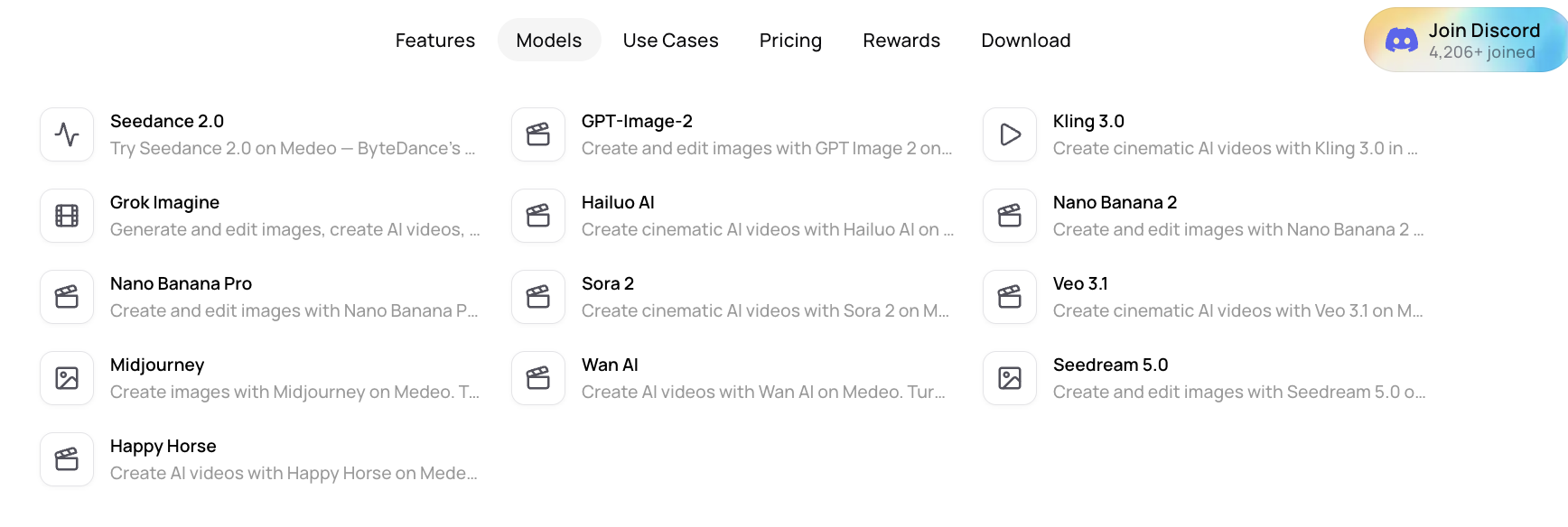
Medeo is different because video is the center. These links matter because creators are not only comparing tools now. They are comparing model behaviors, motion quality, style control, and the best workflow for each video idea.
Glif AI for Ads and Product Concepts
One of Glif’s strongest business angles is creative advertising. Its product and use-case pages highlight AI ads, product shoots, product mockups, marketing videos, and campaign-style content.
That makes sense because marketers often need many creative variations.
A single product may need several ad angles. A launch may need different visuals for different audiences. A campaign may need fast concept exploration before the team commits to a final direction.
Glif can help generate those variations, especially when the user wants to build a repeatable creative process. This creates a more natural content path: Glif can help invent the campaign machine; Medeo can help shape selected ideas into video assets.
Glif AI Pricing: The Credit Question
Glif uses credits. According to Glif’s documentation and pricing pages, generations can cost different amounts depending on the models and tools involved. More complex workflows may use more credits.
This is important because Glif’s flexibility can make cost harder to predict. A simple image generation may be easy to understand. A multi-step workflow using different models may cost more.
That does not mean Glif is expensive or cheap by default. It means users should evaluate the cost based on the workflow they actually plan to use.
If the goal is broad creative experimentation, Glif’s credit system may be acceptable because the value is in testing many ideas and workflows.
If the goal is video production, users should compare cost against usable video output. That is often the more meaningful metric than cost per generation.
FAQ About Glif AI
What is Glif AI?
Glif AI is a creative AI platform where users can create, remix, and run AI-powered mini apps called glifs. It supports workflows for images, videos, music, ads, product visuals, memes, and creative agents.
Is Glif AI free?
Glif offers free access, but generations use credits. Credit usage depends on the model, tool, and workflow. Users should check Glif’s official pricing and credit documentation for current details.
What is a glif?
A glif is a reusable AI-powered workflow or mini app. It can take an input, run prompts or models, and produce creative outputs such as images, videos, music, ads, or text.
Is Glif AI good for video creation?
Glif AI can support video generation and creative video workflows, but it is broader than a video-only tool. If your main goal is focused AI video creation, Medeo may be a more direct fit.
What is Glif AI best for?
Glif AI is best for creative experimentation, prompt workflows, AI mini apps, image generation, video concepts, product ads, music ideas, memes, and reusable creative systems.
What is the best Glif AI alternative for video?
Medeo is a strong Glif AI alternative for video creation because it supports AI video workflows from ideas, images, audio, videos, links, and specific use cases.
Is Glif AI better than Medeo?
It depends on the job. Glif is better if you want to build or remix AI workflows. Medeo is better if you want to create AI videos from source materials through a focused video workflow.
Does Glif AI use credits?
Yes. Glif uses credits, and different models or workflows may consume different amounts. More complex generations may cost more.
Can Glif AI create ads?
Yes. Glif promotes AI ad creation, product shoots, product mockups, and campaign-style creative workflows. It can be useful for marketers testing creative variations.
Can I use Glif and Medeo together?
Yes. Glif can be used for ideation, workflow building, and creative testing. Medeo can then help turn selected ideas, visuals, or campaign directions into video content.