Higgsfield AI Review: A Creator’s Camera-Controlled AI Video Studio, But Is It Enough?
Higgsfield AI is one of the more interesting names in AI video because it does not only sell itself as a prompt-to-video tool. Its stronger promise is control. Instead of asking users to type “cinematic camera movement” and hope the model understands, Higgsfield leans into camera presets, motion direction, model access, and a more filmmaker-like interface.
That makes it different from many lightweight AI video generators. Higgsfield is built for creators who care about how a shot moves, how a scene feels, and whether a video looks closer to something filmed than something randomly generated.
But that also raises the real question: is Higgsfield the right tool for everyday AI video creation, or is it mainly for creators who want cinematic experimentation? This review looks at Higgsfield’s strengths, limits, pricing considerations, ideal users, and where Medeo can fit as a broader AI video creation workflow.
What Is Higgsfield AI?
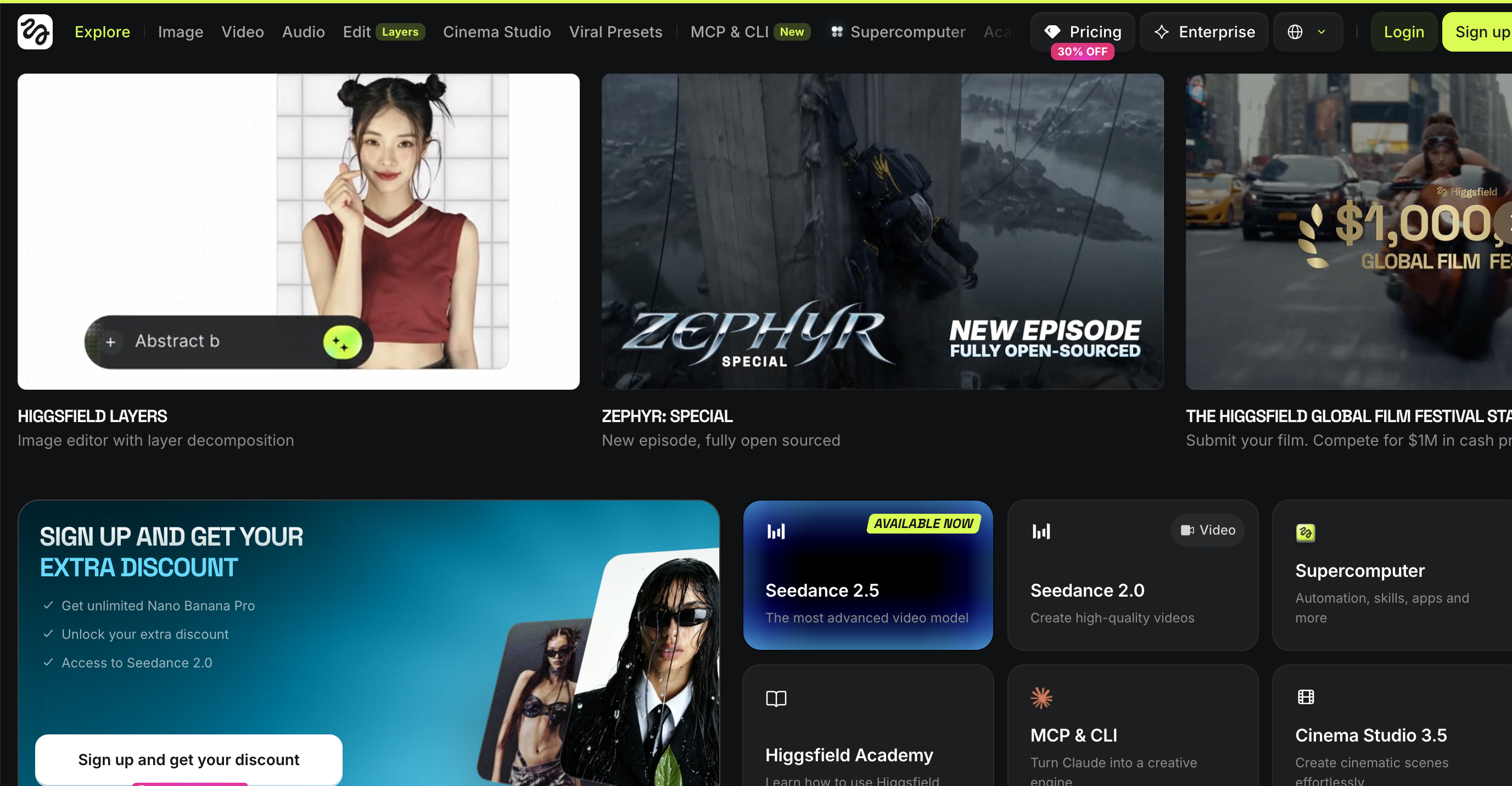
Higgsfield AI is an AI image and video generation platform focused on cinematic video creation. Its platform includes access to multiple AI video models, camera controls, visual effects, image-to-video workflows, and its Cinema Studio environment for more structured AI filmmaking.
On its official AI video page, Higgsfield highlights access to models such as Kling, Seedance, Wan, Sora, and Veo inside one workspace. Its Cinema Studio page also emphasizes reusable elements like characters, locations, and props, along with camera controls and collaborative project features.
In simple terms, Higgsfield is not just for “make me a video from this prompt.” It is better understood as an AI video studio for creators who want more say over motion, camera language, and visual direction.
Why People Search for Higgsfield AI
Most users searching for “Higgsfield AI review” are not just asking what the tool is. They usually want to know four things.
Can Higgsfield make better AI videos than basic prompt tools?
Are the camera controls actually useful?
How much does it cost once you generate more than a few clips?
Is there a better Higgsfield alternative for my workflow?
Higgsfield’s Biggest Strength: Camera Control
The most distinctive part of Higgsfield is its focus on camera movement. Many AI video tools let users type prompts like “slow zoom in,” “dolly shot,” or “dramatic tracking shot,” but text-only camera direction can be inconsistent. The model has to guess speed, angle, distance, lens behavior, and movement path.
Higgsfield’s own blog explains this problem well: camera movement is not only a phrase; it involves position, timing, easing, angle, lens relationship, and subject distance. This is where tools with more explicit camera settings can help.
For creators, that means Higgsfield is useful when you want to generate shots that feel intentionally directed. A fashion clip, surreal commercial, music video moment, short film scene, or cinematic social video can benefit from that extra control.
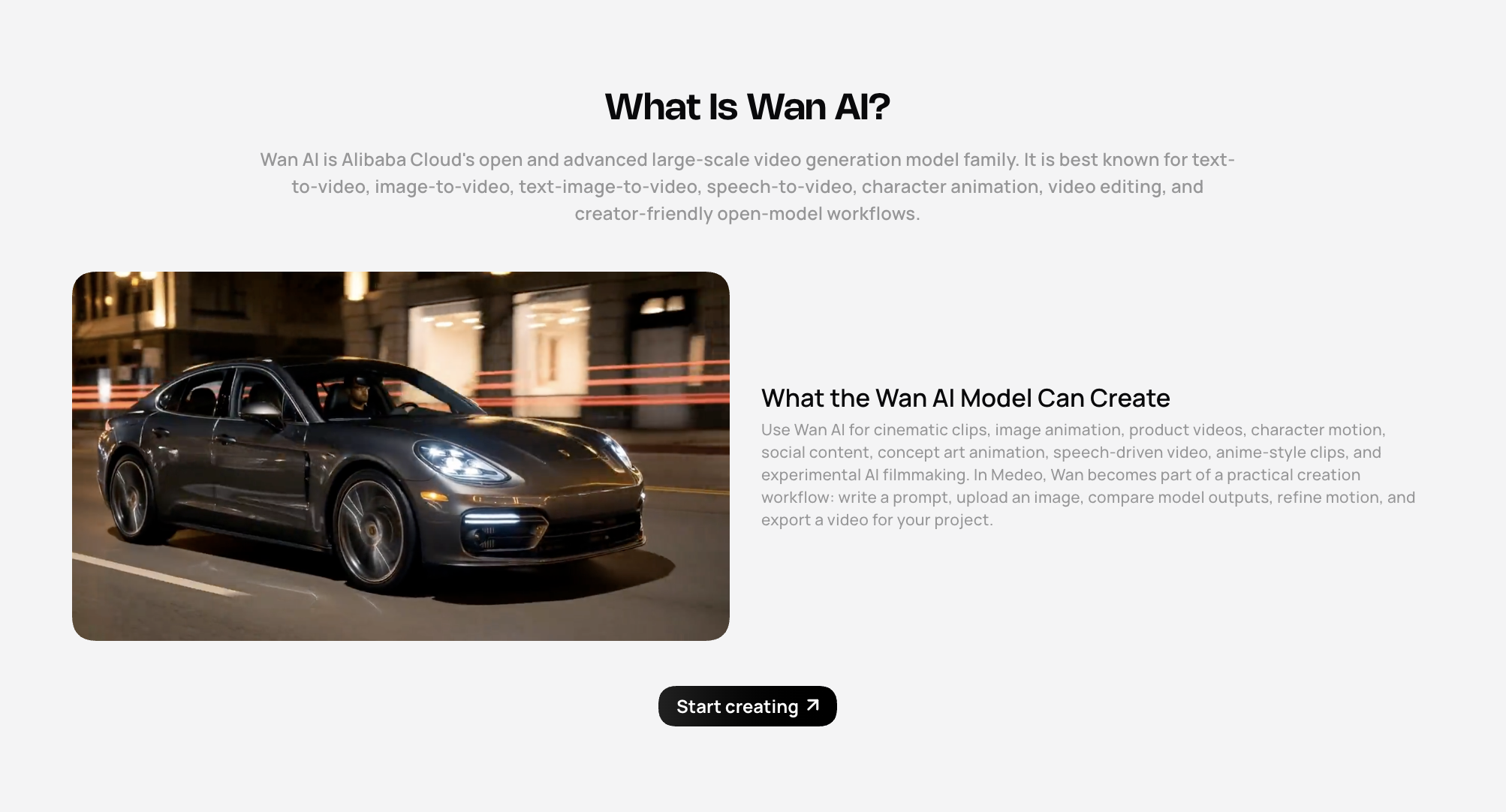
This is also where Medeo can work as a complementary choice. If you are exploring cinematic motion across different creative directions, Medeo’s Wan AI model page is useful for video-focused generation workflows.
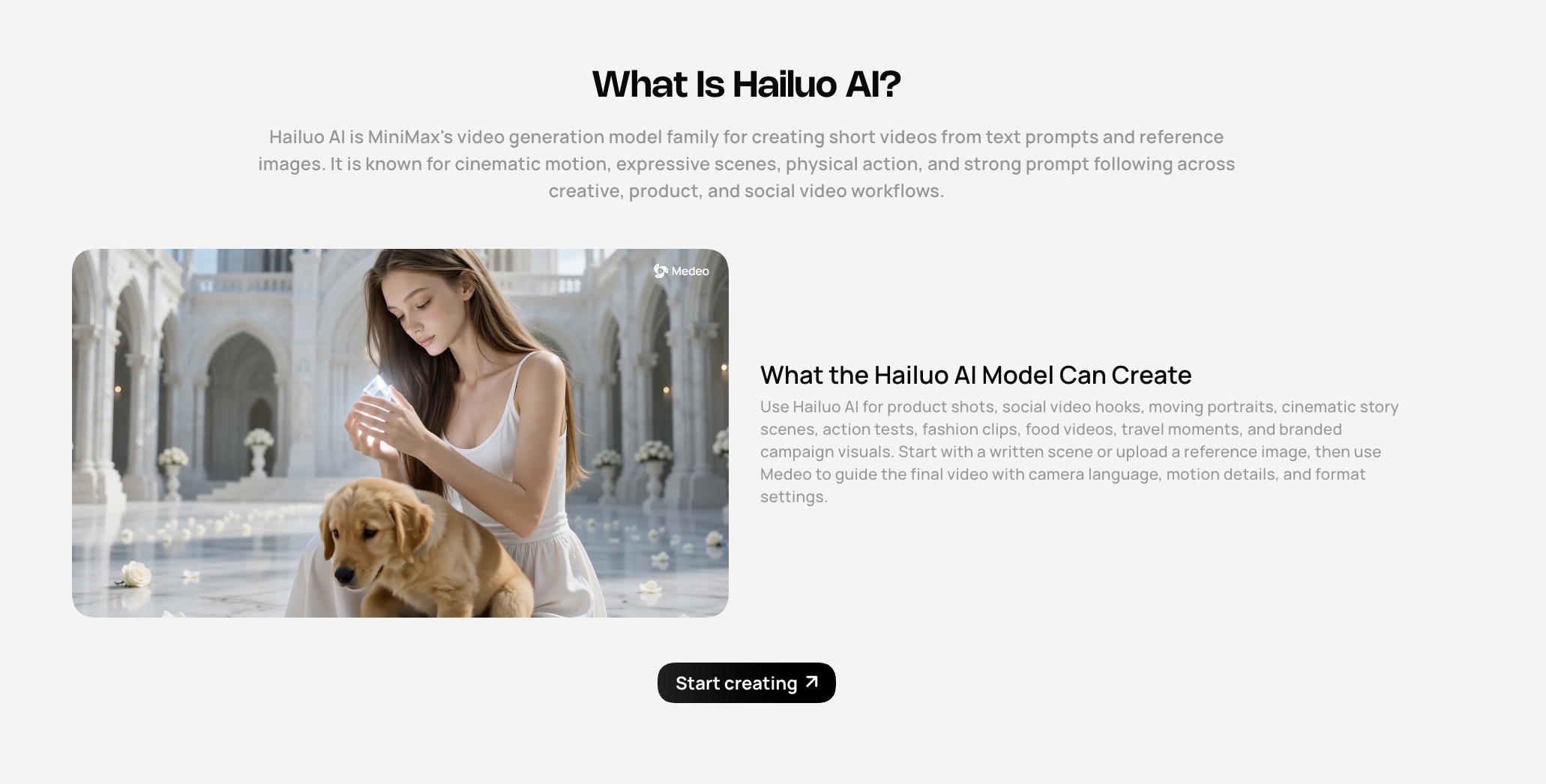
For creators who want fast, expressive short-video output instead of a full camera-control environment, Medeo’s Hailuo AI page is also worth linking from this topic.
Core Features of Higgsfield AI
For solo creators, the biggest draw is probably speed plus cinematic direction. For teams, the more interesting feature is reusable project structure. If characters, scenes, and props can be referenced again, Higgsfield becomes more than a one-off generation tool.
However, as with any AI video platform, results still depend on the model, prompt quality, input image quality, and the number of generations you are willing to test. A polished output often takes several attempts.
The platform feels less like a simple business-video tool and more like a playground for shot design. That is a strength if your content depends on mood, motion, and style.
For example, if a creator is building a short drama concept, Higgsfield can help explore individual cinematic shots. But if the goal is to build a more complete AI short-drama workflow with scenes, pacing, and production planning, Medeo’s short drama page fits the broader use case better.
Where Higgsfield May Feel Limited
Higgsfield’s main limitation is also tied to its biggest strength: it can feel like a specialist tool. The more camera-focused and model-rich a platform becomes, the more decisions users need to make.
That is not a bad thing. Filmmakers and advanced creators may enjoy it. But users who simply want to turn an idea, script, URL, or product concept into a usable video may prefer a more guided workflow.
Another practical limitation is cost predictability. AI video generation often uses credits, and higher-quality models can consume more credits per output. Pricing and model access can change, so users should always check Higgsfield’s official pricing page before making a decision. The real cost is not only the listed plan price; it is also how many attempts you need before getting a clip you can actually publish.
Finally, Higgsfield may not be the most direct choice for every marketing workflow. If you need product explainers, social ads, voice-led videos, or edited business content, a broader video workspace may be easier.
This is where Medeo can be positioned naturally. Instead of being only a cinematic shot generator, Medeo is useful when the user wants a more complete AI video creation path: generate visuals, test models, animate assets, create product-oriented videos, add voice or lip sync, and shape the final piece for a campaign.
For ecommerce and product-focused video work, Medeo’s product video generator page is a more direct internal link.
Higgsfield Pros
Higgsfield has a clear creative identity. It is not another generic AI video generator with a prompt box and a download button.
Its camera-control angle is genuinely useful for creators who think in shots. The platform’s emphasis on motion, lens feel, and cinematic direction helps users create more intentional results.
Its multi-model access is also valuable. Instead of jumping between several separate tools, users can test different video models in one place, depending on availability and plan.
Cinema Studio is another strong point. Features like reusable elements and project-level organization make Higgsfield feel closer to an AI production environment than a simple generator.
The platform also has strong appeal for social-first creators. If your output needs to feel bold, stylish, and visually immediate, Higgsfield is built for that kind of experimentation.
Higgsfield Cons
Higgsfield can be more complex than simple AI video tools. Beginners may need time to understand which model, camera control, or workflow to choose.
Costs can be hard to estimate if you generate frequently. AI video usually involves trial and error, so the useful number is not “how many videos can I generate,” but “how many publishable videos can I get.”
It may not be the most direct workflow for script-based marketing videos, URL-to-video projects, or talking-avatar content.
Some users may also prefer tools that connect more clearly to editing, repurposing, and campaign workflows instead of focusing heavily on cinematic generation.
And like all AI video tools, consistency can vary. Character stability, object permanence, motion quality, and detail control may change depending on the selected model and prompt.
Higgsfield vs Medeo: Not the Same Kind of Alternative
The best way to compare Higgsfield and Medeo is not to ask which one is “better.” A better question is: what kind of video are you trying to make?
Higgsfield is attractive when your priority is cinematic AI video generation with camera control. It is a strong choice for creators who want to experiment with motion design, dramatic shots, fashion visuals, or visually stylized social clips.
Medeo is a better fit when you want a broader AI video workflow. Instead of focusing only on shot control, Medeo helps creators move across different video tasks: product videos, model-based generation, lip sync, image animation, video color work, and campaign-style content creation.
Before subscribing, check three things:
How many credits are included in the plan
Which models are available on that plan
How many generations you usually need before getting a usable result
The listed price is only part of the decision. If you need five attempts to get one strong clip, your real cost per usable video is higher than the per-generation cost.
Is Higgsfield AI Worth It?
Higgsfield is worth considering if cinematic control is your main reason for choosing an AI video tool. Its camera-focused positioning is meaningful, and its Cinema Studio direction makes sense for creators who want more structure than a basic prompt box.
It is less ideal if your goal is simply to produce marketing videos quickly without thinking too much about camera language. In that case, a more workflow-driven platform may be easier.
For Medeo, this creates a natural positioning opportunity. The article does not need to say Medeo replaces Higgsfield for everyone. It can say Medeo is worth trying if you want AI video generation to connect with more practical content needs: product videos, creator tools, lip sync, visual enhancement, model pages, and campaign-friendly workflows.
FAQ
Is Higgsfield AI a video generator?
Yes. Higgsfield AI is an AI video and image generation platform with a strong focus on cinematic video creation, camera control, and multi-model generation.
What makes Higgsfield different from other AI video tools?
Its biggest difference is camera control. Higgsfield emphasizes cinematic motion, lens-style direction, reusable project elements, and a more structured AI filmmaking environment.
Can Higgsfield create videos from images?
Yes. Higgsfield supports image-to-video workflows, allowing users to animate still visuals into short AI-generated video clips.
Is Higgsfield good for beginners?
It can be used by beginners, but it may feel more advanced than basic AI video tools because there are more creative controls, models, and settings to understand.
Is Higgsfield good for social media videos?
Yes. Higgsfield is well suited for visually striking social content, especially fashion, lifestyle, creator, music, and cinematic short-form clips.
What is the best Higgsfield alternative?
It depends on the use case. If you want cinematic shot control, Higgsfield is strong. If you want a broader AI video workflow with model-based generation, product videos, lip sync, and visual editing tools, Medeo is a practical alternative to consider.
Can Medeo replace Higgsfield?
Not for every user. Higgsfield is highly focused on cinematic shot control. Medeo is better positioned as a flexible AI video workspace for creators who want multiple content workflows in one place.
Final Verdict
Higgsfield AI is one of the more distinctive AI video tools because it understands that video is not just an image that moves. Camera direction, motion, lens feel, and shot structure matter. For creators who want that level of control, Higgsfield is worth testing.
But if your goal is not only to create beautiful shots, but to build usable video content for products, campaigns, stories, social posts, and model-based experiments, Medeo may be the more practical workspace. The smartest choice is not about brand loyalty. It is about matching the tool to the job.