Opus Clip is one of the most recognizable AI tools for turning long videos into short-form clips. Its promise is simple: upload a long video, let AI find the strongest moments, add captions, reframe the footage, and publish the best clips to TikTok, Instagram Reels, YouTube Shorts, and other platforms.
That sounds easy, and for many creators it is useful. But Opus Clip is not magic. It can find clips, score them, format them, and speed up editing, but it cannot always understand your brand, audience, offer, story arc, or content strategy perfectly.
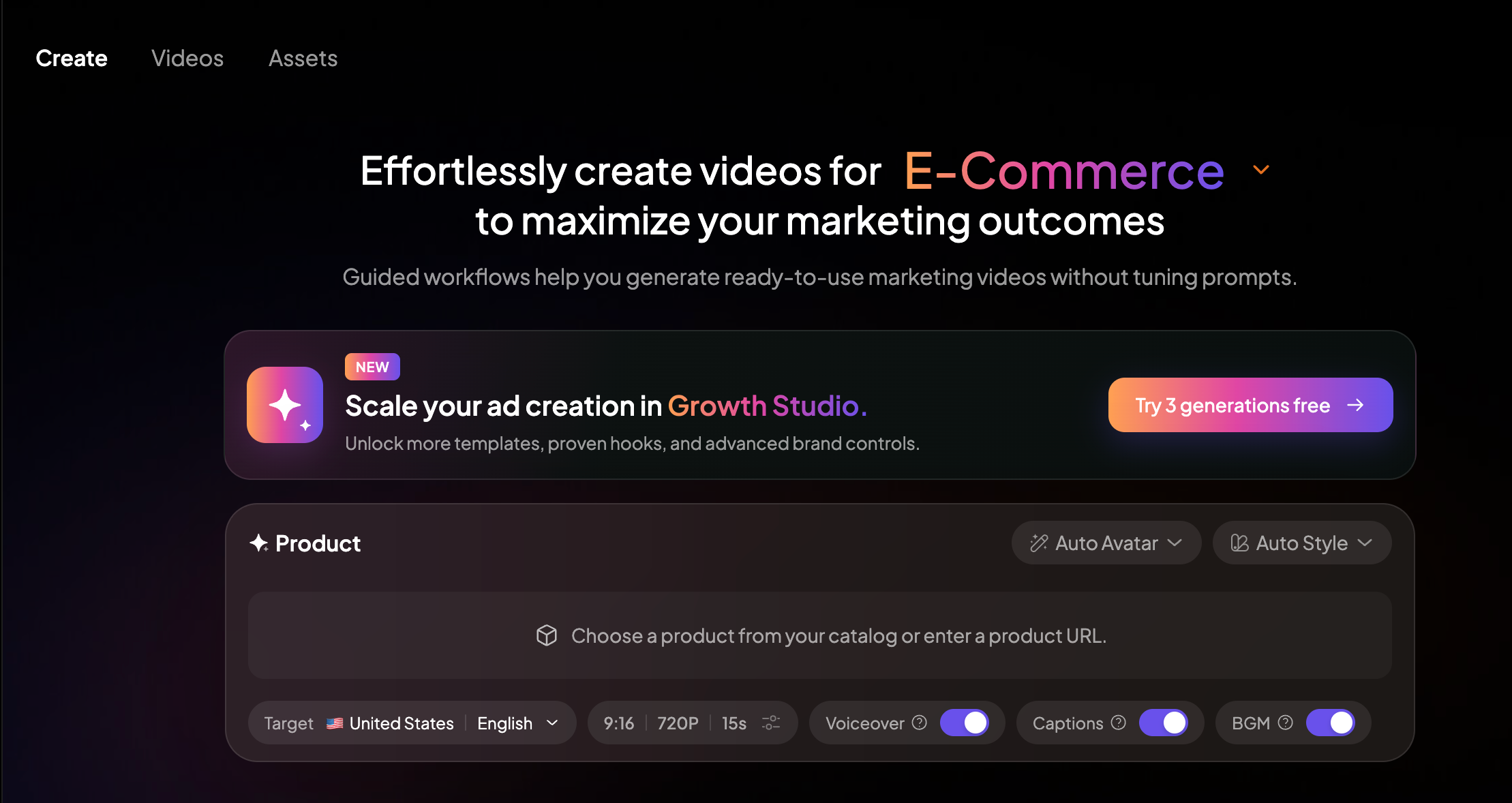
This guide explains how to use Opus Clip properly, where it works best, where it can fall short, and how Medeo can support the parts of the workflow that Opus Clip does not solve, such as creating new video ideas, improving scripts, polishing visuals, generating avatar-led videos, or building content from scratch.
What Is Opus Clip?
Opus Clip is an AI video clipping and repurposing tool. It takes long-form videos and automatically turns them into shorter clips for social media. Its main use case is simple: one long video becomes multiple vertical shorts.
According to Opus Clip’s official website, users can upload or paste video links from platforms such as YouTube, Google Drive, Vimeo, Zoom, Twitch, Facebook, LinkedIn, Loom, Riverside, StreamYard, and more. The tool then analyzes the video, selects clip-worthy moments, adds captions, reframes the footage, and helps users publish clips across social platforms.
Competitor reviews usually describe Opus Clip as a strong tool for podcasters, educators, YouTubers, interview hosts, webinar teams, and creators who already have long-form video content. That is the key point: Opus Clip is best when you already have footage.
If you do not have a long video yet, you may need a different workflow first.
Step 1: Start with the Right Long Video
The biggest mistake people make with Opus Clip is uploading the wrong source video.
Opus Clip works best when the original video has clear spoken content, strong moments, useful opinions, emotional reactions, explanations, questions, answers, or story beats. Podcasts, interviews, webinars, talking-head videos, tutorials, product demos, livestreams, and panel discussions can all work well.
It works less well when the video is too quiet, too visual, too repetitive, poorly recorded, or lacks clear moments that can stand alone.
Before uploading, ask one question:
Could a 30-second part of this video make sense without the full context?
If the answer is no, Opus Clip may still create clips, but they may feel generic or incomplete.
Step 2: Choose a Video with Strong Hooks
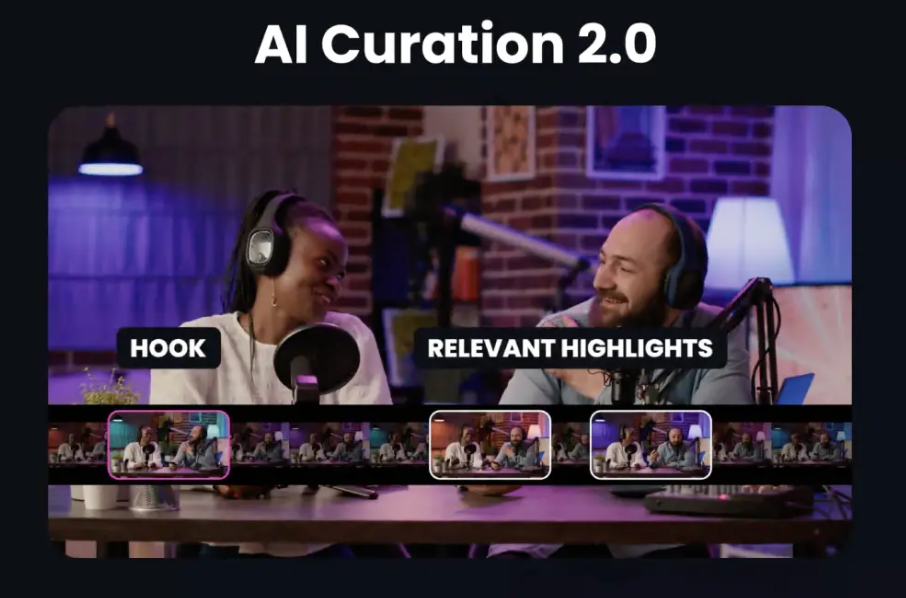
Short-form platforms reward fast context. A good clip usually needs a hook in the first few seconds.
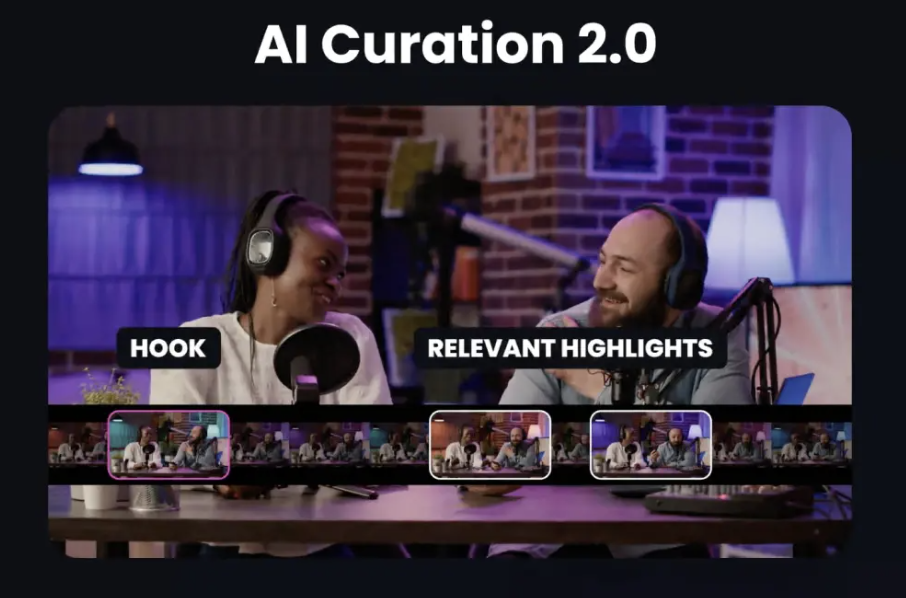
Opus Clip’s AI curation and virality score can help identify moments that may perform well, but you should still review each clip manually. A high score does not automatically mean the clip fits your audience.
Look for moments where the speaker says something surprising, useful, emotional, controversial, funny, or highly specific. A strong clip often begins with a sentence like:
Most creators get this wrong. Here is the fastest way to fix it. This changed how I think about content.
The biggest mistake is not what you think.
If your original video has no clear hooks, consider improving the script before recording the next one. This is where Medeo can support the process before clipping begins. If you are planning a new long-form video or social campaign, Medeo’s script-to-video workflow can help organize the message before production.
Step 3: Upload the Video or Paste the Link
Once your source video is ready, upload it to Opus Clip or paste a supported video link. Opus Clip supports many common platforms, and the Pro plan expands link support across more sources.
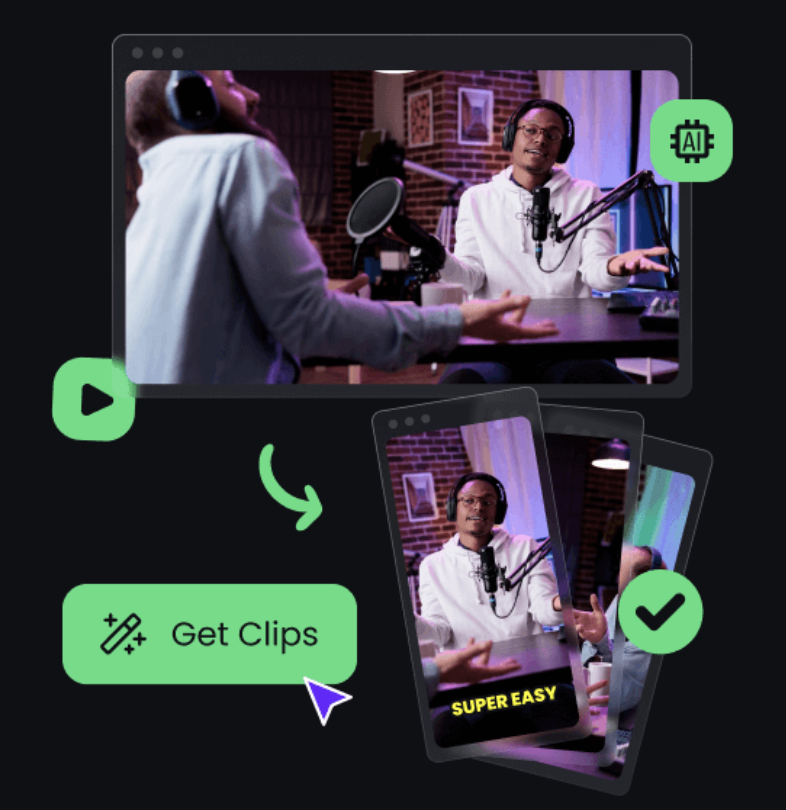
After the upload, the AI analyzes the content and generates multiple clips. Opus Clip’s own viral clip maker page describes the basic flow as uploading a long video, letting AI analyze which moments have viral potential, generating clips, and then reviewing the outputs.
At this stage, do not download everything. Treat the first results as candidates, not final content.
Step 4: Review the Virality Score, But Do Not Trust It Blindly
Opus Clip is known for its virality score. This score is meant to estimate how likely a clip is to perform well based on factors such as hook strength, emotional impact, clarity, and structure.
It is useful, but it should not replace human judgment.
A clip can have a high score and still be wrong for your brand. It may sound dramatic but lack context. It may be catchy but not useful. It may highlight a strong sentence but miss the setup. It may work for TikTok but not for LinkedIn.
Review every clip with three questions:
Does this clip make sense on its own?
Would my target audience care in the first three seconds?
Does this clip support the message I want people to remember?
If the answer is no, skip it or edit it.
Step 5: Edit Captions Like a Publisher, Not a Robot
Opus Clip can generate AI captions with emojis and keyword highlighting. This is useful because captions are essential for short-form video. Many users watch without sound, and captions help people follow quickly.
But auto-captions are not automatically good captions.
Check spelling, line breaks, emphasis, and timing. Remove distracting emojis if the content is serious. Keep important words readable. Make sure captions do not cover the speaker’s face, product, or key visual area.
Captions should help the viewer stay inside the clip. They should not turn the video into visual noise.
If the content depends on voice, narration, or character delivery, Medeo can help build related voice-driven content from scratch. For example, Medeo’s lip sync workflow is useful when you want a person, avatar, or character to deliver a scripted message.
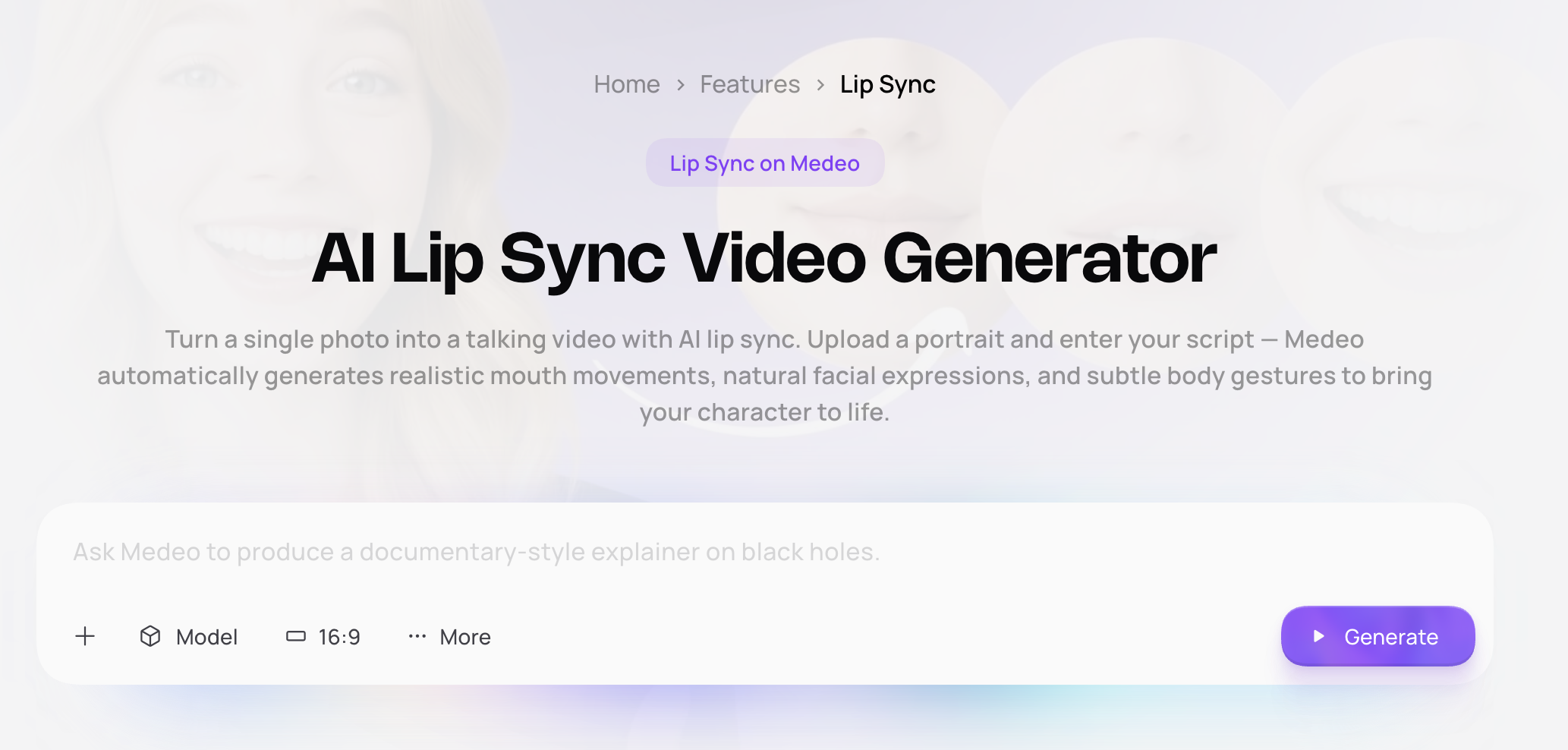
This is a different use case from Opus Clip. Opus Clip extracts clips from existing video. Medeo can help create new talking or voice-led video assets when there is no long recording to repurpose.
Step 6: Fix the Frame for Each Platform
Opus Clip includes auto reframe, which is important because long videos are often horizontal while Shorts, Reels, and TikTok are usually vertical.
Auto reframe can save a lot of time, especially for talking-head content. But you should still inspect the result. Make sure the speaker’s face is centered, gestures are not cut off, product details are visible, and captions are not blocking important content.
Different platforms also have different viewing behavior. A clip for TikTok may need a faster hook. A LinkedIn clip may need clearer context. A YouTube Short may benefit from stronger retention pacing.
Do not publish the same clip everywhere without reviewing it.
Step 7: Add B-Roll Only When It Helps
Opus Clip includes AI B-roll features on some workflows and plans. B-roll can make clips more engaging, but it can also make them feel generic if used too heavily.
Good B-roll should clarify the point. If someone is explaining a business concept, a simple visual example can help. If someone is telling a personal story, too much stock-style B-roll may weaken the emotion.
Use B-roll when it supports the message. Avoid adding visuals only because the tool can.
Step 8: Do Not Publish Every Clip
One long video may generate ten or more clips, but not all of them deserve to be published.
This is where many creators go wrong. They treat quantity as the goal. The result is a feed full of average clips with similar captions, similar pacing, and weak differentiation.
A better workflow is to rank clips into three groups:
Publish now. Edit and improve. Do not use.
Publish only the clips that have a clear hook, complete idea, and strong audience fit. Save the weaker clips for remixing, rewriting, or turning into other formats.
Opus Clip Pricing: What to Watch Before Paying
As of August 2026, Opus Clip’s pricing page shows a free plan with 60 credits per month, 1080p rendered clips, auto reframe, AI captions with emoji and keyword highlighter, watermark, no editing, and export limits after three days.
The pricing page also lists paid plans with more credits and features. Competitor pricing reviews commonly note that Opus Clip’s billing depends heavily on processing minutes or credits, so users should calculate how many long videos they process each month.
That matters because a one-hour podcast, several webinars, or a batch of interviews can consume credits quickly. If you publish weekly long-form content, Opus Clip can be valuable. If you only occasionally need clips, the free or lower-tier plan may be enough.
Always check the official pricing page before subscribing, because plan names, credits, and feature access may change.
Where Opus Clip Works Best
Opus Clip is best for creators who already produce long-form video.
It is especially useful for podcasters, interview hosts, coaches, educators, YouTubers, webinar teams, agency content teams, and B2B marketers who want to repurpose existing footage into short social clips.
It works well when the source video is clean, spoken, structured, and full of standalone insights.
Where Opus Clip Feels Limited
Opus Clip is less useful when you do not have long-form footage. It can repurpose content, but it does not solve the blank-page problem.
It can also create clips that feel repetitive if the original video lacks variety. Auto-generated clips may need manual review, caption cleanup, pacing adjustments, and platform-specific edits.
The virality score is helpful, but it is not a strategy. It cannot fully understand your brand positioning, offer, audience maturity, or campaign goal.
This is why Medeo works well as a companion tool. If Opus Clip is for repurposing what you already recorded, Medeo is for creating new AI video content when you need fresh assets, new scripts, generated scenes, avatar videos, music visuals, or model-based clips.
Opus Clip vs Medeo: Which Workflow Makes More Sense?
Use Opus Clip when you already have a long video and need short clips quickly.
Use Medeo when you need to create video content from an idea, script, image, model, product concept, or creative prompt.
They solve different parts of the content cycle.
For example, a podcast creator can use Opus Clip to extract strong moments from a 60-minute episode. But if they want to turn the best idea into a new AI-generated explainer, ad, avatar video, or stylized campaign clip, Medeo is more relevant.
A marketer can use Opus Clip to clip a webinar. But if they want to create a new product video without filming another demo, Medeo may be the better next step.
A musician can use Opus Clip to cut performance footage. But if they want to create a visual concept around a track, Medeo’s music video workflow is more direct.
The practical answer is not “Opus Clip or Medeo.” It is:
Opus Clip for extracting content.
Medeo for generating and expanding content.
FAQ
What is Opus Clip used for?
Opus Clip is used to turn long videos into short clips for TikTok, Instagram Reels, YouTube Shorts, LinkedIn, and other social platforms.
How does Opus Clip work?
You upload a long video or paste a supported link. Opus Clip analyzes the content, finds clip-worthy moments, adds captions, reframes the video, and generates short clips for review and export.
Is Opus Clip good for YouTube Shorts?
Yes. Opus Clip is useful for turning podcasts, interviews, webinars, and YouTube videos into Shorts, especially when the original video has strong spoken moments.
Does Opus Clip add captions?
Yes. Opus Clip can generate AI captions, including emoji and keyword highlighting depending on the plan and settings.
What is Opus Clip’s virality score?
The virality score is Opus Clip’s AI estimate of how likely a clip is to perform well. It can help prioritize clips, but users should still review each clip manually.
Is Opus Clip free?
Opus Clip has a free plan with monthly credits and limitations such as watermarking and export restrictions. Paid plans offer more credits and features. Check the official pricing page for current details.
What is the best Opus Clip alternative?
It depends on the workflow. Opus Clip is strong for clipping existing long videos. Medeo is a better fit when you want to create new AI videos from scripts, prompts, images, avatars, music concepts, or model-based generation.
Should I use Opus Clip or Medeo?
Use Opus Clip if you already have long videos and want short clips quickly. Use Medeo if you want to create new video content, build avatar-led videos, improve visuals, generate AI scenes, or expand ideas into a broader creative workflow.