PixVerse AI is not trying to be a quiet little text-to-video tool. It is positioning itself as a full AI video platform: text and image to video, templates, lip sync, marketing workflows, character consistency, canvas-style planning, agent-based creation, API access, and mobile creation.
That makes PixVerse interesting. It sits somewhere between a creative effects app, an AI video model platform, and a production tool for brands that want to make more video faster.
But that also makes the user question more practical: is PixVerse the right tool for your workflow, or do you need something broader and easier to use across different video tasks?
This guide looks at what PixVerse is good at, how creators can use it, where it may feel limited, and when Medeo is a stronger alternative.
What Is PixVerse AI?
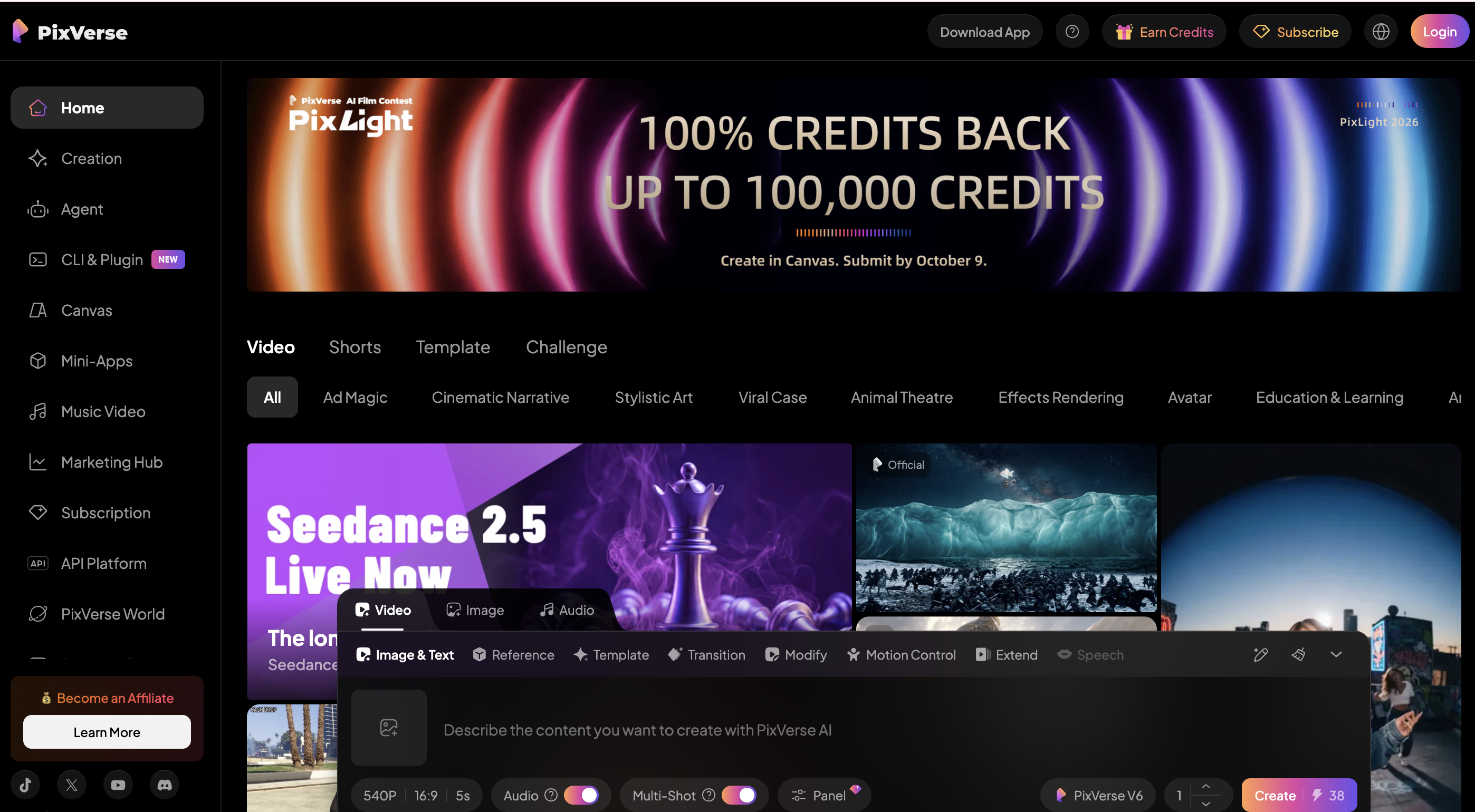
PixVerse AI is an AI video generation platform for creating videos from text prompts, images, references, templates, and guided workflows. Its official site describes it as “one AI platform” for creating, directing, and scaling video.
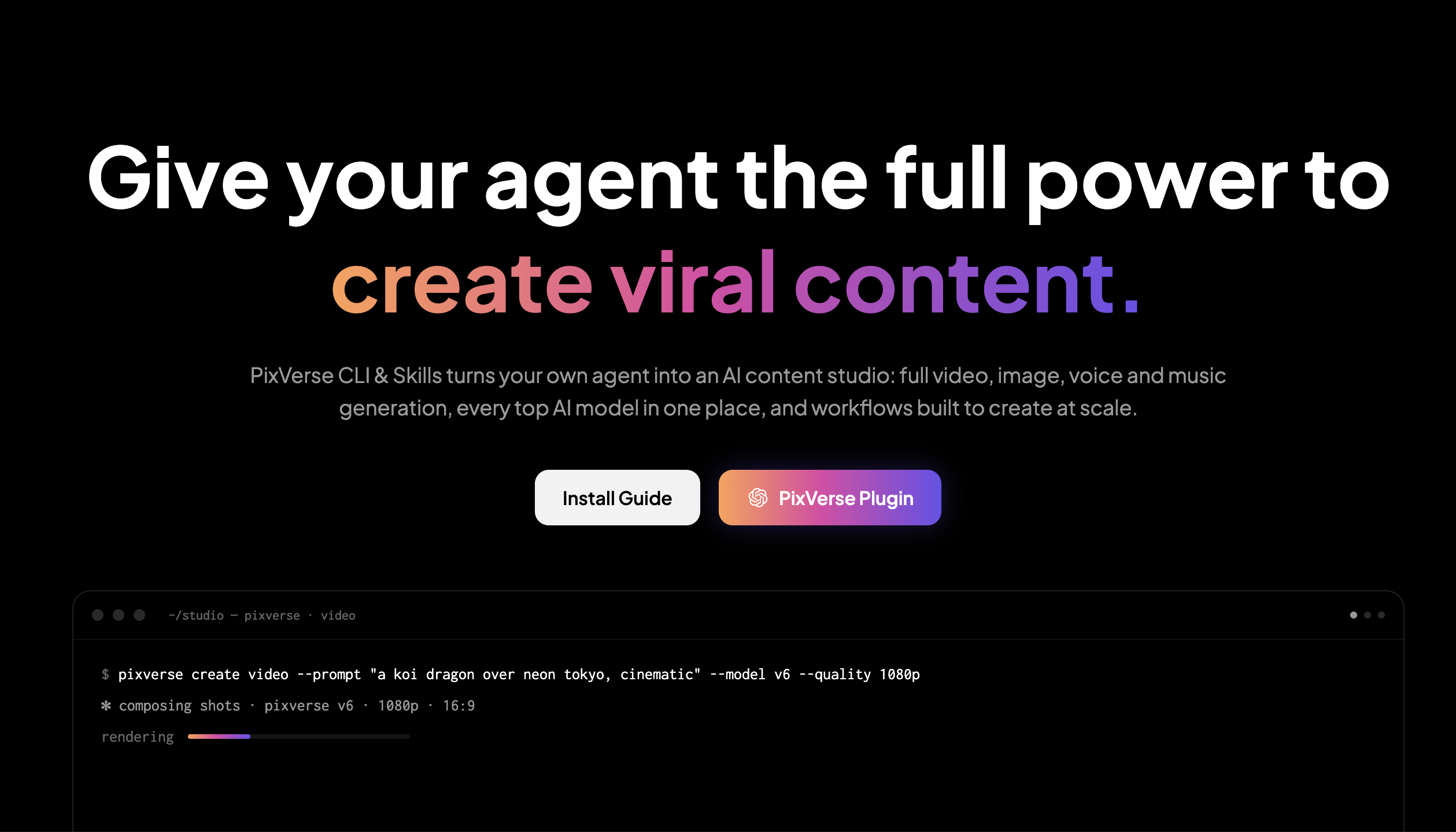
The platform includes several major creation routes: text and image to video, templates, Agent, Lip Sync, Marketing Hub, Character, Canvas, Mini-Apps, CLI, and API access. Its documentation also mentions text-to-video, image-to-video, video templates, multimodal references, lip sync, sound effects, frame transitions, extend, modify, restyle, motion control, upscale, avatar generation, and viral recreation workflows.
In simpler words, PixVerse is built for creators who want quick AI-generated video outputs but also want more control than a basic prompt box.
Where PixVerse Works Best
PixVerse works well when the creator wants to move fast. A lot of its product design seems built around speed: prompt in, image in, template in, video out.
This is useful for social content. If you are making short clips for TikTok, Instagram Reels, YouTube Shorts, or ad testing, you often do not want to build a full editing timeline. You want a strong visual idea, a few variations, and a quick way to test what works.
PixVerse is also strong for template-led creation. Templates reduce the blank-page problem. Instead of writing a full prompt from scratch, creators can start from an existing effect, format, or trend and adapt it to their own input.
That matters because many AI video users are not filmmakers. They are marketers, meme creators, ecommerce sellers, social media managers, creators, and small teams trying to produce more visual content without spending hours on manual editing.
The Most Useful PixVerse Workflows
Text-to-video is the most obvious PixVerse workflow. You describe a scene, subject, movement, mood, or visual style, and PixVerse generates a video from that prompt. This works best when the prompt is visual and specific. Instead of saying “make a cool product video,” describe the subject, camera movement, lighting, setting, and action.
Image-to-video may be even more practical for many creators. If you already have a product photo, AI image, fashion shot, character image, poster, or campaign visual, you can use PixVerse to add motion. This often gives the model a clearer visual starting point than text alone.
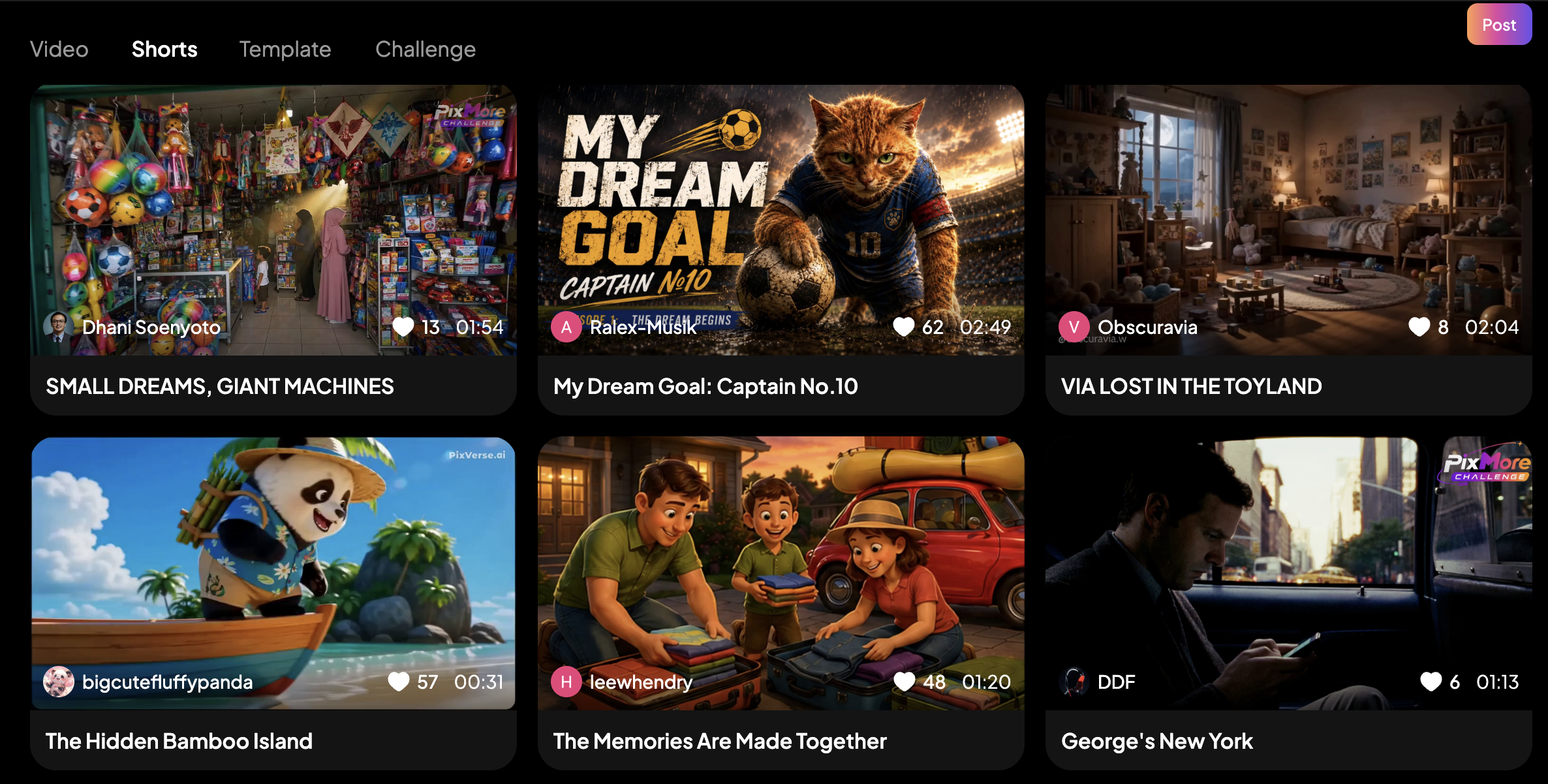
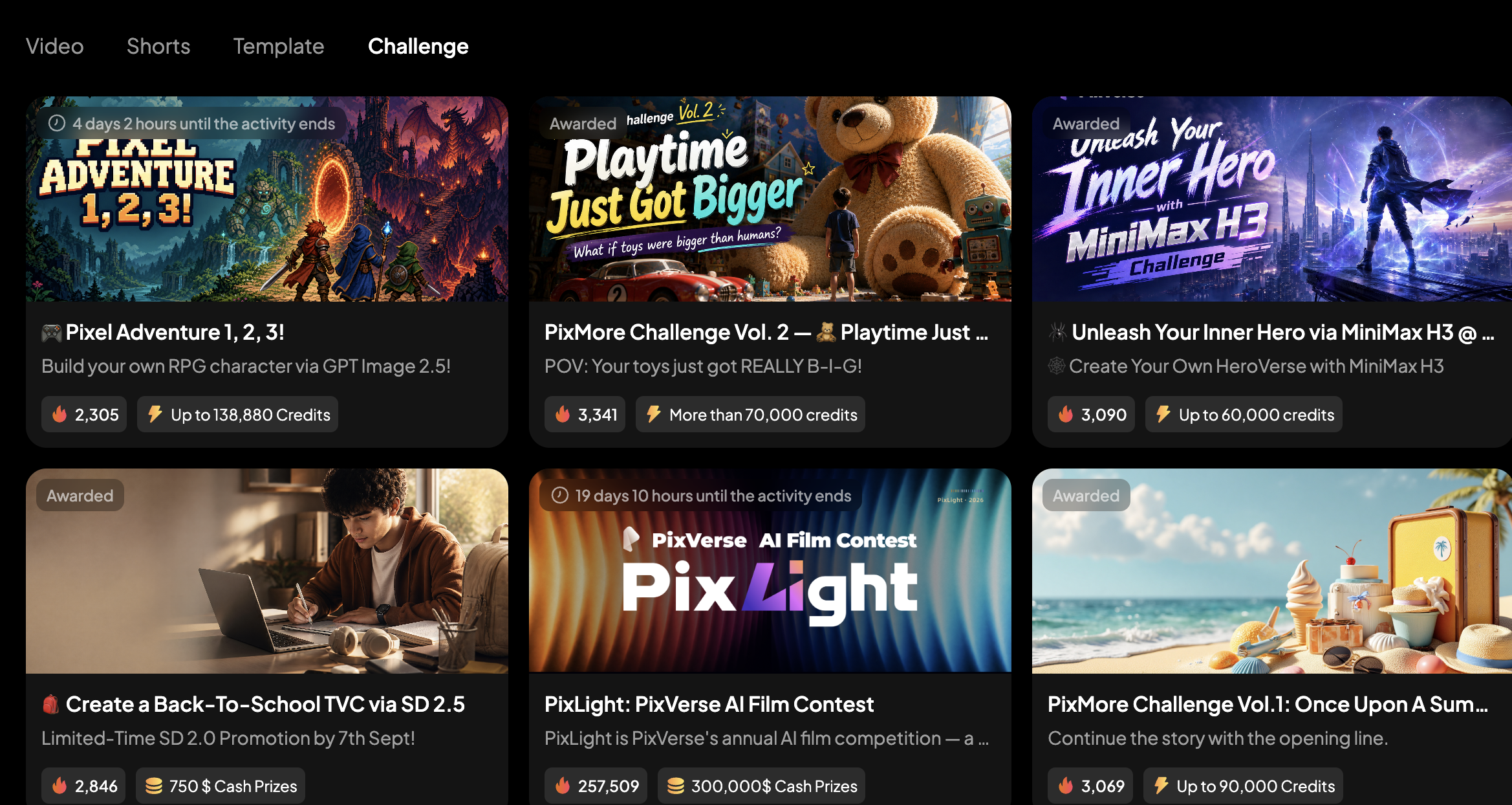
Templates are useful when you want something social-ready. PixVerse has become known for viral-style effects and template-based creation, which makes sense for creators who want fast participation in trends.
Lip sync is another important workflow. For talking characters, avatars, translated clips, or social videos with speech, lip sync can make the output feel much more finished.
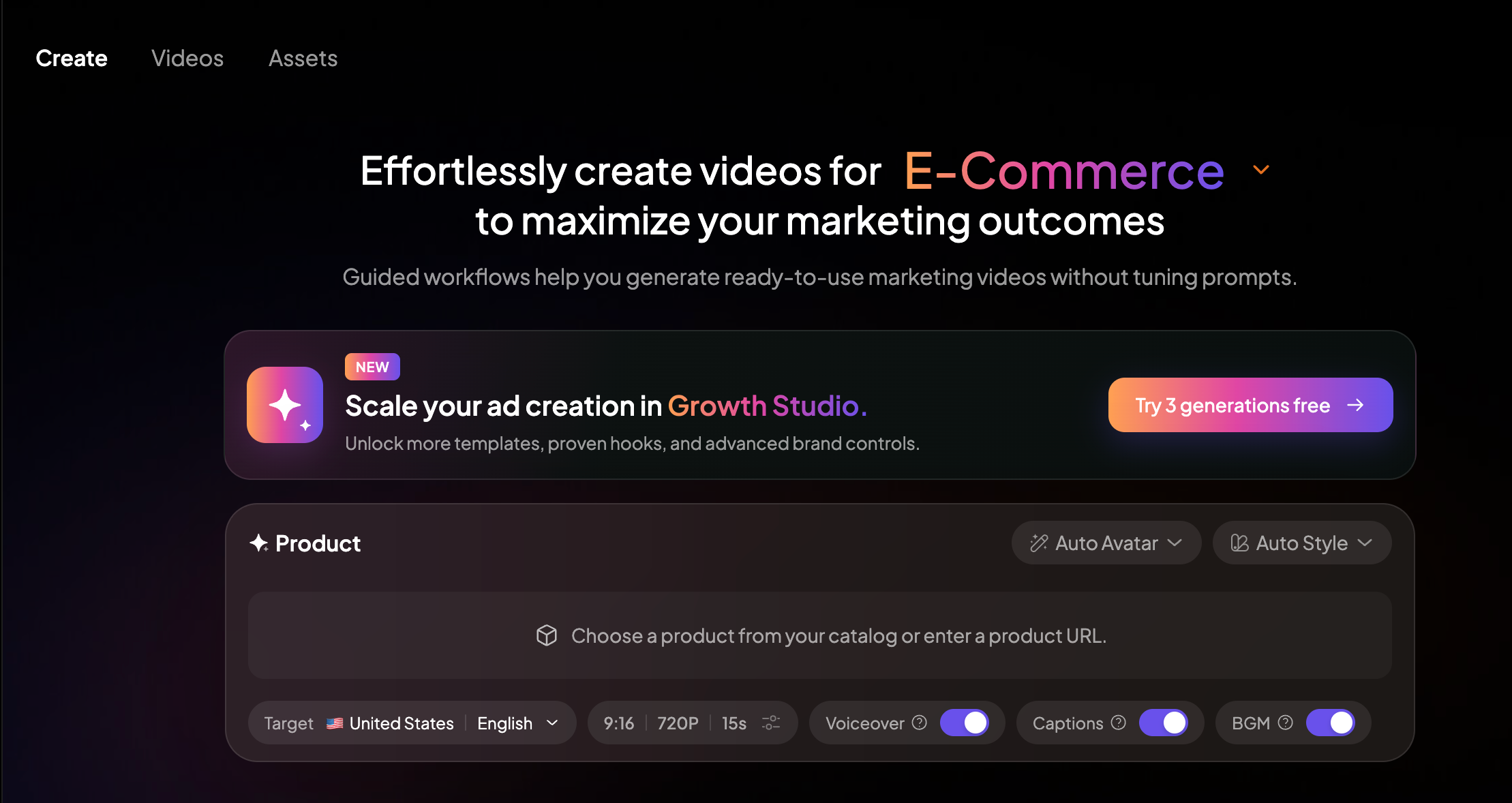
Marketing Hub is where PixVerse becomes more relevant for brands. Its official site positions Marketing Hub as a way to generate ready-to-use marketing videos without manually tuning prompts. That direction is important because marketers do not just want beautiful clips. They want clips that can sell, explain, compare, or promote something.
PixVerse for Social Media Creators
PixVerse is probably most attractive to social-first creators. Its combination of templates, effects, mobile access, and fast generation makes it easy to imagine using it for short-form content.
A creator might use PixVerse to animate a selfie, create a stylized transformation, generate a meme video, turn a character image into motion, or create quick trend videos.
For this kind of use, the advantage is speed. Social content rewards timing. If a trend is moving today, waiting a week to build a perfect video may be too slow. PixVerse gives creators a way to react quickly.
But speed can also create sameness. If many creators use the same templates and effects, the output can start to feel familiar. The best PixVerse videos will still need a clear idea, a strong hook, and some human taste behind them.
PixVerse for Marketers and Brands
PixVerse is also trying to serve marketing teams. Its Marketing Hub, API, Canvas, and enterprise messaging suggest that the platform is not only for casual creators.
For marketers, the useful parts are different. A brand might use PixVerse to create short product clips, campaign concepts, social ads, ecommerce videos, or visual variations for testing.
The biggest value is iteration. A team can test multiple angles quickly: different product scenes, different hooks, different formats, different character styles, or different visual treatments.
Still, marketers should be careful not to treat AI video generation as strategy. PixVerse can help make the video, but it does not automatically know your positioning, customer pain point, offer, or conversion goal. Those decisions still need human direction.
Where PixVerse Can Feel Limited
PixVerse is feature-rich, but that can also make it feel scattered. A creator may enter through templates, Agent, Canvas, Marketing Hub, Mini-Apps, or standard generation. That gives flexibility, but it can also make the workflow feel less obvious if you simply want to turn one idea into a polished video.
Like most AI video platforms, PixVerse may also require multiple generations. A prompt can be understood well, but small details may still shift. Human motion, precise product accuracy, character consistency, hands, text, and exact brand requirements can still need review.
Another limitation is workflow fit. PixVerse is strong for AI generation and trend-style creation, but some users may need a more structured way to turn URLs, products, scripts, and ideas into different video formats. If the project is not just “make this clip,” but “build a repeatable video workflow,” Medeo may be easier to work with.
PixVerse vs Medeo
PixVerse is a strong choice when the goal is to make a short AI clip quickly. It works well for visual effects, trend-style templates, lip sync experiments, and fast social media videos. If you already know the effect you want, PixVerse can help you get to a result without much setup.
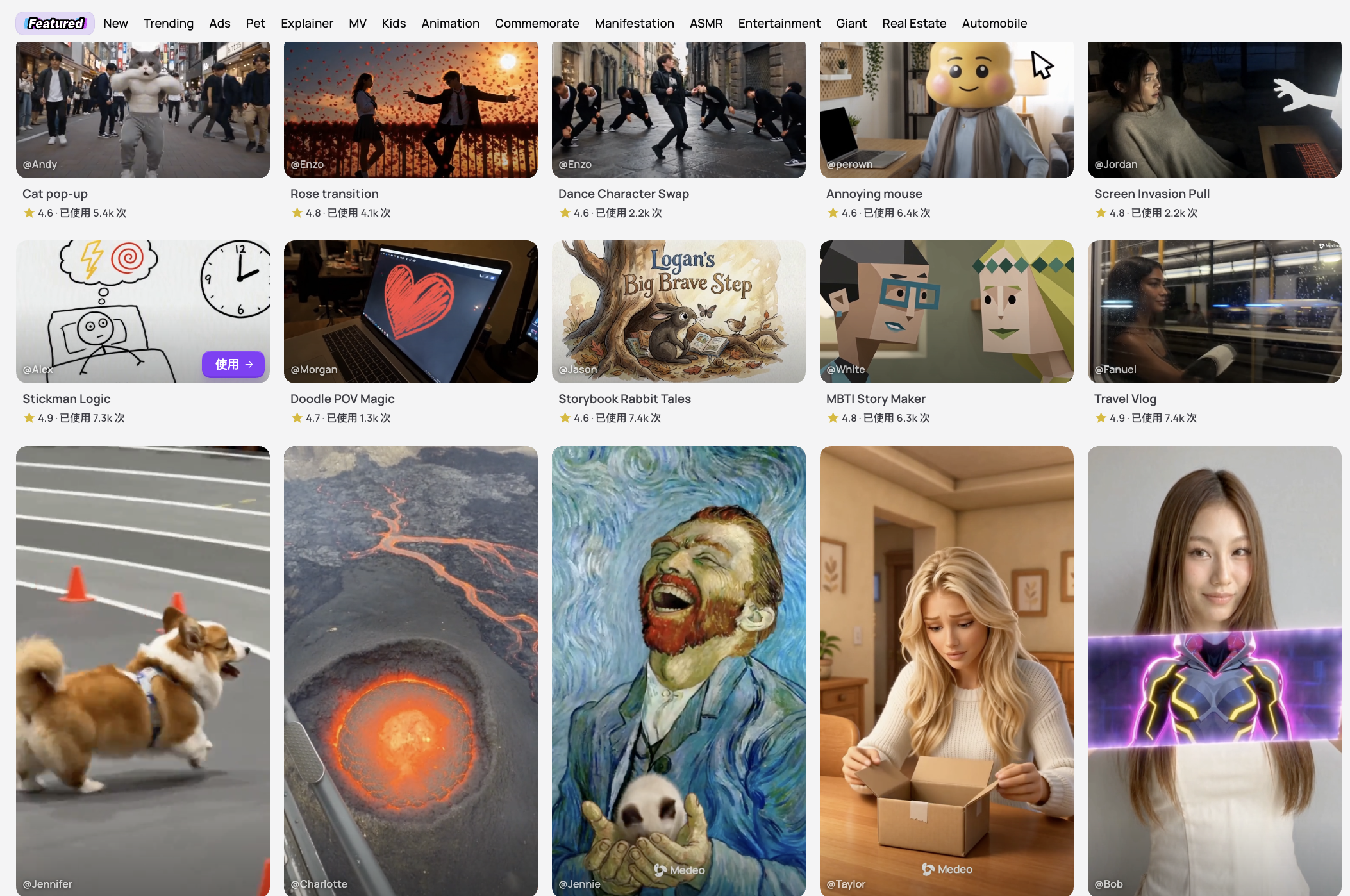
Medeo is built for a different kind of workflow. It is useful when the starting point is not always the same. One project may begin with a product photo, another with a prompt, another with a URL, and another with a rough campaign idea. Instead of forcing every project into one creation path, Medeo gives creators several ways to turn source material into video.
For image-led projects, Medeo’s image-to-video workflow can turn product photos, AI images, portraits, and campaign visuals into motion; For prompt-led creation, Medeo’s text-to-video workflow is better when you want to describe the subject, scene, style, and camera movement from scratch;
For content that starts from a webpage, landing page, article, or product link, Medeo’s URL-to-video workflow is a more practical route; And for ecommerce teams, Medeo’s product video generator is designed around product storytelling, ads, and social-ready marketing assets.
In short, PixVerse is better when you want to create a quick AI effect or clip. Medeo is better when you want a repeatable workflow for turning different kinds of inputs into publishable video content.
When to Use PixVerse
Use PixVerse when you want fast AI video generation, social effects, template-based clips, image animation, lip sync experiments, or short videos that can ride visual trends.
It is a good choice for creators who like experimenting, testing effects, and making quick visual outputs. It is also useful if you want access to PixVerse’s own model ecosystem and API tools.
If the goal is a short AI clip with strong motion or a trend-ready format, PixVerse is worth testing.
When to Use Medeo Instead
Use Medeo when the project needs more structure. If you are turning a product page into a video, creating ecommerce content, making a video from an idea, building social assets from images, or testing multiple video formats, Medeo may be a better fit.
Medeo is also more practical if you want one workspace for different inputs. A creator may start with a URL, then use images, then generate a video, then create several social versions. Medeo is built around that broader path. PixVerse helps you create a clip. Medeo helps you shape the workflow around the clip.
FAQ
What is PixVerse AI?
PixVerse AI is an AI video generation platform for creating videos from text prompts, images, templates, references, and guided workflows. It includes tools for text-to-video, image-to-video, lip sync, templates, marketing videos, canvas workflows, and API access.
Is PixVerse good for image-to-video?
Yes. PixVerse is useful for image-to-video creation, especially when you already have a strong product image, character image, AI visual, poster, or campaign asset and want to add motion.
Can PixVerse create videos from text?
Yes. PixVerse supports text-to-video generation. You can write a prompt describing the subject, action, setting, camera movement, mood, and visual style.
What is PixVerse best for?
PixVerse is best for short AI videos, social media clips, viral effects, template-based creation, image animation, lip sync videos, and fast creative testing.
Is PixVerse free?
PixVerse has offered free and paid access options, but pricing and credit rules can change. For current details, check the official PixVerse app or pricing/subscription page.
What is the best PixVerse alternative?
Medeo is a strong PixVerse alternative if you want a broader AI video workflow for text-to-video, image-to-video, URL-to-video, product videos, and social content creation.
Is Medeo better than PixVerse?
Medeo is better if you need flexible video creation across different inputs and formats. PixVerse may be better if you want PixVerse’s specific effects, templates, model outputs, or API ecosystem.
Can I use PixVerse for marketing videos?
Yes. PixVerse includes marketing-oriented workflows, including Marketing Hub. For ecommerce and product-focused video creation, Medeo’s product video generator may be a more direct workflow.
Final Take
PixVerse AI is a strong platform for creators who want fast AI video generation, social effects, templates, image animation, and lip sync tools. It is especially useful when the goal is to make a short clip quickly and test visual ideas.
But if your workflow is broader than clip generation, Medeo may be the better choice. Medeo gives you more ways to start from prompts, images, URLs, products, and ideas, then turn those inputs into practical video content.