Kling AI has become one of the most important names in AI video generation. For many creators, it is one of the first tools they test when they want realistic motion, cinematic camera movement, image-to-video generation, or short AI clips that look more polished than early-generation AI video outputs.
That attention is understandable. Kling AI is not just a small creative toy. It is a serious AI video and image generation platform built around text-to-video, image-to-video, motion control, image generation, effects, and newer model releases such as Kling 3.0. The official Kling site describes Kling 3.0 as a model series with upgraded multimodal instruction understanding, long-form storyboard control, native audio capabilities, and stronger consistency across complex scenes.
But a good AI video tool is not only about model quality. It is also about workflow. How easy is it to move from idea to usable video? How much control do you have? Can you create different types of videos, or are you mostly testing one model at a time? How does it fit into a creator’s actual production process?
That is where the Kling AI conversation becomes more interesting. Kling is powerful, but it may not be the best tool for every creator, marketer, or team.
What Is Kling AI?
Kling AI is a generative AI platform created by Kuaishou. It is mainly known for AI video generation, especially text-to-video and image-to-video. Users can write a prompt, upload an image, choose generation settings, and create short videos with AI-generated motion.
The platform has expanded beyond simple video prompts. Kling’s official site now highlights video generation, image generation, sound generation, effects, AI video editing, motion control, AI avatars, and API access. That makes it more than a single model demo. It is becoming a larger creative studio for AI media generation.
For creators, Kling AI is most appealing when the goal is visual quality. If you want a dramatic camera move, a realistic character shot, a product-style clip, a fantasy scene, or an image animated into motion, Kling is often one of the tools worth testing.
Where Kling AI Works Best
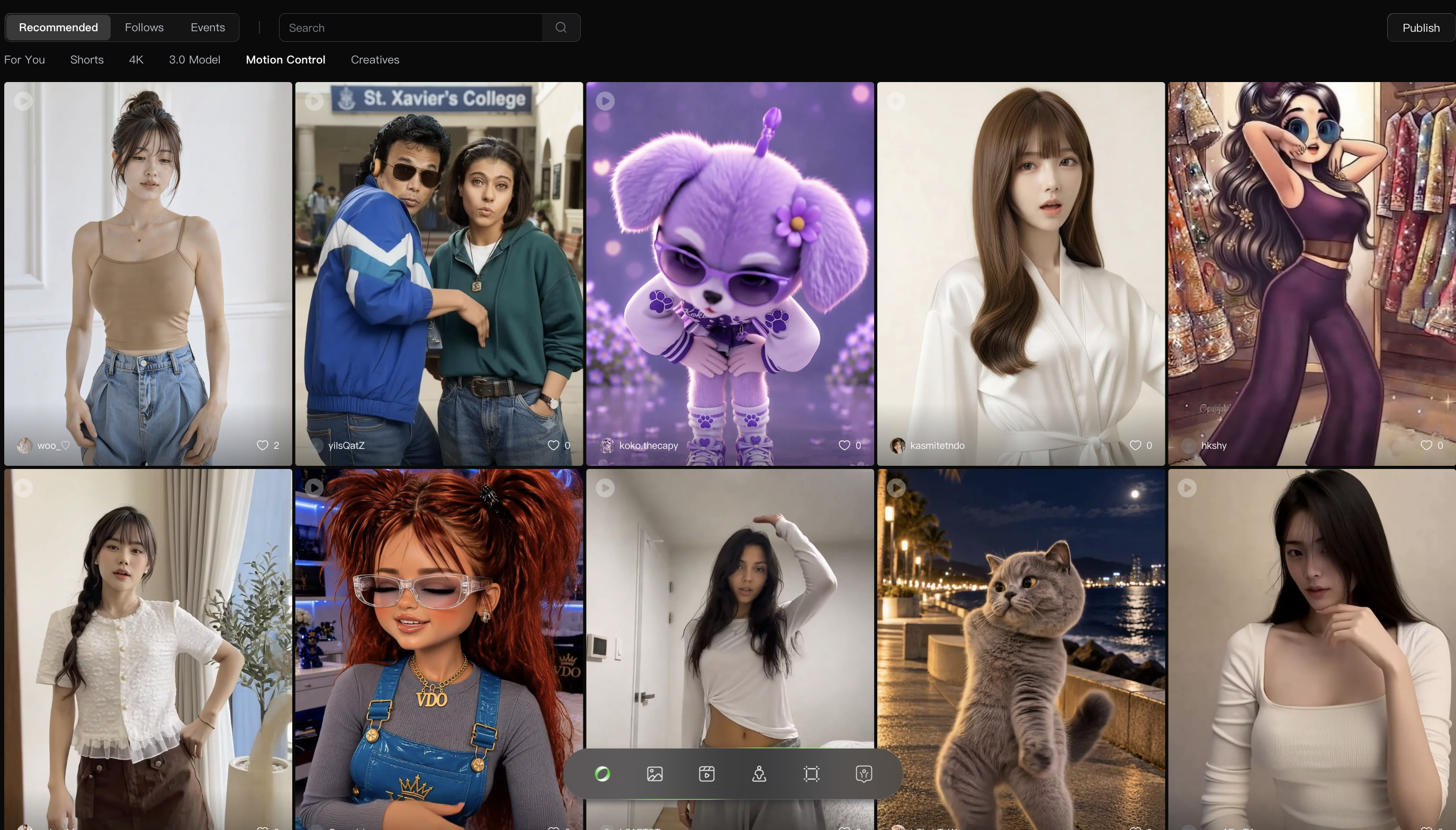
Kling AI is strongest when the creator already has a visual direction. If you know the kind of scene you want, the camera movement you need, and the mood you want the video to carry, Kling can produce impressive results.
It is especially useful for cinematic short clips. A prompt such as a rainy neon street, a slow push-in on a character, a product spinning in studio light, or a fantasy landscape with drifting clouds is the kind of visual task where Kling can perform well.
Image-to-video is another important use case. Many creators now start with an AI image, a product render, a portrait, a fashion shot, or a concept frame. Kling can help turn that still image into motion, which is useful for social videos, concept trailers, ads, mood films, and visual experiments.
Kling is also useful for creators who care about model testing. If your goal is to compare how different AI video models handle realism, movement, consistency, and prompt following, Kling deserves a place in the test set.
Where Kling AI Can Feel Limited
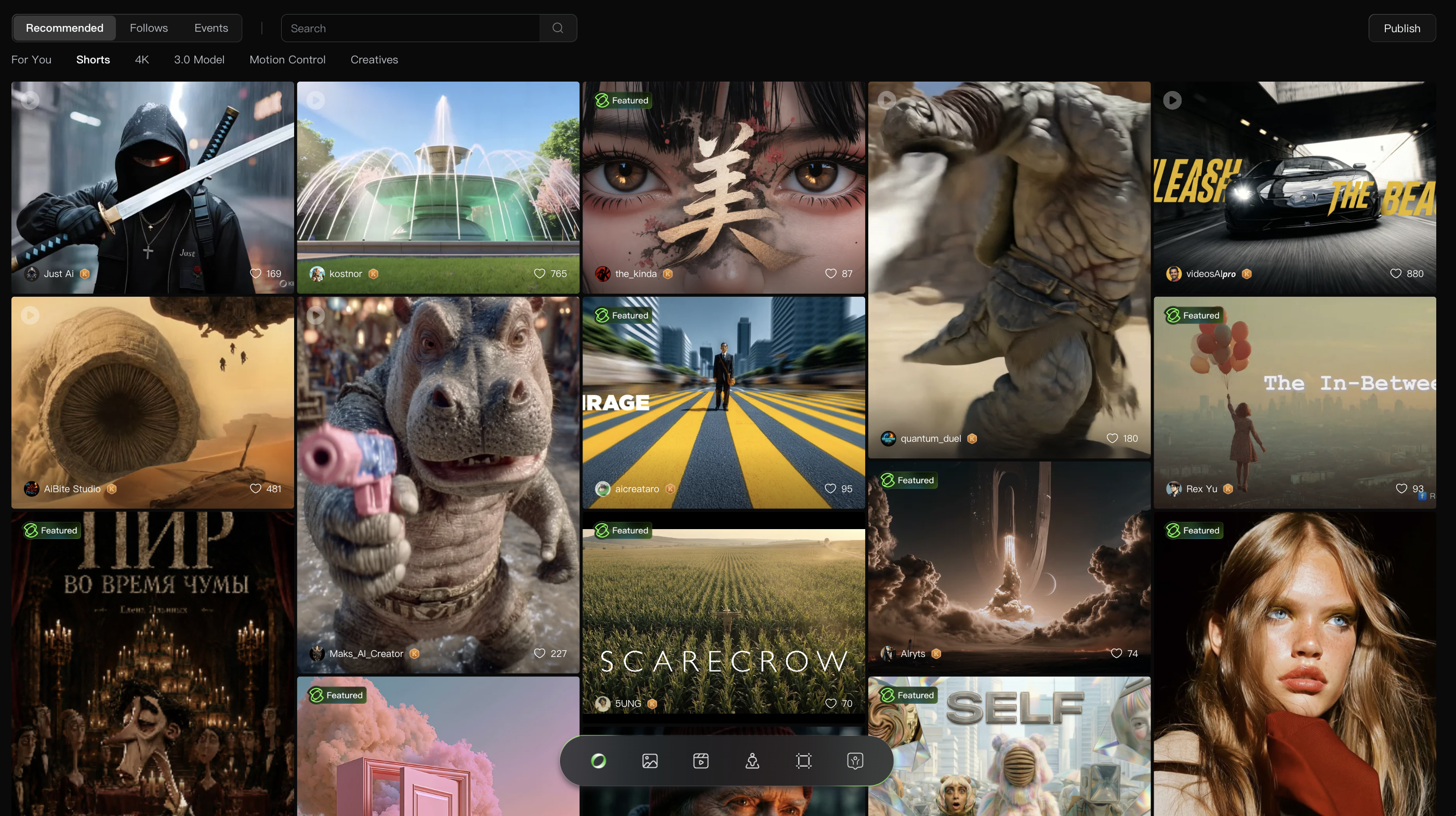
The main limitation of Kling AI is not that the model is weak. The model can be very strong. The limitation is that model generation is only one part of video creation.
A real creator workflow often includes scripting, idea development, image generation, prompt testing, video generation, editing, upscaling, captions, music, product positioning, social formatting, and multiple rounds of revision. If a platform focuses too heavily on generation alone, creators still need other tools around it.
Kling can also require experimentation. Like most AI video models, a prompt may not produce the perfect output on the first try. You may need to adjust camera language, simplify the scene, change the image reference, regenerate, or accept small imperfections in motion or identity consistency.
Pricing is another factor. Kling uses membership plans and credits, and the real cost depends on the model, duration, quality, and generation type. For casual testing, this is manageable. For creators who generate many variations, costs can rise quickly. The safest approach is to check Kling’s official pricing page before planning a large workflow.
Kling AI Pricing: What to Keep in Mind
Kling AI’s pricing is credit-based, with different membership options and usage rules depending on the type of generation. Since AI video pricing changes often, I would not treat any third-party pricing table as permanent.
The practical question is not only “How much does Kling cost?” It is “How many usable clips do I get for the credits I spend?”
That matters because AI video creation often involves iteration. A five-second clip may need multiple attempts before it is ready to publish. If you are testing prompts, comparing versions, fixing motion problems, or creating variations for ads, the credit cost is not just the price of one generation. It is the price of reaching a usable result.
For creators with a clear visual prompt, Kling may feel efficient. For teams that need a full production pipeline, the cost should be judged alongside editing time, extra tools, and revision workflow.
Kling AI Pros
Kling AI is strong for cinematic AI video generation. Its motion quality, visual atmosphere, and realistic scene generation are the main reasons creators pay attention to it.
It supports both text-to-video and image-to-video, which gives creators more flexibility than tools that only work from prompts.
The platform continues to evolve quickly, with newer Kling model versions and expanded creative tools.
It is useful for visual experimentation, concept clips, short-form social content, product-style scenes, and AI film tests.
It also offers API access, which can matter for developers or teams that want to integrate AI video generation into a larger product or workflow.
Kling AI Cons
Kling AI can still require prompt testing and multiple generations before the output feels usable.
It may not replace a full video workflow by itself. Creators may still need separate tools for scripting, editing, captions, publishing, upscaling, and campaign organization.
Credit costs can become important if you generate many variations.
Some outputs may still struggle with details such as complex human motion, object permanence, text, precise continuity, or exact brand requirements.
For users who want an all-in-one creative workspace, Kling may feel more model-centered than workflow-centered.
Who Should Use Kling AI?
Kling AI is a good fit for creators who want high-quality AI-generated clips and are comfortable experimenting with prompts. It is especially useful for filmmakers, AI artists, social video creators, music video creators, concept designers, and marketers who want cinematic visuals.
It is also useful for teams that already have a production workflow and only need a strong AI video model inside that process. If you already know how to write prompts, organize assets, edit clips, and assemble final videos elsewhere, Kling can be a valuable generation tool.
Kling may be less ideal for users who want a guided end-to-end workflow. If you want to move from an idea, script, URL, product image, or social concept into a finished video with fewer tool switches, you may want a broader platform.
Kling AI vs Medeo: What Is the Difference?
Kling AI is best understood as a powerful AI video model and creative studio. Medeo is better understood as a broader AI video creation workspace.
That difference matters. Kling is strong when you want to generate a high-quality AI clip. Medeo is stronger when you want to build a more complete video workflow around different inputs and creative goals.
For example, if your idea starts as a written prompt, Medeo’s text-to-video workflow can help you turn that idea into a video direction; If you already have an image and want to animate it, Medeo’s image-to-video workflow is a direct fit; If your project starts from a webpage, product page, or reference URL, Medeo’s URL-to-video workflow can help convert that source into a video concept.
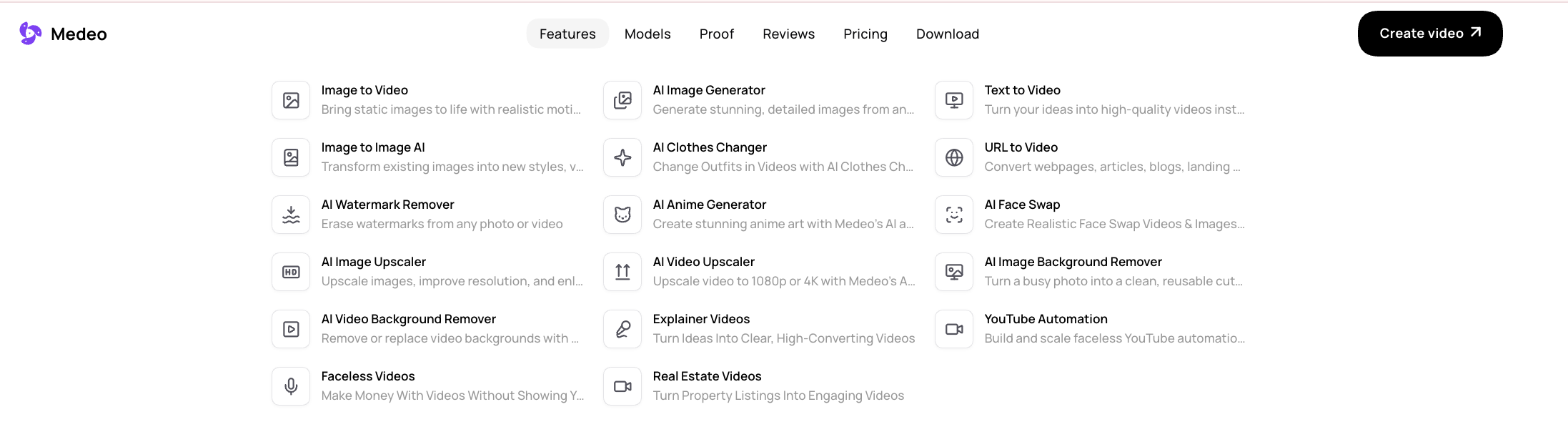
The key difference is that Medeo is designed for creators who do not want every project to start and end with one generation model. It gives you more ways to begin and more ways to shape the output.
When Medeo Is a Better Kling AI Alternative
Medeo is a better Kling AI alternative when flexibility matters more than testing one model in isolation.
If you are a creator making short-form videos, product clips, social content, explainers, image-to-video assets, or campaign concepts, you may need more than raw generation quality. You need a workflow that connects idea, asset, format, model choice, and final output.
Medeo is also useful when you want to work across different video types. One project may need a cinematic prompt-generated scene. Another may need a product video. Another may start from an image. Another may need a URL, a script, or a social idea. Medeo is built for that mixed creative process.
Kling can be a great model to test. Medeo is more useful when you want a video creation environment.
Is Kling AI Worth It?
Kling AI is worth trying if you care about cinematic AI video generation. It is one of the tools serious AI video creators should test, especially for text-to-video and image-to-video.
But whether it is the right long-term tool depends on your workflow. If your main goal is to generate visually impressive short clips, Kling can be a strong option. If your goal is to create different kinds of videos for marketing, ecommerce, social media, storytelling, and content production, Medeo may be the more practical platform.
The honest answer is this: Kling is impressive as a model. Medeo is stronger as a flexible creative workflow.
FAQ
What is Kling AI?
Kling AI is an AI video and image generation platform created by Kuaishou. It is best known for text-to-video, image-to-video, motion control, cinematic video generation, and newer model releases such as Kling 3.0.
Is Kling AI free?
Kling AI offers ways to start creating, but serious usage usually depends on credits, membership plans, and generation settings. Since pricing changes, check the official Kling AI pricing page before planning production work.
What is Kling AI best for?
Kling AI is best for cinematic AI video clips, text-to-video, image-to-video, concept visuals, social clips, motion tests, product-style scenes, and creative experiments where visual quality matters.
Can Kling AI generate videos from images?
Yes. Image-to-video is one of Kling AI’s important use cases. You can upload an image and use prompts or settings to guide motion and camera movement.
What is the best Kling AI alternative?
Medeo is a strong Kling AI alternative if you want a broader AI video workflow. It supports text-to-video, image-to-video, URL-to-video, product videos, and multiple creative paths beyond single-model generation.
Is Medeo better than Kling AI?
Medeo is better if you need a flexible AI video workspace. Kling AI may be better if your main goal is to test Kling’s specific model quality. The better choice depends on whether you need a model or a complete workflow.
Can I use Kling AI for commercial videos?
Kling AI may support commercial use depending on your plan and its current terms. Always check the latest official terms before using generated videos in ads, client work, or commercial campaigns.
Why do creators look for Kling AI alternatives?
Creators often look for alternatives when they want more editing tools, different model options, better workflow support, product video features, URL-to-video creation, social media formats, or more predictable costs.
Final Verdict
Kling AI deserves its reputation. It is one of the most important AI video tools for creators who care about visual quality, cinematic motion, and image-to-video generation.
But it is not automatically the best choice for every creator. If your workflow is mostly about testing high-quality AI video models, Kling is worth using. If your workflow includes many kinds of video creation, Medeo may be a better fit.
Use Kling AI when you want to generate impressive AI video clips.
Use Medeo when you want to turn ideas, images, URLs, products, and scripts into a more complete video workflow.