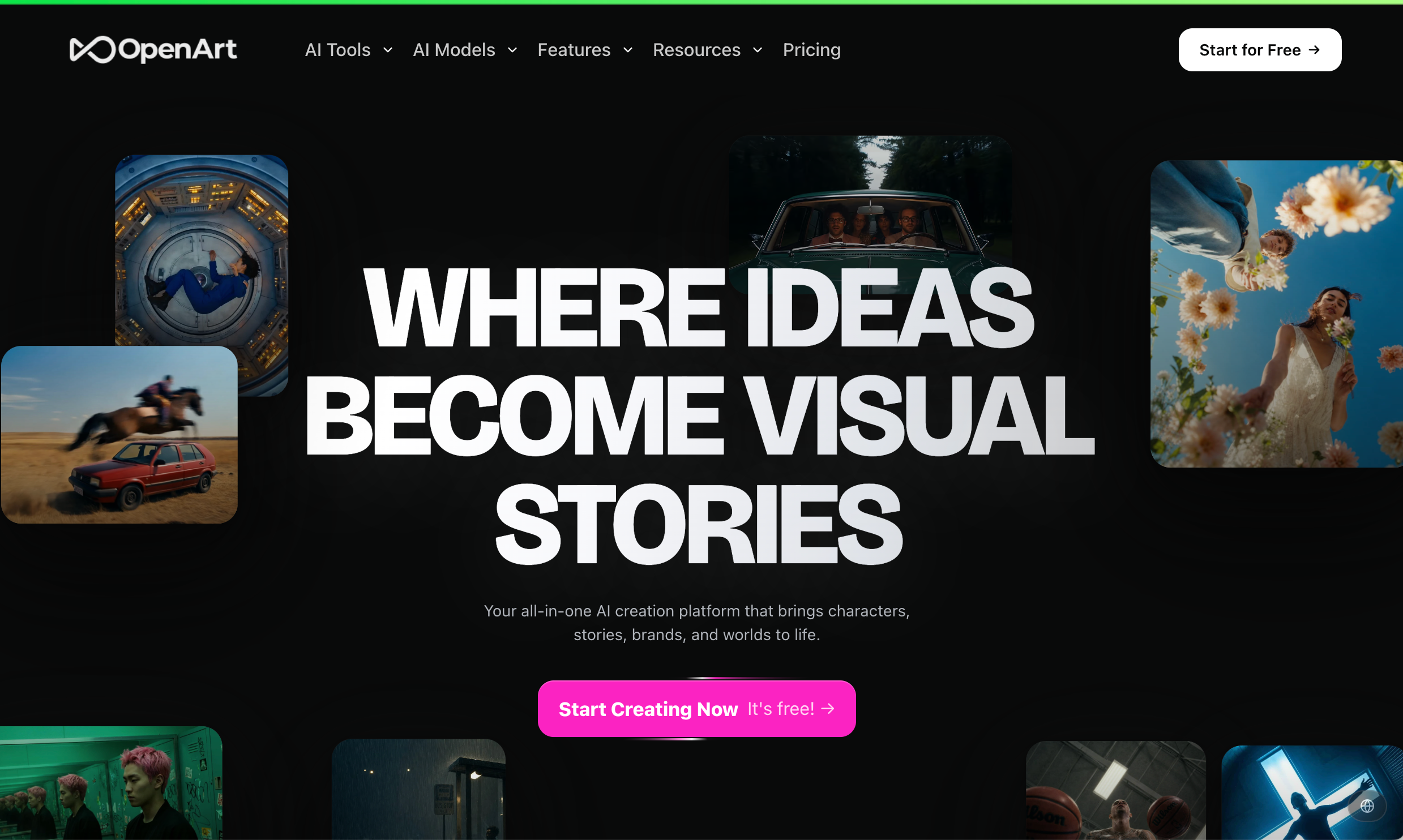
OpenArt AI is the kind of platform people find when they are no longer satisfied with a single AI image generator. Instead of offering one model and one prompt box, OpenArt brings together AI image generation, video generation, character creation, image editing, style tools, and access to many creative models inside one browser-based workspace.
That is why OpenArt is often reviewed as an “all-in-one AI creative suite.” It is not only for making pretty images. It is for testing visual ideas, building characters, creating social visuals, experimenting with styles, and sometimes turning those assets into videos.
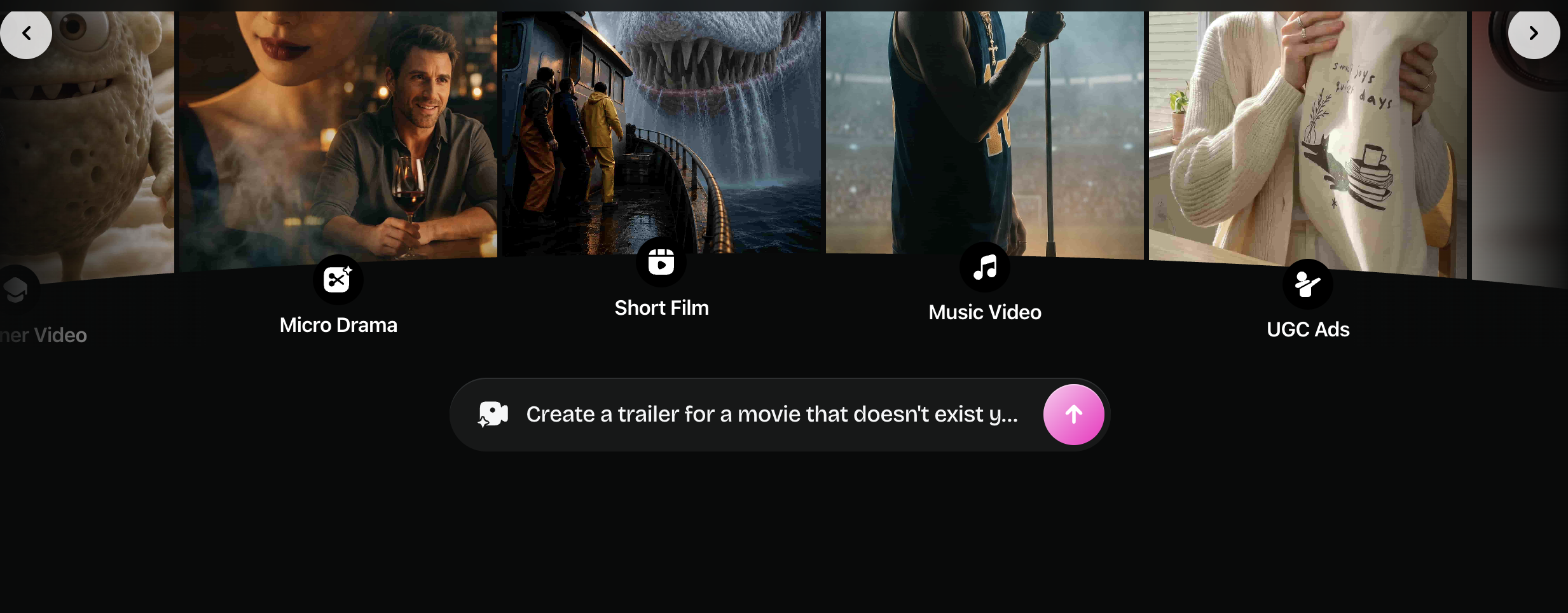
But “all-in-one” can mean two very different things. For casual creators, it can feel convenient. For marketers and content teams, it can also raise questions:
Is OpenArt organized enough for real production?
Does it help with brand consistency?
Is the pricing predictable?
And if the final goal is video, is OpenArt the best tool to stay in?
This OpenArt AI review looks at the platform from a practical creator perspective, then explains where Medeo can fit if your image ideas need to become video content.
What Is OpenArt AI?
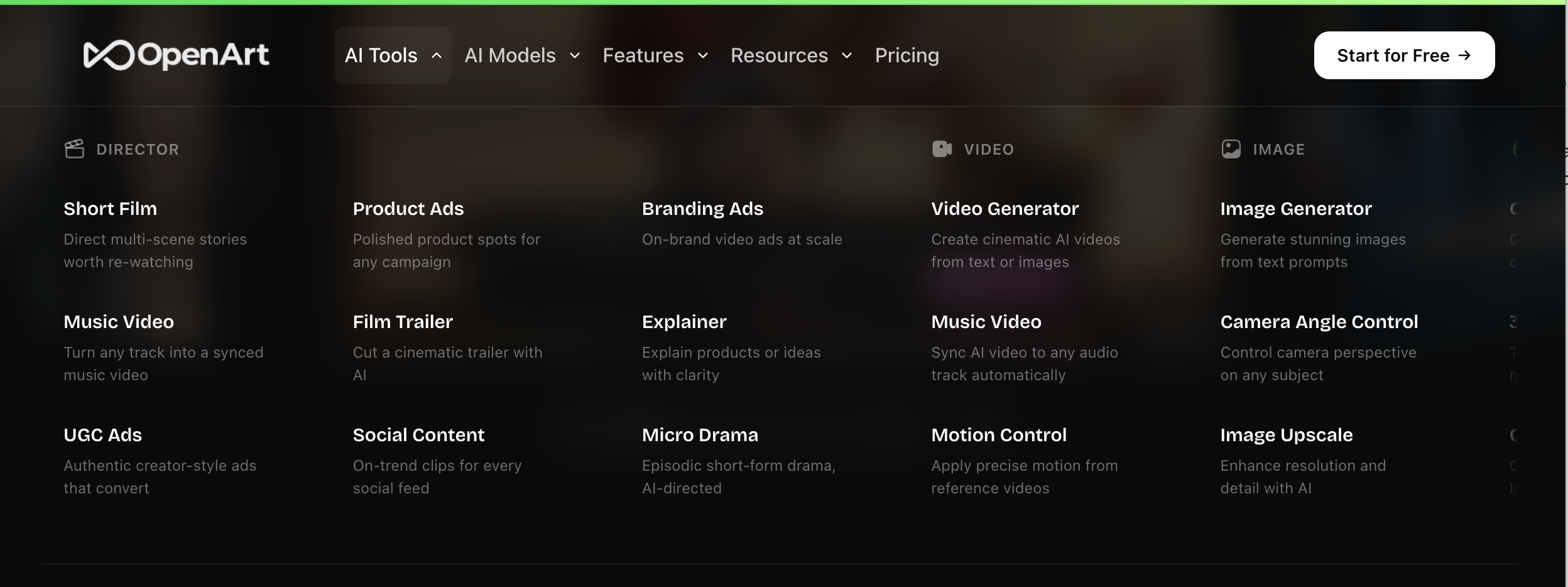
OpenArt AI is an AI creative platform for generating and editing images, videos, characters, and visual assets. Its official website presents it as a creator studio for AI images, video, audio, characters, and multiple AI models.
OpenArt is especially known for image generation and image editing. Users can create visuals from text prompts, work with different art styles, build consistent characters, change backgrounds, relight visuals, inpaint parts of an image or video, and use different AI models depending on the desired result.
For people comparing AI art generators, OpenArt often sits between tools like Midjourney, Leonardo AI, Ideogram, Canva, and newer model-based platforms. Its advantage is variety. Instead of committing to one visual engine, users can explore many styles and workflows in one place.
Main Search Intent Behind “OpenArt AI Review”
Users searching for “OpenArt AI review” usually want more than a quick product description. They are often trying to decide whether OpenArt is worth paying for.
The common search intent includes:
Is OpenArt good for AI image generation?
Can OpenArt generate videos too?
How does OpenArt pricing work?
Is OpenArt better than Midjourney, Leonardo AI, or Ideogram?
Can OpenArt create consistent characters?
Is there a better OpenArt alternative for marketing or video creation?
That last question is important. OpenArt is strong for image exploration, but not every user wants to stop at an image. Many creators now use AI images as the first step in a larger content workflow. They may want to turn an image into a product video, a talking visual, a short ad, or a cinematic clip. That is where Medeo becomes a useful alternative or next-step platform.
What OpenArt Does Well
OpenArt’s biggest strength is creative range. It gives users many ways to begin: a simple prompt, a reference image, a character idea, a style direction, or an editing task.
For visual creators, this matters because not every idea starts in the same format. Sometimes you know the exact style. Sometimes you only have a rough mood. Sometimes you already have an image and only need to change one part. OpenArt supports many of those entry points.
Its image editing tools are also useful. Features such as background replacement, relighting, inpainting, and camera angle control help users avoid regenerating an entire image when only one part needs adjustment.
Another strong point is character consistency. OpenArt promotes the ability to create recurring characters across different scenes, outfits, and videos. This is useful for AI influencers, story-based visuals, character-driven social posts, and creators who want a recognizable visual identity.
OpenArt also gives access to many premium image, video, and audio models depending on the plan. For users who like testing different creative engines, this is a real advantage.
Where OpenArt Feels Most Useful
OpenArt is best when the user is still exploring visual direction.
If you want to test different art styles, create fantasy scenes, design characters, make social visuals, or compare multiple AI models, OpenArt can be a productive playground. It gives creators room to experiment before they commit to a finished visual direction.
It is also useful for creators who do not want to manage several separate subscriptions. One platform with many models and editing features is easier than jumping between multiple tools for every small creative test. But if your end goal is not just to create an image, the workflow decision becomes more interesting.
OpenArt Pricing: What to Know
OpenArt uses a credit-based pricing model. As of August 13, 2026, its official pricing page shows several paid plans, including Starter, Plus, Pro, and Wonder.
The Starter plan is listed at about $13 per seat per month during the displayed discount, with 4,000 credits per month. Plus is shown around $27 per seat per month with 12,000 credits. Pro is shown around $44 per seat per month with 24,000 credits. Wonder is shown around $175 per seat per month with 106,000 credits.
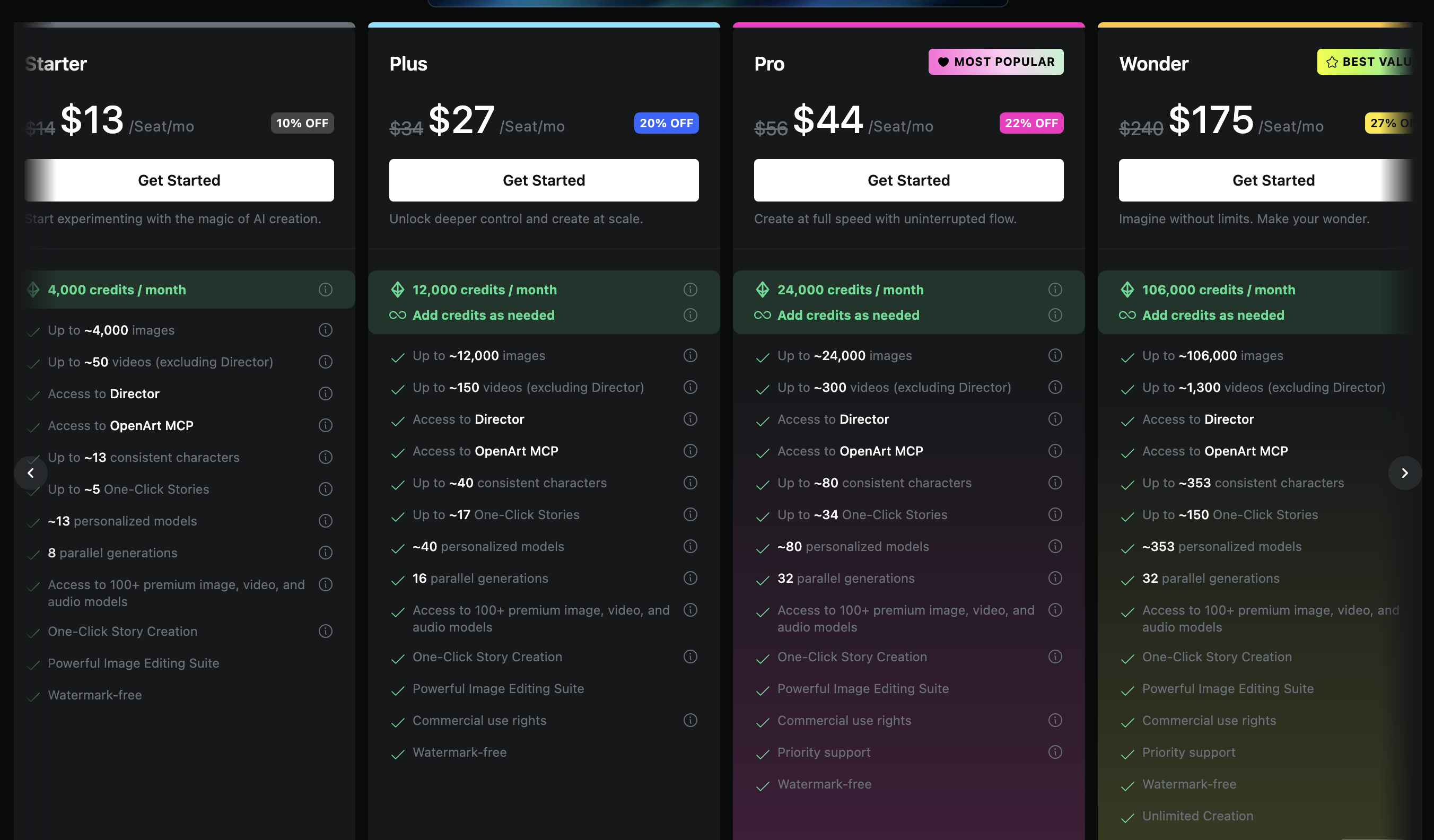
These prices and credit limits may change, so users should always check OpenArt’s official pricing page before subscribing. The important thing is not only the monthly price, but how many usable outputs you can produce with the credits.
AI generation often involves trial and error. If you need several attempts to get one usable image or video, the real cost per final asset can be higher than it looks at first.
What Competitor Reviews Usually Say About OpenArt
Competitor review pages tend to focus on three angles.
First, OpenArt is praised for variety. Many reviews describe it as useful for exploring multiple models, styles, and creative workflows without switching platforms.
Second, some reviews point out that OpenArt may be less ideal for brand-controlled marketing work. If a team needs strict brand consistency, editable campaign layouts, product-aware generation, or repeatable business workflows, OpenArt can feel more like a creative suite than a production system.
Third, pricing and credits are often discussed as a practical concern. OpenArt may be powerful, but frequent generation, premium models, and video workflows can make credit planning important.
That is a fair way to frame it. OpenArt is not weak because it is broad. Its breadth is the attraction. The question is whether that breadth matches the user’s actual job.
OpenArt vs Medeo: Image Playground or Video Workflow?
OpenArt and Medeo should not be compared as if they are identical tools.
OpenArt is strongest when the job begins with image creation, visual experimentation, character design, and style exploration. It is a good platform for making the visual ingredients.
Medeo is stronger when the user wants to turn ideas and assets into video content. If your AI image is only the first step, Medeo can help move the project toward motion, format, storytelling, and publishable video.
For example, a creator might use OpenArt to design a fantasy character or product concept. But once that image needs to become a short video, ad, intro, or social clip, Medeo’s video-first workflows become more relevant.
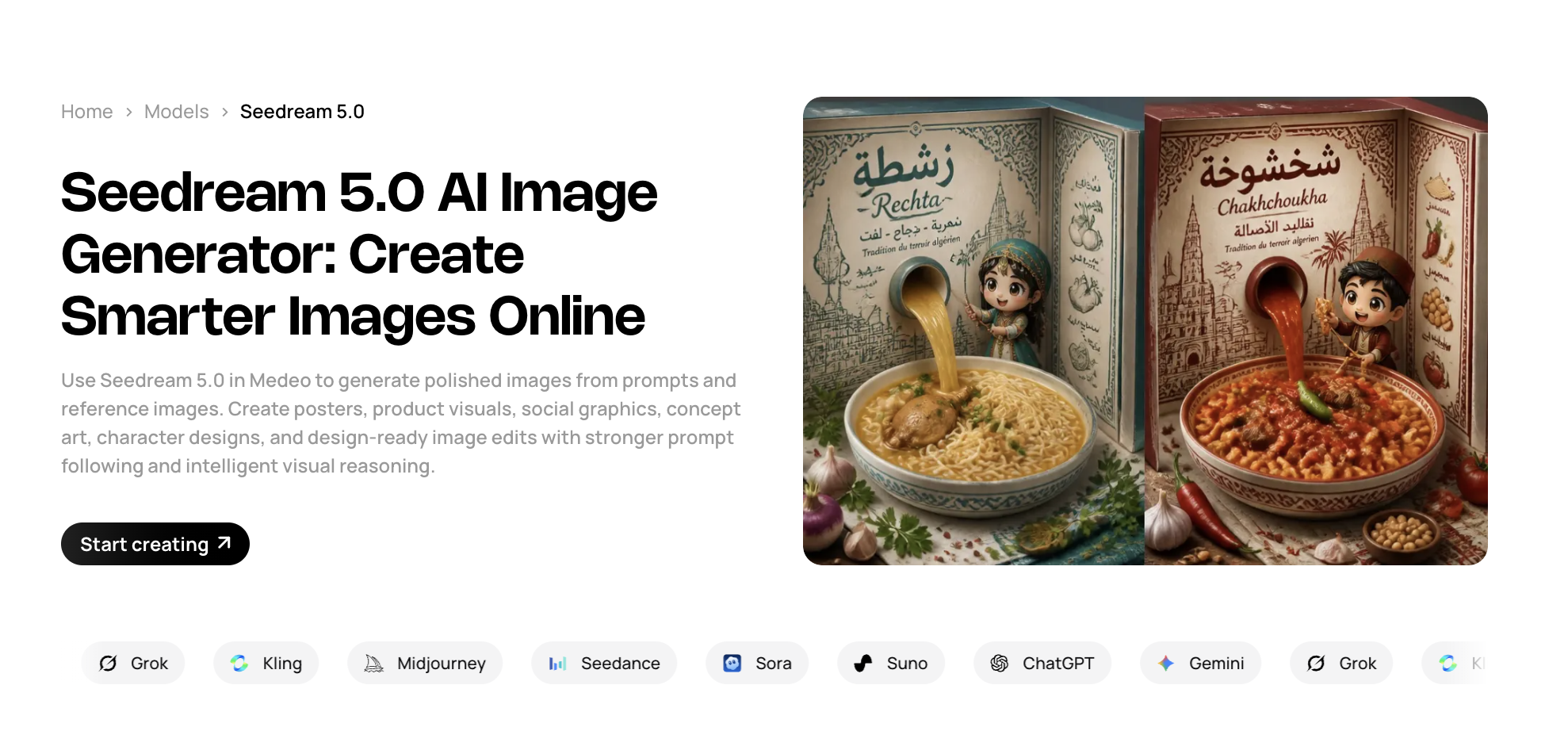
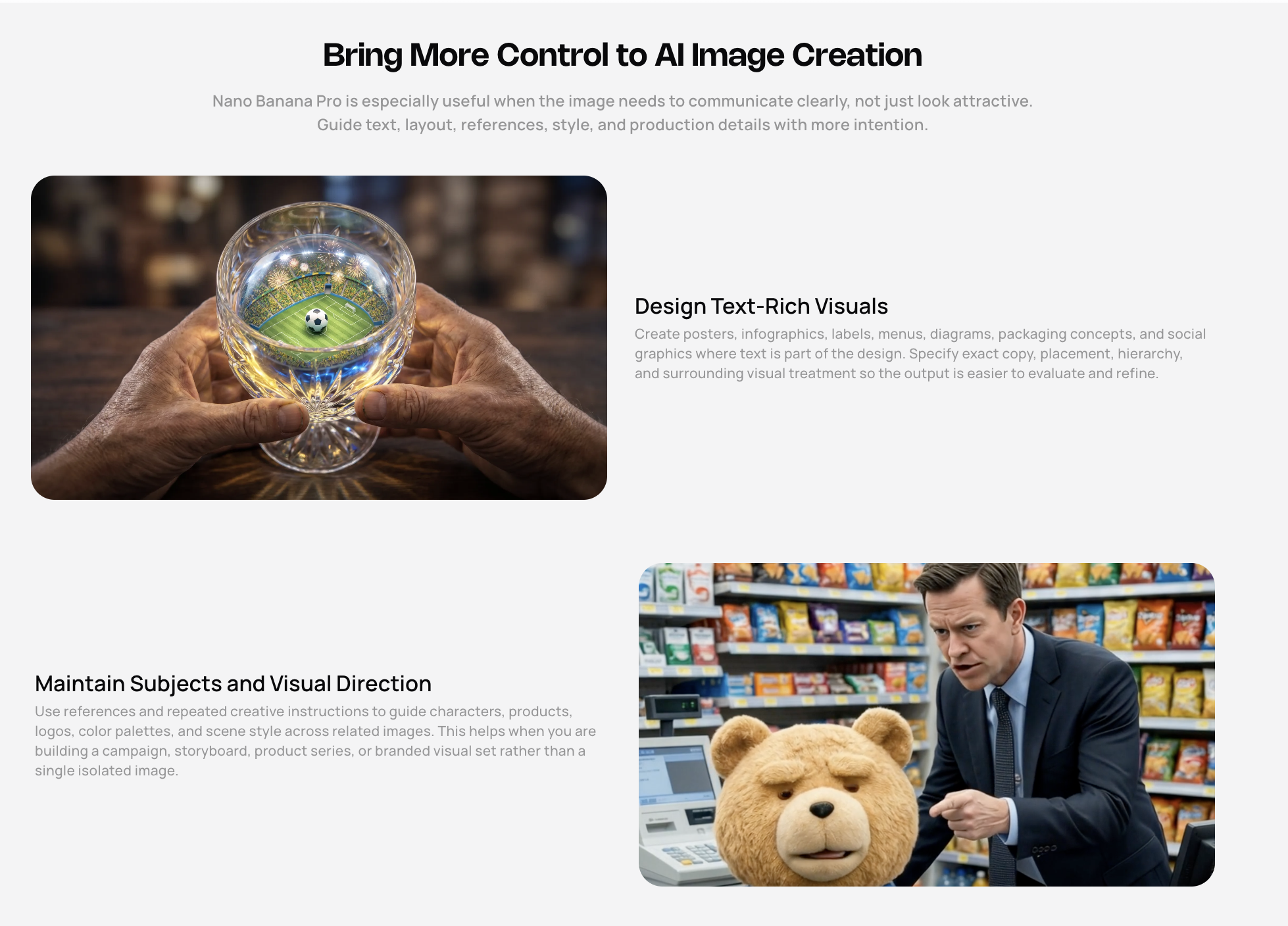
For users comparing image generation models, Medeo also has model pages that match high-intent searches. If someone is deciding between OpenArt and other image-focused models, these internal links are useful:
Medeo Midjourney model page
Medeo Seedream 5.0 model page
Medeo Nano Banana Pro model page
This gives the article a stronger SEO bridge: OpenArt is one way to explore images, while Medeo helps users compare image models and continue into video production.
OpenArt Pros
OpenArt offers broad creative coverage. It includes image generation, video generation, character tools, editing features, and multiple models in one place.
It is especially attractive for people who want to test styles quickly. Instead of learning only one model’s prompting language, users can explore different outputs and workflows.
The image editing tools are practical. Background replacement, relighting, inpainting, and angle changes are useful when a generated image is close but not finished.
Character consistency is another major advantage. For creators building stories, mascots, AI personas, or recurring social characters, this is one of OpenArt’s more valuable features.
OpenArt also has a lower barrier to entry than highly technical local AI image workflows. Users can start from a browser instead of setting up local models and extensions.
OpenArt Cons
OpenArt can feel crowded because it includes so many tools. New users may need time to understand which workflow or model is best for a specific task.
The credit system can also be hard to judge in advance. Image generation, video generation, character tools, and premium models may consume credits differently, so users should test carefully before committing to heavy production.
OpenArt may not be the best choice for teams that need strict brand systems, editable business layouts, or repeatable campaign production. It is strong for creation, but not always as structured for marketing operations.
Some users may also prefer specialized tools. Midjourney may still appeal to people who want maximum image aesthetics. Ideogram may be better for text-heavy graphics. Canva may be easier for template-based social design. Medeo may be more direct for turning ideas and images into videos.
FAQ
What is OpenArt AI?
OpenArt AI is an AI creative platform for generating and editing images, videos, characters, and other visual assets. It gives users access to many AI models and creative workflows in one browser-based studio.
Is OpenArt AI free?
OpenArt may offer free or trial access, but regular use is based on credits and paid plans. Pricing can change, so check OpenArt’s official pricing page before subscribing.
Can OpenArt generate videos?
Yes. OpenArt’s current website presents it as a platform for AI images, video, audio, and character creation. Some plans include video generation limits based on monthly credits.
Is OpenArt good for AI art?
Yes. OpenArt is strong for AI art generation, style exploration, character design, and image editing. It is especially useful for creators who want variety across different models and styles.
Is OpenArt better than Midjourney?
It depends on the goal. Midjourney is often preferred for highly polished image aesthetics. OpenArt is broader because it includes multiple models, editing tools, character features, and video workflows.
What is the best OpenArt alternative?
The best alternative depends on the use case. Midjourney is strong for image aesthetics. Ideogram is strong for text in images. Canva is strong for template-based design. Medeo is a good option if you want to turn AI images and concepts into videos.
Can I use OpenArt for commercial projects?
OpenArt’s pricing page indicates commercial use rights on some paid plans. Users should always confirm the latest terms, model-specific restrictions, and licensing details before using outputs commercially.
When should I use Medeo instead of OpenArt?
Use Medeo when your goal is video creation. If you want to animate images, create product videos, explore AI video models, upscale images, or build social video content, Medeo is more directly aligned with that workflow.
Final Verdict
OpenArt AI is a strong creative suite for people who want variety. It gives creators many ways to generate, edit, and explore visual ideas, and its character and model options make it more flexible than a single-purpose image generator.
Its main weakness is that broad creative freedom can become less direct when the user needs a finished marketing or video asset. OpenArt is excellent for building visual ingredients. Medeo is more useful when those ingredients need to become moving content.
The best choice depends on your workflow. If you want to explore images, OpenArt is worth testing. If you want to turn those ideas into videos, product content, or model-based creative campaigns, Medeo deserves a place in the same tool stack.