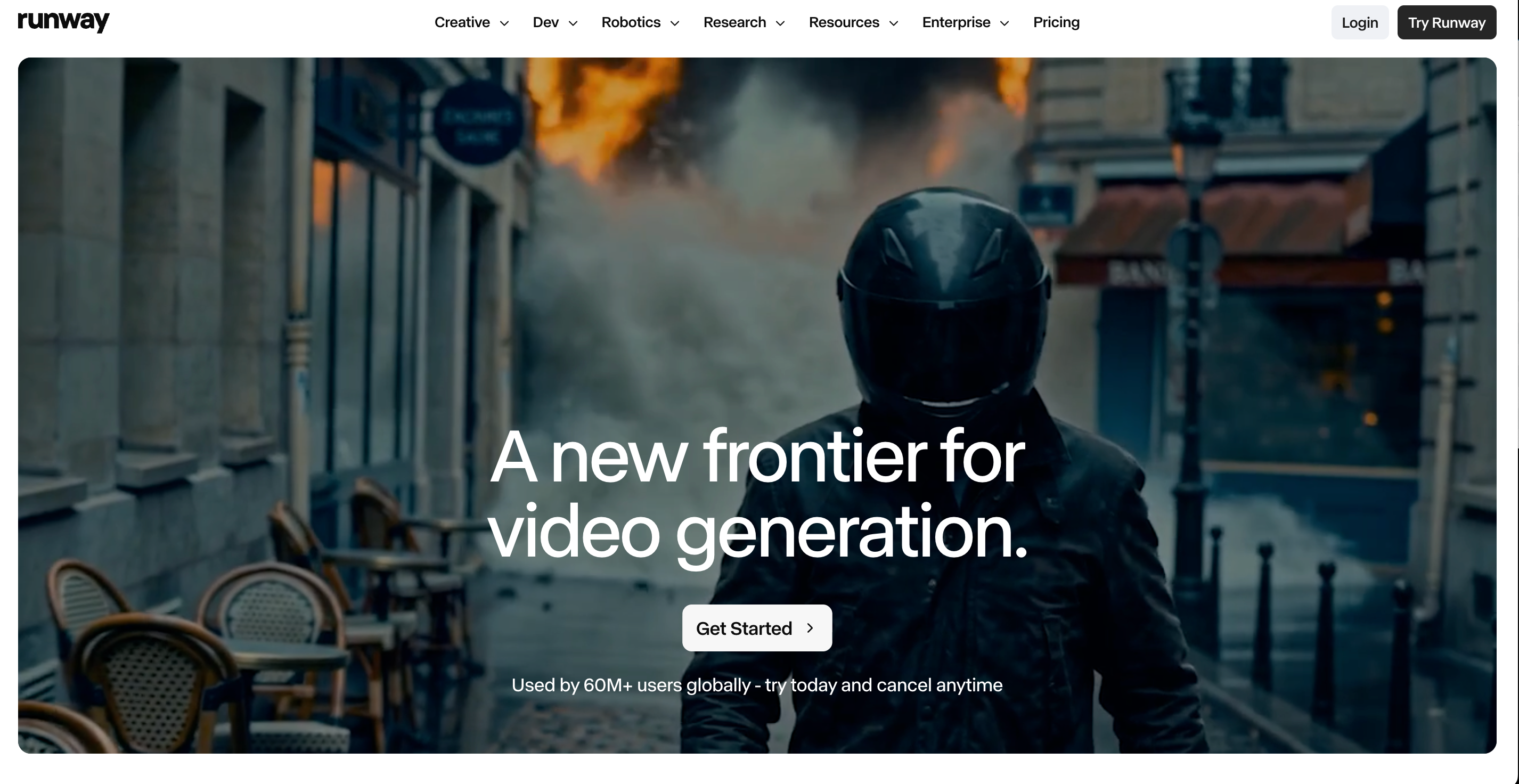
Runway is not just another AI video generator. It has become one of the serious creative platforms in the AI video space, especially for filmmakers, agencies, VFX teams, artists, and production-minded creators. Its ecosystem now includes video generation, image generation, audio tools, editing tools, agents, model access, API options, and newer models such as Gen-4.5.
That makes Runway impressive. It also makes the decision more complicated.
For some creators, Runway is exactly the right tool. For others, it may feel more like a professional production environment than the fastest way to make everyday AI videos. If your goal is cinematic experimentation, advanced model control, or studio-level workflows, Runway deserves attention. If your goal is to quickly turn ideas, images, products, URLs, or scripts into usable videos, Medeo may be a better fit.
This is not a “Runway is bad, Medeo is good” comparison. That would be too simple. A better question is: what kind of creator are you, and what kind of video workflow do you actually need?
What Runway Is Really Built For
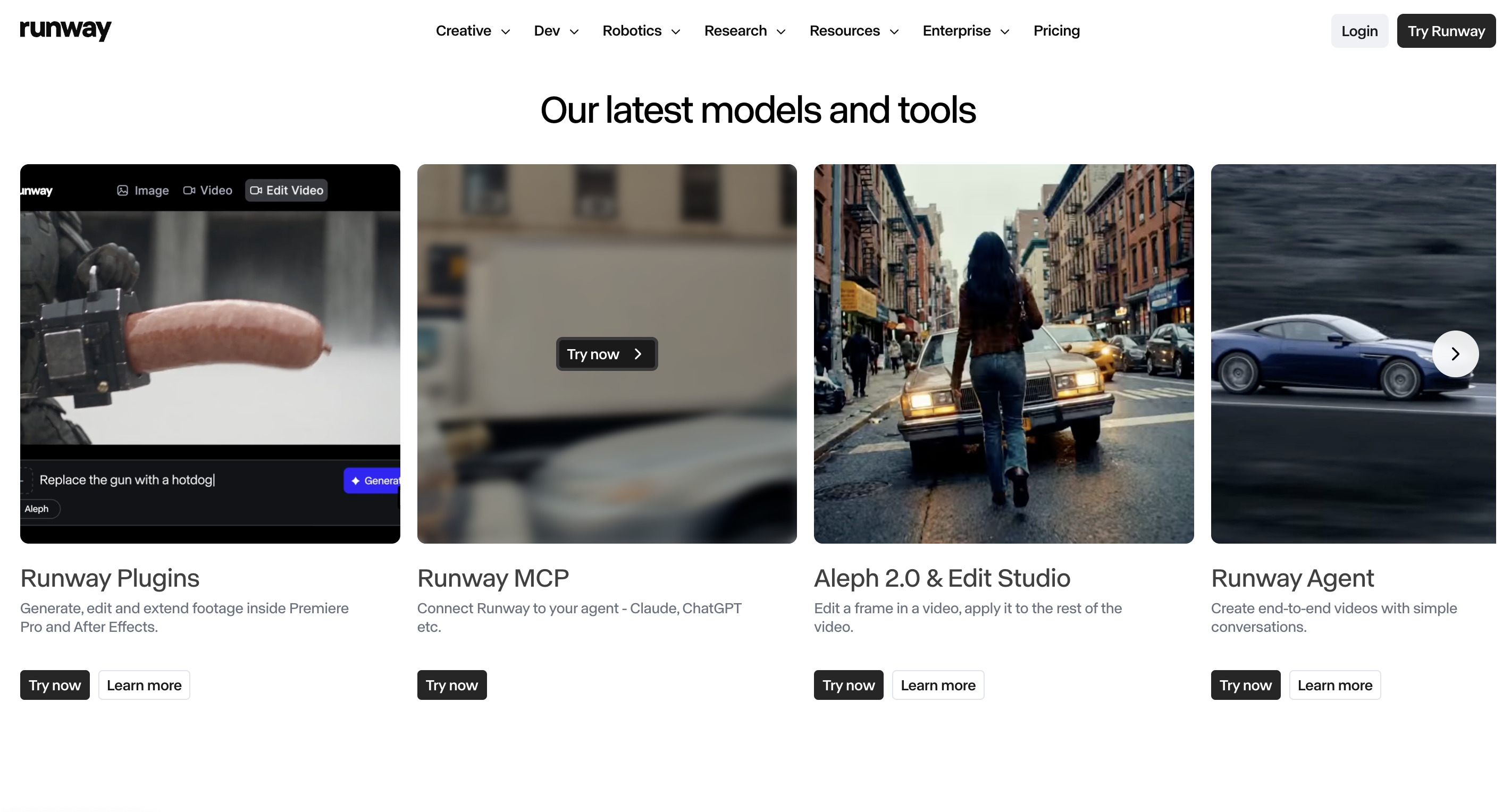
Runway is built for creators who want serious control over AI media generation. The platform describes Runway Creative as an all-in-one cloud-based creative suite for generating and editing video, images, and audio in one workspace. It also has Runway Dev for API access and enterprise use cases, which makes it relevant for teams building production systems around AI video.
That positioning matters. Runway is not only trying to help someone make a quick TikTok clip. It is also speaking to filmmakers, production teams, agencies, game creators, VFX artists, and enterprise users who need advanced tools.
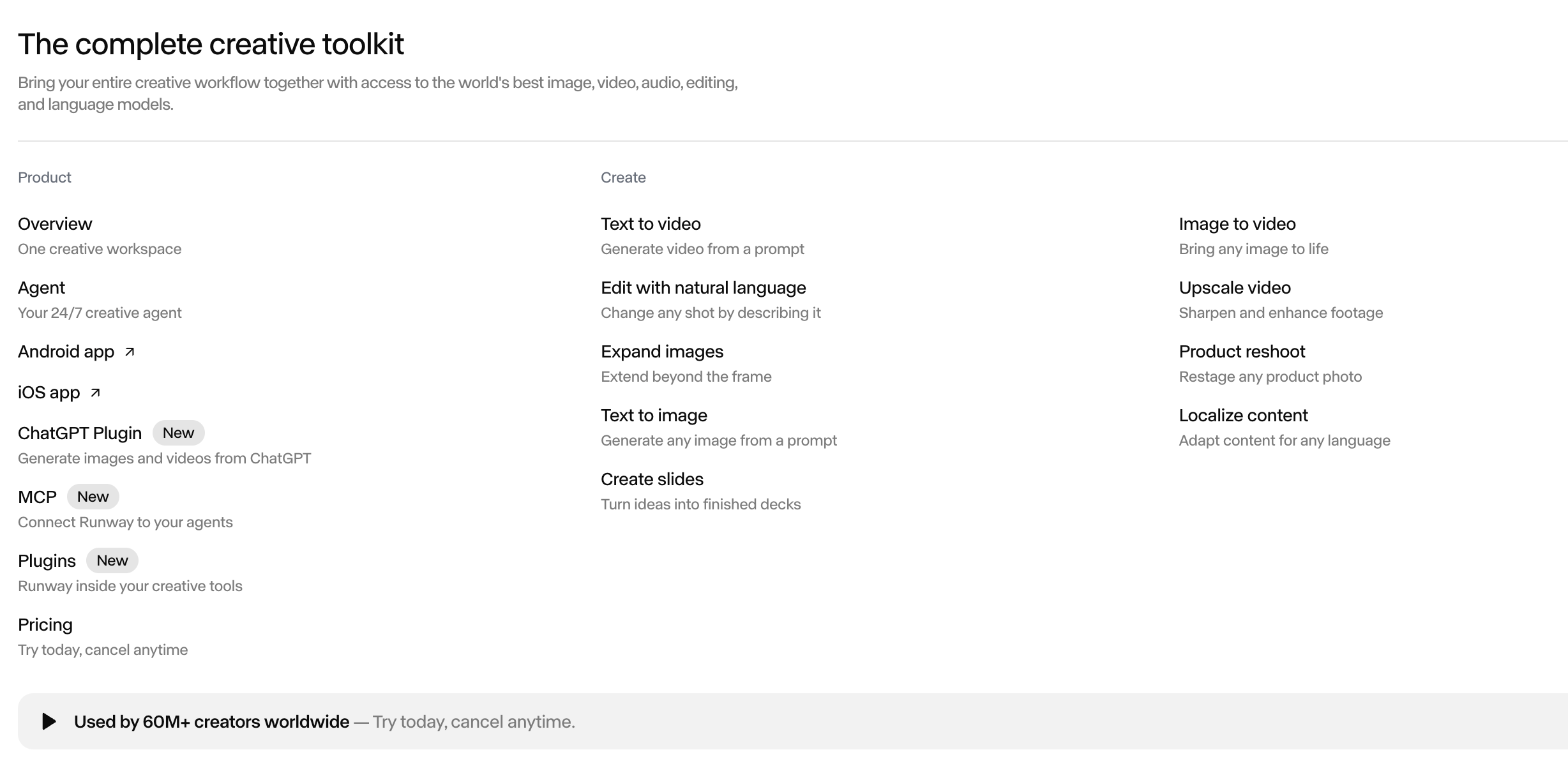
Runway’s Academy reflects this direction. Its learning materials cover AI advertising, games, visual effects, custom workflows, character animation, video transformation with Aleph, and cinematic prompting. This is a strong signal: Runway is designed for people who want to build a craft around AI video, not just generate a clip and move on.
Where Runway Feels Strong
Runway’s biggest advantage is depth. It gives creators access to high-quality models, editing tools, upscaling, audio generation, character animation, and workflow features that can support more ambitious creative work.
For a filmmaker, this matters because the output is rarely finished after one generation. A shot may need a different angle, a changed background, a new aspect ratio, cleaner motion, better lighting, or a higher-resolution export. Runway’s broader toolset can support that kind of iterative work.
For agencies and creative teams, Runway also has advantages around collaboration, brand kits, storage, and higher plan options. Its pricing page includes Free, Standard, Pro, and Max plans, with credits, storage, parallel generations, 4K upscaling, and model access varying by tier. The Max plan also includes studio-grade generation options such as HDR, ProRes, and image sequences.
That is not casual creator language. It is production language.
Where Runway May Feel Like Too Much
The same depth that makes Runway powerful can make it feel heavy for everyday creators. If you simply want to make a product video, animate an image, generate a short social clip, or turn a webpage into a video draft, you may not need the full Runway environment.
A lot of creators do not start with a film pipeline. They start with a practical need:
“I have a product image. Make it move.”
“I have a landing page. Turn it into a short video.”
“I have a script. Make it visual.”
“I need a quick Instagram Reel.”
“I need a few ad concepts by tomorrow.”
For that type of workflow, the best tool is not always the most advanced one. It is the one that gets you from source material to usable video with the fewest unnecessary steps.
That is where Medeo becomes a more practical Runway alternative.
Medeo as a Faster Creative Workspace
Medeo is better suited for creators who want flexibility without a heavy production setup. Instead of treating AI video as a studio pipeline first, Medeo treats it as a creator workflow: start with whatever you have, then turn it into a video.
That starting point can be a prompt, image, URL, script, product page, concept, or existing visual. This makes Medeo useful for marketers, ecommerce teams, social media creators, solo founders, agencies, and content teams who need videos regularly but do not always need advanced film tooling.
For example, if you want to create a video from a written idea, Medeo’s text-to-video workflow is the direct route; If you already have a product photo, AI image, character portrait, or campaign visual, Medeo’s image-to-video workflow is often more natural; If your starting point is a webpage, product listing, article, or campaign URL, Medeo’s URL-to-video workflow gives you a different path; And if the goal is ecommerce or product marketing, Medeo’s product video generator is built around that use case.
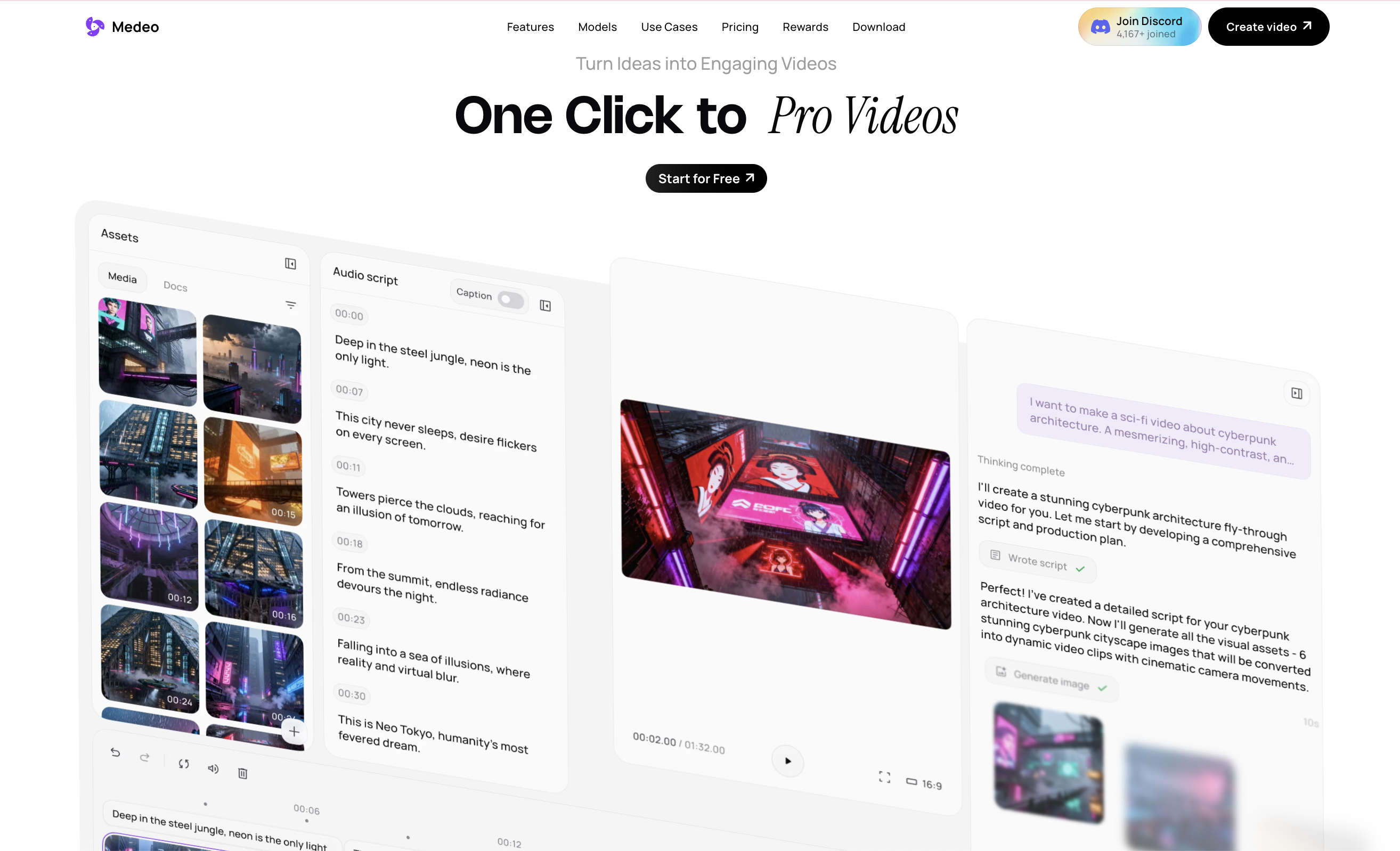
The difference is simple: Runway gives advanced creators a powerful studio. Medeo gives everyday creators more ways to get to a useful video quickly.
Runway vs Medeo for Social Videos
Runway can absolutely create social videos. But it may not always be the fastest choice if the task is short-form content production.
A social video workflow usually values speed, repeatability, strong hooks, clear visuals, and fast iteration. The final output may be a TikTok, Reel, Short, product clip, trend video, or promotional edit. Many of these videos do not require studio-grade export formats. They require momentum.
Medeo is better aligned with that kind of creator rhythm. You can start from an image, prompt, URL, or product concept and create multiple directions without treating every video like a full production project.
For creators who publish often, that lighter workflow matters. A powerful tool is only useful if it fits the pace of the platform you are creating for.
Runway vs Medeo for Product Videos
Runway is strong for visual generation, but product video creation has a different set of needs. A product video is not just a beautiful shot. It needs to communicate what the product is, why it matters, how it looks, and why someone should care.
Medeo’s product video workflow is more practical for ecommerce teams and marketers because it is closer to the actual business goal. You are not only generating a cinematic scene. You are building a usable product asset for ads, social posts, landing pages, campaigns, or store content.
That makes Medeo a better choice when the product itself should lead the video. Runway may be useful for high-end visual experimentation, but Medeo is easier to use when the goal is regular product content production.
Runway vs Medeo for Image-to-Video
Image-to-video is one of the most important workflows in AI video right now. Many creators generate or upload a still image first, then animate it into a short clip.
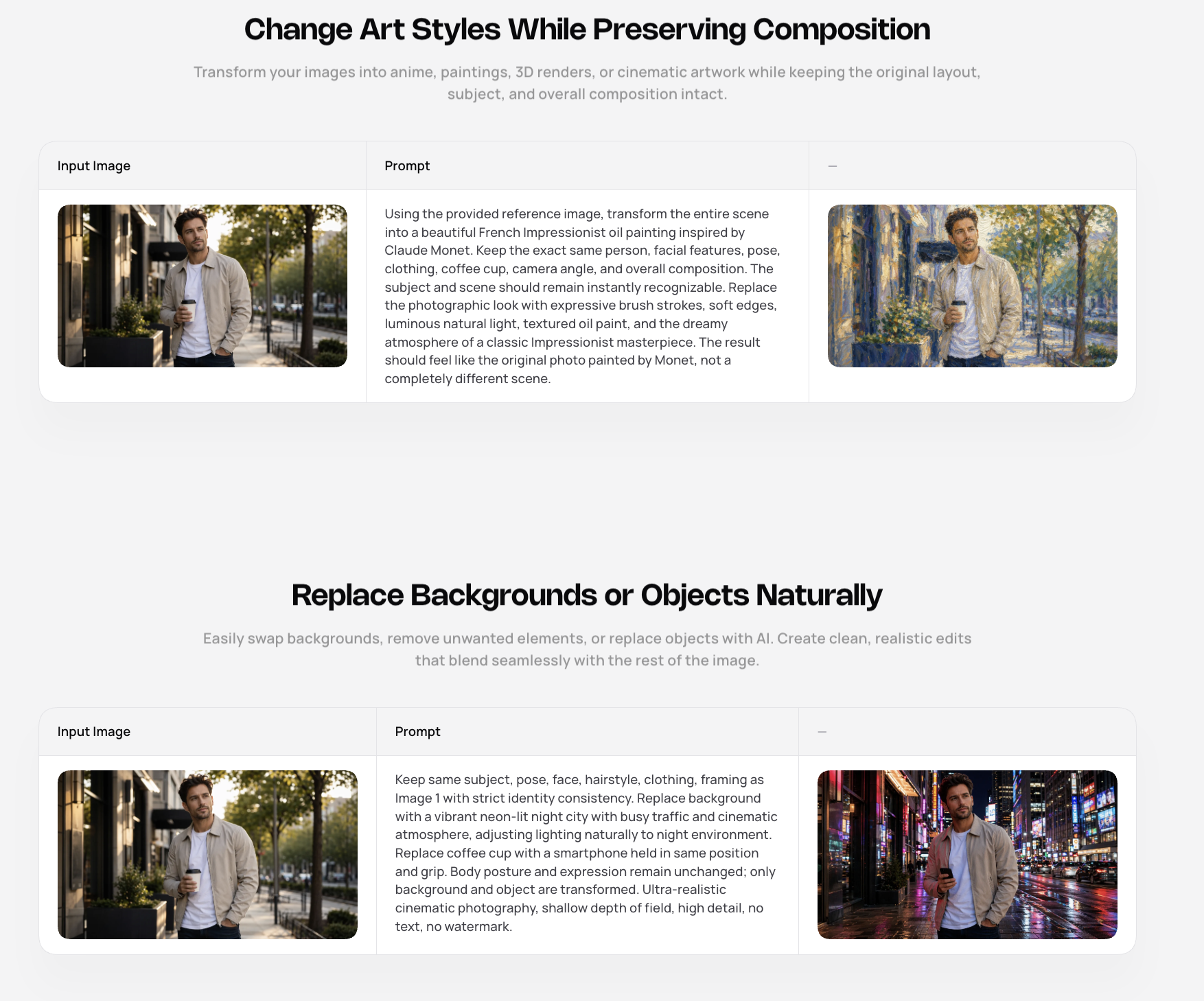
Runway has strong tools for image-to-video and motion generation, especially for creators who want advanced control. Medeo’s advantage is simplicity and workflow fit. If you already have an image and just need to turn it into a moving social asset, campaign visual, or product clip, Medeo may feel more direct.
This is especially useful for creators who work with AI images, fashion photos, product renders, character portraits, thumbnails, posters, or moodboard visuals. The image is already the creative anchor. Medeo helps turn that anchor into motion without asking you to build a whole production pipeline around it.
When Runway Is the Better Choice
Runway is the better choice if you care deeply about advanced creative control, model quality, cinematic experimentation, VFX-style workflows, professional export options, or production pipeline depth.
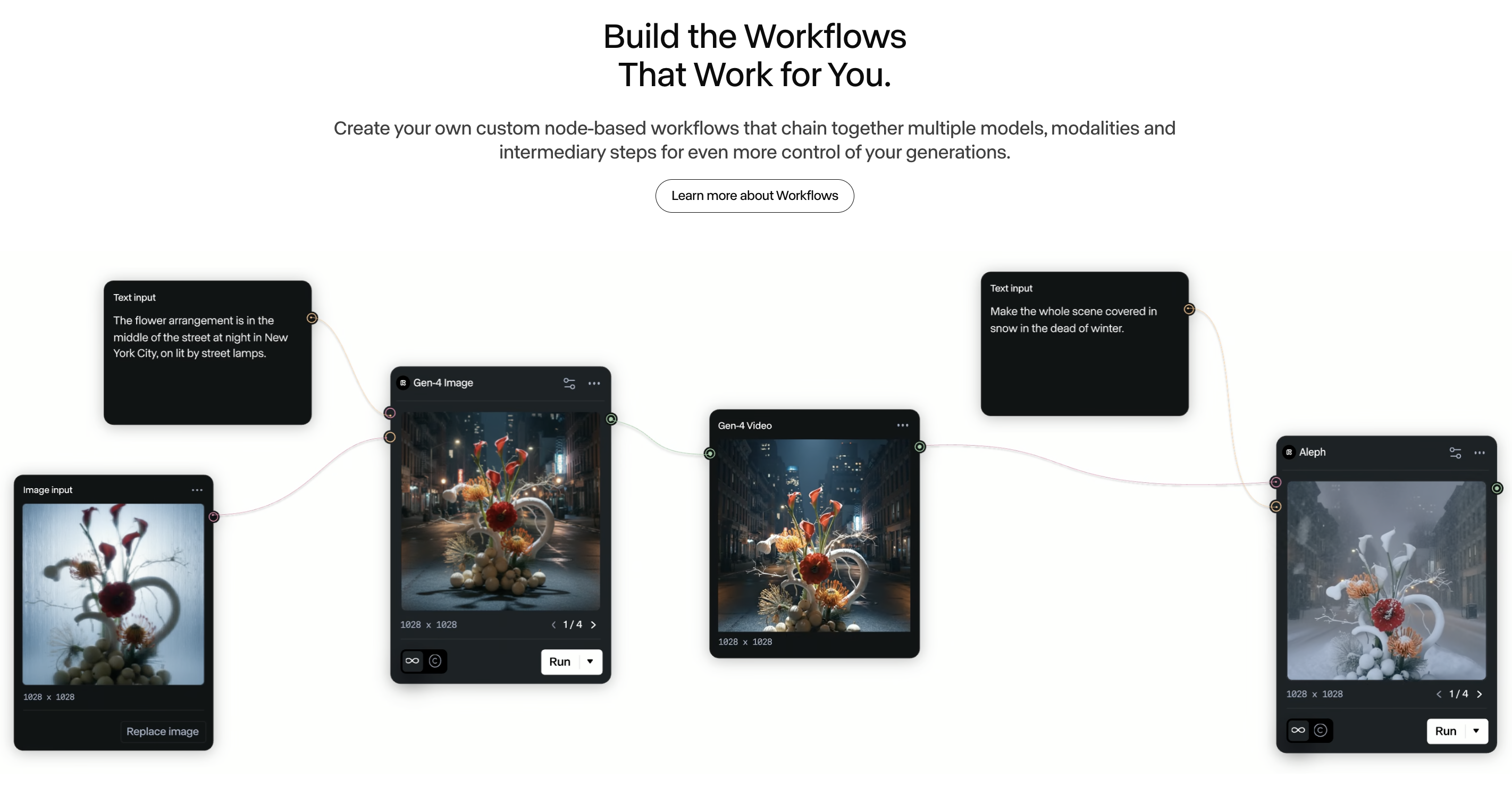
It is also a strong fit for teams that want to train themselves into a more advanced AI video craft. Runway’s Academy, prompt guides, model ecosystem, API access, and enterprise direction make it a serious environment for AI video professionals.
If your team is building polished films, high-end campaign visuals, experimental content, advanced edits, or custom AI video workflows, Runway is worth learning.
When Medeo Is the Better Runway Alternative
Medeo is the better choice when you want to make videos from many starting points without turning every project into a production system.
If your work includes product videos, social clips, image animations, prompt-based videos, URL-to-video drafts, marketing assets, or ecommerce content, Medeo may be easier to fit into your day-to-day workflow.
It is also better for creators who want one workspace for different practical video formats. Not every video needs the same tool depth. Sometimes the smarter workflow is the one that helps you publish faster, test more ideas, and stay close to the content goal.
Runway is excellent for advanced creation. Medeo is better for flexible creation.
The Real Difference
The real difference between Runway and Medeo is not “which one is better.” It is the level of workflow you need.
Runway is a powerful studio for creators who want to go deeper into AI video production. Medeo is a flexible creation workspace for creators who want to turn ideas and assets into videos more directly.
If you are producing films, VFX concepts, polished cinematic experiments, or advanced AI media workflows, Runway may be the stronger choice.
If you are producing social videos, product videos, marketing clips, image-to-video assets, URL-based videos, or everyday creative content, Medeo may be the better fit.
Final Verdict
Runway deserves its reputation. It is one of the most serious AI video platforms available, and its toolset continues to expand toward professional creative production.
But not every creator needs the heaviest tool in the room. Many creators need a faster, more flexible way to turn ideas, images, products, scripts, and URLs into videos. For that, Medeo is a strong Runway alternative.
Use Runway when you want a professional AI video studio.
Use Medeo when you want a practical AI video workflow that moves quickly across formats.
FAQ
What is the best Runway AI alternative?
Medeo is a strong Runway AI alternative for creators who want flexible AI video creation across text-to-video, image-to-video, URL-to-video, product videos, and social content.
Is Medeo better than Runway?
Medeo is better for fast, flexible video creation across different inputs and formats. Runway is better for advanced AI video production, cinematic experimentation, professional editing, and deeper creative control.
What is Runway best used for?
Runway is best used for AI video generation, image generation, video editing, cinematic experiments, VFX workflows, advanced model testing, character animation, and professional creative production.
Can Medeo create videos from images?
Yes. Medeo supports image-to-video workflows that turn product photos, AI images, portraits, campaign visuals, and concept art into short videos.
Can Medeo create videos from URLs?
Yes. Medeo’s URL-to-video workflow can help turn webpages, product pages, articles, or landing pages into video concepts.
Is Runway free?
Runway has a free plan with limited one-time credits. Paid plans provide monthly credits and more features. Pricing and credit rules can change, so check Runway’s official pricing page before subscribing.
Why do creators look for Runway alternatives?
Creators often look for Runway alternatives when they want simpler workflows, lower friction, more practical product video tools, faster social content creation, URL-to-video support, or a platform that feels less production-heavy.
Should I use Runway or Medeo?
Use Runway if you want advanced AI video tools and professional creative control. Use Medeo if you want a more flexible way to create videos from prompts, images, URLs, products, and scripts.