What is VEED
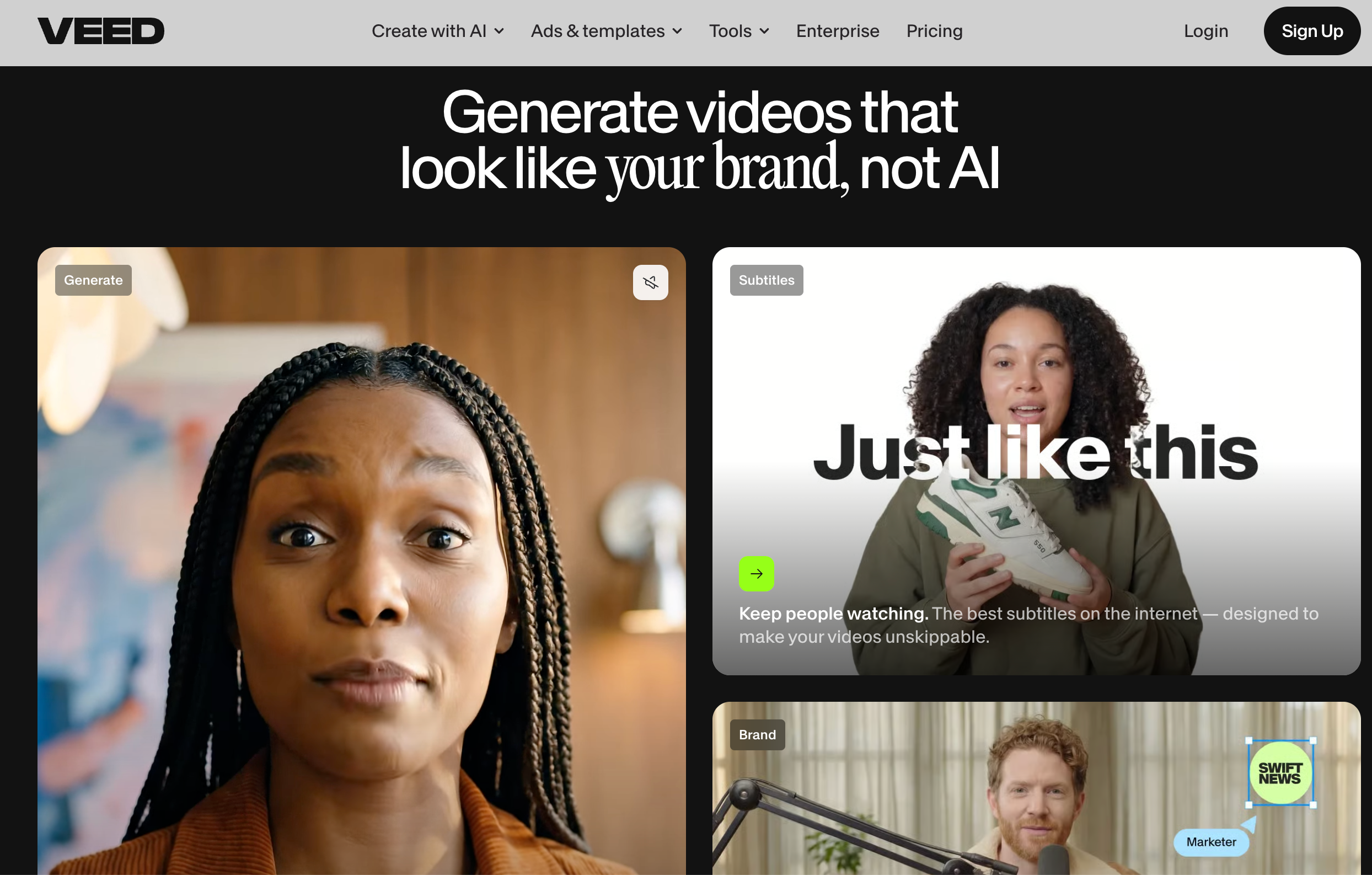
VEED is one of the best-known browser-based video editors. It is popular because it makes common editing tasks feel simple: adding subtitles, trimming clips, removing background noise, recording screens, translating videos, generating avatars, and creating social-ready videos without downloading heavy editing software.
That makes VEED useful for creators, marketers, educators, podcasters, and small teams who want a clean online editor. If your footage already exists and you need to polish it, subtitle it, resize it, or turn it into a social clip, VEED can be a practical choice.
But many creators are no longer starting with footage. They are starting with an idea, a prompt, a product image, a script, a URL, or a campaign concept. In that case, the question changes. You are not only asking, “How do I edit this video?” You are asking, “How do I create the video in the first place?”
That is where Medeo becomes a strong VEED alternative.
What VEED Does Well
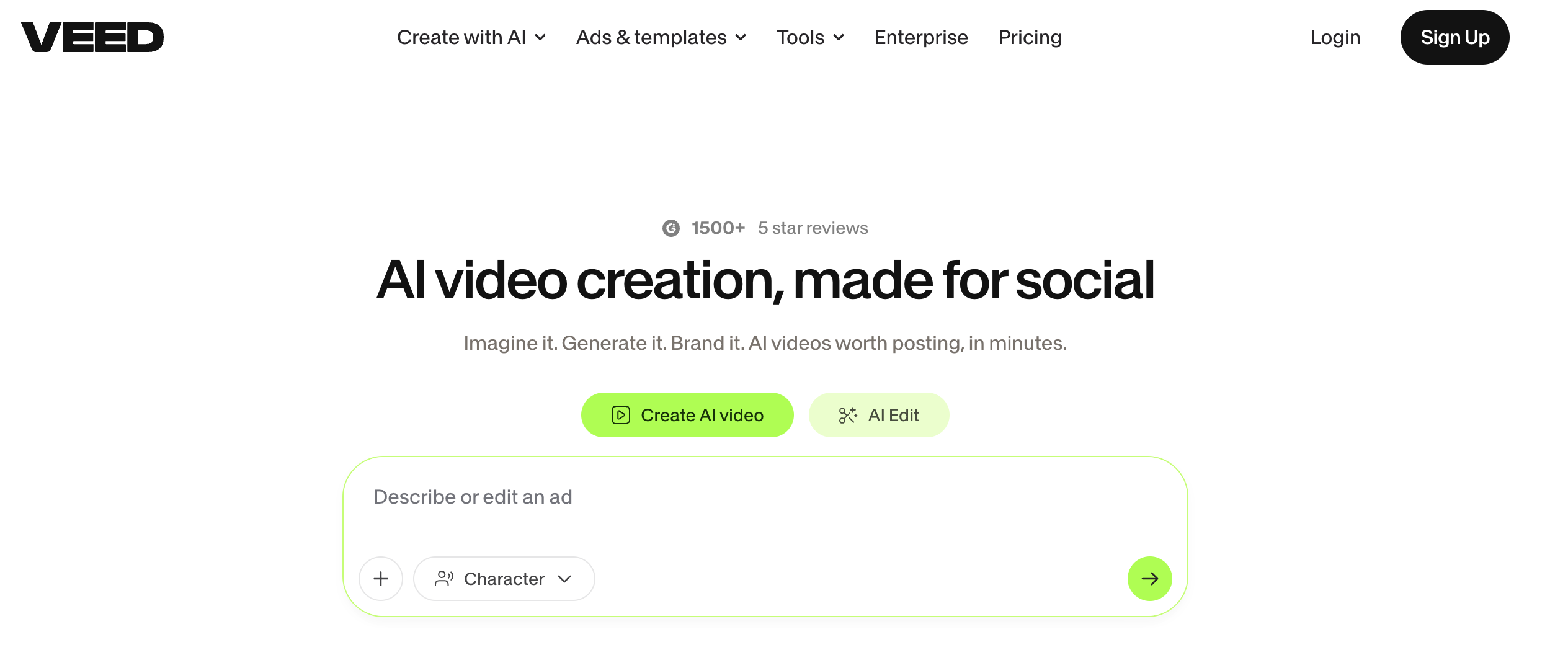
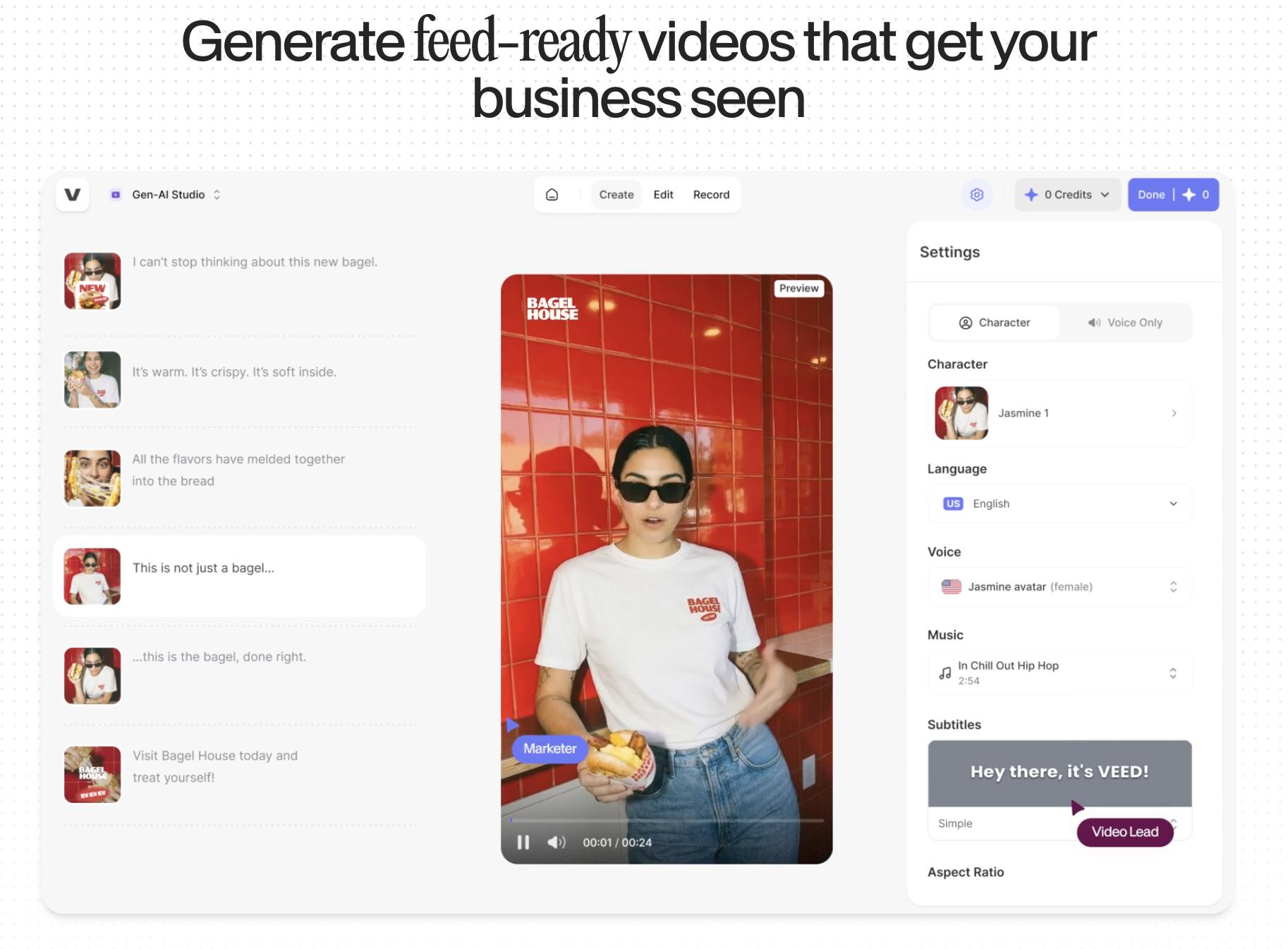
VEED works best as an accessible online video editor. Its biggest strength is that it brings many everyday editing tools into one browser workspace. You can add captions, clean audio, remove filler words, record your screen, add text, translate videos, use templates, and export content for social platforms.
This is why many competitor reviews describe VEED as beginner-friendly. It is not trying to be a traditional professional editing suite like Premiere Pro. It is trying to make video editing fast enough for people who publish often.
VEED is especially strong for subtitle workflows. Its automatic subtitle tools, caption styling, translation, and social video formatting are a major reason creators use it. For talking-head videos, podcasts, interviews, tutorials, webinars, and short clips, subtitles can be the difference between a video people skip and a video they actually watch.
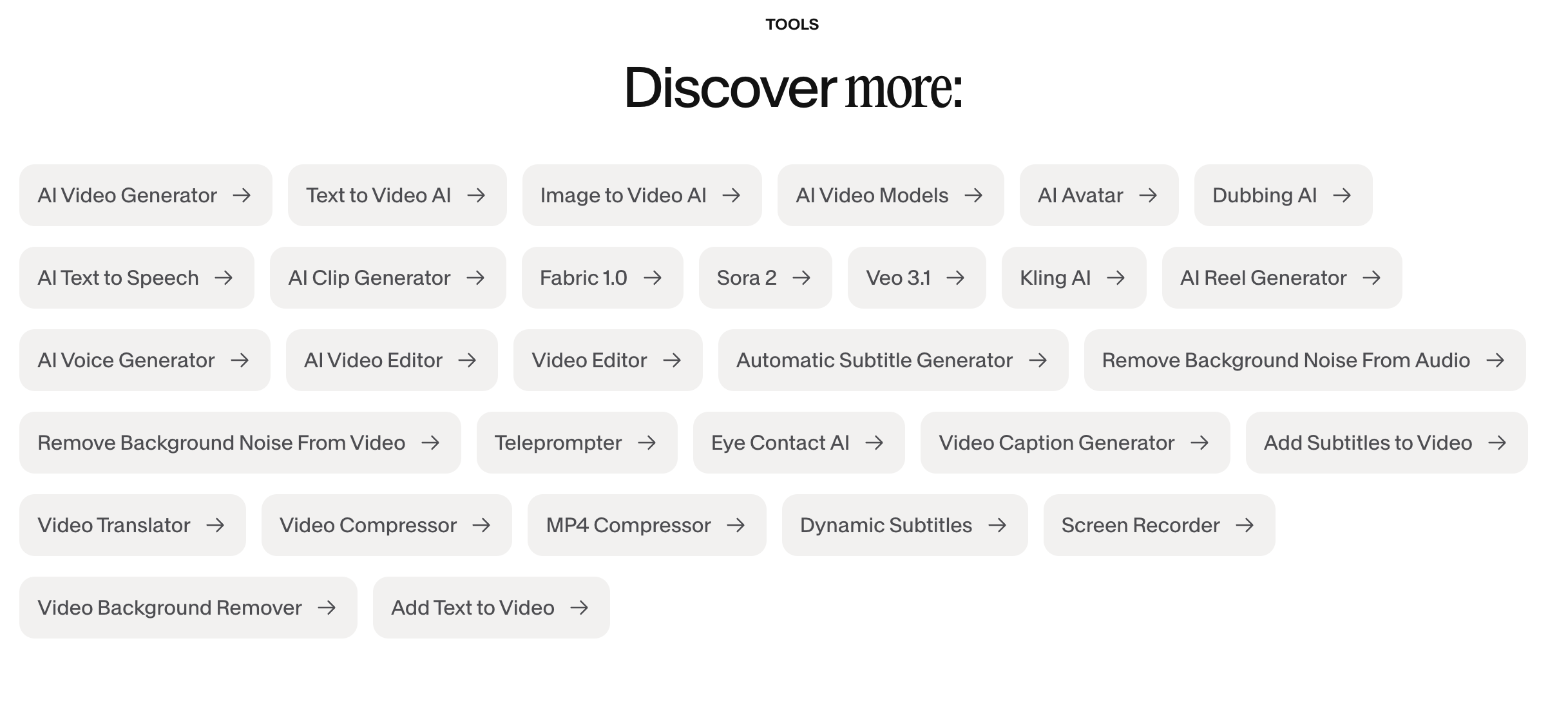
VEED also has AI features such as AI avatars, AI video generation, text-to-speech, dubbing, background noise removal, eye contact tools, and video templates. That gives it a wider AI layer than a basic editor.

Where VEED Can Feel Limited
VEED is useful when you already have a video to edit. But if your workflow starts before the footage exists, it may not always feel like the most direct tool.
For example, an ecommerce team may not want to upload raw clips and edit manually. They may want to turn a product photo into a moving product video. A creator may not want to record a talking-head video first. They may want an AI avatar or lip sync workflow. A marketer may not want to start from a blank timeline. They may want to turn a script, prompt, or campaign idea into a finished video direction.
VEED can support some AI generation, but its core identity is still editing. Medeo is more focused on AI-first creation: turning different inputs into videos rather than only polishing videos after they exist.
That distinction matters. Editing tools help you refine content. AI video creation tools help you produce content from source material.
Why Medeo Works as a VEED Alternative
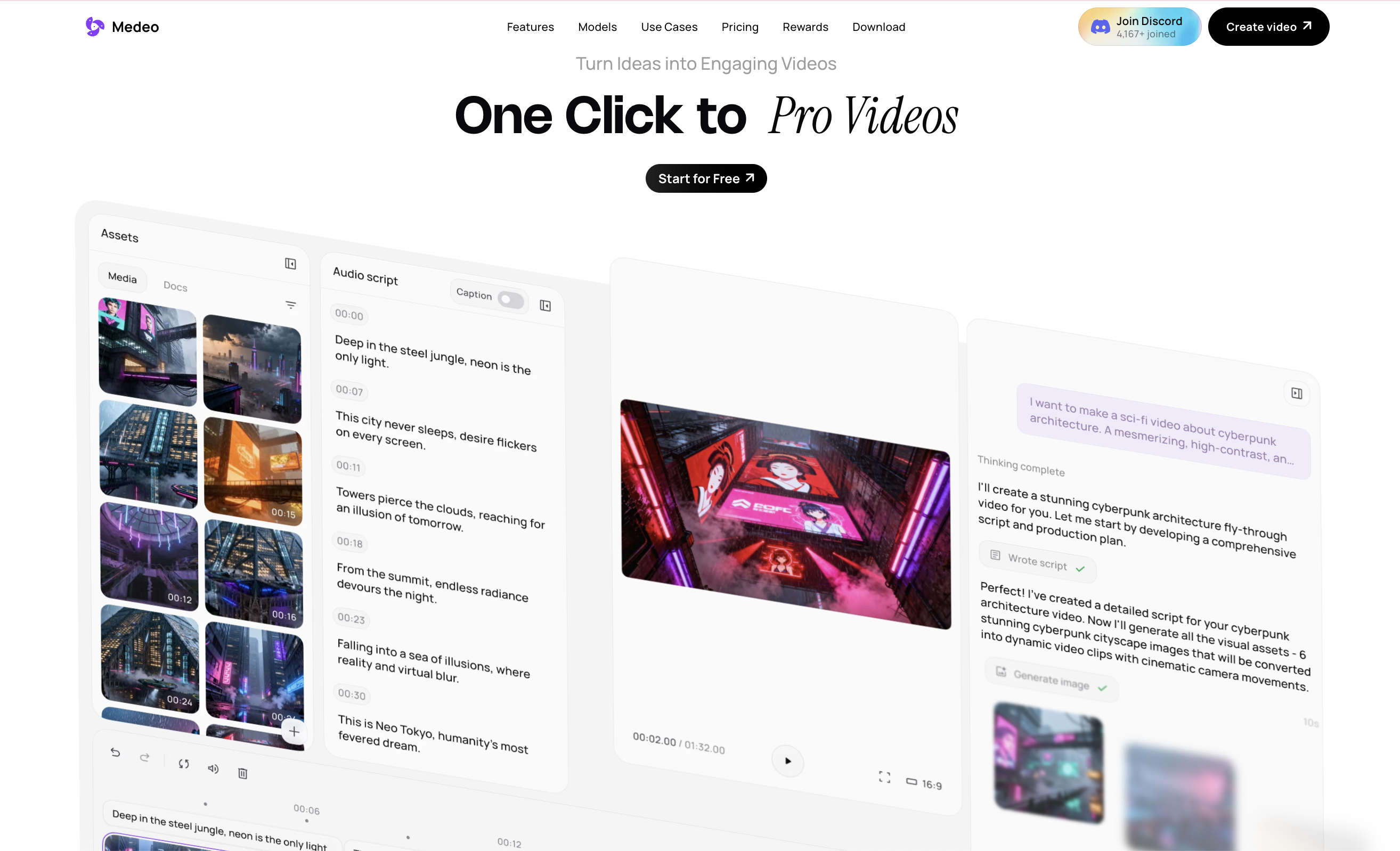
Medeo fits a different stage of the creative process. It is useful before a finished video exists, when the source material is still a script, image, product page, avatar concept, campaign idea, or visual direction. Instead of opening a timeline and asking what to cut, Medeo starts from the question: what should this become as a video?
For script-based projects, Medeo can help turn written content into structured video drafts through its script-to-video workflow; For visual concepts that need to be generated from scratch, its text-to-video workflow is better suited to describing scenes, camera movement, subject details, and mood; For teams that already have strong visual assets, the image-to-video workflow can animate product photos, AI images, portraits, and campaign graphics into short moving clips; Medeo also supports presenter-style content through talking avatars, which is useful for explainers, tutorials, product walkthroughs, and educational videos.
So the difference is less about “editing tool versus editing tool” and more about where the workflow begins. VEED is strongest when a video already exists and needs to be polished. Medeo is stronger when the video still needs to be created from the raw idea or asset.VEED for Editing, Medeo for Generation
A fair way to compare them is not to say one replaces the other completely. They solve different parts of the video workflow. VEED is helpful after you have content. You can subtitle it, clean it, resize it, translate it, add templates, and make it easier to publish. Medeo is helpful when you need to create the content itself. You can start with a script, image, prompt, product idea, or avatar concept and generate the video direction from there.
VEED for Subtitles and Social Editing
VEED deserves credit for subtitle editing. For creators who post talking videos, captions are not optional anymore. Many people watch without sound, and subtitles make the message easier to follow.
VEED’s browser editor is also useful for resizing videos across platforms. A single recording might need to become a YouTube video, a LinkedIn clip, a TikTok, and an Instagram Reel. VEED helps with that repackaging process.
If your main need is social editing and captions, VEED is a strong option.
Medeo for Product and AI Video Workflows
Medeo becomes more useful when the video needs to be created around a product or campaign. Product videos are not just edited clips. They need visual direction, motion, mood, value proposition, and format. This is especially useful for ecommerce brands, agencies, and marketers who need product videos for ads, landing pages, store pages, and social media. Instead of only editing existing footage, you can use AI to build video content around the product itself.
VEED Pricing: What to Consider
VEED uses a plan-based pricing model, with free and paid tiers listed on its pricing page. Like most AI video and editing platforms, limits can depend on exports, resolution, AI credits, subtitles, translation, storage, and team features.
The important thing is to match pricing to your workflow. If you mainly need subtitles, editing, and exports, VEED’s plans may make sense. If you are generating many new AI videos from prompts, images, avatars, or products, you should compare the total cost of creation, not just the editor subscription.
In AI video, the real cost is usually not one export. It is the number of attempts needed to reach a usable result.
Who Should Use VEED?
VEED is a good fit for creators who already have video footage and need a fast online editor. It is also useful for teams that publish lots of talking-head videos, interviews, tutorials, webinars, educational clips, podcasts, and social media edits.
It is especially practical if subtitles, translation, resizing, audio cleanup, and template-based editing are central to your workflow.
Who Should Use Medeo Instead?
Medeo is a better fit for creators who want to generate videos from different starting points. If your work includes product videos, AI avatars, script-to-video, image-to-video, prompt-based generation, or social campaign concepts, Medeo gives you more creation flexibility.
It is also better for teams that do not always have footage ready. Medeo helps turn source material into video, not just edit the video after production.
Final Take
VEED is a strong online video editor. It is polished, easy to use, and especially useful for subtitles, social editing, templates, and browser-based video cleanup.
Medeo is a better choice when the creative problem starts earlier. If you need to turn scripts, images, prompts, products, or avatar ideas into videos, Medeo gives you a more AI-first workflow.
Use VEED when you need to edit and publish existing video.
Use Medeo when you need to create the video from the idea up.
FAQ
What is VEED?
VEED is an online video editor with tools for subtitles, trimming, templates, screen recording, translation, audio cleanup, avatars, and AI-assisted video creation.
What is VEED best for?
VEED is best for browser-based video editing, subtitles, social clips, talking-head videos, podcast clips, tutorials, webinars, and quick video repurposing.
What is the best VEED alternative?
Medeo is a strong VEED alternative if you want AI-first video creation from prompts, images, scripts, products, and avatars instead of only editing existing videos.
Is Medeo better than VEED?
Medeo is better for generating new AI videos from different inputs. VEED is better for editing, captioning, resizing, and polishing existing footage.
Can Medeo create videos from scripts?
Yes. Medeo supports script-to-video workflows for explainers, social videos, product content, tutorials, and marketing videos.
Can Medeo create videos from images?
Yes. Medeo can turn product photos, AI images, portraits, campaign visuals, and other images into videos through image-to-video generation.
Is VEED free?
VEED offers a free plan and paid plans, but limits can apply to exports, features, watermarking, AI usage, and team tools. Check VEED’s official pricing page for current details.
Should I use VEED or Medeo?
Use VEED if you mainly need an online editor for subtitles and social-ready exports. Use Medeo if you need to create videos from prompts, images, scripts, avatars, products, or campaign ideas.