Vidu AI Review: Is It Worth Using for AI Video Creation?
Vidu AI is easy to like at first glance. You type a prompt, upload an image, or add reference visuals, and the platform can turn them into short AI videos without a traditional editing timeline. For creators testing AI video tools, that is a strong promise.
But the real question is not whether Vidu AI can generate videos. It can. The better question is whether it gives you enough quality, control, consistency, and value for the kind of videos you actually want to make.
In this Vidu AI review, we will look at its features, pricing model, user experience, pros and cons, best use cases, and limitations. We will also compare it with Medeo as an alternative for creators who want a more complete AI video creation workflow.
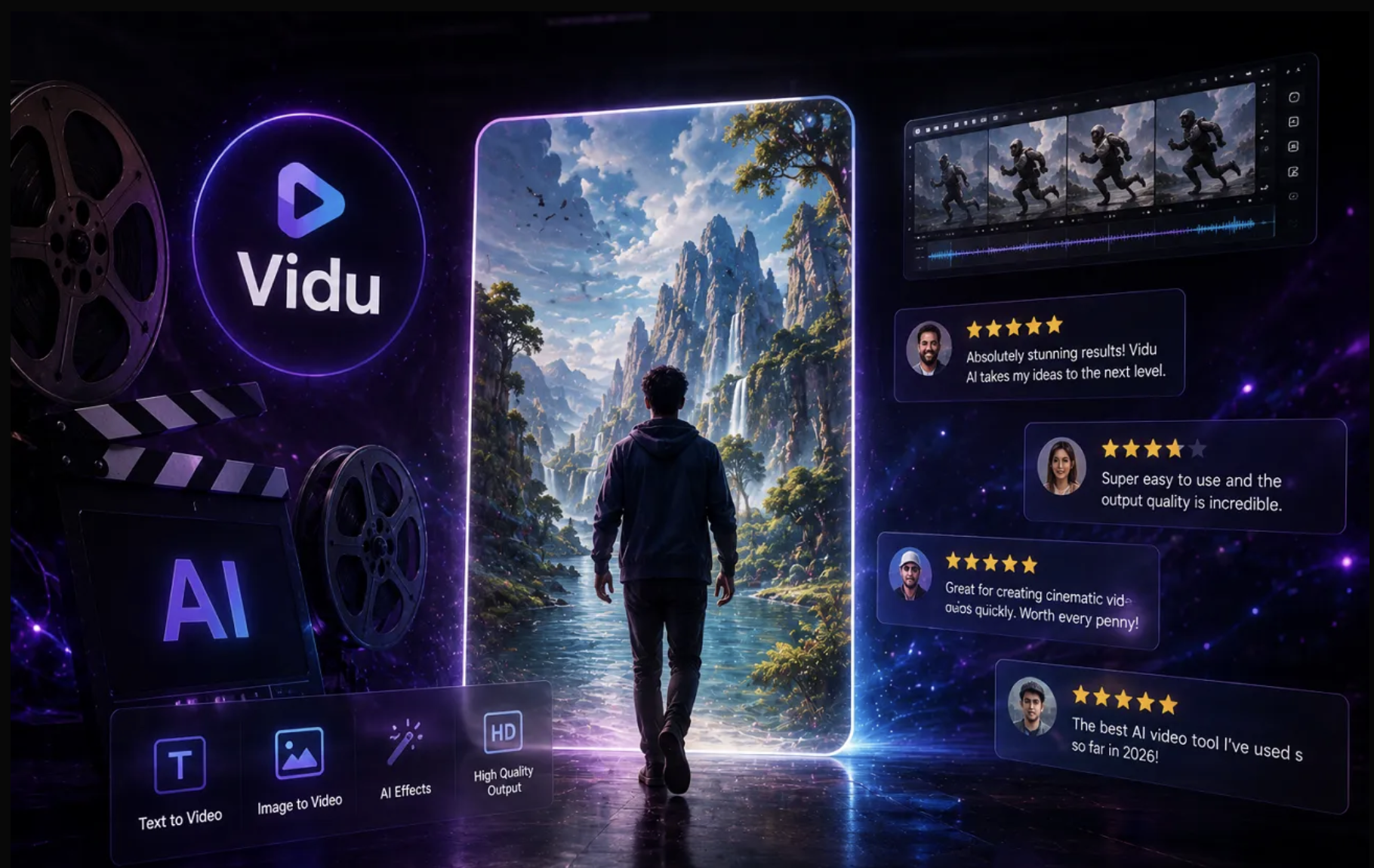
Quick Verdict: Who Is Vidu AI Best For?
Vidu AI is best for creators who want to generate short AI videos from text prompts, still images, or reference materials. Its strongest use case is image-to-video generation, especially when the input image already has a clear subject, strong composition, and simple motion direction.
It is worth trying if you want fast AI video experiments, anime-style motion, character clips, social content, or quick image animation. It may be less ideal if you need a full production workflow with script planning, editing, subtitles, upscaling, audio, and multiple model options in one place.
What Is Vidu AI?
Vidu AI is an AI video generator that creates short videos from text prompts, uploaded images, and visual references. It is commonly searched as “vidu ai,” “vidu ai video generator,” “vidu ai image to video,” “vidu ai free,” and “vidu ai review,” which shows that most users are trying to understand what the tool does, how much it costs, and whether it is worth using.
The platform is mainly built for short-form AI video creation. Users can create cinematic scenes, anime-style videos, product visuals, character clips, creative storytelling moments, and social media content. It is especially relevant for creators who want to experiment with image-to-video generation without using traditional video editing software.
In simple terms, Vidu AI is a fast creative generator. It is not a complete video production suite, but it can be useful when you want to turn an idea or image into motion quickly.
Vidu AI Key Features
Text to Video
Vidu AI allows users to generate videos from written prompts. You describe a scene, action, style, camera movement, or mood, and Vidu creates a short video based on that instruction.
This is useful for creators who want to test ideas quickly without preparing images first. For example, you can describe a cinematic street scene, an animated character moment, or a product-style video concept.
Text to video works best when the prompt is specific. A vague prompt may produce a usable visual, but the result can feel generic or inconsistent. Strong prompts usually include subject, action, environment, style, lighting, camera movement, and duration.
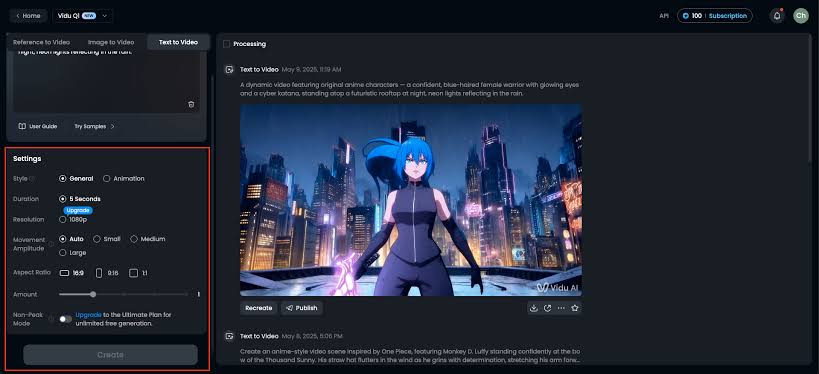
Image to Video
One of the most searched Vidu-related keywords is “vidu ai image to video,” and this is one of the platform’s strongest use cases. Users can upload an image and animate it into a short video.
This is useful for:
Turning AI images into motion
Animating character portraits
Creating product motion previews
Making social content from still images
Adding movement to anime or illustration-style visuals
The result depends heavily on the input image. A clear image with a strong subject usually performs better than a crowded or low-quality image.

Reference to Video
Vidu also promotes reference-to-video creation. Its official reference-to-video page says users can upload up to 7 reference images to help keep characters, objects, and scenes more consistent across a generated video.
This is important because consistency is one of the biggest challenges in AI video generation. If you are creating a character-based video, brand asset, or multi-shot story, reference control can make the output feel more coherent.
This feature is especially useful for:
Character consistencyStorytelling videosBrand or product continuityMulti-character scenesStylized animation workflows
First and Last Frame Control
Vidu’s website also highlights first and last frame control for image-to-video workflows. This means users can provide a starting frame and ending frame, and the model attempts to generate the motion between them.
This can be helpful when you want more control over a transition, movement path, or transformation. It is not the same as manual animation control, but it gives users more direction than a single-image prompt.
Templates and Viral Use Cases
The keyword data shows search interest around terms like “vidu ai kiss,” “vidu ai kissing generator,” “vidu ai hug,” and similar template-driven use cases. This suggests that many users are finding Vidu through viral AI video trends.
Templates can lower the barrier for beginners because users do not need to build a full prompt from scratch. However, template-driven content can also become repetitive if many creators use the same visual format.
What Vidu AI Does Well
Vidu AI Is Strong for Image-to-Video Experiments
If you already have a strong image, Vidu AI can be a useful tool for turning it into motion. This is where the platform feels most natural. A portrait, product image, anime illustration, or cinematic frame can become a short video with camera movement, subtle animation, or stylized motion.
This makes Vidu AI useful for creators who already use AI image generators and want to animate their best outputs.
Reference Controls Are Helpful
Reference-based generation gives users more control than prompt-only creation. If you want a character, product, outfit, visual style, or object to remain recognizable, references can help the model understand what matters.
This is not perfect, but it is a practical advantage for users who care about consistency.
The Interface Is Easy for Beginners
Vidu AI does not require traditional editing skills. Users do not need to learn timelines, keyframes, animation curves, or compositing. They can start with a prompt or image and generate a video quickly.
This makes the tool approachable for social media creators, casual users, and marketers who want fast visual experiments.
It Works Well for Short Social Clips
Vidu AI is well matched with short-form video creation. It can be useful for TikTok, Instagram Reels, YouTube Shorts, anime clips, character moments, AI trend videos, and quick creative tests.
For users who want short visual output rather than long-form storytelling, Vidu AI can be a good fit.
Vidu AI vs Medeo: Which One Should You Choose?
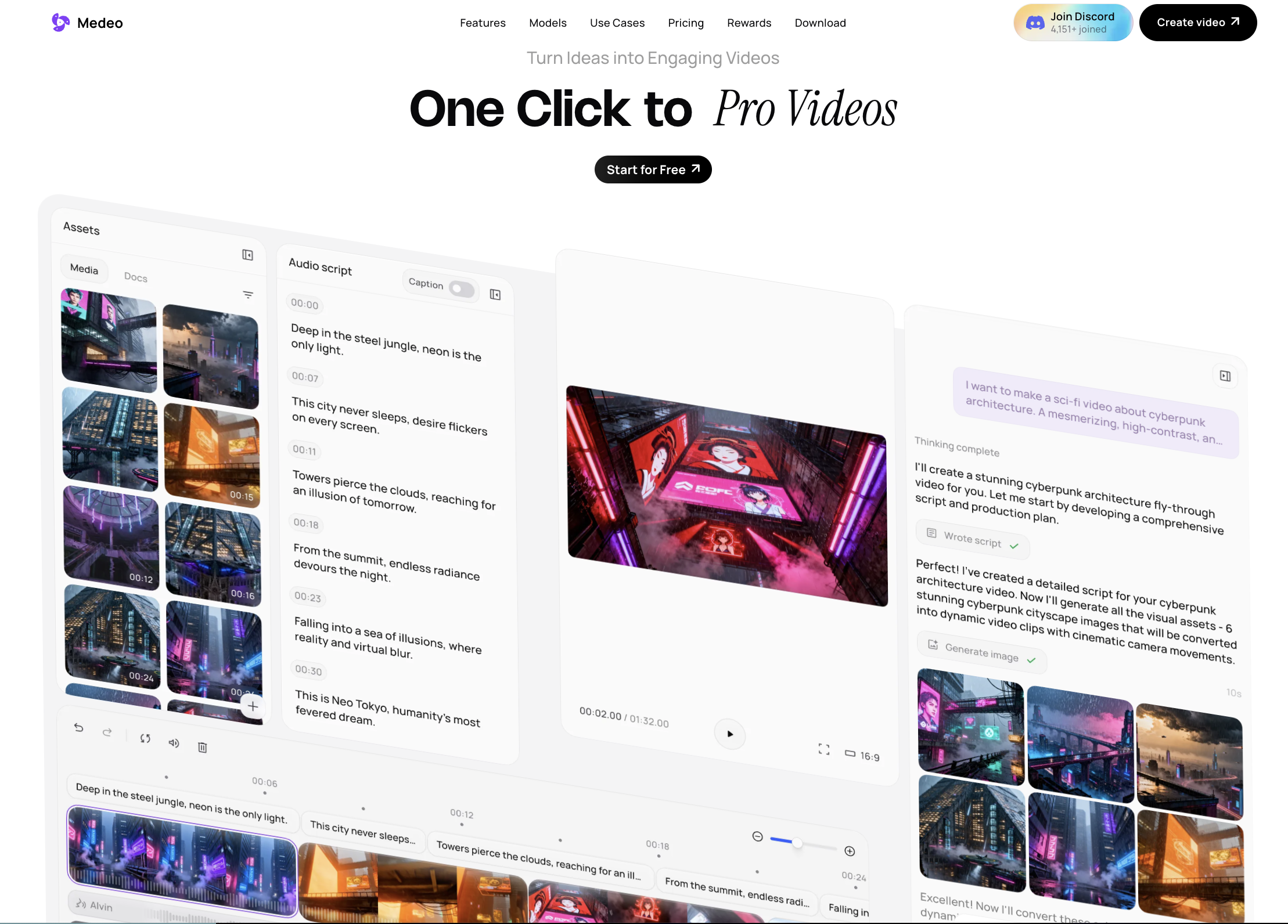
Vidu AI and Medeo are not exactly the same kind of tool. Vidu AI is primarily a video generation platform. Medeo is broader: it is designed as an AI video creation workspace where users can work with different creation methods, tools, and models.
If you only want to test Vidu’s own video model, Vidu AI makes sense. If you want a more connected workflow for AI video creation, Medeo may be a better fit. If you like the idea of Vidu AI but want more flexibility, Medeo is a strong alternative to consider.
Medeo is built for creators who want more than a single generation tool. It supports a broader AI video creation process, including text to video, image to video, AI video generation, model workflows, and creative iteration in one place.
This matters because many AI video projects do not stop after one generation. You may need to start with a prompt, generate images, animate those images, compare different models, upscale the result, add captions, revise the direction, and export for different platforms.
Medeo is useful when you want that process to happen in one connected workspace instead of switching between several separate tools.
Medeo May Be Better If You Need
A unified AI video creation workflow
Text-to-video and image-to-video in one place
Access to different AI video model workflows
More flexibility for testing creative directions
Tools for repeatable social, marketing, and content production
A workspace that supports more than one-off video generation
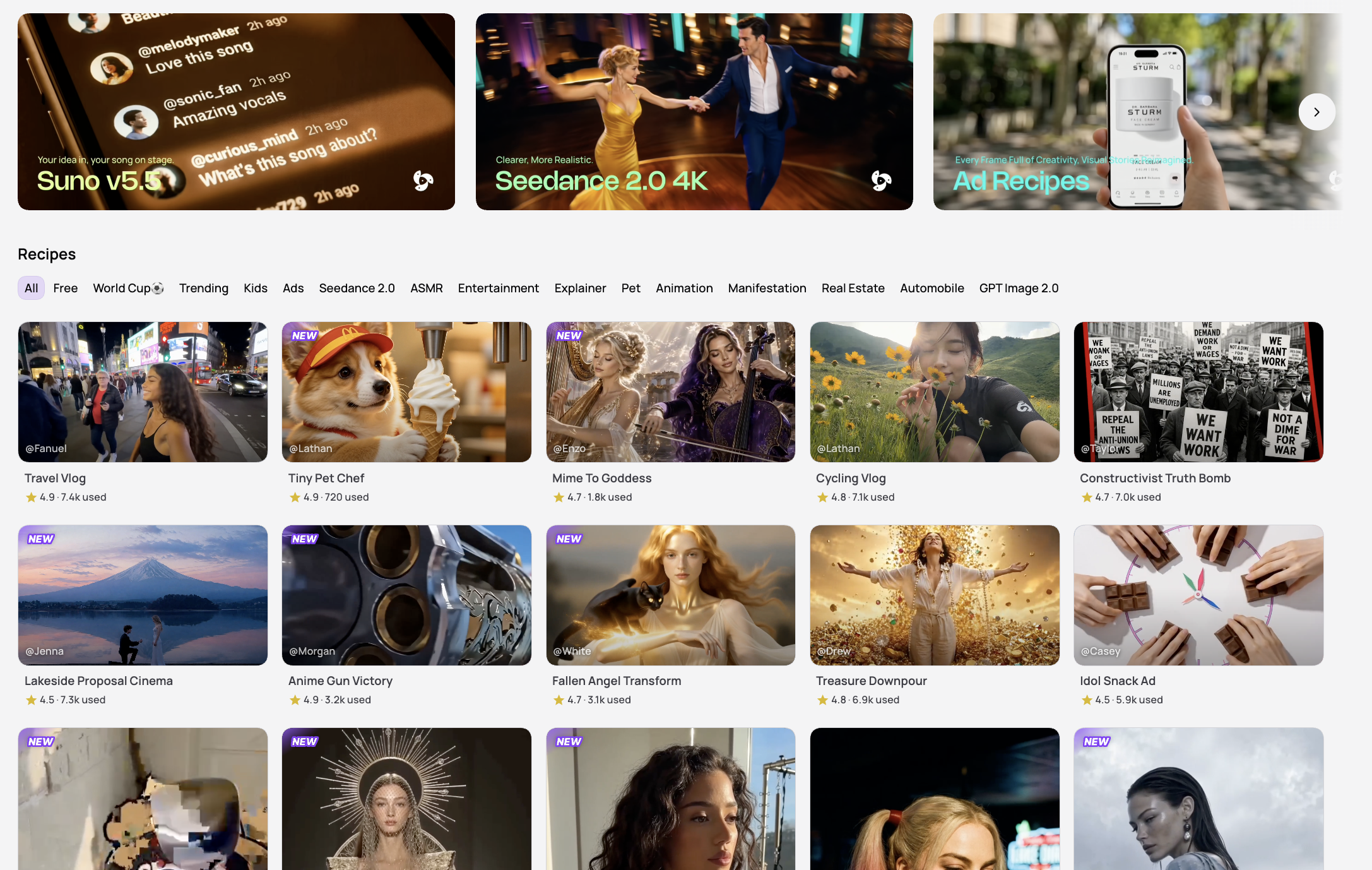
For model-specific workflows, users can also explore Medeo pages such as Seedance 2.0, Veo 3.1, and other AI video models depending on the style, motion quality, and use case they need.
FAQ About Vidu AI
What is Vidu AI?
Vidu AI is an AI video generator that creates short videos from text prompts, images, and visual references. It is used for text-to-video, image-to-video, reference-based videos, templates, and short creative clips.
How much does Vidu AI cost?
Vidu AI uses credit-based pricing. The actual cost depends on the plan, model, video length, generation settings, and how many times you need to regenerate. Always confirm the latest pricing on Vidu’s official website before subscribing.
Does Vidu AI support image to video?
Yes. Vidu AI supports image-to-video generation. Users can upload a still image and animate it into a short video.
Does Vidu AI support text to video?
Yes. Vidu AI supports text-to-video generation. Users can write a prompt describing the scene, subject, action, style, and camera movement they want.
What is Vidu AI reference to video?
Reference to video allows users to upload visual references to guide the generated video. This can help with character consistency, product appearance, object details, or visual style.
Is Vidu AI good for anime videos?
Vidu AI can be useful for anime-style videos, especially when starting from a strong anime image or character reference. Results may still require multiple attempts depending on motion complexity.
Is Vidu AI good for social media videos?
Yes. Vidu AI can work well for short social clips, including TikTok videos, Instagram Reels, YouTube Shorts, anime motion clips, and viral AI video formats.
Is Vidu AI safe to use?
Vidu AI is a public AI video platform, but users should still review its privacy policy, terms of service, and content rules before uploading personal, commercial, or sensitive materials.
Can I use Vidu AI videos commercially?
Commercial usage depends on Vidu AI’s current terms, plan type, and licensing rules. Before using generated videos in ads, client projects, or paid campaigns, check the latest official terms.
What is the best Vidu AI alternative?
Medeo is a strong Vidu AI alternative if you want a broader AI video workspace with text-to-video, image-to-video, model workflows, and more flexible creative production tools.
Is Vidu AI better than Medeo?
It depends on your workflow. Vidu AI is useful for testing Vidu’s own image-to-video and reference-to-video generation. Medeo is better if you want a more complete AI video creation workflow with multiple tools and model options.
Vidu AI is a capable AI video generator for short creative clips. It is especially useful for image-to-video, reference-based video generation, anime-style motion, and social media experiments. The tool is easy to use, beginner-friendly, and good for fast creative testing.
Its main limitations are also clear. Motion quality can vary, prompts are not always followed exactly, credits can run out quickly, and the workflow is more focused on generation than full production.
For users who simply want to test Vidu AI video generation, it is worth trying. For users who need a broader creative workflow with AI video generation, text-to-video, image-to-video, model comparison, and production flexibility, Medeo is a practical alternative.
The best choice depends on your goal. Use Vidu AI if you want quick generation experiments. Use Medeo if you want a more connected AI video creation workspace.