Viggle AI Made AI Dance Videos Go Viral. But Is It Enough for Real Video Creation?
Viggle AI did something very smart: it made AI video feel instantly understandable.
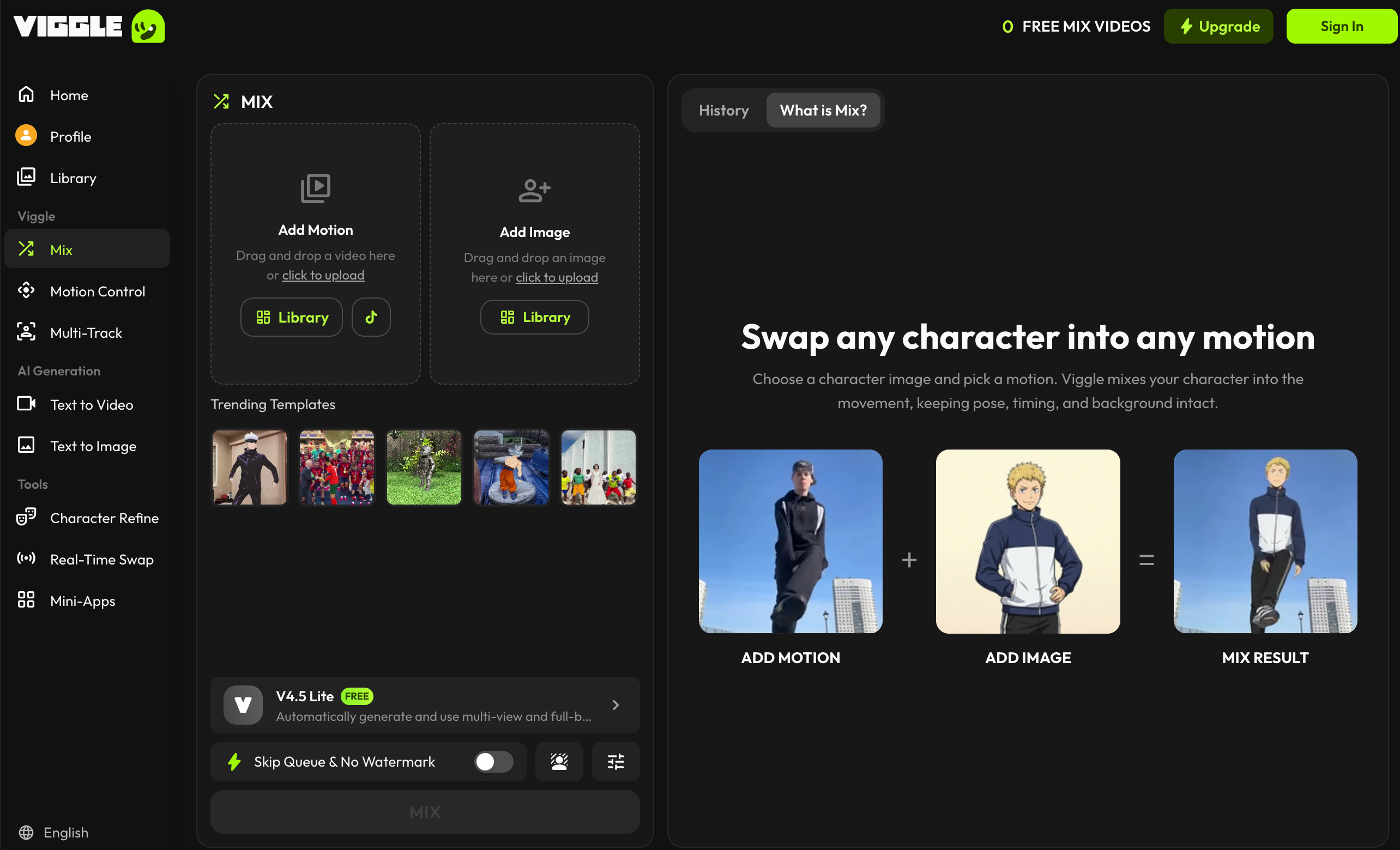
Instead of asking users to write a long cinematic prompt, choose a model, adjust camera language, and hope for a good result, Viggle AI gave people a much simpler promise. Upload a character. Pick or provide a motion. Watch that character move.
That is why Viggle AI became popular around AI dance videos, meme clips, character motion, and social edits. The tool sits right at the intersection of AI video and internet culture. It is easy to try, easy to explain, and easy to share.
But once you move past the viral effect, the real question becomes more interesting: is Viggle AI enough if you want to create more than a funny dance clip?
For casual meme creation, Viggle AI can be a great tool. For broader video creation, especially marketing videos, product content, explainers, educational clips, and repeatable social production, you may need something more flexible. That is where Medeo becomes a serious alternative.
Why Viggle AI Became Popular So Quickly
Most AI video tools ask users to imagine a whole scene from scratch. That can be exciting, but it is also difficult. Many users do not know how to describe camera movement, physical action, character consistency, or visual style in a way an AI model can follow.
Viggle AI reduces that difficulty by starting with a clearer creative structure. The user brings a character image. The tool provides or follows a motion. The output is a short animated video.
That workflow feels immediate. A user does not need to understand video production. They only need to know who they want to animate and what kind of movement they want.
This is why searches like “viggle ai dance,” “viggle ai meme generator,” “rampage dance Viggle AI,” “Viggle AI prompts,” and “how to use Viggle AI” make sense. People are not just searching for an AI video generator. They are searching for a fast way to participate in a visual trend.
Viggle AI’s strength is not that it replaces video production. Its strength is that it makes one kind of AI video creation feel simple and fun.
The Magic Is Character Motion
The most important thing to understand about Viggle AI is that it is not a general video creation platform in the same way many people imagine an AI video generator. It is best understood as a character motion tool.
That is not a criticism. It is actually the reason the product works.
Viggle AI is strongest when you want to take a person, avatar, game character, anime image, or meme subject and make it move. The motion could be a dance, a gesture, a lip-sync style clip, or a template-based action. The result is usually short, visual, and social-first.
This makes Viggle AI useful for creators who want fast entertainment content. It also gives the tool a strong identity. Many AI tools are hard to explain in one sentence. Viggle AI is not. It is the tool that makes your character move.
That clarity is powerful. It is also limiting.
Where the Viral Workflow Starts to Break
Viggle AI works well when the goal is a simple motion clip. The problems appear when the project becomes more complex. A dance meme does not need a detailed storyline. A character motion clip does not need product messaging. A funny social edit does not need voiceover, scene planning, captions, or multiple aspect ratios. But many real video projects do.
A brand may need a product explainer. A teacher may need a lesson video. A founder may need a launch clip. A marketer may need three paid ad variations. A creator may want to turn an image into a full visual story instead of one motion template. This is where Viggle AI starts to feel narrow. It can help with the motion part, but not always with the full video creation process.
The output is also usually short-form first. That fits TikTok, Reels, Shorts, and meme communities, but it is less suitable for structured videos that need a beginning, middle, ending, clear narration, and a strong call to action.
Viggle AI Is a Trend Tool. Medeo Is a Workflow Tool.
This is the cleanest way to compare them.
Viggle AI is excellent when you want to create a motion trend. Medeo is better when you want to create a video workflow. Viggle AI answers the question: “How do I make this character move?” Medeo answers a broader question: “How do I turn this idea, image, script, audio, video, or link into a usable video?”
That difference matters. A motion trend is one creative moment. A workflow is the process that helps you create repeatable content.
Medeo is designed for users who need more than a single animation effect. It supports text-to-video, image-to-video, URL-to-video, and model-based video creation. A user can start with a written idea, an image, an existing webpage, a product description, or other source material, then shape that into video content.
For creators who like starting from written prompts, Medeo’s text-to-video workflow is a better fit:
For users who like Viggle AI because it animates images, Medeo’s image-to-video workflow is the most relevant comparison:
For marketers or content teams that want to turn existing pages into video, Medeo’s URL-to-video workflow is much more practical than a motion template tool:
This does not mean Viggle AI is bad. It means it solves a different problem.
A Better Way to Think About Viggle AI
Instead of asking whether Viggle AI is the best AI video generator, it is more useful to ask when Viggle AI is the right tool.
Viggle AI is the right tool when the content idea depends on motion. A character dancing. A meme moving. A recognizable person or avatar performing a template action. A social clip that works because it is funny, surprising, or trend-based.
In those situations, Viggle AI is strong because it removes friction. The user does not need to plan a whole video. They only need to apply motion to a character.
But if the content idea depends on communication, the tool choice changes.
A product explainer is not just motion. It needs a message. A tutorial is not just motion. It needs structure. A marketing video is not just motion. It needs positioning, pacing, and a call to action. A video campaign is not just motion. It needs variations, formats, and repeatability. That is where Medeo becomes more relevant.
Why Creators Outgrow Single-Effect AI Tools
Many creators start with single-effect AI tools because they are easy and exciting. A face swap tool, dance generator, lip-sync app, or meme maker can produce a fun result quickly.
The problem is that single-effect tools often become limiting once the creator wants to build a larger content system.
A creator may begin with a Viggle-style dance clip, then want to add a product message. They may want captions. They may want a voiceover. They may want to create a second version for YouTube Shorts and another for Instagram Reels. They may want to turn a blog post into a video, or use a different AI model for a more cinematic output.
At that point, the creator is no longer looking for a single effect. They are looking for a workspace.
Medeo fits that next stage better because it is built around multiple video creation paths. It can support prompt-based videos, image animation, link-based repurposing, and model-driven generation.
That is the difference between making one viral clip and building a repeatable video creation process.
Viggle AI for Memes, Medeo for Content Systems
If your goal is a meme, speed matters most. You want a fast result, a recognizable motion, and something people can react to quickly.
If your goal is a content system, structure matters more. You need a way to create different types of videos from different inputs. You need consistency across ideas. You need a workflow that supports revision.
This is why Viggle AI and Medeo can both be useful, but not for the same reason.
Viggle AI is good for entertainment-first character animation. Medeo is better for turning creative ideas into different kinds of video content.
For example, a social media creator might use Viggle AI to make a character dance. But a brand team might use Medeo to create a product teaser, a text-to-video ad, an image-to-video campaign asset, and a URL-to-video summary from a product page.
Both are AI video creation, but the production goals are very different.
What About Pricing and Watermarks?
A lot of people search for “is Viggle AI free,” “Viggle AI pricing,” “Viggle AI no watermark,” and “remove Viggle AI watermark free.” That tells us pricing and export rules are major concerns.
Viggle AI offers a free plan and paid plans. The free plan is useful for testing, but users should check the official pricing page for current limits, credits, storage rules, watermark policy, and paid features. These details can change over time.
Watermark searches deserve a careful note. If a platform adds a watermark to free outputs, the safest route is to use the official paid plan or export option that removes it. Trying to remove watermarks through unofficial tools, mod APKs, or unauthorized methods may violate platform terms or create copyright problems.
For professional or commercial work, watermark-free exports should always be handled through official rules.
Is Viggle AI Safe?
Viggle AI is a legitimate AI video platform, but users should still be thoughtful about what they upload and create.
Any tool that processes personal images, videos, faces, or character likenesses should be used carefully. Users should review the privacy policy and terms of service before uploading sensitive material.
There is also a content ethics issue. Character animation tools can be fun, but they should not be used to impersonate people, mislead viewers, harass someone, or create non-consensual content.
The same principle applies to Medeo and any other AI video platform. AI video tools are most useful when they are used with permission-based assets, clear intent, and responsible creative judgment.
The Best Viggle AI Alternative Depends on Your Goal
If your goal is only to make a character dance, you may not need a Viggle AI alternative. Viggle AI is already well suited for that.
If your goal is to create broader video content, Medeo is the better alternative.
Medeo is more useful when you want to turn text into video, animate images, repurpose links, create social clips, generate product videos, make educational explainers, or compare different model outputs.
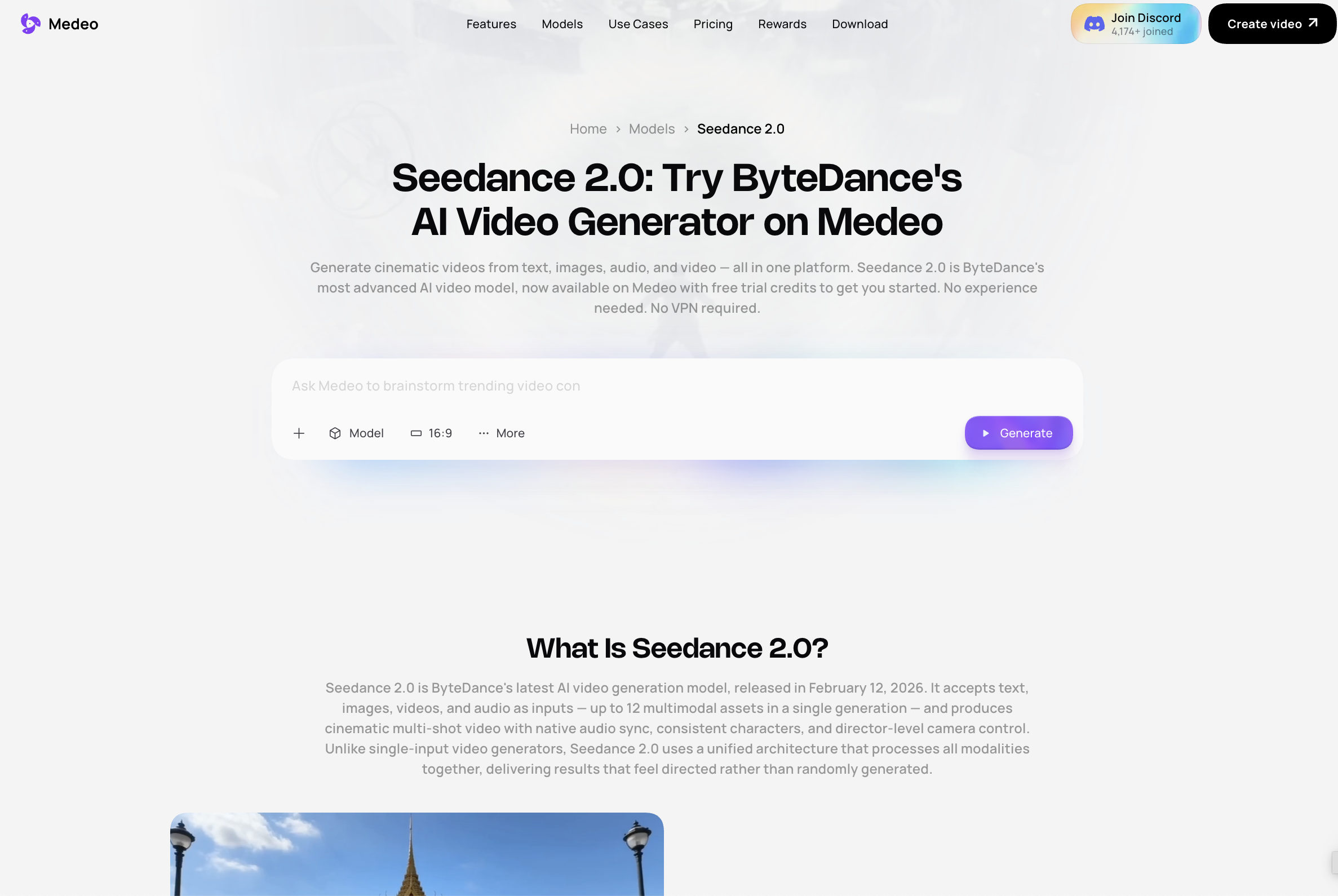
For creators exploring model-based AI video quality, Medeo also offers access to model pages such as Seedance 2.0:
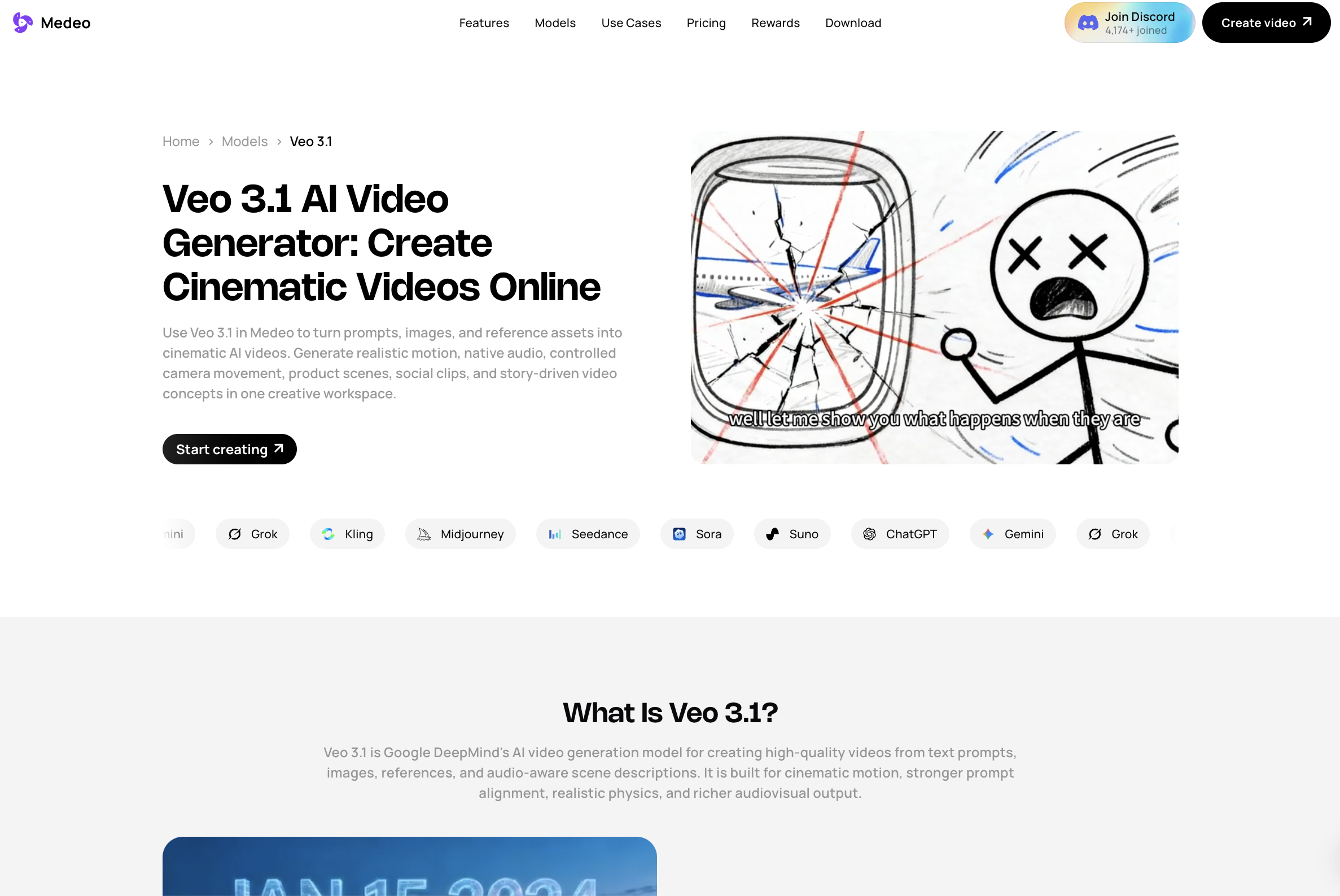
And for users interested in advanced video generation from prompts, images, references, and cinematic motion, Medeo’s Veo 3.1 page is also relevant:
This is where Medeo has a clearer long-term advantage. It is not tied to one trend format. It is built for different kinds of video creation.
How to Choose Between Viggle AI and Medeo
Choose Viggle AI if the video idea starts with a character and a motion. If you want a dance clip, meme video, motion template, or short social animation, Viggle AI is a good fit.
Choose Medeo if the video idea starts with a message, script, image, link, audio, or broader content goal. If you want to build actual video assets for marketing, education, products, social media, or content repurposing, Medeo gives you more room to work.
That is the practical difference. Viggle AI is great when the question is “What should this character do?” Medeo is better when the question is “What video should we create?”
FAQ About Viggle AI
What is Viggle AI?
Viggle AI is an AI character animation and video generation platform. It is best known for turning photos or character images into dancing, lip-syncing, meme-style, and motion-based videos.
Is Viggle AI free?
Viggle AI has a free plan, but free usage is limited. Users should check the official pricing page for current details about daily generation limits, credits, watermark rules, storage, and paid features.
What is Viggle AI used for?
Viggle AI is mainly used for character animation, dance videos, meme generation, motion transfer, lip-syncing clips, real-time swap, and short social videos.
Is Viggle AI good for dance videos?
Yes. Dance videos and character motion are among Viggle AI’s strongest use cases. It is especially useful for trend-based social clips and meme content.
Can Viggle AI make meme videos?
Yes. Viggle AI is commonly used for meme-style character animation, especially when users want to place a character into a recognizable motion or dance template.
Does Viggle AI remove watermarks?
Watermark-free export depends on the official plan and current platform rules. Users should check Viggle AI’s paid plans instead of relying on unofficial watermark removal methods.
Can I remove the Viggle AI watermark for free?
Users should be careful with watermark removal. If a watermark is part of the free plan output, the safest option is to use the official watermark-free plan or export method. Unofficial removal may violate platform rules.
Can I use Viggle AI for commercial content?
Commercial usage depends on Viggle AI’s current terms, the plan you use, and the rights you have to uploaded images, characters, motion references, and final outputs. Always check official rules before using videos in ads or client work.
Final Verdict
Viggle AI is popular because it makes one kind of AI video creation feel easy: making characters move. For dance clips, meme videos, and short motion-based social content, it is a strong and entertaining tool.
But Viggle AI is not the full answer for every creator. Once you need scripts, images, links, models, editing, explainers, product videos, or repeatable content workflows, the tool starts to feel narrow.
That is why Medeo is the better alternative for broader AI video creation. Viggle AI helps a character perform a motion. Medeo helps turn ideas and source materials into complete video content.
Use Viggle AI for viral character motion. Use Medeo when you need an AI video workspace that can support real creative production.