Whisk AI Killed the Blank Prompt. Medeo Shows What Comes After.
Most AI image tools begin with an empty text box.
That sounds simple, but it is not. A blank prompt can be surprisingly intimidating. You need to describe the subject, the background, the lighting, the mood, the camera angle, the style, the color palette, and the tiny details that make the result feel intentional. If you miss something, the model may invent it. If you over-explain, the result may become stiff.

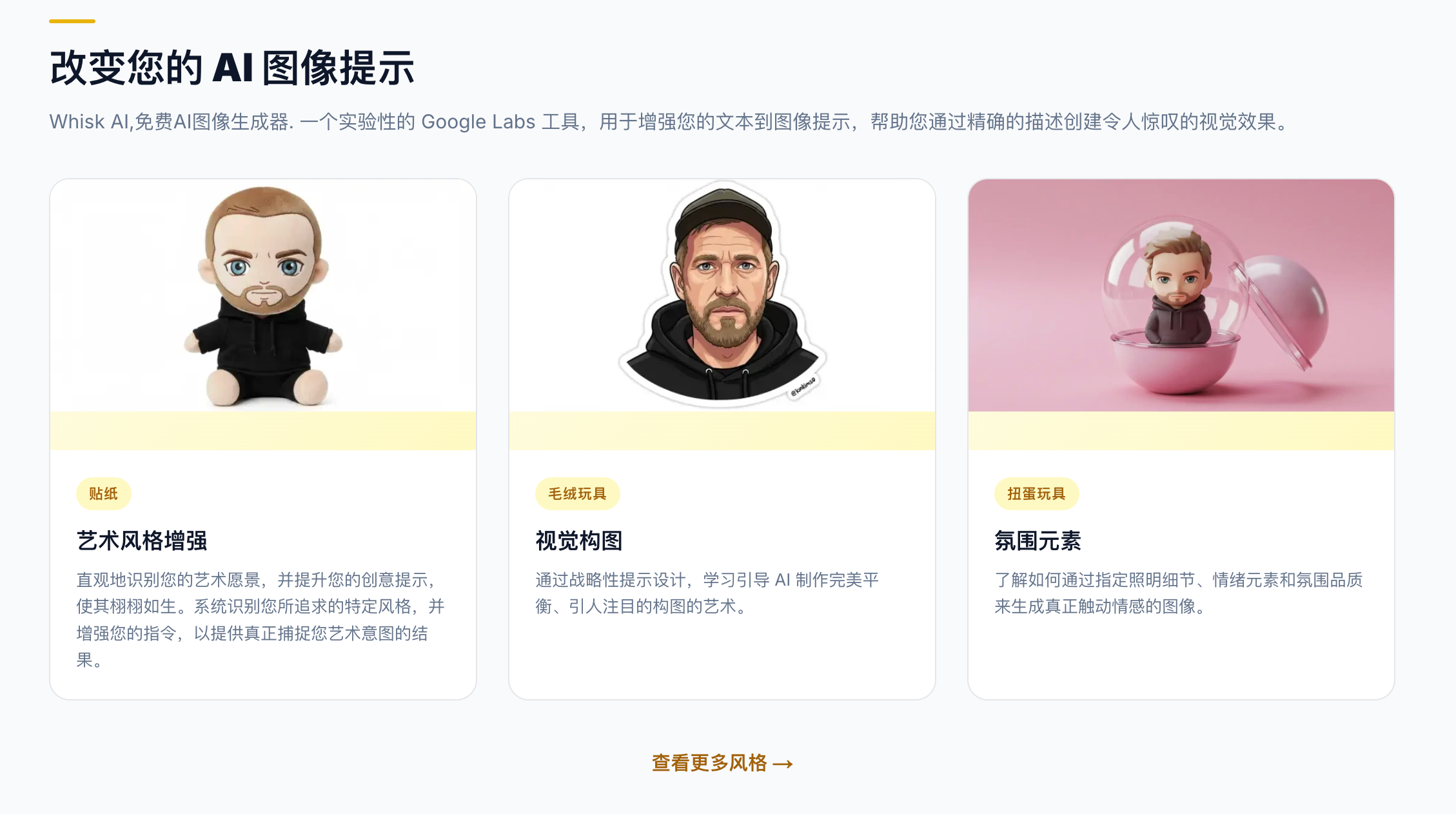
Whisk AI became interesting because it challenged that habit. Instead of asking users to describe everything with words, Whisk let images do more of the work. You could bring in visual references for subject, scene, and style, then let the system remix them into something new.
That is a small interface change with a big creative consequence.
Whisk AI is not just another image generator. It represents a different way of thinking about AI creation: less prompt engineering, more visual direction. The user does not have to translate every idea into language first. They can point to images and say, in effect, “this person, in this place, with this feeling.”
That is why Whisk AI feels useful for concept art, product moodboards, character design, portraits, social visuals, story ideas, and early creative exploration.
But once the image exists, another question appears.
What happens next?
A still image may be beautiful, but many creators now want motion. They want to turn visual ideas into short videos, product scenes, story clips, social posts, campaign assets, or cinematic drafts. Whisk AI helps with the visual spark. Medeo is more relevant when that spark needs to become video.
Image suggestion: Place an image here showing three visual inputs labeled subject, scene, and style flowing into one generated image, then that image becoming a short video frame.
The Real Innovation of Whisk AI Is Not Better Prompts
The most interesting part of Whisk AI is not that it generates images. Many tools can do that.
The interesting part is that Whisk changes the role of the prompt.
In traditional AI image generation, text is the main control surface. If you want a certain character, you describe the character. If you want a setting, you describe the setting. If you want a style, you describe the style. The prompt becomes a long negotiation between what you imagine and what the model understands.
Whisk makes the process more visual. It allows reference images to carry part of the creative instruction. A subject image can explain who or what should appear. A scene image can explain the environment. A style image can explain the mood or visual treatment.
This is powerful because many creative ideas are easier to show than describe.
A designer may not know the exact words for a lighting style, but they can find a reference. A marketer may not know how to describe a product scene, but they can upload a similar campaign image. A storyteller may have a character concept and a background mood but no polished prompt.
Whisk AI gives those users a more natural starting point.
It does not remove language completely. Text can still help refine the result. But the center of gravity shifts from “write the perfect prompt” to “assemble the right visual ingredients.”
Why Whisk AI Feels Like a Moodboard That Generates
The best way to understand Whisk AI is to think of it as a moodboard with a generate button.
Traditional moodboards help creative teams align on direction. They show references for style, color, composition, character, product, setting, or feeling. They are not final assets. They are a way to communicate taste.
Whisk AI brings that moodboard logic into generation.
Instead of collecting references only to discuss them, users can use references as active inputs. The tool can remix them and produce a new visual direction. That makes it useful at the earliest stage of a project, when the team is still exploring what something could look like.
This is especially helpful for people who think visually. Writers can use it to see a character or scene before writing more. Marketers can test campaign moods. Designers can explore style directions. Creators can build visual worlds from fragments.
The output does not have to be perfect. At this stage, perfection is not always the point. The point is momentum.
Whisk AI helps users move from “I have a vague visual feeling” to “I can see a version of it.” That is a meaningful step.
Where Whisk AI Starts to Stop
Whisk AI is strong at visual remixing, but it is still mainly about images.
That is where its limits become clear.
A generated image can suggest a story, but it does not tell the story over time. A product scene can look polished, but it does not explain the product. A character image can feel alive, but it does not move. A campaign concept can look strong, but it still needs pacing, format, audio, captions, and motion before it becomes a video.
This is the gap many creators hit after using image-first AI tools.
They get a good image, then ask: how do I turn this into something people can watch?
That is where Medeo fits more naturally. Medeo is not just about making one image. It is built around AI video creation from different starting points. If Whisk helps users discover a visual direction, Medeo helps users develop that direction into video. That is the practical difference. Whisk is useful when the creative problem is visual discovery. Medeo is useful when the creative problem is video production.
Whisk AI Is for Choosing the Look. Medeo Is for Building the Moment.
A look is not the same as a moment.
Whisk AI is good at helping users choose the look. It can help answer questions like: What should the subject feel like? What environment fits? What style makes the idea more interesting? What visual direction should we explore?
Medeo is stronger when the user needs to build the moment. What happens in the video? How does the camera move? What should the viewer understand? What is the opening hook? What is the pacing? What should the clip become on TikTok, YouTube Shorts, a product page, or an ad?
This distinction matters because video is not simply an image with motion added. A good video needs sequence. It needs intention. It needs the viewer to follow something.
A Whisk-style output might be a great first frame. Medeo can help turn that first frame into a clip, a scene, a product story, or a campaign asset.
That is a natural creative handoff: visual remix first, video workflow second.
Why Creators Like Whisk AI
Whisk AI appeals to creators because it lowers the pressure of prompt writing.
Prompt engineering can feel like a strange new literacy. Some people enjoy it. Others find it annoying. They know what they want visually, but they do not want to translate every detail into a prompt formula.
Whisk AI gives those users another route. They can use images as shorthand. A reference image can carry texture, composition, subject identity, or atmosphere in a way words sometimes struggle to capture.
This is useful for moodboards, character concepts, product styling, fashion ideas, fantasy scenes, interior concepts, editorial visuals, and social media designs.
Whisk also has a playful quality. It encourages remixing. It invites users to combine things that may not normally belong together. A subject from one image, a scene from another, and a style from a third can produce something unexpected.
That unexpectedness is part of the appeal.
Creative tools should not always feel like spreadsheets. Sometimes they should feel like a table covered in reference images, coffee cups, and half-formed ideas.
Why Marketers Should Care About Visual Remixing
Whisk AI is not only interesting for artists. It also points to a useful marketing workflow.
Marketing teams constantly need new visual angles. A product may need a premium look, a playful look, a seasonal look, a lifestyle look, a cinematic look, and a social-first look. Traditionally, exploring those directions takes time. You need designers, references, mockups, and revisions.
Visual prompting makes that exploration faster.
A marketer can test different scenes, styles, and product moods before committing to a campaign direction. A landing page concept can be explored visually. A product photo can be imagined in a new environment. A social ad idea can be tested through several visual treatments.
But marketing rarely stops at a still image.
Once a visual angle is chosen, the team usually needs video. They need a short ad, a product reveal, a social clip, a website hero video, or a campaign teaser.
The Quiet Problem With Image-Only Creativity
Image generation can create a false sense of completion.
A beautiful image feels finished. It may look polished enough to share. But for many business and creator workflows, the image is only one asset inside a larger system.
A product needs to be explained. A character needs to act. A story needs to unfold. A campaign needs variations. A social post needs motion. An educational idea needs structure. A brand concept needs repeatable formats.
This is why image-only tools can become limiting after the first thrill fades.
They help you make something, but not always finish the thing you actually need.
Whisk AI is excellent for visual exploration. It may not be the right tool when the output needs to become a complete video workflow.
Medeo’s advantage is that it treats video as the destination, not an afterthought. Users can begin with an image, a prompt, a link, an existing clip, audio, or a rough idea, then move toward a video output.
That makes Medeo more useful for creators who are past the moodboard stage.
What Whisk AI Teaches Every AI Tool
Whisk AI teaches one important lesson: users do not always want to prompt from scratch.
Sometimes they want to bring materials.
This is a big idea. The future of AI creation is not only text prompts. It is multimodal direction. Users will bring images, screenshots, audio, videos, links, sketches, references, and unfinished drafts. The tool’s job will be to understand those materials and help produce something new.
That is why Whisk AI matters even if someone does not use it every day. It shows how creative interfaces are changing.
Medeo fits the same broader shift, but on the video side. It recognizes that video ideas can begin in many forms. A user may start with a visual reference, a webpage, a product description, a script, an uploaded asset, or a half-written idea.
The best AI video tools will not force every user into one input style. They will accept the messy reality of creation.
Medeo is useful because it gives creators several entrances into video rather than one narrow gate.
Whisk vs Flow vs Medeo
Whisk has often been discussed alongside other Google Labs creative tools, especially as Google’s AI media ecosystem has expanded. Google Flow, for example, is positioned around AI filmmaking and creative video work with Google’s generative models.
That makes the current landscape slightly confusing for users. Whisk is associated with visual remixing and image-based prompting. Flow is more connected to cinematic AI video creation inside Google’s creative ecosystem. Medeo is different because it is a broader AI video workspace for creators who want to move between text, images, links, video models, and production-oriented workflows.
So the choice depends on the job.
If the job is visual remixing, Whisk is the interesting reference point.
If the job is exploring Google’s AI filmmaking ecosystem, Flow may be relevant.
If the job is creating usable videos from ideas, images, scripts, URLs, and model workflows, Medeo is the more direct fit.
That is the lens users should use. Not “which tool is the most famous?” but “which tool matches the next step in my creative process?”
When Whisk AI Makes Sense
Whisk AI makes sense when the user is still exploring.
It is useful when the visual direction is unclear, when a prompt is hard to write, when references communicate the idea better than text, or when the goal is to remix subject, scene, and style quickly.
It is especially good for moodboards, creative references, early character concepts, style exploration, product mood concepts, and visual brainstorming.
It is less ideal when the user needs motion, narration, multi-scene structure, platform-specific video output, or a complete content workflow.
That does not make Whisk weak. It simply defines where it belongs.
When Medeo Makes More Sense
Medeo makes more sense when the user is ready to turn an idea into video.
That idea may start as an image, a script, a link, a product page, an audio file, or a rough prompt. The point is that Medeo is designed to move toward video output.
For example, a designer might create a Whisk-style visual concept, then use Medeo to animate it. A marketer might choose a visual direction, then create a short campaign video. A founder might turn a product page into a video summary. A content creator might start with an image and build a social clip from it.
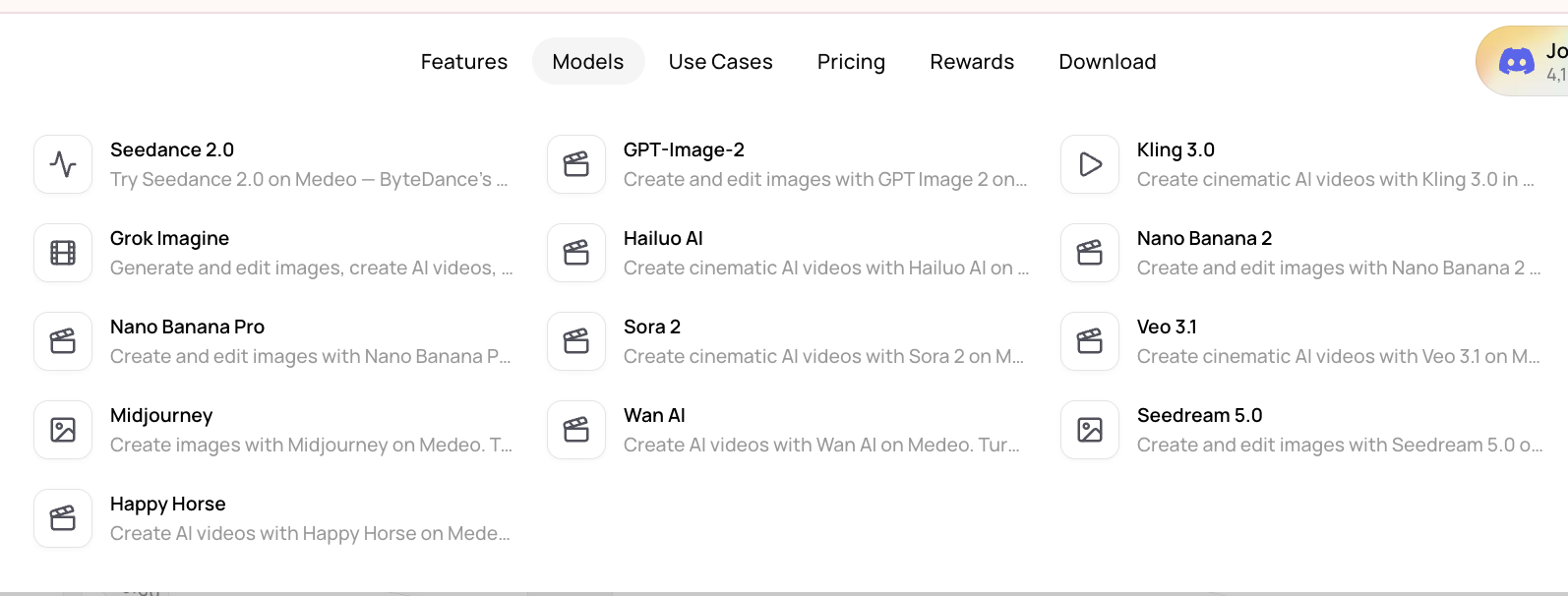
This gives users a richer path from still image to moving story.
Questions Creators Ask About Whisk AI
What is Whisk AI?
Whisk AI is a Google Labs image generation experiment that lets users create images by using other images as prompts. It is known for remixing subject, scene, and style references into new visuals.
Is Whisk AI an image generator?
Yes. Whisk AI is primarily an AI image generation and visual remixing tool. Its main idea is to let users guide image generation with visual references instead of relying only on long text prompts.
Can Whisk AI make videos?
Whisk AI is mainly associated with image generation and visual remixing. Users looking for video generation may be better served by tools designed specifically for AI video workflows, such as Medeo.
What makes Whisk AI different from other image generators?
Whisk AI’s main difference is its image-as-prompt workflow. Users can provide images for subject, scene, and style, which makes it easier to guide the result visually.
Is Whisk AI good for product visuals?
Whisk AI can be useful for early product mood concepts and visual exploration. For production-ready video campaigns, users may need a broader video workflow after generating the visual direction.
What is the best Whisk AI alternative for video creation?
Medeo is a strong Whisk AI alternative if the goal is to turn visual ideas into AI videos. It supports image-to-video, idea-to-video, URL-to-video, and model-based video workflows.
Is Medeo better than Whisk AI?
It depends on the task. Whisk AI is better for visual remixing and image-based prompting. Medeo is better when the goal is AI video creation from images, scripts, links, audio, video, or rough ideas.
Can I use Whisk AI and Medeo together?
Yes. A creator could use Whisk AI or a similar image tool to explore visual concepts, then use Medeo to turn selected images or ideas into video content.
Final Thought: Whisk Helps You See It. Medeo Helps You Move It.
Whisk AI matters because it makes image generation feel more visual and less linguistic. It gives creators a way to guide AI with references instead of wrestling with a blank prompt.
That is a valuable shift. But visual discovery is only one part of modern creative work. Once the image exists, many creators want to animate it, explain it, publish it, test it, or turn it into a video asset.
That is where Medeo becomes the better next step. Whisk helps users see an idea. Medeo helps users make that idea move. For creators, marketers, educators, and teams, that is the real workflow: discover the look, choose the direction, then turn it into video people can watch.